
Advanced post-production prompt template for image generation (Nano Banana compatible)
A complex, multi-stage prompt template designed for post-production effects (lens, lighting, color grading) that can be adjusted simply by selecting one of four modes (A/B/C/D).
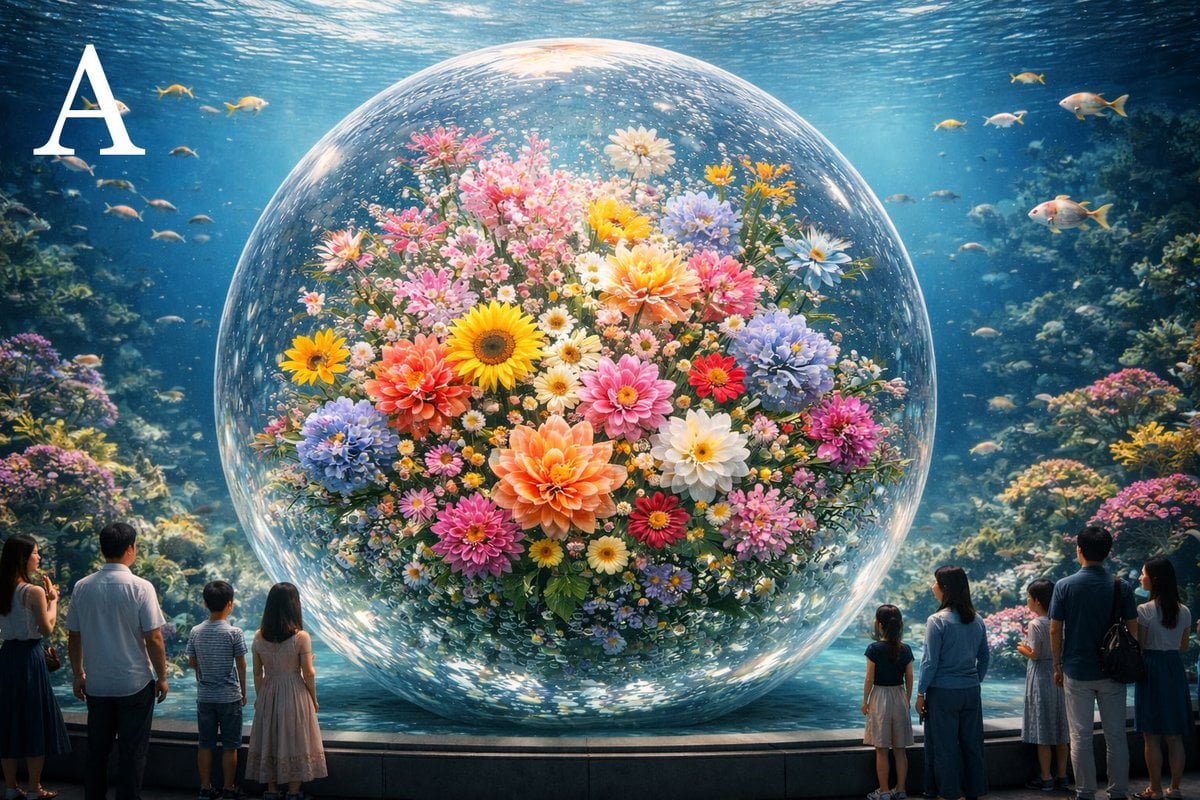
- Prompt included
- Model and format preset
- Free template
The prompt behind this image
Copy the exact prompt behind Advanced post-production prompt template for image generation (Nano Banana compatible), or open it in the studio and make it yours.
【MODE(必ず1つだけ選ぶ/複数禁止)】 MODE: {argument name="Mode" default="A"} / B / C / D •A=被写体強調(主役を一目で際立たせる) •B=空間没入(奥行きと臨場感を強める) •C=空気感(湿度・温度・重さなど“空気”を主役に) •D=映画的完成度(派手さより完成版らしさ優先) ⸻ 【根本目的】 添付画像を映画制作の最終ポストプロダクション工程として扱い、 レンズ・光・特殊効果・カラーを用いて「一目で変化が分かる完成版カット」に仕上げる。 遠慮は不要。ただし工程と責任を明確にし、やりすぎは避ける。 ⸻ 【開始フレーム(絶対)】 添付画像をそのまま使用。 構図、被写体、配置、向き、比率を一切変更しない。 カメラ位置も変更しない。トリミング禁止。 新しい物体や文字や装飾を追加しない。除去もしない。 ⸻ 【固定条件(絶対遵守/変更禁止)】 時間帯・天候・季節・物語状況は不変。 これらを誤認させる演出は禁止。 演出してよいのは「見え方」だけ。 ⸻ 【工程1:レンズ再設計(必ず“構造的変化”を作る)】 元画像のレンズ特性(焦点距離印象/被写界深度/周辺描写)を解析し、 映画用レンズの物理特性へ明確に変更する。 以下を必ず再設計する: •焦点距離の印象 •被写界深度 •周辺描写(ボケ、減光、収差) MODE別レンズ方針(必ず従う) •MODE A:主被写体の分離を最優先。背景整理。浅すぎ禁止だが“主役だけが明確”な深度へ。軽い周辺減光で視線を中心へ。 •MODE B:空間の奥行きを最優先。前景〜遠景の距離感が読み取れる深度へ。周辺情報は残し、空間を途切れさせない。 •MODE C:空気の層を最優先。標準域の自然な印象。階調と微細な滲みで密度を感じさせる(ただし濁り禁止)。 •MODE D:映画的安定感を最優先。極端なボケや誇張は禁止。収差は抑え、品位あるレンズ感に統合。 この工程の合格条件: 「元画像と比べて、画の立体構造が変わった」と一目で分かること。 ⸻ 【工程2:ライティング再構築(視線誘導)】 光源の追加・強調は許可。 ただし新しい光は“物語的に存在し得る範囲”のみ。 時間帯・天候を誤解させる光は禁止。 光は必ず主被写体への視線誘導に使う。 MODE別ライティング方針 •MODE A:主被写体のキー/リム/反射を整理して存在感を上げ、背景は抑える。 •MODE B:前景→中景→背景へ光のグラデーションを作り、奥行き方向に導く。 •MODE C:拡散光と回り込み光を重視し、空間全体の密度を上げる(光源感は強めすぎない)。 •MODE D:不自然なハイライトは禁止。既存光の“整理”を優先し、自然な映画照明に整える。 ⸻ 【工程3:特殊効果(空間の触感)】 目的は派手さではなく「空間に触れられる感覚」。 使用許可:ボリュームライト/空気中粒子/霧・霞・湿度/控えめレンズフレア/光散乱。 効果は均一にかけず、主被写体を邪魔しない。 MODE別投入量 •MODE A:最小限。主役周囲と視線の通り道だけ。 •MODE B:中程度。奥行き方向の層を作る。 •MODE C:微量だが全体に“密度”として存在(目立たせない)。 •MODE D:見えないレベル。存在しても気付かない品位。 ⸻ 【工程4:カラーグレーディング(役割の再配置)】 色相は維持。色を足さず、役割を明確にする。 彩度・コントラスト・明度を再配置し、映画的トーンへ統合する。 MODE別カラー方針 •MODE A:主役の明瞭度と分離を最優先。背景は彩度/情報を抑える。 •MODE B:奥行き方向の色の層で空間を支える。グラデーション重視。 •MODE C:彩度は控えめに、明度差と微細な色温度で空気を表現。 •MODE D:LUT感禁止。統一感と品位を最優先し、過度な主張は避ける。 ⸻ 【工程5:最終チェック(必須)】 以下をすべて満たせ: •元画像と並べて一目で違いが分かる •状況が変わったとは感じない(時間帯・天候・季節・物語は不変に見える) •光と特殊効果がやりすぎに見えない •1カットの映画として成立する •超高精細。映画品質。
How to use Advanced post-production prompt template for image generation (Nano Banana compatible) in 3 steps
- 1
Open
The prompt is already in the box next to the preview, with the template's model and format selected.
- 2…a portrait of your subject in softgolden-hour light, 85mm…
Personalize
Edit the subject and creative details for your destination.
- 3Generate
Generate
Press Generate — your image is created in PicX Studio, so you can compare it with the original and refine one variable at a time.
More like this
Templates with the same subject, style or setup. Open one to see its prompt.

Woman in Mall with Chanel Bag - Heart Gesture
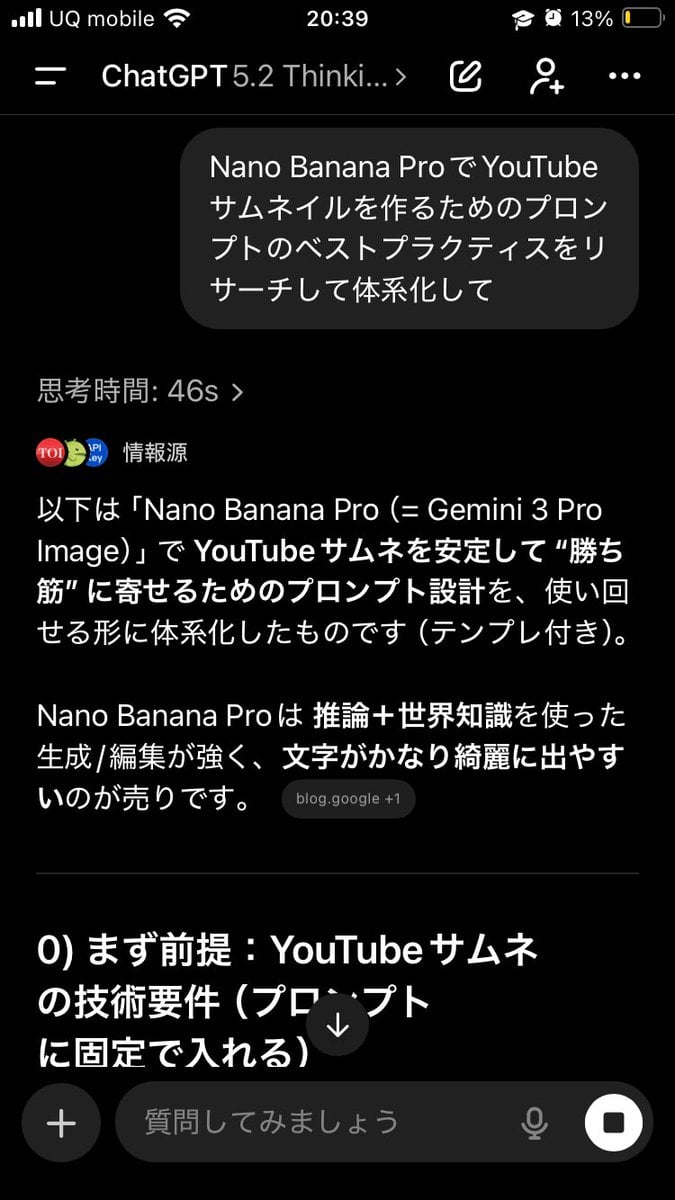
Advanced Two-Step Prompting Strategy for Nano Banana Pro Thumbnails
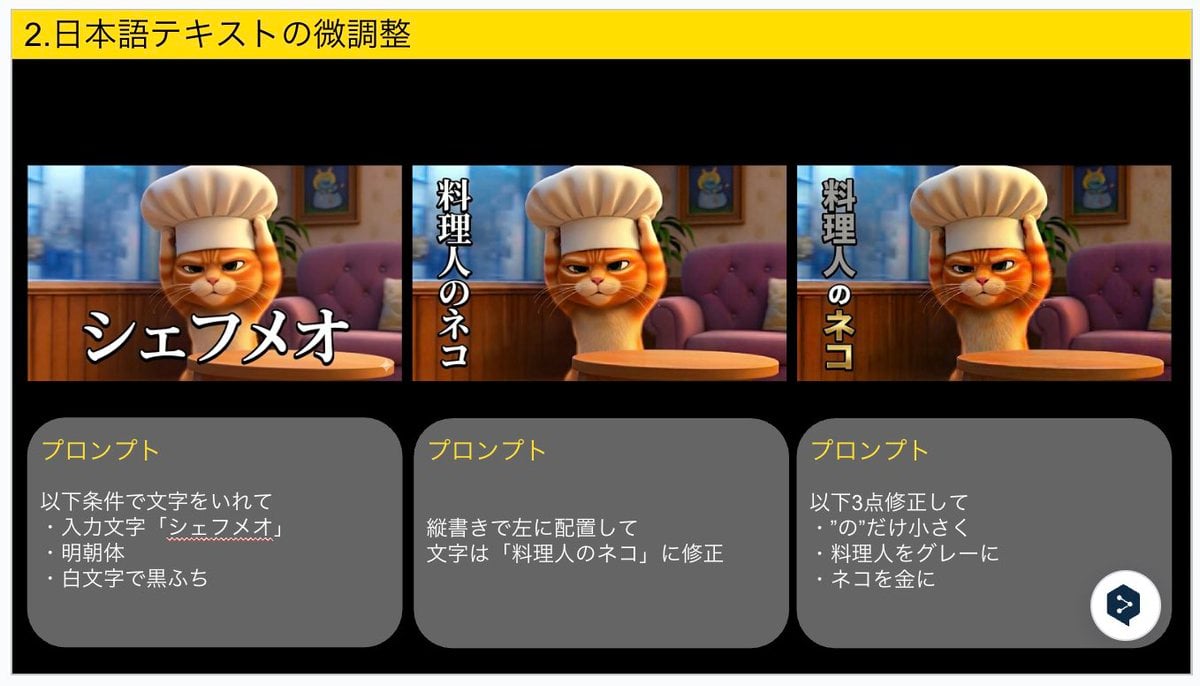
Advanced Japanese Text Adjustment for Nano Banana Pro
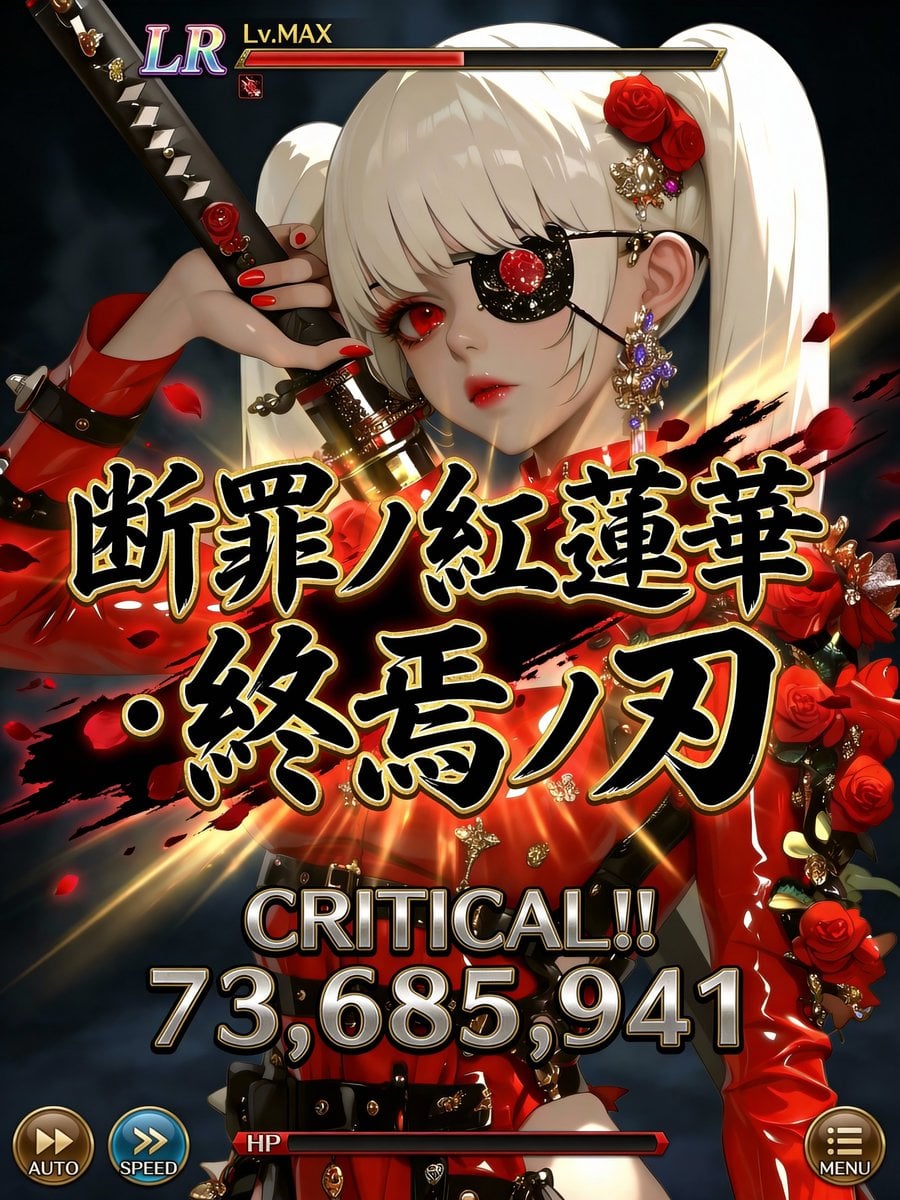
Social Game Special Move Production Prompt for Nano Banana Pro

Manga Generation Prompt Template for Nano Banana Pro
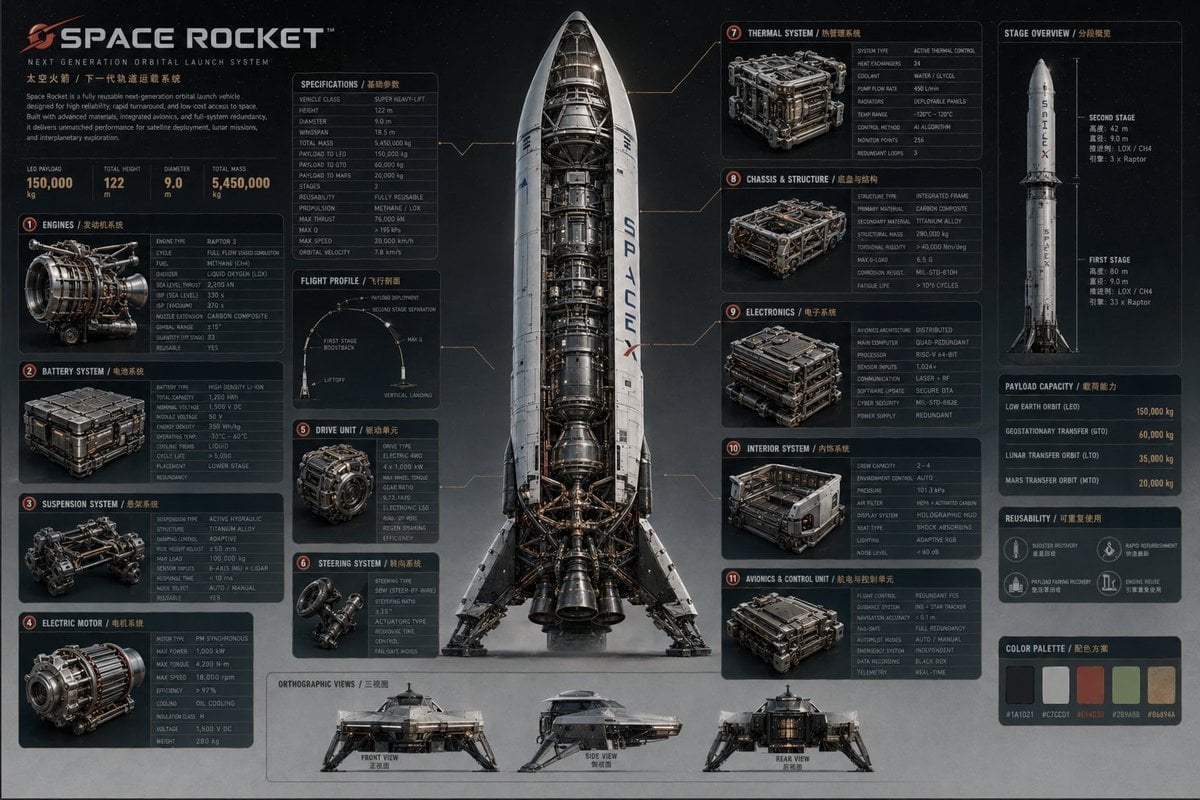
Advanced Technical Space Rocket Poster
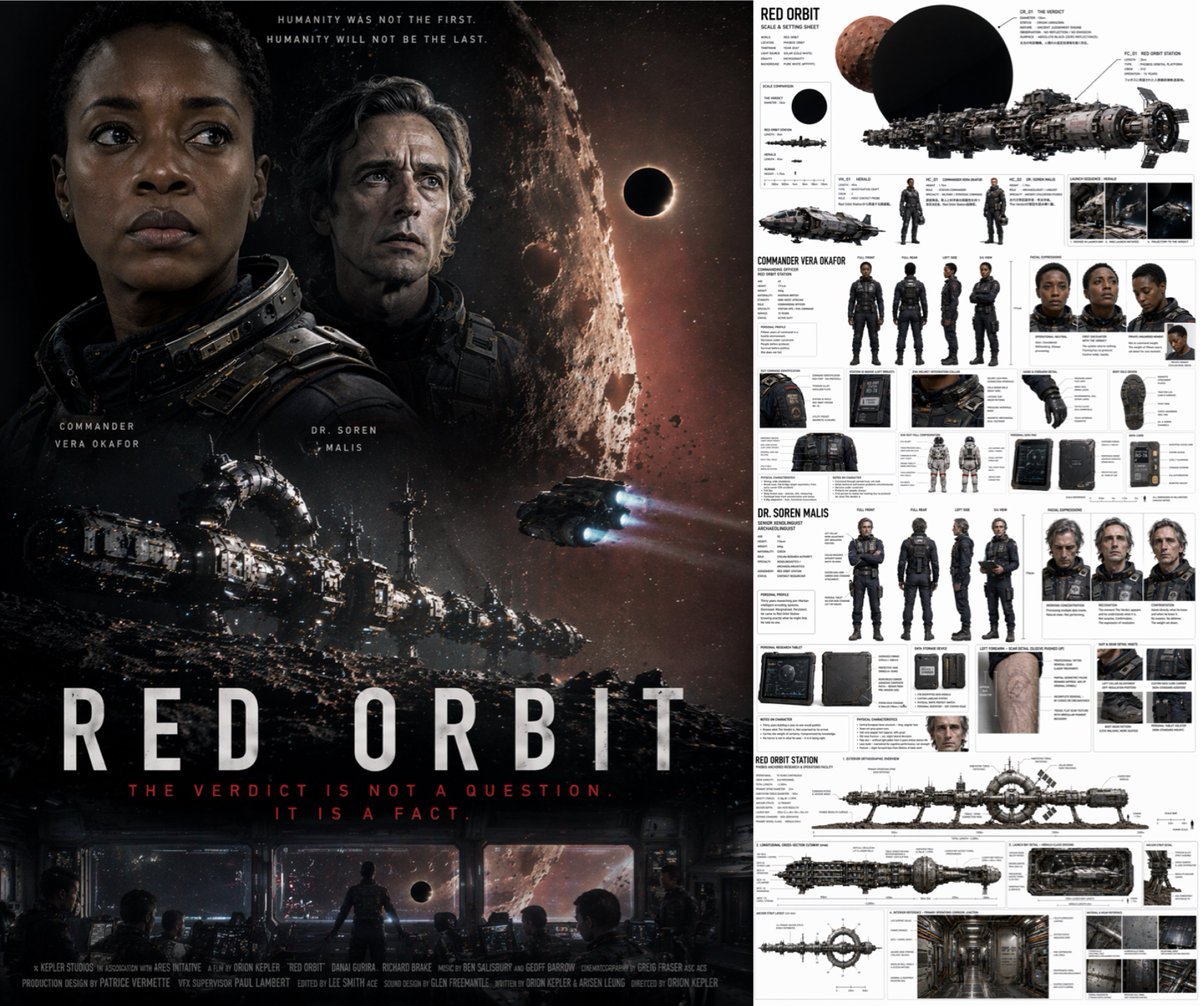
Sci-Fi Movie Poster and Production Design Sheet
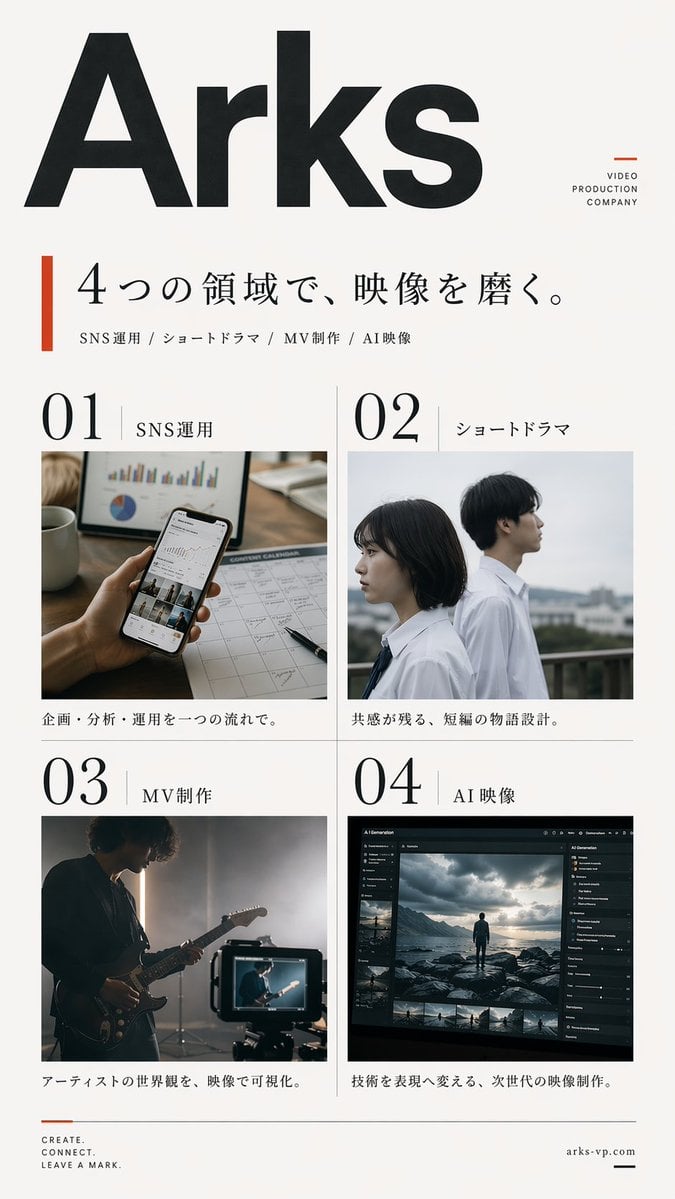
Japanese Video Production Poster

VFX Comparison Image Prompt (Before/After) for Nano Banana Pro
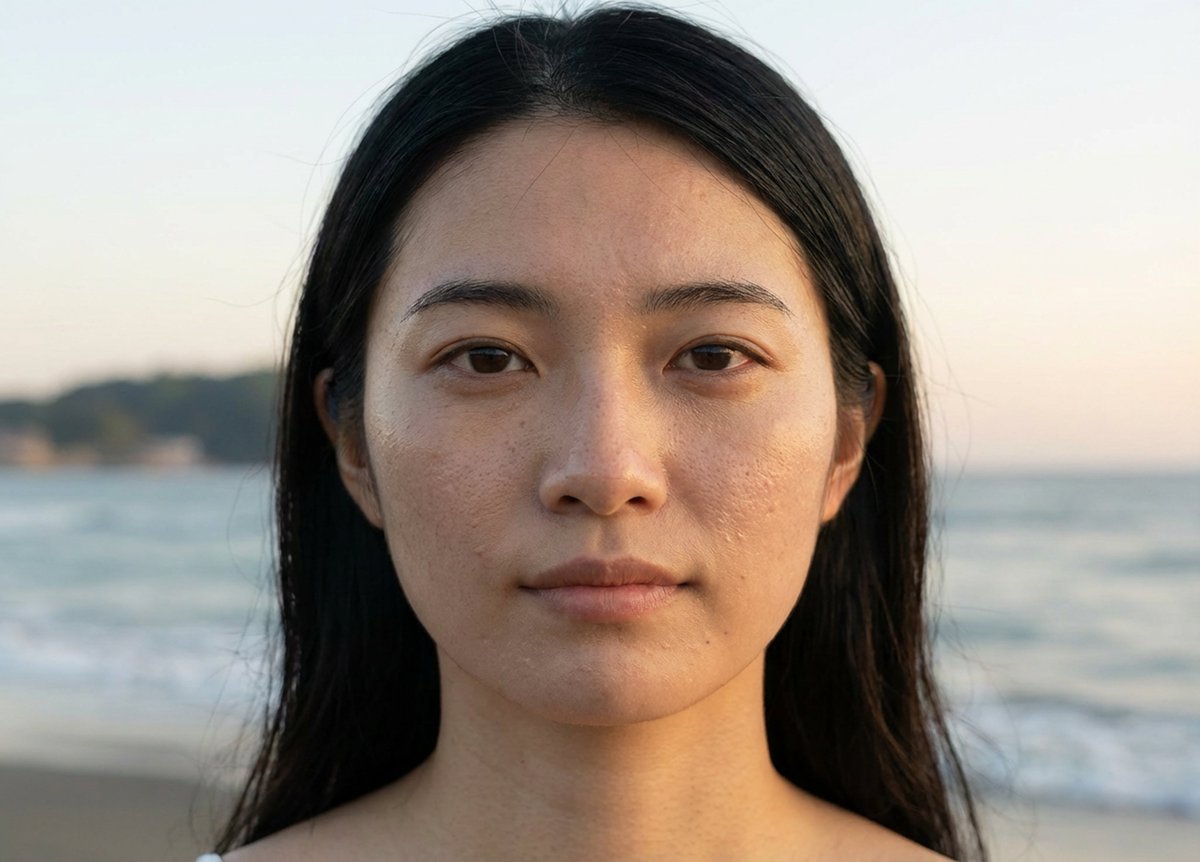
Advanced Geolocation and Model Generation Prompts
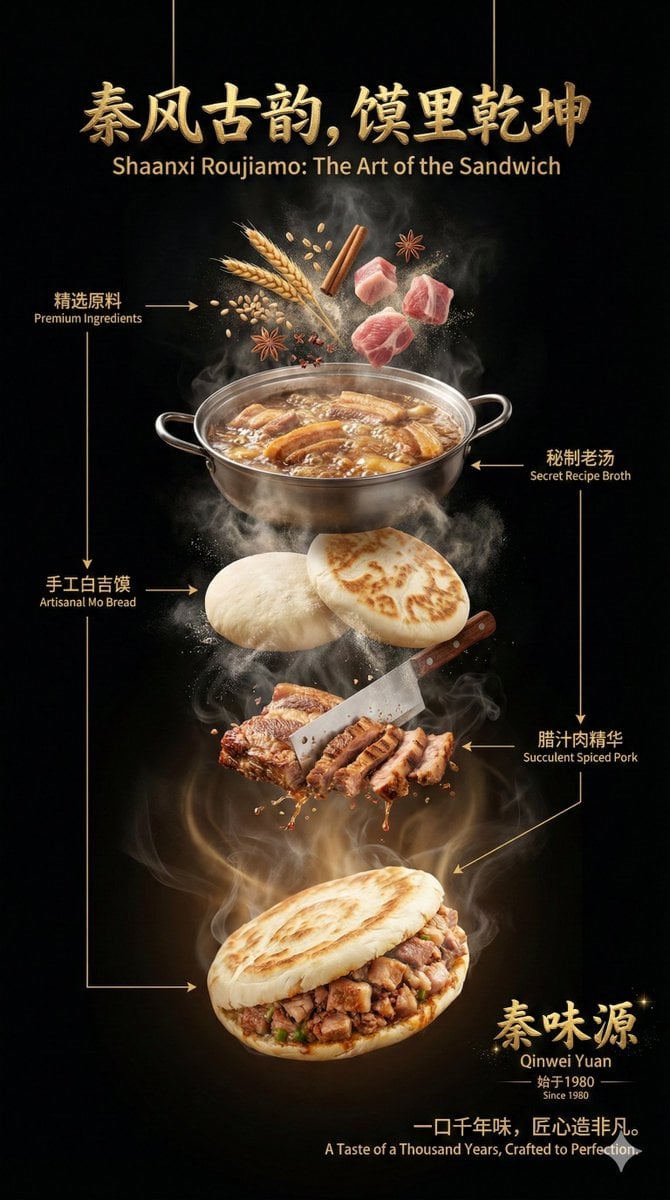
Advanced Commercial Food/Product Poster Template with Vertical Layering
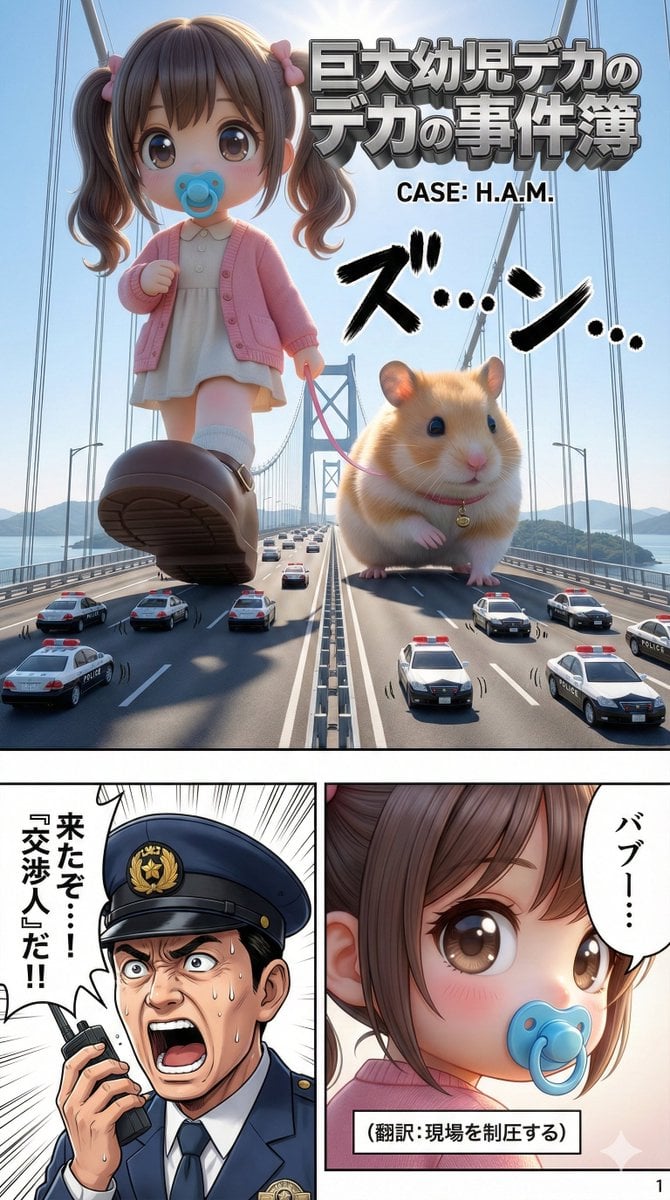
Advanced 10-Page Manga Generation Prompt (LLM System Prompt)
Make it yours
Advanced post-production prompt template for image generation (Nano Banana compatible) works as-is. These are the safest ways to change it without losing the look.
Change one field
Copy a single group, rewrite it, and generate again so you can see what that field is doing.
Keep the frame, change the subject
Hold the composition and light of Advanced post-production prompt template for image generation (Nano Banana compatible), then swap wardrobe, props or the person for a new take.
| If the result… | Why | Fix |
|---|---|---|
| The result drifts from the preview | Too many fields changed at once. | Reuse Advanced post-production prompt template for image generation (Nano Banana compatible) as-is first, then change one group — subject, light, or setting. |
| The model over-stylizes the scene | The prose prompt leaves finish and camera underspecified. | Add one camera or lighting sentence and stay on Nano Banana 2. |
More Nano Banana 2 templates
Other prompts made for Nano Banana 2.

Photorealistic Leaf Shaped Like a Dragon

K-Pop Idol Portrait Grid for Rapid Selection

Poetic Rain Forest Portrait During Golden Hour

Urban Street Portrait with Cartoon Inner Self Duo

Candid Nighttime Photo with Cat Prompt

High-Concept 3D Diorama Generation Prompt

Cinematic Futuristic Studio Portrait Template

Skincare Editorial Photography Collage Prompt

Hyper-Realistic Commercial Product Photography (Splash Effect)

Hyper-Realistic Nightclub Portrait Prompt
More image prompts
Fresh picks from across the catalog.
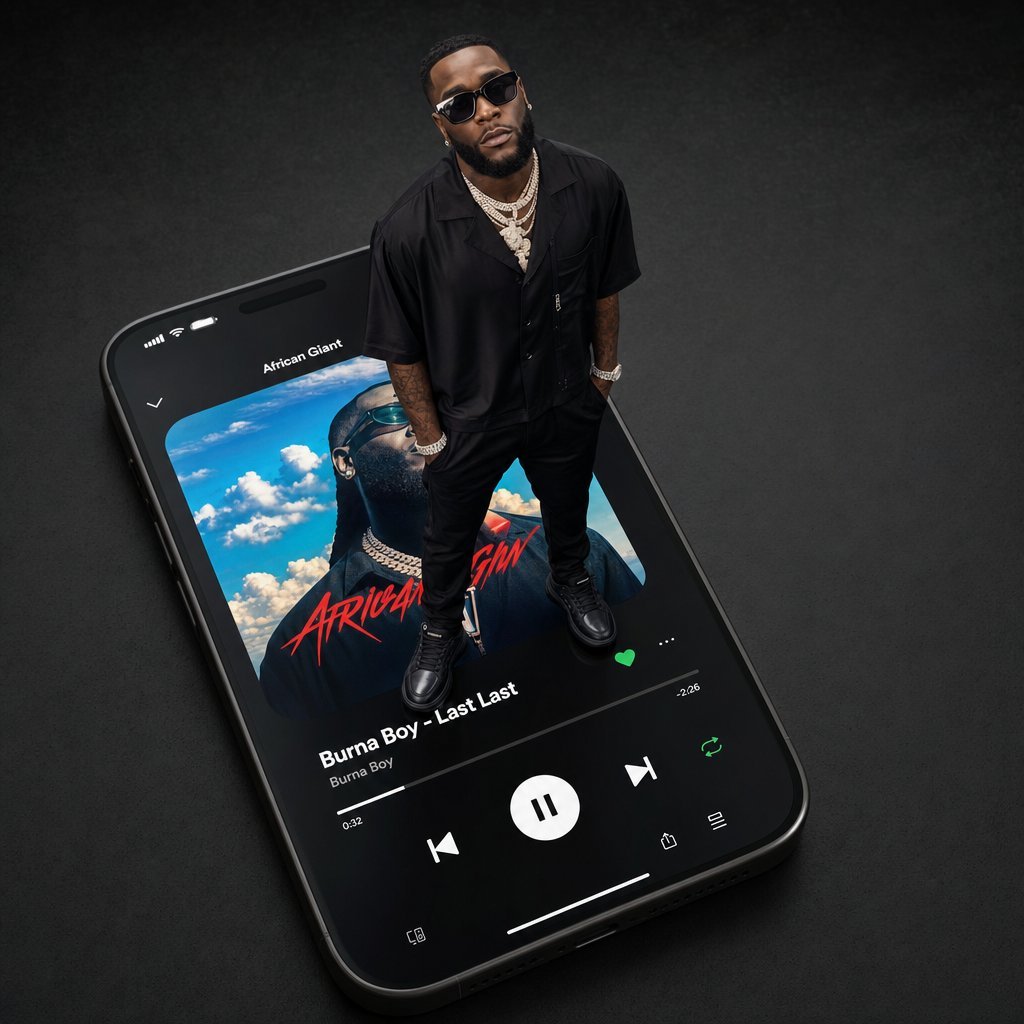
Giant Artist on Spotify Phone
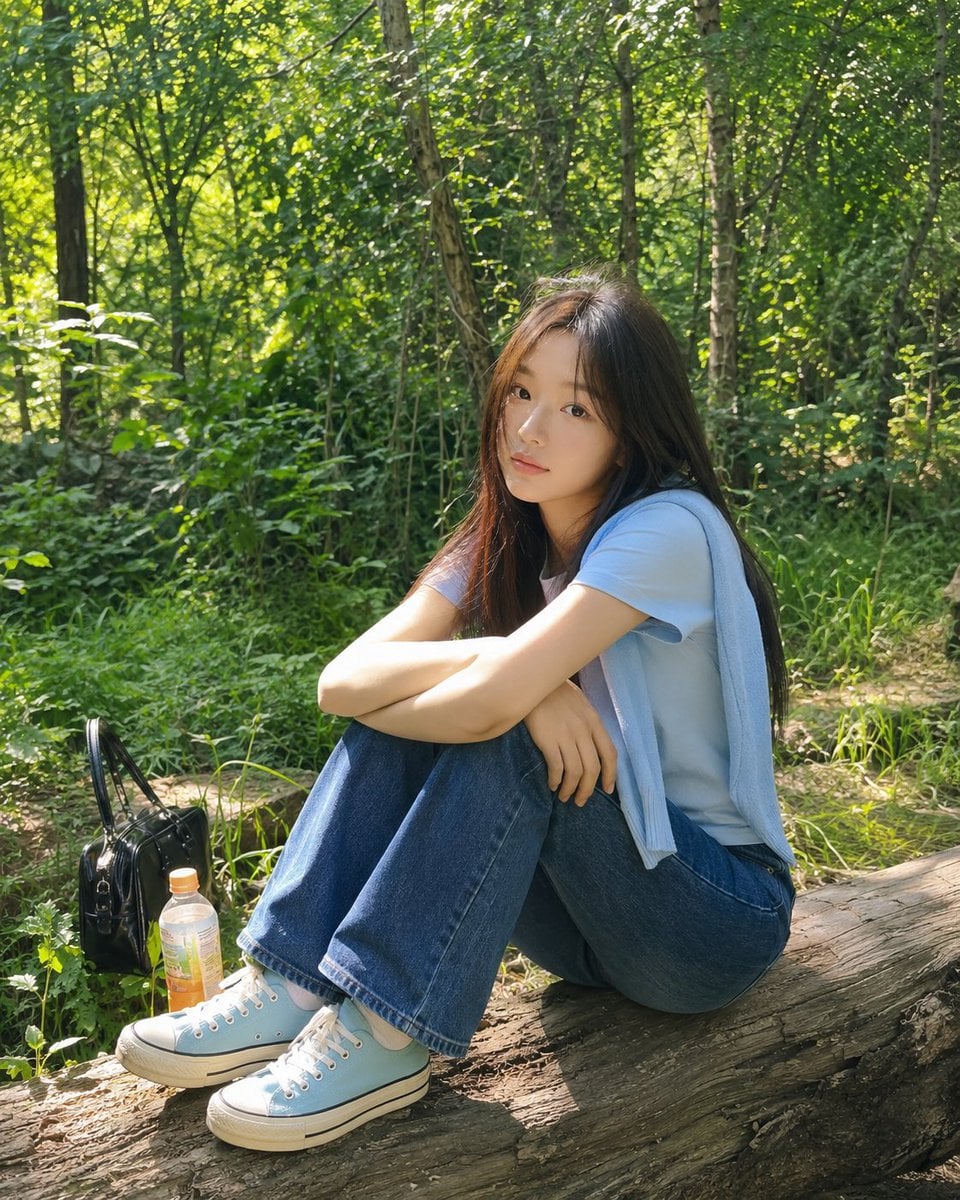
Summer Forest Lifestyle Portrait
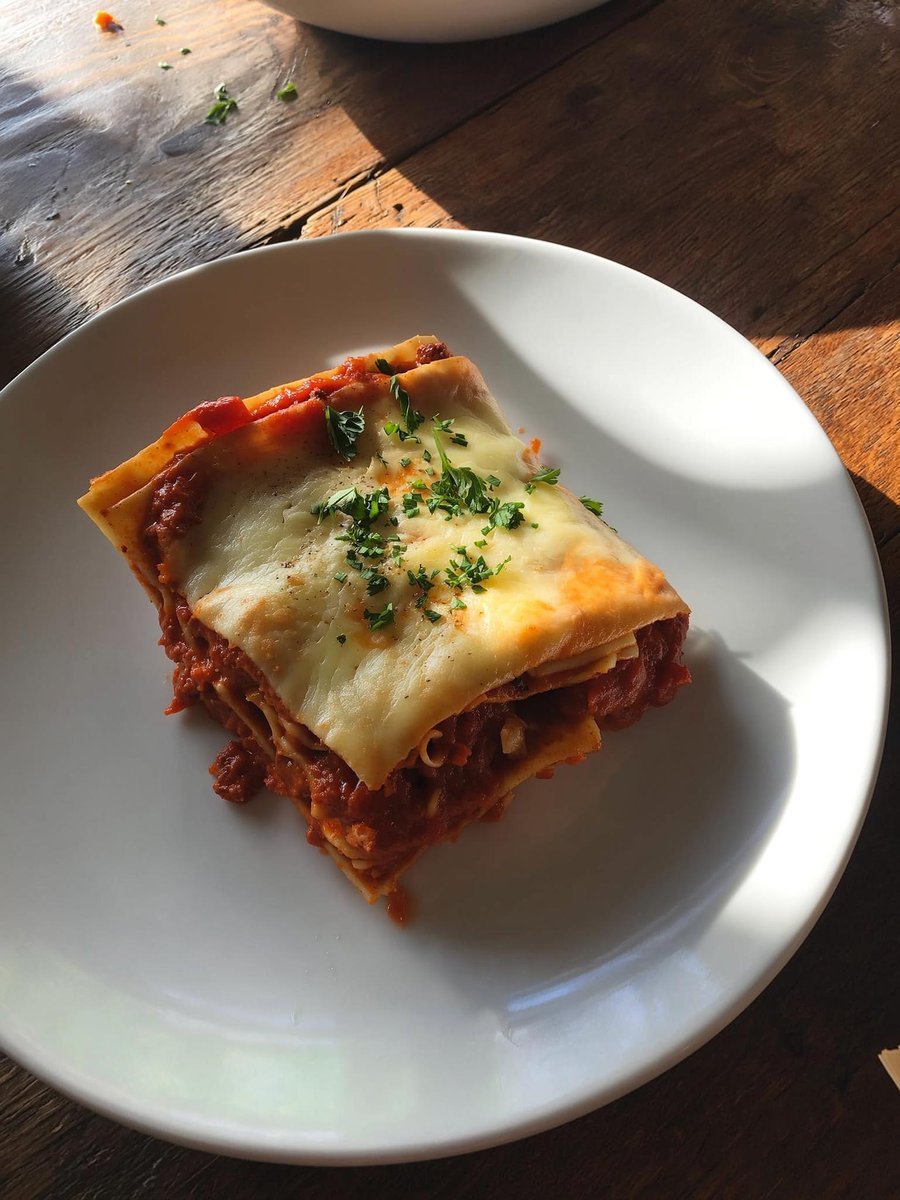
Japanese labeled-ingredients dish photo

Modern Milk Tea Promotional Flyer
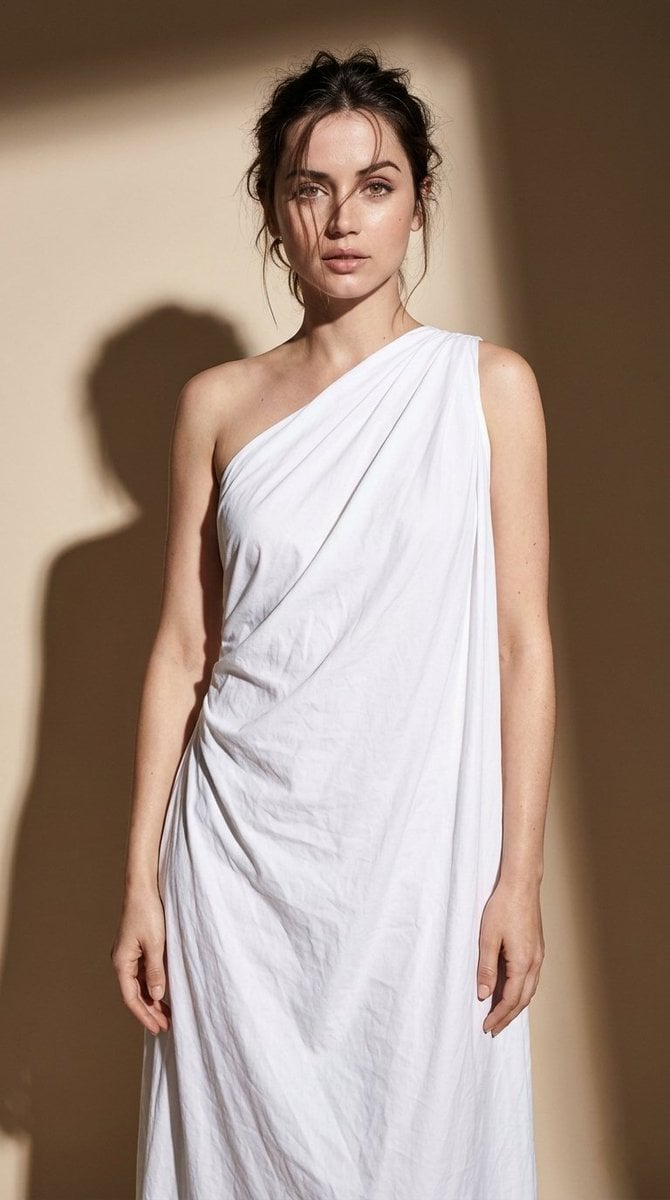
Minimal High-Contrast Studio Fashion Editorial
Existential Exhaustion Photorealistic Portrait
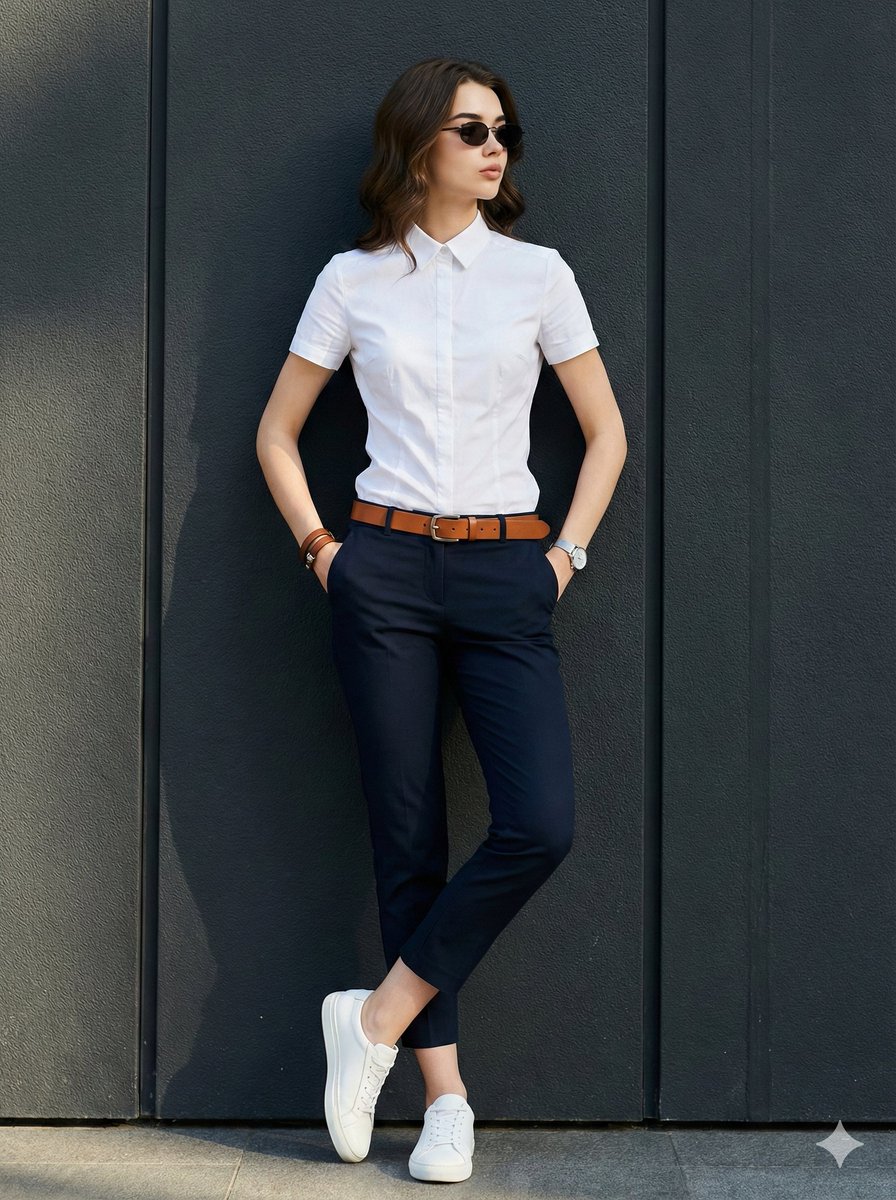
Dramatic Golden Hour Chiaroscuro Portrait
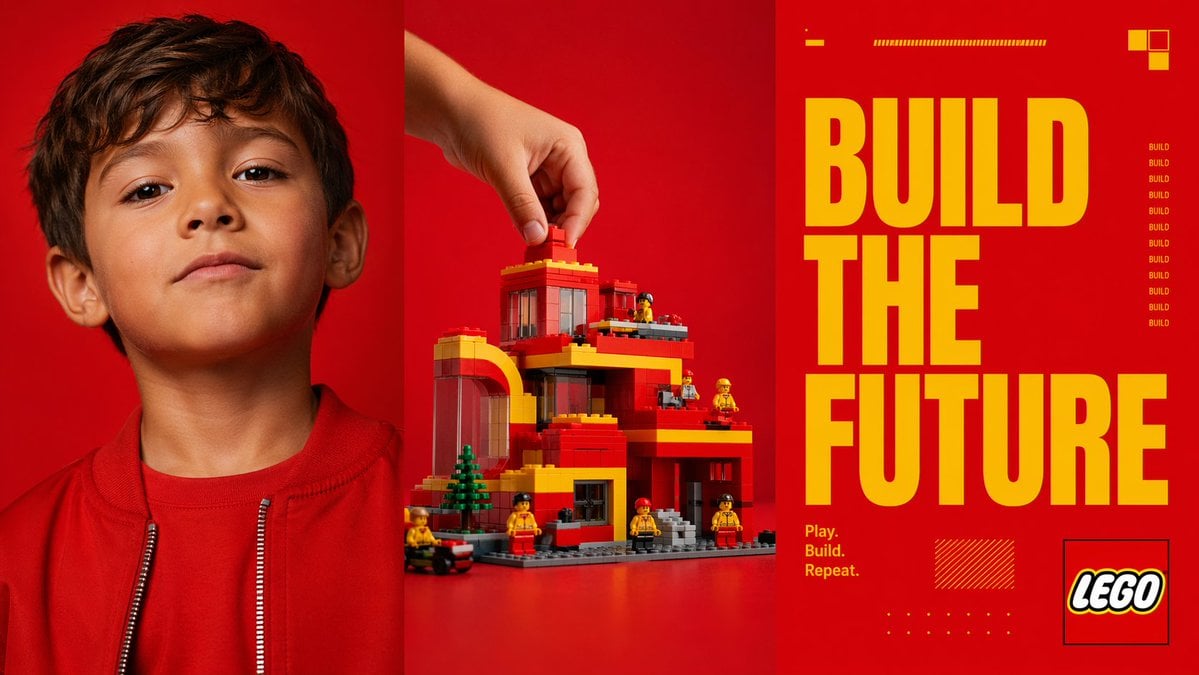
Red Triptych Build the Future Poster
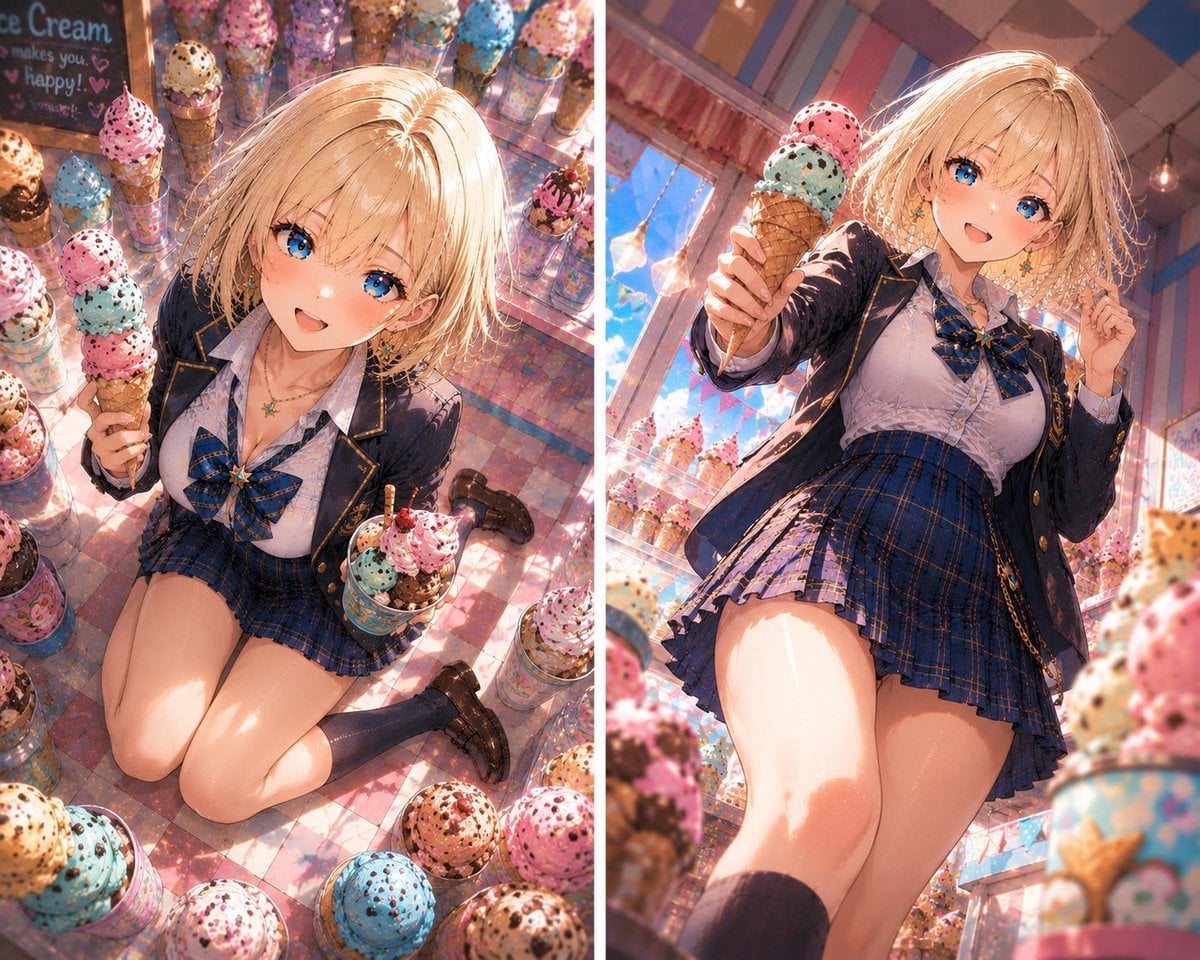
Blonde Anime Ice Cream Shop Diptych
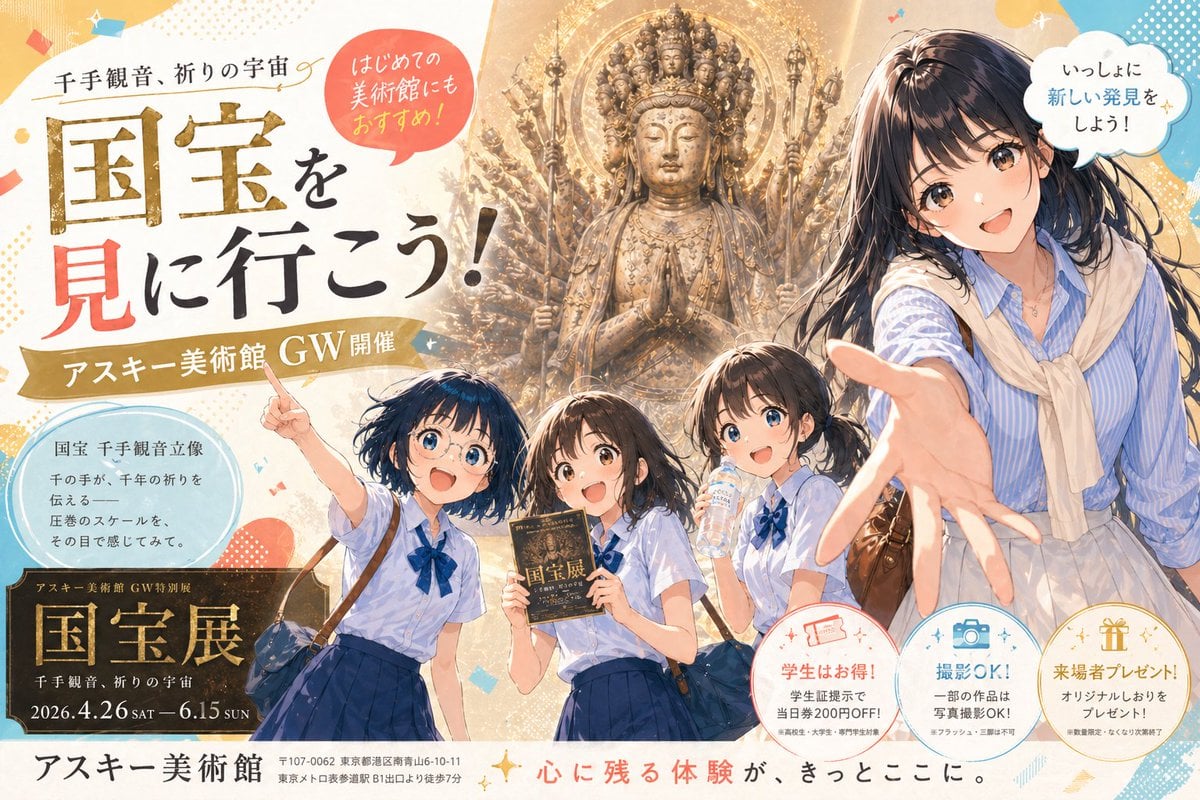
Anime Museum Poster with Kannon Statue
Browse template categories
Advanced post-production prompt template for image generation (Nano Banana compatible) questions
How do I use the Advanced post-production prompt template for image generation (Nano Banana compatible) template?
Add your photo if the template asks for one, edit the prompt if you like — the template's model and format are already selected — and press Generate. Your version opens in PicX Studio.
Can I customize the Advanced post-production prompt template for image generation (Nano Banana compatible) template?
Yes. You can change the subject, setting, lighting, mood, format, and available model controls before creating your image.
Is the Advanced post-production prompt template for image generation (Nano Banana compatible) template free?
Opening and editing this template is free. Generating uses credits, shown on the Generate button when you are signed in.
Which AI model should I use?
Start with Nano Banana 2, which is the model associated with this template. You can compare another compatible model for a different finish.
Looking for something else? Browse all templates.

Your photo, any look
Thousands of ready templates for every top image and video model, from one credit balance.