
Historical Archivist Prompt for Flawed Inventions
A complex, multi-phase prompt designed for the AI to act as a Historical Archivist, generating a photorealistic macro photograph of a container overflowing with the physical forms of four obscure, failed historical…
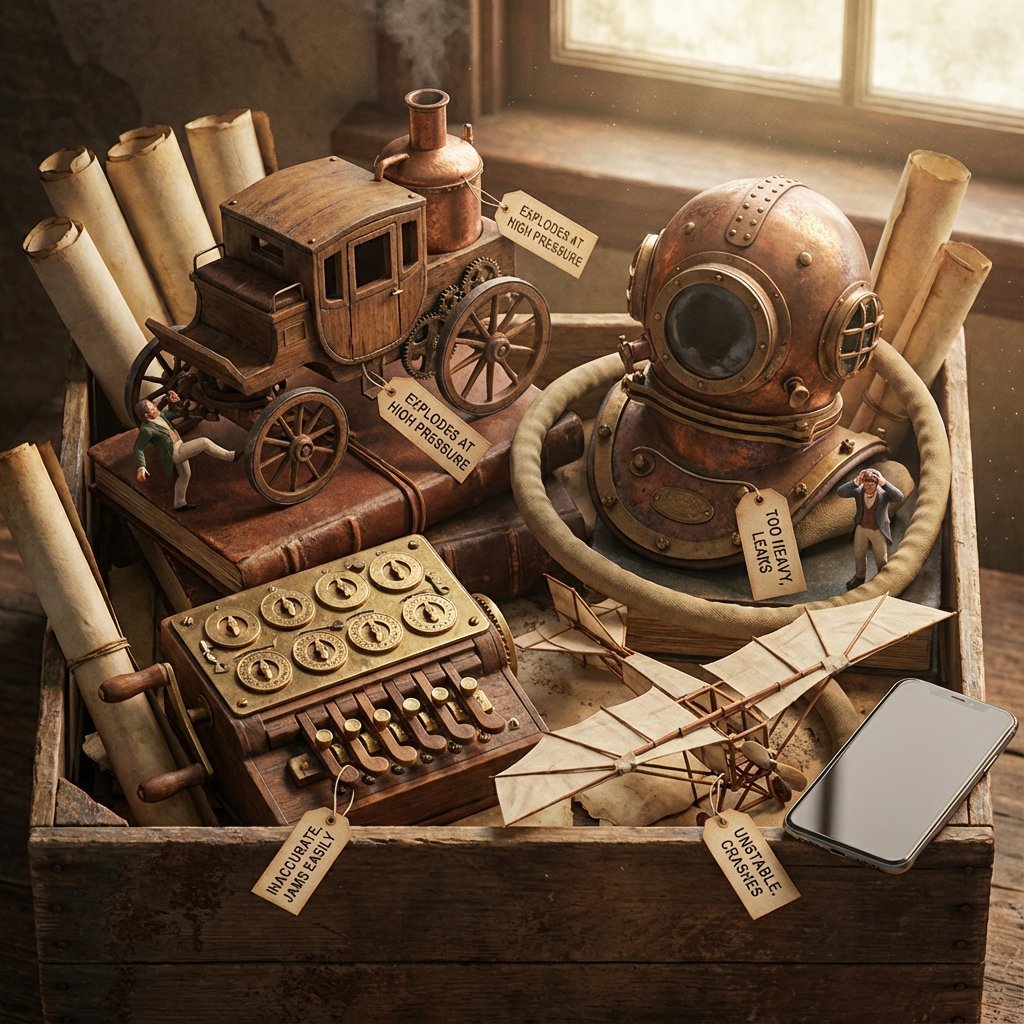
- Prompt included
- Model and format preset
- Free template
The prompt behind this image
Copy the exact prompt behind Historical Archivist Prompt for Flawed Inventions, or open it in the studio and make it yours.
Role: Historical Archivist & Technical Illustrator. Input Era/Region: {argument name="era and region" default="US, 1820s"} Phase 1: The Deep Dive (AI to Deduce) 1. Identify Container: Era-appropriate storage (Chest, Cabinet, Box). 2. Identify Paperwork: Era-appropriate medium (Vellum, Blueprints, Floppy Disks). 3. Identify 4 Obscure Failures: Constraint: Do NOT select famous successes. Select Bizarre, Failed, or Dangerous prototypes. Data Extraction: For each item, identify its Historical Name and its Fatal Flaw. Phase 2: The Visual Translation Layer (Geometry) Logic: The AI must explicitly analyze the Physical Form Factor of each selected invention. Instruction: Do not render generic shapes. If it's a "Steam Man," render a brass robot. If it's a "Pneumatic Tube," render the piping. Phase 3: Visual Execution Subject: The [Container] overflowing with the [Signature Geometries] of the lost inventions. 1. The "Lost" Prototypes: Render the 4 inventions based strictly on their Physical Form Factor. Material: Authentic materials (Brass, Wood, Bakelite, Clay) based on the era. 2. The Labels (CRITICAL UPDATE): Format: Each item has a clearly attached tag (String/Wax/Adhesive) with Legible Text. Text Structure: Line 1:[The Invention Name] (e.g., "The Dynasphere"). Line 2:[The Flaw] (e.g., "Unstable Steering"). Note:Ensure the text looks handwritten or stamped according to the time period. 3. The Narrative: The Inventors: Tiny figurines reacting to the failure (frustrated, crying, kicking the machine). The Contrast: A generic Modern Smartphone (or futuristic device) sitting on the edge for scale/irony. 4. Atmosphere: Lighting: Dramatic, moody, specific to the era. Texture: Macro details of rust, dust, and age. Output: ONE image, 4:5, Photorealistic Macro Photography, Legible Text Labels.
How to use Historical Archivist Prompt for Flawed Inventions in 3 steps
- 1Upload ImagePNG, JPG or paste
Add your photo
Upload the photo the template builds on. The prompt, model and format are already set.
- 2…a portrait of your subject in softgolden-hour light, 85mm…
Personalize
Edit the subject and creative details for your destination.
- 3Generate
Generate
Press Generate — your image is created in PicX Studio, so you can compare it with the original and refine one variable at a time.
More like this
Templates with the same subject, style or setup. Open one to see its prompt.

Ancient Temple Portrait — White Dress Nano Banana
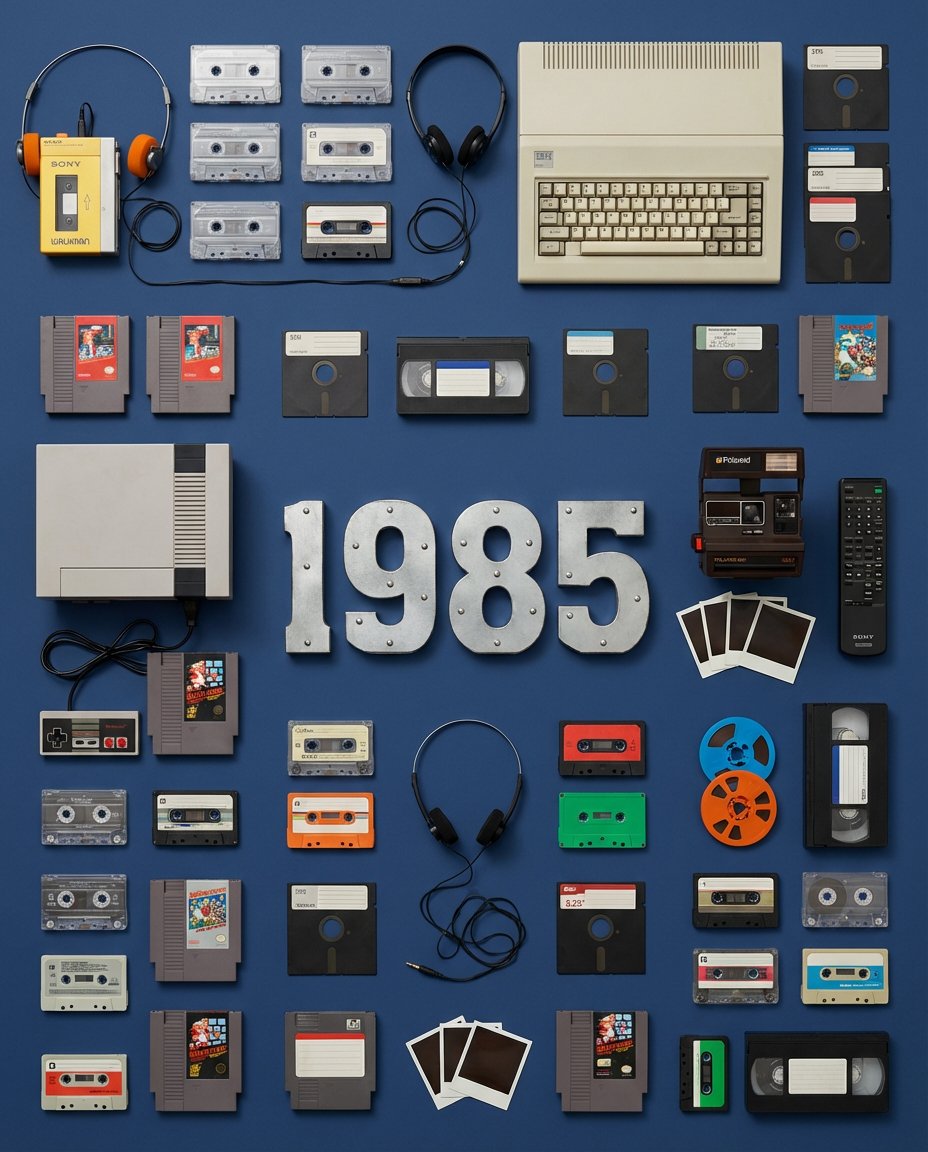
Wes Anderson Style Flat Lay of Historical Inventions
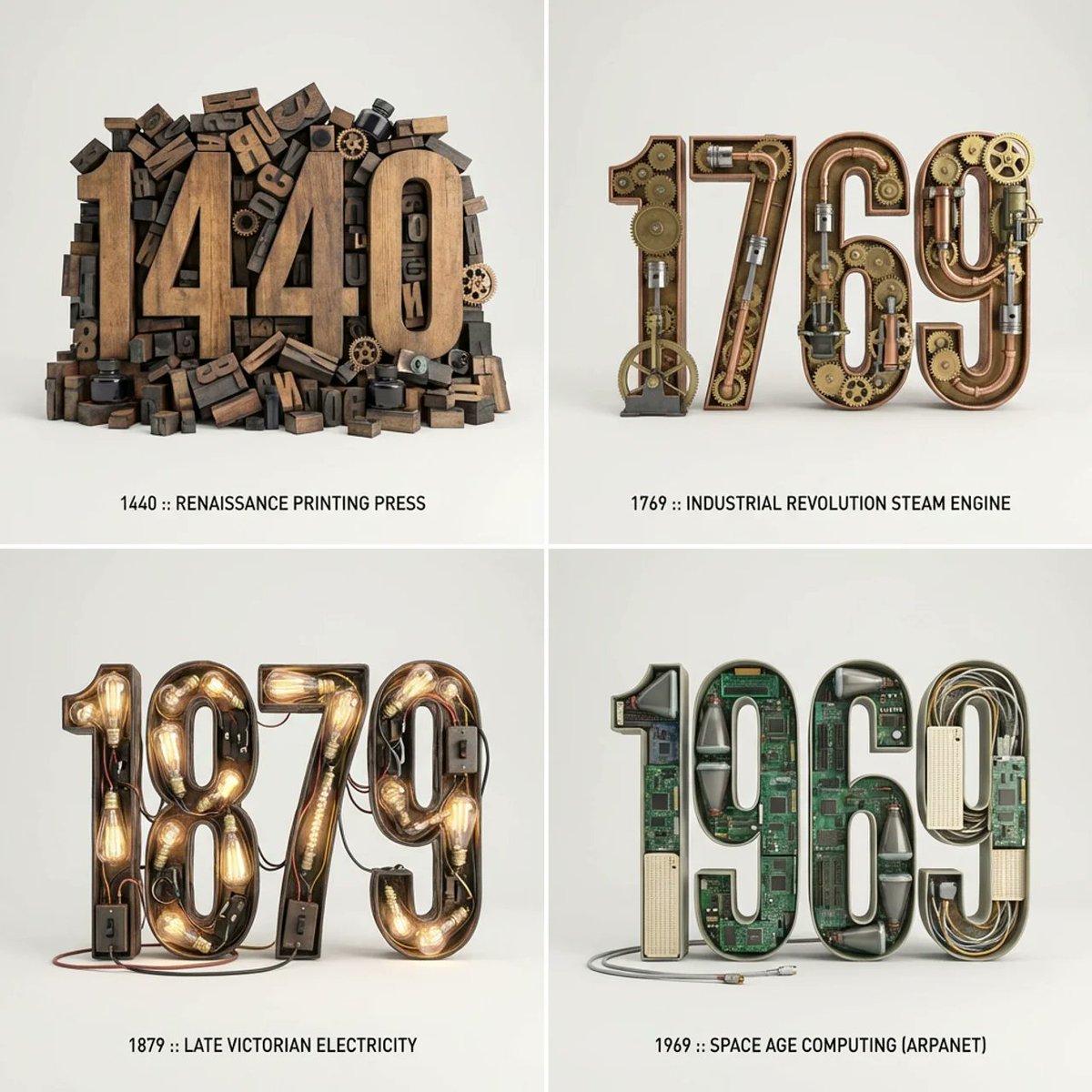
Typographic Sculpture of Historical Inventions
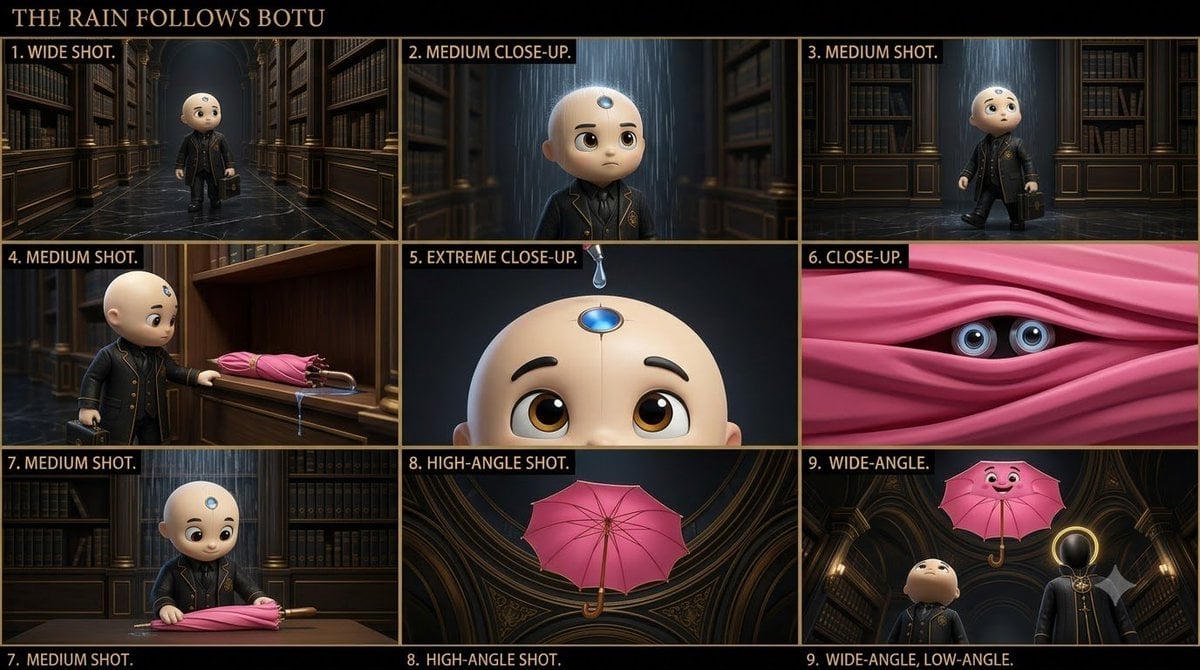
Cinematic Animated AI Archivist
Terra Geologic Archivist Portrait
Knolling Flat Lay Product Photography Prompt (Inventions)
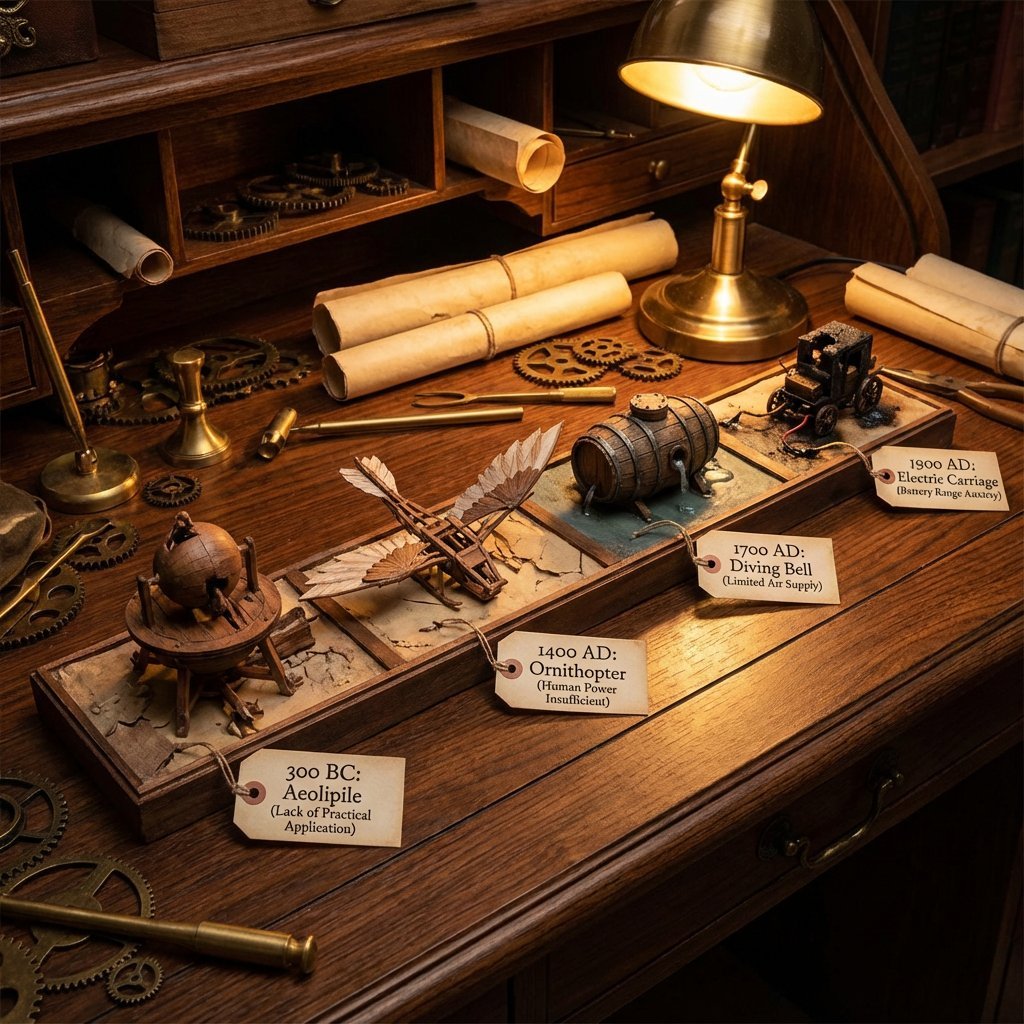
Steampunk Diorama of Failed Inventions Timeline
Hyper-Realistic Celestial Archivist Portrait
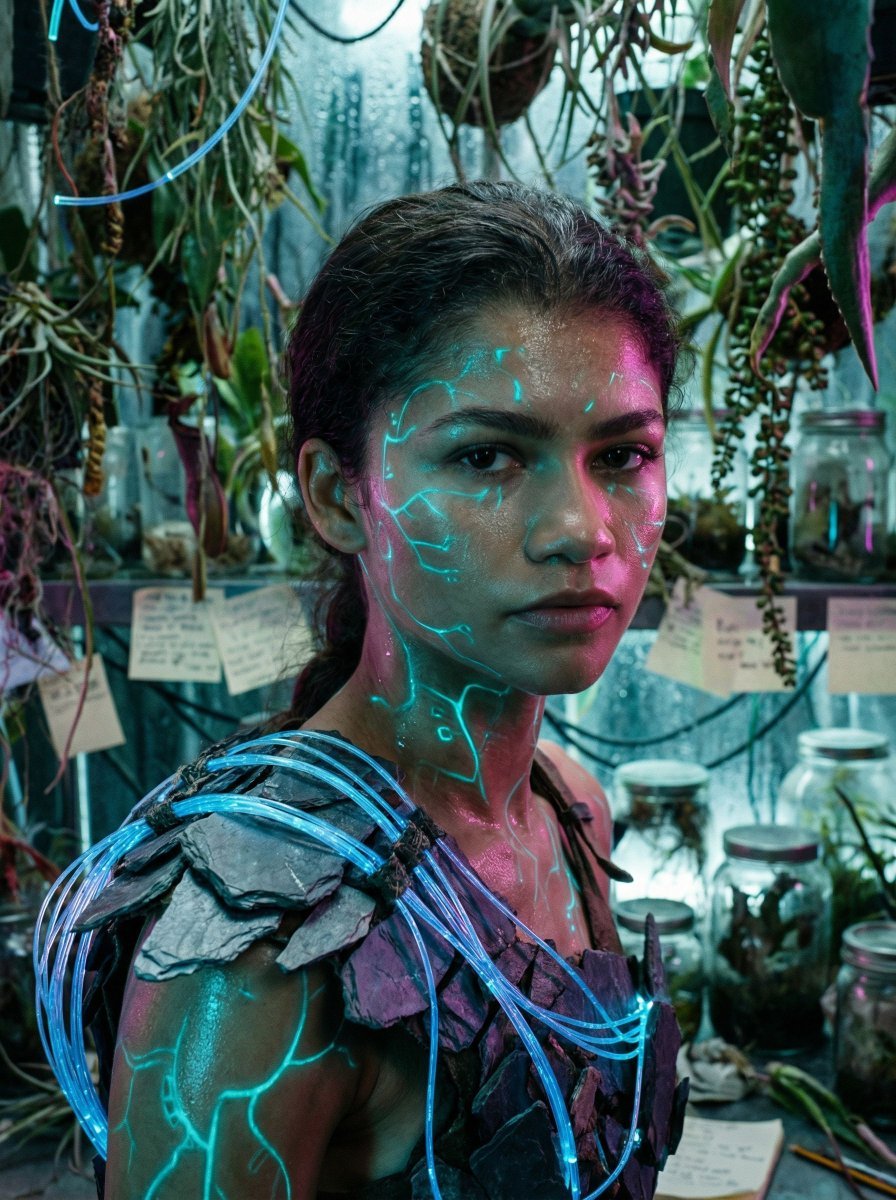
Bioluminescent Archivist Sci-Fi Portrait Prompt
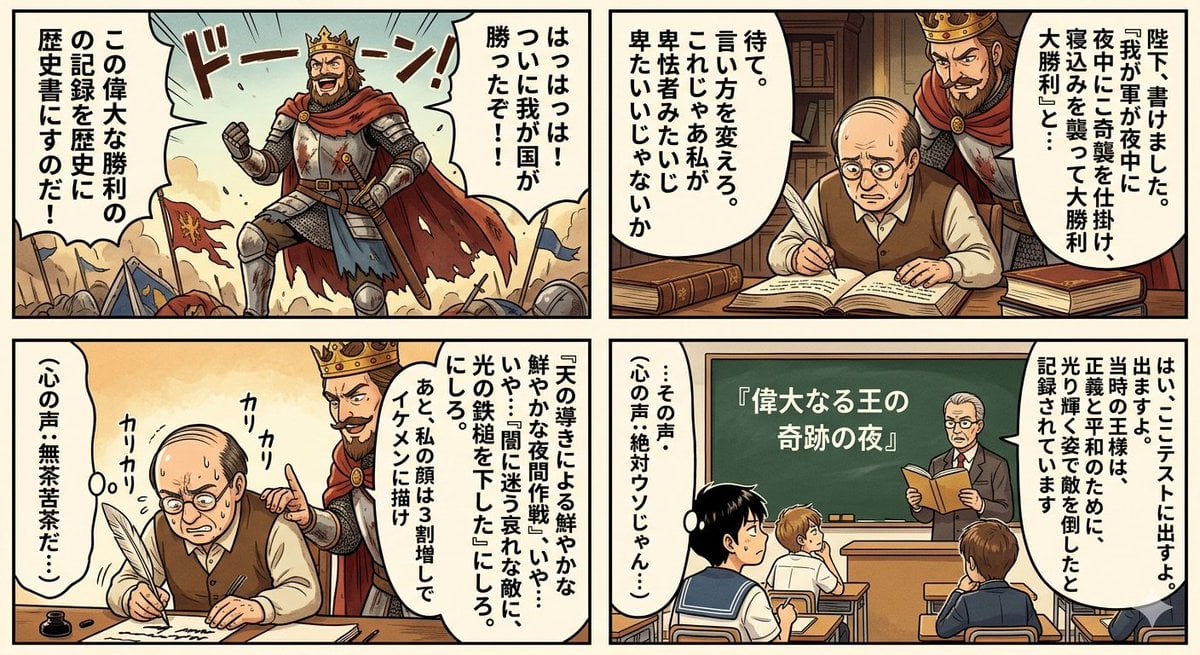
Historical Makeup Napoleon Manga
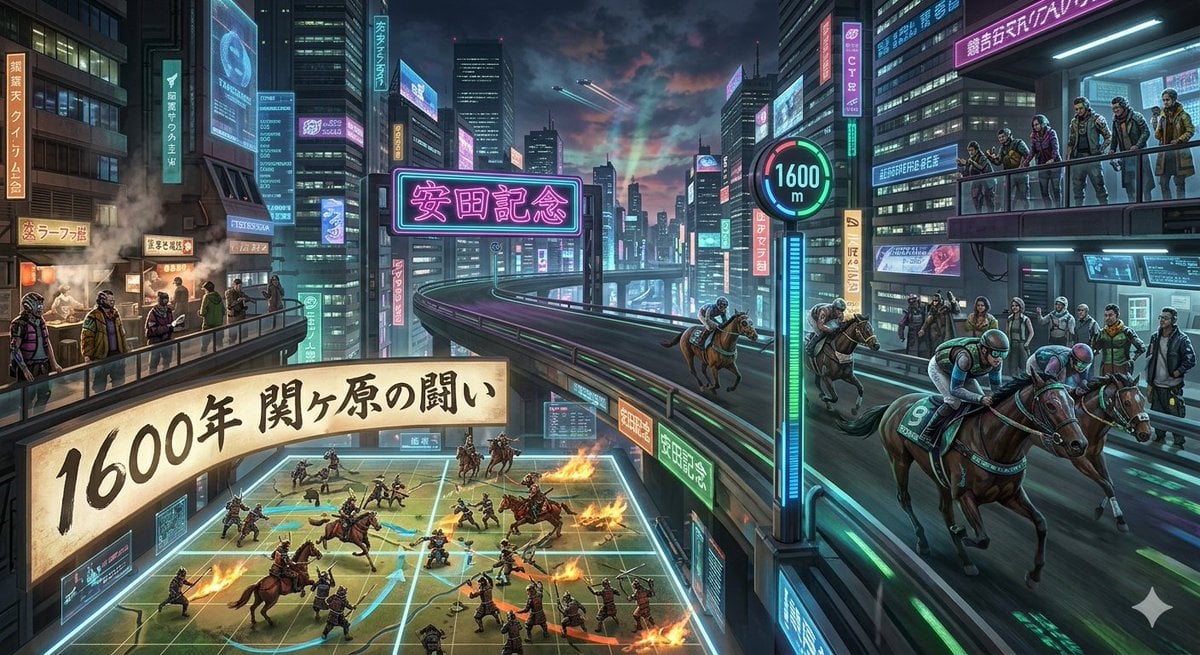
Cyberpunk Historical Horse Racing
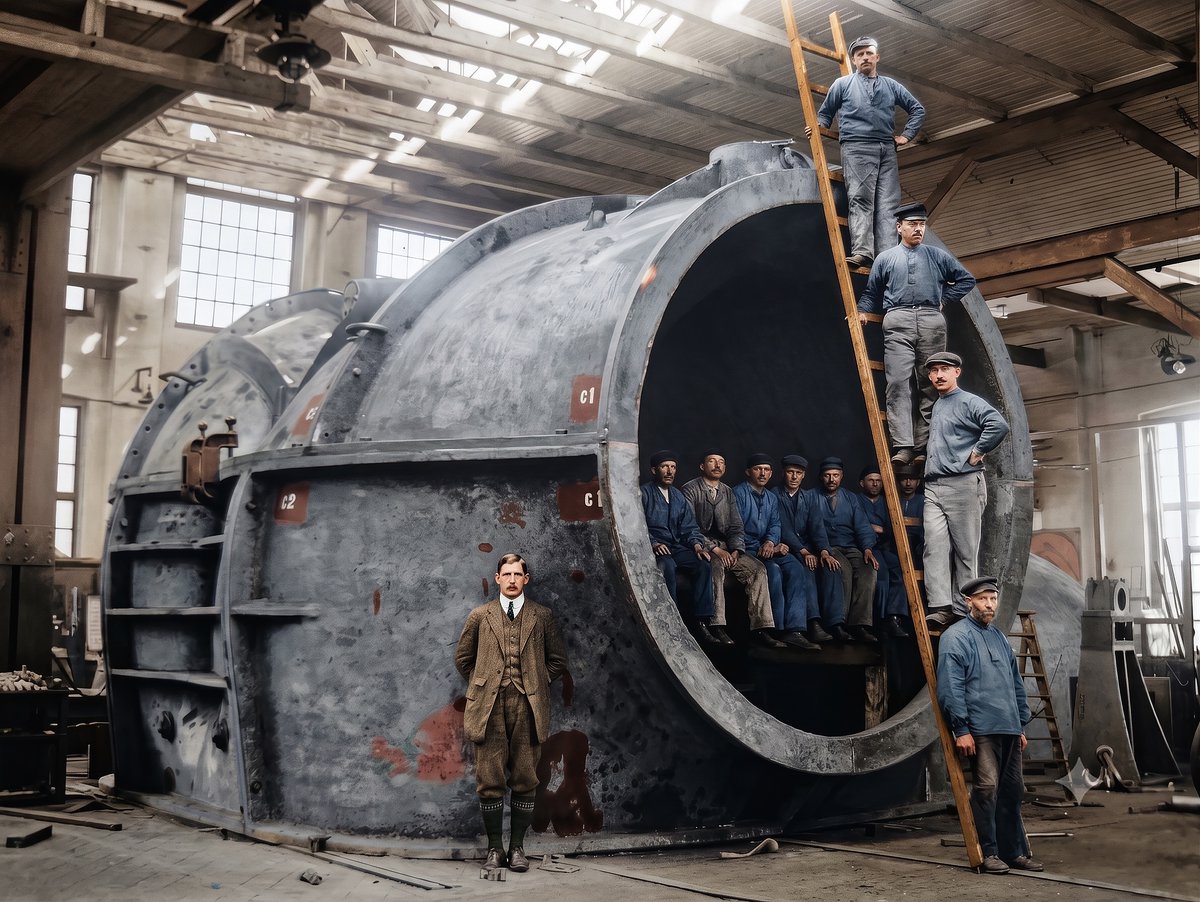
Historical Photo Restoration
Make it yours
Historical Archivist Prompt for Flawed Inventions works as-is. These are the safest ways to change it without losing the look.
Change one field
Copy a single group, rewrite it, and generate again so you can see what that field is doing.
Keep the frame, change the subject
Hold the composition and light of Historical Archivist Prompt for Flawed Inventions, then swap wardrobe, props or the person for a new take.
| If the result… | Why | Fix |
|---|---|---|
| The result drifts from the preview | Too many fields changed at once. | Reuse Historical Archivist Prompt for Flawed Inventions as-is first, then change one group — subject, light, or setting. |
| The model over-stylizes the scene | The prose prompt leaves finish and camera underspecified. | Add one camera or lighting sentence and stay on Nano Banana 2. |
More Nano Banana 2 templates
Other prompts made for Nano Banana 2.

Photorealistic Leaf Shaped Like a Dragon

K-Pop Idol Portrait Grid for Rapid Selection

Poetic Rain Forest Portrait During Golden Hour

Urban Street Portrait with Cartoon Inner Self Duo

Candid Nighttime Photo with Cat Prompt

High-Concept 3D Diorama Generation Prompt

Cinematic Futuristic Studio Portrait Template

Skincare Editorial Photography Collage Prompt

Hyper-Realistic Commercial Product Photography (Splash Effect)

Hyper-Realistic Nightclub Portrait Prompt
More image prompts
Fresh picks from across the catalog.
Moody Portrait with Dripping Candles
Fantasy Recipe Illustration
Cherry Soda Commercial Splash Macro Shot
Winged Donkey Knight Sprite Sheet
Candid Stairwell Photo Realism Prompt
Cinematic Double Exposure Portrait Prompt for Nano Banana Pro
Coquette Pink Fashion Editorial
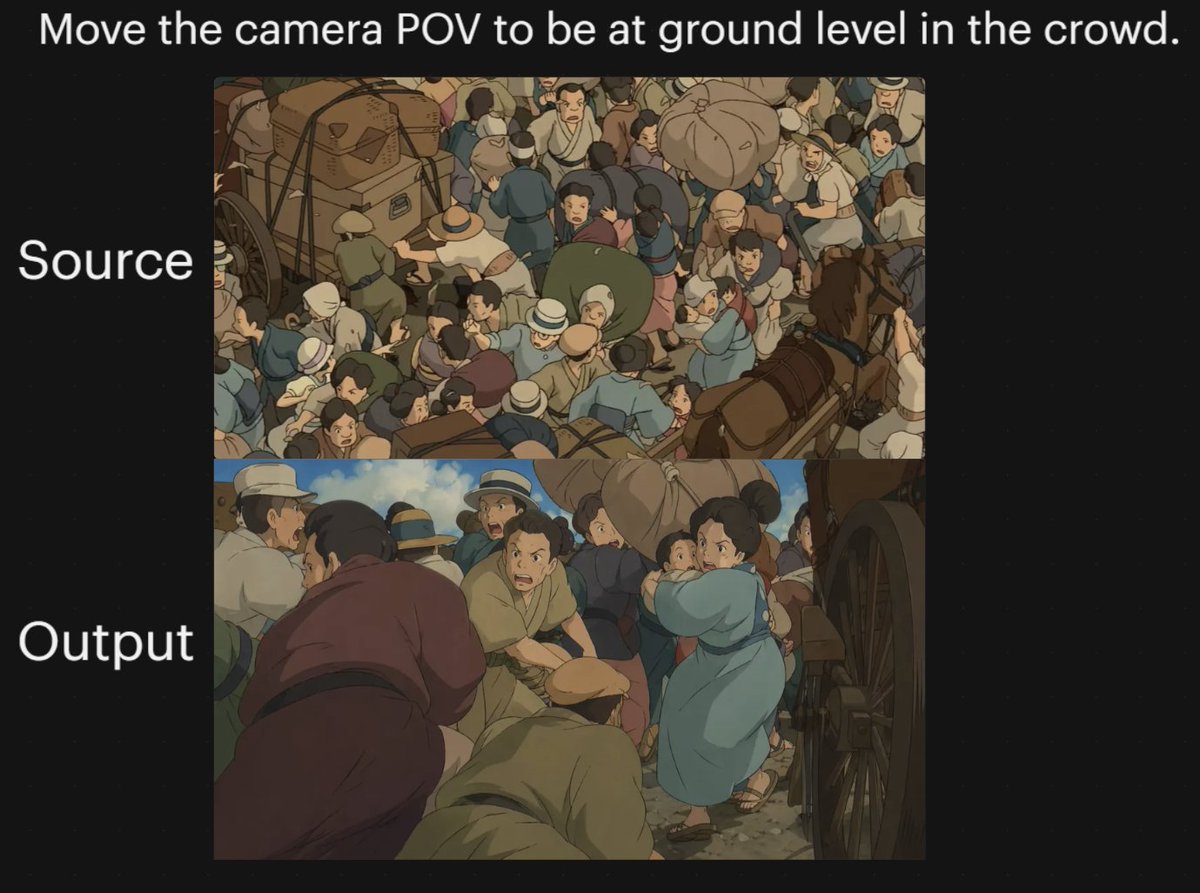
Anime Crowd Camera POV Comparison
Playful 3D Toy Kinkajou Prompt

Nano Banana 2 Eastern Dragon Prompt
Browse template categories
Historical Archivist Prompt for Flawed Inventions questions
How do I use the Historical Archivist Prompt for Flawed Inventions template?
Add your photo if the template asks for one, edit the prompt if you like — the template's model and format are already selected — and press Generate. Your version opens in PicX Studio.
Can I customize the Historical Archivist Prompt for Flawed Inventions template?
Yes. You can change the subject, setting, lighting, mood, format, and available model controls before creating your image.
Is the Historical Archivist Prompt for Flawed Inventions template free?
Opening and editing this template is free. Generating uses credits, shown on the Generate button when you are signed in.
Which AI model should I use?
Start with Nano Banana 2, which is the model associated with this template. You can compare another compatible model for a different finish.
Looking for something else? Browse all templates.

Your photo, any look
Thousands of ready templates for every top image and video model, from one credit balance.