
PS1 Retro Gaming Style Prompt
A comprehensive prompt designed to transform an image into a low-poly PlayStation 1 era video game screenshot, featuring authentic technical artifacts.

- Prompt included
- Model and format preset
- Premium template
The prompt behind this image
Copy the exact prompt behind PS1 Retro Gaming Style Prompt, or open it in the studio and make it yours.
Transform the entire image into an authentic screenshot captured directly from a {argument name="console era" default="late-1990s PlayStation 1 (PS1)"} video game running on original hardware. Re-render every single element of the scene — every object, character, surface, background, lighting, and detail — as {argument name="geometry style" default="low-polygon 3D models"} with clearly visible triangular facets, flat angular geometry, and no smoothing or subdivision whatsoever. Use extremely low-resolution textures (256×256 pixels or smaller) that are blurry, pixelated, and heavily compressed, with obvious tiling seams, mipmapping artifacts, and poor UV mapping. Apply classic PS1 affine texture mapping across all surfaces so textures visibly stretch, warp, wobble, and distort unnaturally with any change in perspective or camera angle (especially noticeable on floors, walls, and curved objects). Remove all anti-aliasing entirely — every edge must be sharply jagged and aliased with prominent stair-stepping. Use only basic flat shading or simple Gouraud vertex shading with no dynamic lights, no real-time shadows, no specular highlights, and no advanced effects. Simulate the PS1’s 16-bit color depth and 5-5-5 RGB limitations by introducing visible checkerboard or ordered dithering patterns in all color gradients, skies, shadows, and semi-transparent areas to prevent banding. Include typical PS1 graphical quirks: subtle vertex snapping/jitter/wobbling on moving or angled geometry, minor polygon pop-in or Z-fighting where appropriate, and a limited draw distance that may softly fade into a low-detail fog. The overall resolution should feel like a raw {argument name="resolution" default="320×240"} or 640×480 PS1 framebuffer output, giving the whole image a slightly soft yet crunchy retro pixel look when viewed at modern sizes. Preserve the original scene composition and camera angle exactly, but convert everything into this pure PS1 3D style as if the photo itself were modeled and rendered inside an actual PS1 game. No text overlays, no HUD elements, no subtitles, no menu graphics, no scanlines, no CRT curvature, and no modern post-processing of any kind — just a clean, direct screenshot from the console’s video output.
How to use PS1 Retro Gaming Style Prompt in 3 steps
- 1Upload ImagePNG, JPG or paste
Add your photo
Upload the photo the template builds on. The prompt, model and format are already set.
- 2…a portrait of your subject in softgolden-hour light, 85mm…
Personalize
Edit the subject and creative details for your destination.
- 3Generate
Generate
Press Generate — your image is created in PicX Studio, so you can compare it with the original and refine one variable at a time.
More like this
Templates with the same subject, style or setup. Open one to see its prompt.
Make it yours
PS1 Retro Gaming Style Prompt works as-is. These are the safest ways to change it without losing the look.
Change one field
Copy a single group, rewrite it, and generate again so you can see what that field is doing.
Keep the frame, change the subject
Hold the composition and light of PS1 Retro Gaming Style Prompt, then swap wardrobe, props or the person for a new take.
| If the result… | Why | Fix |
|---|---|---|
| The result drifts from the preview | Too many fields changed at once. | Reuse PS1 Retro Gaming Style Prompt as-is first, then change one group — subject, light, or setting. |
| The model over-stylizes the scene | The prose prompt leaves finish and camera underspecified. | Add one camera or lighting sentence and stay on Nano Banana 2. |
More Nano Banana 2 templates
Other prompts made for Nano Banana 2.
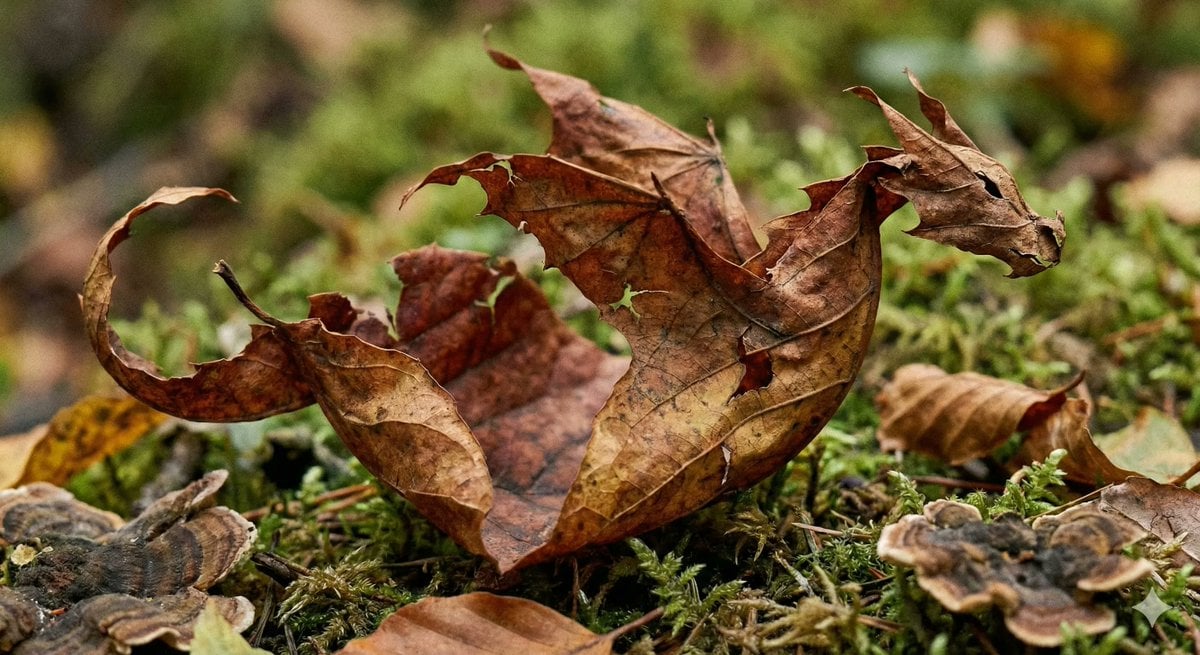
Photorealistic Leaf Shaped Like a Dragon
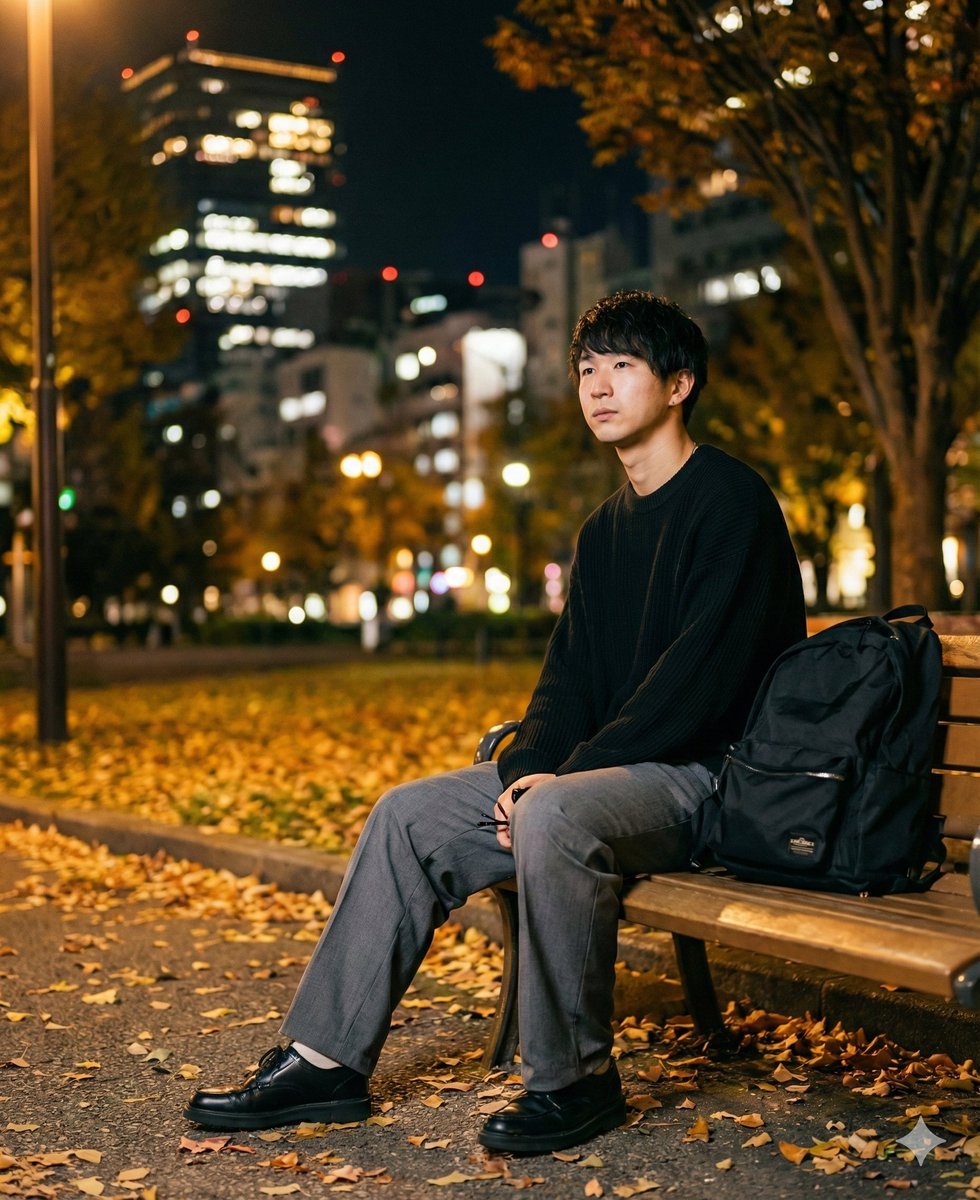
K-Pop Idol Portrait Grid for Rapid Selection
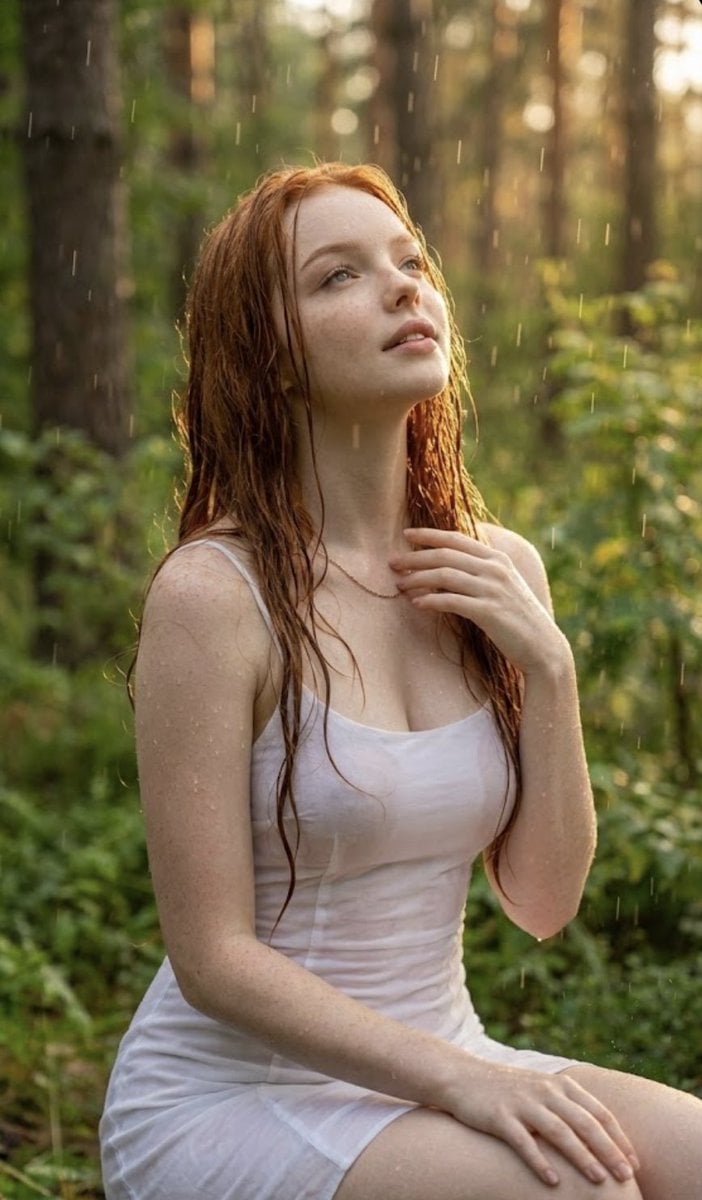
Poetic Rain Forest Portrait During Golden Hour
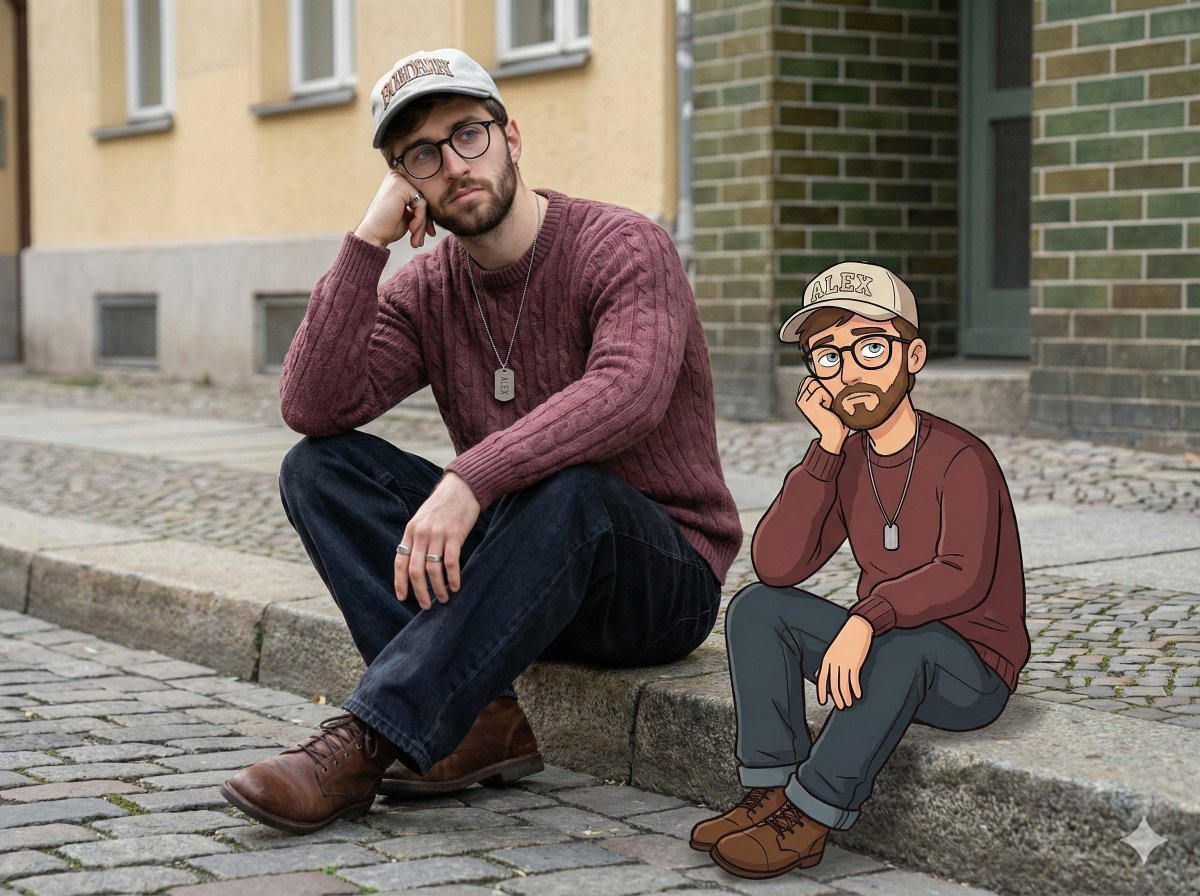
Urban Street Portrait with Cartoon Inner Self Duo
Candid Nighttime Photo with Cat Prompt
High-Concept 3D Diorama Generation Prompt
Cinematic Futuristic Studio Portrait Template
Skincare Editorial Photography Collage Prompt
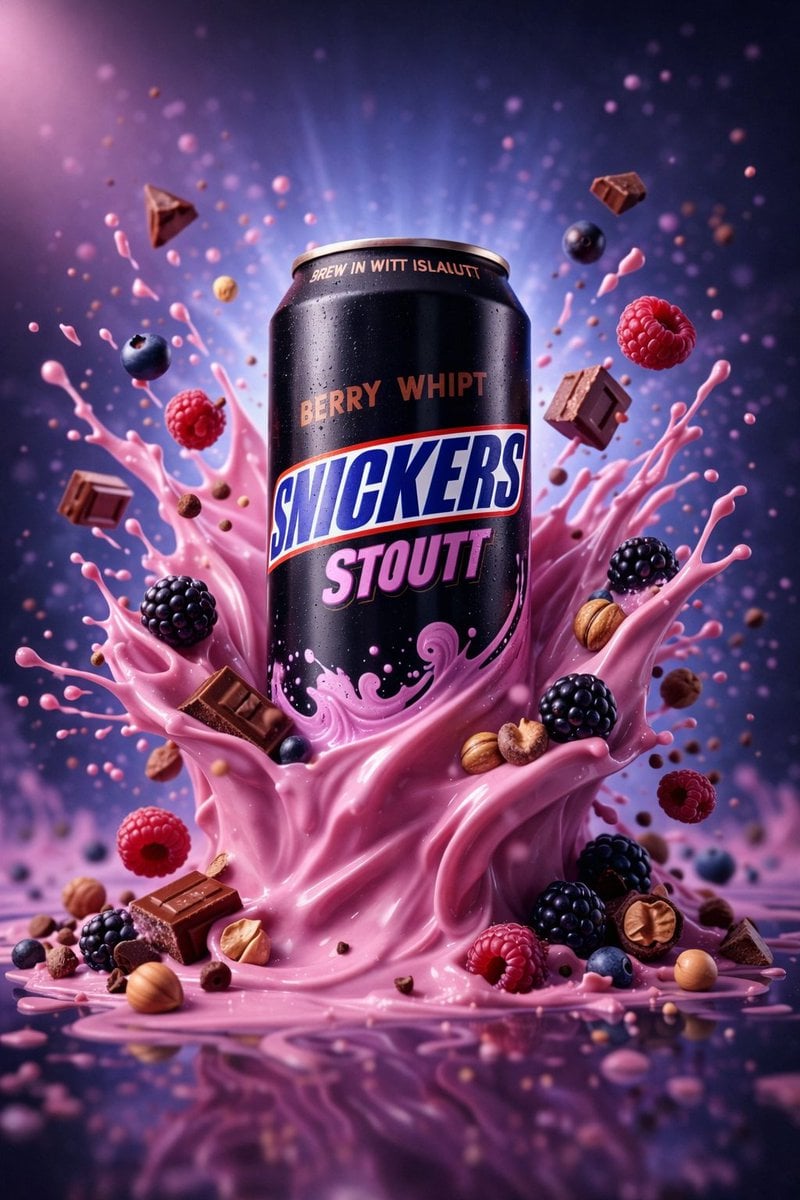
Hyper-Realistic Commercial Product Photography (Splash Effect)
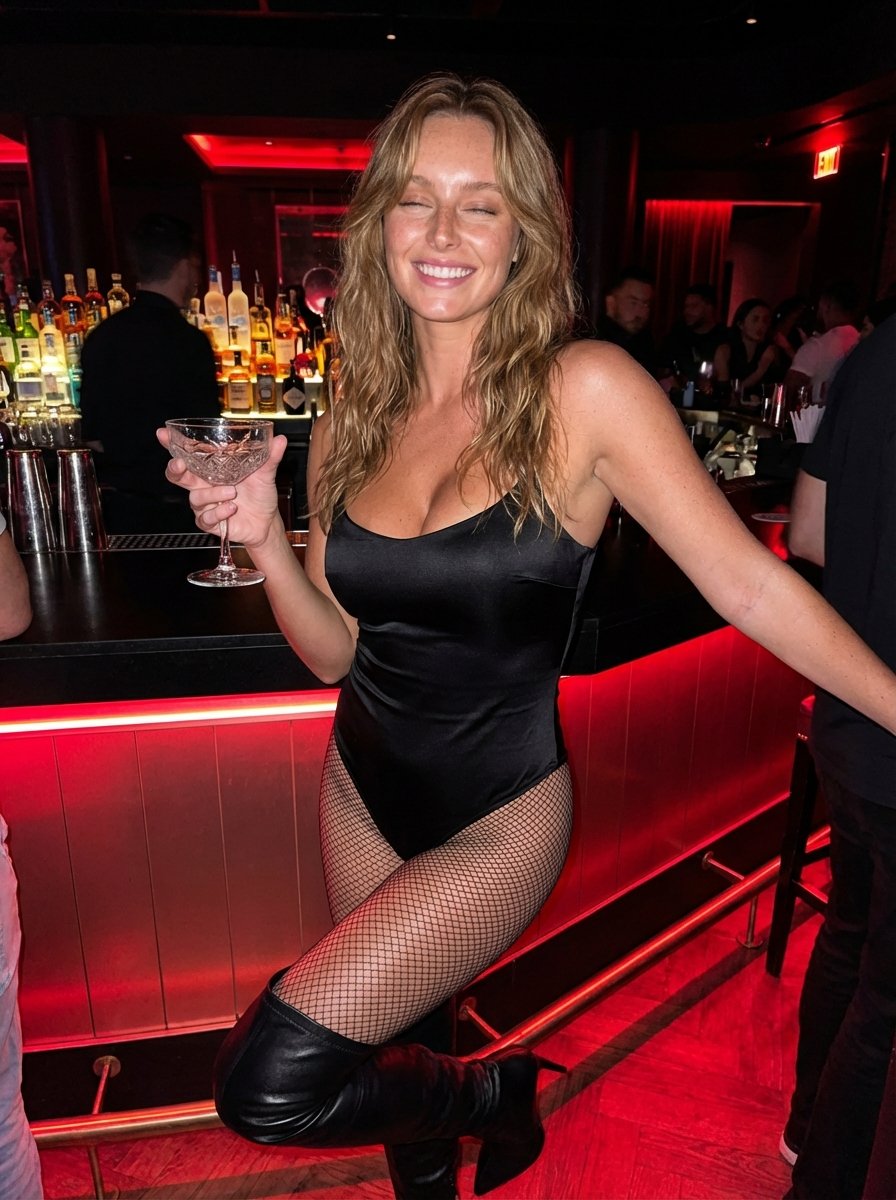
Hyper-Realistic Nightclub Portrait Prompt
More image prompts
Fresh picks from across the catalog.
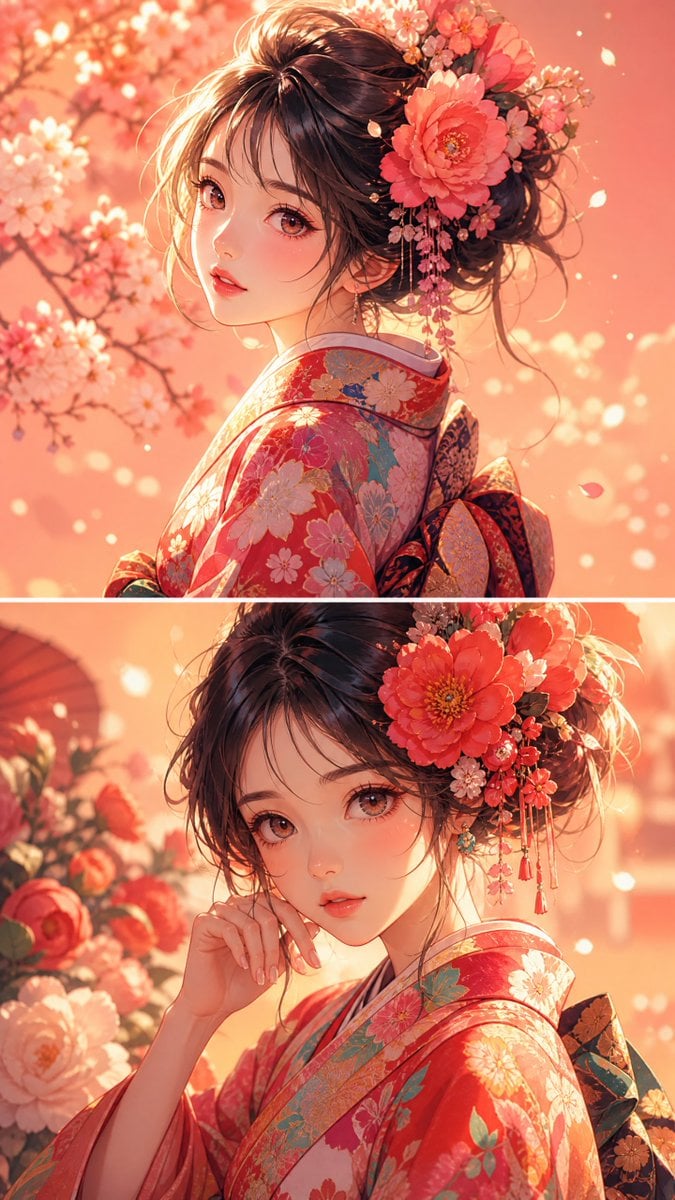
Anime Girl Floral Kimono Portrait
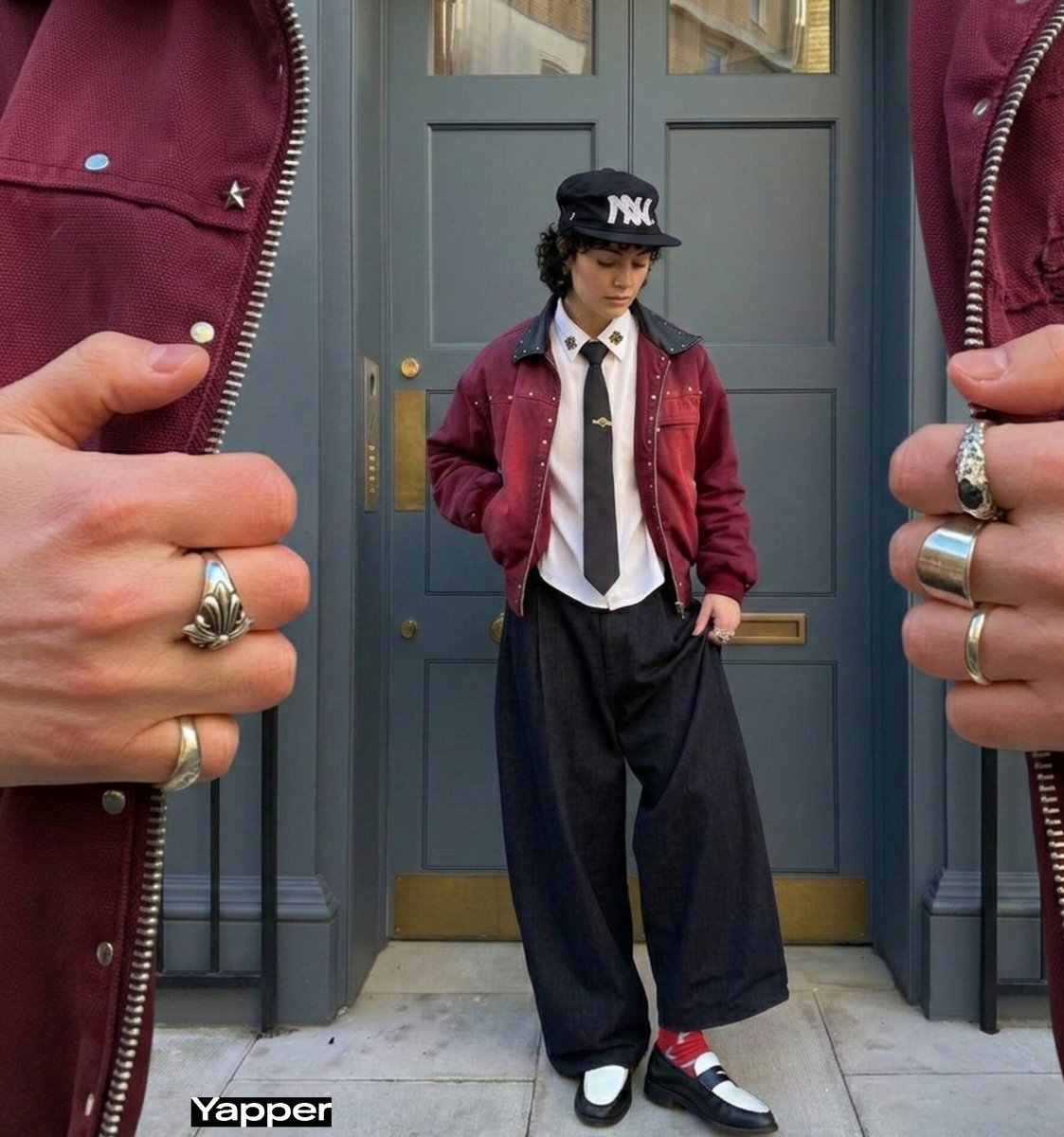
Surreal Macro Fashion Composition
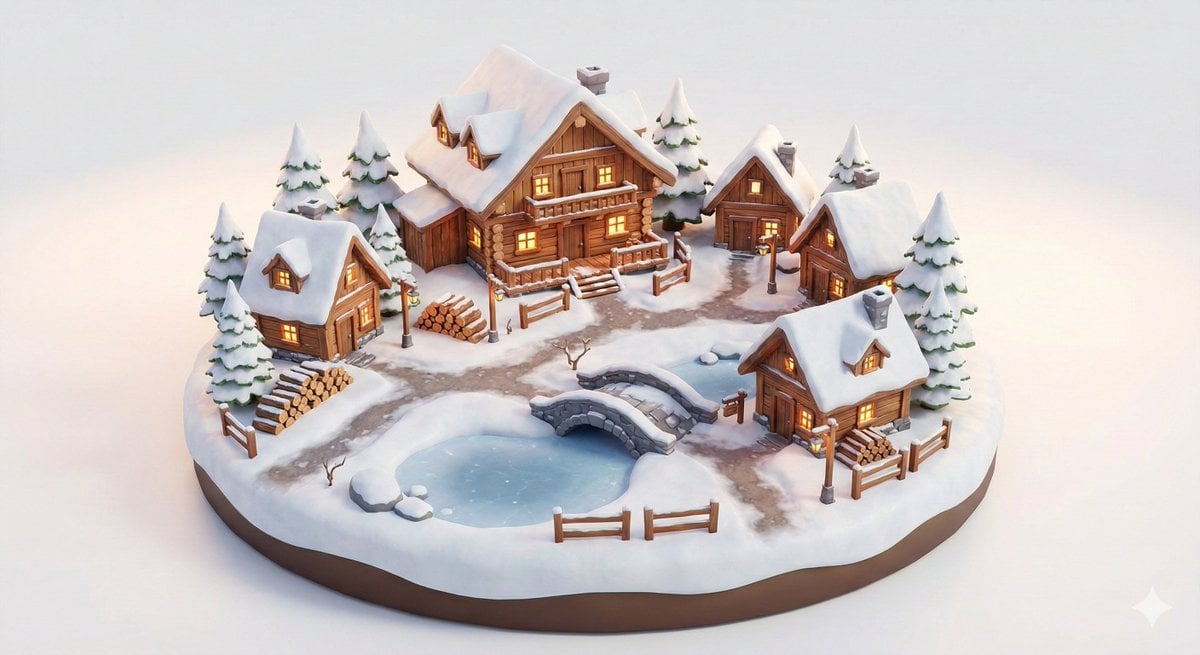
Miniature Alpine Mountainside Village Scene
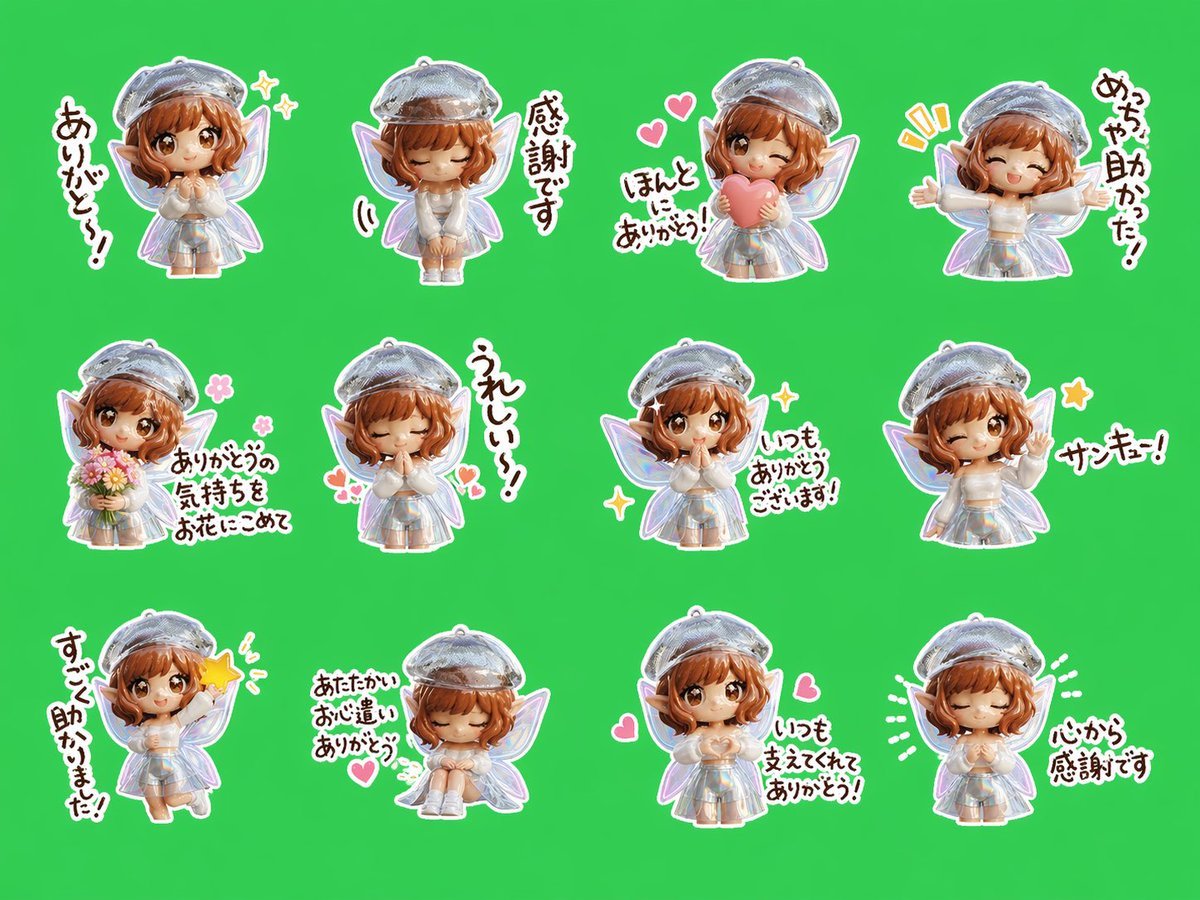
Chibi Fairy Thank-You Sticker Sheet

Natural Blonde Woman Portrait Prompts
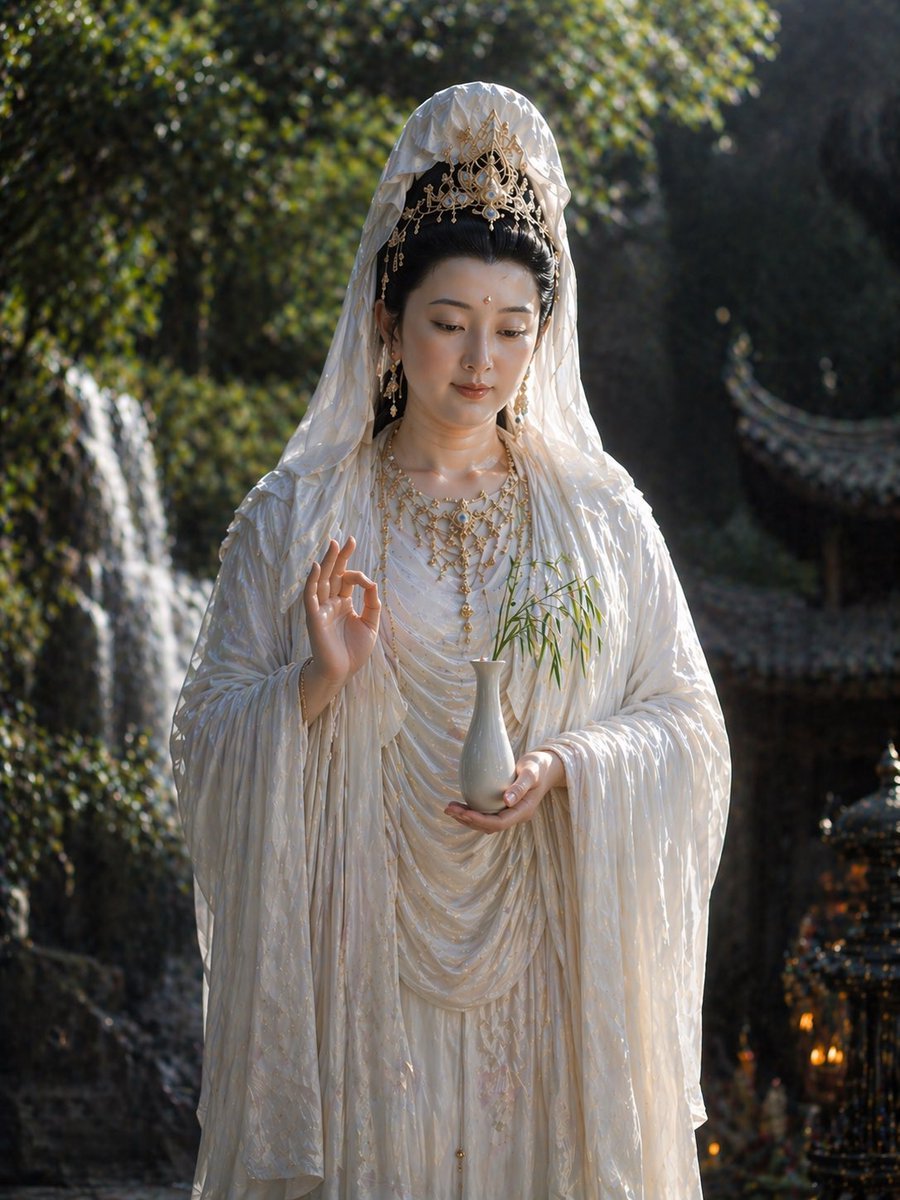
Hyper-Realistic Scriptural Deity Depiction
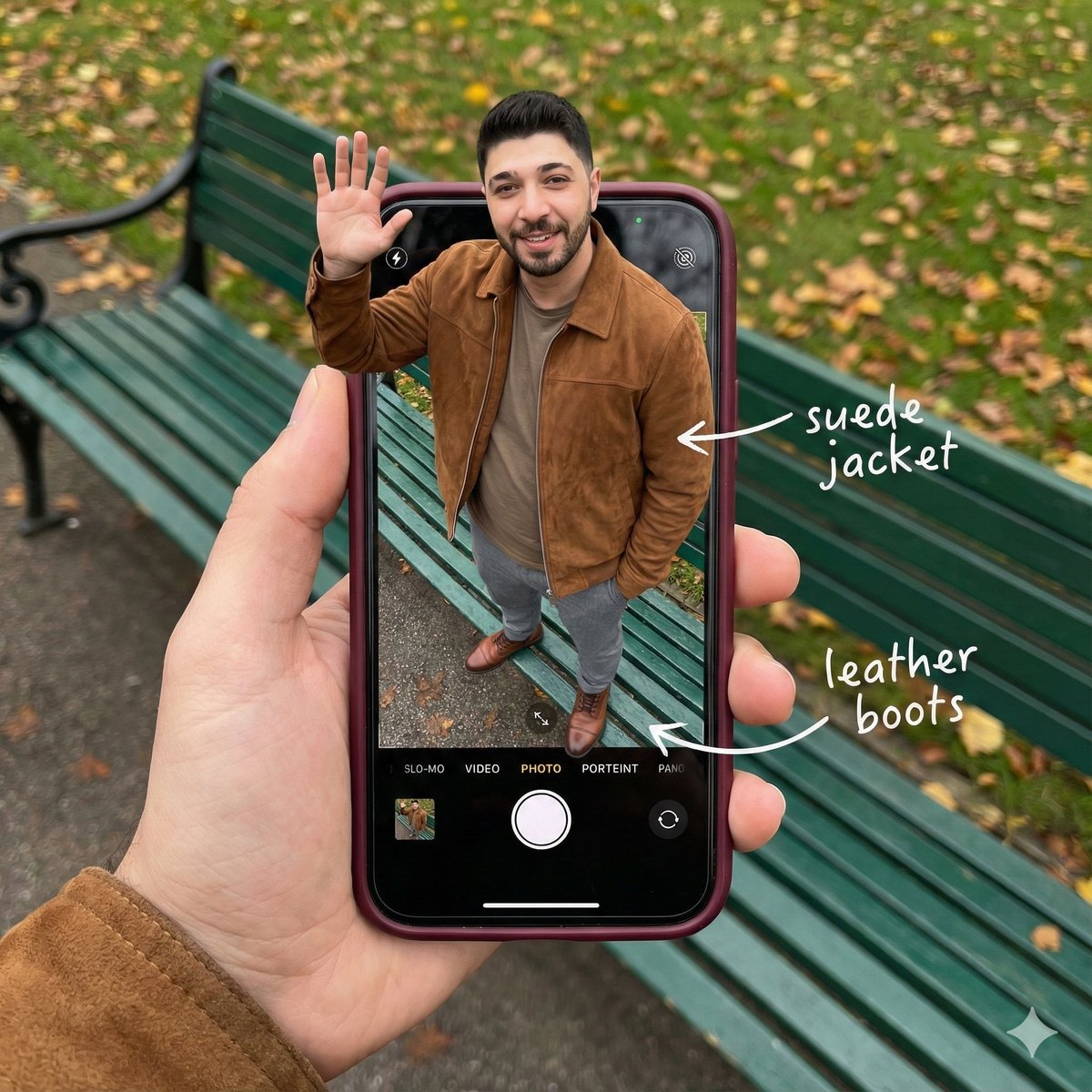
Smartphone Screen Stepping Out Optical Illusion Prompt
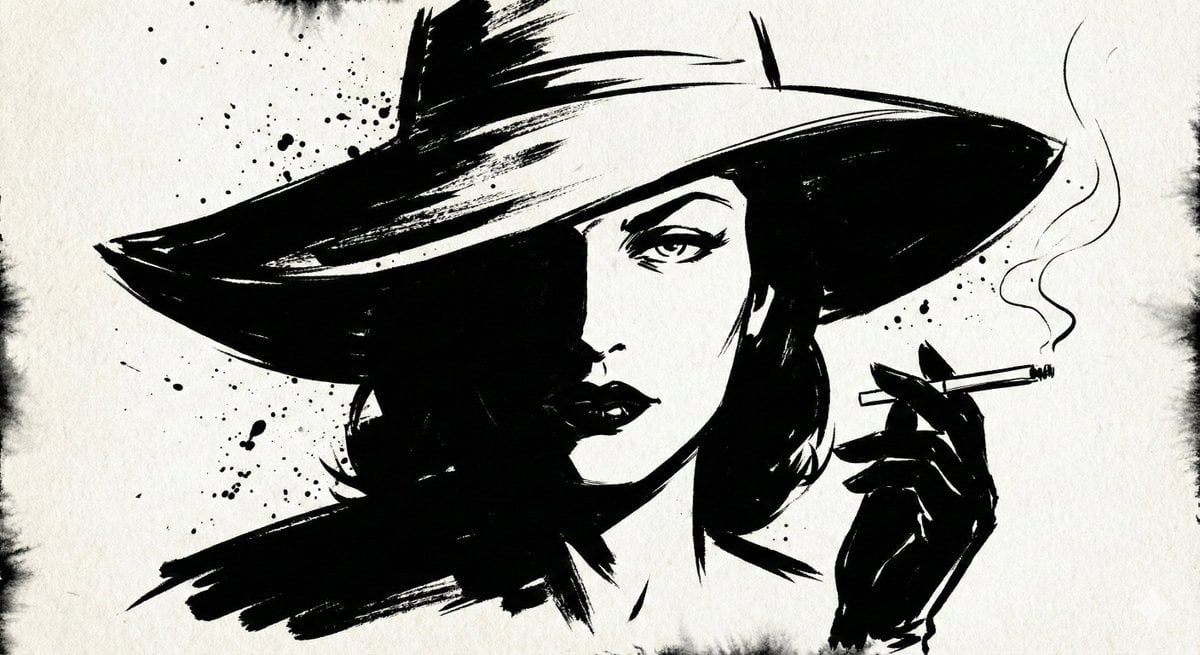
Ink Noir Splatter Portrait
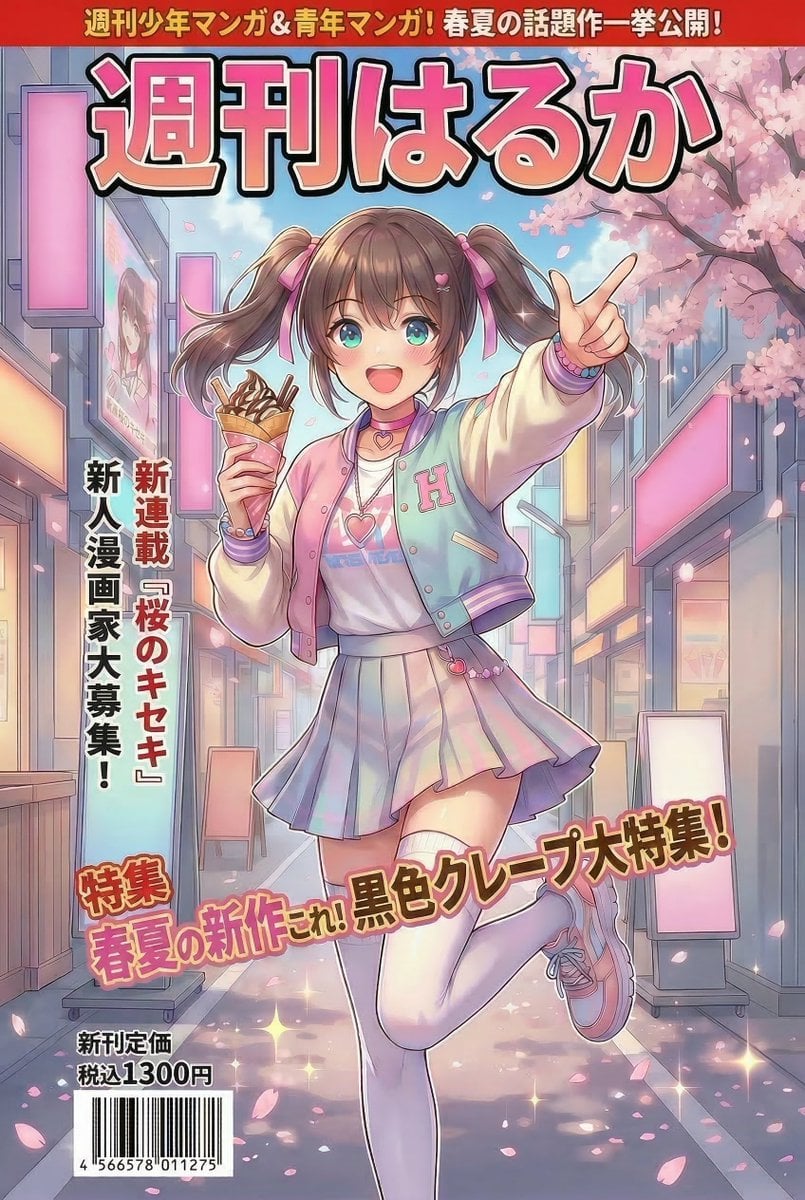
Manga Magazine Cover Prompt for Nano Banana Pro
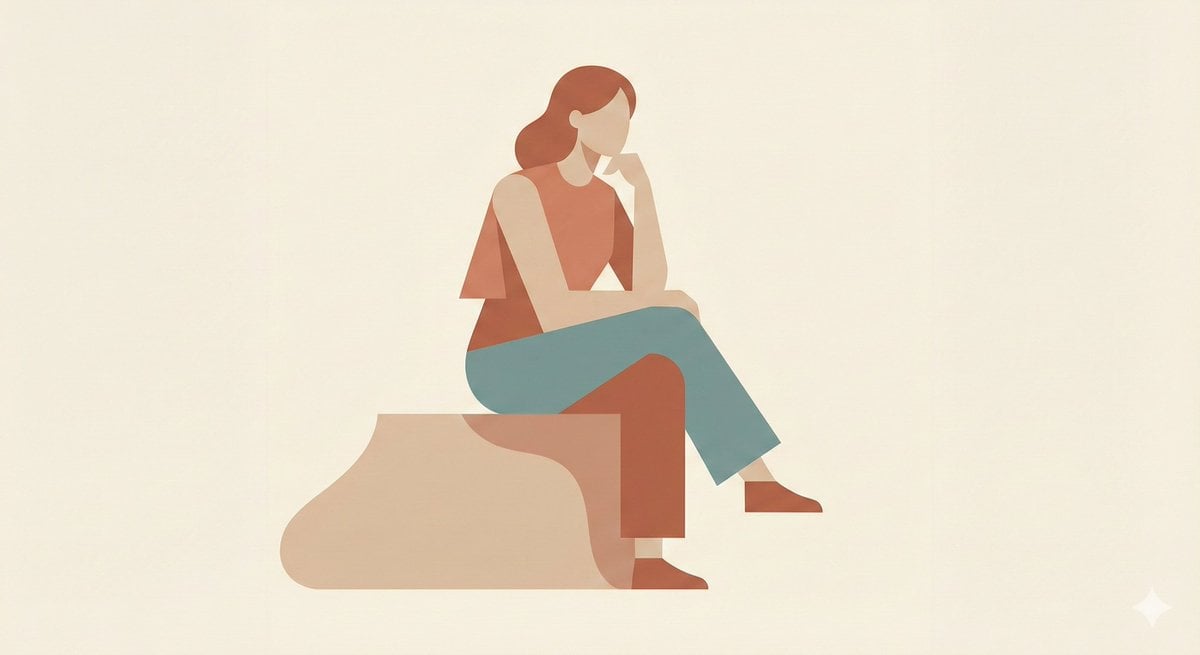
Minimalist Single-Pose Character Illustration Prompt
Browse template categories
PS1 Retro Gaming Style Prompt questions
How do I use the PS1 Retro Gaming Style Prompt template?
Add your photo if the template asks for one, edit the prompt if you like — the template's model and format are already selected — and press Generate. Your version opens in PicX Studio.
Can I customize the PS1 Retro Gaming Style Prompt template?
Yes. You can change the subject, setting, lighting, mood, format, and available model controls before creating your image.
Is the PS1 Retro Gaming Style Prompt template free?
Opening and editing this template is free. Generating uses credits, shown on the Generate button when you are signed in.
Which AI model should I use?
Start with Nano Banana 2, which is the model associated with this template. You can compare another compatible model for a different finish.
Looking for something else? Browse all templates.
Your photo, any look
Thousands of ready templates for every top image and video model, from one credit balance.