
Complex single-shot morphing video prompt for Seedance 2.0
A highly detailed, structured prompt for Seedance 2.0 designed to generate a single, continuous, cut-free shot that smoothly morphs through seven distinct reference images.
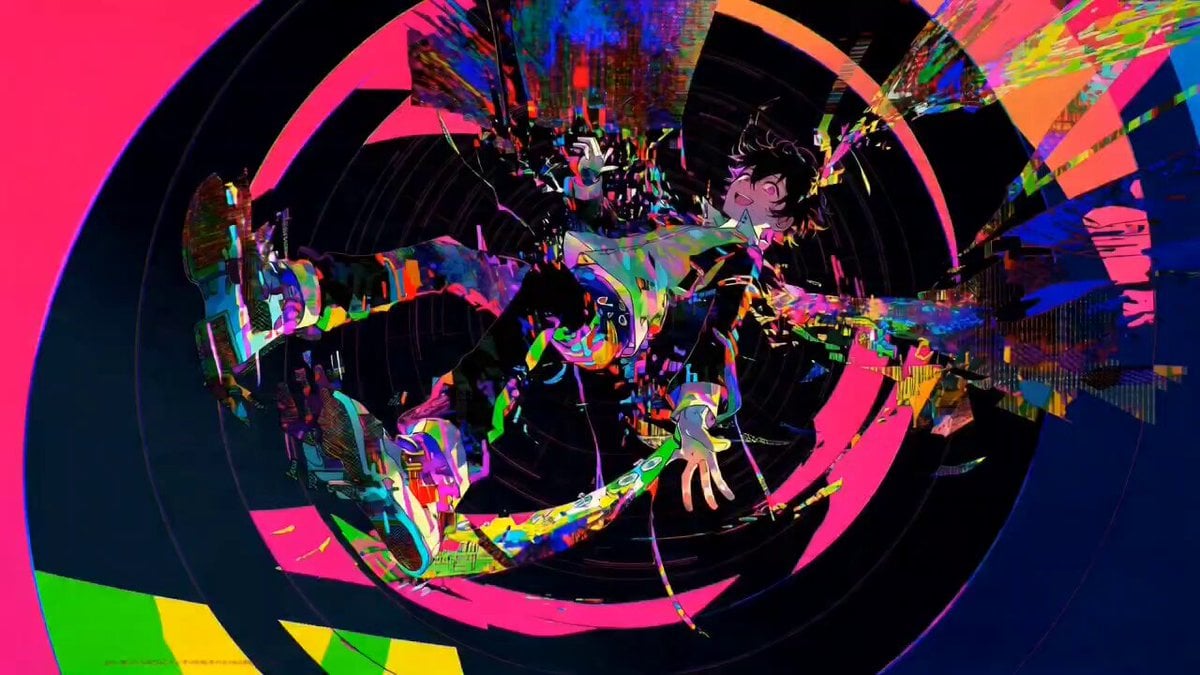
- Prompt included
- Model and format preset
- Premium template
The prompt behind this video
Copy the exact prompt behind Complex single-shot morphing video prompt for Seedance 2.0, or open it in the studio and make it yours.
[Basic settings] structure: a single continuous shot (no cuts) progression: 7 images morphing in sequence visibility: each image is clearly recognizable for only an instant (no need to hold) transition: always smooth and continuous style: cinematic, high definition, dynamic, no flicker [Main prompt] Start from <<<Image1>>>. The footage proceeds as one completely unbroken shot, transforming continuously in the order <<<Image1>>> → <<<Image2>>> → <<<Image3>>> → <<<Image4>>> → <<<Image5>>> → <<<Image6>>> → <<<Image7>>>. The whole is never static — the morphing occurs within dynamic footage where the camera keeps moving at all times. However, the subject's recognizability is maintained, and the composition is controlled so it never breaks down. Each image has a peak state where it is clearly visible for just an instant within the flow, but there is no stopping or holding. Everything is expressed as a continuous "evolution within motion." [Transformation logic (fixed order, no repeats)] <<<Image1>>> → <<<Image2>>>: The camera smoothly pushes in as the transformation begins Changes proceed in stages in the order: outline → parts → color → texture Fine particle decomposition → reconstruction <<<Image2>>> → <<<Image3>>>: The camera does a tracking move flowing sideways The structure is rewritten by a scanning light (light scan) Glowing lines flow and the shape changes continuously *Particle effects are prohibited <<<Image3>>> → <<<Image4>>>: The camera orbits around the subject The shape stretches and deforms via spatial distortion / lens warp <<<Image4>>> → <<<Image5>>>: The camera pulls back slightly while changing viewpoint (a light dolly-out plus angle change) The subject melts like a liquid, reforming as it flows <<<Image5>>> → <<<Image6>>>: The camera accelerates for an instant, building momentum into the motion The subject fragments, scatters into space, then gathers again and reconstructs into a new form <<<Image6>>> → <<<Image7>>>: The camera moves back toward the center again, stabilizing Energy converges at the center and integrates into the final form through light and waves [Camera behavior (important)] ・Always moving, but in a controlled way ・Allowed: - push-in / pull-out - lateral tracking - orbit (circling around) - slight perspective change ・Prohibited: - sudden shake - losing the subject - unnatural jumps [Constraints (important)] ・No cut editing (a complete single shot) ・No reusing the same effect ・No flicker, noise, or breakdown ・Do not drastically disrupt the subject's position or scale ・Each image must have a moment where it is clearly visible at least once ・All changes must be continuous and meaningful structural transformations [Reinforcement keywords] dynamic camera movement cinematic motion flow smooth continuous morphing temporal coherence high detail preservation consistent subject identity seamless transformation flow
How to use Complex single-shot morphing video prompt for Seedance 2.0 in 3 steps
- 1
Open
The prompt is already in the box next to the preview, with the template's model and format selected.
- 2…a portrait of your subject in softgolden-hour light, 85mm…
Personalize
Edit the subject and creative details for your destination.
- 3Generate
Generate
Press Generate — your video is created in PicX Studio, so you can compare it with the original and refine one variable at a time.
More like this
Templates with the same subject, style or setup. Open one to see its prompt.
Luxury Handbag Commercial — Hollywood VFX Ad

Wholesome Puppy and Kitten Story - Seedance 2.5

Mysterious Home Exploration Vlog - Seedance 2.5

Dark Tokusatsu Transformation - Seedance 2.5

Cinematic Xinjiang Drone Landscapes - Seedance 2.5

Late Night Kitchen Phone Recording - Seedance 2.5

3D Animated Cat and Old Man - Seedance

Realistic City Street Story Cinematic Video - Seedance

Seedance 2.0 First Test — Dynamic Motion Showcase

Dragon Rider Cinematic Flight — Seedance 2.5

Sneaker Product Commercial
Cinematic Short Film Scene 2
Make it yours
Complex single-shot morphing video prompt for Seedance 2.0 works as-is. These are the safest ways to change it without losing the look.
Change one field
Copy a single group, rewrite it, and generate again so you can see what that field is doing.
Keep the frame, change the subject
Hold the composition and light of Complex single-shot morphing video prompt for Seedance 2.0, then swap wardrobe, props or the person for a new take.
| If the result… | Why | Fix |
|---|---|---|
| The result drifts from the preview | Too many fields changed at once. | Reuse Complex single-shot morphing video prompt for Seedance 2.0 as-is first, then change one group — subject, light, or setting. |
| The model over-stylizes the scene | The prose prompt leaves finish and camera underspecified. | Add one camera or lighting sentence and stay on Seedance 2.0. |
More Seedance 2.0 templates
Other prompts made for Seedance 2.0.

Comical Martial Arts Punch Scene

Maglev Train Action Sequence

Martial Arts Fight Sequence

Wuxia Protection and Trust Script

Vintage Korean Arcade MiniDV Vlog

Mercedes 190 SL Luxury Ad

Rainy Night Supernatural Reverse Comedy Video Script

Amazon Civilization Discovery

Futuristic South Asian City Transformation

Cozy Luxury Cafe Commercial
More video prompts
Fresh picks from across the catalog.
Reality-Warping Meta Cinematic Walk
Seedance 2.0 Prompt: Biblical Combat Epic
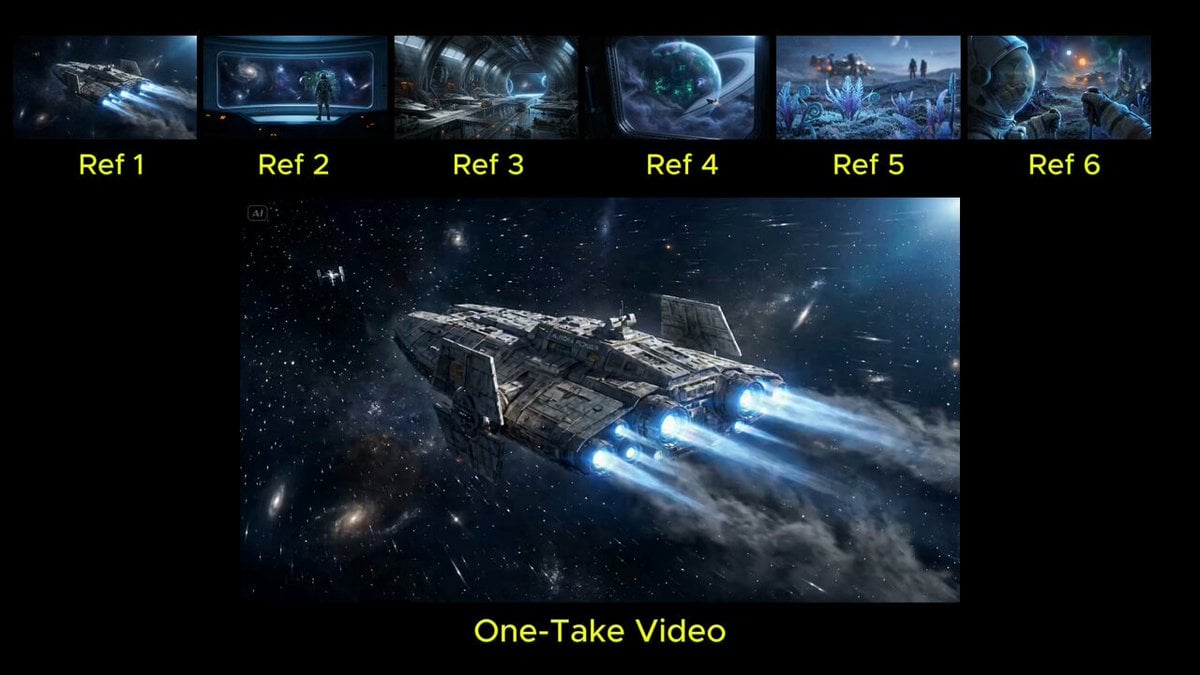
Seamless Continuous One-Take Video Prompt

Alien Cornfield Ambush Horror
Swamp House Hippo Attack Sequence
Epic Manga Battle Sakuga

Slow Facial Zoom with Dialogue

Mermaid Rescue Cinematic Story
Time Collision Warrior in Lahore

Cozy Library Scene
Browse template categories
Complex single-shot morphing video prompt for Seedance 2.0 questions
How do I use the Complex single-shot morphing video prompt for Seedance 2.0 template?
Add your photo if the template asks for one, edit the prompt if you like — the template's model and format are already selected — and press Generate. Your version opens in PicX Studio.
Can I customize the Complex single-shot morphing video prompt for Seedance 2.0 template?
Yes. You can change the subject, setting, lighting, mood, format, and available model controls before creating your video.
Is the Complex single-shot morphing video prompt for Seedance 2.0 template free?
Opening and editing this template is free. Generating uses credits, shown on the Generate button when you are signed in.
Which AI model should I use?
Start with Seedance 2.0, which is the model associated with this template. You can compare another compatible model for a different finish.
Looking for something else? Browse all templates.

Your photo, any look
Thousands of ready templates for every top image and video model, from one credit balance.