
Walking Factory with Rebel on Hoverbike - Wasteland
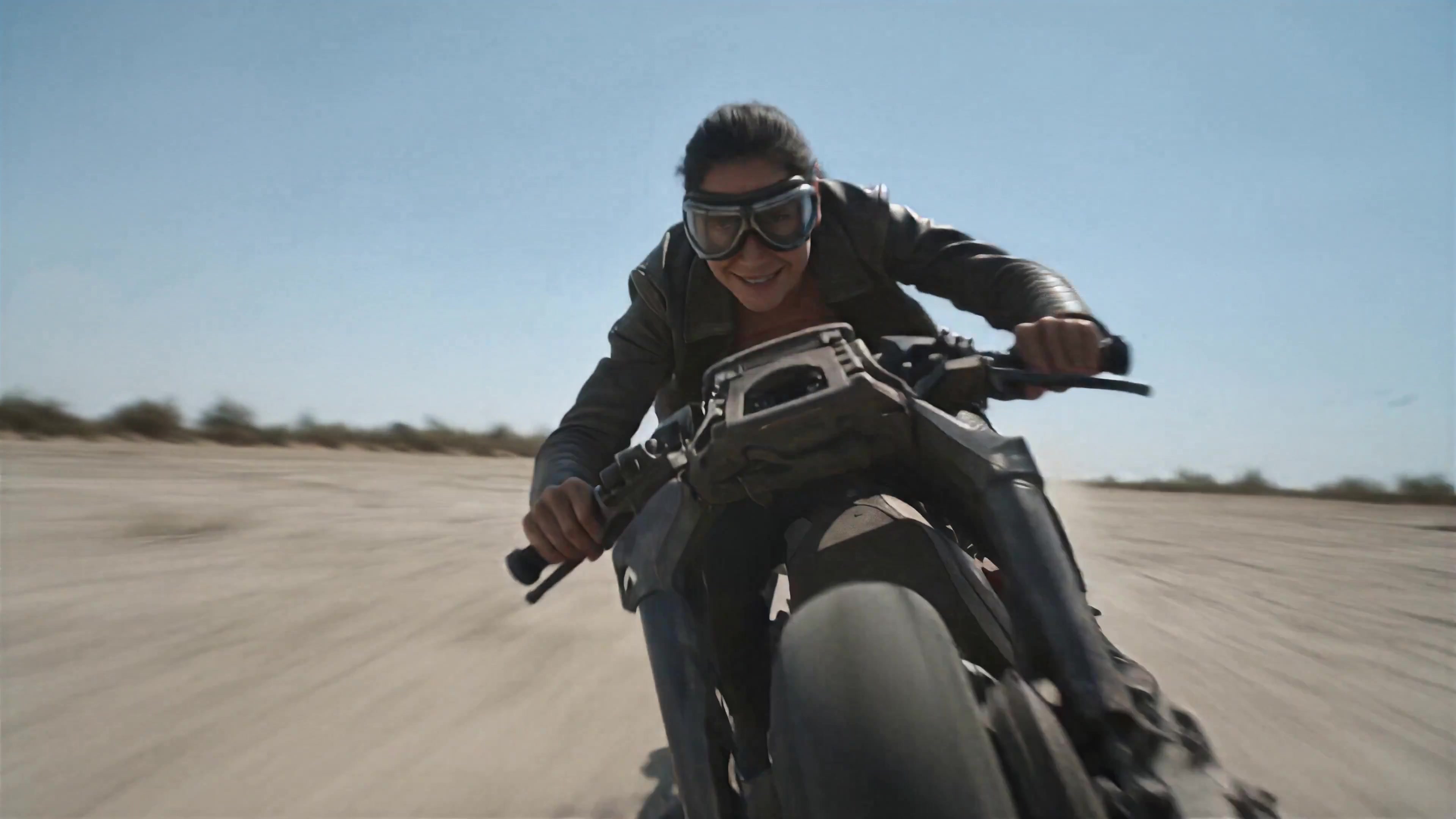
Seedance 2.0 animation: A gigantic industrial factory on mechanical legs crosses a desert wasteland.
- Prompt included
- Model and format preset
- Premium template
The prompt behind this video
Copy the exact prompt behind Walking Factory with Rebel on Hoverbike - Wasteland, or open it in the studio and make it yours.
Ultra-realistic desert horizon. A gigantic industrial factory moving on mechanical legs crosses the wasteland like a living city. Female rebel riding a fast bike toward it. Scrap armor forms from metal debris. Defense drones launch from the machine. Camera chases beside hoverbike at high speed. She jumps from bike onto a drone, smashes it, lands on the walking factory. Final frame: towering machine blocks the sun.
How to use Walking Factory with Rebel on Hoverbike - Wasteland in 3 steps
- 1
Open
The prompt is already in the box next to the preview, with the template's model and format selected.
- 2…a portrait of your subject in softgolden-hour light, 85mm…
Personalize
Edit the subject and creative details for your destination.
- 3
 Generate
Press Generate — your video is created in PicX Studio, so you can compare it with the original and refine one variable at a time.
More like this
Templates with the same subject, style or setup. Open one to see its prompt.
Seedance 2.5 - @Diplomeme - 446818

Seedance 2.5 - @AIwithkhan - 901550

Seedance 2.5 - @AIwithkhan - 801709

Voice Controlled Water Animation

Tightrope Walker with Fairies and Aliens Video Prompt
Video Prompt for Digital Wasteland and Grok Figures
Pelicans and Beach Walkers Video Prompt
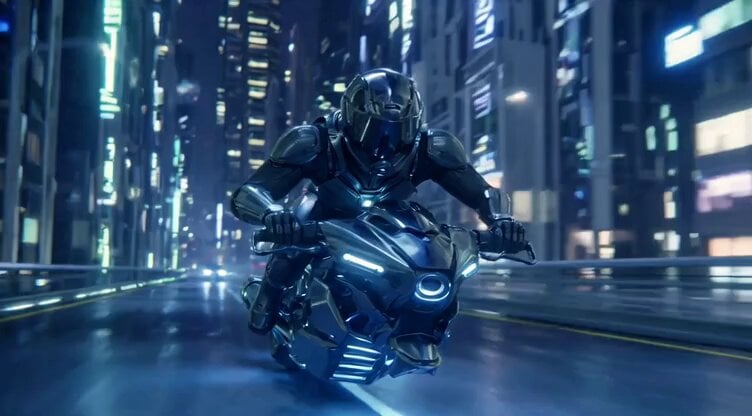
Futuristic Hoverbike Rider Video Prompt
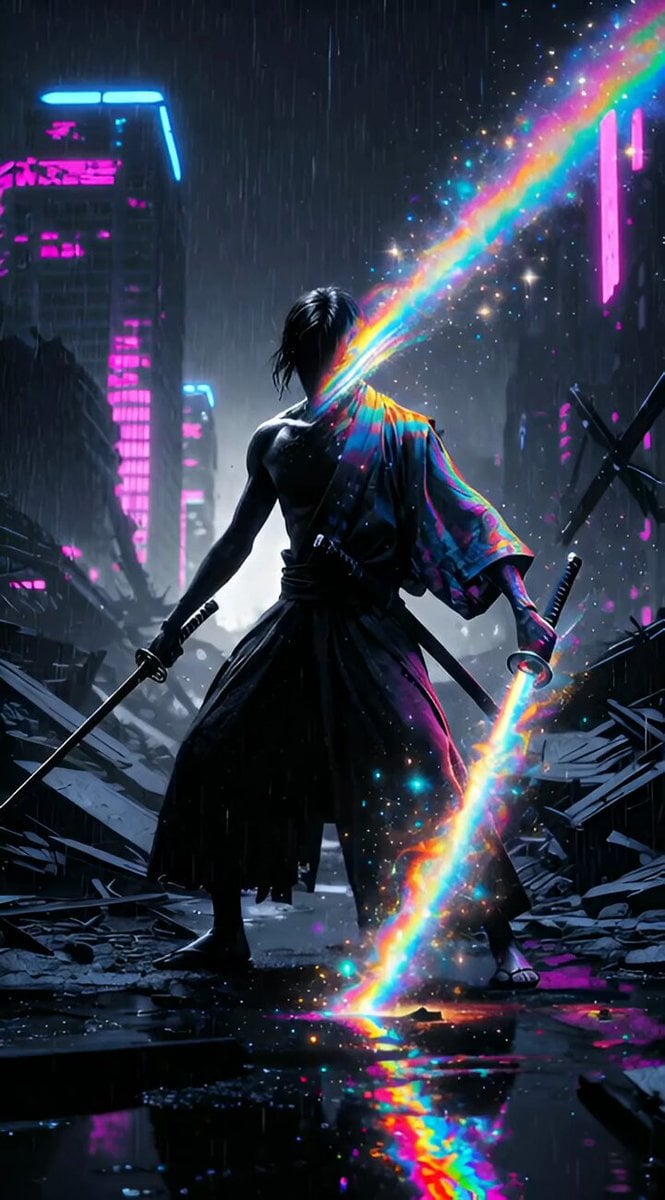
Dual-Wielding Ronin in a Neon Post-Apocalyptic Wasteland
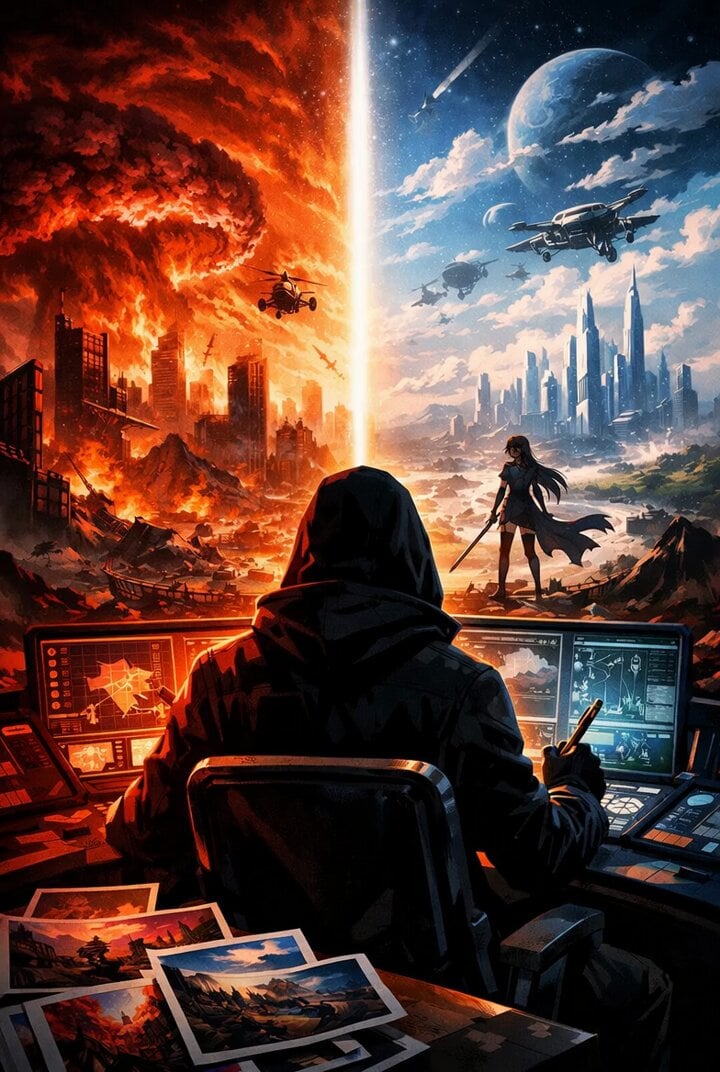
Discussion on AI as a 'factory for worlds'

Robot Factory Conversion Video
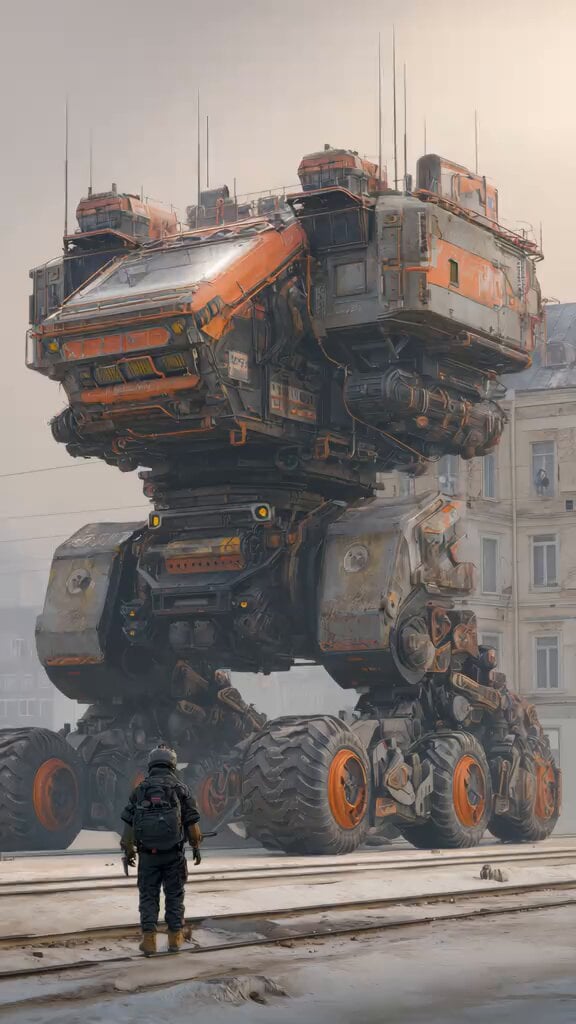
Industrial Mecha Walker Cinematic
Make it yours
Walking Factory with Rebel on Hoverbike - Wasteland works as-is. These are the safest ways to change it without losing the look.
Change one field
Copy a single group, rewrite it, and generate again so you can see what that field is doing.
Keep the frame, change the subject
Hold the composition and light of Walking Factory with Rebel on Hoverbike - Wasteland, then swap wardrobe, props or the person for a new take.
| If the result… | Why | Fix |
|---|---|---|
| The result drifts from the preview | Too many fields changed at once. | Reuse Walking Factory with Rebel on Hoverbike - Wasteland as-is first, then change one group — subject, light, or setting. |
| The model over-stylizes the scene | The prose prompt leaves finish and camera underspecified. | Add one camera or lighting sentence and stay on GPT Image 2. |
More GPT Image 2 templates
Other prompts made for GPT Image 2.
More video prompts
Fresh picks from across the catalog.
Video Generation Prompt with Image References
Space Camp Zero Gravity Astronauts
Surreal Dark Beauty Portrait
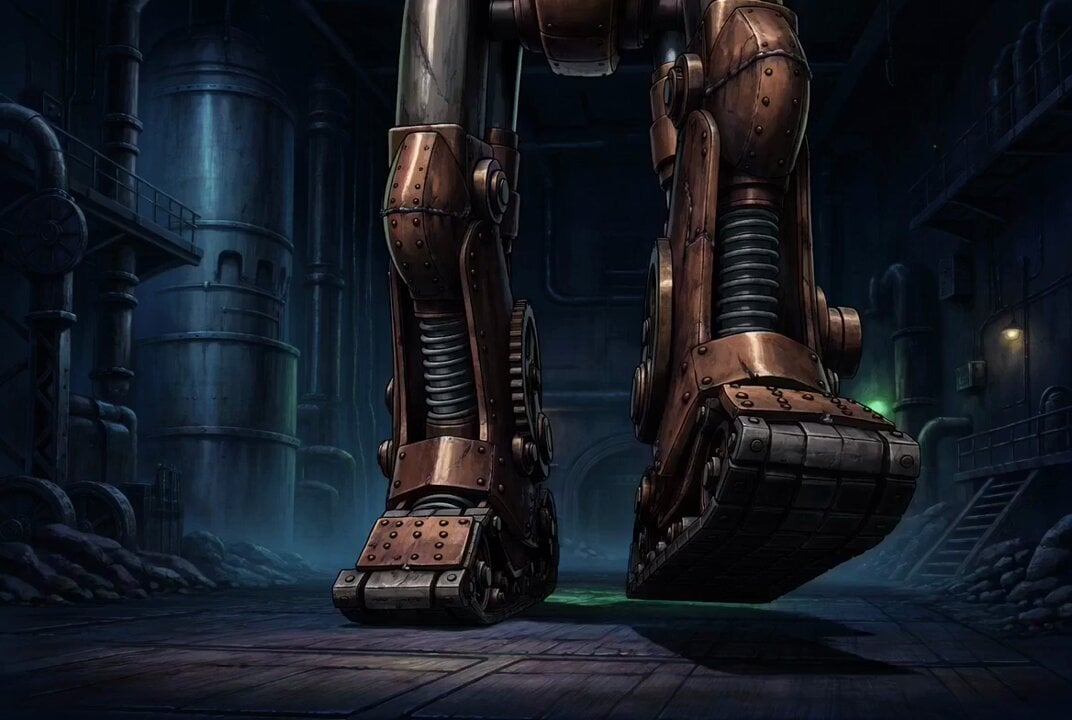
Video prompt: Seamless continuation of Evangelion Unit-09
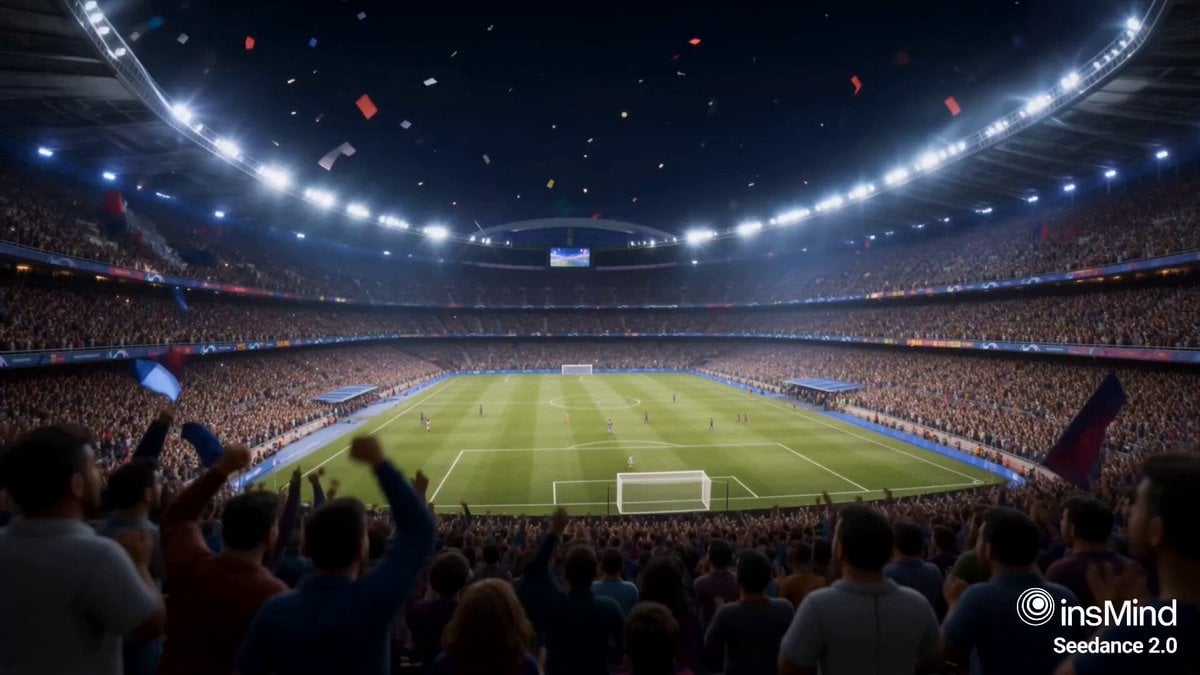
Seedance 2.0 Storyboard-to-Animation Prompt

Dramatic Character Gacha Reveal Sequence

Realistic Fighting Game Action Sequence
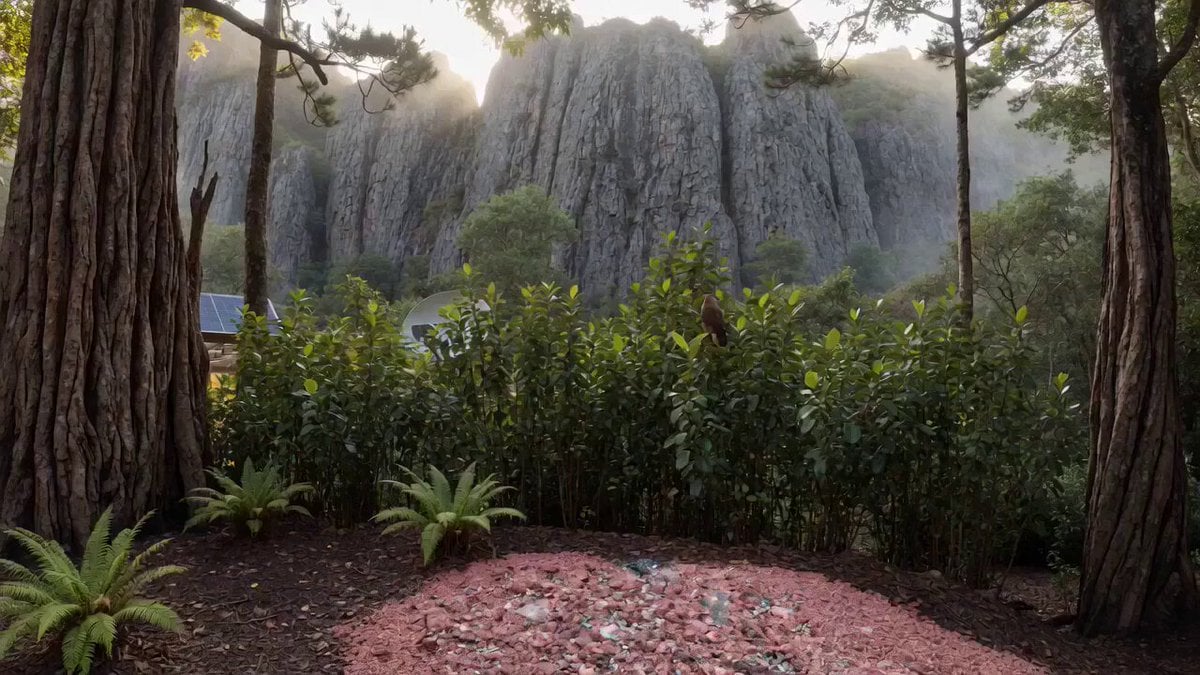
Starry Night Aurora Borealis
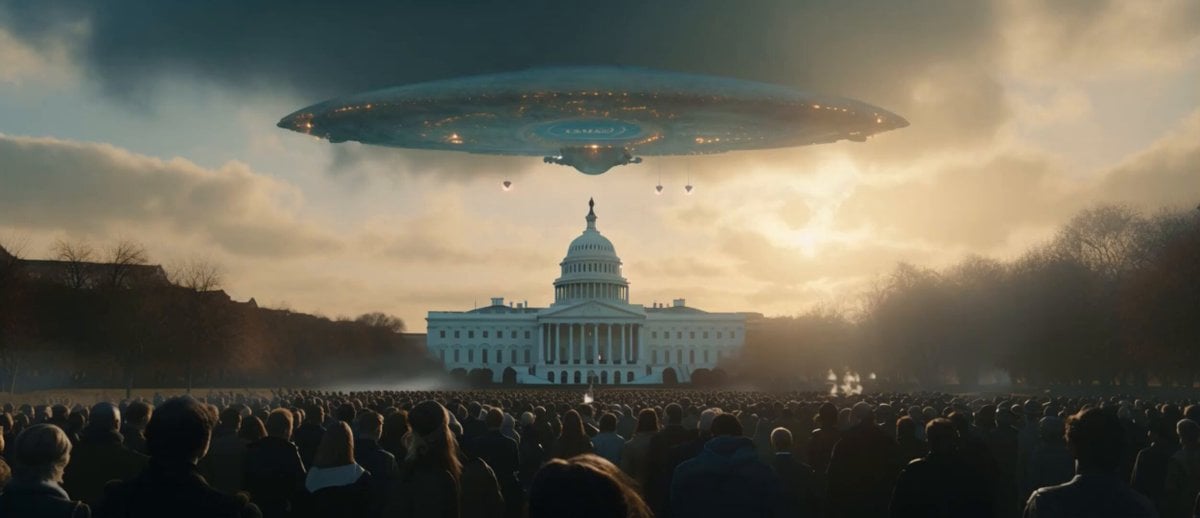
Sci-Fi Disaster Movie Scene - Seedance 2.5

Fantasy Boy and Obsidian Dragon
Browse template categories
Walking Factory with Rebel on Hoverbike - Wasteland questions
How do I use the Walking Factory with Rebel on Hoverbike - Wasteland template?
Add your photo if the template asks for one, edit the prompt if you like — the template's model and format are already selected — and press Generate. Your version opens in PicX Studio.
Can I customize the Walking Factory with Rebel on Hoverbike - Wasteland template?
Yes. You can change the subject, setting, lighting, mood, format, and available model controls before creating your video.
Is the Walking Factory with Rebel on Hoverbike - Wasteland template free?
Opening and editing this template is free. Generating uses credits, shown on the Generate button when you are signed in.
Which AI model should I use?
Start with GPT Image 2, which is the model associated with this template. You can compare another compatible model for a different finish.
Looking for something else? Browse all templates.

Your photo, any look
Thousands of ready templates for every top image and video model, from one credit balance.