
IMAGEOpenAI · from 53 credits / image
OpenAI’s image models, in your browser
GPT Image 2.5 Flare is live on PicX
Readable type. 16 references. Transparent PNGs. Up to 4K.
Run GPT Image 2, 2.5 Flare and 2.5 Sunburst from one credit balance. Posters, product stills and ads where the words in the frame actually read.
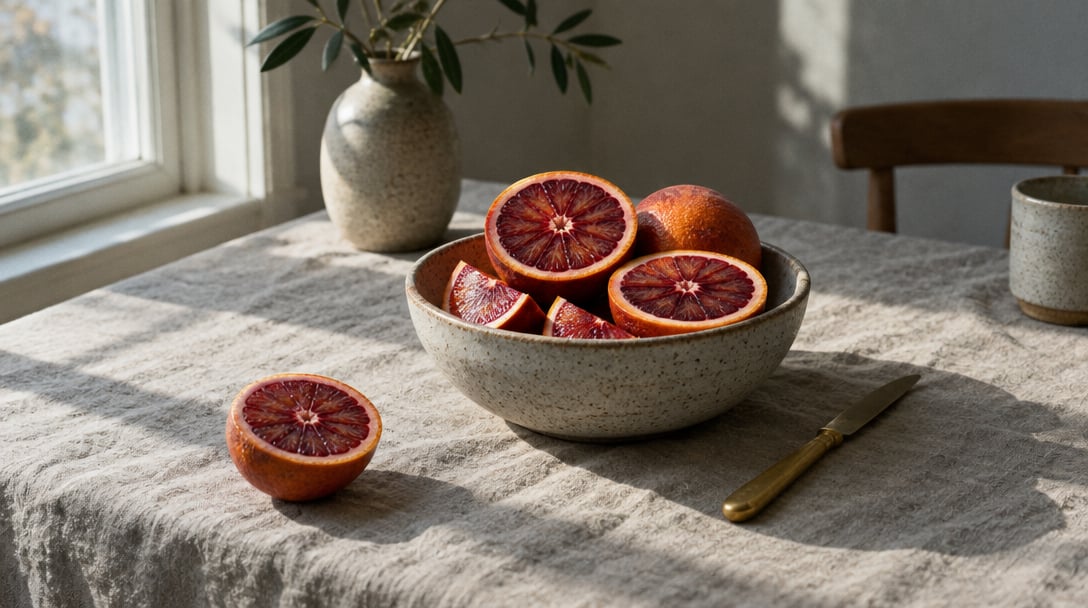
- 1K–4K
Words that actually read
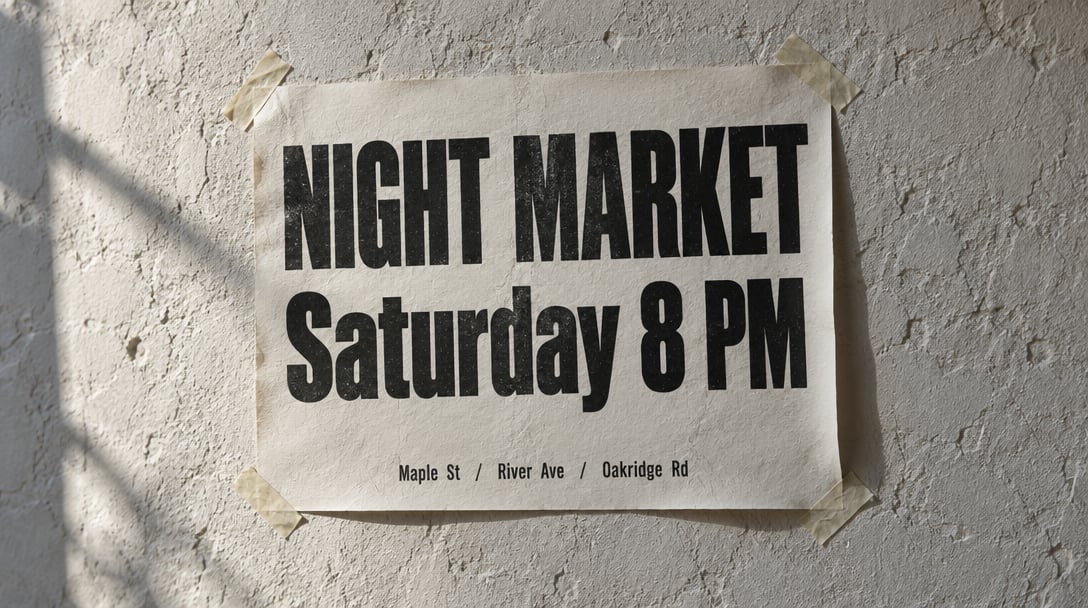
Type that belongs in the still
Headlines, labels, engraved plates and short lines of copy come out spelled right and placed where you asked. Put the exact words in quotes, say where they sit, and skip the separate typesetting pass.
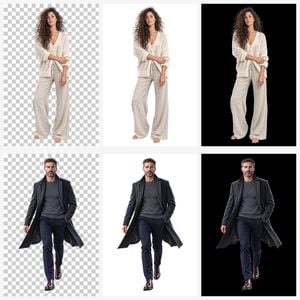
Cutouts with no background
Set Background to Transparent and you get a PNG with nothing behind the subject. Drop it straight onto a site, a slide or a sticker sheet. Opaque and Auto are there when you want a filled frame.
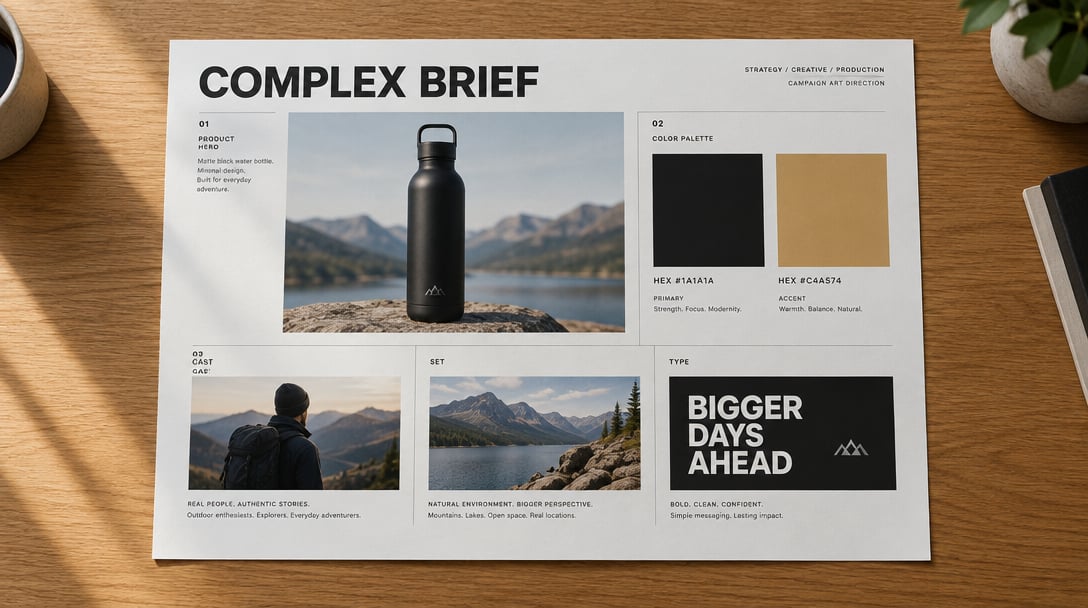
Briefs with more than one job
A product hero, a headline, three callouts and a layout in one frame. GPT Image 2 holds a long brief together instead of dropping half of it. Add up to 16 reference images to pin the product, the face or the style.
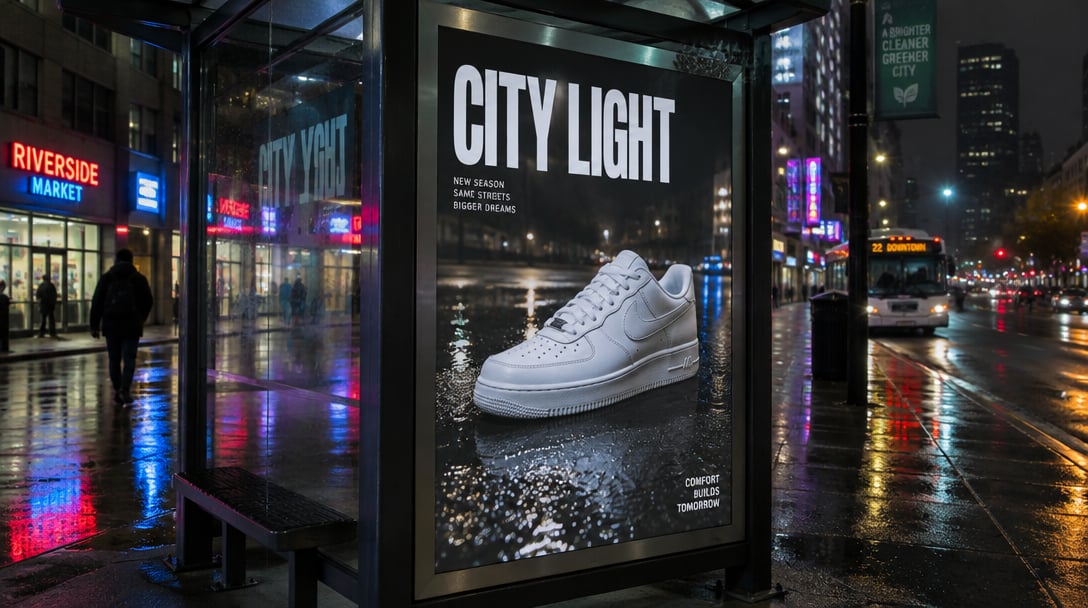
GPT Image 2
Readable type. 16 references. Transparent PNGs. Up to 4K.
Made for shipping work
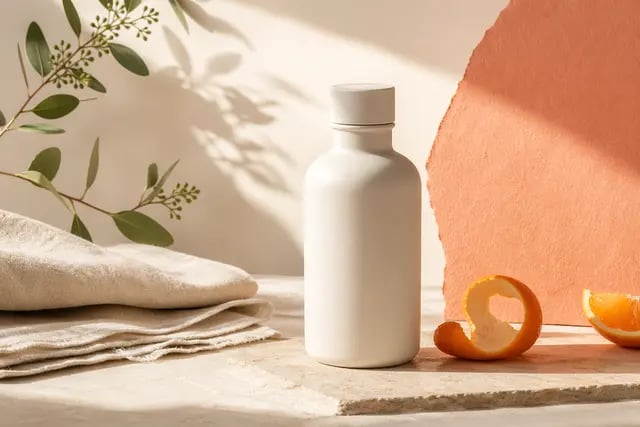
Product and ecommerce Ceramic, glass, wood and packaging keep their texture under real light. Good for PDP stills and tabletop shots.
Ads and social Billboards, story frames and feed posts with a product lockup and a headline you can read at a glance.
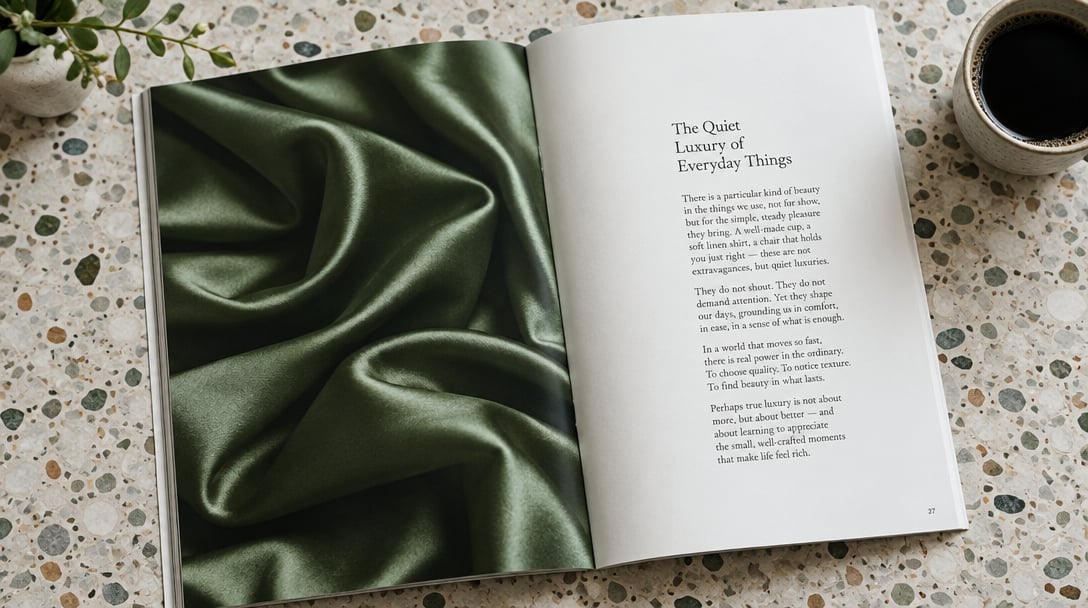
Editorial layouts Magazine spreads where the image and the type column are one object, not two passes stitched together.
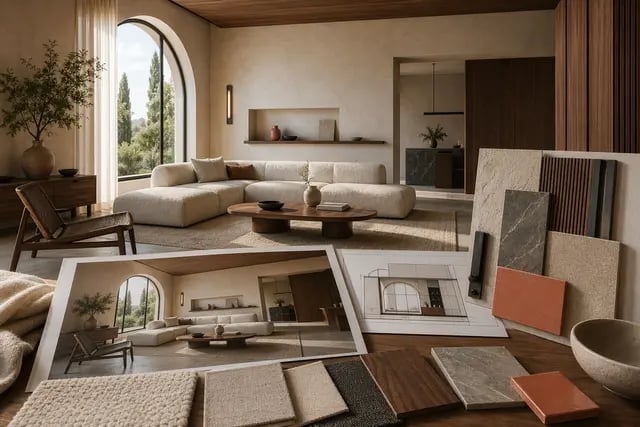
Interiors and architecture Room concepts and material boards with controlled perspective, swatches and a believable light direction.
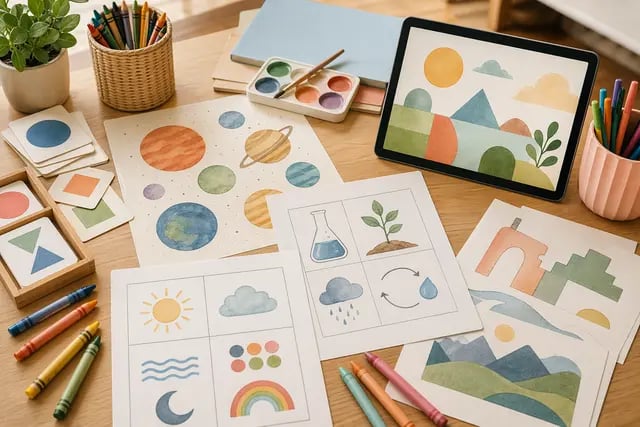
Explainers and teaching Clear, labeled visuals for lessons, decks and how-tos, where the text has to be correct to be useful.
Why pick GPT Image 2
- TextLegible typeQuoted words come out spelled the way you wrote them, on posters, labels and UI mocks.
- 16 refsReference imagesAdd up to 16 images to lock a product, a person or a style before you edit.
- PNGTransparent backgroundsOne setting gives you a cutout with no background for logos, stickers and product shots.
- 4KTop resolution1K for drafts, 2K by default, 4K when the image goes to print or a big screen.
- 8Aspect ratios1:1, 4:3, 3:4, 16:9, 9:16, 3:2, 2:3 and 21:9, from feed posts to banners.
- 3OpenAI versionsGPT Image 2, 2.5 Flare for speed and 2.5 Sunburst for the most careful finish.
What GPT Image 2 costs
Billed per image, at the resolution you pick. The same prices the generator shows before you run it.
GPT Image 2
- 1K–2K53credits / imageOn Starter≈ 67 images / mo
- 4K105credits / imageOn Starter≈ 34 images / mo
GPT Image 2.5 Flare
- 1K–2K53credits / imageOn Starter≈ 67 images / mo
- 4K105credits / imageOn Starter≈ 34 images / mo
GPT Image 2.5 Sunburst
- 1K–2K53credits / imageOn Starter≈ 67 images / mo
- 4K105credits / imageOn Starter≈ 34 images / mo
Every model on every planCredits never expireSee plans
Pay for GPT Image 2 with crypto
Buy credits with Bitcoin, USDT, USDC, ETH, Solana and more — no card, nothing auto-renews, packs from $5, and 15% extra credits on crypto payments.
GPT Image 2 or Nano Banana?
The three image models people compare most on PicX. Credit costs are in the pricing table and on the Generate button.
All three generate from text and edit with references. Pick per image; they share one credit balance.
How to use GPT Image 2 in 3 steps
- 1
Add references (optional)
Upload up to 16 images: a product, a face, a layout or a style you want to match. Skip this for pure text to image.
- 2
Write the brief
Name the asset, the subject and the light. Put any words that must appear in quotes and say where they go.
- 3
Pick size and generate
Choose an aspect ratio, a resolution and a background, then generate. The credit cost shows on the button first.
GPT Image 2 prompts to copy
Real prompts and what they made. Copy one, or open it in the generator with the model already picked.
Poster with exact type
Letterpress concert poster pasted on a rough plaster wall. Big headline “NIGHT MARKET”, smaller line below “Saturday 8 PM”. Two ink colors, slight misregistration, paper fibers visible, warm evening side light, straight-on framing.
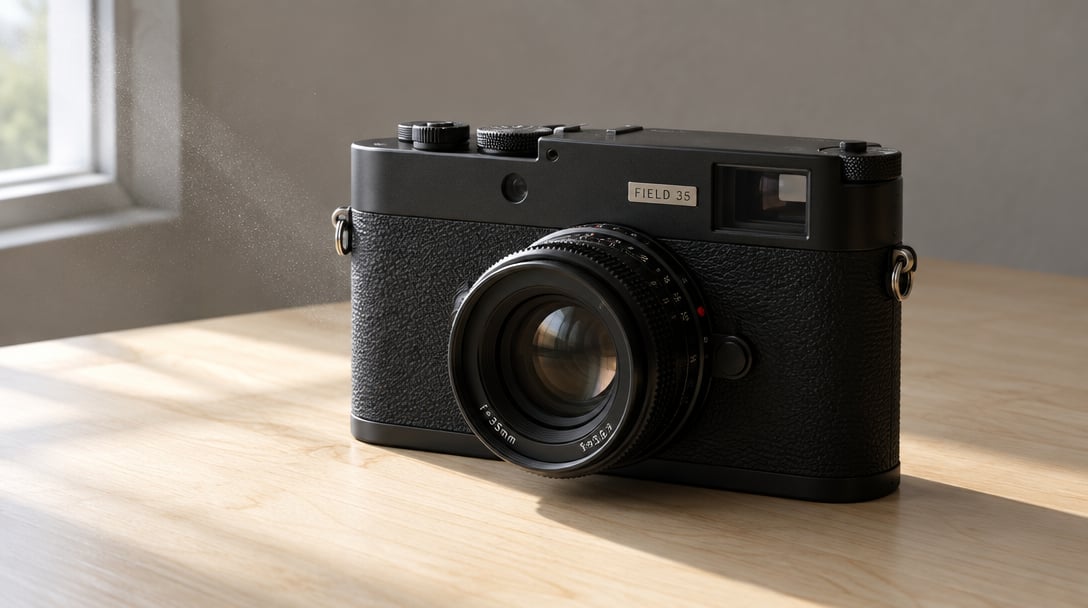
Product still with engraving
Matte black rangefinder camera on a maple tabletop, three-quarter view. A small engraved metal plate on the body reads “FIELD 35”. Soft window light from the left, shallow depth of field, true-to-life metal and leather texture.
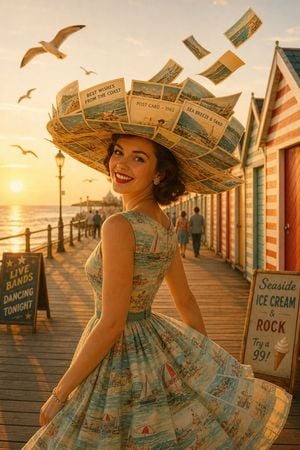
Small printed text in a scene
Seaside boardwalk at golden hour. A woman in a 1960s dress wears a wide-brimmed hat made of old postcards, the tiny print readable: “BEST WISHES FROM THE COAST”, “POST CARD — 1962”. Striped beach huts, gulls, a few postcards flying in the wind. Retro and joyful, 2:3.
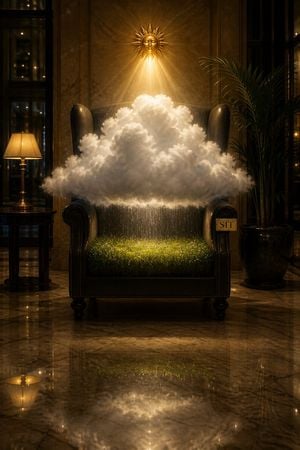
Surreal concept, one label
Photorealistic hotel lobby at night. In a high-backed armchair sits a small dense white cloud with a golden sun above it and a green meadow on the seat, fine rain falling and stopping at the armrests. A small brass plate on the arm reads “SIT”. Marble floor reflecting the cloud, one desk lamp. 2:3.
Templates made with GPT Image 2
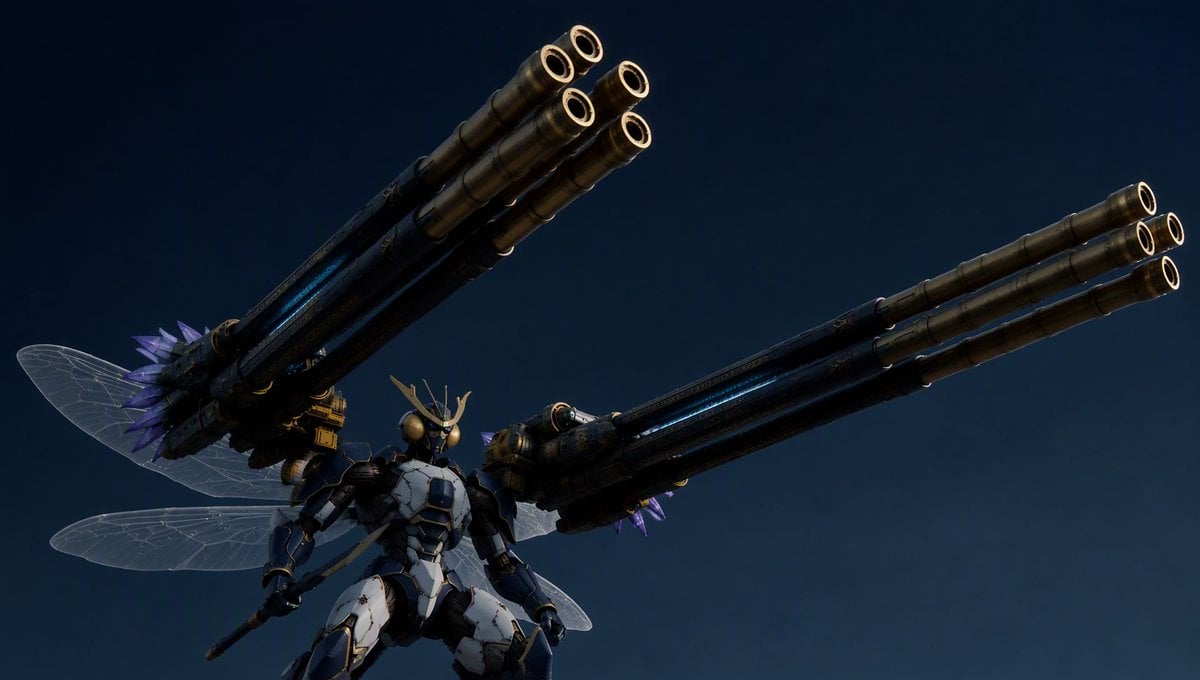
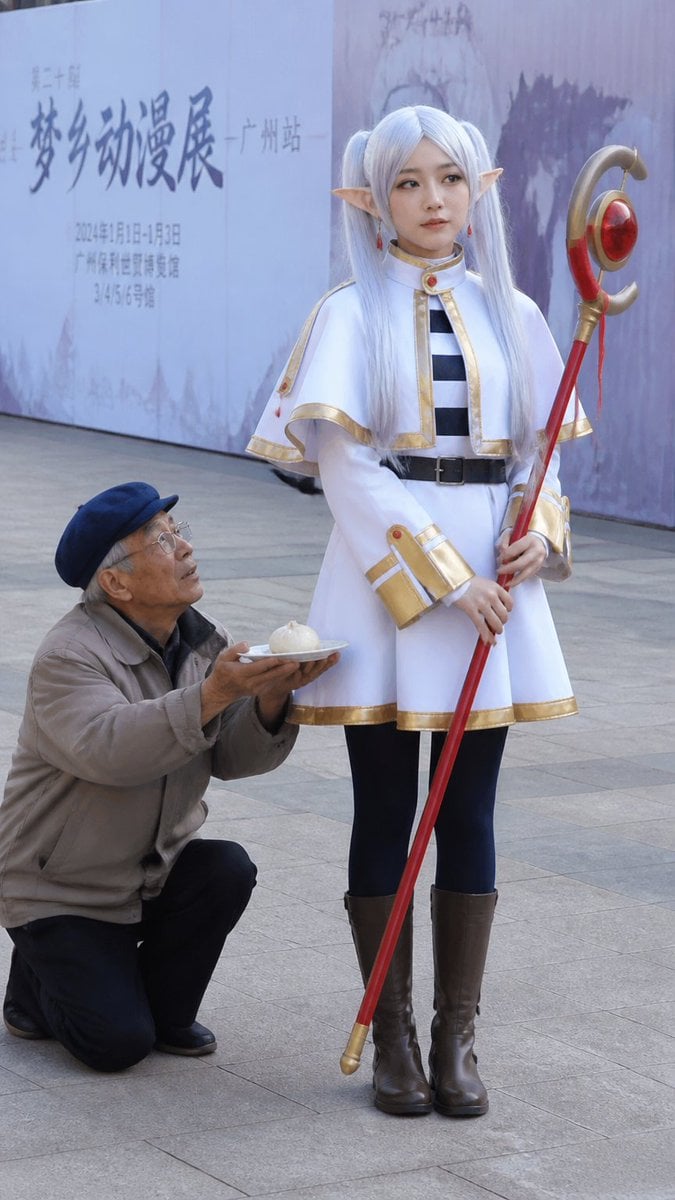
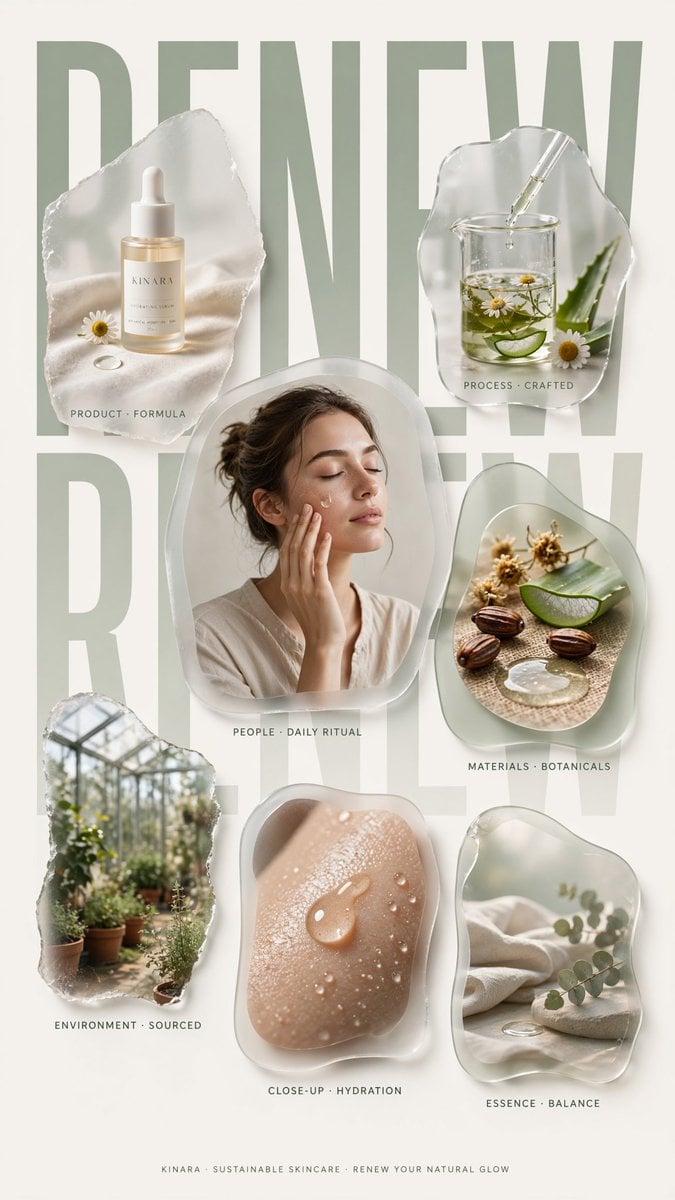
More GPT Image 2 templates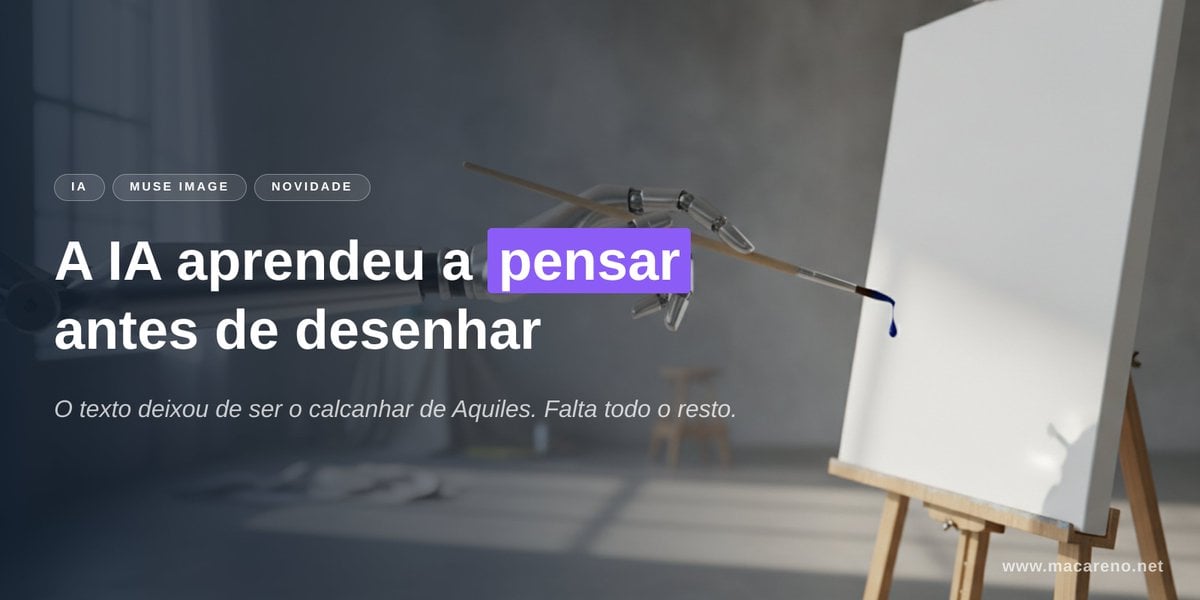
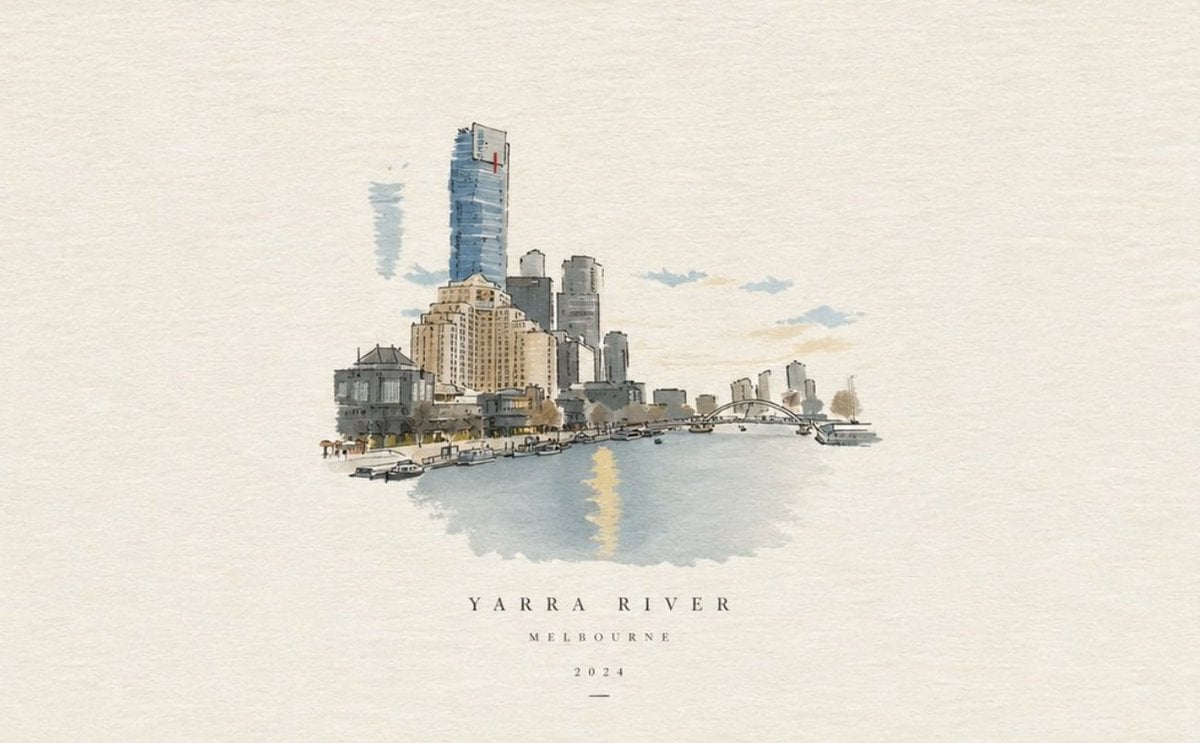
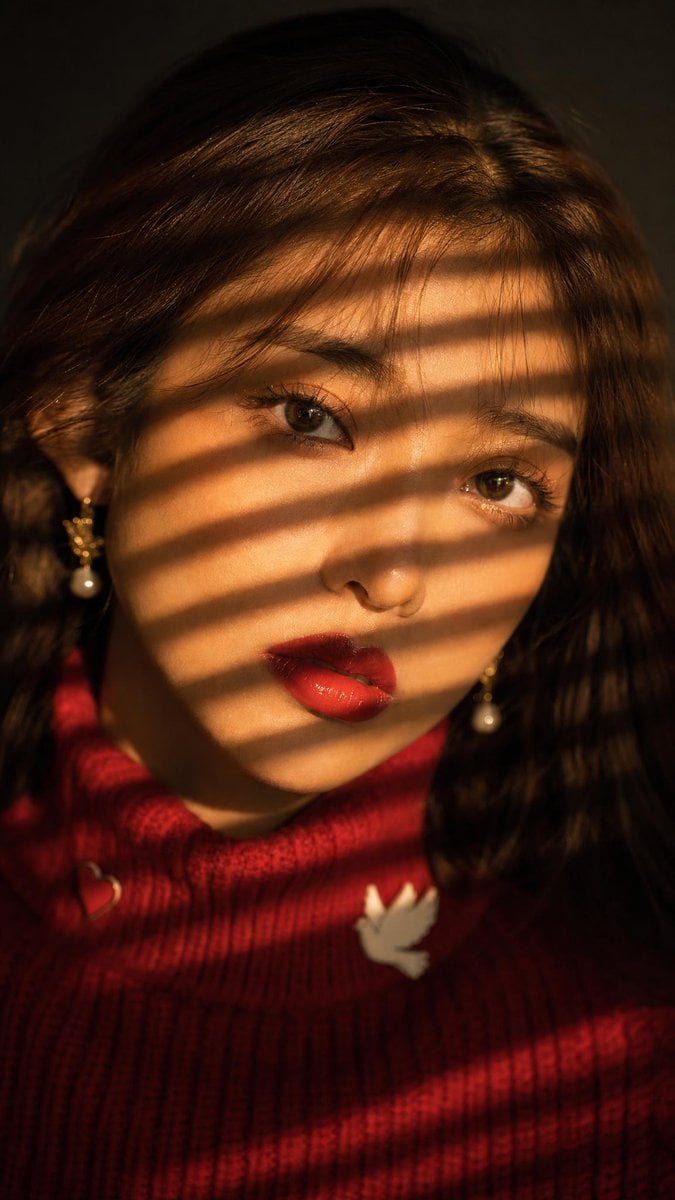
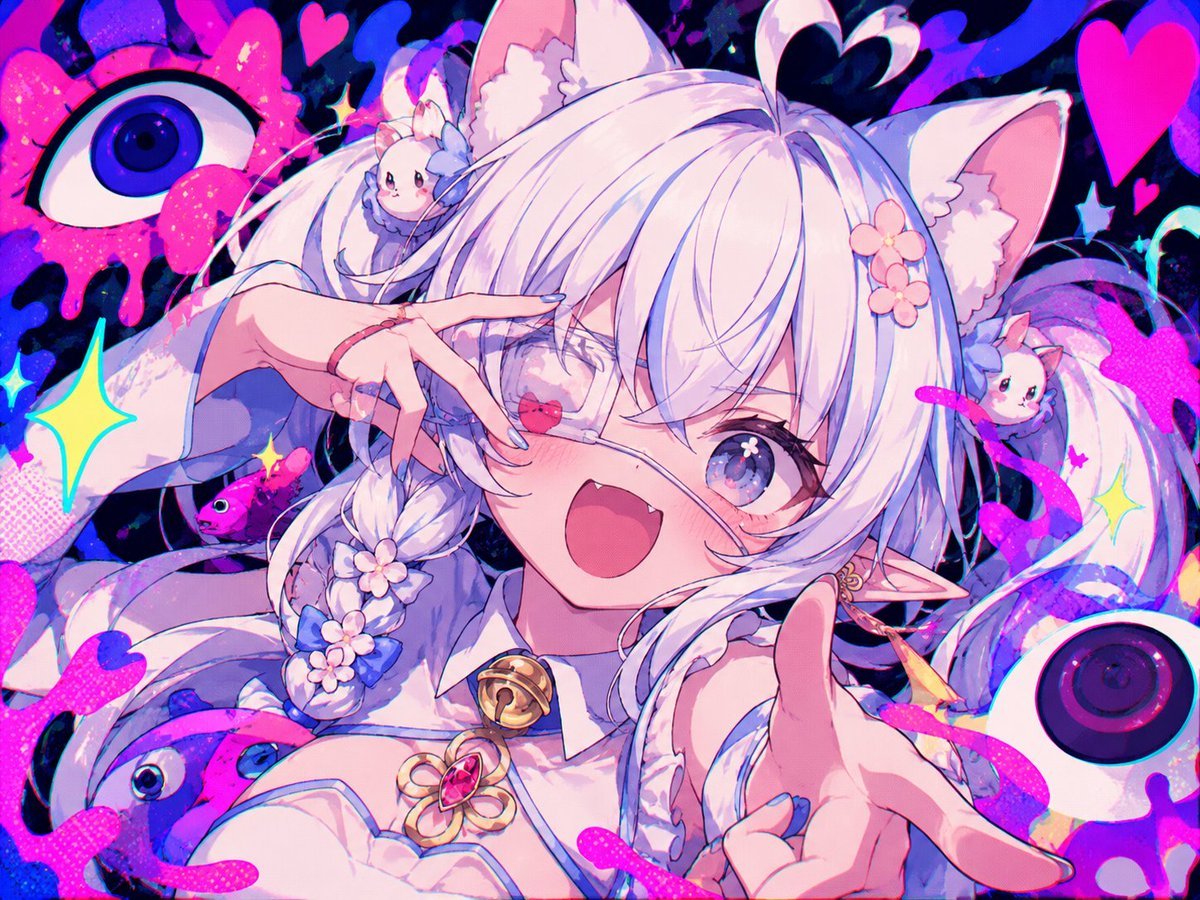
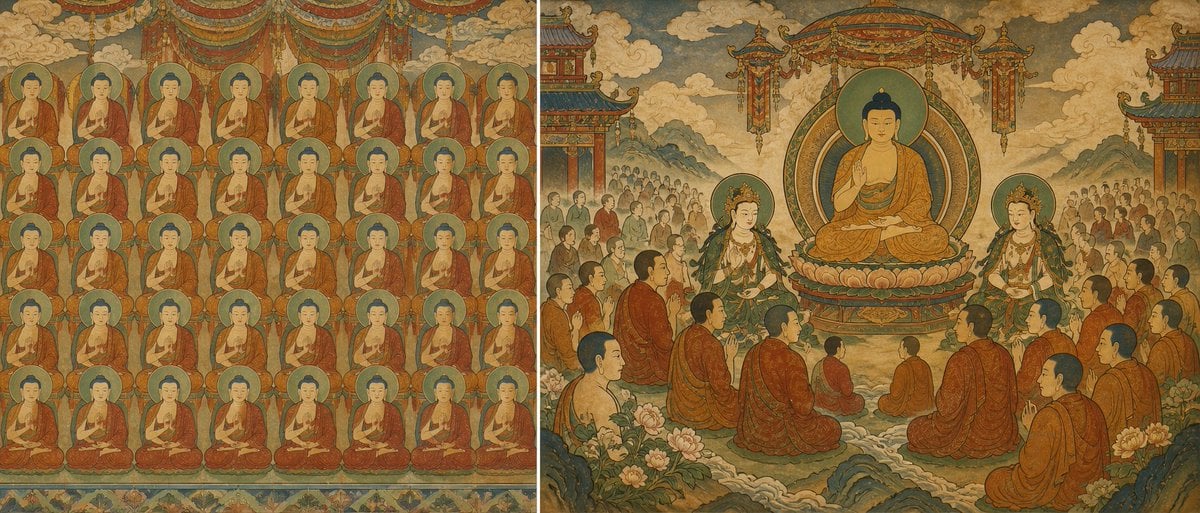
GPT Image 2 questions
What is GPT Image 2.5 Flare?
OpenAI’s latest image model on PicX — stronger text rendering and product detail for complex briefs.
Do I need a Midjourney or Discord sub?
No. PicX runs in your browser. Pick a Creator Credits plan and run Flare on PicX.
Who is it for?
Solo creators and ecom teams shipping ads, product stills, social, and product viz.
How do I start?
Sign up, pick GPT Image 2.5 Flare (or GPT Image 2) in the model menu, write your prompt and generate. Your first image is free, no card needed.
Is this a subscription?
Yes. Creator Credits are a monthly plan that refills your balance each cycle. Cancel anytime and keep the credits already granted; they never expire. Top-ups are available once you have a plan.
Is GPT Image 2 a good DALL-E alternative?
For most people, yes. GPT Image is the OpenAI model line that followed DALL-E 3. On PicX you use it directly, with control over aspect ratio, resolution, background and up to 16 reference images, without a ChatGPT subscription.
Is there a free DALL-E alternative?
Your first image on PicX is free after you sign up, with no card needed, and you can run it on GPT Image 2. After that, images spend credits from a monthly plan.
How much does GPT Image 2 cost?
53 credits per image at 1K or 2K, and 105 credits at 4K. GPT Image 2.5 Flare and 2.5 Sunburst cost the same.
Can GPT Image 2 make images with a transparent background?
Yes. Set Background to Transparent before you generate and you get a PNG with no background, ready for logos, stickers and product cutouts.
Should I use GPT Image 2 or Nano Banana Pro?
Use GPT Image 2 for text in the image, transparent cutouts and busy layouts. Use Nano Banana Pro for photographic finals and consistent characters. Both cost the same per image on PicX.
What is the difference between GPT Image 2, 2.5 Flare and 2.5 Sunburst?
GPT Image 2.5 Flare is OpenAI’s newest image model on PicX, built for stronger text rendering and product detail on complex briefs. It sits next to two siblings. GPT Image 2 is the base model and a safe default. 2.5 Flare is the faster 2.5 option, with natural lighting and rich textures. 2.5 Sunburst takes longer and aims for the most careful finish. All three cost the same per image on PicX, take up to 16 reference images, support transparent backgrounds and go up to 4K, so you can switch between them freely.
How do I get readable text in an image with GPT Image 2?
Put every word that must appear in quotation marks, exactly as it should be spelled. Say where it sits (top third, on the label, on the engraved plate) and how big it is relative to the rest. Keep it short: a headline and one supporting line work better than a paragraph. Name the material, such as letterpress ink, neon tubing or embossed foil, so the type picks up the right texture. If one word comes out wrong, regenerate or edit the image with a note on just that word instead of rewriting the whole prompt.
How do I edit with up to 16 references in GPT Image 2?
Upload an image and describe the change: swap the background, relight the scene, change the label, restyle the whole frame. Say what must stay the same as clearly as what must change. Add more references when one image is not enough, for example a product shot, a face and a mood image, and tell the model which reference does which job. This is how teams keep a product looking identical across a set of ads, or keep one person recognizable across a campaign.
What do the Transparent, Opaque and Auto background settings do in GPT Image 2?
GPT Image 2 is one of the few image models on PicX with a Background setting. Transparent returns a PNG with no background at all, ready to place on a website, a slide or a print layout. Opaque forces a filled background, and Auto lets the model decide from your prompt. For clean cutouts, describe the subject only, ask for even studio light, and avoid props that touch the frame edge.
Which GPT Image 2 resolution and quality setting should I pick?
On PicX, 1K maps to OpenAI’s low quality setting, 2K to medium and 4K to high. 1K and 2K cost the same, so 2K is the default. 4K costs about twice as much and is worth it for print, large displays or images you plan to crop. Every generation spends from your Creator Credits balance, and the exact cost shows on the Generate button before you run it. Credits do not expire.

Run GPT Image 2.5 Flare on PicX
Readable type, transparent PNGs and up to 16 references. Your first image is free.