What is Nano Banana? Complete Guide to AI Image GenerationEverything you need to know about Nano Banana 2 — Google's AI image model powered by Gemini
 PicX StudioUpdated 8 min read
Nano Banana is the name of Google's Gemini image models. This guide covers what Nano Banana is, how Nano Banana 2 compares with Nano Banana Pro and Nano Banana 2 Lite, what each costs on PicX Studio, prompting tips, and how to generate your first image step by step.
On this page
- What is Nano Banana?
- Who Made Nano Banana?
- Nano Banana 2 vs Nano Banana Pro: Which Should You Use?
- How to Generate Images with Nano Banana — Step by Step
- What Can You Create with Nano Banana?
- Nano Banana Prompting Tips
- Nano Banana vs Midjourney
- Nano Banana vs DALL-E
- Nano Banana vs Stable Diffusion
- Nano Banana Pricing on PicX Studio
- FAQ
- Explore more
What is Nano Banana?
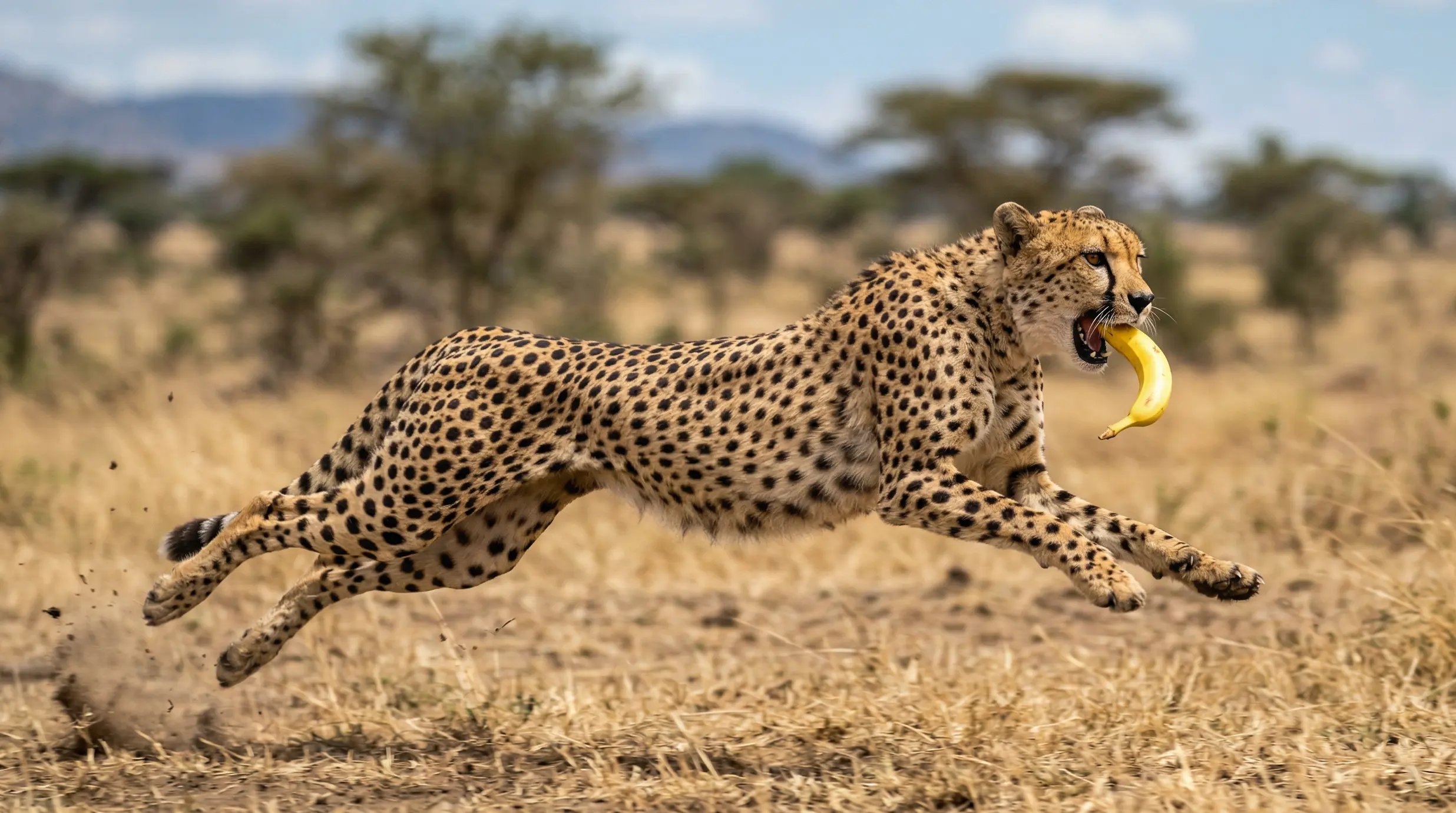
Nano Banana is the popular name for Google's Gemini image generation models, made by Google DeepMind. The name started in 2025 as the codename of Gemini 2.5 Flash Image and stuck. Today there are three Nano Banana models you can use on PicX Studio:
- Nano Banana 2 (Gemini 3.1 Flash Image): fast, sharp and the everyday default. Generates from 0.5K drafts to 4K finals, takes up to 14 reference images and has an optional "thinking" mode for complex layouts.
- Nano Banana Pro (Gemini 3 Pro Image): Google's highest-fidelity image model, with search grounding, for detailed and text-heavy images.
- Nano Banana 2 Lite: the lightest and cheapest Nano Banana, for quick generations and edits.
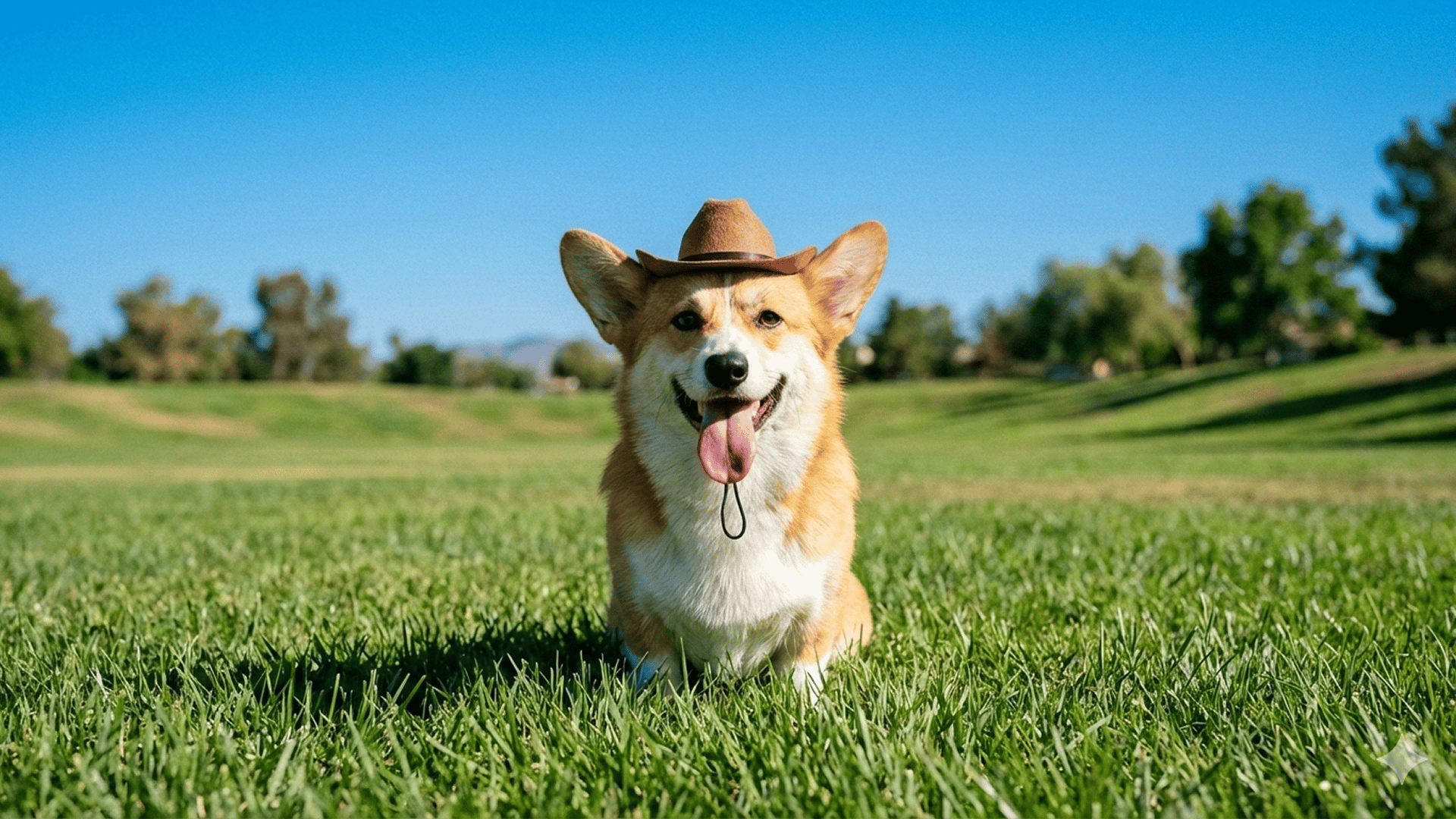
Nano Banana understands styles, lighting, composition and text in images, so you can describe a complex idea in plain language and get it back as a photoreal portrait, a product shot, digital art or a diagram. It also edits: give it reference images and it keeps a face, a product or a style consistent in new scenes.
Who Made Nano Banana?
Google made Nano Banana. It is part of the Gemini family from Google DeepMind, not a PicX Studio model. PicX Studio is a platform where you can use it in the browser, without a Google subscription or API key, next to other image models such as GPT Image 2, Seedream 5, Ideogram V4 and Recraft V4.1, and video models such as Seedance and Kling 3.0.
Nano Banana 2 vs Nano Banana Pro: Which Should You Use?
PicX Studio offers three Nano Banana models for different needs:
Nano Banana 2
- Quality: high quality, sharp and detailed.
- Best for: everyday images, social media, product visuals, iteration.
- Cost: 30 credits at 0.5K, 35 at 1K, 53 at 2K, 105 at 4K.
- Extras: the widest choice of aspect ratios (including 4:1, 1:4, 8:1 and 1:8) and a thinking mode.
Nano Banana Pro
- Quality: maximum fidelity: the finest detail and the most reliable text in images.
- Best for: final renders, client work, posters and text-heavy layouts.
- Cost: 53 credits at 2K, 105 at 4K.
Nano Banana 2 Lite
- Cost: 20 credits per image at any resolution: the cheapest Nano Banana.
- Best for: quick ideas, simple edits and high-volume drafts.
Nano Banana 2 also renders at 1K (35 credits) and 0.5K, sizes Pro does not offer. At 2K and 4K they cost the same, so choose on the result you need. Recommended workflow: iterate on Nano Banana 2 (or Lite), then render the final on Pro when detail or text matters most. The full breakdown is in Nano Banana 2 vs Pro.
How to Generate Images with Nano Banana — Step by Step
- Open PicX Studio — Go to picxstudio.com/create and sign up for free. Your first image is on us.
- Write your prompt — Describe the image you want in natural language. Be specific about subject, style, lighting and mood, and quote any text that should appear.
- Select your model — Choose Nano Banana 2 (recommended, 35 credits at 1K), Nano Banana Pro (53 credits at 2K) for maximum quality, or Nano Banana 2 Lite (20 credits) for quick drafts.
- Choose resolution — Pick 1K for web use, 2K for sharper detail, or 4K for print and large displays. Nano Banana 2 also offers 0.5K for fast drafts.
- Generate — Click Generate. The cost in credits is shown on the button before you start.
- Download and use — Download your image without a watermark. Commercial use is included on every plan.
Want to skip ahead? Open Nano Banana 2 in the generator.
What Can You Create with Nano Banana?
Nano Banana handles a wide range of image types:
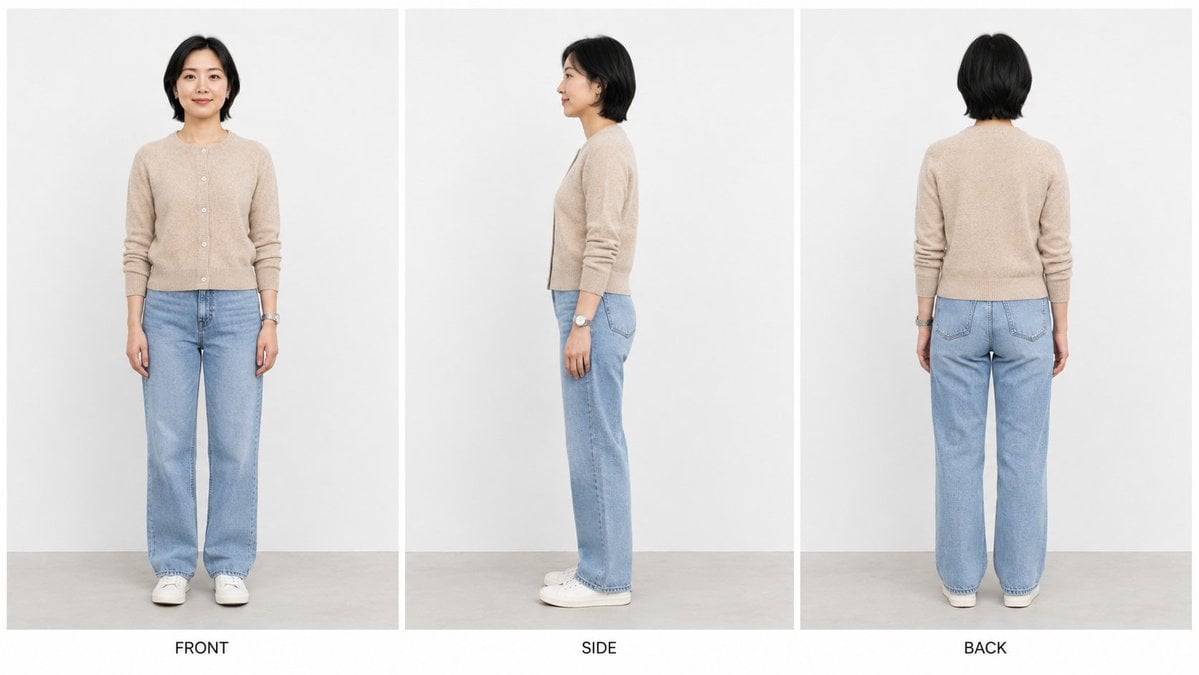
- Professional headshots: studio-style portraits for LinkedIn, resumes and team pages.
- Product photography: e-commerce images with clean lighting and backgrounds.
- Digital art and illustrations: paintings, concept art and creative visuals.
- Social media content: Instagram posts, thumbnails and scroll-stopping visuals.
- Brand and marketing materials: ad creatives, banners and consistent brand imagery.
- Anime and character art: characters, avatars, game assets and turnaround sheets.
- Interior design and architecture: room designs, visualizations and mood boards.
- Fashion and lifestyle photography: outfits, influencer-style content and lifestyle scenes.
Nano Banana Prompting Tips
Get better results from Nano Banana with these prompting habits:
- Name the style: "photorealistic", "oil painting", "anime" or "watercolor" sets the look.
- Describe the lighting: "golden hour", "soft studio light", "dramatic shadows" or "overcast daylight".
- Add camera details: "85mm lens", "f/1.4 bokeh", "wide angle" or "macro" for photoreal shots.
- Quote any text: put the exact words in quotes and say where they go.
- Use the prompt generator: the free Nano Banana Prompt Generator writes structured prompts for you, with negative prompts and variants.
Nano Banana vs Midjourney
Midjourney is its own image model and service with a separate subscription. Nano Banana is Google's model, and on PicX Studio it runs in the browser under the same plan as every other image and video model. Nano Banana is especially strong at following long, specific prompts, keeping a subject consistent across references, and rendering text. See the Midjourney alternative page for a full comparison.
Nano Banana vs DALL-E
DALL-E is OpenAI's earlier image model; OpenAI's current image models are the GPT Image family. On PicX Studio you can use both Nano Banana and GPT Image 2 side by side and compare them on the same prompt. See the DALL-E alternative page.
Nano Banana vs Stable Diffusion
Stable Diffusion is an open model you usually run yourself, on your own GPU or a hosted setup, with checkpoints, LoRAs and node workflows to manage. Nano Banana runs in your browser on PicX Studio with no setup. For high-quality images without managing models or VRAM, Nano Banana is the simpler choice. See the Stable Diffusion alternative page.
Nano Banana Pricing on PicX Studio
Nano Banana is priced per image, by model and resolution (credits per image):
| Model | 0.5K | 1K | 2K | 4K |
|---|---|---|---|---|
| Nano Banana 2 | 30 | 35 | 53 | 105 |
| Nano Banana Pro | — | — | 53 | 105 |
| Nano Banana 2 Lite | — | 20 | 20 | 20 |
Signing up is free and your first image is on us. After that, plans start at $11.99/month for 3,600 credits (about 102 Nano Banana 2 images at 1K), or buy a one-time credit pack from $5. Credits never expire. See plans and credits.
Frequently asked questions about Nano Banana
What is Nano Banana?
Nano Banana is the popular name for Google's Gemini image generation models. They create and edit images from text descriptions and reference images: photoreal portraits, product photos, digital art, text-heavy designs and more. Nano Banana 2 is the fast everyday model, Nano Banana Pro the highest-fidelity one, and Nano Banana 2 Lite the cheapest.
Who made Nano Banana?
Google made Nano Banana. It is part of Google DeepMind's Gemini family; PicX Studio did not create it. PicX Studio lets you use it in the browser, next to other image and video models, without a Google subscription or API key.
Is Nano Banana the same as Imagen?
No. Imagen is a separate family of Google text-to-image models. Nano Banana is Gemini's own image generation (Nano Banana 2 is Gemini 3.1 Flash Image, Nano Banana Pro is Gemini 3 Pro Image), which can also edit images and follow long, conversational prompts.
What is the difference between Nano Banana 2 and Nano Banana Pro?
Nano Banana 2 is the faster everyday model: 35 credits at 1K, 53 at 2K, 105 at 4K, plus a 0.5K draft size and extra aspect ratios. Nano Banana Pro is Google's highest-fidelity model for final renders and text-heavy images: 53 credits at 2K and 105 at 4K. They cost the same at 2K and 4K; only Nano Banana 2 offers the cheaper 1K and 0.5K sizes.
Is Nano Banana free?
Signing up for PicX Studio is free and your first image is on us. After that, Nano Banana 2 costs 35 credits per image at 1K (Nano Banana 2 Lite costs 20). Plans start at $11.99/month, or you can buy a one-time credit pack from $5.
What kinds of images can Nano Banana generate?
Nearly any kind: professional headshots, product photography, digital art, anime and character sheets, logos, social media content, posters with text, fashion photography, interior design and more. Describe what you want in a text prompt, and add reference images to keep a face, product or style consistent.
What resolution does Nano Banana support?
Nano Banana 2 generates at 0.5K, 1K, 2K and 4K (30, 35, 53 and 105 credits). Nano Banana Pro generates at 2K and 4K (53 and 105 credits). Nano Banana 2 Lite costs 20 credits at any resolution. 4K is print-ready for posters and large displays.
Can I use Nano Banana images commercially?
Yes. Commercial use is included on every PicX Studio plan: websites, ads, merchandise, client work and social media. Downloads have no watermark.
How does Nano Banana compare to Midjourney?
Midjourney is a separate model and service with its own subscription. Nano Banana is Google's model; on PicX Studio it runs in the browser under the same plan as every other model, and it is especially good at following long prompts, keeping subjects consistent across reference images, and rendering text.
More questions? Email support or see plans and credits.
Explore more on PicX Studio
- Nano Banana 2 AI Image Generator — Generate images now
- Nano Banana Pro — Highest-fidelity Nano Banana
- Nano Banana 2 Lite — 20 credits per image
- Nano Banana 2 vs Pro — Full Comparison
- Free Nano Banana Prompt Generator — Write better prompts
- Midjourney Alternative — Nano Banana vs Midjourney
- DALL-E Alternative — Nano Banana vs DALL-E
- Stable Diffusion Alternative
- What is Seedance? — ByteDance's AI video models explained
- AI Image Templates
- Pricing & Credits
- AI Image Generation Blog