
IMAGEGoogle · from 20 credits / image
The fastest, cheapest banana
Nano Banana 2 Lite — AI Image Generator
20 credits per image. 1K output. Generate and edit.
Create and edit polished 1K images from a prompt or reference image in seconds with Nano Banana 2 Lite, an affordable model for rapid creative iteration.
- 1K–4K
Ideas at full speed
Twenty credits, a few seconds
Nano Banana 2 Lite is the cheapest way to run a Nano Banana model on PicX. Every image is a flat 20 credits, so you can run ten ideas for the price of a handful on a premium model and keep only what works.
Edits at the same price
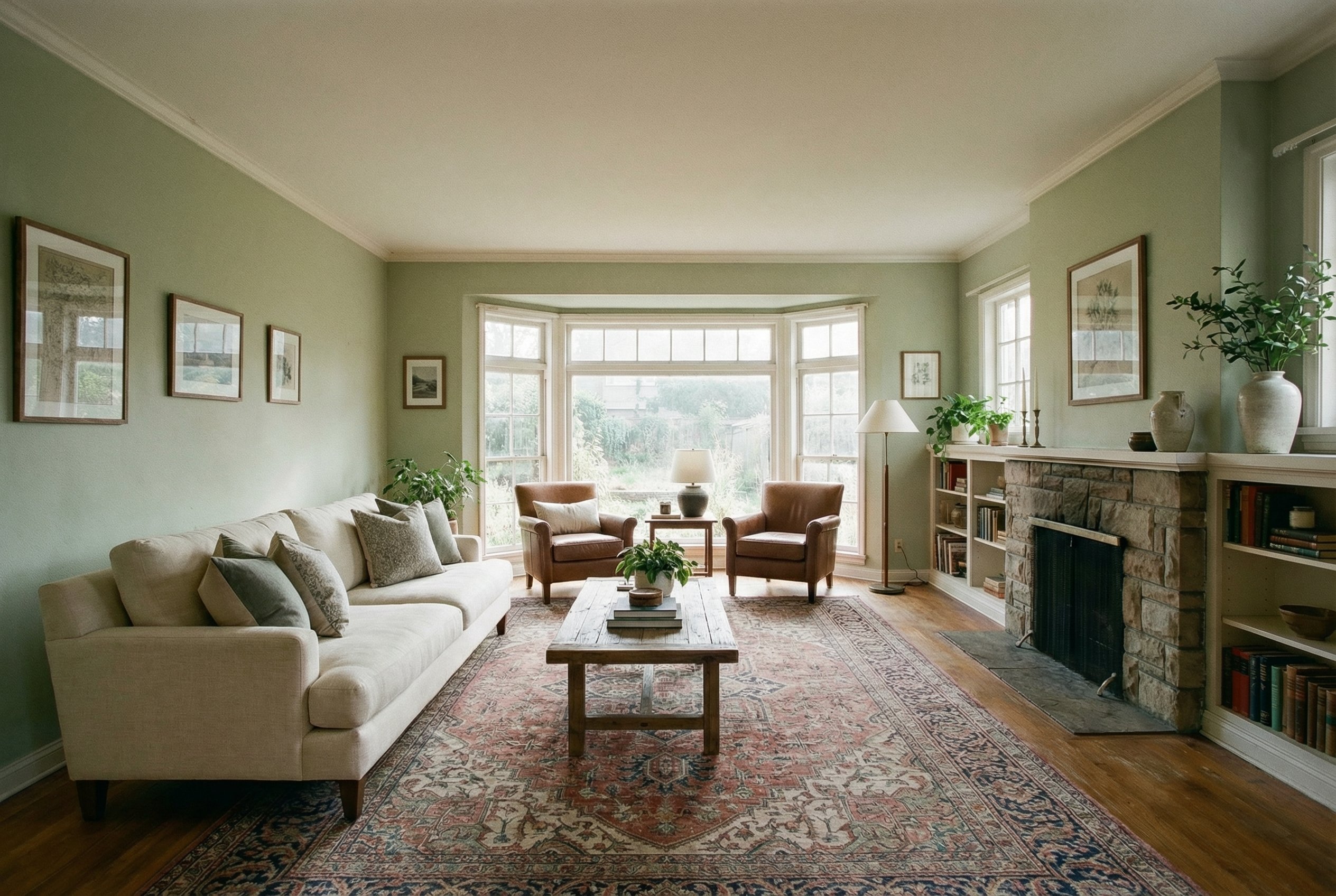
Upload a photo and say what to change: swap the background, restyle a room, add an object, change the light. Lite takes up to 14 reference images, so quick edits and composites cost the same 20 credits as a fresh image.
Small model, full controls
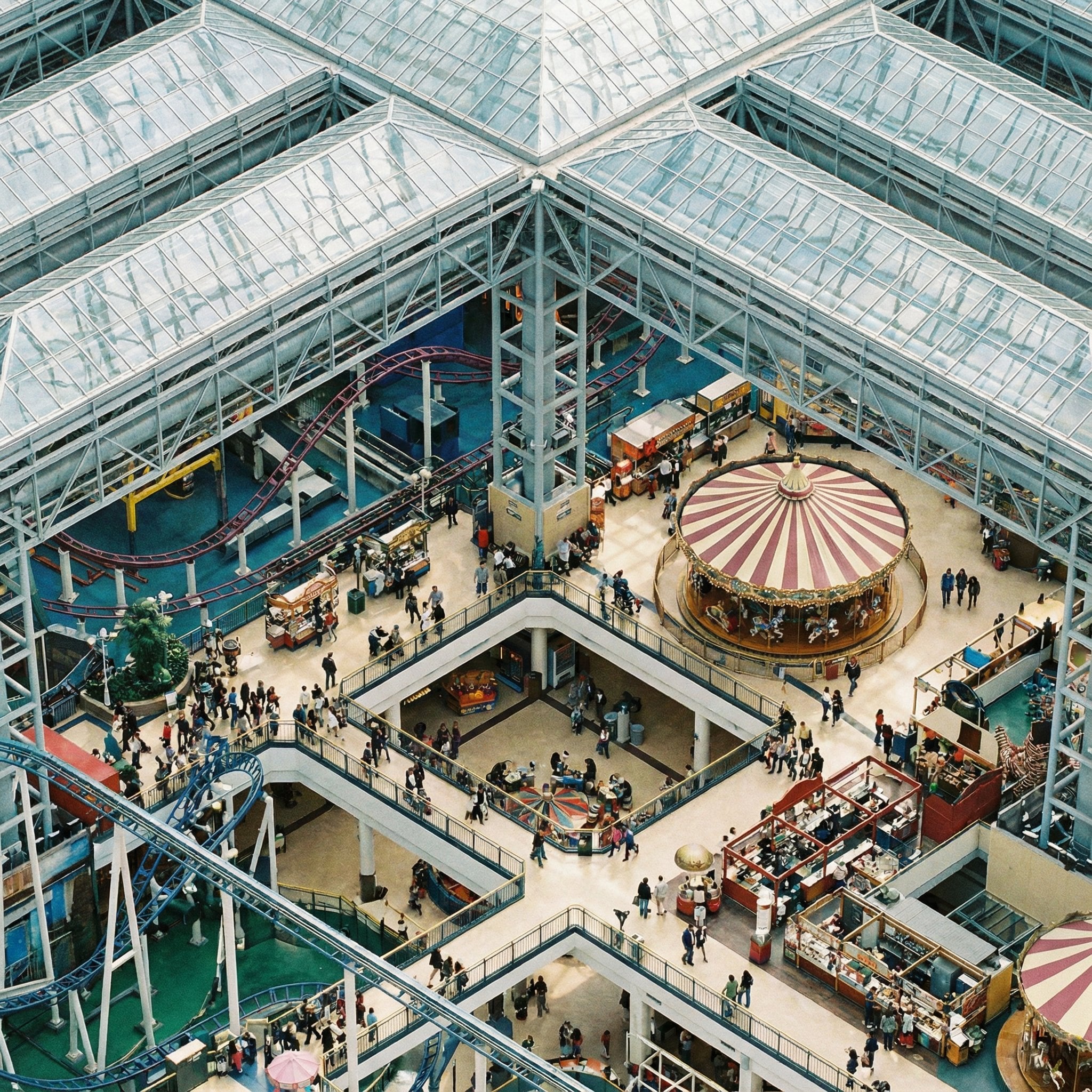
Lite keeps the Nano Banana 2 controls: Thinking for busy scenes, a seed for repeatable looks, and every ratio from 1:8 to 8:1. Plan a crowded isometric scene or a long banner without paying for a bigger model.
Nano Banana 2 Lite
20 credits per image. 1K output. Generate and edit.
Good for everyday assets
Mascots and cute characters Round, friendly characters with soft fur and big eyes, for stickers, apps and social.
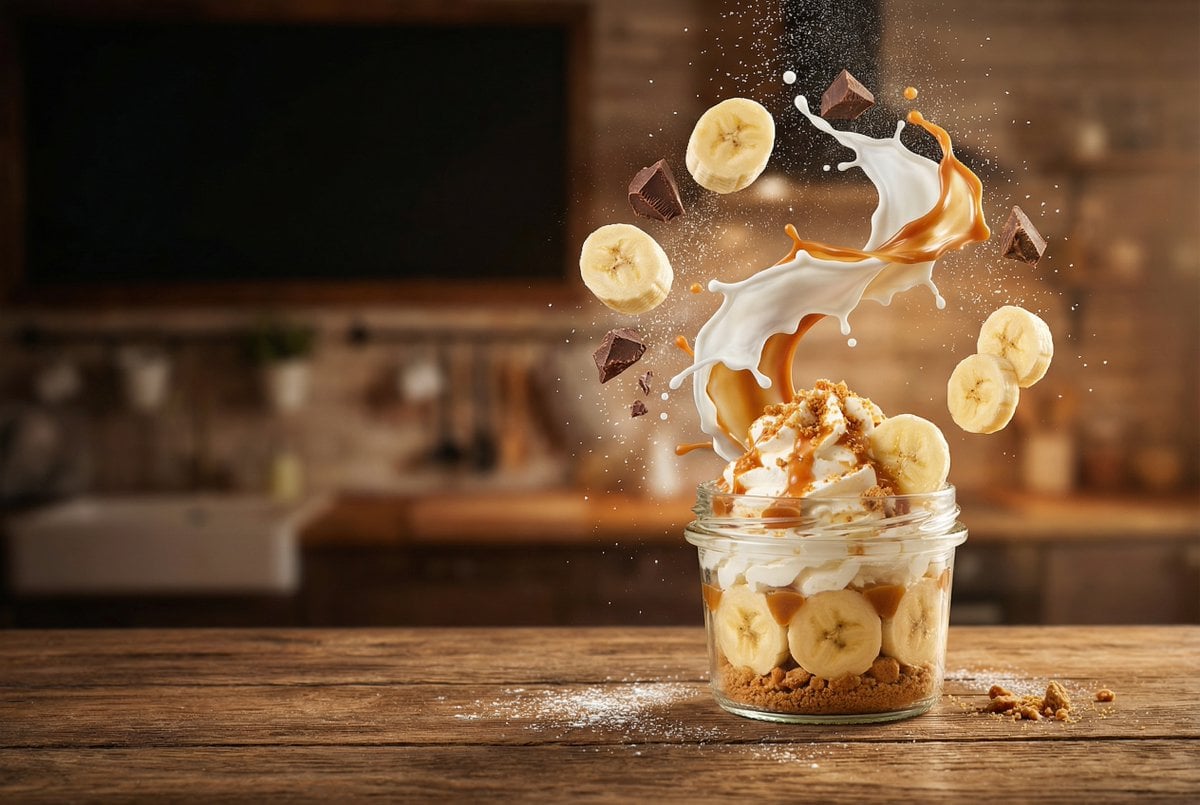
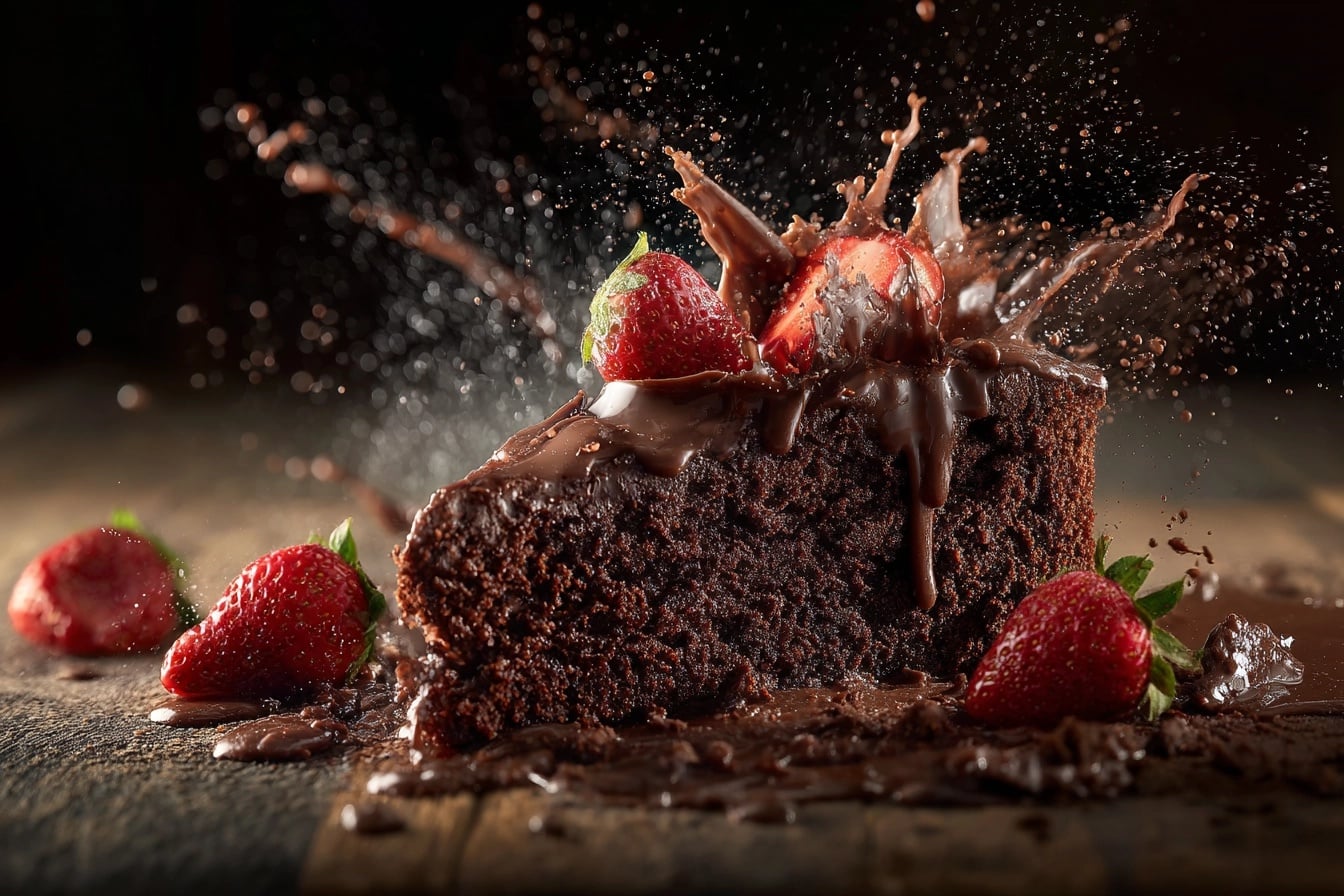
Food and drink Menu tests, recipe headers and splash shots, generated fast enough to try every angle.
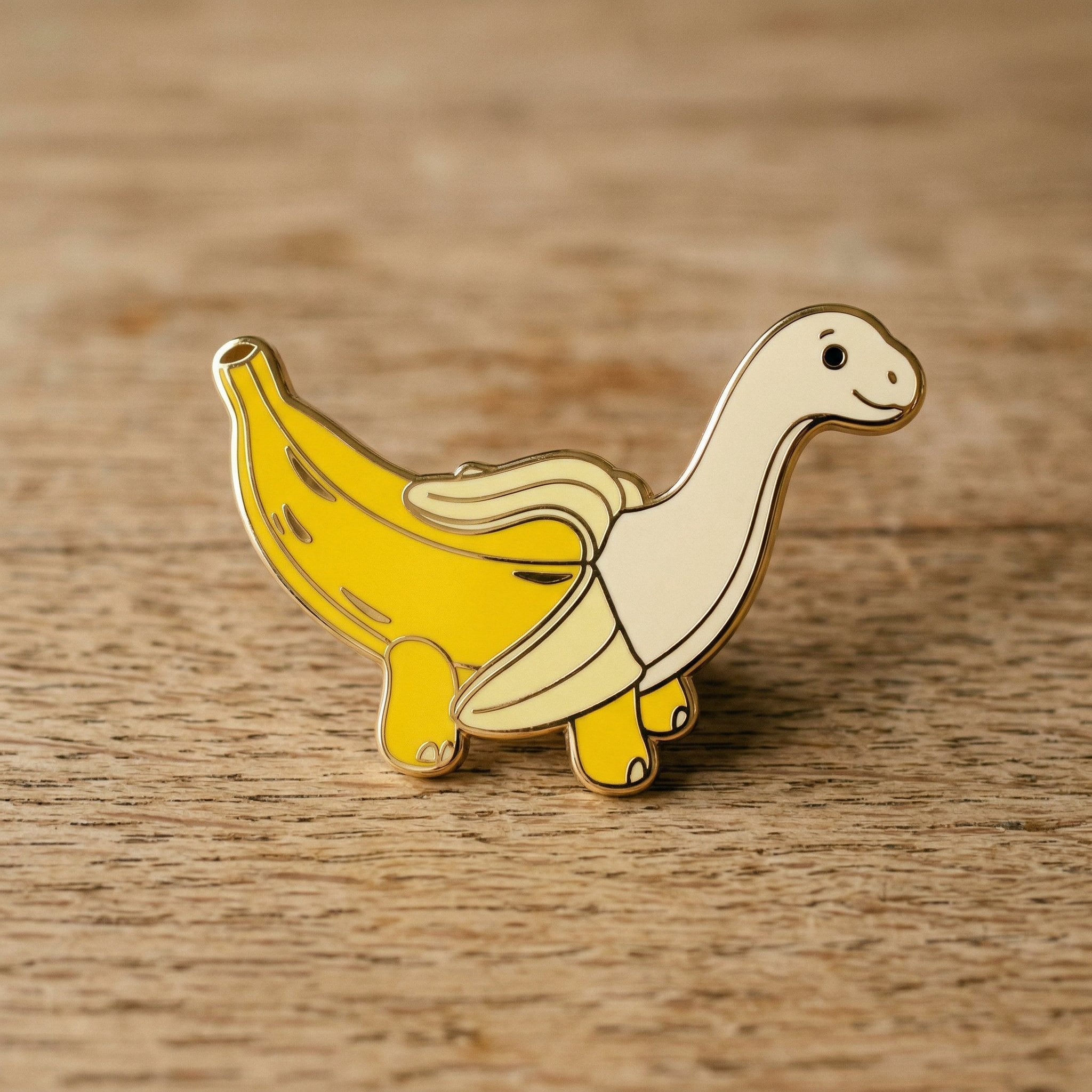
Merch concepts Pins, stickers and badges to test before you send anything to a manufacturer.
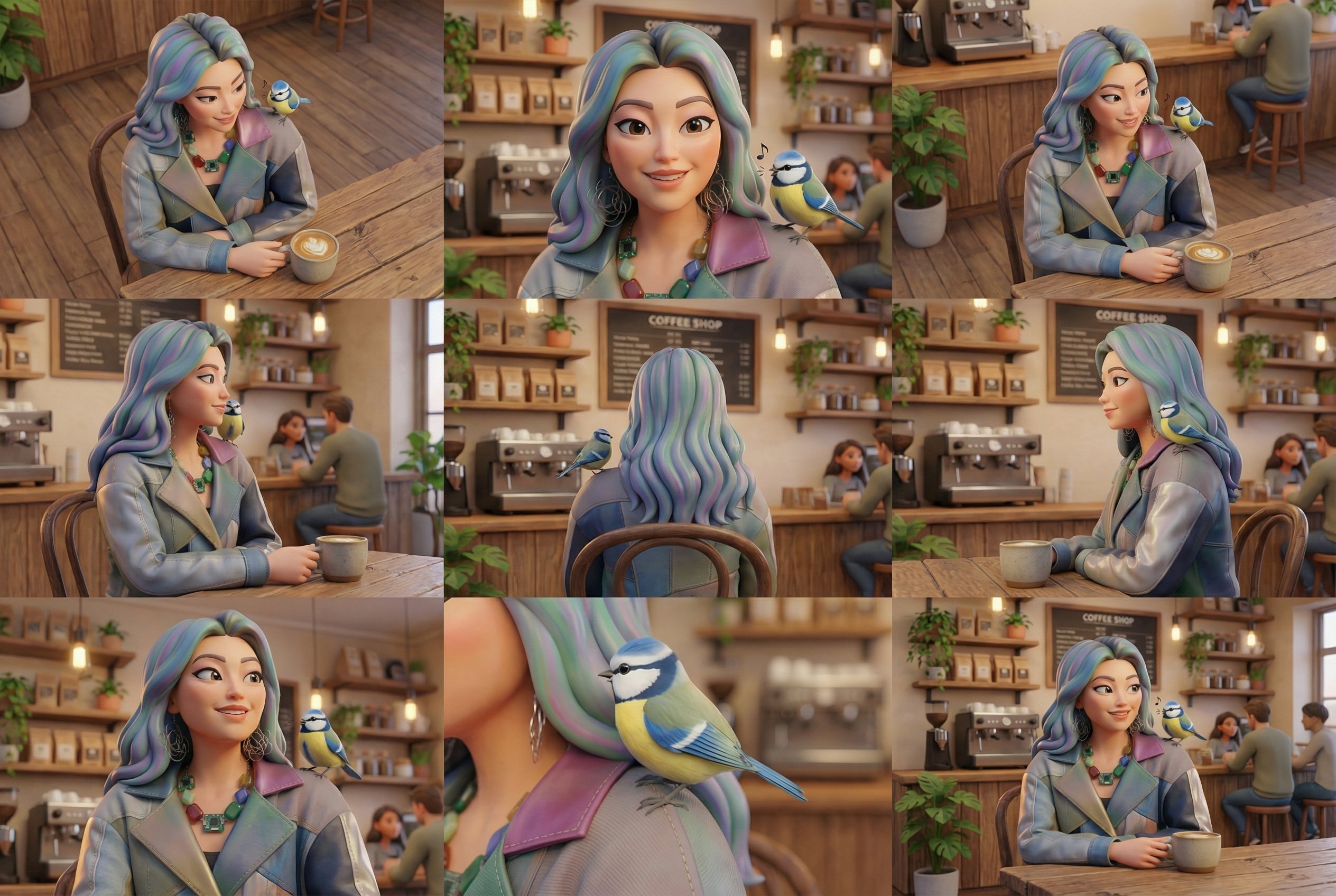
Character variations A grid of poses and expressions for the same character to pick a direction from.
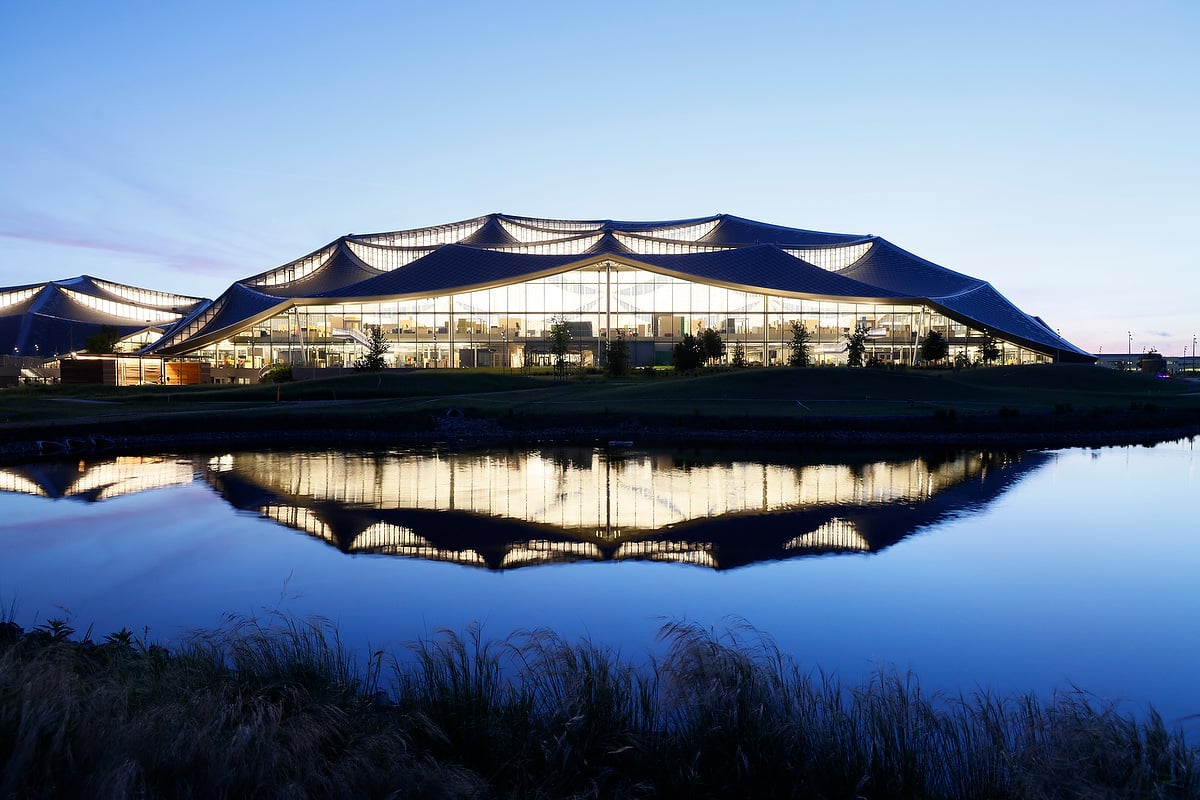
Places and spaces Architecture, interiors and landscapes for moodboards and early pitches.
Why start with Lite
- 20Credits per imageThe lowest price of any Nano Banana model, for generation and edits alike.
- 1KFixed output1024px images, the right size for feeds, drafts, thumbnails and decks.
- 14 refsReference imagesEdit and combine up to 14 images in one request.
- 8:1Any ratioTall 1:8 strips to 8:1 banners, plus every standard ratio and Auto.
- ThinkThinking modeOff, Minimal or High, to plan complex scenes before drawing.
- SeedRepeatable looksReuse a seed to iterate on one image instead of starting over.
What Nano Banana 2 Lite costs
Billed per image, at the resolution you pick. The same prices the generator shows before you run it.
- 1K–4K20credits / imageOn Starter≈ 180 images / mo
Every model on every planCredits never expireSee plans
Pay for Nano Banana 2 Lite with crypto
Buy credits with Bitcoin, USDT, USDC, ETH, Solana and more — no card, nothing auto-renews, packs from $5, and 15% extra credits on crypto payments.
Lite or the full model?
Lite trades resolution for speed and price. Exact credits are in the pricing table.
Same prompt style across all three, so a Lite draft moves to Nano Banana 2 or Pro without a rewrite.
How to use Nano Banana 2 Lite in 3 steps
- 1
Start from a prompt or photo
Write an idea, or upload up to 14 images to edit or combine.
- 2
Keep the prompt focused
One clear subject, a setting and a style. Add Thinking only if the scene is crowded.
- 3
Generate and iterate
Every image is 20 credits at 1K. Run variations, then move the keeper to a bigger model if you need 4K.
Nano Banana 2 Lite prompts to copy
Real prompts and what they made. Copy one, or open it in the generator with the model already picked.
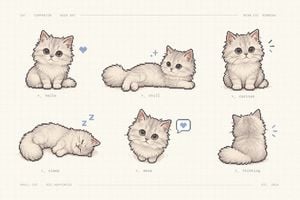
Pixel-art companion sheet
Charming pixel-art character sheet of a fluffy cream kitten as a virtual companion, laid out like a retro game asset preview. Warm off-white paper background with a faint grid. Six kitten sprites in a 3 by 2 grid: sitting, lying, sleeping, curled up, chatting, walking. Tiny monospaced gray labels under each sprite. 3:2.
Flat illustration set
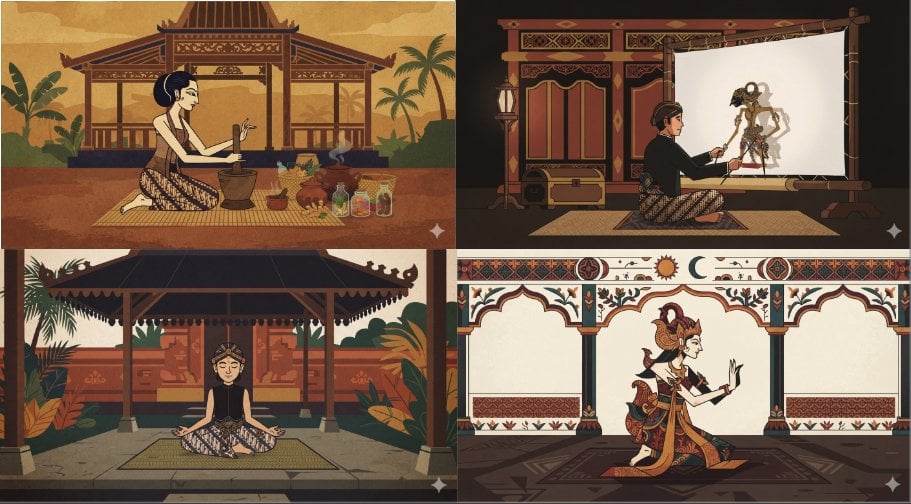
Four minimal flat illustrations in Javanese style in a 2 by 2 grid, one character per panel: a woman grinding herbs in a wooden pendopo, a puppeteer performing wayang kulit behind a lit screen, a dancer meditating under a pavilion, a classical dancer before carved arches. Batik clothing, earthy ochre, maroon and teal palette, clean shapes, storybook framing.
Food splash shot
Banana cream dessert in a short glass on a rustic wooden table, layers of cream and crumble, banana slices and a splash of caramel frozen in mid-air above it. Warm kitchen background with soft bokeh, side light, appetizing and crisp.
Enamel pin concept
Enamel pin shaped like a dinosaur whose body is a half-peeled banana, glossy yellow and cream enamel with thin gold outlines, lying on a weathered wooden surface, soft daylight, macro product shot.
Templates to start from
Browse all templates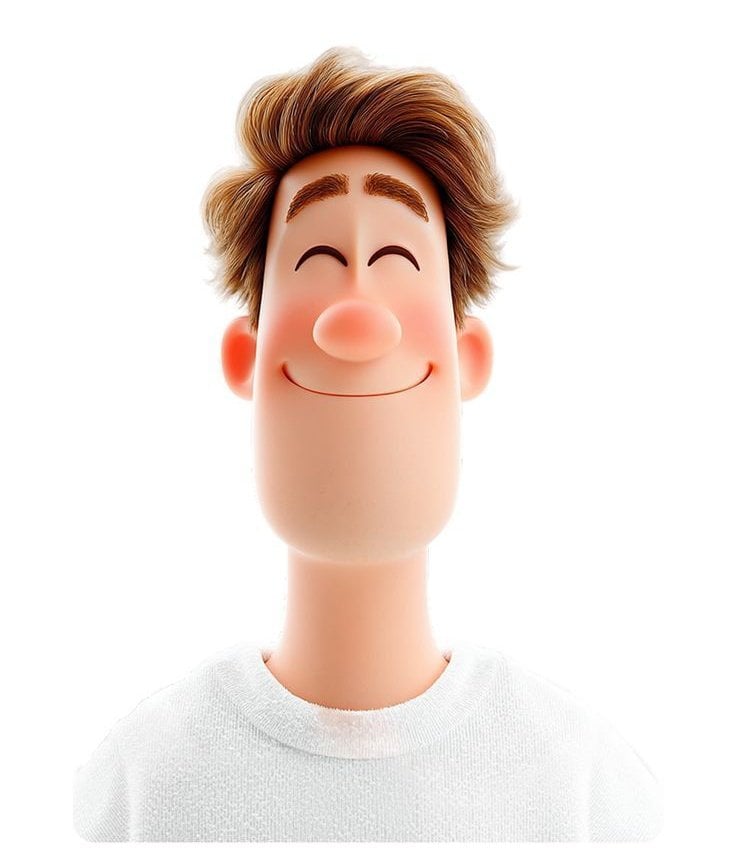 3D avatar of a man, with a happy face on a white background, no necks
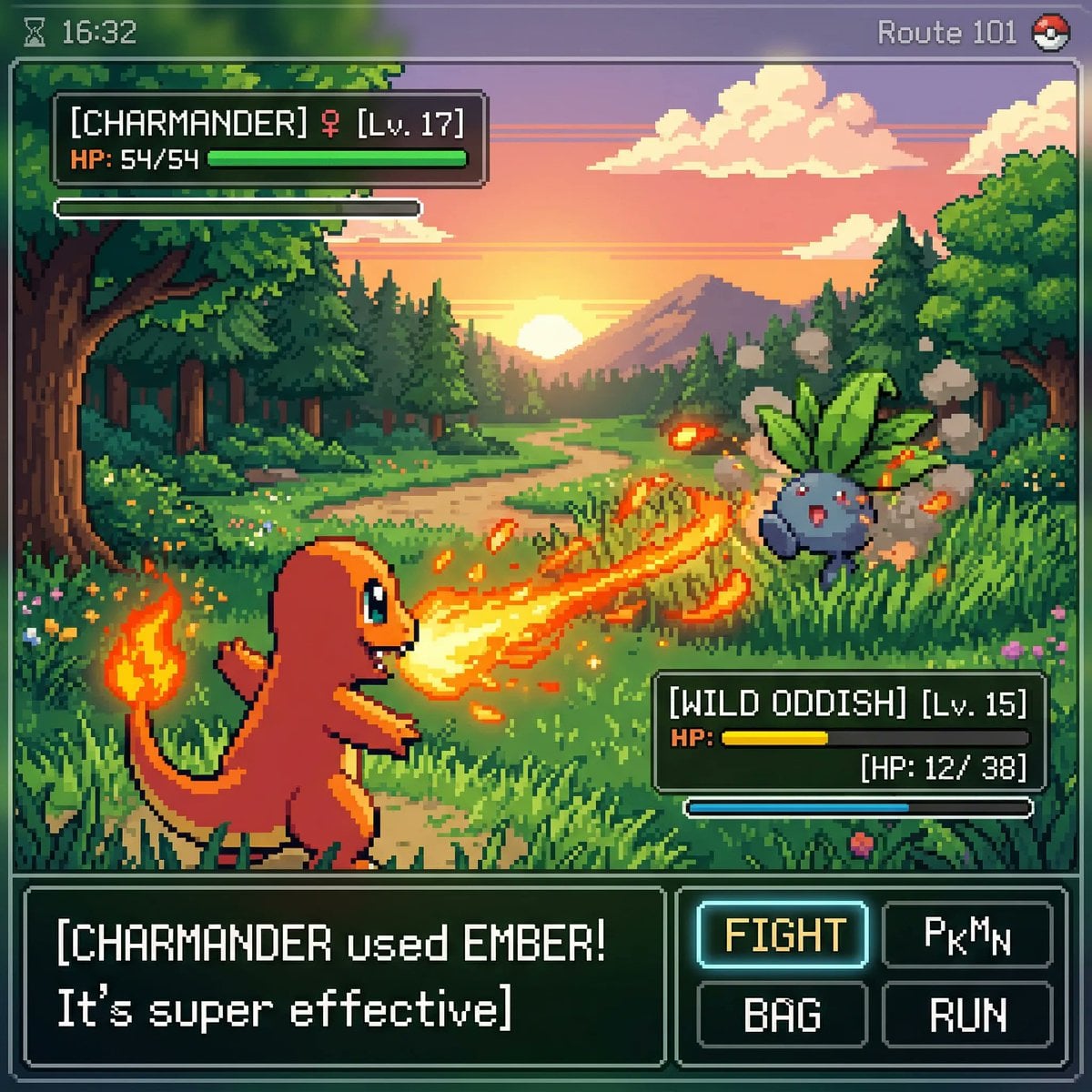 Inspired by a classic pokemon gameboy screenshot but it s highly
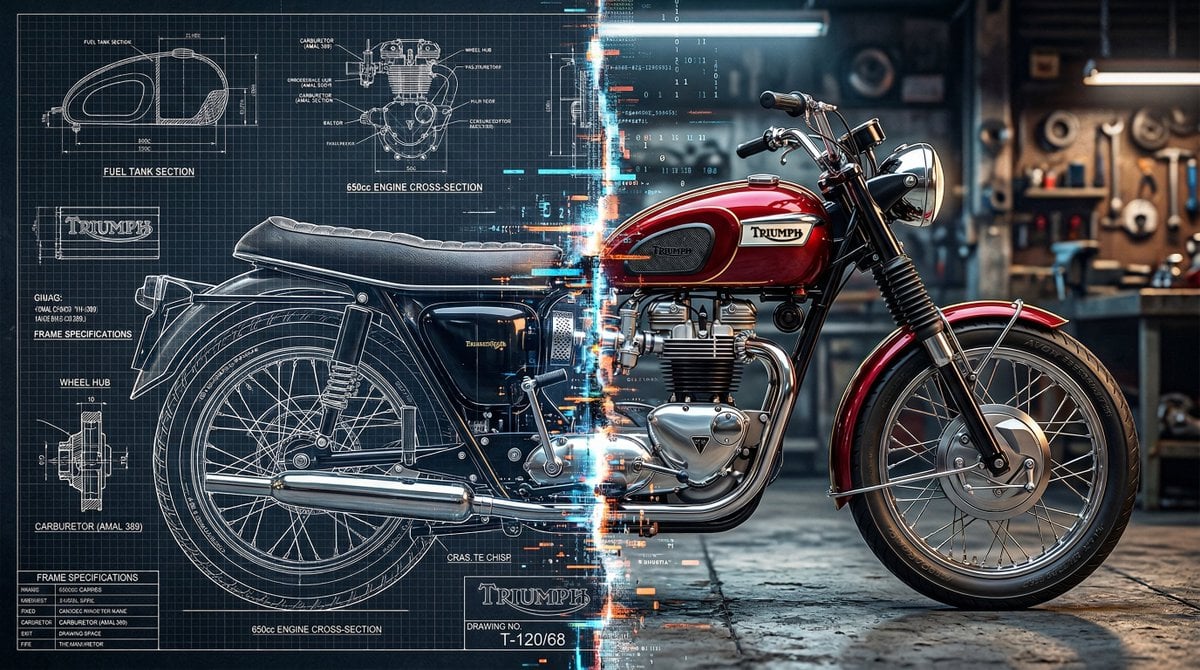 A split vertically down the center, left half as a technical blueprint
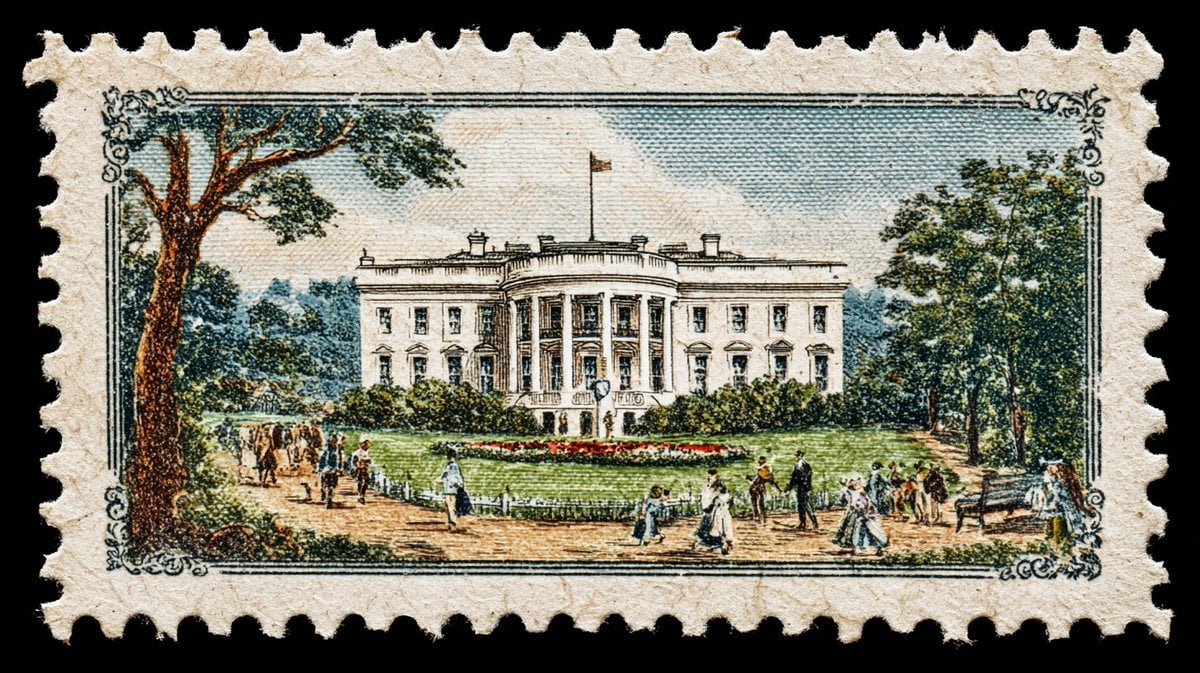 A vintage postage stamp depicting
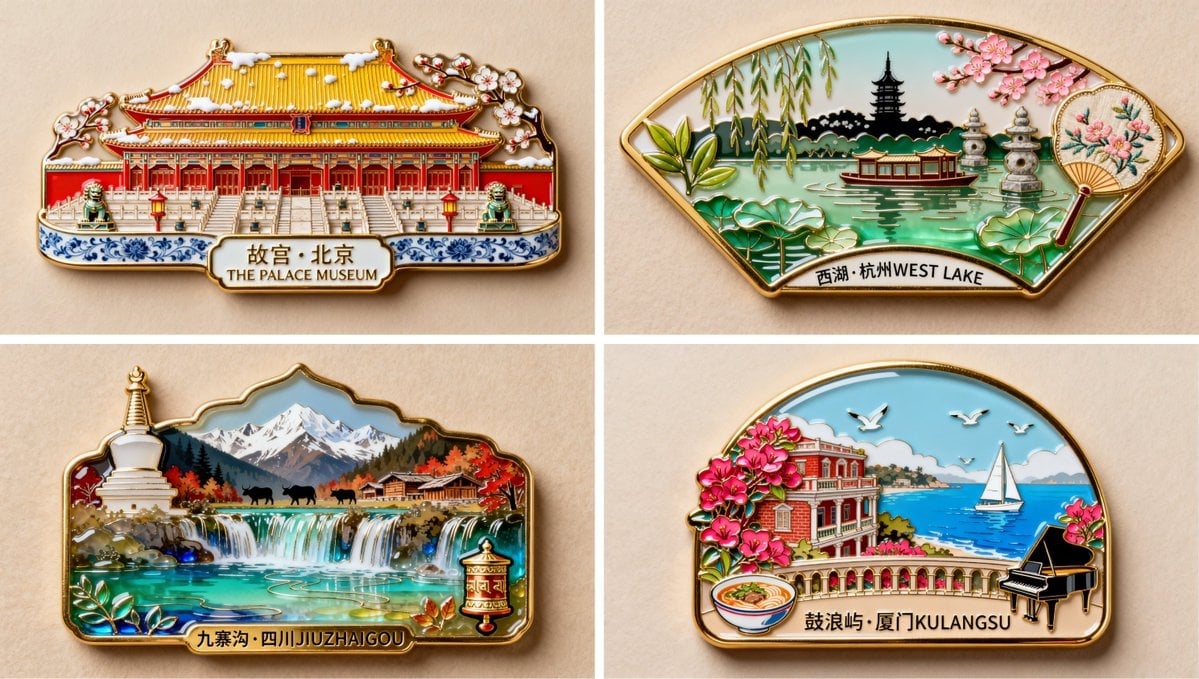 珐琅彩琉璃艺术风格,金属质感,制作一枚冰箱贴,写着 西湖 杭州 WEST LAKE 字样 冰箱贴以断桥拱形轮廓为基底外形
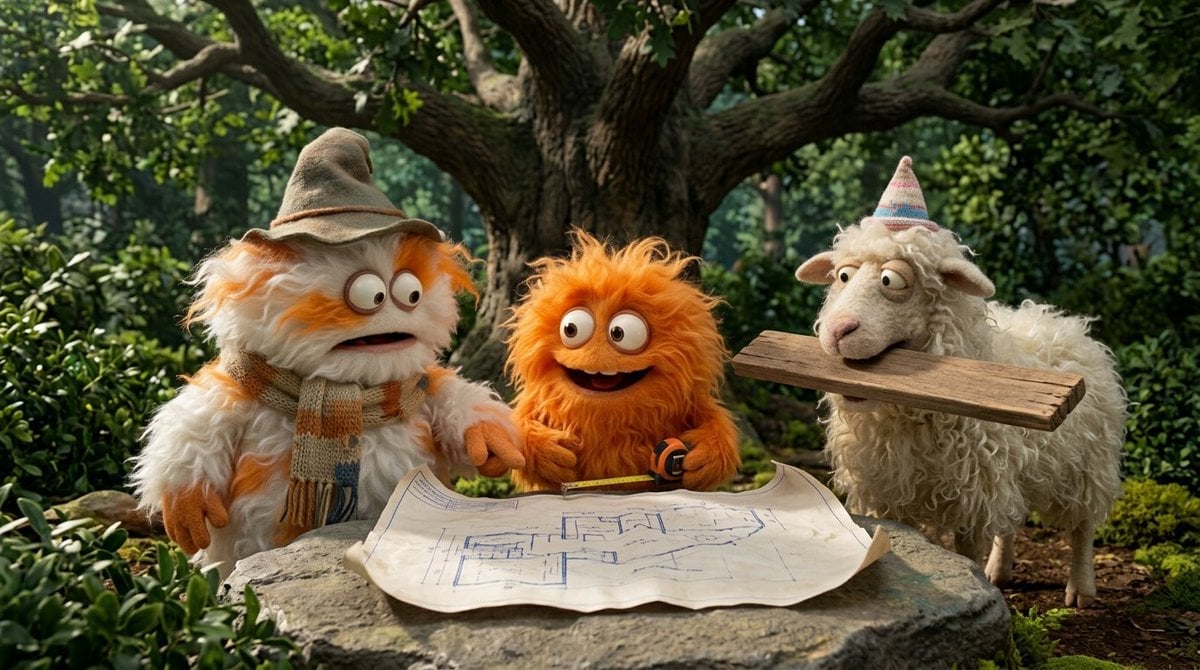 Funny 4-part story featuring 3 fluffy creatures building a treehouse
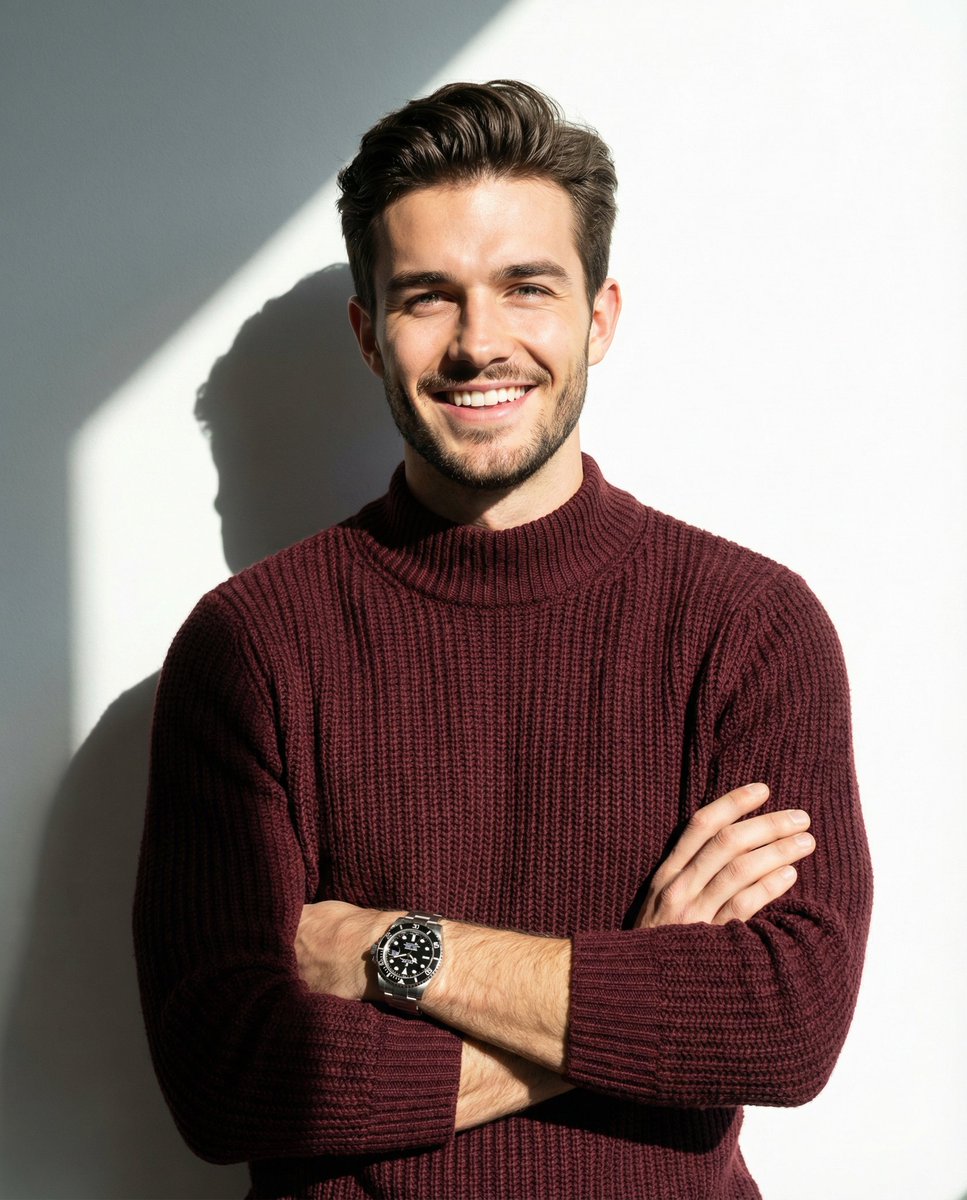 A man smiling and posing with his arms crossed, wearing a maroon knitted
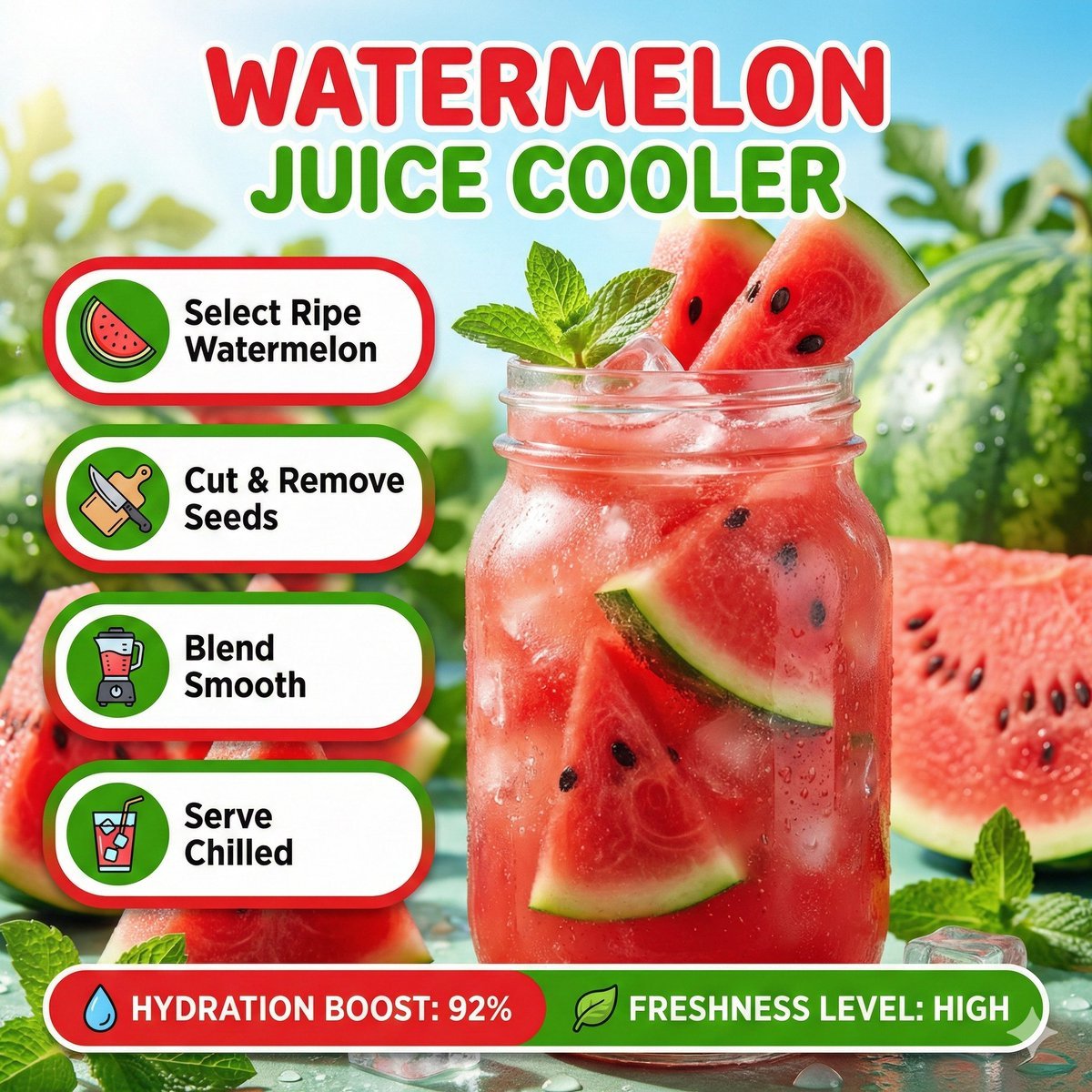 Bright summer infographic showcasing watermelon juice, icy texture
Nano Banana 2 Lite questions
What is Nano Banana 2 Lite?
Nano Banana 2 Lite is a fast, cost-efficient AI image model in PicX Studio from Google. It turns written creative direction or an image reference into a polished 1K visual in seconds.
What can I create with Nano Banana 2 Lite?
Use it for rapid concepts, social posts, product ideas, image edits, visual moodboards, illustrations, and everyday marketing assets.
Can I use a reference image?
Yes. Add up to 14 reference images when you want to guide a composition, color direction, visual style, or overall creative feel, or to edit a photo.
How do I get better results?
Start with a clear subject, then add the setting, framing, lighting, palette, and style. Refine one important choice per variation.
Does Nano Banana 2 Lite support high-resolution output?
No. Nano Banana 2 Lite always outputs 1K (1024px). For 2K or 4K, use Nano Banana 2 or Nano Banana Pro with the same prompt.
How much does Nano Banana 2 Lite cost?
20 credits per image, for both generation and edits. It is the cheapest Nano Banana model on PicX.
Is Nano Banana 2 Lite free?
Your first image on PicX is free after you sign up, no card needed. After that, each Lite image is 20 credits from a monthly Creator Credits plan.
What is the difference between Nano Banana 2 Lite and Nano Banana 2?
Lite is fixed at 1K for 20 credits. Nano Banana 2 goes from 0.5K to 4K (30 to 105 credits) with more detail at higher sizes. Both support 14 references, Thinking and seed.
Can I use Nano Banana 2 Lite images commercially?
Yes, on every plan: ads, product listings, client work and paid content are all fine.
When is Nano Banana 2 Lite the right choice?
Use Lite when you need many options quickly: testing prompt ideas, building a moodboard, making social posts and thumbnails, trying ten names on a pin or a mascot, or doing quick photo edits. 1K is plenty for feeds, chat, slides and most web placements. Move to Nano Banana 2 or Pro when the image is going to print, needs to be cropped hard, or has fine text and small faces that need more pixels.
How do I edit photos with Nano Banana 2 Lite?
Upload one or more images and describe the change in plain words. Name what should change and what must stay, for example: keep the sofa and the window, replace the rug with a jute one, make it evening light. For composites, say which reference supplies what, such as the person from image 1 in the room from image 2. Each edit is a flat 20 credits, so it is cheap to try a few versions and keep the best.
How should I write prompts for a 1K model like Nano Banana 2 Lite?
Give Lite one clear subject and let it fill the frame. Name the setting, the light and one style word rather than a long list of adjectives. Keep any text in the image to a word or two, since small type needs more pixels to stay sharp. For crowded scenes, isometric cutaways or several characters, switch Thinking to Minimal or High. Lock the seed when you like a result, then change one thing at a time.

Sketch fast with Nano Banana 2 Lite
20 credits per image, generate or edit, 14 references. Your first image is free.