
VIDEOAlibaba · from 57 credits / sec
Alibaba's video model with sound built in
Happy Horse 1.1 — AI Video Generator
Text, image or references. 3 to 15 seconds. 720p or 1080p.
Create directed AI video from text, images, references and existing footage. Happy Horse 1.1 makes picture and sound together, so dialogue, music and ambience come out in sync.

- 3–15s
- 720p–1080p
- Text · Image · References
Direct the scene, hear it too
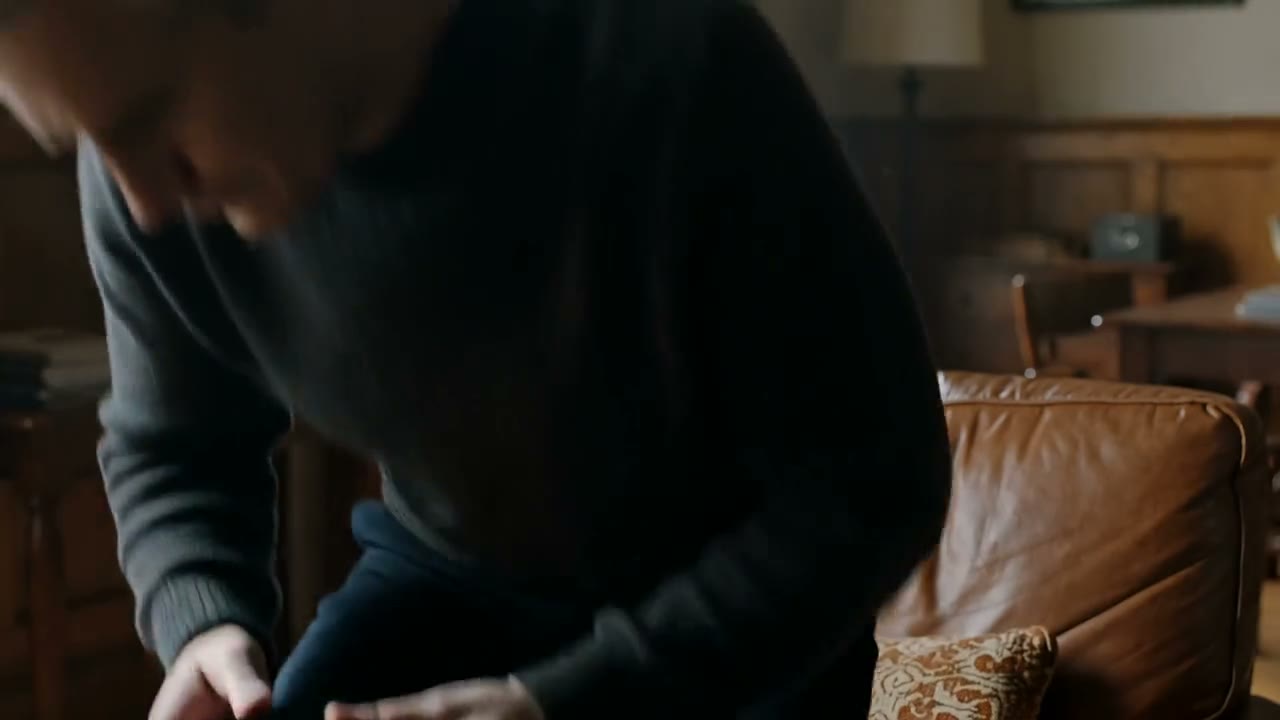
Joint audio and video
Happy Horse 1.1 generates the soundtrack with the picture: voices, footsteps, music and room tone land on the right frames, so a clip is ready to post without a separate audio pass. Sound on or off costs the same.
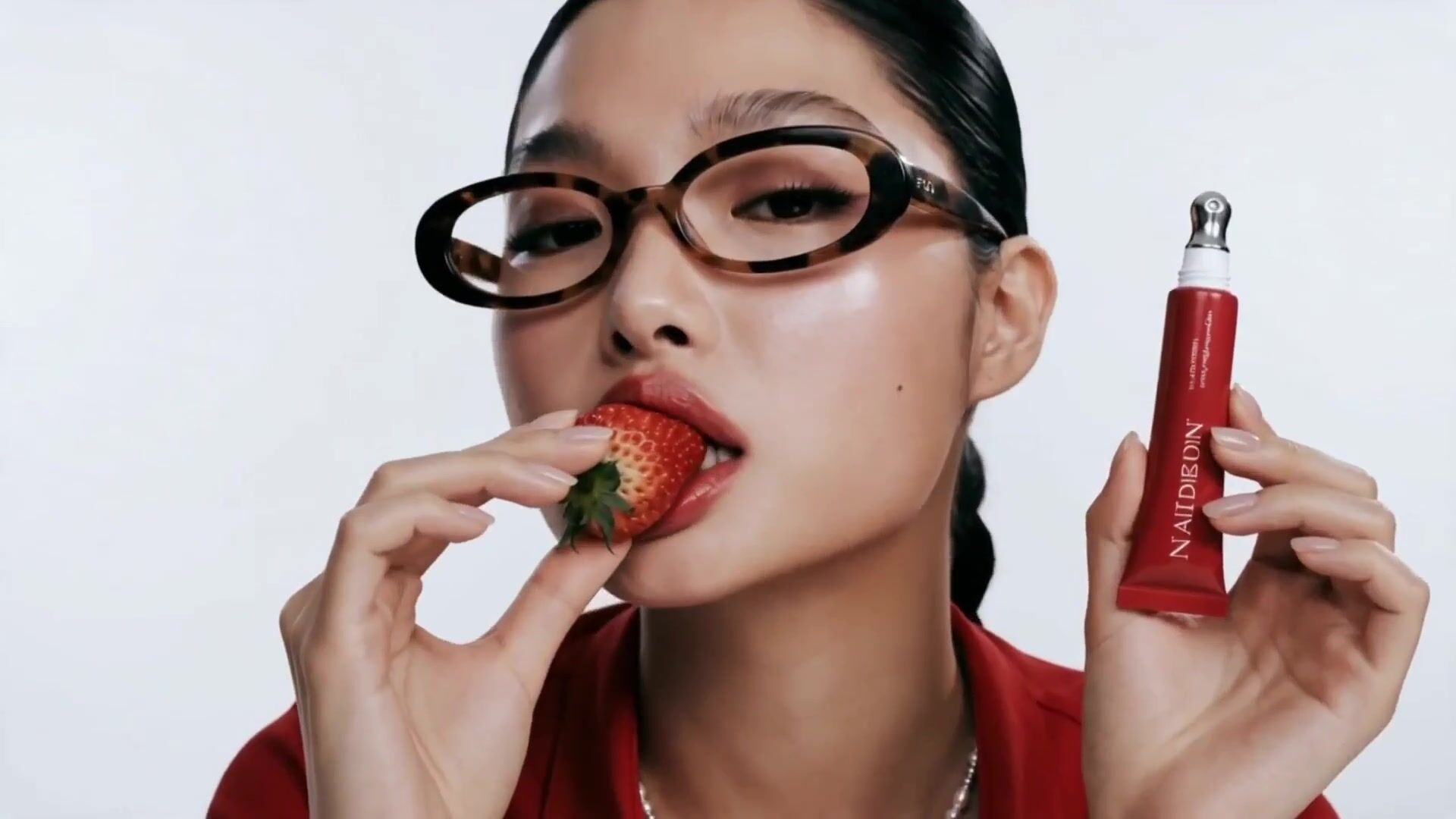
Lip-sync in several languages
Write the line in the prompt and the character says it, with mouth movement that matches. Use it for product talk, short dialogue and character spots.
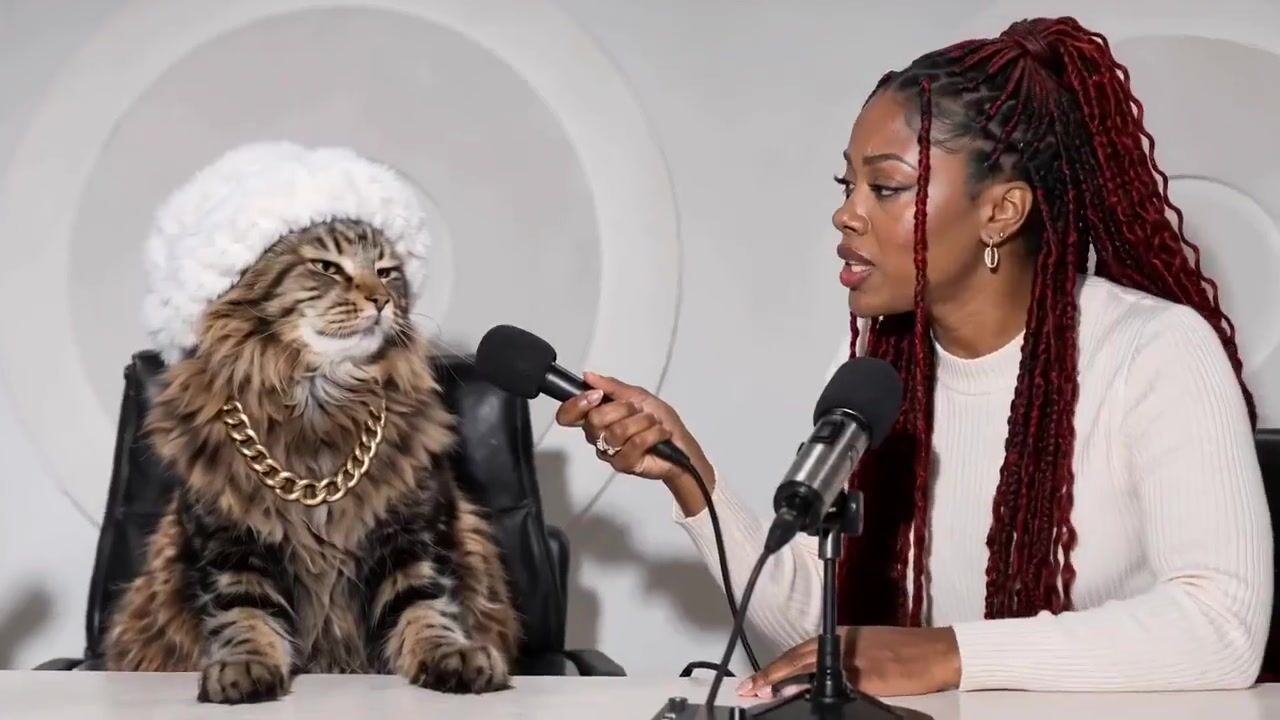
Reference-to-video
Give it several reference images, then call out each subject in the prompt by its number. Happy Horse keeps faces, outfits and products recognisable across the clip.

Happy Horse 1.1
Text, image or references. 3 to 15 seconds. 720p or 1080p.
Built for visuals that need a new point of view
Dialogue-driven scenes. Characters speak their lines with matching lip movement and natural room sound, for skits, explainers and story beats.
Multi-character storytelling. Put several people in one shot from your references and direct who does what, without the faces drifting.
Ad and campaign spots. Turn a product shot into a short spot with movement, light and a voice-over line, ready for paid social.
Music videos and performance. Picture and audio are generated together, so movement lands on the beat for performance clips and visualisers.
Moments from a single still. Animate a photo into a 1080p clip with synchronized sound: a toast, a glance, a gust of wind.
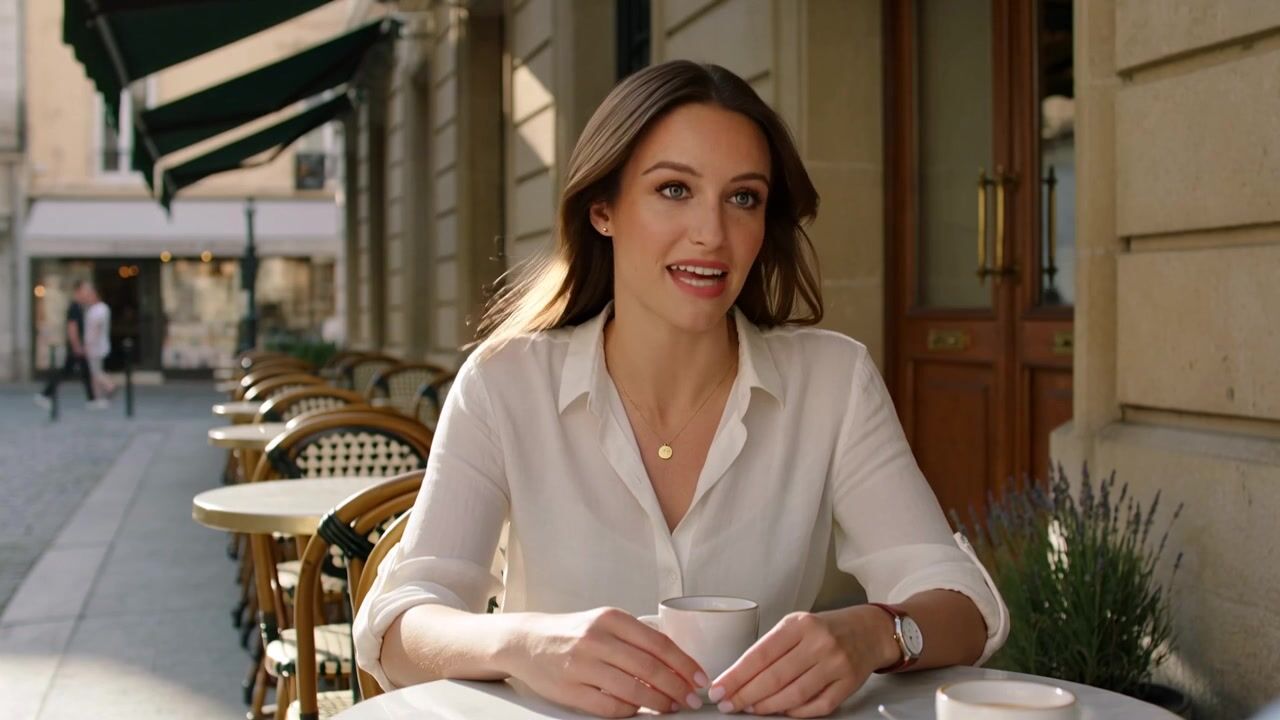
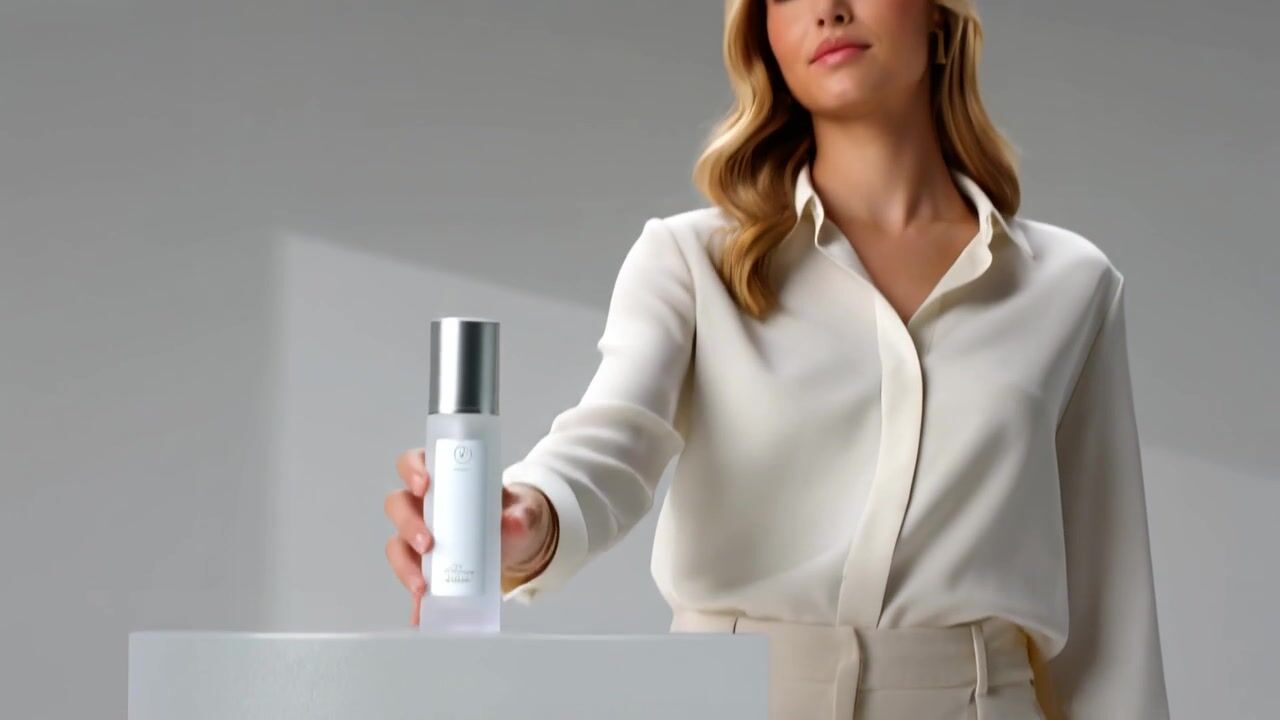
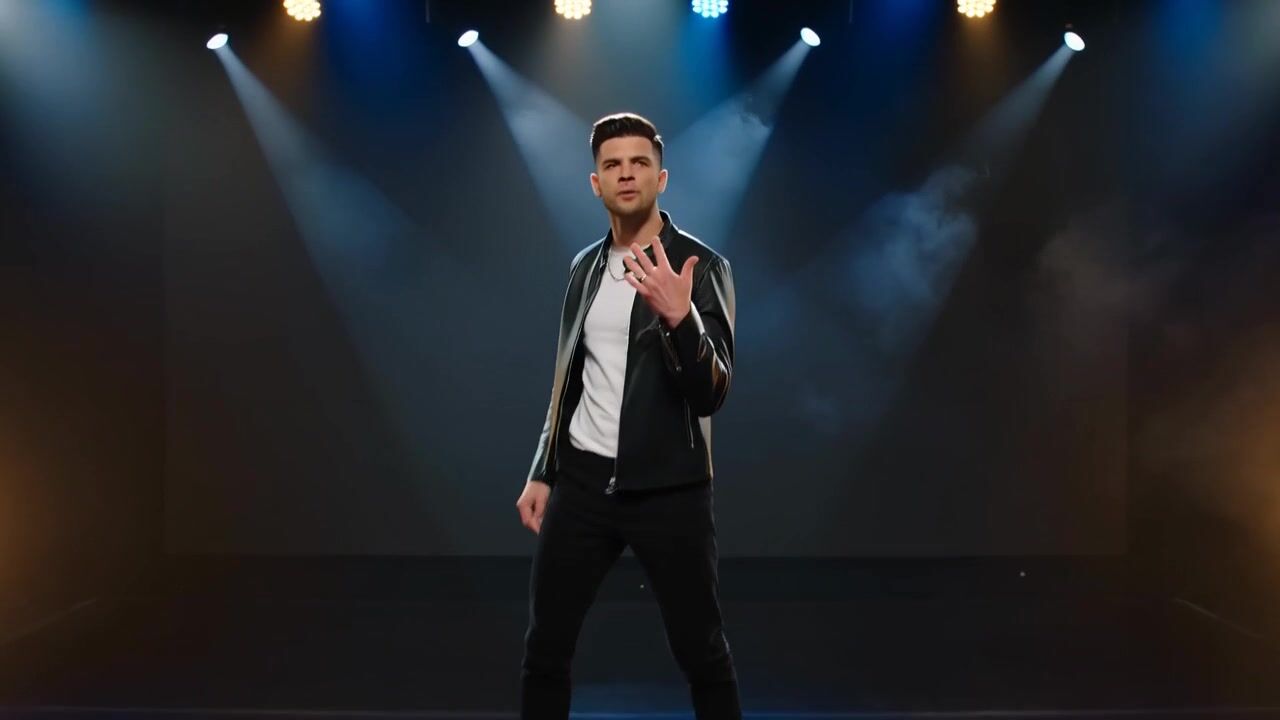
Happy Horse 1.1 at a glance
- 15sPer clipAny length from 3 to 15 seconds, one second at a time.
- 1080pOr 720p720p is 57 credits a second, 1080p is 73.
- AudioBuilt inSound is generated with the picture and costs nothing extra.
- 3 ways inText, image, referencesStart from a prompt, animate a still, or combine several references.
- 285Credits for 5 secondsA 5 second 720p clip. A 10 second 1080p clip is 730 credits.
- Any planCommercial useAds, client work and paid content are fine on every plan.
What Happy Horse 1.1 costs
Billed per second of video, at the resolution you pick. The same prices the generator shows before you run it.
- 720p57credits / sec5s clip 285 creditsOn Starter≈ 12 clips / mo
- 1080p73credits / sec5s clip 365 creditsOn Starter≈ 9 clips / mo
Every model on every planCredits never expireSee plans
How to use Happy Horse 1.1 in 3 steps
- 1
Choose Happy Horse 1.1
Open the studio and pick Happy Horse 1.1 in the video model menu.
- 2
Add your direction
Write the scene, the action, the camera move and any spoken line. Add an image or references if the shot has to match them.
- 3
Generate and refine
Pick 3 to 15 seconds and 720p or 1080p, generate, then compare a few takes and keep the best.
Happy Horse 1.1 prompts to copy
Real prompts and what they made. Copy one, or open it in the generator with the model already picked.
Sunset toast
Three friends raise wine glasses at a rooftop dinner at sunset, warm backlight, slow push-in across the table, glasses clinking and soft city ambience.
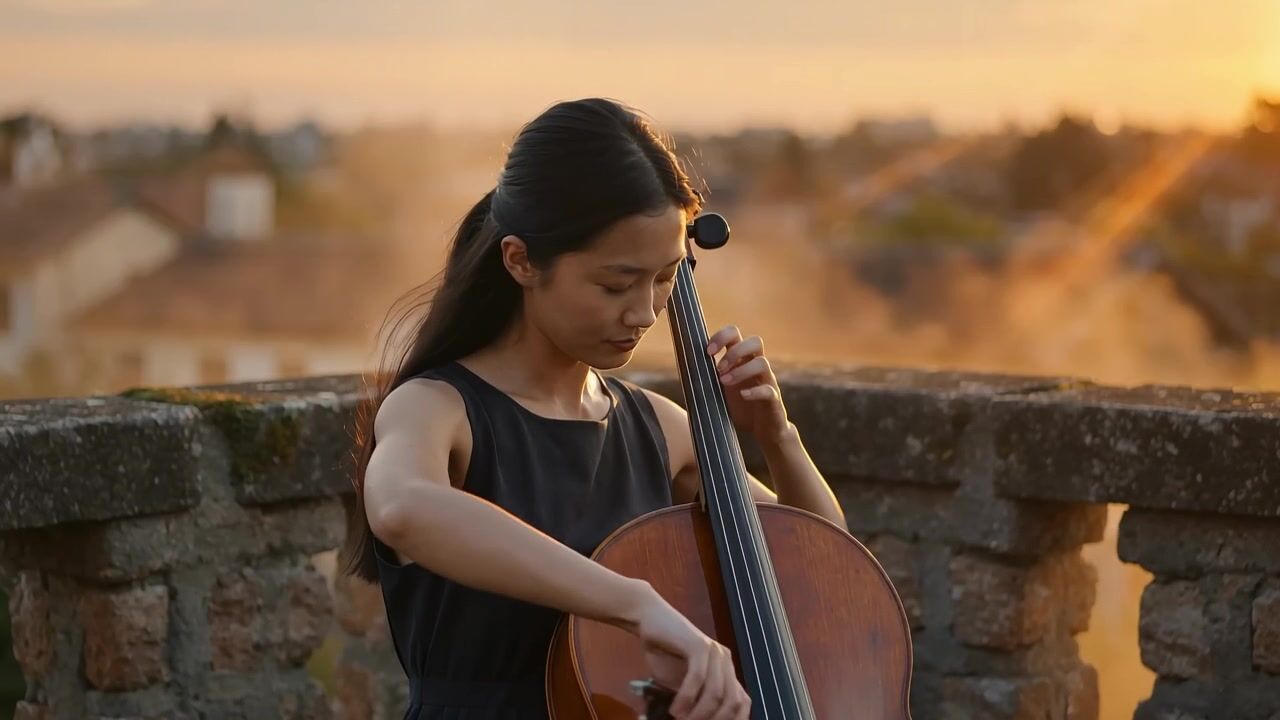
Cello at golden hour
A young cellist plays on a stone terrace above old rooftops at golden hour, gentle handheld orbit, the cello's low notes and distant birds.
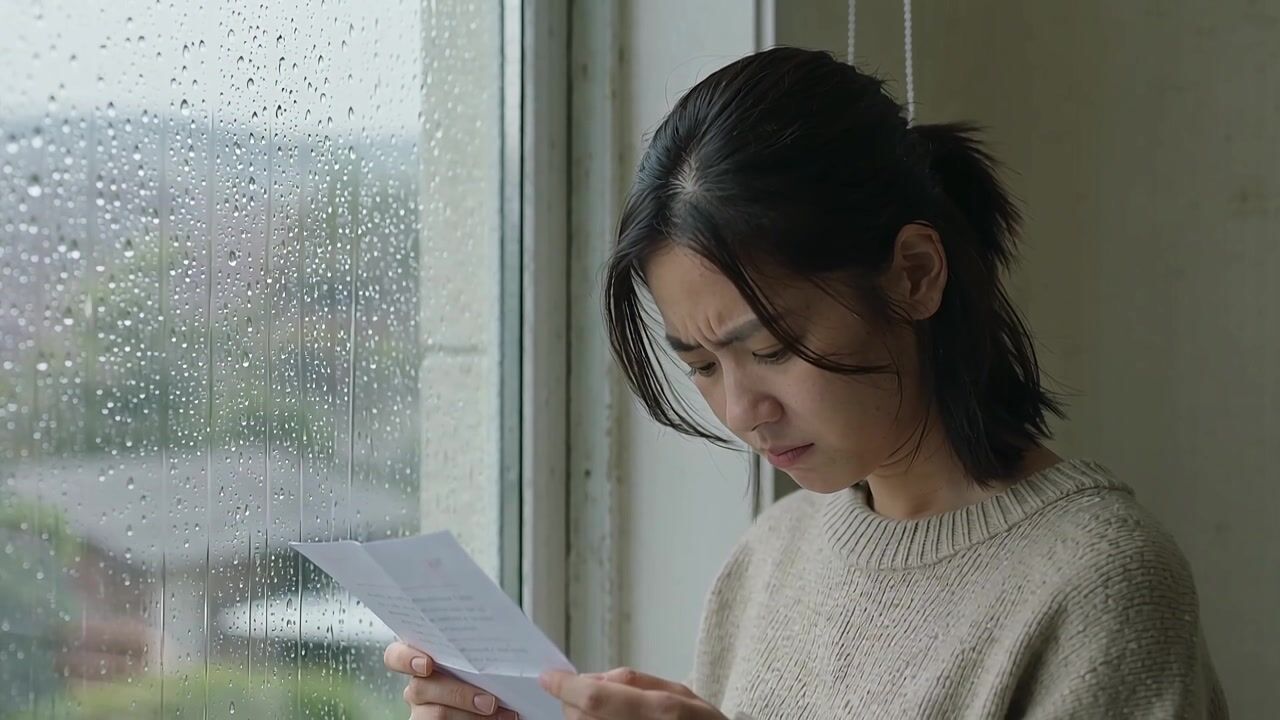
Rainy window letter
A woman reads a handwritten letter by a rain-streaked window, soft grey daylight, slow rack focus from the raindrops to her face, rain tapping the glass.
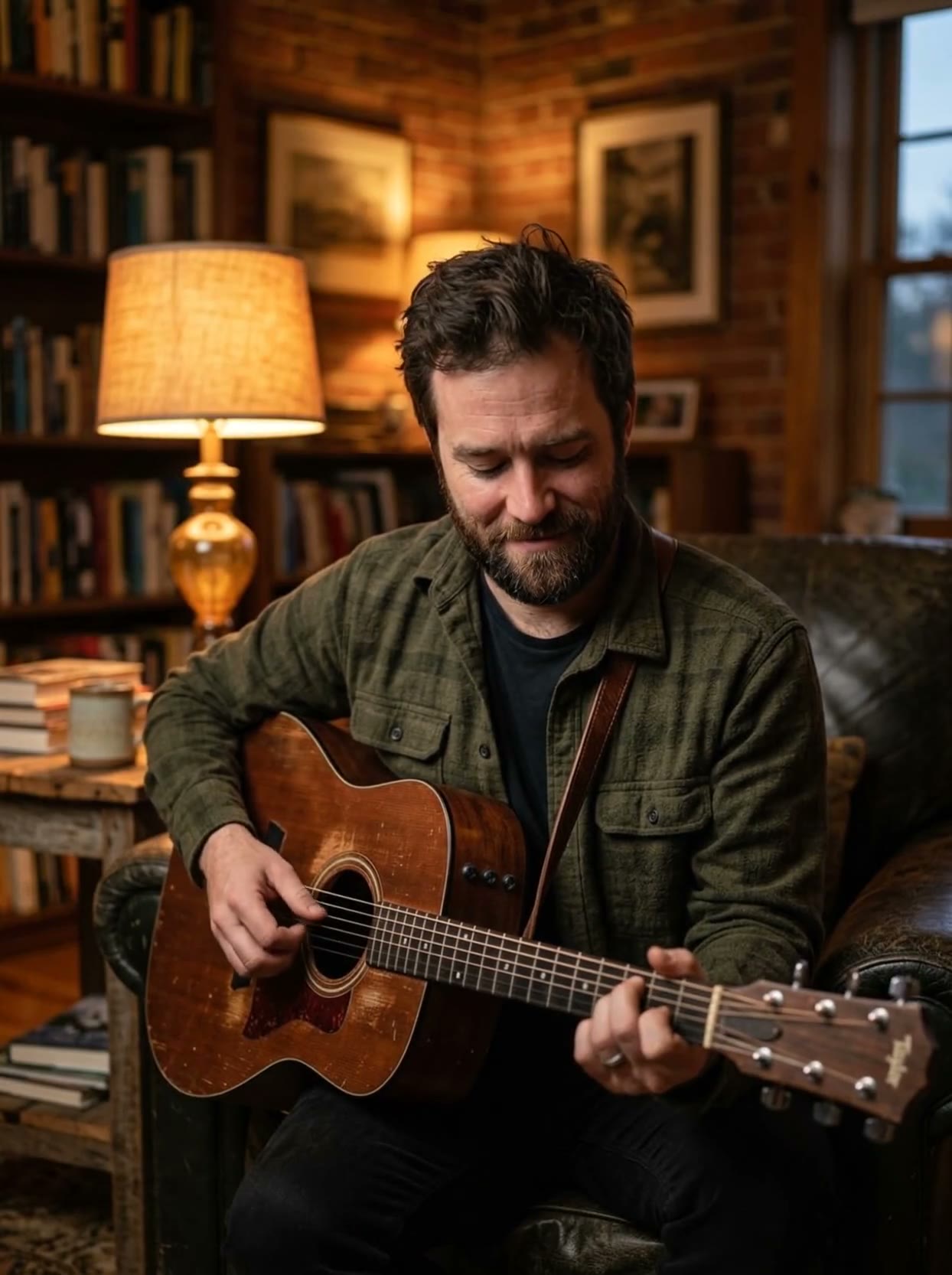
Guitar in a cozy den
A musician plays acoustic guitar in a warm, cozy den, lamplight, slow push-in, the guitar sound filling the room.
Templates to start from
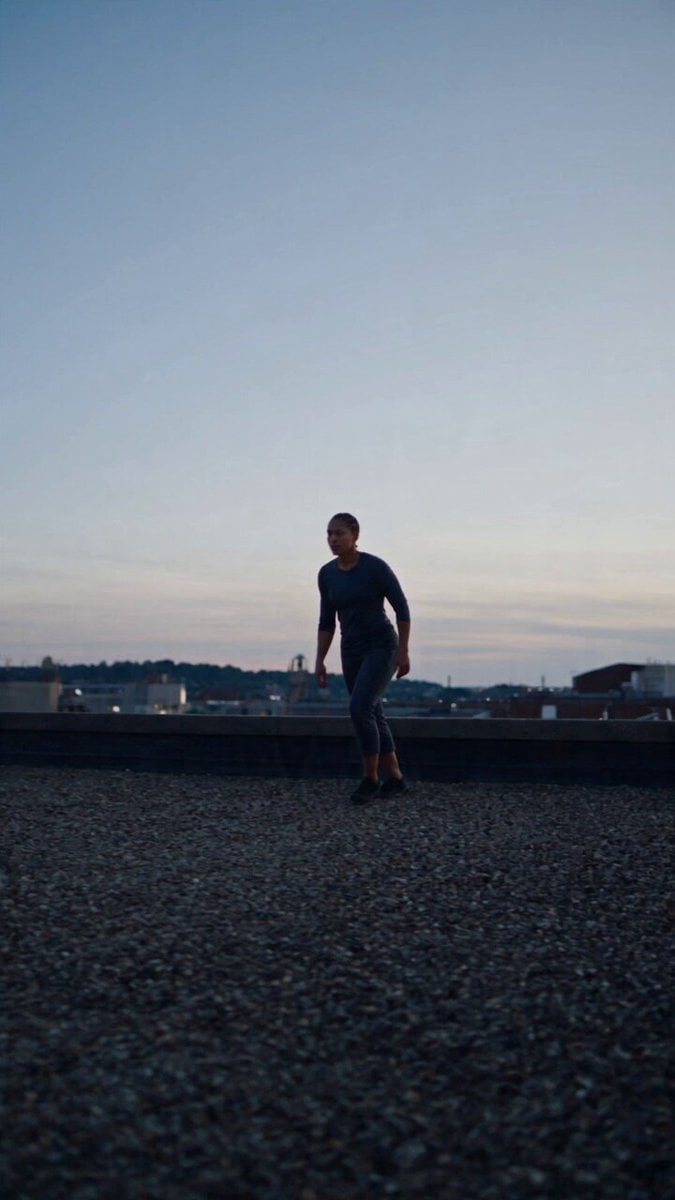
Browse all templates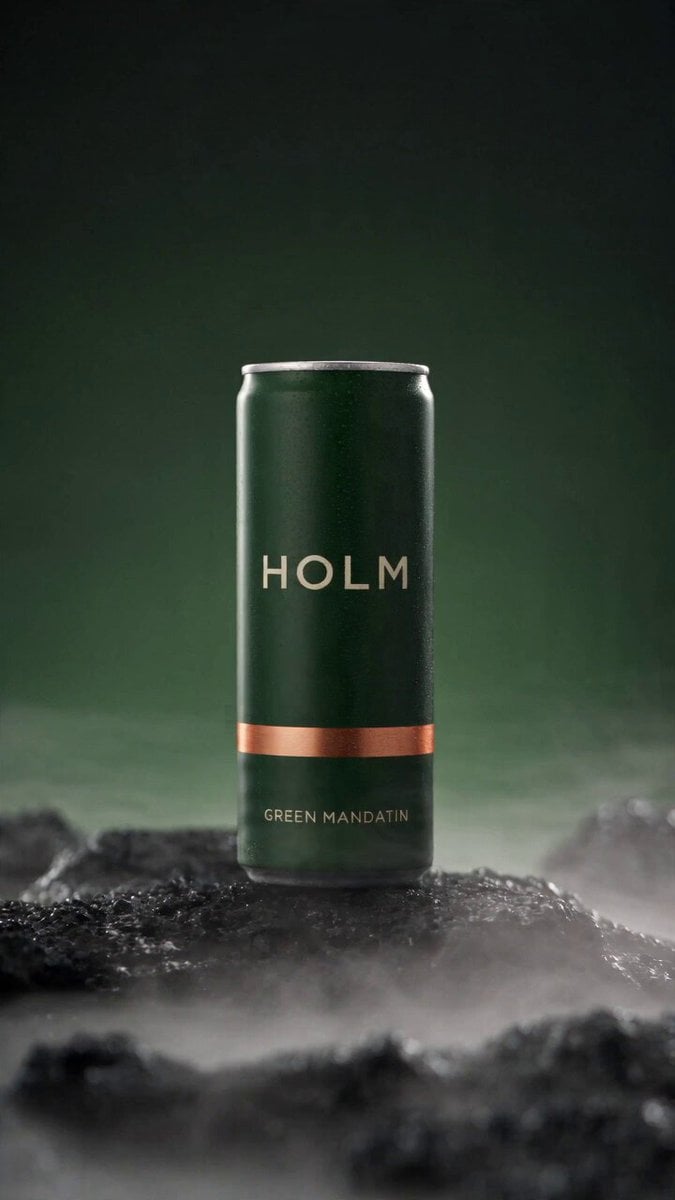 Rooftop Parkour Motion Control
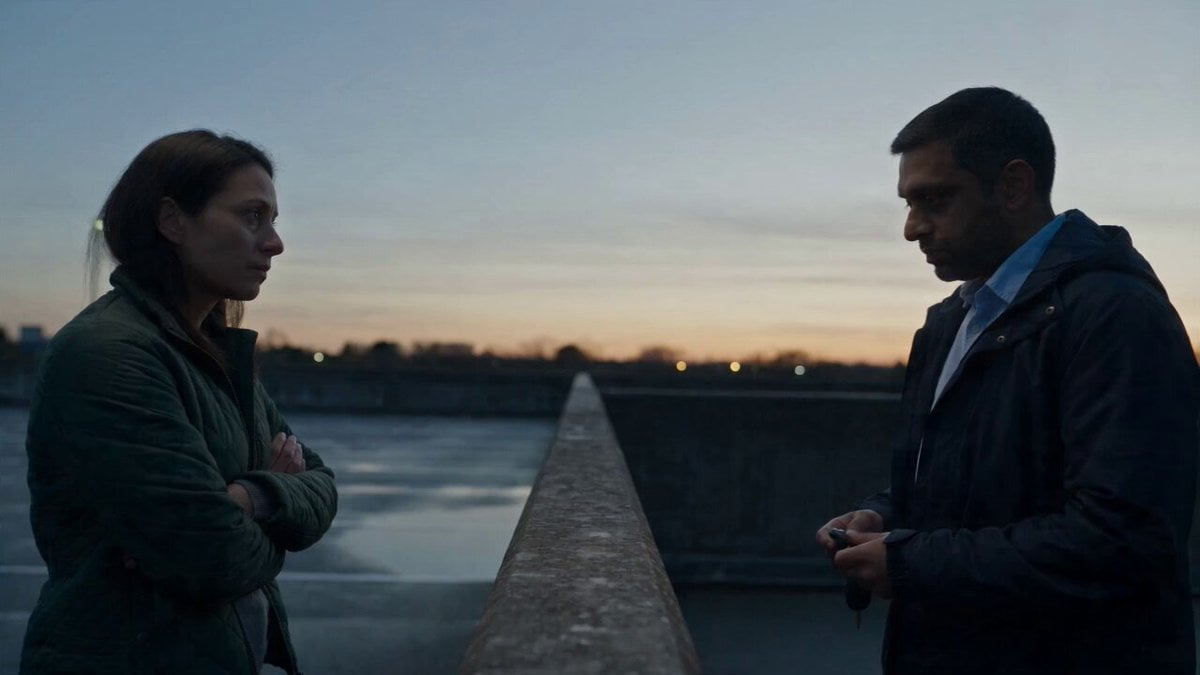 Hospital Car Park Dialogue Lip Sync
 Product Ad Drink Can 110° Orbit
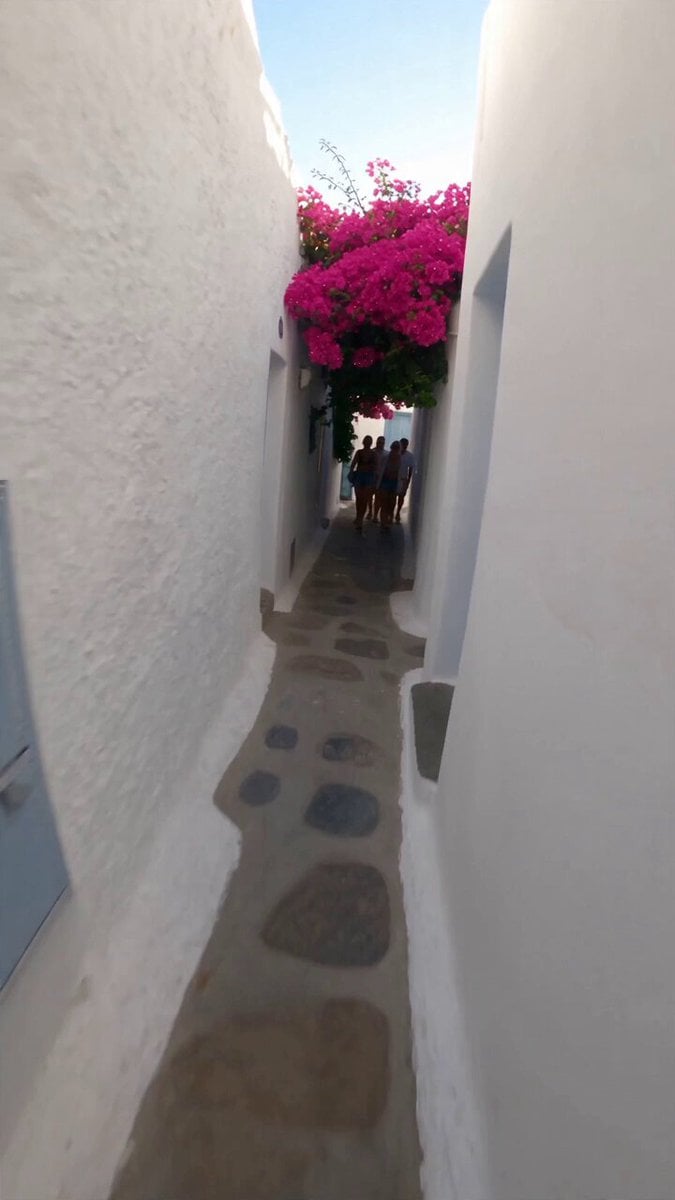 Selfie Travel Vlog Mykonos
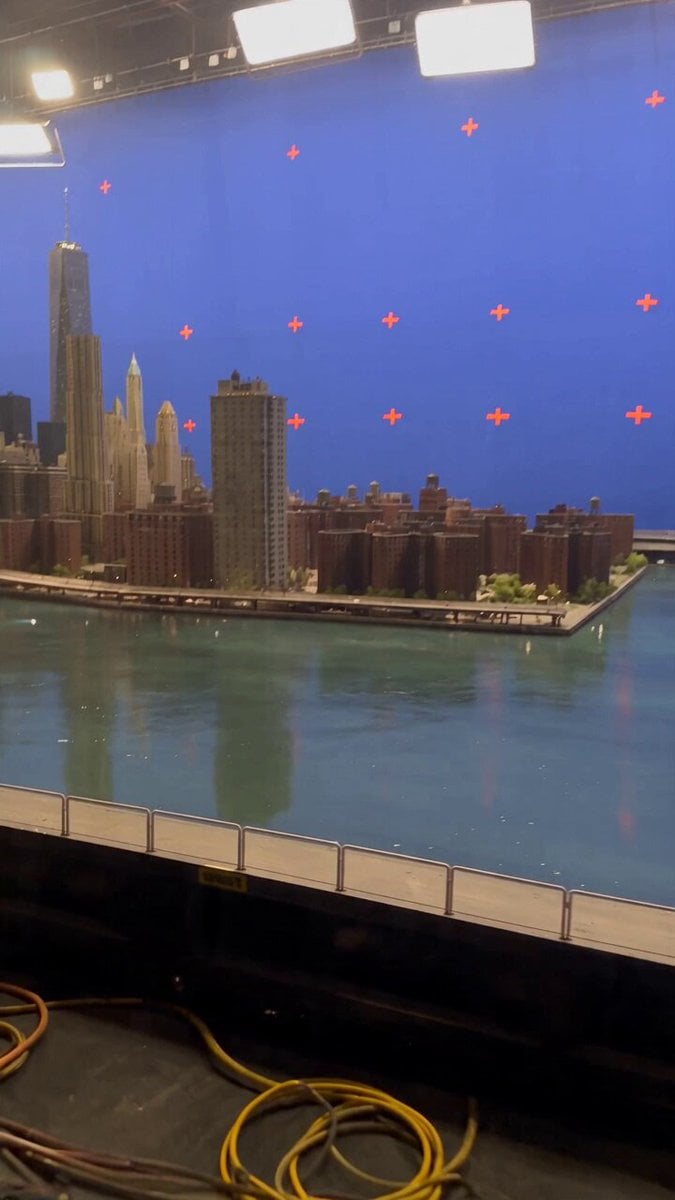 Miniature City Flood Soundstage
- Miniature City Flood Soundstage
 Forgotten 1980s High School Documentary Seedance
 RX-7 to Mech Transformation Cyberpunk
 MiniMax H3 Character Introduction
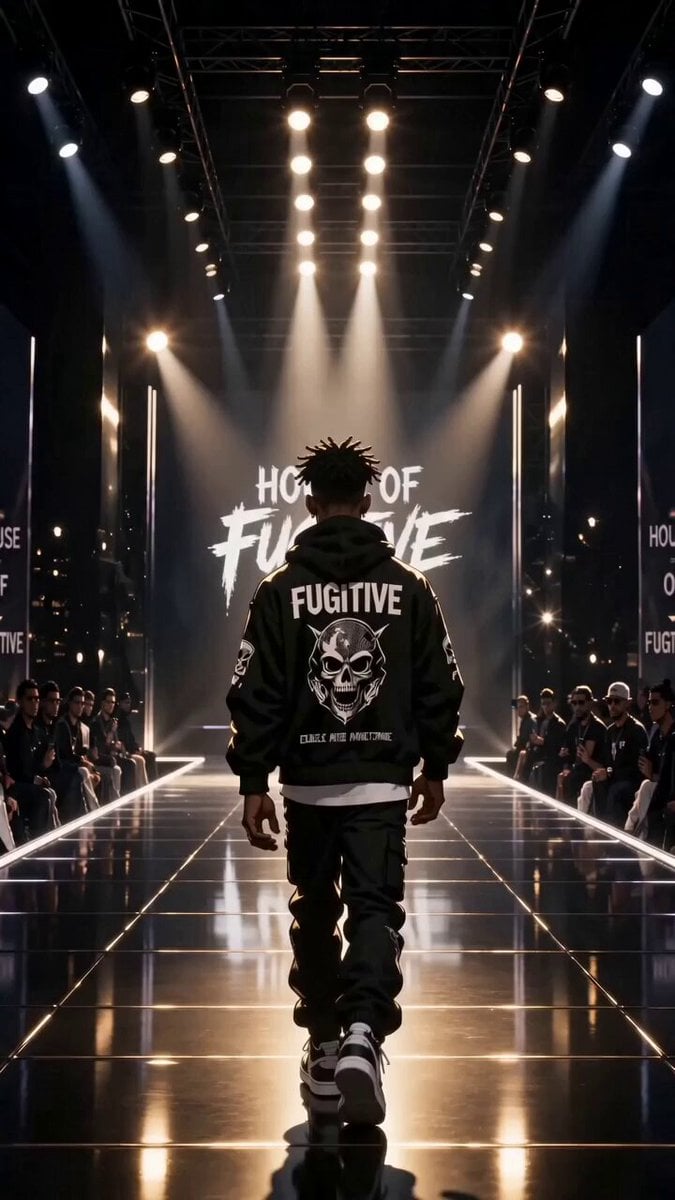 Luxury Streetwear Fashion Runway Film
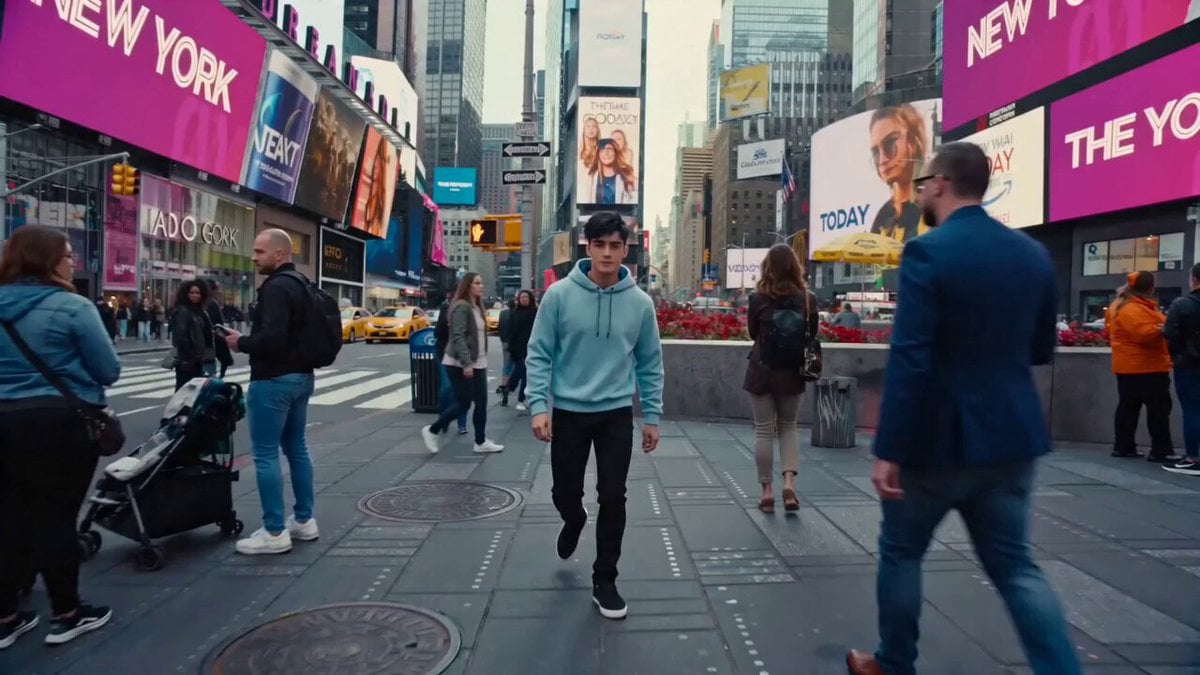 Cinematic Times Square Confidence Walk
 Cinematic Cave Exploration Multi-Shot Sequence
Happy Horse 1.1 questions
What is Happy Horse 1.1?
Happy Horse 1.1 is Alibaba's AI video model. On PicX Studio it creates 3 to 15 second clips at 720p or 1080p from a text prompt, an image or several references, with sound generated together with the picture.
Can I start with an image or reference?
Yes. Add one image to animate it, or several reference images and refer to each subject in the prompt by its number.
How long can Happy Horse videos be?
From 3 to 15 seconds per clip, chosen one second at a time.
What quality can I export?
720p (57 credits a second) or 1080p (73 credits a second). Downloads are watermark-free.
Can I edit an existing video?
Happy Horse 1.1 on PicX Studio generates new clips from text, images and references. To change an existing clip, use one of its frames as the start image and describe the change you want.
Can I use an image or reference video?
You can use images and reference images. For copying the movement of a reference video, use Kling 3.0 motion control.
How much does Happy Horse 1.1 cost?
57 credits per second at 720p and 73 at 1080p, with or without sound. A 5 second 720p clip is 285 credits. Video needs a plan, from $11.99 a month for 3,600 credits, or a one-time credit pack from $5; credits never expire.
Can I use Happy Horse videos commercially?
Yes, on every plan: ads, product listings, client work and paid content are all fine.

Turn the next idea into a Happy Horse video.
Choose Happy Horse 1.1, add your direction, and get picture and sound in one take.