
IMAGEGoogle · from 30 credits / image
Google’s fast Gemini image model
Nano Banana 2 — AI Image Generator
0.5K drafts to 4K finals. 14 references. Thinking mode.
Create high-quality images from a prompt or reference image with faster generation, stronger style control, and more deliberate composition.
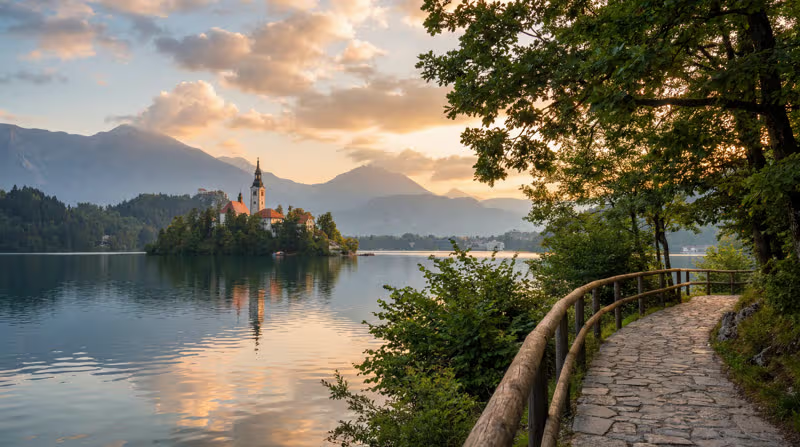
- 0.5K–4K
One character, every angle
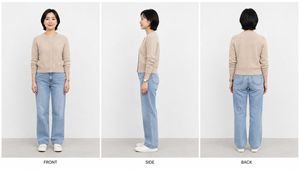
Character sheets that stay on model
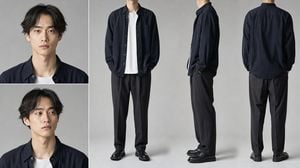
Front, side and back views of the same person, with the same face, hair and outfit in every panel. Add a reference photo and up to 14 images in total, and Nano Banana 2 keeps the identity steady while only the camera angle changes. Use the sheet as a base for comics, games or video.
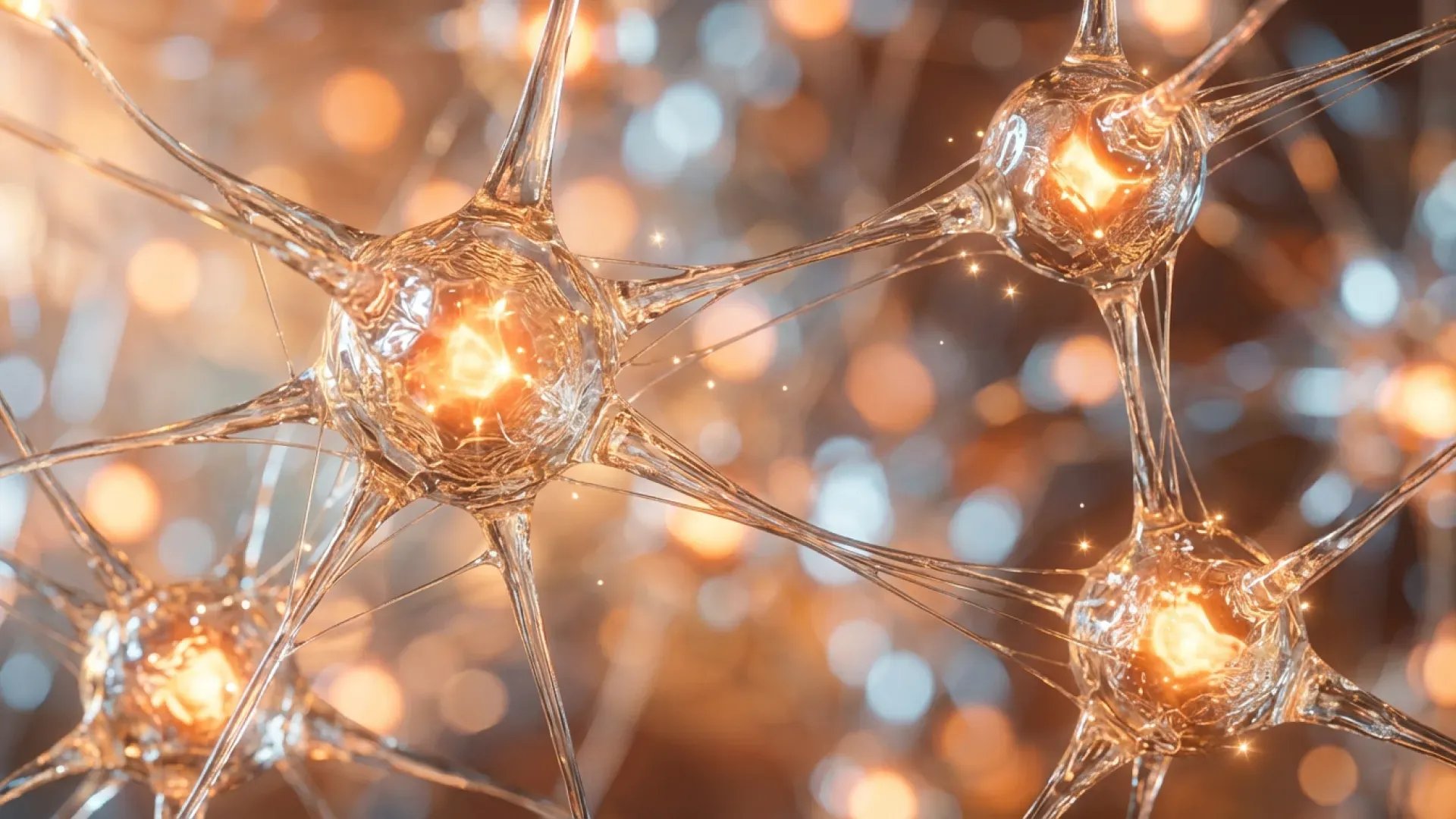
Thinking for busy scenes
Turn Thinking to Minimal or High and the model plans the image before drawing it. It is slower, and worth it when a prompt has many objects, exact positions or text. Leave it off for quick single-subject shots.
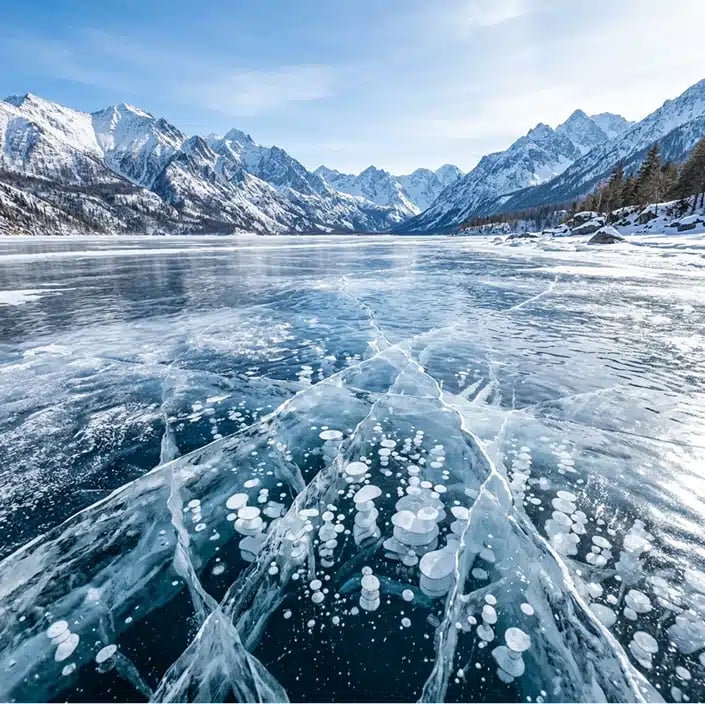
Draft cheap, finish sharp
Start at 0.5K for 30 credits while you find the composition. When it is right, run the same prompt and seed at 2K or 4K for the final. Four resolutions on one model means you never pay 4K prices for ideas you throw away.
Nano Banana 2
0.5K drafts to 4K finals. 14 references. Thinking mode.
What people make with it
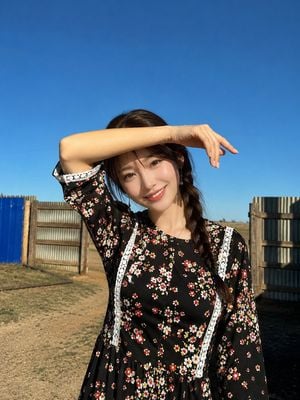
Portraits Candid, sunlit portraits with natural skin and believable light, for profiles, lookbooks and campaigns.
Character design Reference sheets with face crops and full-body views, ready to feed into a video model like Seedance.
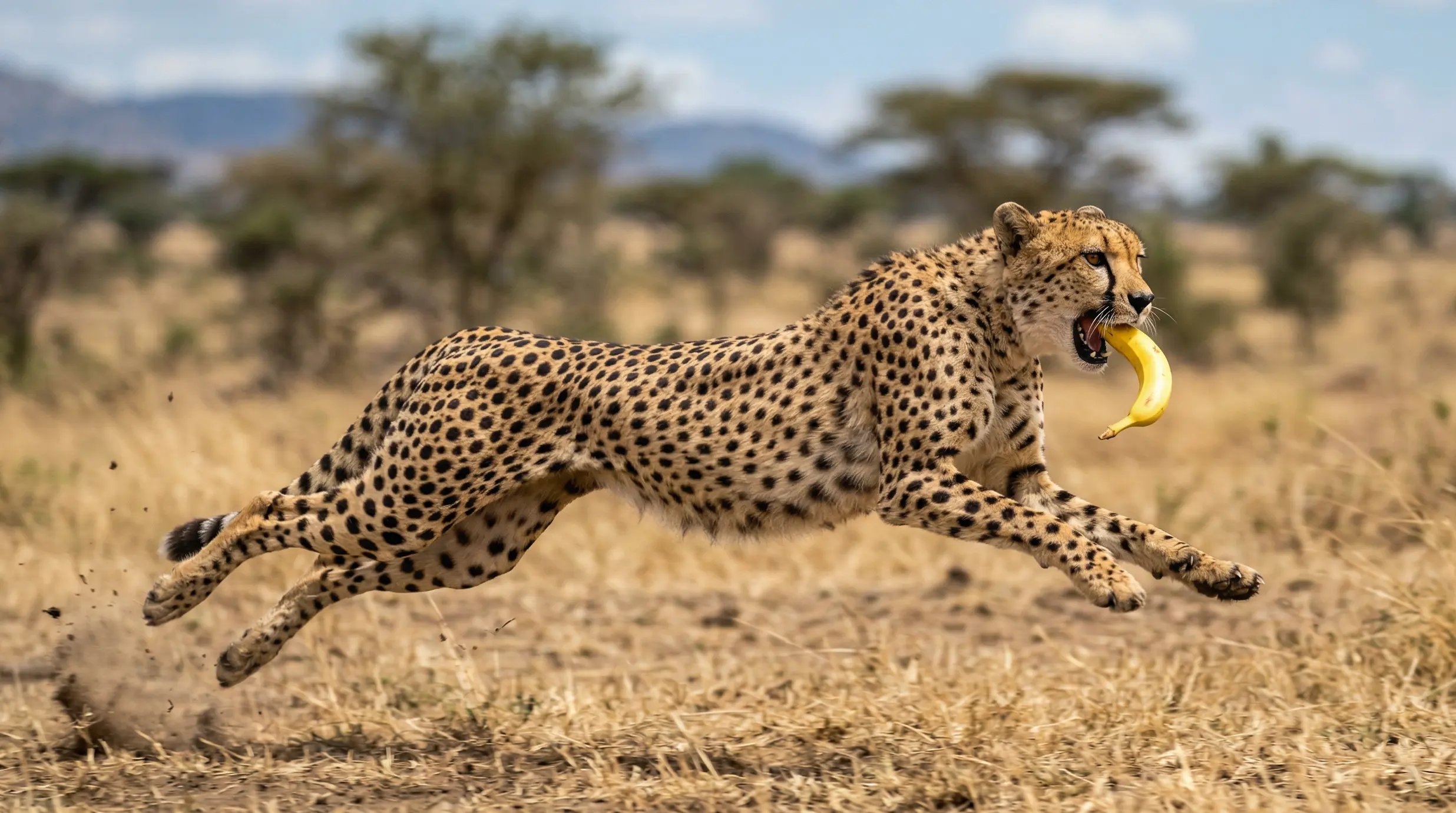
Wildlife and nature Fast animals, fur, water and weather with sharp detail where it counts.
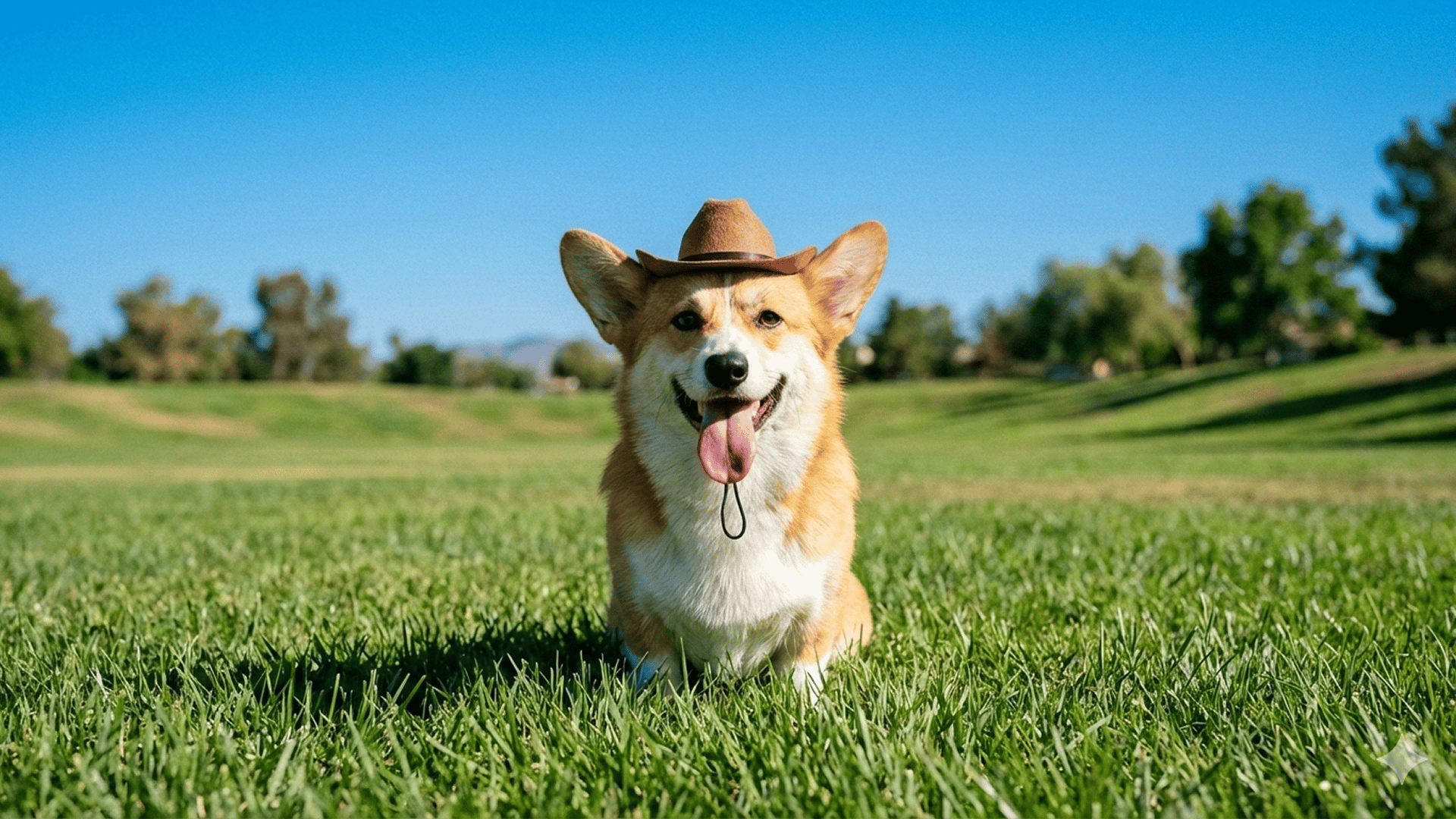
Social posts Playful, scroll-stopping images in square, portrait or story ratios.
Travel and landscape Wide scenes, panoramas up to 8:1, and golden-hour light for headers and banners.
Why Nano Banana 2 wins daily
- 0.5KDraft modeThe cheapest way to test a prompt: 30 credits for a quick low-res pass.
- 4KFinal resolutionStep up to 2K or 4K on the same model once the composition is right.
- 14 refsReference imagesMix faces, products and style images in one generation or edit.
- 8:1Extreme ratiosFrom 1:8 tall strips to 8:1 panoramas, plus every standard ratio.
- ThinkThinking modeOff, Minimal or High. Plans complex scenes before it draws them.
- SeedRepeatable looksSame seed and prompt gives a similar image, so you can iterate on one idea.
What Nano Banana 2 costs
Billed per image, at the resolution you pick. The same prices the generator shows before you run it.
- 0.5K30credits / imageOn Starter≈ 120 images / mo
- 1K35credits / imageOn Starter≈ 102 images / mo
- 2K53credits / imageOn Starter≈ 67 images / mo
- 4K105credits / imageOn Starter≈ 34 images / mo
Every model on every planCredits never expireSee plans
Which banana to pick
Three Nano Banana models run on PicX. Prices per image are in the pricing table and on the Generate button.
All three generate from text and edit images with references. Switch per image; they share one credit balance.
How to use Nano Banana 2 in 3 steps
- 1
Add a reference (optional)
Upload a face, product or style image, up to 14 in total. Skip this for text to image.
- 2
Describe the image
Lead with the subject, then framing, light, palette and style. Turn on Thinking for crowded scenes.
- 3
Pick a resolution and generate
0.5K or 1K to explore, 2K or 4K for the final. The credit cost shows before you run it.
Nano Banana 2 prompts to copy
Real prompts and what they made. Copy one, or open it in the generator with the model already picked.
Three-view character sheet
Clean studio character turnaround sheet, 16:9. Three vertical panels separated by thin white dividers, labeled “FRONT”, “SIDE”, “BACK”. The same 28-year-old East Asian woman in every panel, full body, short black bob, cream knit sweater, light blue straight jeans, white sneakers. Plain light gray studio wall and floor. Keep identity, proportions and outfit identical; only the camera angle changes.
Candid golden-hour portrait
Ultra-realistic candid outdoor portrait of a young woman under a clear blue sky in bright golden-hour sun. Long jet-black hair in a loose side braid over one shoulder, soft bangs, natural sun-kissed skin. She raises one arm to shield her eyes, slight smile, looking at the camera. Floral dress, rustic fence behind her.
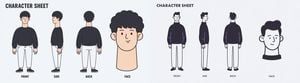
Wide two-style character sheet
Wide minimalist character sheet, 4:1, pale light gray background. Two equal halves, each a character sheet for the same young man with curly black hair: a bold title, three full-body turnaround poses and one large head close-up. Left half in soft flat cartoon style, right half in clean line art. No borders, no shadows.
Templates made with Nano Banana 2
More Nano Banana 2 templates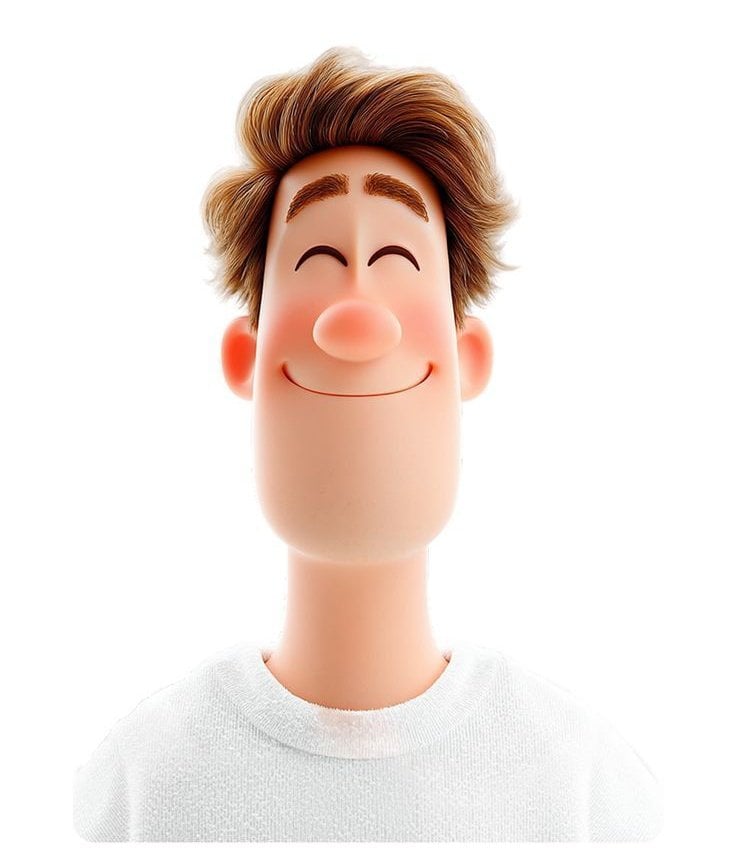 3D avatar of a man, with a happy face on a white background, no necks
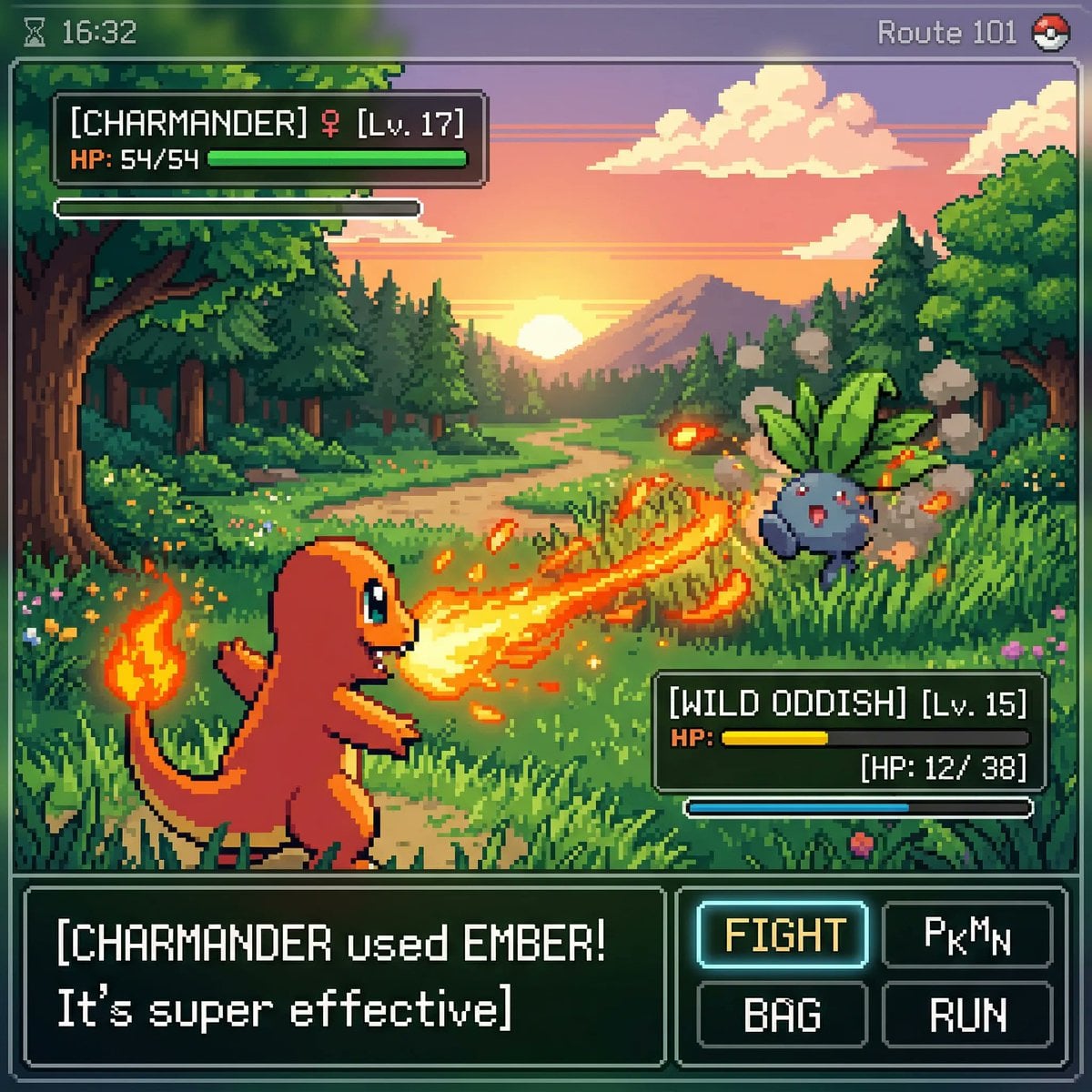 Inspired by a classic pokemon gameboy screenshot but it s highly
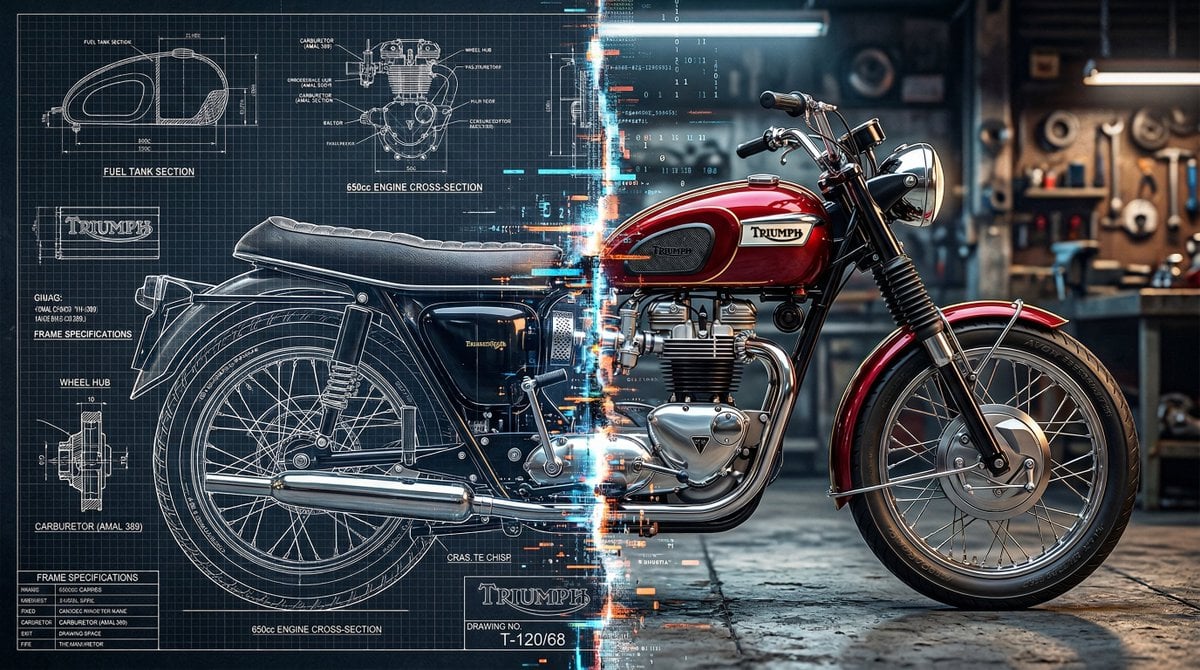 A split vertically down the center, left half as a technical blueprint
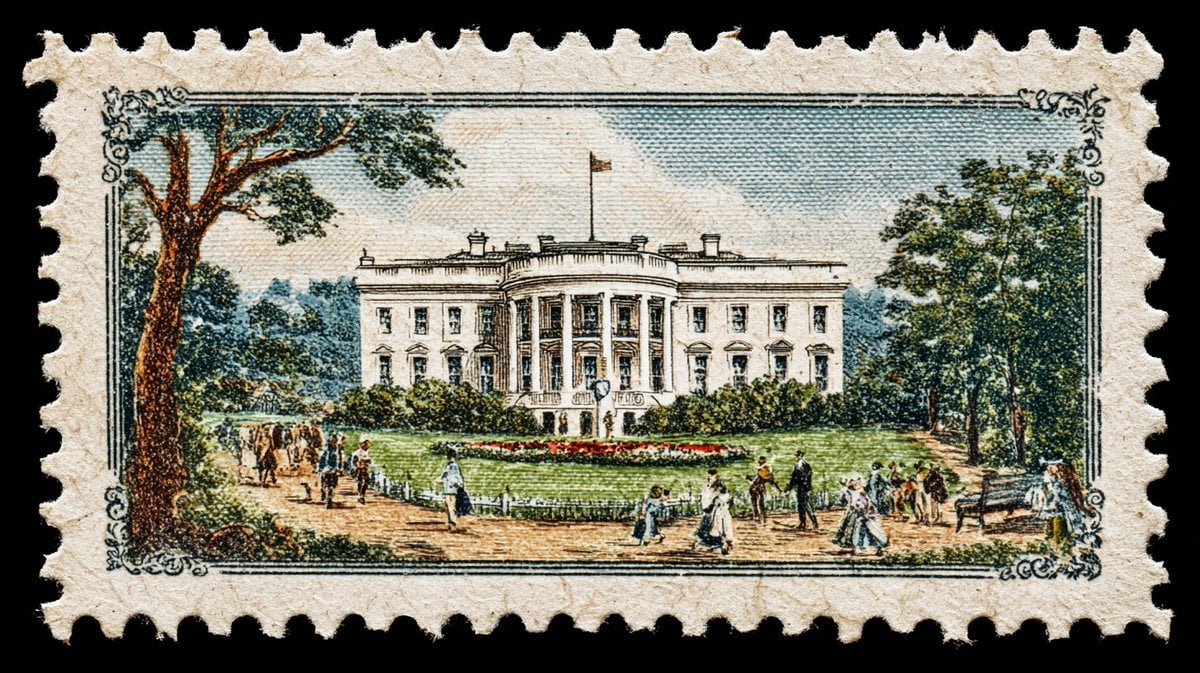 A vintage postage stamp depicting
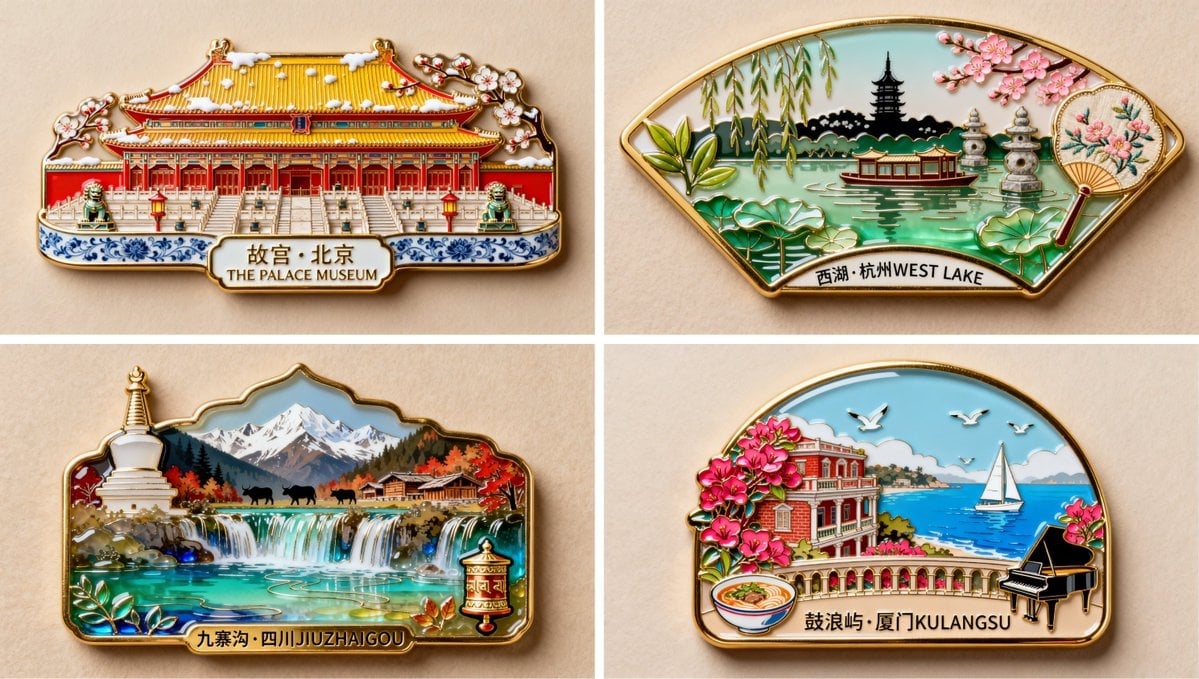 珐琅彩琉璃艺术风格,金属质感,制作一枚冰箱贴,写着 西湖 杭州 WEST LAKE 字样 冰箱贴以断桥拱形轮廓为基底外形
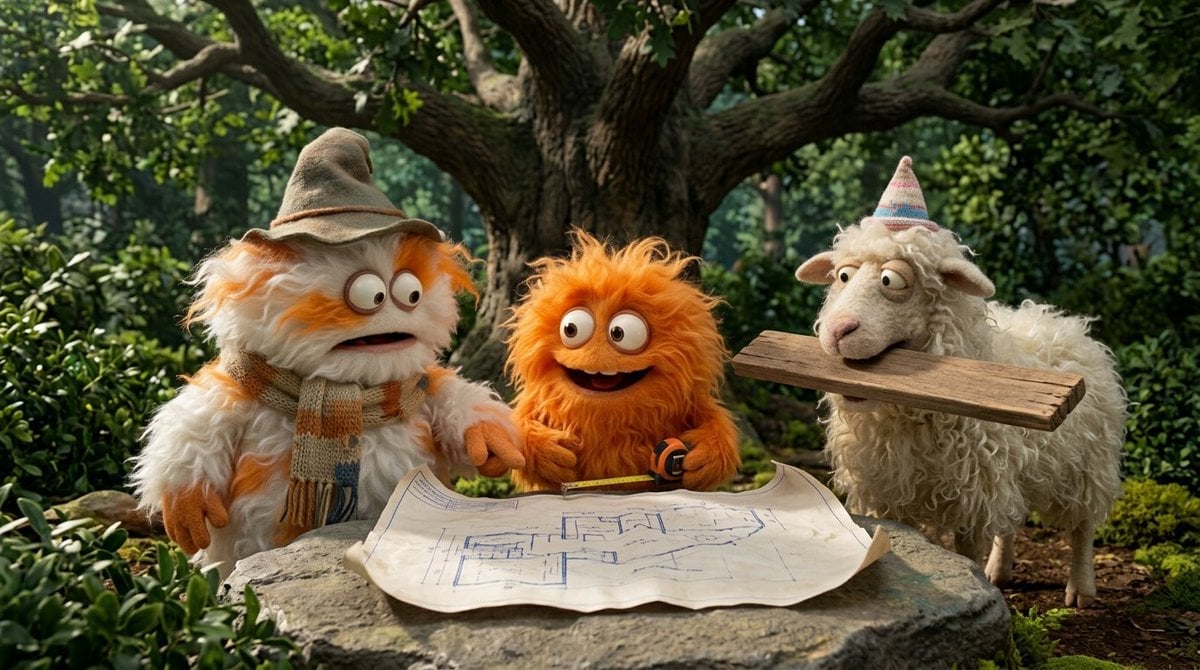 Funny 4-part story featuring 3 fluffy creatures building a treehouse
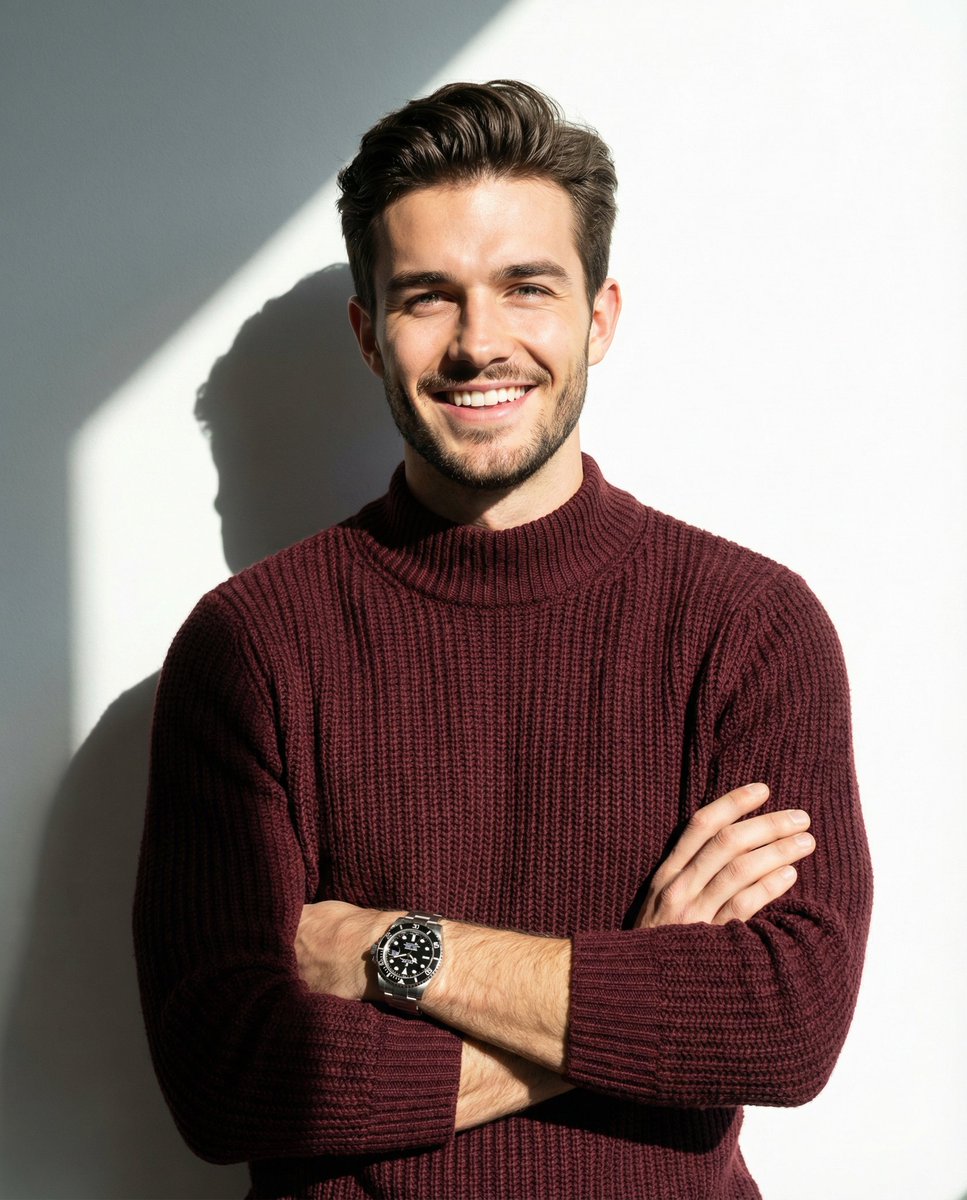 A man smiling and posing with his arms crossed, wearing a maroon knitted
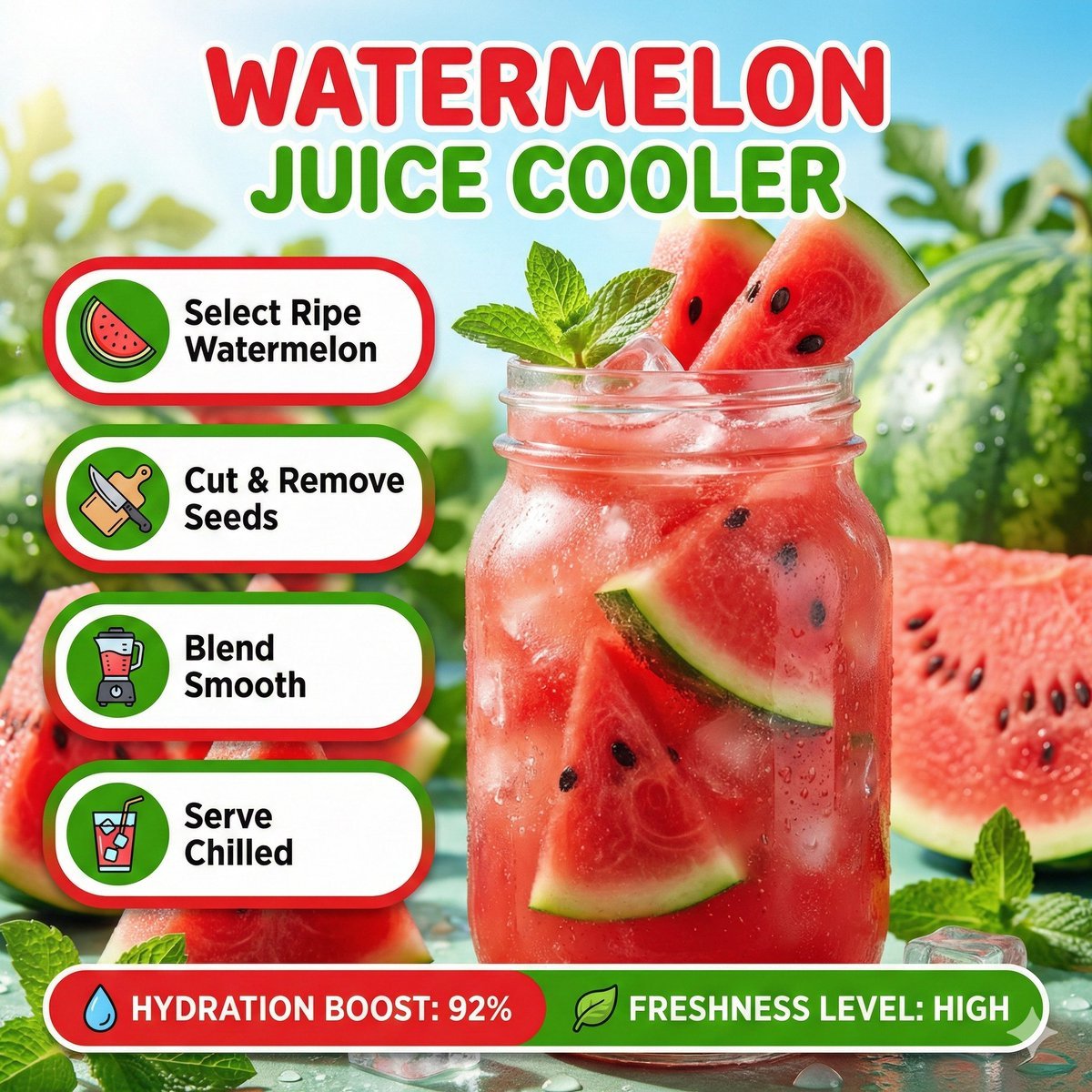 Bright summer infographic showcasing watermelon juice, icy texture
Nano Banana 2 questions
What is Nano Banana 2?
Nano Banana 2 is Google’s Gemini 3.1 Flash Image model, available on PicX Studio. It generates high-quality images from text or reference images — photorealistic portraits, digital art, product photos, and more — and is faster than Nano Banana Pro, with a cheaper draft mode.
What is the difference between Nano Banana 2 and Nano Banana Pro?
Nano Banana 2 is faster and more flexible: 0.5K to 4K output from 30 credits, a Thinking mode and ratios up to 8:1. Nano Banana Pro is the premium model for final production, at 2K or 4K. At 2K and 4K both cost 53 and 105 credits.
Is Nano Banana free to use?
Your first image on PicX is free after you sign up, no card needed. After that, Nano Banana 2 costs from 30 credits per image (0.5K) on a Creator Credits plan.
What kinds of images can Nano Banana generate?
Nano Banana can generate any type of image: professional headshots, product photography, digital art, illustrations, anime, character sheets, social media content, and more. Describe what you want in a text prompt, or add reference images.
What resolution does Nano Banana support?
Nano Banana 2 supports 0.5K, 1K, 2K and 4K: 30, 35, 53 and 105 credits. Nano Banana Pro offers 2K and 4K, and Nano Banana 2 Lite is fixed at 1K.
How does Nano Banana compare to Midjourney?
No Discord required. It runs in your browser, with direct controls for references, seed, ratio and resolution, and the same credits work across every model on PicX.
Can I use Nano Banana images commercially?
Yes, on every plan: ads, product listings, client work and paid content are all fine.
Can I use a reference image?
Yes. Add up to 14 reference images when you want to guide a face, product, composition, color direction or overall style.
How do I get better results?
Start with a clear subject, then add the setting, framing, lighting, palette, and style. Refine one important choice per variation, and turn on Thinking for busy scenes.
Which Google Gemini models are called Nano Banana?
Nano Banana is the popular name for Google’s Gemini image models. Nano Banana 2 (Gemini 3.1 Flash Image) is the newer, faster model; Nano Banana Pro (Gemini 3 Pro Image) is the premium one; Nano Banana 2 Lite is the quick, low-cost version. PicX runs all three in the browser, from text prompts or reference images, at resolutions up to 4K. You do not need Discord or a ChatGPT subscription, and the same credits run every other image and video model on PicX.
How do I make a character sheet with Nano Banana?
Ask for the layout first: canvas ratio, number of panels and their labels, such as FRONT, SIDE and BACK. Then describe the character once, in detail: age, hair, outfit, shoes, accessories. Add one line that says the identity and outfit must stay identical and only the camera angle changes. Use a plain studio background so nothing competes with the figure. For a real person, upload a face photo as a reference. 16:9 suits three views; 4:1 fits two full sheets side by side. The finished sheet works as a reference for Seedance and other video models.
How do I generate images with Nano Banana?
Open the generator on PicX and pick Nano Banana 2. Write the prompt in plain language, leading with the subject, then framing, light, palette and style. Add reference images if you have them. Choose an aspect ratio and a resolution: 0.5K or 1K to explore, 2K for most uses, 4K for print. Turn Thinking on for scenes with many parts. Generate, then refine one thing at a time, such as the framing or the light, so you can see what improved. Download the full-resolution PNG when you are happy.
When should I turn on Thinking in Nano Banana?
Thinking makes Nano Banana 2 plan the image before it draws it. Minimal adds a short planning step; High plans more and takes longer. It helps with crowded scenes, exact left-right placement, several characters interacting, diagrams, and short text in the frame. For a single portrait or product on a plain background it rarely changes much, so leave it off and keep generations fast.
What is the difference in look between Nano Banana and Midjourney?
Midjourney is a strong image model, but it is built around its own app and community, with a subscription per seat. Nano Banana 2 on PicX runs in a plain browser tab with no Discord step. You control references, seed, resolution and ratio directly, and the same credits work across Nano Banana, GPT Image, Seedream and the video models. Midjourney has its own distinctive painterly look; Nano Banana leans photographic and is very good at keeping a face or product consistent from a reference.
How does Nano Banana compare to DALL-E and Stable Diffusion?
OpenAI’s images now come mainly through ChatGPT, so you work in a chat rather than with a full set of image settings. Stable Diffusion is open and flexible but asks you to manage hosting, GPUs and workflows like ComfyUI. Nano Banana 2 sits between the two: no setup, real controls for references, ratio and resolution, and photorealistic output from a short prompt. If you want OpenAI’s current model specifically, GPT Image 2 is on PicX too.
How much does Nano Banana cost on PicX Studio?
Nano Banana 2 costs 30 credits at 0.5K, 35 at 1K, 53 at 2K and 105 at 4K. Nano Banana Pro costs 53 credits at 2K and 105 at 4K. Nano Banana 2 Lite costs 20 credits per 1K image. Your first image is free after you sign up, with no card needed. After that, images spend from a Creator Credits plan that refills monthly. Credits never expire, and the exact cost shows on the Generate button before you run anything.

Try Nano Banana 2 on PicX
Draft at 0.5K, finish at 4K, keep characters on model. Your first image is free.