
Free AI Photo EditorProfessional photo editing powered by AI — no design skills needed
PicX Studio is a free online ai photo editor. Retouch, enhance, and restyle photos with AI: remove backgrounds, fix lighting, and upscale in seconds.
- First image free
- Credits never expire
- Commercial use


What you get with PicX Studio
Professional photo editing powered by AI — no design skills needed
Background removal and replacement with one click
AI inpainting — remove objects, fix imperfections seamlessly
Style transfer and artistic effects from text prompts
Color grading and mood enhancement
High-resolution output — up to 4K on most models
Portrait retouching — skin, lighting, and sharpness
No Photoshop skills or design experience needed
PicX Studio vs Photoshop
Feature by feature: PicX Studio leads on 9, 7 are tied and Photoshop leads on 3.
PicX Studio — 9Tied — 7Photoshop — 3
| Feature | PicX Studio | Photoshop |
|---|---|---|
| Pricing | ||
| Free to start | Yes | No |
| One-time credit packs (no plan needed) | Yes | No |
| No credit card to try | Yes | No |
| Ease of Use | ||
| Edit from text prompts | Yes | No |
| No learning curve | Yes | No |
| Browser-based (no install) | Yes | No |
| Professional-grade output | Yes | Yes |
| AI Editing Features | ||
| AI background removal | Yes | Yes |
| AI inpainting / object removal | Yes | Yes |
| AI style transfer | Yes | Limited |
| AI portrait retouching | Yes | Yes |
| AI upscaling to 4K | Yes | Yes |
| Text-to-image generation | Yes | Limited (Firefly) |
| Output & Rights | ||
| Commercial usage rights | Yes | Yes |
| High-resolution downloads | Yes | Yes |
| AI video generation | Yes | No |
| Advanced Controls | ||
| Layer-based editing | No | Yes |
| Manual masking & selection tools | No | Yes |
| Plugin ecosystem | No | Yes |
Explore by effect
- Background RemovalRemove or replace any background in seconds
- Portrait RetouchSkin smoothing, lighting, and sharpening
- Style TransferTurn photos into art with AI style effects
- Color GradingCinematic and mood color corrections
- AI UpscalingIncrease resolution without losing quality
- Object RemovalErase unwanted elements with AI inpainting
Make it in 3 steps
- 01
Describe it or pick a template
Write what you want, or open one of the AI photo editor templates below with its prompt filled in.
- 02
Choose a model
Nano Banana 2 is selected for you. Switch to any other image or video model in the studio; each shows its credit cost first.
- 03
Generate and download
Your first image is free. Downloads are watermark-free and yours to use commercially.
AI photo editor examples
Real outputs from PicX Studio. Open any template to see its full prompt and make your own version.
Thinking Over
Energy Bow Jungle Edit
Multilingual Creative Typography Loop
Photoreal Selfie Minecraft Block World

Nano Banana Pro Pink Office Chibi
Persephone deity card
Cinematic Academic Signaling Thumbnail
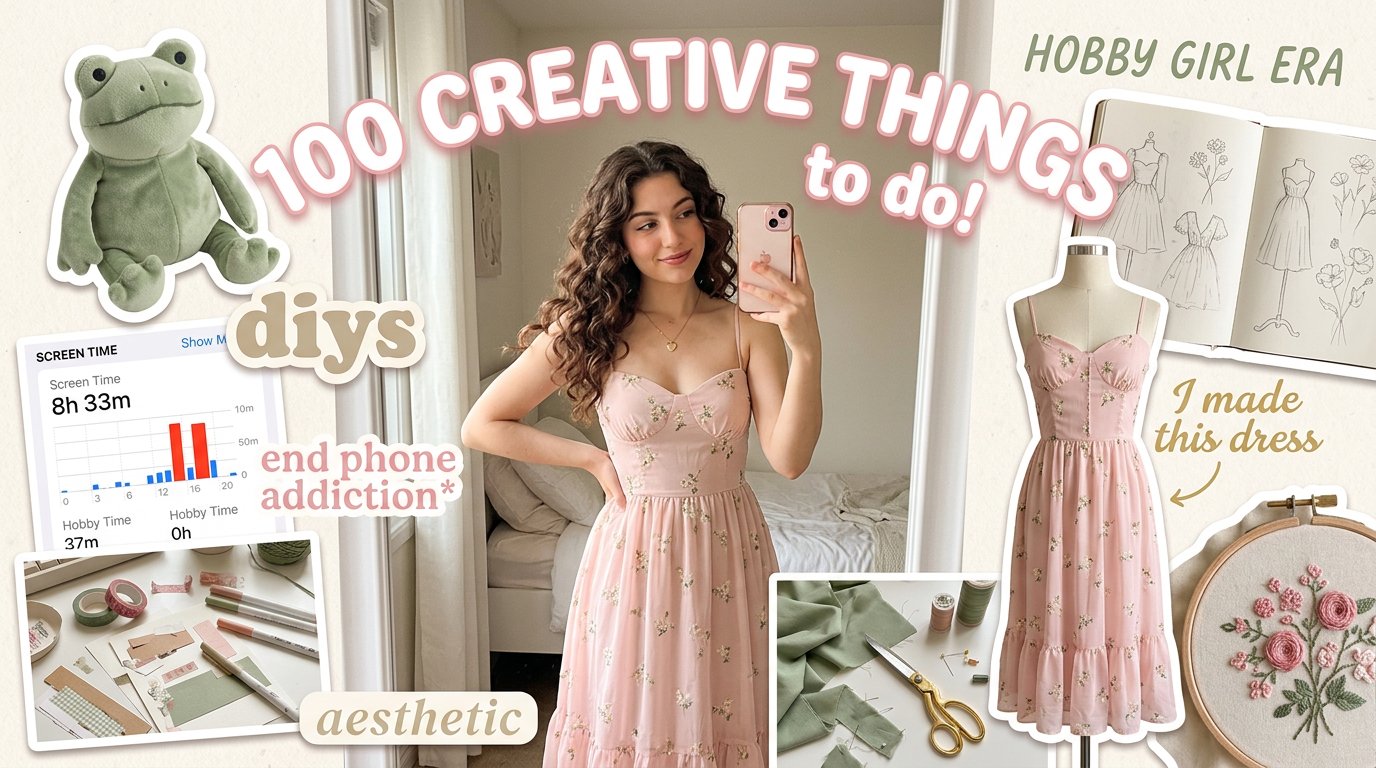
Aesthetic Hobby Girl Collage Youtube Thumbnail
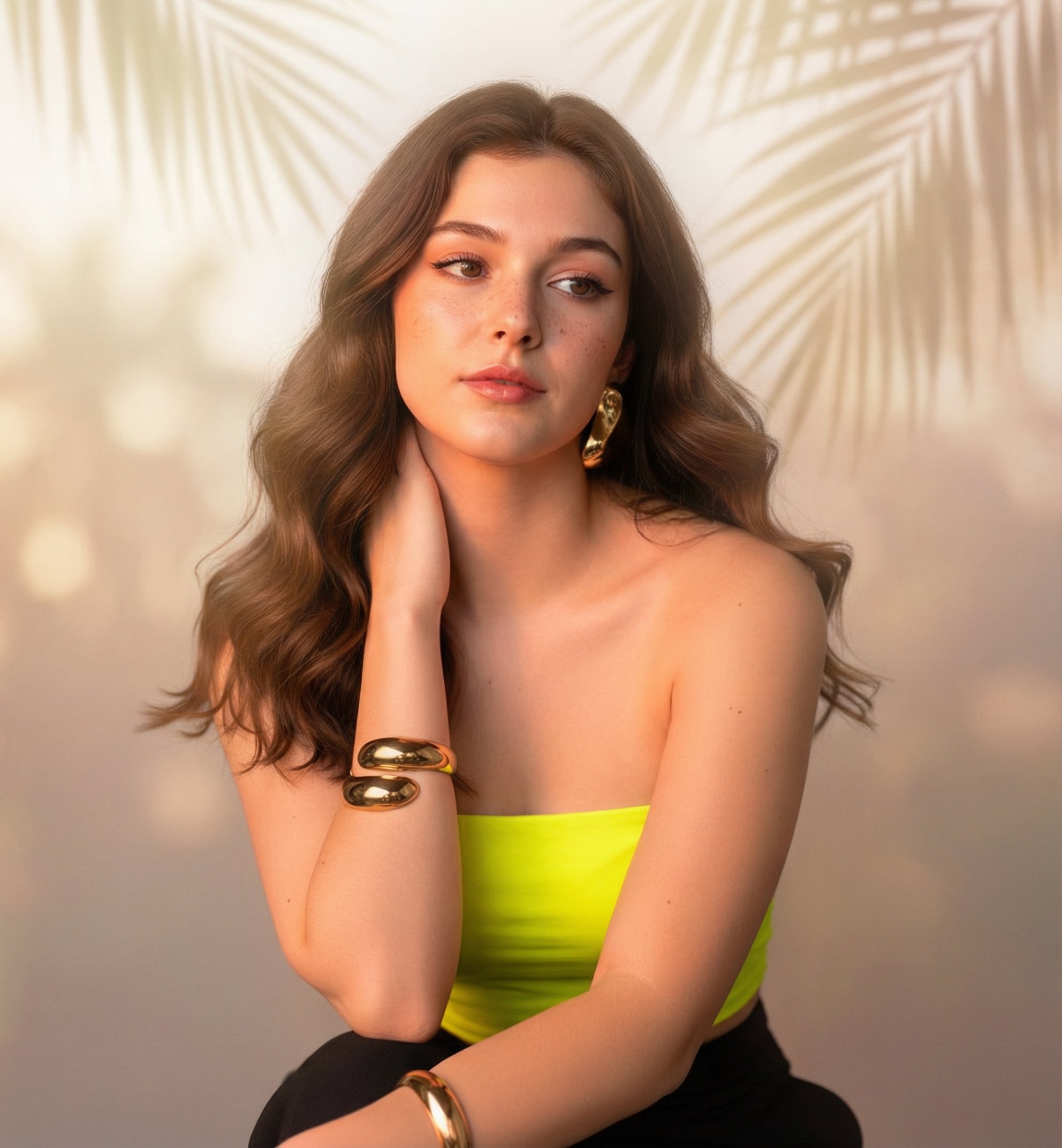
Sunny Day
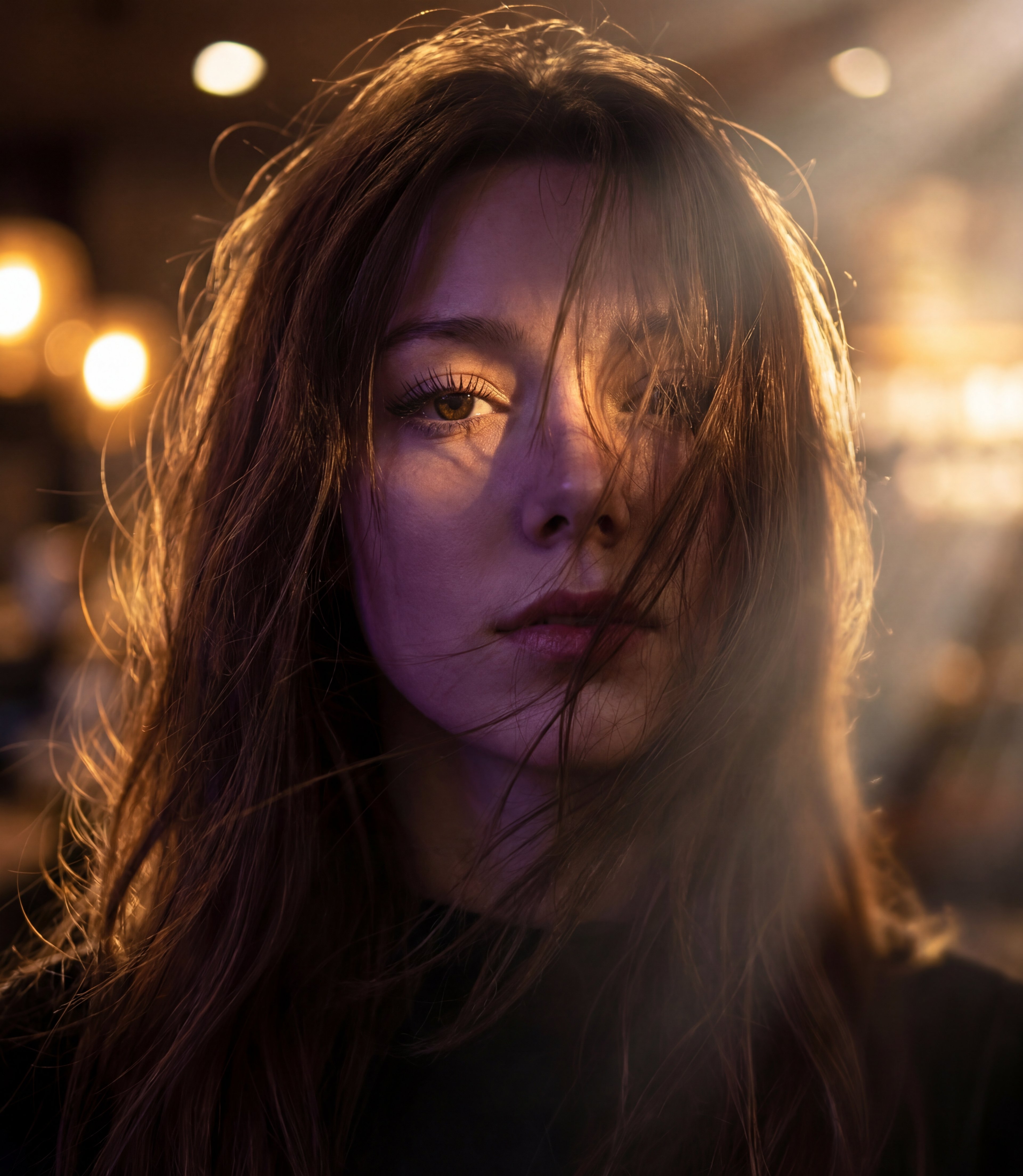
Messy Hair Glow Portrait
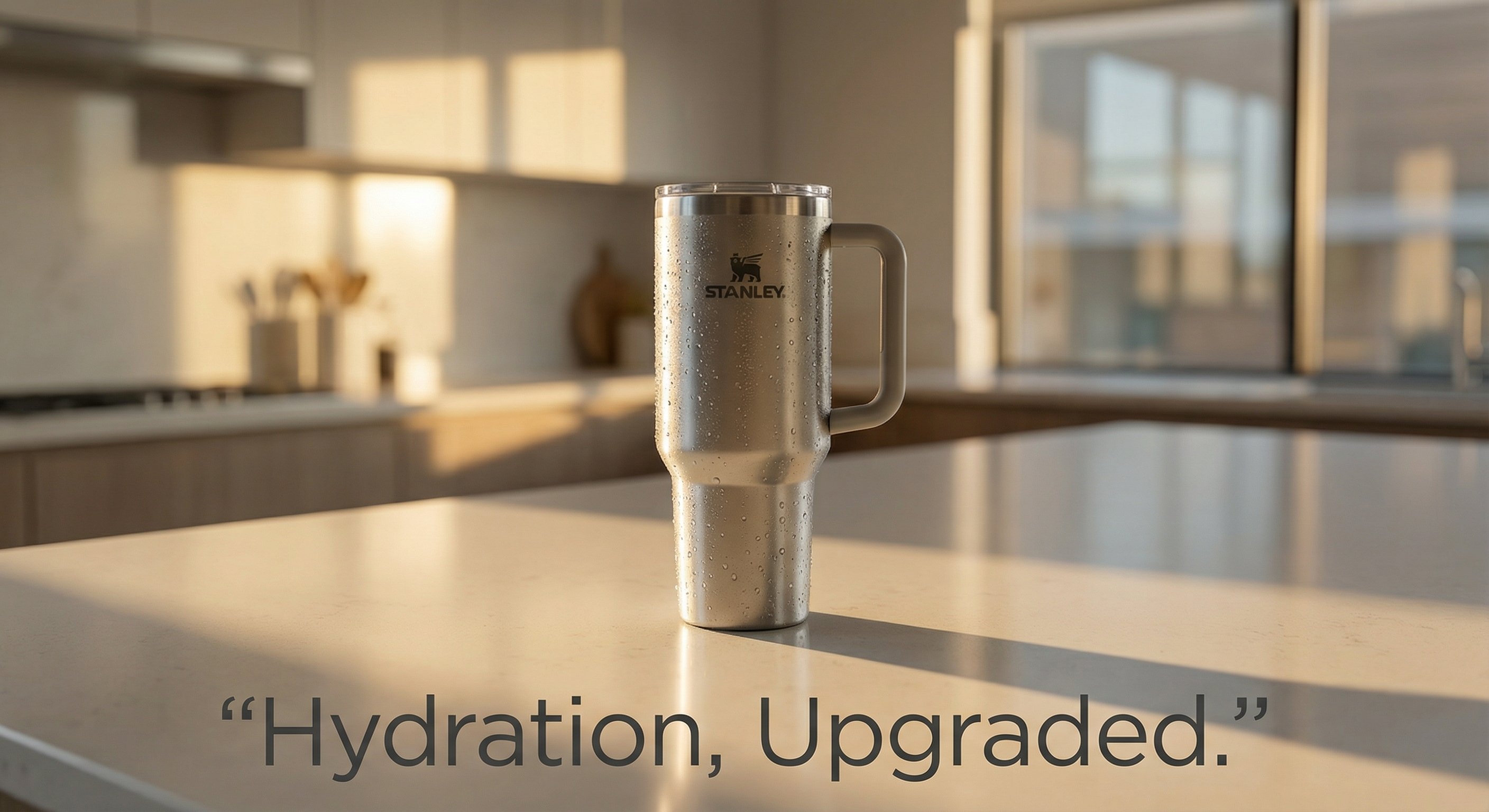
Stanley Poster Ad Visual
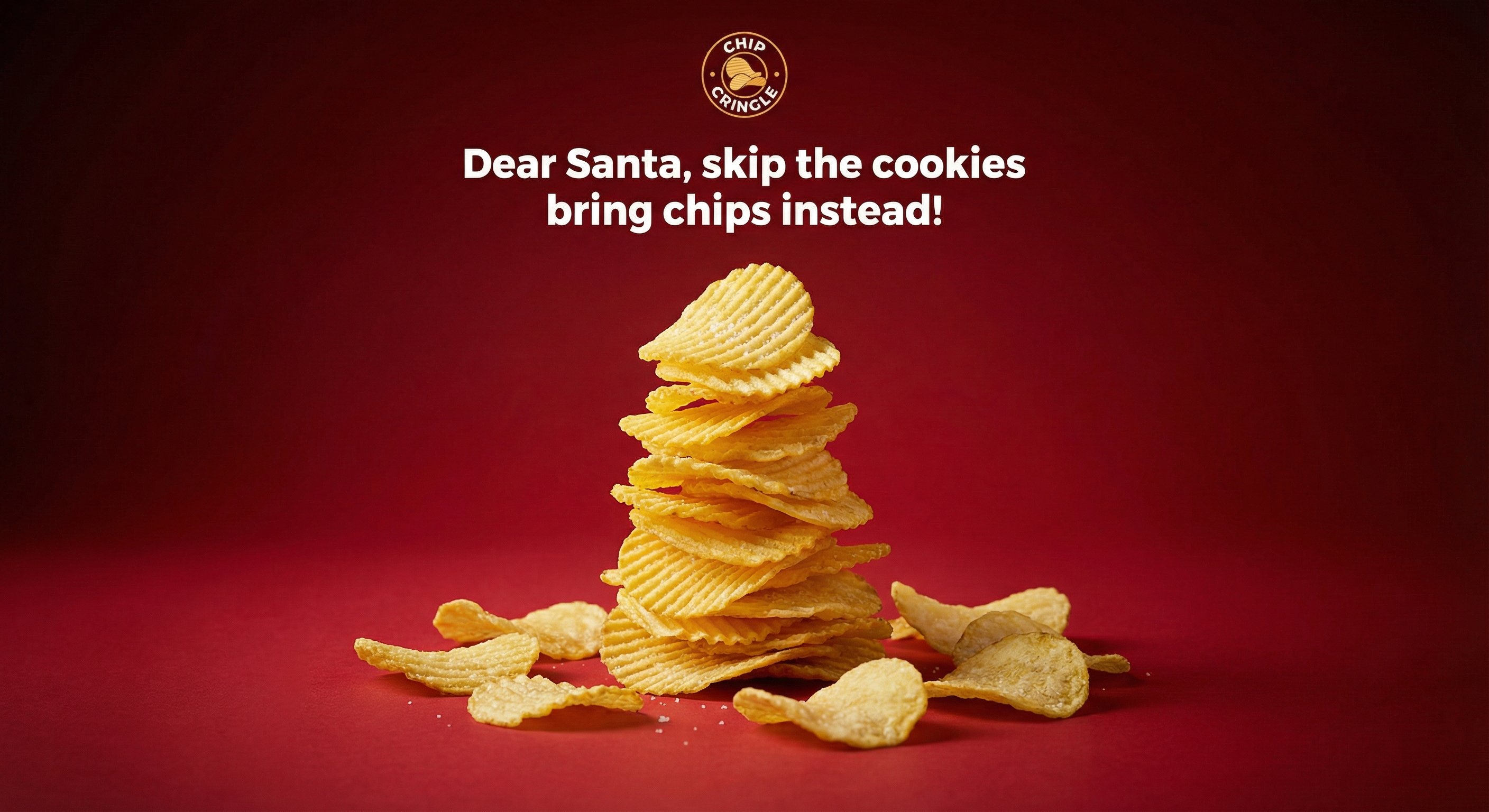
Crispy Chip Christmas Ad Template
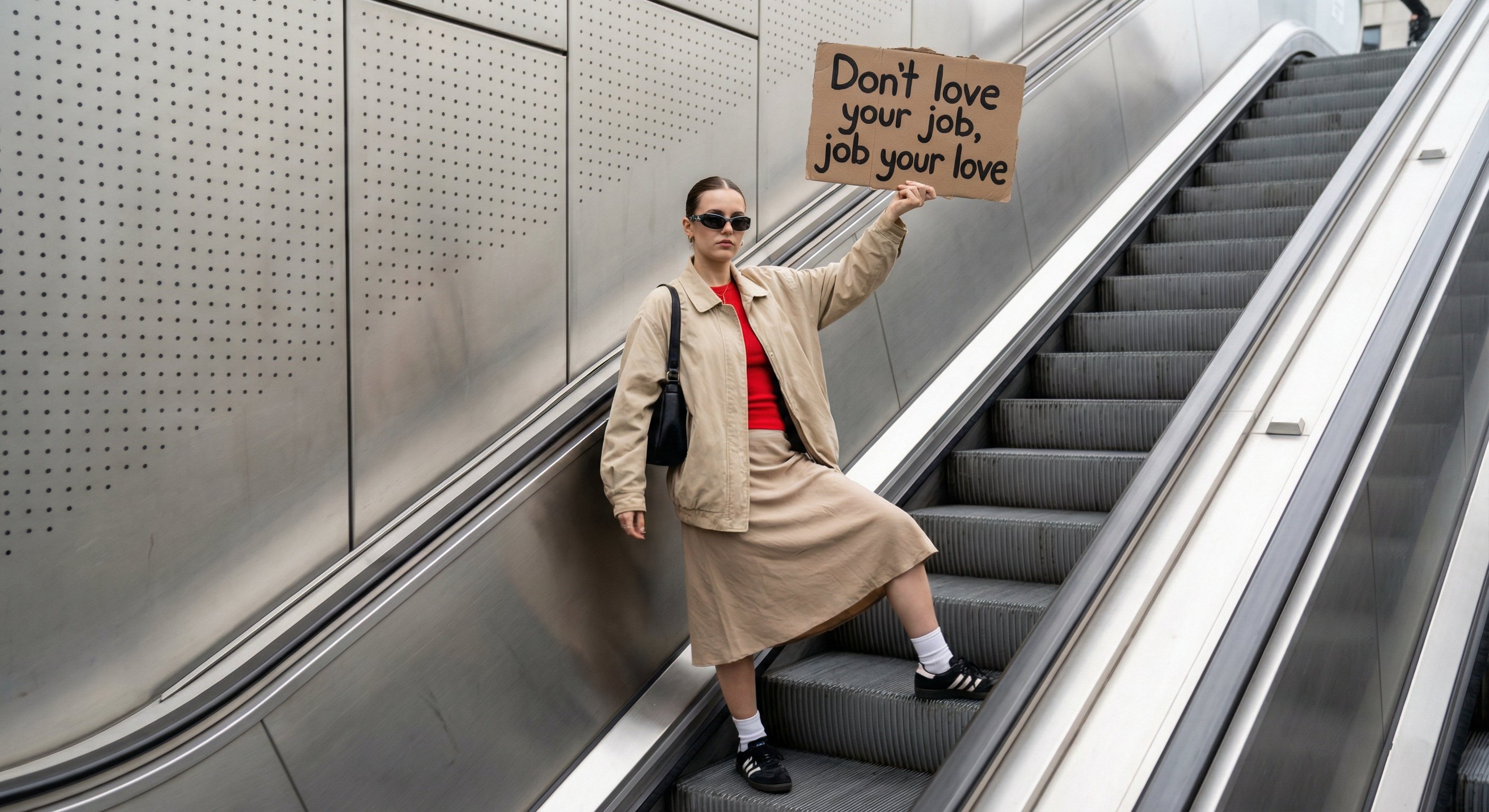
Urban Sign Street Style Template
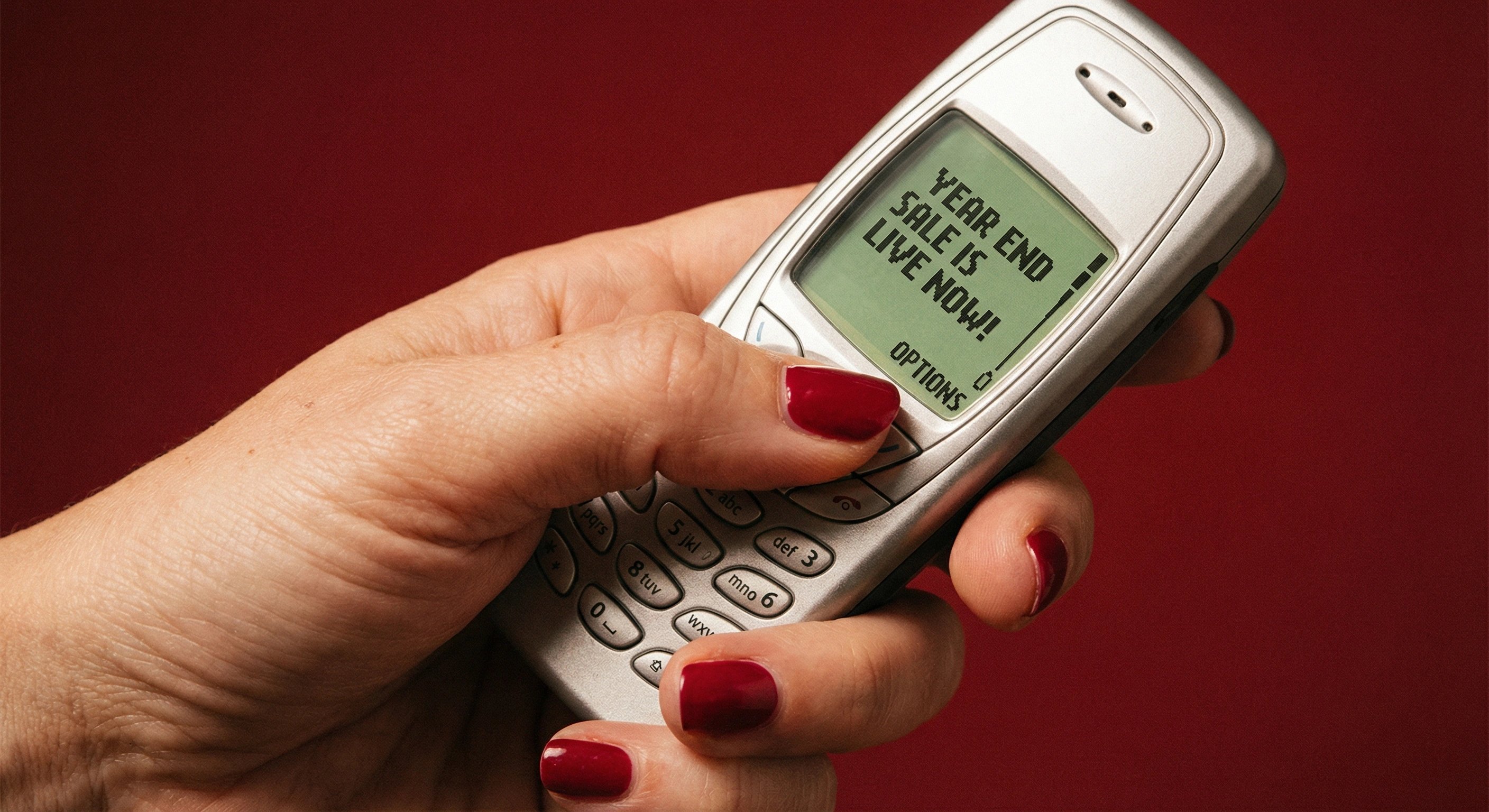
Retro Mobile Sale Alert Template
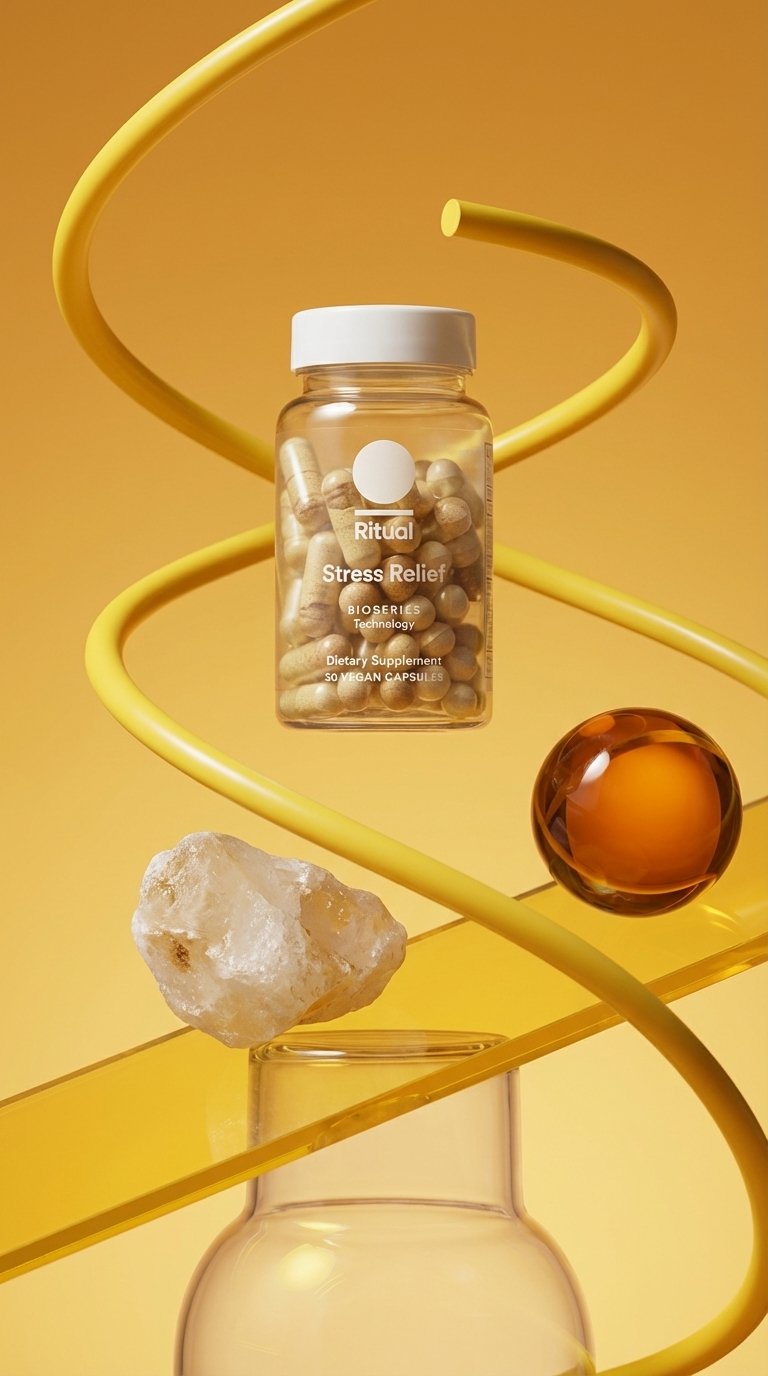
Minimalist Wellness Kinetic Abstract

Whimsical Steaming Coffee Mug Art
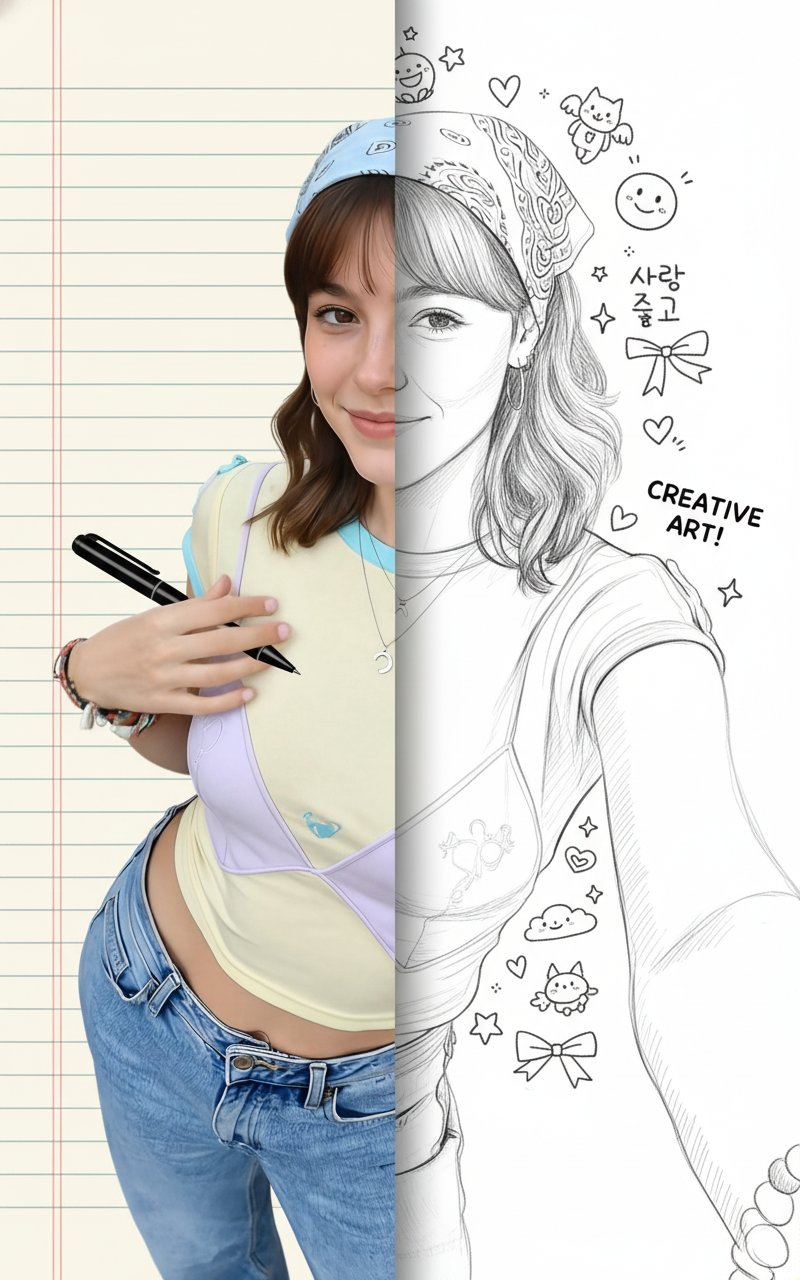
Half-n-Half Drawing
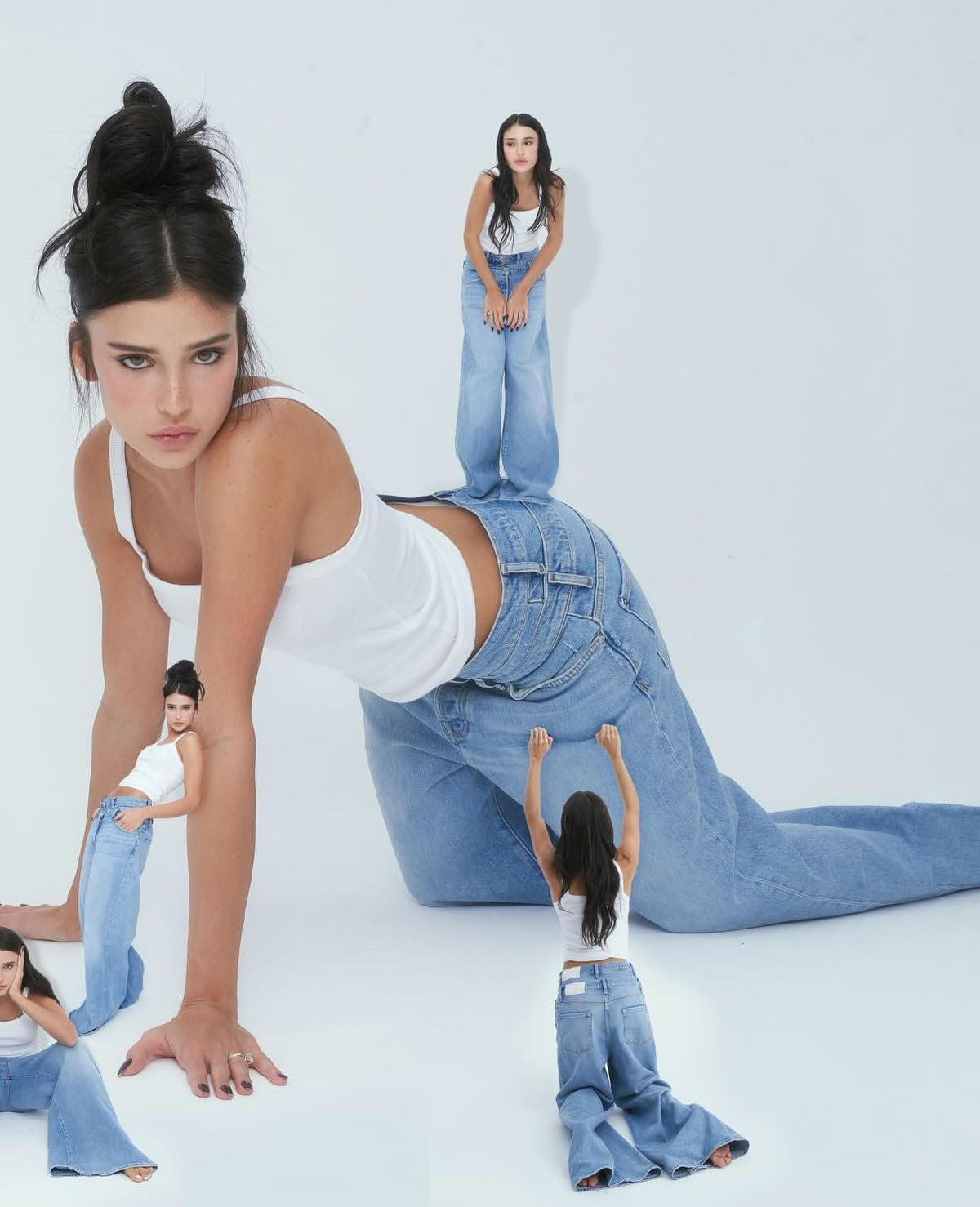
One Girl. Many Moods.
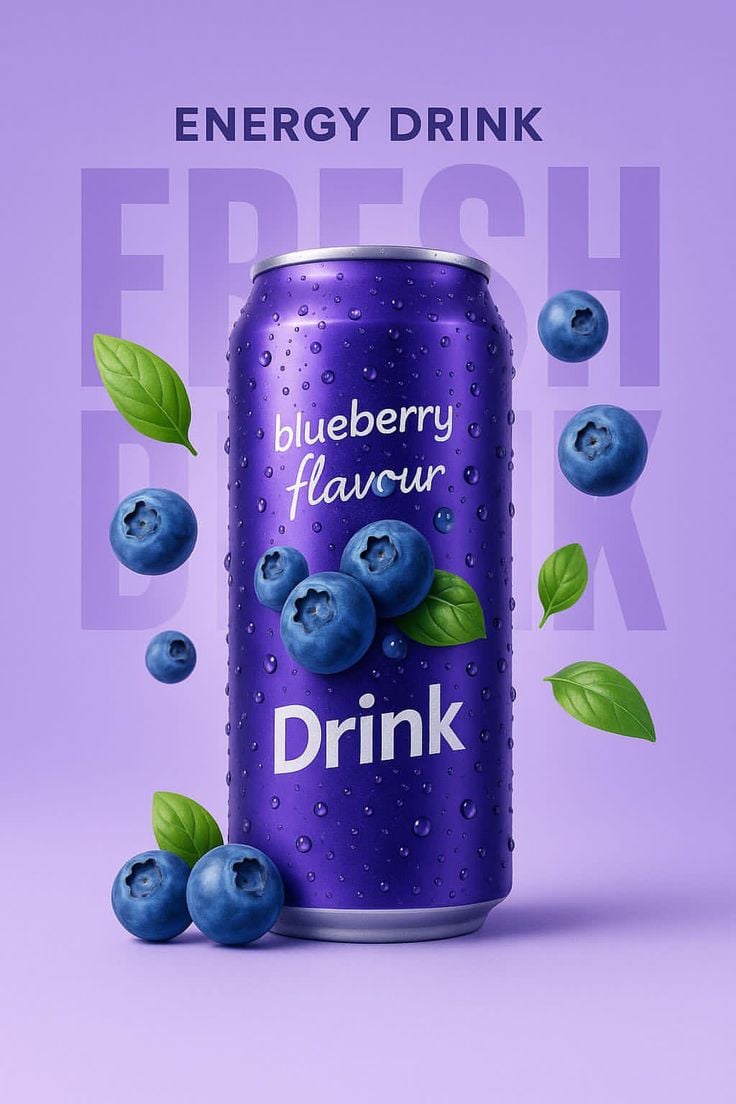
Blueberry Energy Drink Mockup
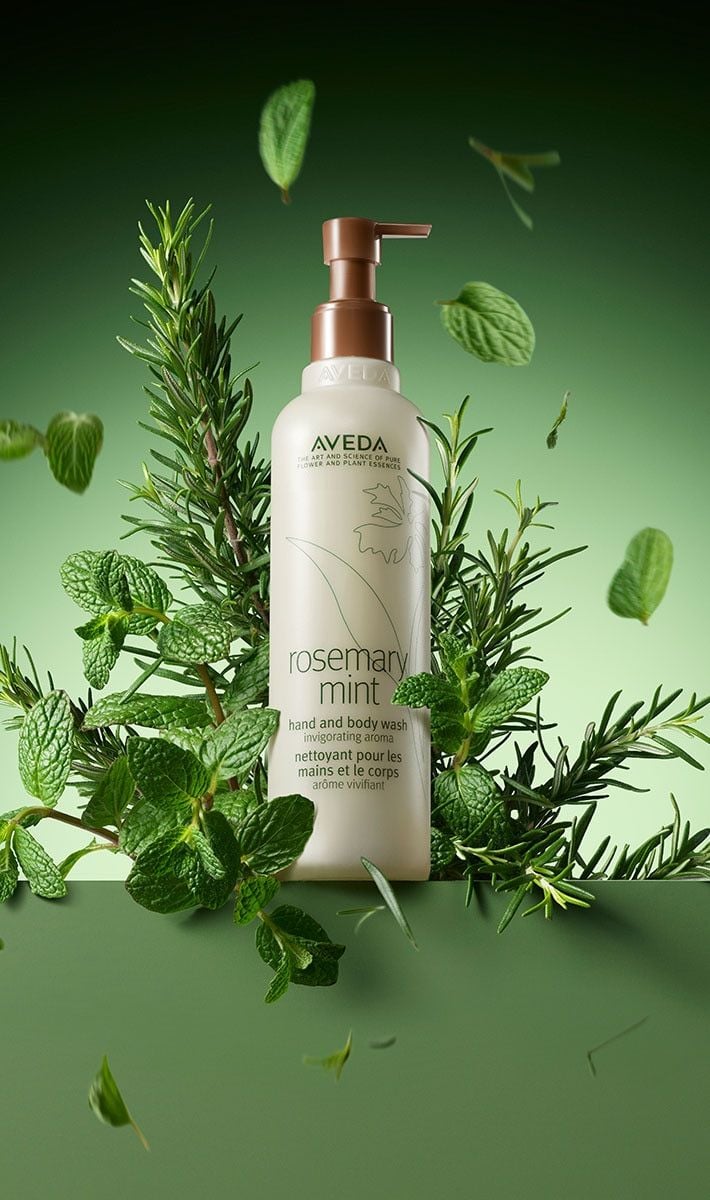
Botanical Rosemary Mint Product Showcase
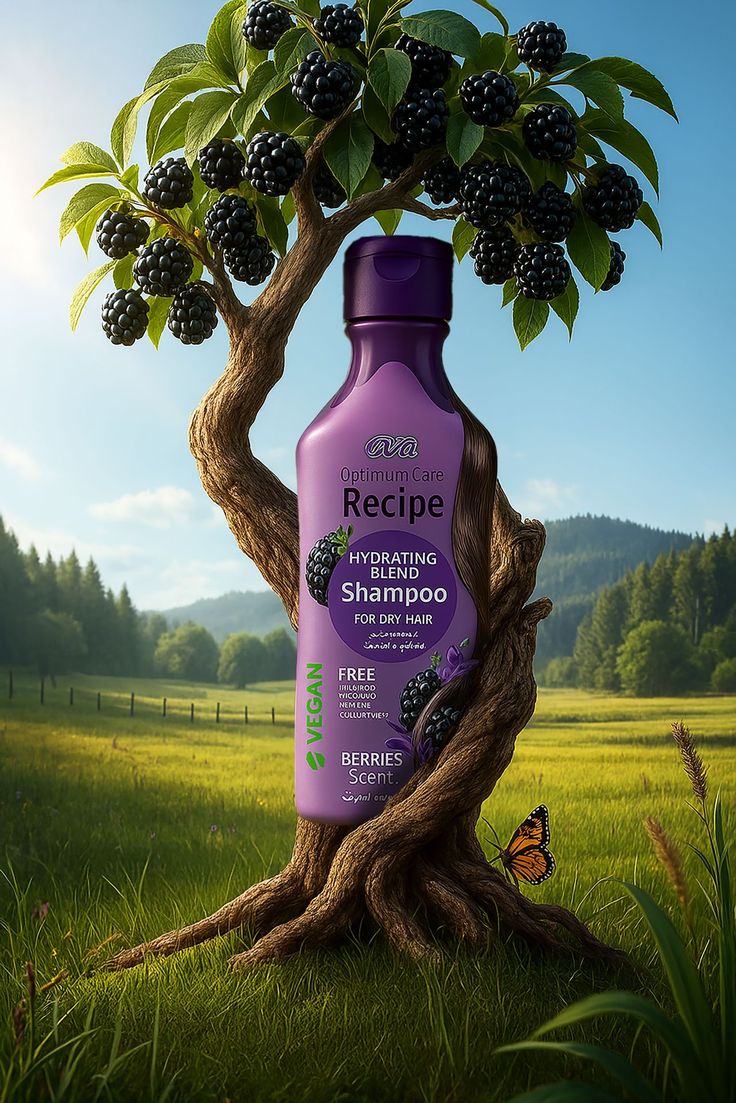
Nature Infused Shampoo Ad Template
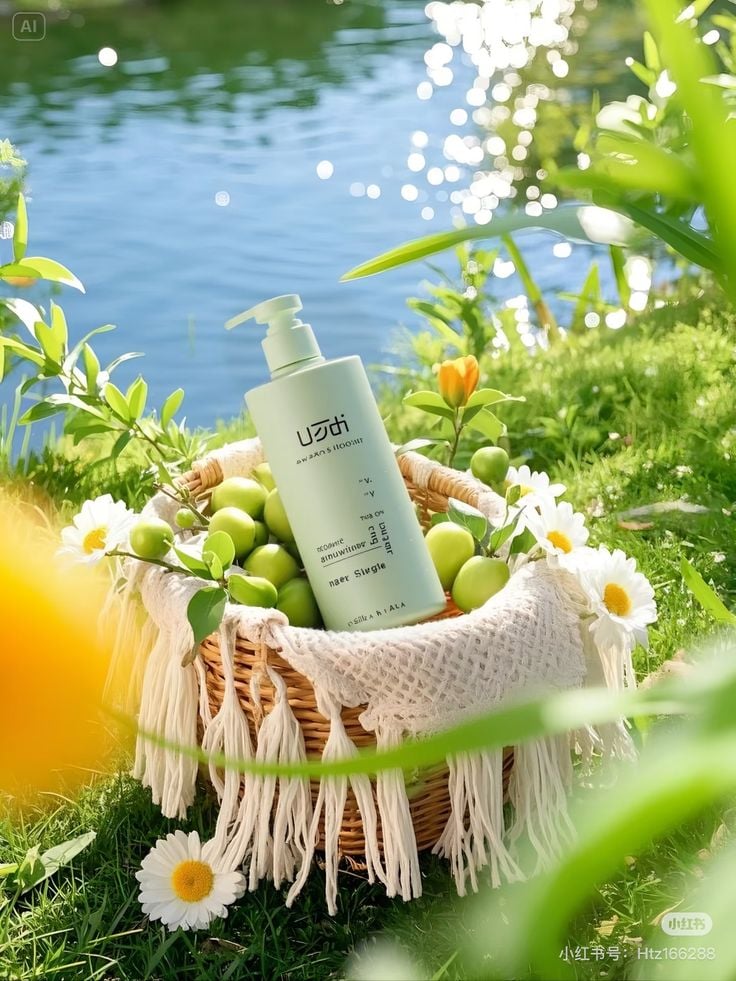
Botanical Orchard Skincare Aesthetic
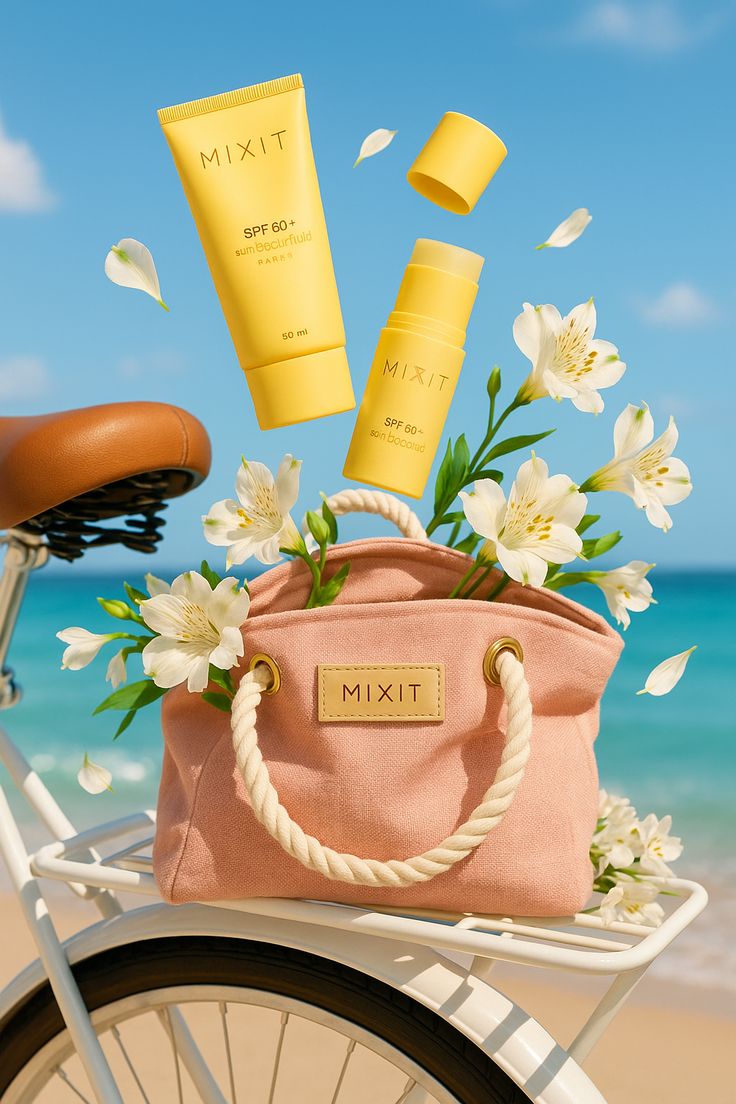
Sun-Kissed Summer Skincare Beachfront
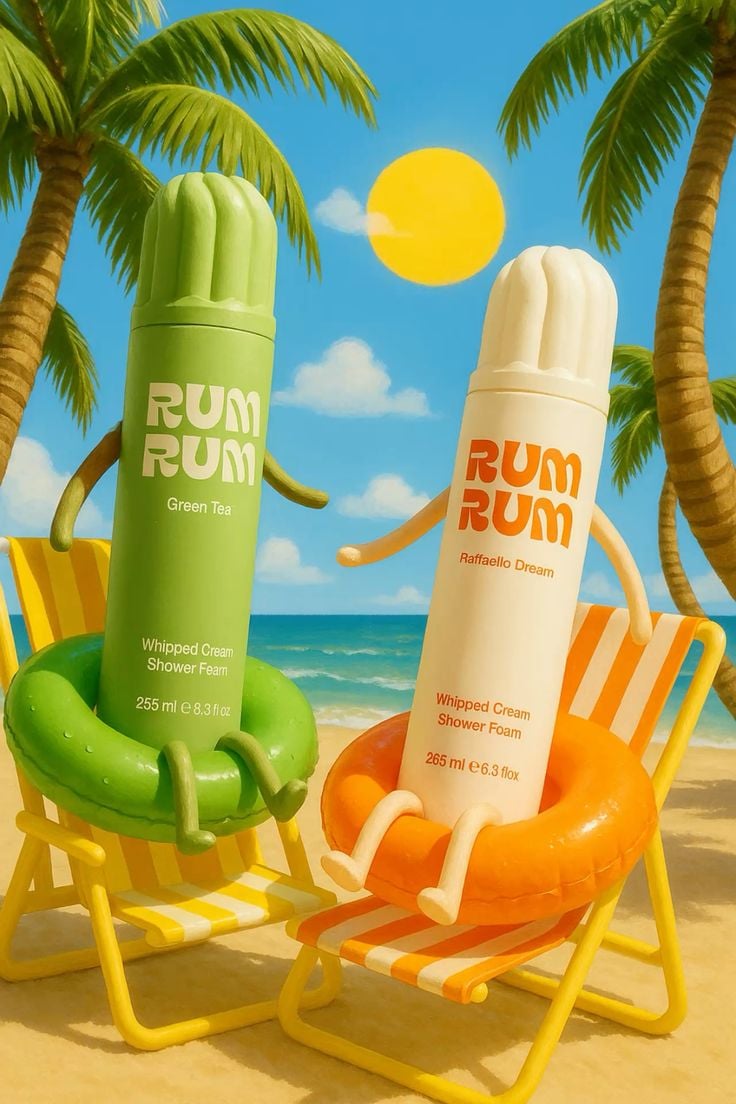
Tropical Skincare Beach Day
AI photo editor templates & examples
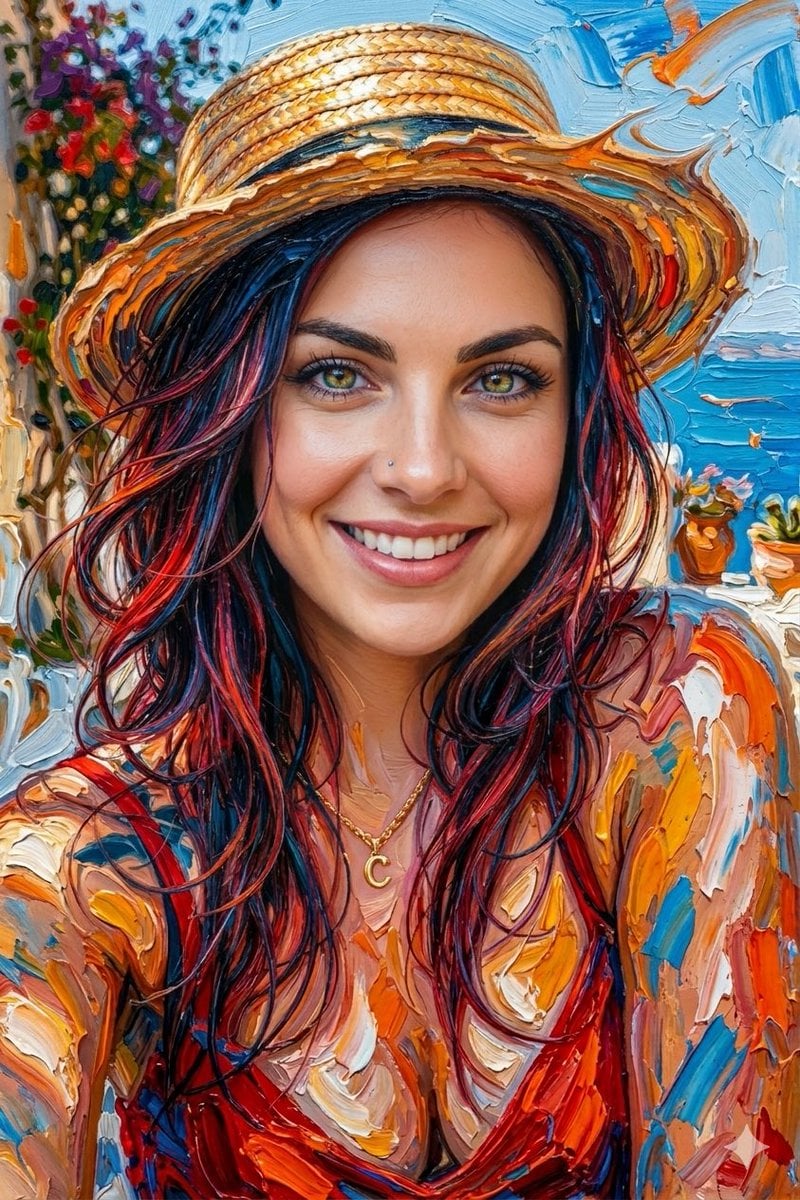
- Thinking Over
A hyper-realistic abstract portrait of the [young woman] in the uploaded photo, created using thick, expressive oil paint strokes. The face is realistic and other body parts blended with vibrant paint textures in shades
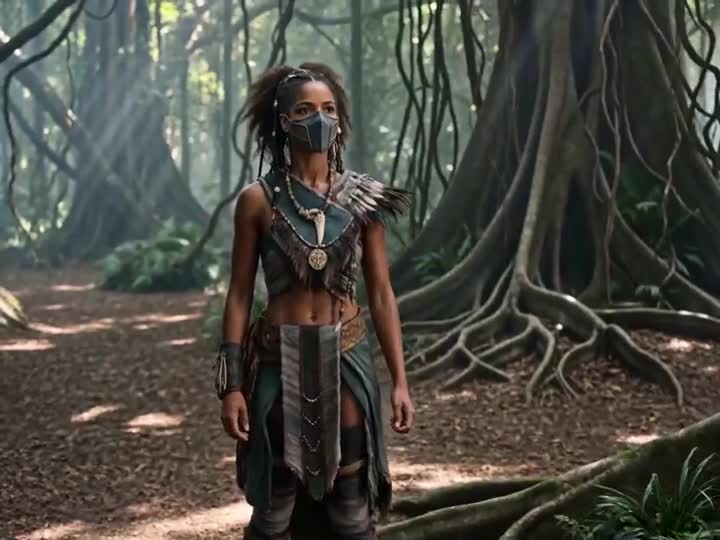
- Energy Bow Jungle Edit
Keep the character, jungle environment, camera movement, composition, action rhythm, and duration of <<<video_1_1>>> unchanged. A blue-white energy bow and glowing arrow <<<image_1_2>>> slowly appear in the character's h
- Multilingual Creative Typography Loop
A 15-second seamless looping creative typography animation video, 4K, 30 fps. Each language lasts about 1.2 seconds. Transitions are created through text dissolving, morphing, or drifting into particles, with no hard cut
- Photoreal Selfie Minecraft Block World
Transform the background into a Minecraft Java Edition world, replacing all environment elements ground, grass, soil, plants, trees, terrain, and structures with blocky voxel-style Minecraft blocks such as grass, dirt, s
- Nano Banana Pro Pink Office Chibi
Use the reference photo to create a realistic female character, soft smile, with a fun and natural expression, without changing the facial structure or features, keeping it as realistic as possible. Hair: Same as in the
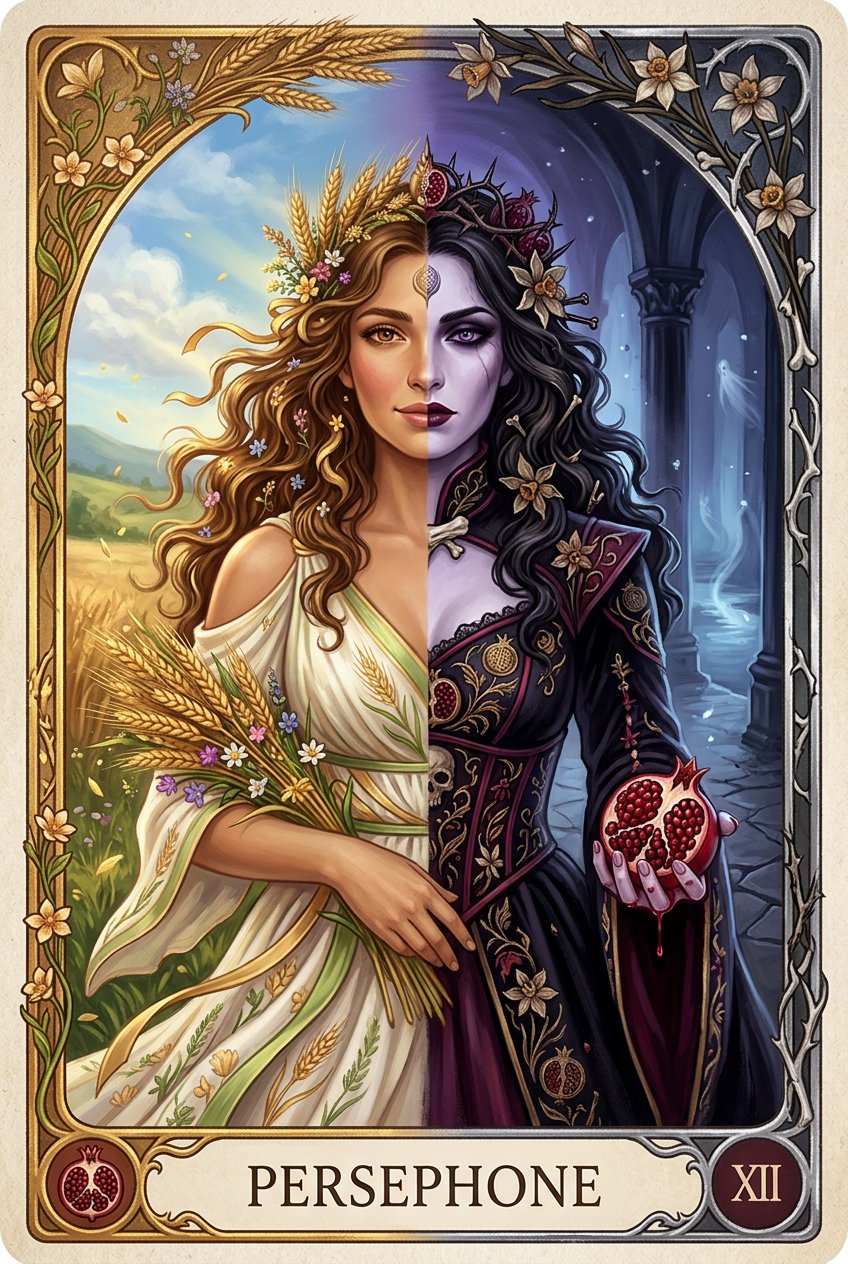
- Persephone deity card
{'subject': {'primary': {'description': 'Persephone depicted as a dual-natured deity in vertical split composition tarot card format. Left half shows Spring Maiden Persephone radiating warmth and life. Right half shows Q
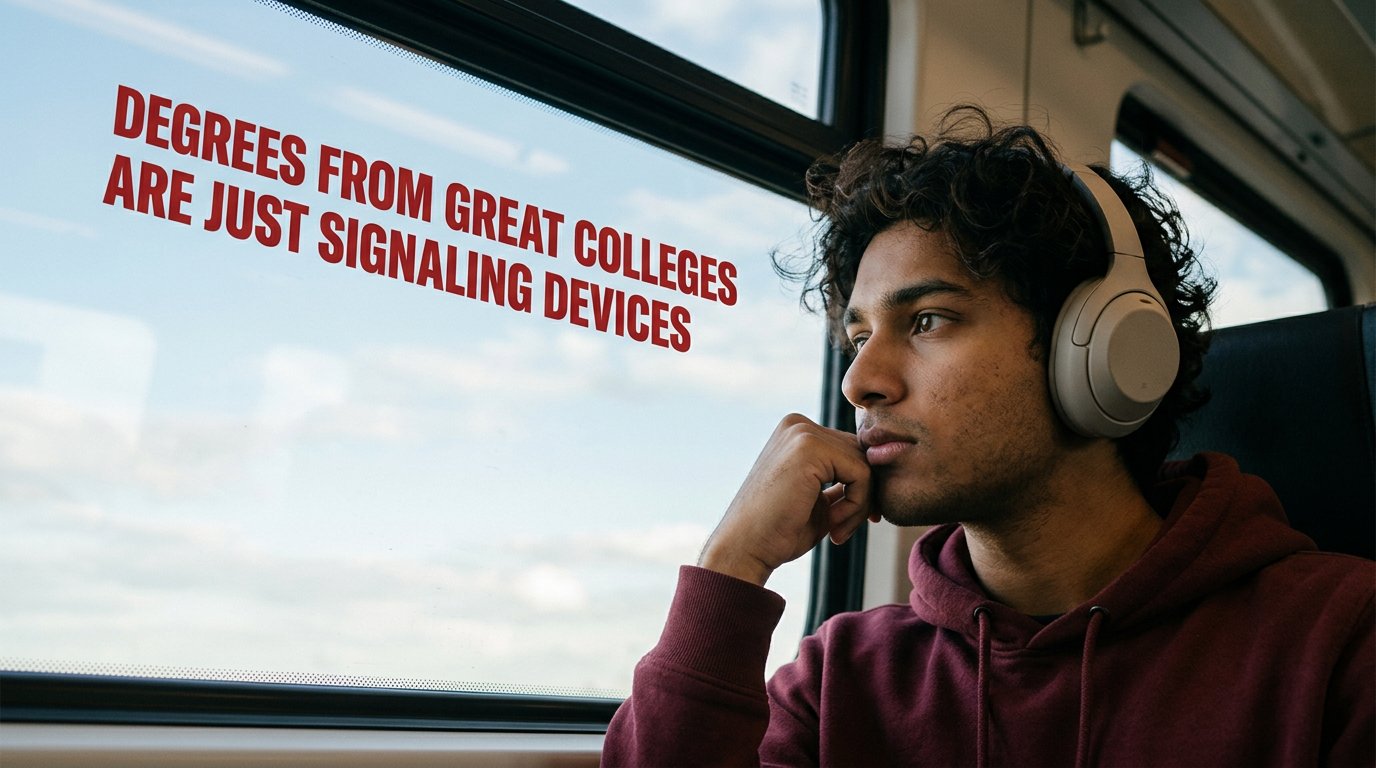
- Cinematic Academic Signaling Thumbnail
Create a 1280x720 YouTube thumbnail with a cinematic, contemplative mood. Scene Composition Right side of frame: Young South Asian male (early 20s), medium brown skin tone, soft facial features, slight stubble, th
- Aesthetic Hobby Girl Collage Youtube Thumbnail
1280x720 Pinterest-style collage thumbnail. Color palette: Soft pink, sage green, cream, muted beige. Center: Young woman taking mirror selfie. Long dark curly hair. Wearing light pink floral dress. Soft bed
- Sunny Day
Preserve the face 100% with no alterations Framing & Composition A medium close-up portrait, framed from the chest up. The angle is straight-on with a slight tilt of the head to the right, mimicking a high-quality selfie
- Messy Hair Glow Portrait
Maintain the same face and person (use attached photo for accurate face Hyper-realistic Use facial feature of attached photo Create a hyper-realistic portrait. High Definition quality, Copy her exact face my A raw clos
- Stanley Poster Ad Visual
Ultra-high-end 4K lifestyle poster of a Stanley Quencher tumbler placed on a sunlit modern kitchen island, soft morning light creating natural shadows, subtle condensation on metal surface, clean neutral palette, shallow
- Crispy Chip Christmas Ad Template
{"subject": {"description": "Stacked ridged potato chips arranged in the shape of a minimalist Christmas tree, tapering naturally from wider base to pointed top, forming recognizable tree silhouette without perfect symme
Related explorations
More pages and searches around AI photo editor.
AI photo editor questions
What can the AI photo editor do?
PicX Studio's AI photo editor can remove backgrounds, retouch portraits, apply style transfers, grade colors, upscale resolution, and remove unwanted objects — all from a simple text prompt or by choosing a template. No Photoshop experience required.
Is the AI photo editor really free?
Free to start: your first image is on us when you sign up, so you can start editing immediately. After that, an edit costs 35 credits with Nano Banana 2 at 1K, or 20 with Nano Banana 2 Lite. Plans start at $11.99/month, or buy one-time credit packs from $5. Credits never expire.
How is this different from Photoshop?
Photoshop requires learning complex tools, layers, and manual techniques that take years to master. PicX Studio's AI editor does the same professional edits from a text prompt in seconds. No plugins, no layers, no learning curve.
Can I remove the background from a photo with AI?
Yes. PicX Studio detects and removes backgrounds automatically with high accuracy — including hair, fur, and complex edges. You can also replace the background with any scene by describing it in text.
What image formats and sizes are supported?
JPG, PNG, and WebP are supported for uploads. Outputs are generated at high resolution (up to 4K on most models). All generated images can be downloaded watermark-free and used commercially.
Can I use AI-edited photos commercially?
Yes. All images you generate or edit on PicX Studio come with commercial usage rights included. No additional licensing needed for business, marketing, or product use.

Start your AI photo editor free
Your first image is on us. Every top image and video model, one credit balance, credits that never expire.