How do I use the Energy Bow Jungle Edit template?
Edit the prompt in the box under the preview — the template's model and format are already selected — and press Generate. Your version appears right on this page.
video editing, motion preservation, and controlled transformation.
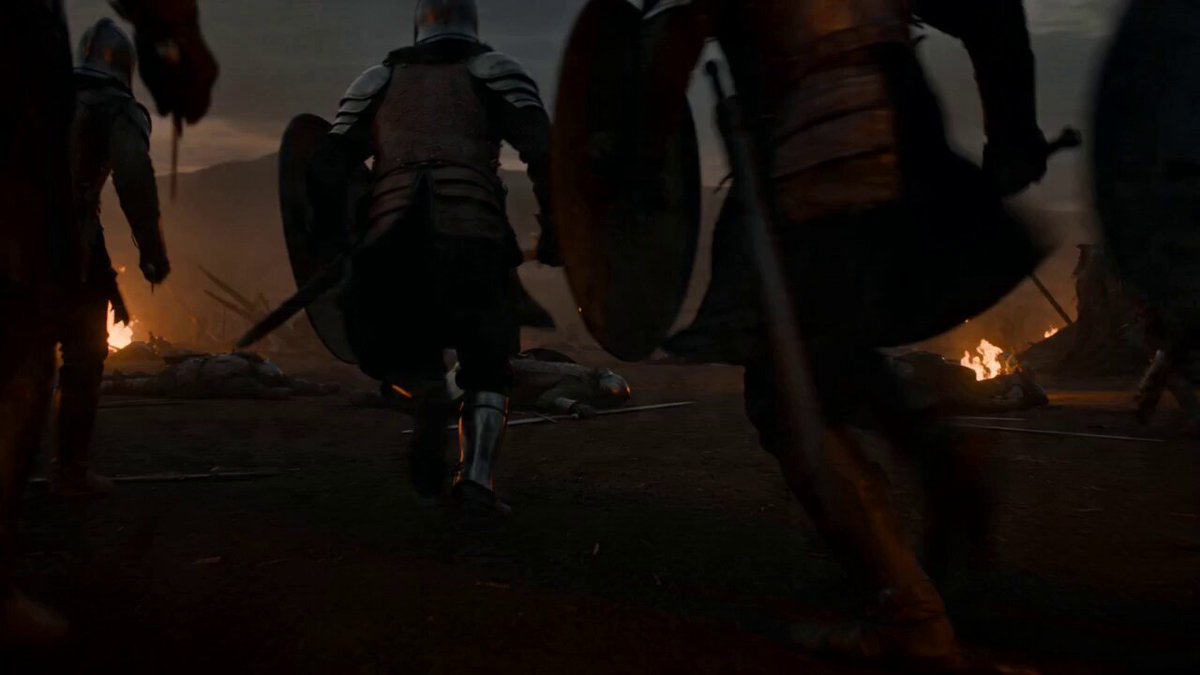
Keep the character, jungle environment, camera movement, composition, action rhythm, and duration of <<<video_1_1>>> unchanged. A blue-white energy bow and glowing arrow <<<image_1_2>>> slowly appear in the character's hands. The bow gradually forms from faint electric arcs and particles, with delicate flowing current texture, slight volumetric light, and a stable energy silhouette. During the draw, the arrow condenses into a bright energy arrow at the center of the bowstring. The instant the character releases, the arrow shoots out at high speed, leaving a bright, slender, continuous, sharp energy trail.
Keep the character, jungle environment, camera movement, composition, action rhythm, and duration of <<<video_1_1>>> unchanged. A blue-white energy bow and glowing arrow <<<image_1_2>>> slowly appear in the character's hands. The bow gradually forms from faint electric arcs and particles, with delicate flowing current texture, slight volumetric light, and a stable energy silhouette. During the draw, the arrow condenses into a bright energy arrow at the center of the bowstring. The instant the character releases, the arrow shoots out at high speed, leaving a bright, slender, continuous, sharp energy trail.
Edit the prompt in the box under the preview — the template's model and format are already selected — and press Generate. Your version appears right on this page.
Yes. You can change the subject, setting, lighting, mood, format, and available model controls before creating your video.
Opening and editing this template is free. Generating uses credits, shown on the Generate button when you are signed in.
Start with seedance-2.5, which is the model associated with this template. You can compare another compatible model for a different finish.
Follow a topic to a crawlable collection of related PicX Studio templates.