How do I use the Dark Tokusatsu Transformation - Seedance 2.5 template?
Edit the prompt in the box under the preview — the template's model and format are already selected — and press Generate. Your version appears right on this page.
Video prompt from YouMind (seedance-2.5).
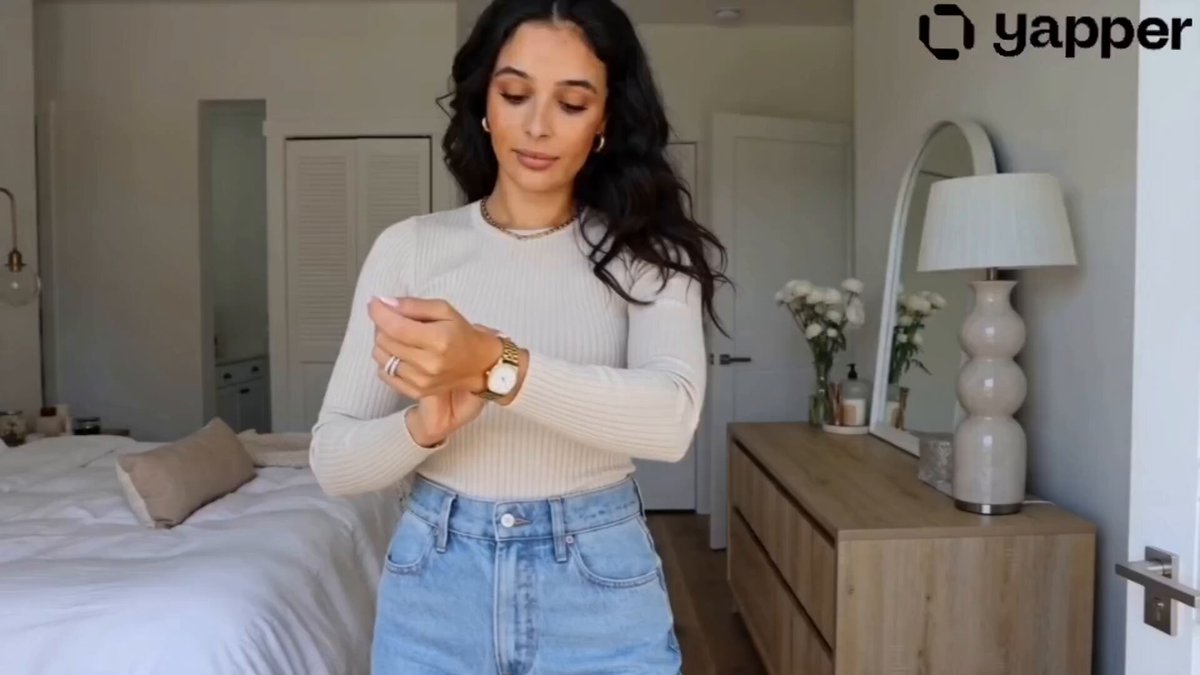
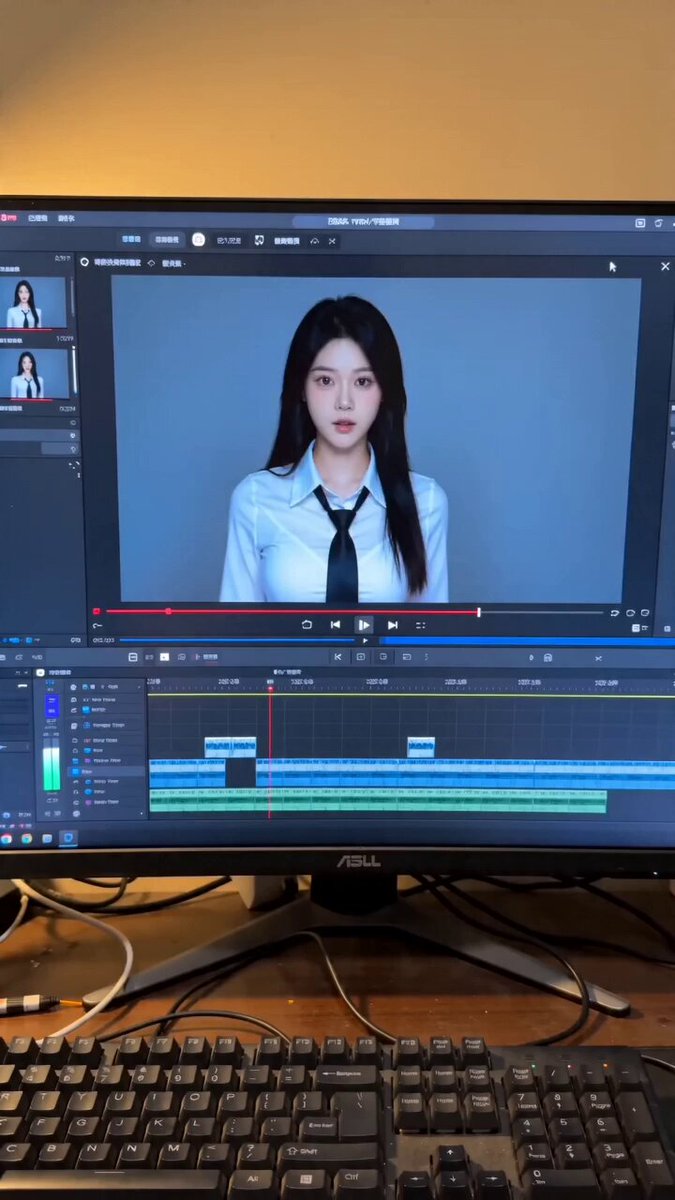
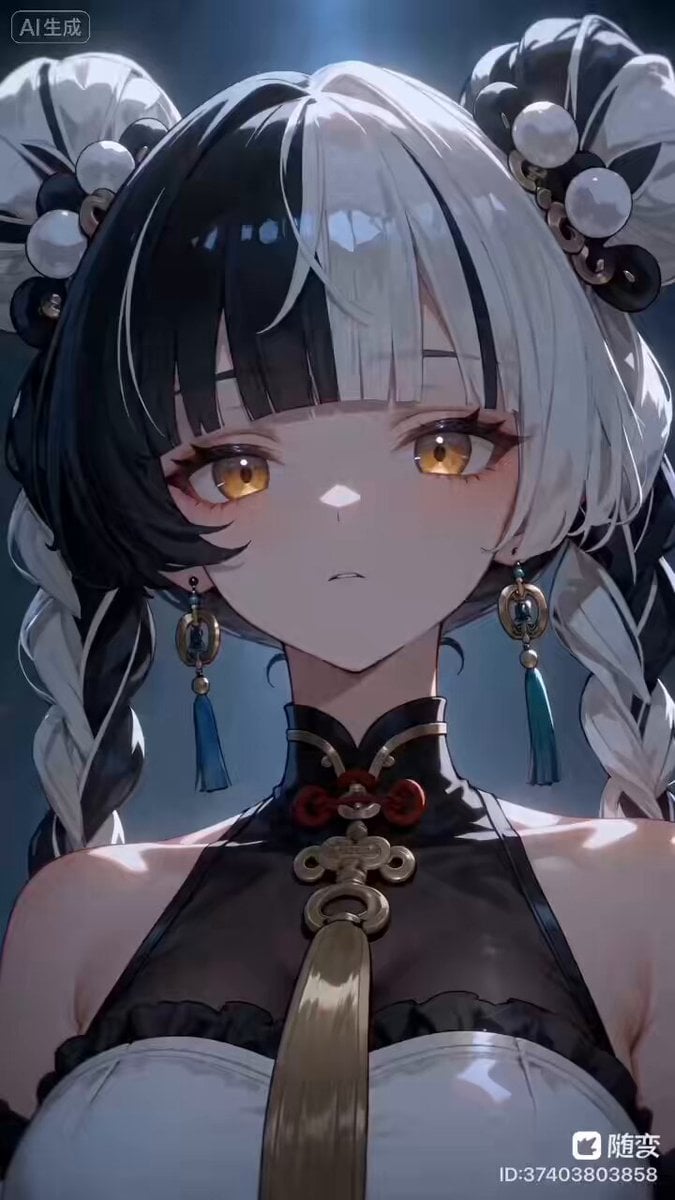
Create a 30-second ultra-realistic dark tokusatsu transformation sequence using the reference image as the heroine. She stands in an apocalyptic wasteland beneath a smoky gray-blue sky, surrounded by ruins, ash, and distant flying creatures. A matte-metal ring with a glowing golden crystal is visible on her finger. Use one continuous cinematic handheld shot with an IMAX-scale feel. She slowly raises her hand. Her eyes suddenly glow white-gold as energy cracks through the air. She shouts, “Henshin!” The crystal shatters, releasing a powerful blue energy burst. Shockwaves distort the air as red smoke, blue lightning, and golden particles race across her body. Her clothes burn away into energy while iridescent biological armor grows over her skin. Metallic plates form and lock together with sparks, followed by an uneven golden horned mask with glowing compound eyes. Her transformation completes into a flame-gold Thunder Dragon warrior with glowing cracks, heavy armor, horns, and unstable energy pulsing beneath the surface. She drops into a fighting stance and forms a lightning blade in her hand. After a brief charged pause, she launches forward at extreme speed, smashing into the battlefield. The ground fractures and massive explosions, debris, smoke, lightning, and golden energy erupt across the frame. Ultra-realistic tokusatsu VFX, cinematic lighting, realistic materials, dynamic camera movement, detailed armor, physically believable particles, dramatic scale, intense transformation effects, seamless continuous motion, epic final impact. Generate Video with Prompt S!Image 2 @simeon-sanaiView original Published Aug 11, 2026 Original language EN CategoriesCinematic Scene ShowcaseCinematic RealisticFantasy / MagicalPerson / CharacterAbstract / VFXSports / Action Likes 41 Views 1.6K Shares 3 Comments 8 Bookmarks 21 Quotes 0 Share ## Go beyond generating video Collect materials, process them, generate finished work, and distribute it from one AI workspace. !Image 3 Explore YouMind
Create a 30-second ultra-realistic dark tokusatsu transformation sequence using the reference image as the heroine. She stands in an apocalyptic wasteland beneath a smoky gray-blue sky, surrounded by ruins, ash, and distant flying creatures. A matte-metal ring with a glowing golden crystal is visible on her finger. Use one continuous cinematic handheld shot with an IMAX-scale feel. She slowly raises her hand. Her eyes suddenly glow white-gold as energy cracks through the air. She shouts, “Henshin!” The crystal shatters, releasing a powerful blue energy burst. Shockwaves distort the air as red smoke, blue lightning, and golden particles race across her body. Her clothes burn away into energy while iridescent biological armor grows over her skin. Metallic plates form and lock together with sparks, followed by an uneven golden horned mask with glowing compound eyes. Her transformation completes into a flame-gold Thunder Dragon warrior with glowing cracks, heavy armor, horns, and unstable energy pulsing beneath the surface. She drops into a fighting stance and forms a lightning blade in her hand. After a brief charged pause, she launches forward at extreme speed, smashing into the battlefield. The ground fractures and massive explosions, debris, smoke, lightning, and golden energy erupt across the frame. Ultra-realistic tokusatsu VFX, cinematic lighting, realistic materials, dynamic camera movement, detailed armor, physically believable particles, dramatic scale, intense transformation effects, seamless continuous motion, epic final impact. Generate Video with Prompt S!Image 2 @simeon-sanaiView original Published Aug 11, 2026 Original language EN CategoriesCinematic Scene ShowcaseCinematic RealisticFantasy / MagicalPerson / CharacterAbstract / VFXSports / Action Likes 41 Views 1.6K Shares 3 Comments 8 Bookmarks 21 Quotes 0 Share ## Go beyond generating video Collect materials, process them, generate finished work, and distribute it from one AI workspace. !Image 3 Explore YouMind
Edit the prompt in the box under the preview — the template's model and format are already selected — and press Generate. Your version appears right on this page.
Yes. You can change the subject, setting, lighting, mood, format, and available model controls before creating your video.
Opening and editing this template is free. Generating uses credits, shown on the Generate button when you are signed in.
Start with seedance-2.5, which is the model associated with this template. You can compare another compatible model for a different finish.
Follow a topic to a crawlable collection of related PicX Studio templates.