
Civilization Timelapse — Centuries in One Shot
Seedance 2.0 prompt by @umesh_ai — Locked-off aerial timelapse of the same crossroads evolving across centuries: dirt paths → cobblestones → asphalt → electric cars & solar rooftops.
- Prompt included
- Model and format preset
- Free template
The prompt behind this video
Copy the exact prompt behind Civilization Timelapse — Centuries in One Shot, or open it in the studio and make it yours.
Locked-off aerial timelapse of the exact same landscape across centuries, with the camera completely fixed and the landforms, road position, tree line, and overall composition always intact. The transformation must feel gradual, seamless, and continuous, as if generations are passing in a single uninterrupted shot. Start with a simple dirt crossroads cutting through open farmland, a few modest cottages, thin chimney smoke, and occasional horse carts. Over time, the dirt paths subtly compact and refine into clearer roads, cottages slowly expand into sturdier homes, small market activity appears, and the settlement becomes more organized without ever feeling like a sudden replacement. As decades pass, more houses fill nearby gaps, roads harden, rails and utility poles emerge carefully along existing routes, and industry grows naturally at the edges. Then the surfaces slowly shift into asphalt, vehicles replace carts in a smooth progression, buildings rise incrementally rather than appearing instantly, and the central tree matures beside a small café. In the final stage, the same streets now carry electric cars and bicycles, lighting becomes modern, rooftops gain greenery and solar panels, yet the original crossroads structure, spatial layout, and visual identity of the place remain clearly recognizable throughout, like a true generational timelapse of one living location.
How to use Civilization Timelapse — Centuries in One Shot in 3 steps
- 1
Open
The prompt is already in the box next to the preview, with the template's model and format selected.
- 2…a portrait of your subject in softgolden-hour light, 85mm…
Personalize
Edit the subject and creative details for your destination.
- 3Generate
Generate
Press Generate — your video is created in PicX Studio, so you can compare it with the original and refine one variable at a time.
More like this
Templates with the same subject, style or setup. Open one to see its prompt.
Mecha Transformation vs Kaiju — 4-Scene Epic
City Timelapse Growth — Seedance 2.0
FPV Ancient Kuru Kingdom — Hastinapura Golden Hour (Seedance)
Yellow Seaplane Coastal Dive — Aerial Drone Shot

Magical Room Transformation - Seedance 2.5

Dark Tokusatsu Transformation - Seedance 2.5

RX-7 to Mech Transformation Cyberpunk

Three-Thousand-Year Football History

Oceanic Civilization Epic Sci-Fi Film
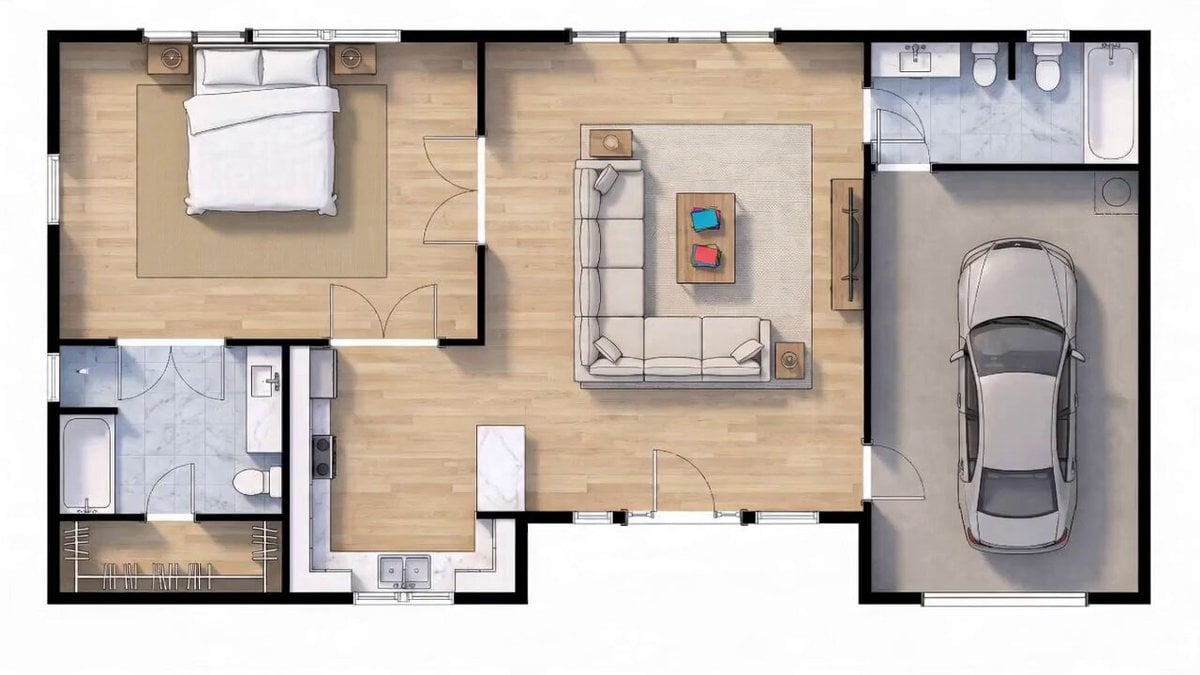
Blueprint to House Timelapse Transformation
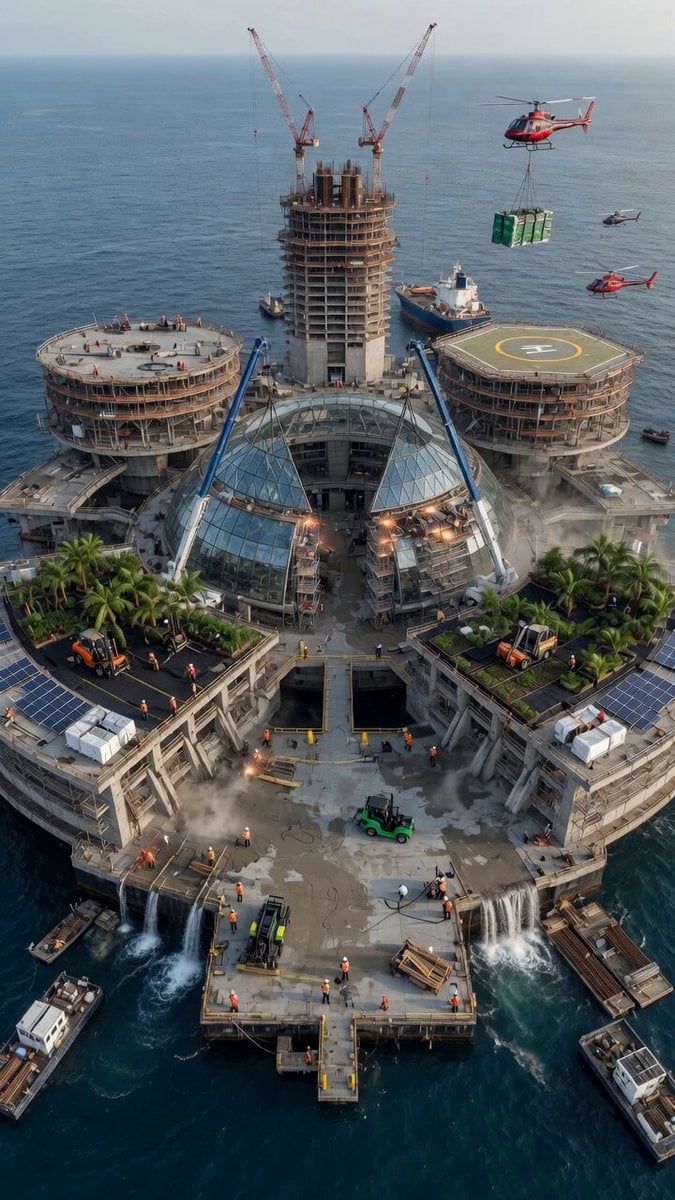
Aerial City Construction Transformation
Griffin Knight Mountain Kingdom — Seedance 2.0
Make it yours
Civilization Timelapse — Centuries in One Shot works as-is. These are the safest ways to change it without losing the look.
Change one field
Copy a single group, rewrite it, and generate again so you can see what that field is doing.
Keep the frame, change the subject
Hold the composition and light of Civilization Timelapse — Centuries in One Shot, then swap wardrobe, props or the person for a new take.
| If the result… | Why | Fix |
|---|---|---|
| The result drifts from the preview | Too many fields changed at once. | Reuse Civilization Timelapse — Centuries in One Shot as-is first, then change one group — subject, light, or setting. |
| The model over-stylizes the scene | The prose prompt leaves finish and camera underspecified. | Add one camera or lighting sentence and stay on Seedance. |
More Seedance templates
Other prompts made for Seedance.
More video prompts
Fresh picks from across the catalog.
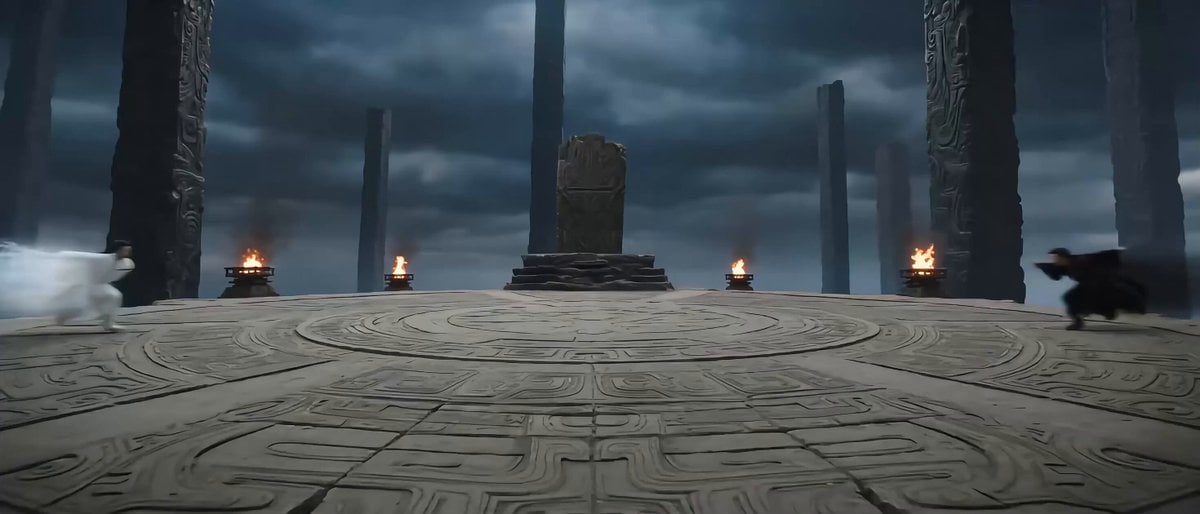
Eastern Wuxia Ultimate Showdown with Extreme Kinetic Energy
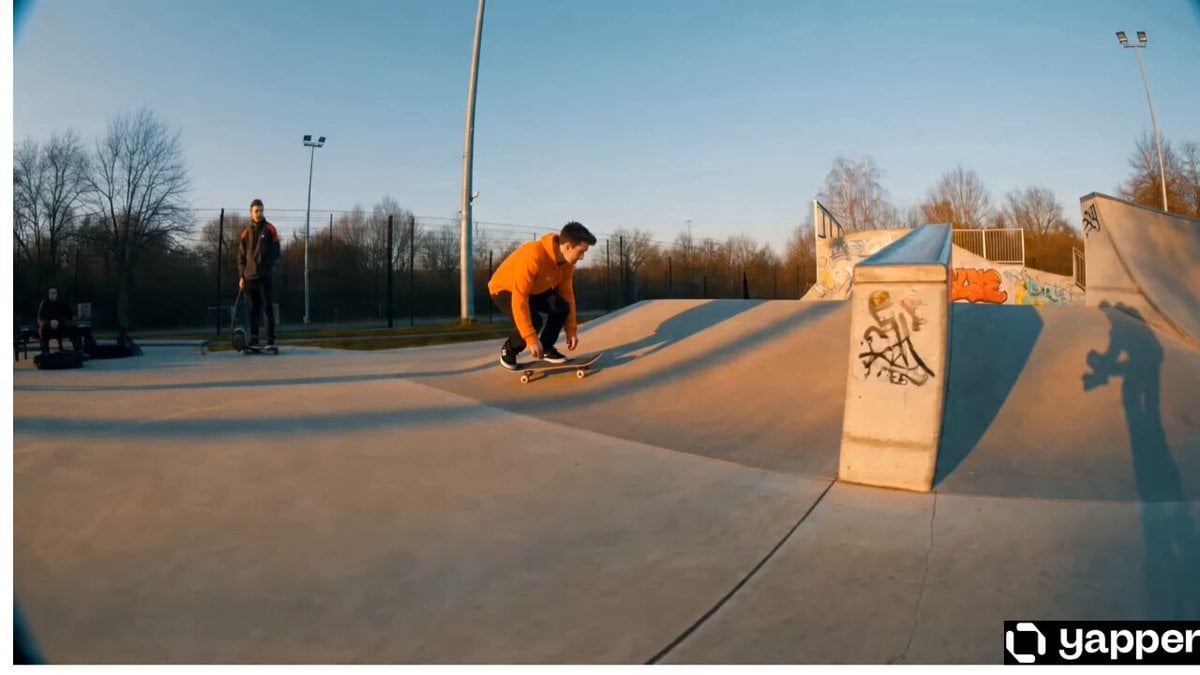
Cinematic Skateboarder Kickflip
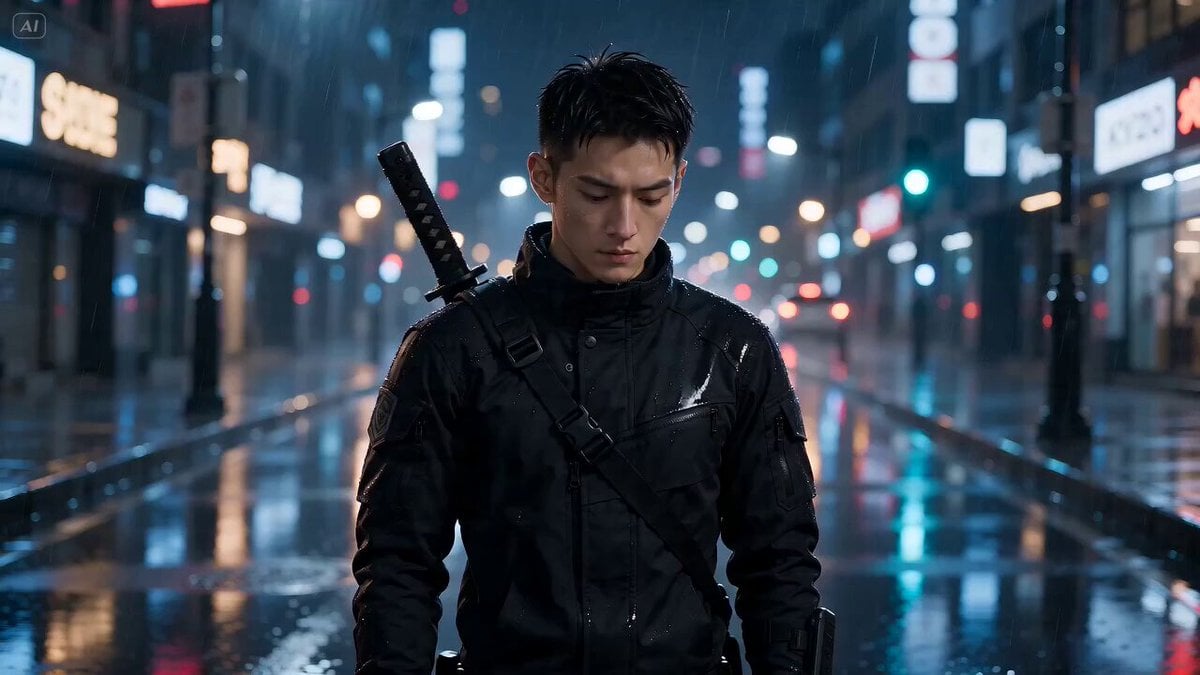
Neon Night Portrait Animation

Cinematic Warrior and Dragon Spirit Prompt
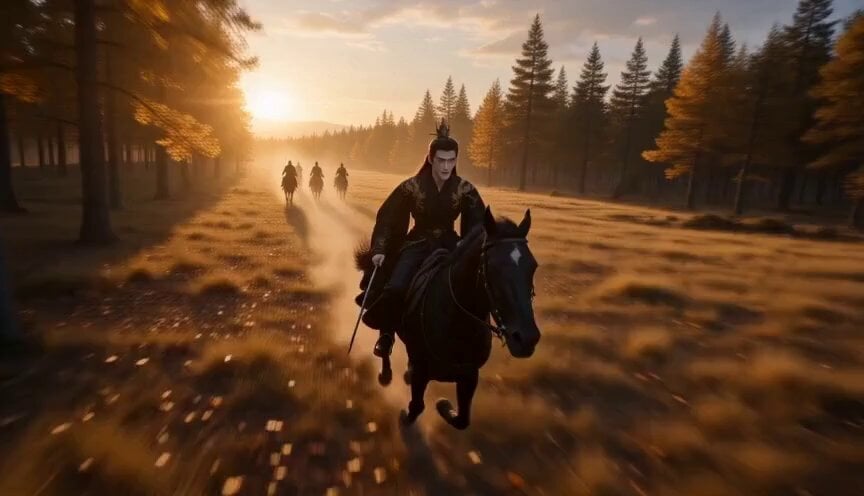
Chinese Fantasy Fox Spirit Video Drama
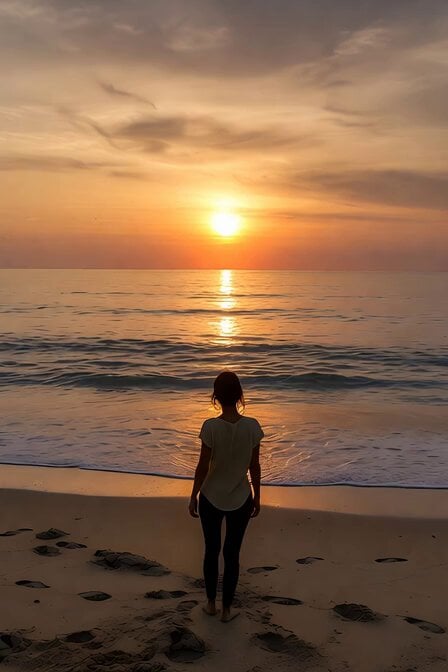
Serene Sunset Beach Scene

Youth Racing Short Film
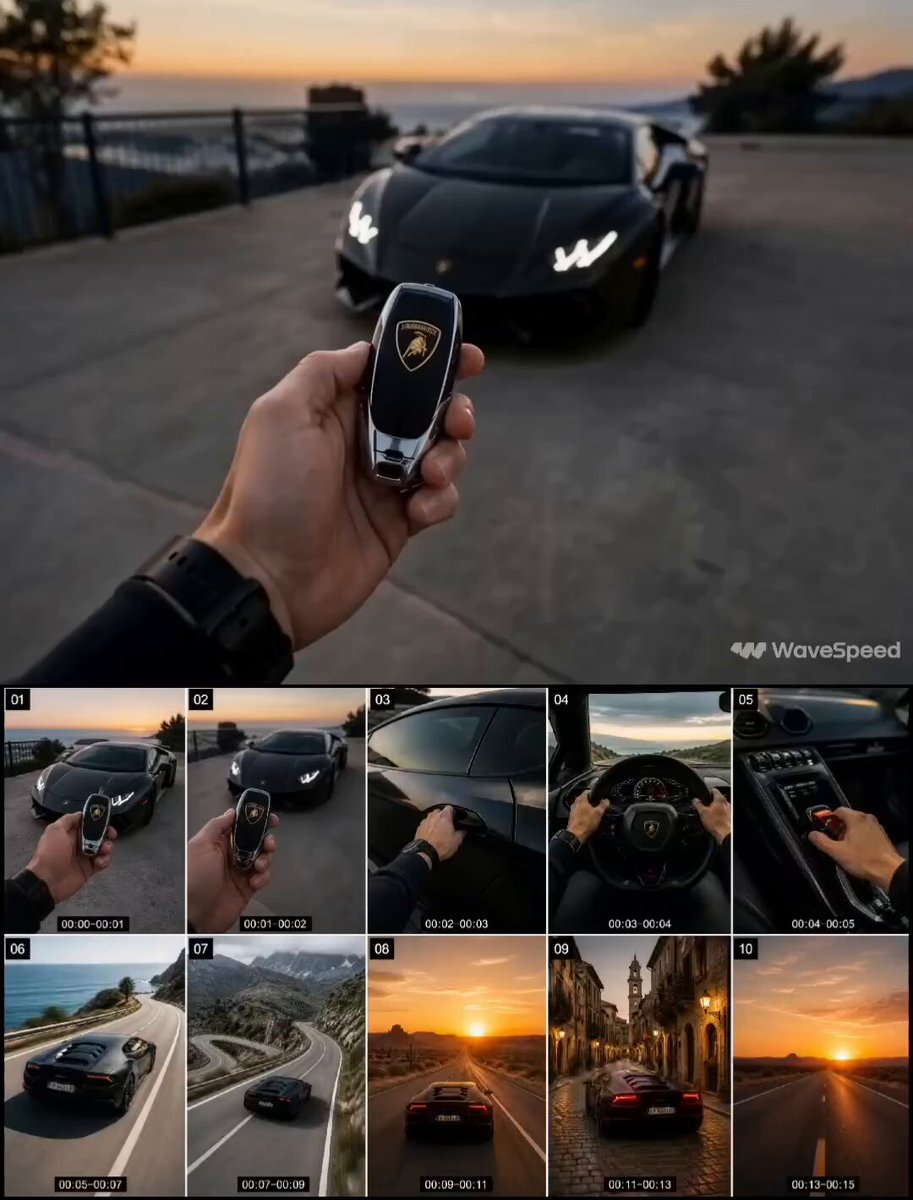
First-Person Luxury Car Roadtrip

Horror Cabin Cabin Incantation Video
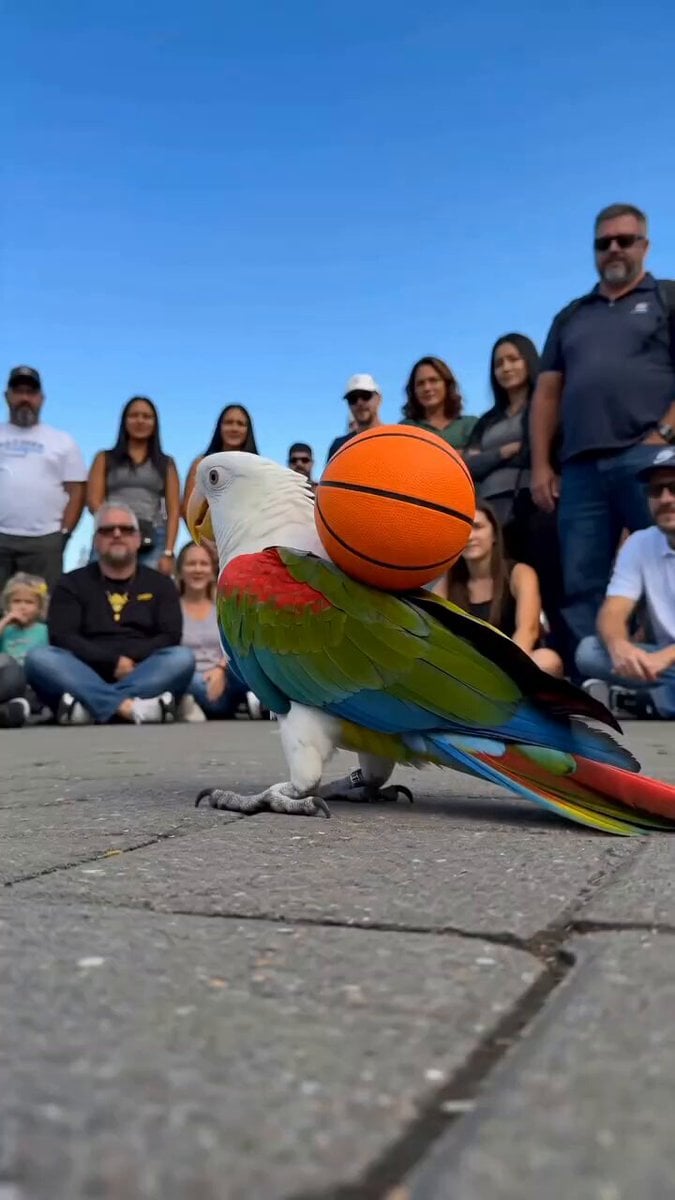
Parrot Street Performance Basketball
Browse template categories
Civilization Timelapse — Centuries in One Shot questions
How do I use the Civilization Timelapse — Centuries in One Shot template?
Add your photo if the template asks for one, edit the prompt if you like — the template's model and format are already selected — and press Generate. Your version opens in PicX Studio.
Can I customize the Civilization Timelapse — Centuries in One Shot template?
Yes. You can change the subject, setting, lighting, mood, format, and available model controls before creating your video.
Is the Civilization Timelapse — Centuries in One Shot template free?
Opening and editing this template is free. Generating uses credits, shown on the Generate button when you are signed in.
Which AI model should I use?
Start with Seedance, which is the model associated with this template. You can compare another compatible model for a different finish.
Looking for something else? Browse all templates.

Your photo, any look
Thousands of ready templates for every top image and video model, from one credit balance.