
Mecha Transformation vs Kaiju — 4-Scene Epic
Seedance 2.0 prompt by @ChillaiKalan__ — 4-scene epic: white-haired girl on bus → kaiju attack → mecha transformation → aerial golden energy battle.
- Prompt included
- Model and format preset
- Free template
The prompt behind this video
Copy the exact prompt behind Mecha Transformation vs Kaiju — 4-Scene Epic, or open it in the studio and make it yours.
Scene 1: The Calm Before Cinematic wide shot inside a suburban bus. A stylish young woman with long white hair, wearing cat-eye sunglasses and large over-ear headphones, sits calmly by the window. Other passengers are blurred in the background. Gloomy, overcast daylight filtering through the windows. Photorealistic, 8k, highly detailed. Scene 2: The Action Transition A giant, dark, scaly monster with glowing green horns emerges from the fog in a suburban neighborhood. The woman with white hair jumps out of the moving yellow school bus, landing gracefully on the roof. Intense action, debris flying, cinematic lighting. Scene 3: The Mecha Transformation Extreme close-up of a high-tech robotic helmet with a gold visor. Glowing energy tendrils wrap around the helmet as it snaps into place. Fast-paced transformation sequence, white and gold mechanical armor, intricate detailing, lens flare. Scene 4: The Aerial Battle A white and gold winged mecha suit flying through a grey, cloudy sky. The mecha fires a powerful golden energy beam from its chest at a massive kaiju monster standing next to a school bus. Epic scale, cinematic explosion, high-octane battle.
How to use Mecha Transformation vs Kaiju — 4-Scene Epic in 3 steps
- 1
Open
The prompt is already in the box next to the preview, with the template's model and format selected.
- 2…a portrait of your subject in softgolden-hour light, 85mm…
Personalize
Edit the subject and creative details for your destination.
- 3Generate
Generate
Press Generate — your video is created in PicX Studio, so you can compare it with the original and refine one variable at a time.
More like this
Templates with the same subject, style or setup. Open one to see its prompt.
Skybridge Rescue — Supertall Tower Collapse (Seedance)
Naval Painting Breach — Art Gallery Flood (Seedance)
Highway Biker — Aggressive Lane Split (PixVerse C1)
Dragon Rescue — Volcanic Kingdom Collapse (Seedance)
Swordsman vs Shadow Monster — Bamboo Forest Battle
Time Freeze — Snap Shockwave Scene Seedance
Dim Sum Chase — Shrimp Dumpling Monster
Speeder Chase Across a Cliff City

MiniMax H3 Character Introduction

Japanese Pure Love Short Film

Studio Ghibli Dumpling Kitchen Cooking Scene

Nano Banana Seedance Time Control Streets
Make it yours
Mecha Transformation vs Kaiju — 4-Scene Epic works as-is. These are the safest ways to change it without losing the look.
Change one field
Copy a single group, rewrite it, and generate again so you can see what that field is doing.
Keep the frame, change the subject
Hold the composition and light of Mecha Transformation vs Kaiju — 4-Scene Epic, then swap wardrobe, props or the person for a new take.
| If the result… | Why | Fix |
|---|---|---|
| The result drifts from the preview | Too many fields changed at once. | Reuse Mecha Transformation vs Kaiju — 4-Scene Epic as-is first, then change one group — subject, light, or setting. |
| The model over-stylizes the scene | The prose prompt leaves finish and camera underspecified. | Add one camera or lighting sentence and stay on Seedance. |
More Seedance templates
Other prompts made for Seedance.
More video prompts
Fresh picks from across the catalog.
Bioluminescent Alien Planet Exploration
Cryo-Lab Diagnostic Scene
Pastel Pink-Blue Dyson Swarm
Sentosa Island and Singapore Cathedral Tour Video
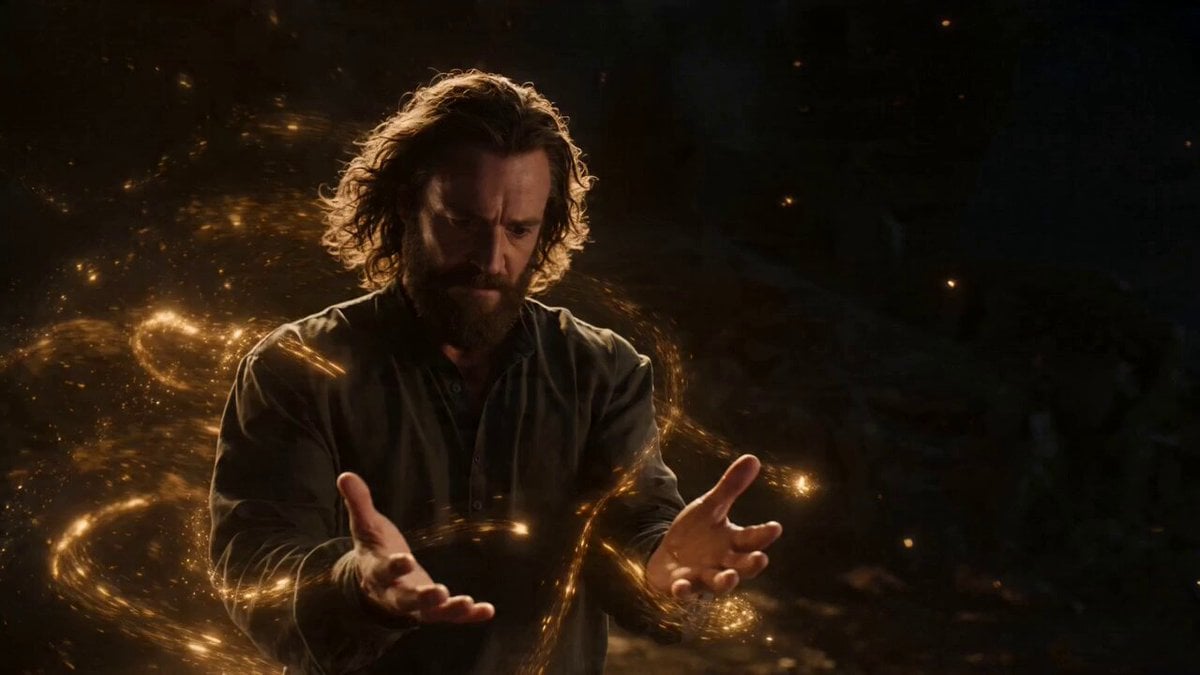
Two-Scene Narrative of Elemental Magic and Fire Dance

Fluffy Creature Story Sequence
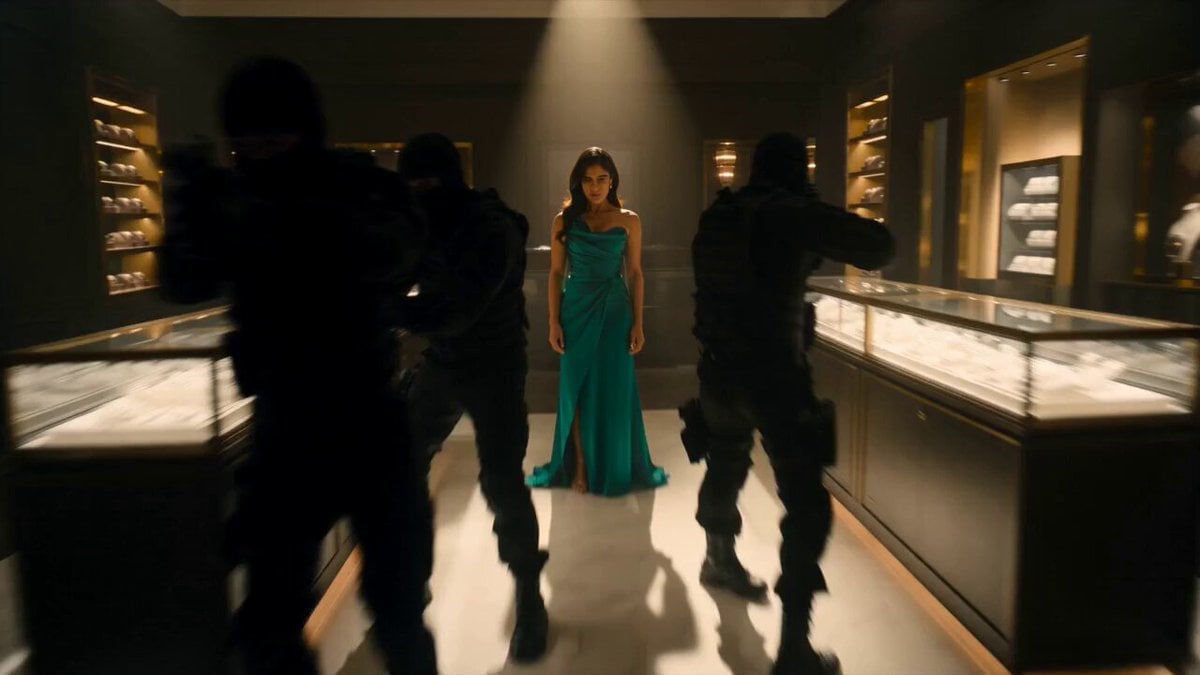
Jewelry Boutique Martial Arts Action
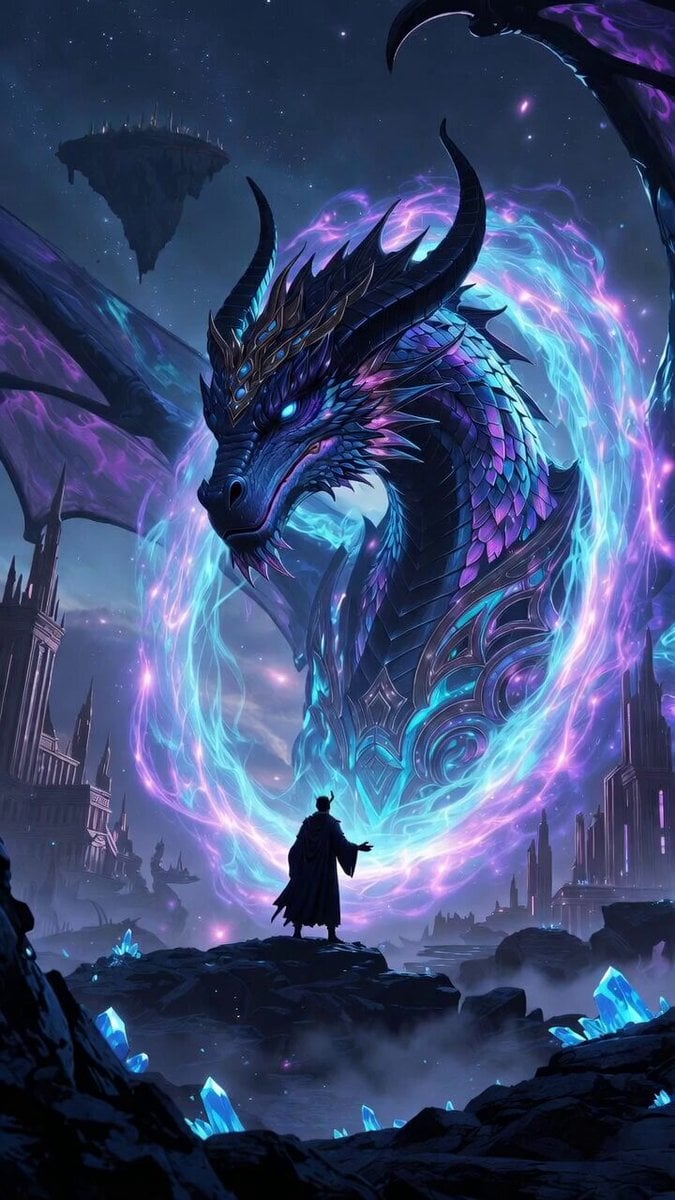
Dragon Realm simulation video
Godlike Voice and Time Portal Video
Shiba Inu in Business Suit Jumps from Car Window
Browse template categories
Mecha Transformation vs Kaiju — 4-Scene Epic questions
How do I use the Mecha Transformation vs Kaiju — 4-Scene Epic template?
Add your photo if the template asks for one, edit the prompt if you like — the template's model and format are already selected — and press Generate. Your version opens in PicX Studio.
Can I customize the Mecha Transformation vs Kaiju — 4-Scene Epic template?
Yes. You can change the subject, setting, lighting, mood, format, and available model controls before creating your video.
Is the Mecha Transformation vs Kaiju — 4-Scene Epic template free?
Opening and editing this template is free. Generating uses credits, shown on the Generate button when you are signed in.
Which AI model should I use?
Start with Seedance, which is the model associated with this template. You can compare another compatible model for a different finish.
Looking for something else? Browse all templates.

Your photo, any look
Thousands of ready templates for every top image and video model, from one credit balance.