
Jewelry Boutique Martial Arts Action
A dynamic cinematic action sequence featuring a female hero in an emerald silk gown defeating thieves in a luxury boutique, complete with slow-motion glass shattering and precise martial arts choreography.
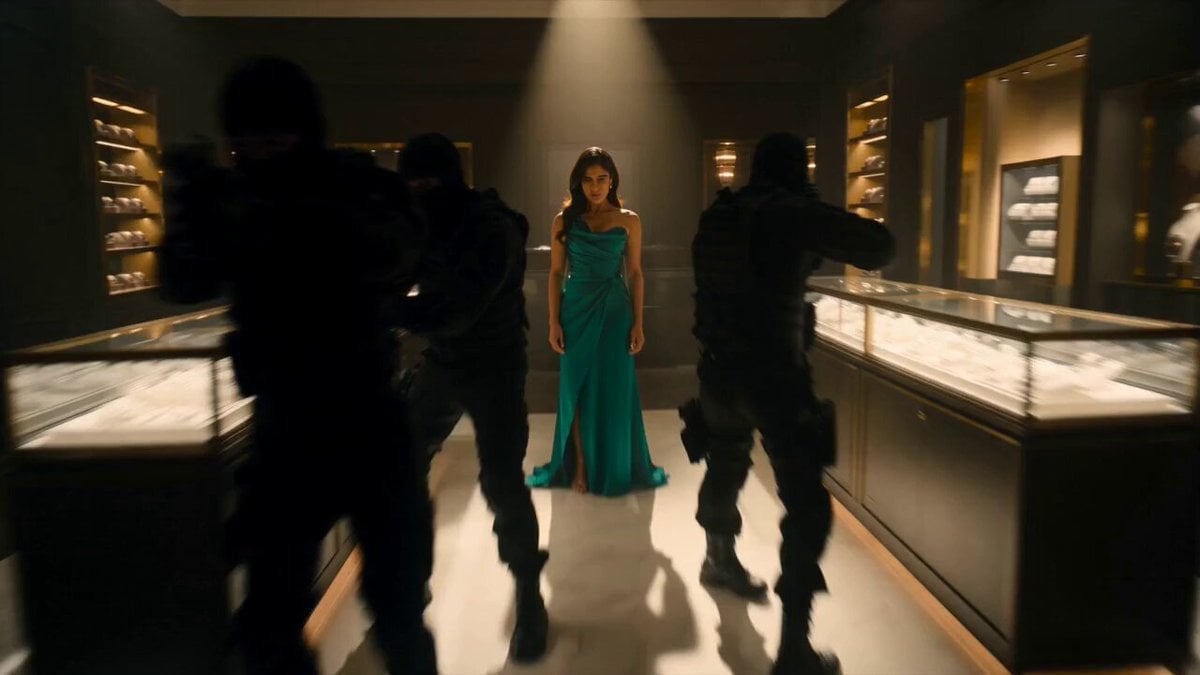
- Prompt included
- Model and format preset
- Free template
The prompt behind this video
Copy the exact prompt behind Jewelry Boutique Martial Arts Action, or open it in the studio and make it yours.
A dynamic, cinematic action sequence inside a luxury jewelry boutique at night. A confident young woman with long dark hair, olive skin, and sharp green eyes is the hero. She wears an elegant emerald silk evening gown and gold earrings. Three masked thieves in black tactical gear attempt a robbery, and she single-handedly defeats them with fast, precise martial arts choreography. She vaults over glass display cases, shattering them in dramatic slow motion as diamonds, pearls, and glass shards scatter and sparkle through the air like rain, catching warm spotlight beams. She slides across a marble counter, throws one attacker into a shelf of watches, and disarms the last with a spinning kick. At the end, she stands calm amid the glittering wreckage, picks up a single diamond ring, examines it in the light, and looks directly into the camera with a faint smile. Dynamic handheld camera, whip pans, slow-motion inserts, moody warm lighting with deep shadows, realistic physics, high production value, cinematic style, 4K.
How to use Jewelry Boutique Martial Arts Action in 3 steps
- 1
Open
The prompt is already in the box next to the preview, with the template's model and format selected.
- 2…a portrait of your subject in softgolden-hour light, 85mm…
Personalize
Edit the subject and creative details for your destination.
- 3Generate
Generate
Press Generate — your video is created in PicX Studio, so you can compare it with the original and refine one variable at a time.
More like this
Templates with the same subject, style or setup. Open one to see its prompt.
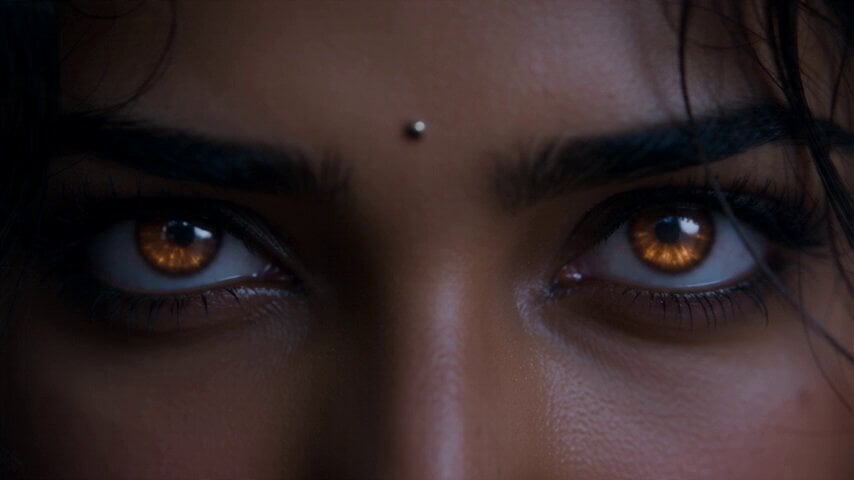
Fantasy Martial Arts Live Action

Comical Martial Arts Punch Scene

Martial Arts Fight Sequence

Martial Arts Comedy Verbal Guidance
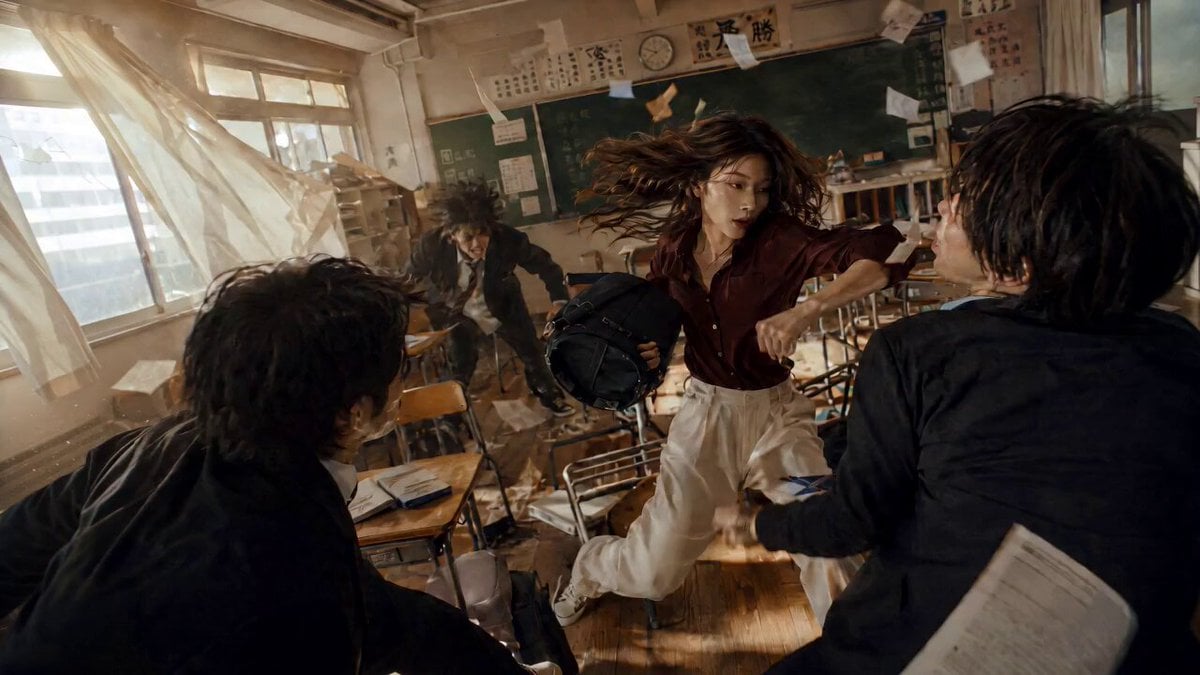
High School Martial Arts One-Shot
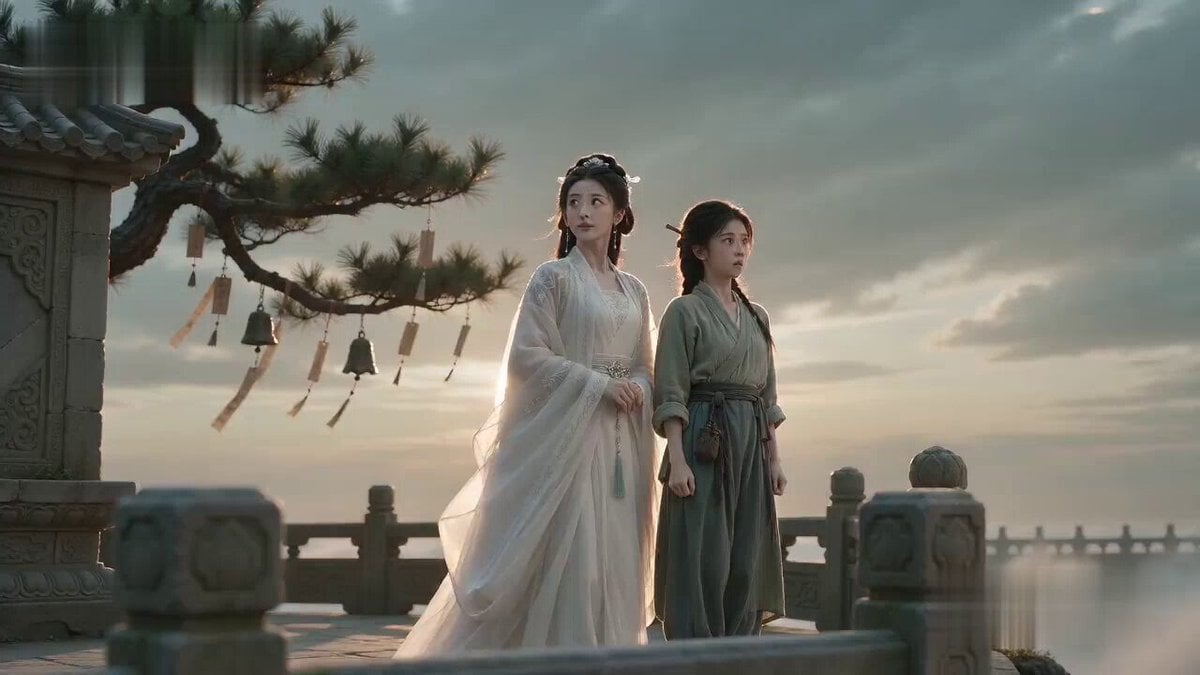
Martial Arts Comedy: The Echoing Secret

Poetic Martial Arts Comedy: Zither and Cranes
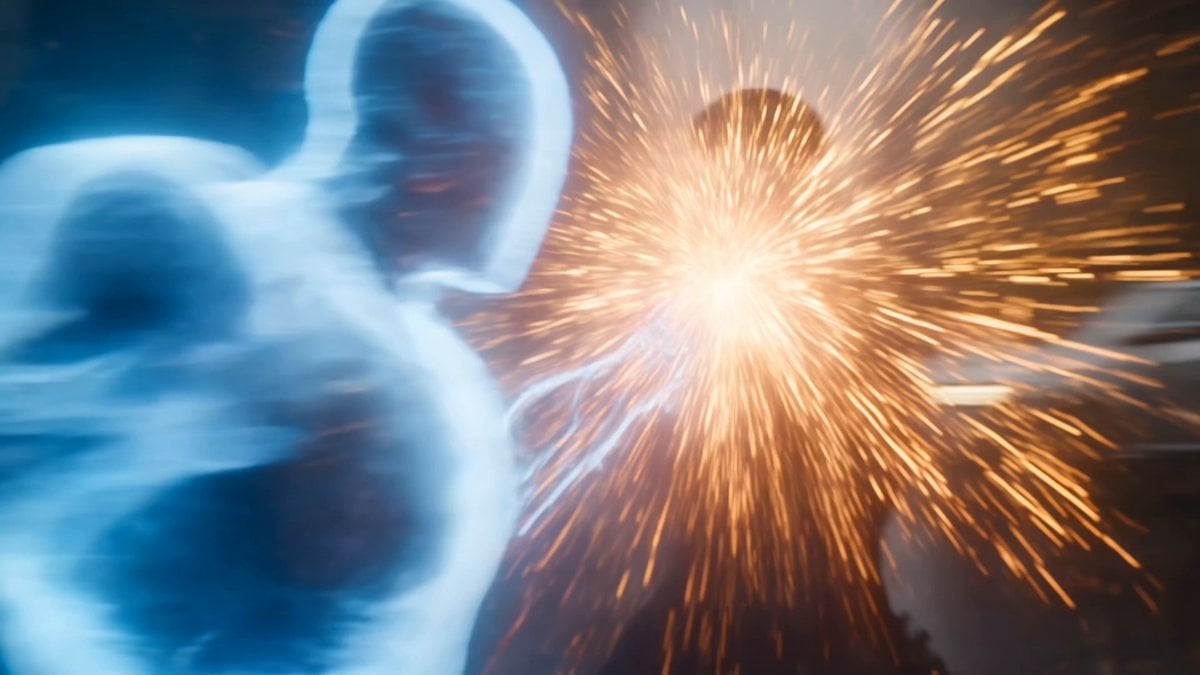
Martial Arts Cyborg Battle and Transformation
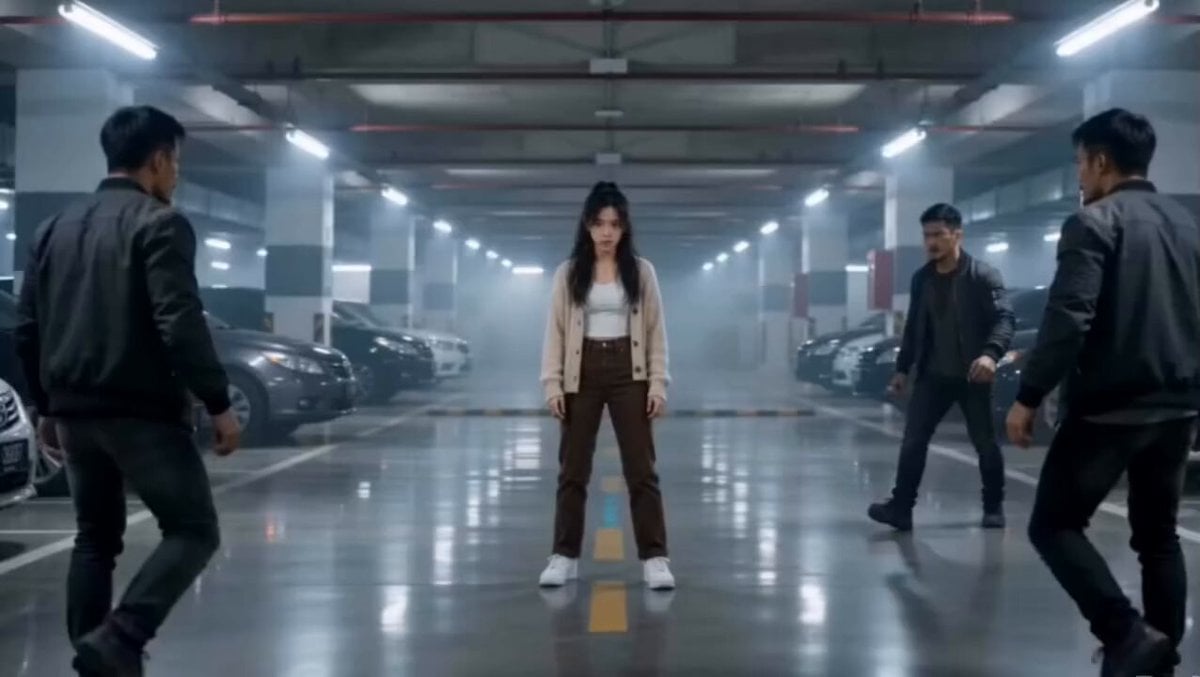
Martial Arts Parking Garage Fight
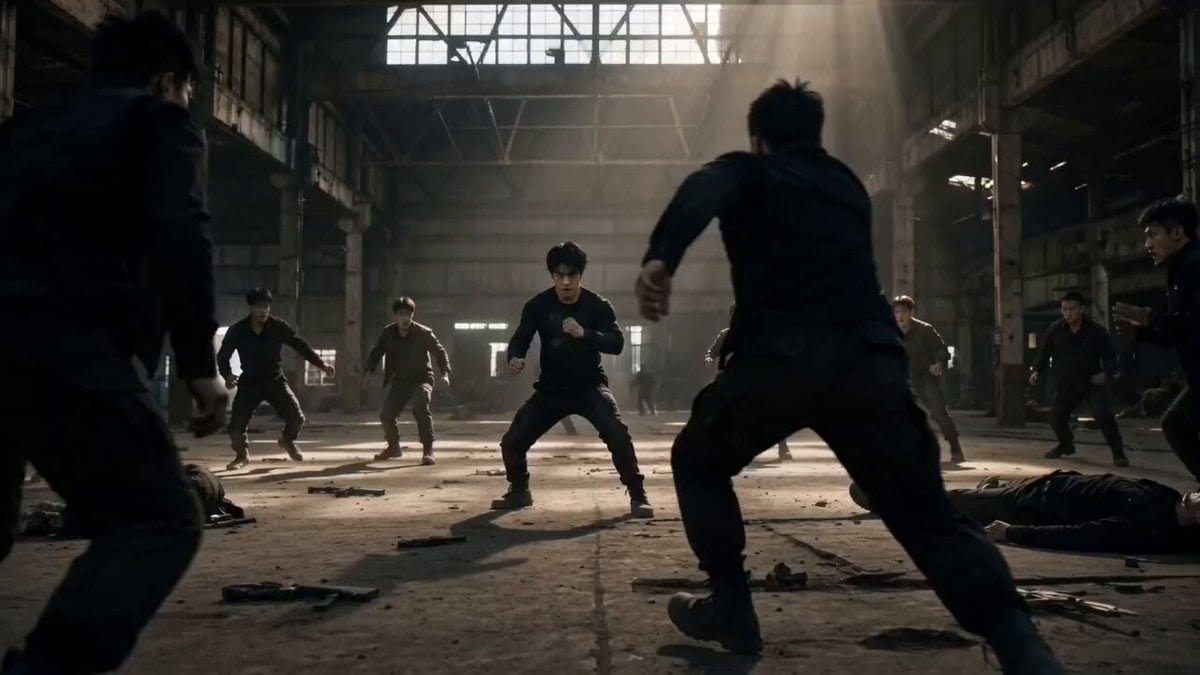
Martial Arts Warehouse Combat Sequence
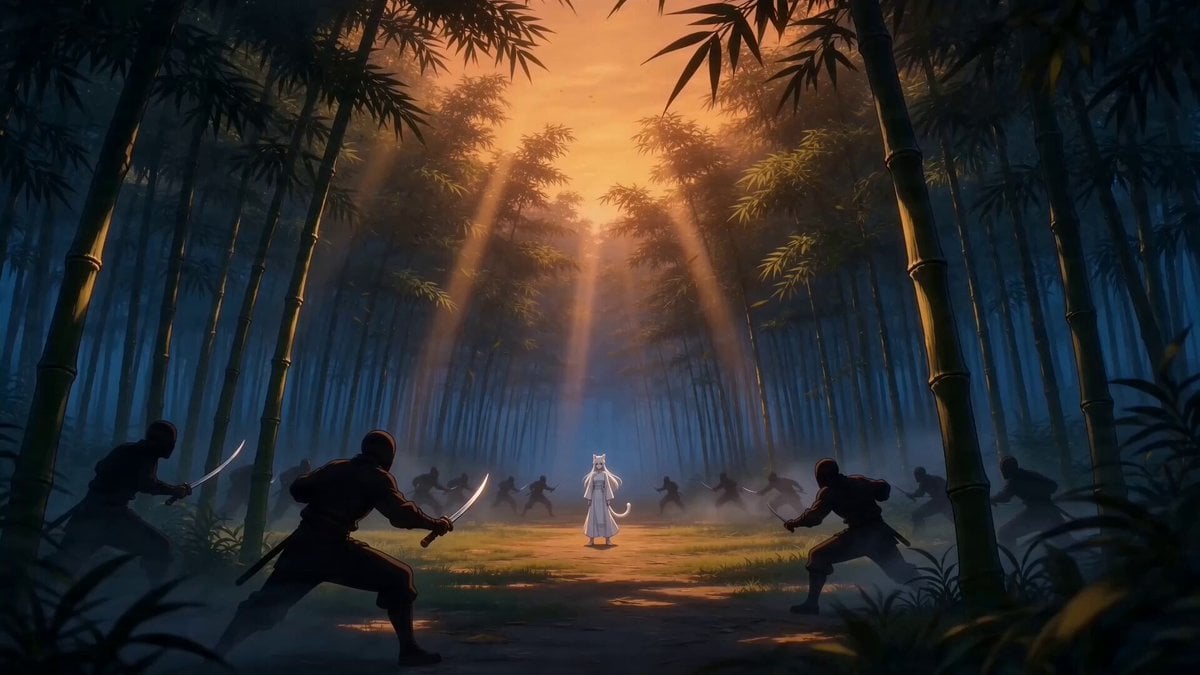
Taiqi Martial Arts Fight Sequence
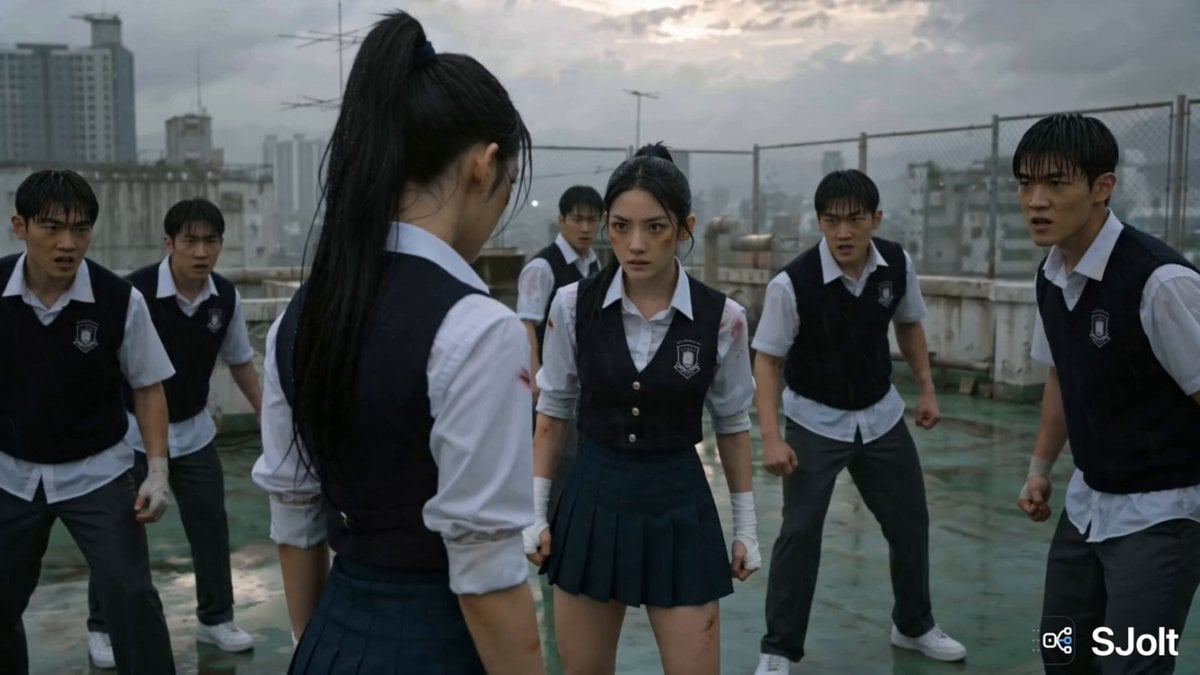
Korean Rooftop Martial Arts Fight
Make it yours
Jewelry Boutique Martial Arts Action works as-is. These are the safest ways to change it without losing the look.
Change one field
Copy a single group, rewrite it, and generate again so you can see what that field is doing.
Keep the frame, change the subject
Hold the composition and light of Jewelry Boutique Martial Arts Action, then swap wardrobe, props or the person for a new take.
| If the result… | Why | Fix |
|---|---|---|
| The result drifts from the preview | Too many fields changed at once. | Reuse Jewelry Boutique Martial Arts Action as-is first, then change one group — subject, light, or setting. |
| The model over-stylizes the scene | The prose prompt leaves finish and camera underspecified. | Add one camera or lighting sentence and stay on Seedance 2.0. |
More Seedance 2.0 templates
Other prompts made for Seedance 2.0.

Maglev Train Action Sequence

Wuxia Protection and Trust Script

Vintage Korean Arcade MiniDV Vlog

Mercedes 190 SL Luxury Ad

Rainy Night Supernatural Reverse Comedy Video Script

Amazon Civilization Discovery

Futuristic South Asian City Transformation

Cozy Luxury Cafe Commercial

Cyber Ronin Nanotech Transformation Video
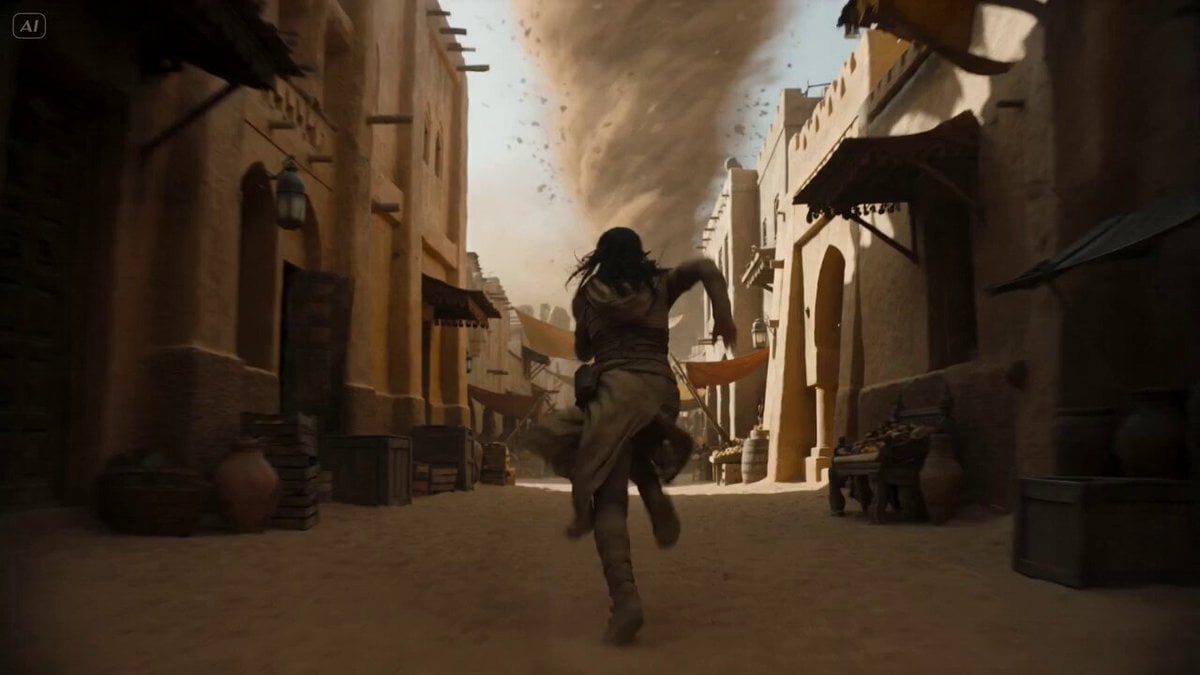
Desert Courier and Sandstorm Leviathan Chase
More video prompts
Fresh picks from across the catalog.

New Realities and Floating Orbs
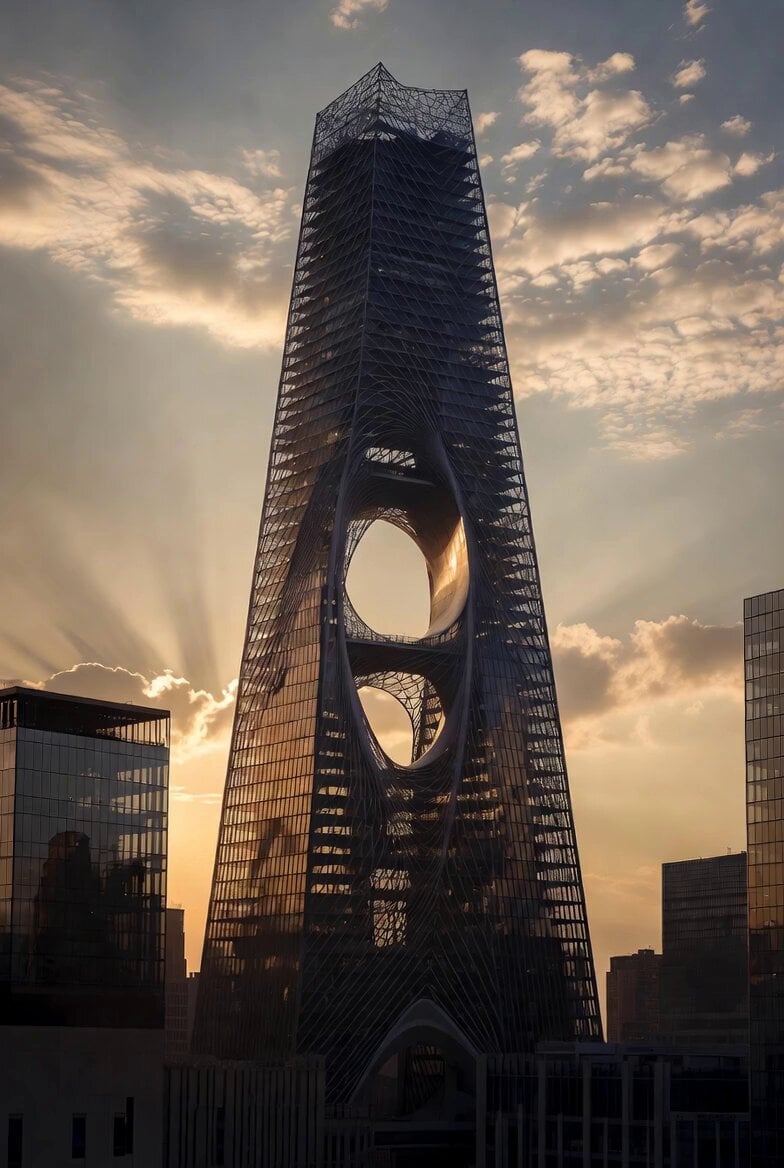
Computational Subtraction Manhattan Tower
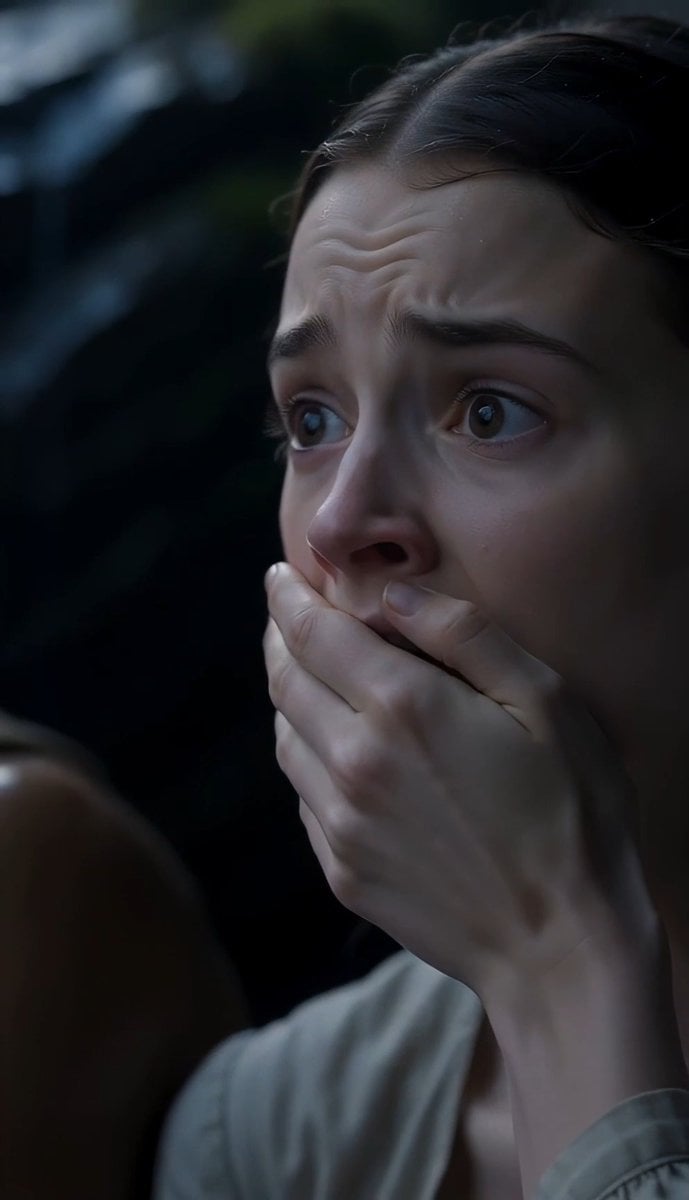
The Last of the Mohicans Waterfall Scene
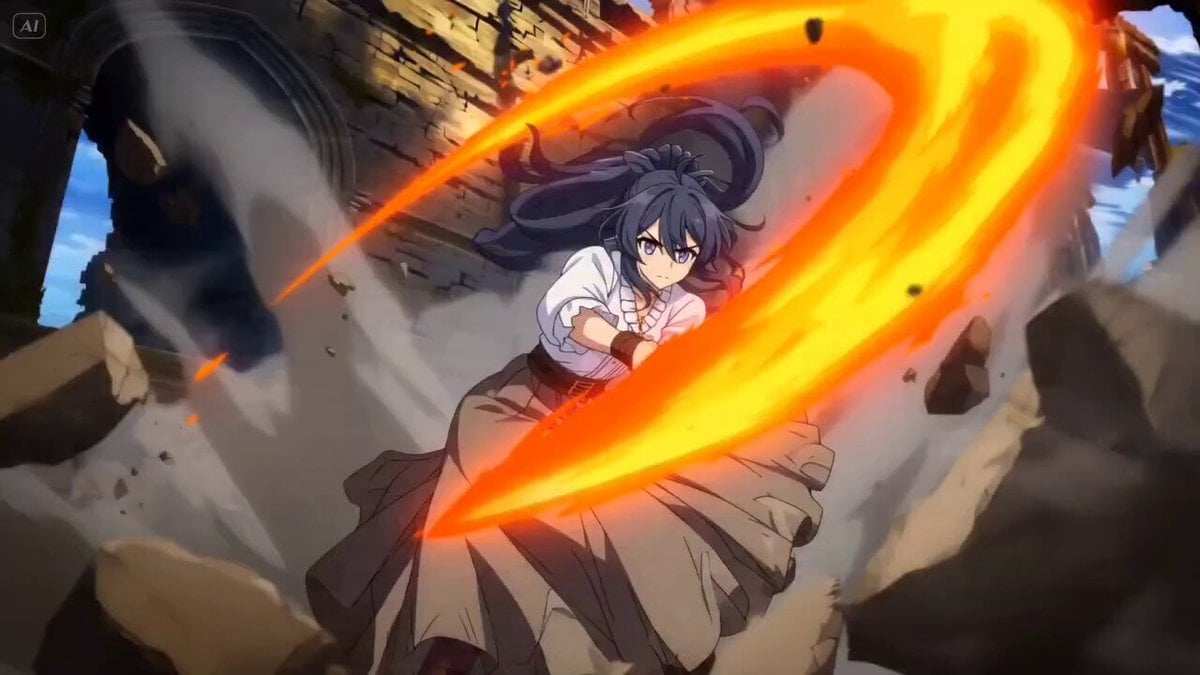
High-Speed Female Swordswoman Battle Animation

Wong Kar-wai Style Motion Blur Cinematic Video
Cuchocapilla Time Freeze

Football Stadium Celebration Scene
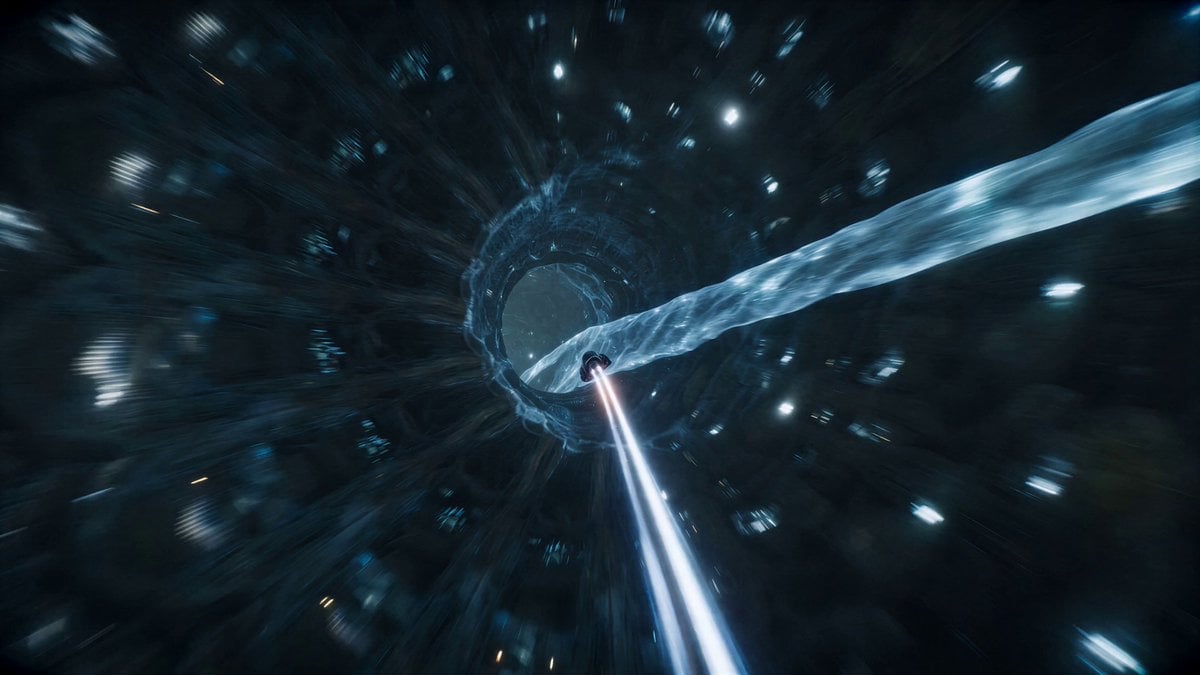
Sci-Fi Nano Capsule FPV Flight

Cinematic Street Justice Action Scene
Electric Guitar Summoning — White Roses Field
Browse template categories
Jewelry Boutique Martial Arts Action questions
How do I use the Jewelry Boutique Martial Arts Action template?
Add your photo if the template asks for one, edit the prompt if you like — the template's model and format are already selected — and press Generate. Your version opens in PicX Studio.
Can I customize the Jewelry Boutique Martial Arts Action template?
Yes. You can change the subject, setting, lighting, mood, format, and available model controls before creating your video.
Is the Jewelry Boutique Martial Arts Action template free?
Opening and editing this template is free. Generating uses credits, shown on the Generate button when you are signed in.
Which AI model should I use?
Start with Seedance 2.0, which is the model associated with this template. You can compare another compatible model for a different finish.
Looking for something else? Browse all templates.

Your photo, any look
Thousands of ready templates for every top image and video model, from one credit balance.