How do I use the High-Speed Female Swordswoman Battle Animation template?
Edit the prompt in the box under the preview — the template's model and format are already selected — and press Generate. Your version appears right on this page.
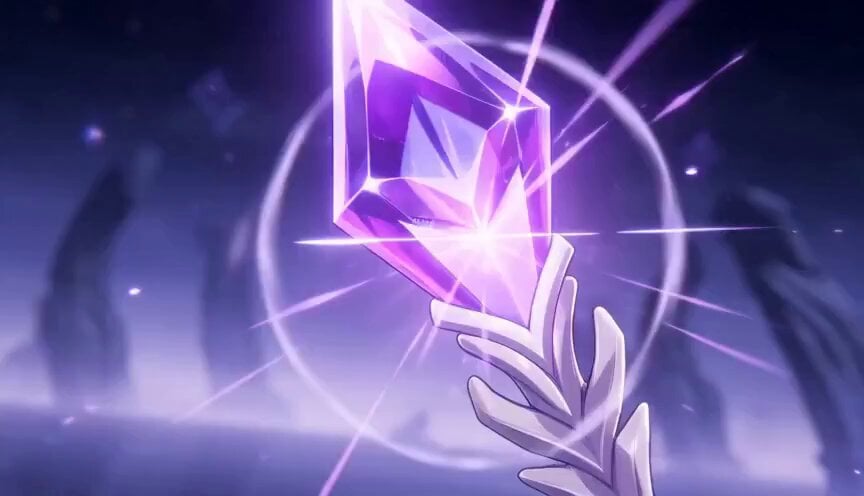
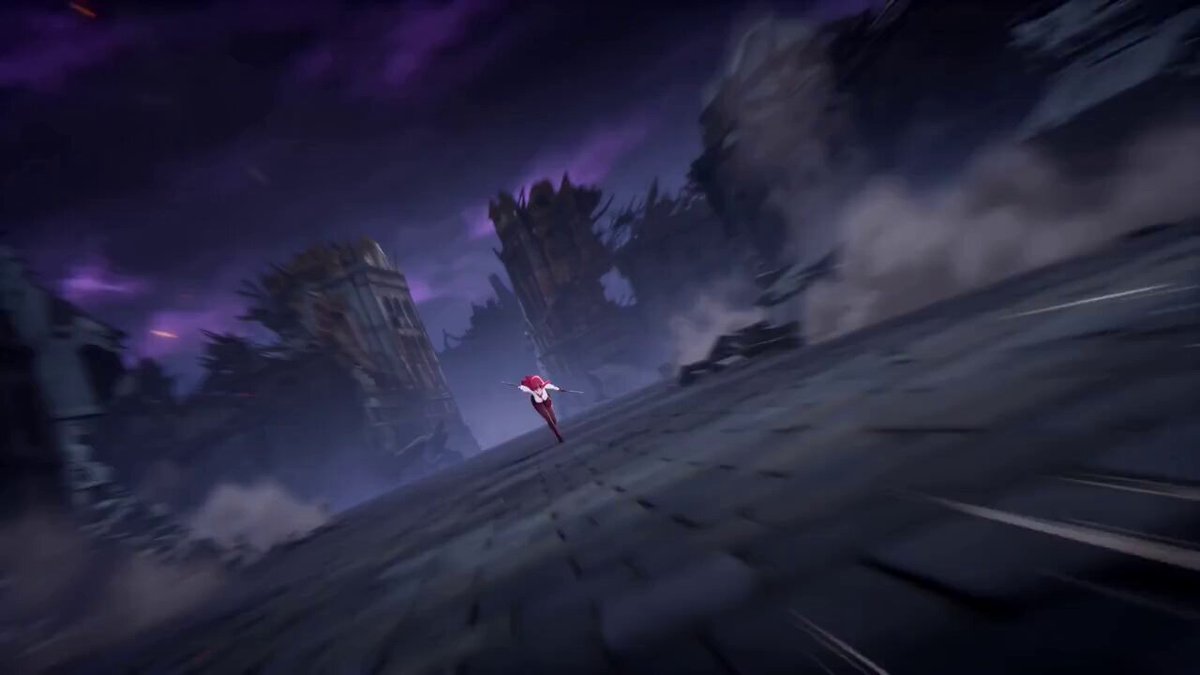
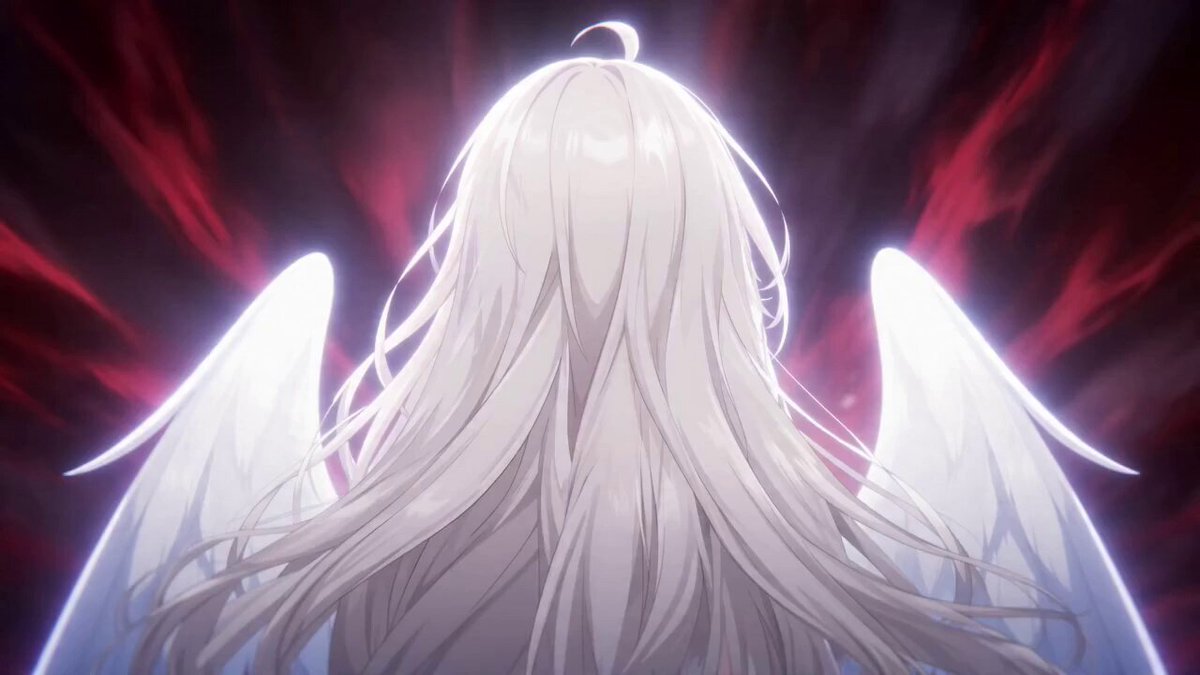
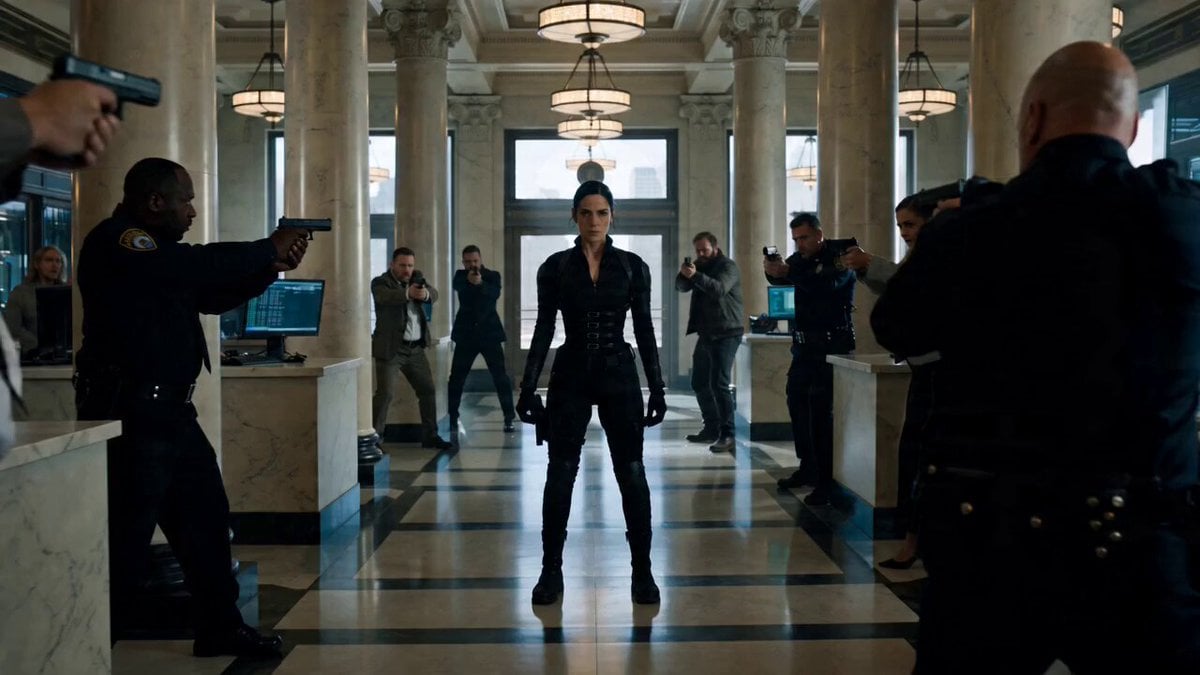
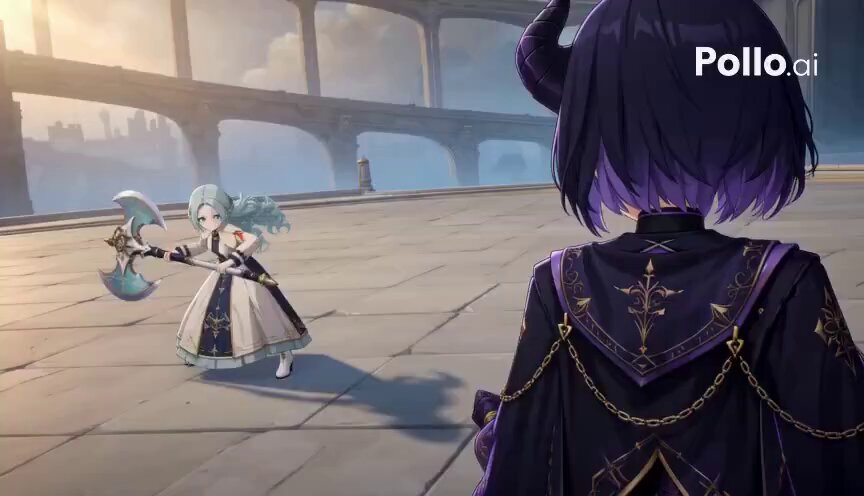
A detailed prompt for generating a high-quality, full-color Japanese animation movie featuring a female swordswoman engaged in a continuous, high-speed battle sequence.
High-speed battle motion by a female swordswoman, an intense sword dance (camera angle, subject distance, and focus all left up to you), performing a dance of various sword techniques such as a flame slash, an exploding ice slash, and a thunderclap slash, without stopping even once from beginning to end, with effects that burst out to fill the entire screen — a high-quality, full-color Japanese animated movie. Maintain the art style of the input image.
High-speed battle motion by a female swordswoman, an intense sword dance (camera angle, subject distance, and focus all left up to you), performing a dance of various sword techniques such as a flame slash, an exploding ice slash, and a thunderclap slash, without stopping even once from beginning to end, with effects that burst out to fill the entire screen — a high-quality, full-color Japanese animated movie. Maintain the art style of the input image.
Edit the prompt in the box under the preview — the template's model and format are already selected — and press Generate. Your version appears right on this page.
Yes. You can change the subject, setting, lighting, mood, format, and available model controls before creating your video.
Opening and editing this template is free. Generating uses credits, shown on the Generate button when you are signed in.
Start with Seedance 2.0, which is the model associated with this template. You can compare another compatible model for a different finish.
Follow a topic to a crawlable collection of related PicX Studio templates.