How do I use the Female General Battlefield Video Prompt template?
Edit the prompt in the box under the preview — the template's model and format are already selected — and press Generate. Your version appears right on this page.
A complex, multi-part prompt for Seedance 2.0 describing how to generate a video of a female general fighting on the battlefield, using a reference image and detailed instructions for camera movement, shot composition…
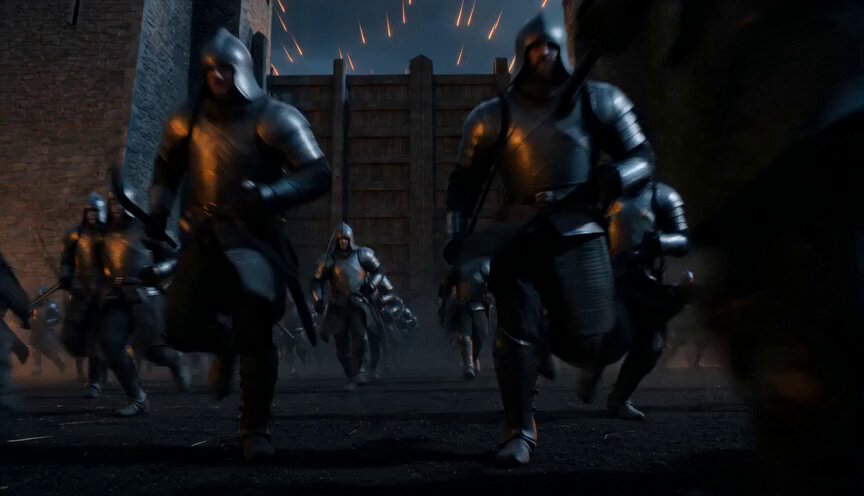
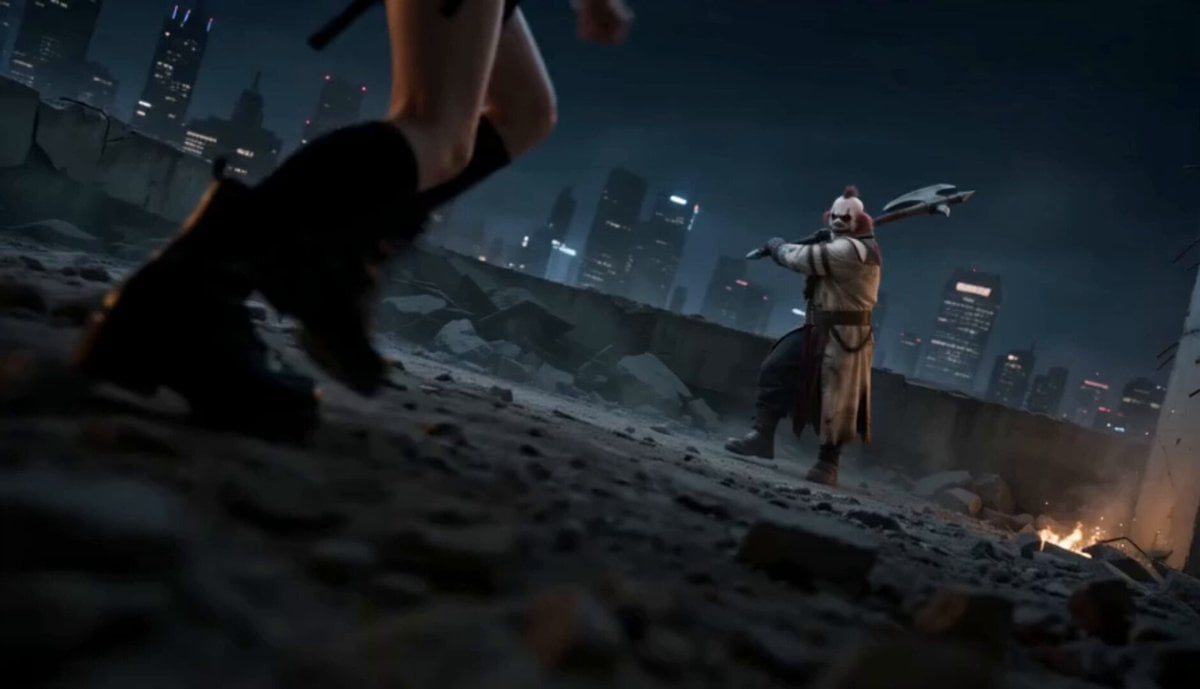
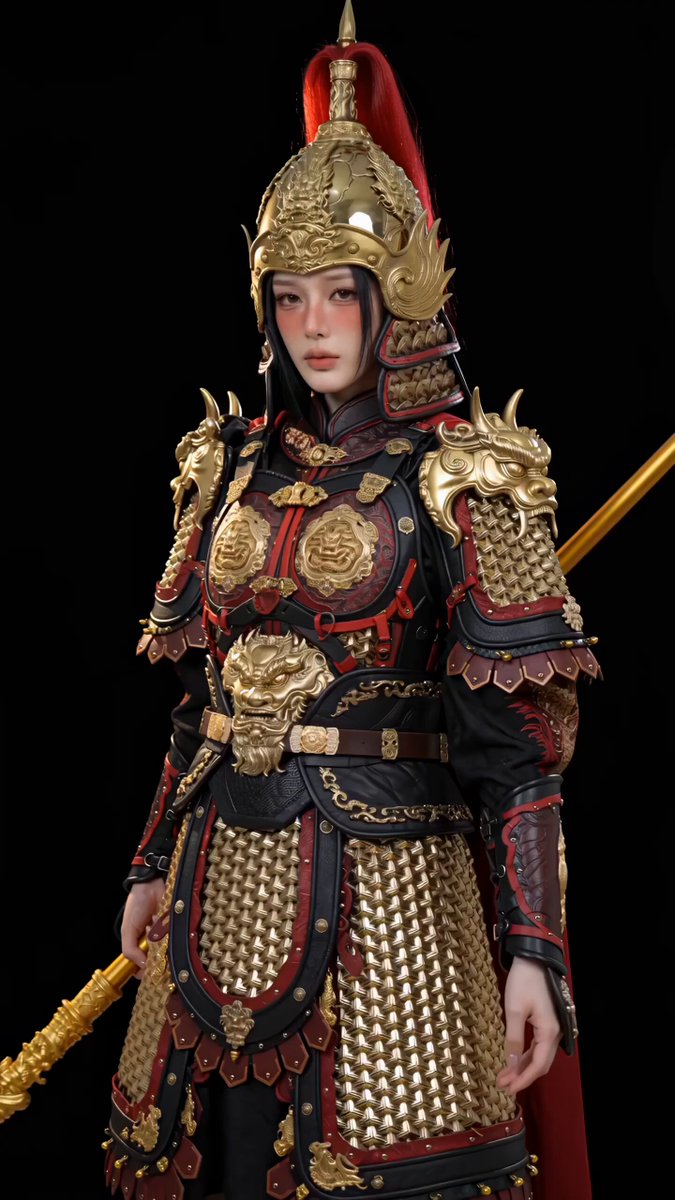
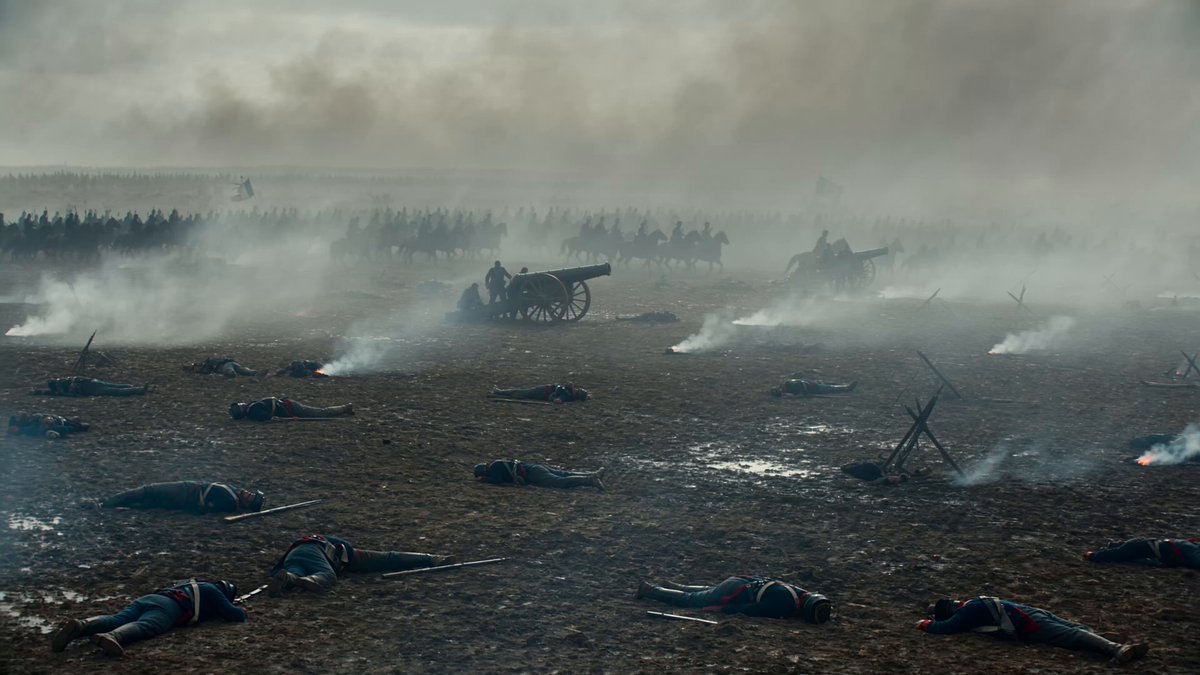
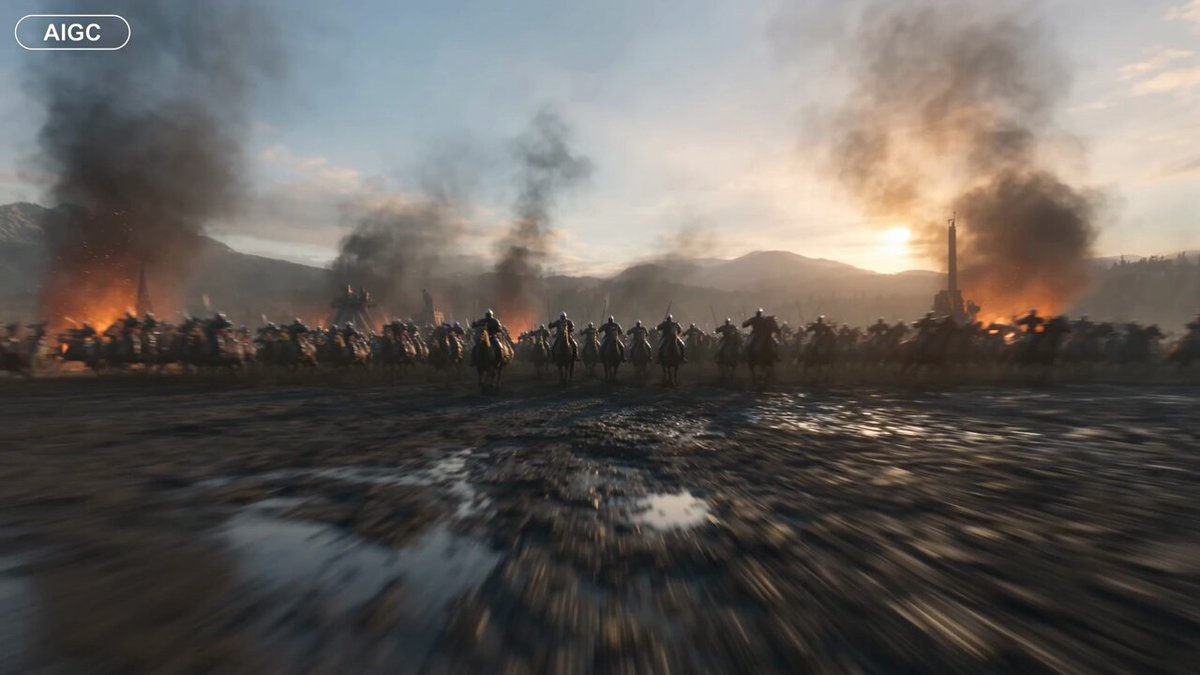
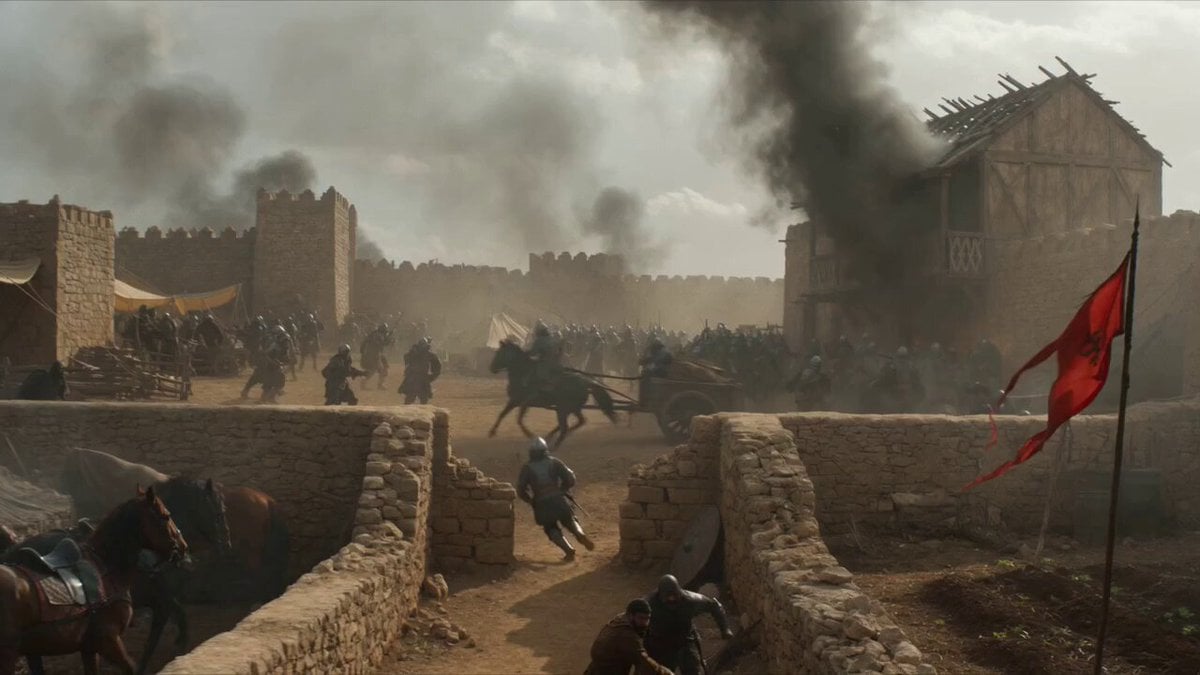
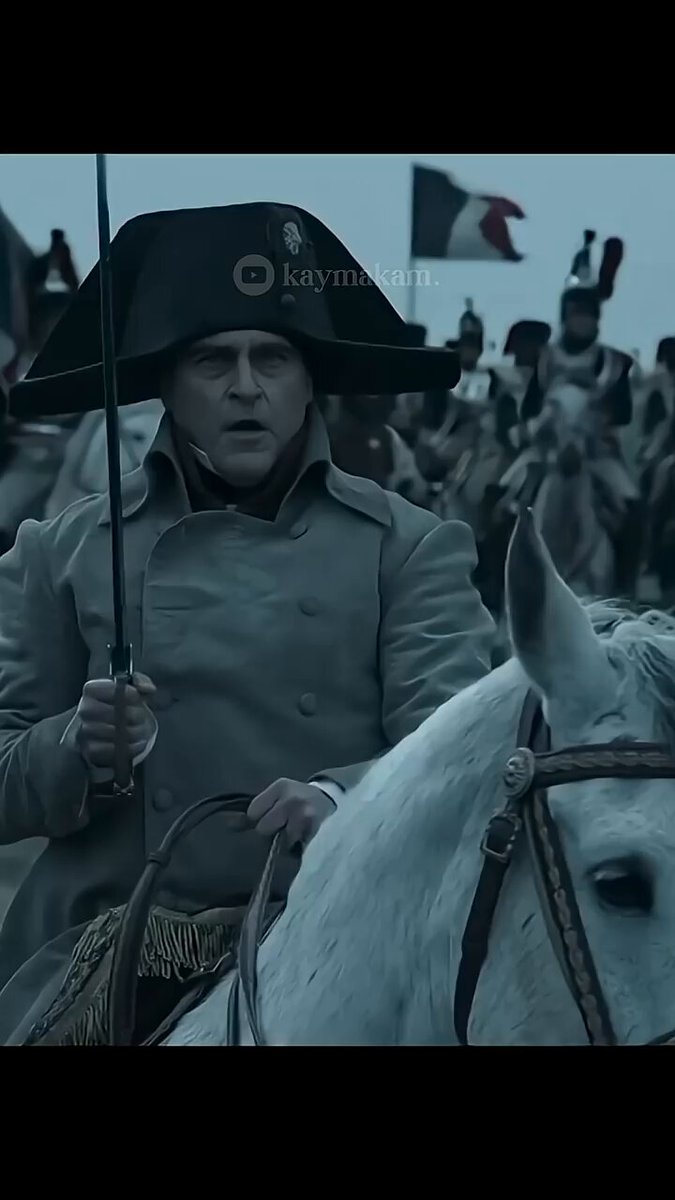
Seedance 2.0 prompt technique: one reference image + 2 prompt segments, recreating a scene of a female general slaying enemies on the battlefield Part One: Shot One: The female general charges forward on horseback, leading a vast army behind her advancing forward; use pull-back, rise, and orbit camera moves to reveal the spectacular scale of both armies' vast forces. Shot Two: Alternating between medium shots, close-ups, and other angles, the female general charges into the enemy's ranks; using first-person perspective, third-person perspective, cut-to-cut shot switching, high-speed orbiting tracking shots, and other techniques to show the female general fighting the enemy troops. Generate only fight sound effects and ambient sound — no background music. Part Two: Alternating between medium shot + close-up + wide shot + extreme close-up, cutting back and forth between close-ups and others, the female general charges on horseback into the enemy's ranks; using first-person perspective, third-person perspective, cut-to-cut shot switching, rising pull-back + high-speed orbiting tracking shots, and other techniques to show the female general fighting the enemy troops. Generate only fight sound effects and ambient sound — no background music.
Seedance 2.0 prompt technique: one reference image + 2 prompt segments, recreating a scene of a female general slaying enemies on the battlefield Part One: Shot One: The female general charges forward on horseback, leading a vast army behind her advancing forward; use pull-back, rise, and orbit camera moves to reveal the spectacular scale of both armies' vast forces. Shot Two: Alternating between medium shots, close-ups, and other angles, the female general charges into the enemy's ranks; using first-person perspective, third-person perspective, cut-to-cut shot switching, high-speed orbiting tracking shots, and other techniques to show the female general fighting the enemy troops. Generate only fight sound effects and ambient sound — no background music. Part Two: Alternating between medium shot + close-up + wide shot + extreme close-up, cutting back and forth between close-ups and others, the female general charges on horseback into the enemy's ranks; using first-person perspective, third-person perspective, cut-to-cut shot switching, rising pull-back + high-speed orbiting tracking shots, and other techniques to show the female general fighting the enemy troops. Generate only fight sound effects and ambient sound — no background music.
Edit the prompt in the box under the preview — the template's model and format are already selected — and press Generate. Your version appears right on this page.
Yes. You can change the subject, setting, lighting, mood, format, and available model controls before creating your video.
Opening and editing this template is free. Generating uses credits, shown on the Generate button when you are signed in.
Start with Seedance 2.0, which is the model associated with this template. You can compare another compatible model for a different finish.
Follow a topic to a crawlable collection of related PicX Studio templates.