How do I use the High-Stakes Bank Heist Action template?
Edit the prompt in the box under the preview — the template's model and format are already selected — and press Generate. Your version appears right on this page.
A detailed multi-part action sequence prompt for Seedance 2.0 that describes a cinematic bank heist with precise camera movements and timing.
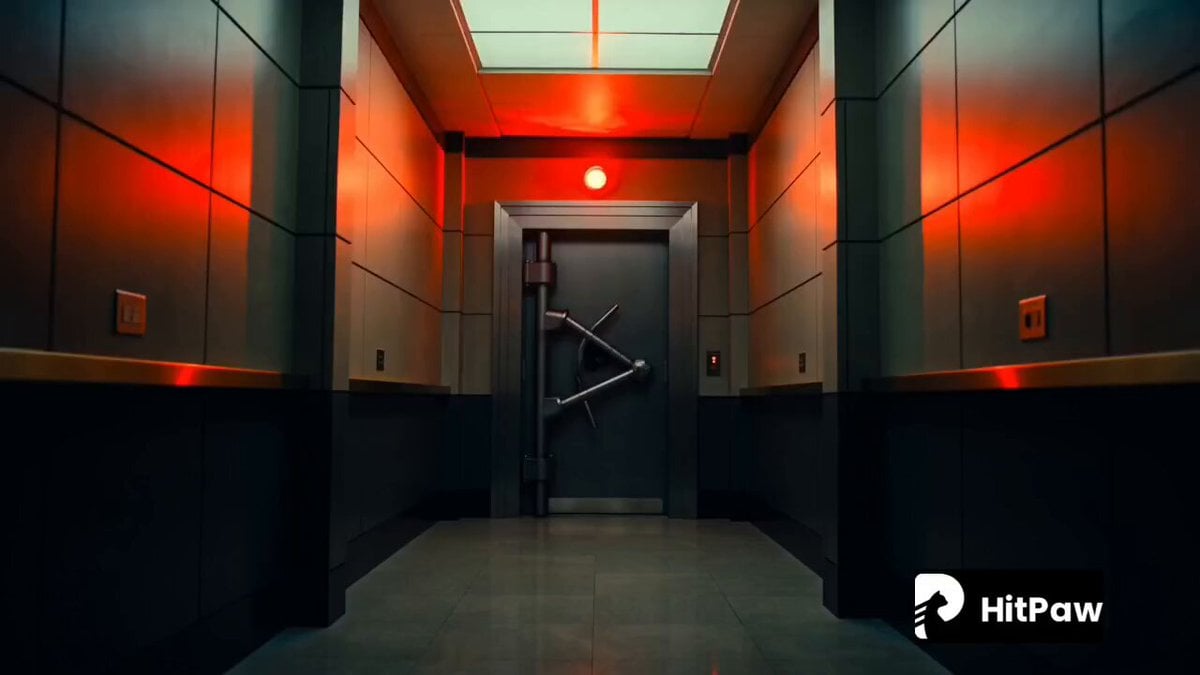
Cinematic high-stakes bank heist escape featuring a sharp male character (use Image1 as face reference). Ultra-realistic, intense pacing, seamless action transitions. Character: Face must stay consistent with Image1. Focused, slightly tense expression. Wearing a dark suit, slightly messy, sweat visible. Environment: Modern bank interior turning chaotic, alarms flashing red, glass breaking, money flying, security chasing. Camera: Dynamic movement: close-up → handheld chase → slow-motion action → wide shot → tracking exit Use quick cuts, motion blur, camera shake. Sequence: 0–2s: close-up on face, alarm lights flashing 2–4s: running through hallway, guards chasing 4–6s: slow-motion dive through glass door, shards flying 6–8s: grabbing cash bag, intense breathing 8–10s: exits building, police cars outside 10–12s: jumps into moving car, door slam, drives off Style: Ultra-realistic, sharp lighting contrast, intense action, realistic physics. Final: Consistent face and smooth motion, no glitches.
Cinematic high-stakes bank heist escape featuring a sharp male character (use Image1 as face reference). Ultra-realistic, intense pacing, seamless action transitions. Character: Face must stay consistent with Image1. Focused, slightly tense expression. Wearing a dark suit, slightly messy, sweat visible. Environment: Modern bank interior turning chaotic, alarms flashing red, glass breaking, money flying, security chasing. Camera: Dynamic movement: close-up → handheld chase → slow-motion action → wide shot → tracking exit Use quick cuts, motion blur, camera shake. Sequence: 0–2s: close-up on face, alarm lights flashing 2–4s: running through hallway, guards chasing 4–6s: slow-motion dive through glass door, shards flying 6–8s: grabbing cash bag, intense breathing 8–10s: exits building, police cars outside 10–12s: jumps into moving car, door slam, drives off Style: Ultra-realistic, sharp lighting contrast, intense action, realistic physics. Final: Consistent face and smooth motion, no glitches.
Edit the prompt in the box under the preview — the template's model and format are already selected — and press Generate. Your version appears right on this page.
Yes. You can change the subject, setting, lighting, mood, format, and available model controls before creating your video.
Opening and editing this template is free. Generating uses credits, shown on the Generate button when you are signed in.
Start with Seedance 2.0, which is the model associated with this template. You can compare another compatible model for a different finish.
Follow a topic to a crawlable collection of related PicX Studio templates.