
Thornmaw Monarch — Crimson Glass Desert Beast
Epic creature beast sprinting across crimson glass dunes — Seedance 2.0 on Runway
- Prompt included
- Model and format preset
- Free template
The prompt behind this video
Copy the exact prompt behind Thornmaw Monarch — Crimson Glass Desert Beast, or open it in the studio and make it yours.
In a crimson desert of glass dunes under a dying sun, reveal the Thornmaw Monarch, a towering quadrupedal predator unlike anything ever imagined, with a body shaped like a lion crossed with a stag and a reef organism, covered in layered porcelain-white armor plates separated by glowing red seams. Its head blooms open into a circular crown of serrated bone petals, hiding multiple rotating jaws lined with luminous amber teeth. Along its back, enormous flexible spines sway like banners in the heat, each tipped with bioluminescent pollen that drifts through the air. It sprints across the dunes with explosive power, every footstep cracking the glass surface into glittering fractures. The camera tracks low as it leaps over collapsing ridges and swings its head, launching a storm of razor petals into the wind. At the climax, the Monarch charges an enormous glass colossus emerging from beneath the sand, then rears upward, opens its floral maw to full terrifying diameter, and releases a deafening shockwave roar that shatters the entire dune field into a glittering tidal wave of crystal shards. Ultra realistic texture, dramatic slow motion, heat haze, majestic and terrifying. Generated on Runway.
How to use Thornmaw Monarch — Crimson Glass Desert Beast in 3 steps
- 1
Open
The prompt is already in the box next to the preview, with the template's model and format selected.
- 2…a portrait of your subject in softgolden-hour light, 85mm…
Personalize
Edit the subject and creative details for your destination.
- 3Generate
Generate
Press Generate — your video is created in PicX Studio, so you can compare it with the original and refine one variable at a time.
More like this
Templates with the same subject, style or setup. Open one to see its prompt.
Stone Colossus Desert Riders — Golden Fire Reveal
Colossal Sea Creature — Stormy Shore Charge (Seedance)
Swordsman vs Shadow Monster — Bamboo Forest Battle
Skybridge Rescue — Supertall Tower Collapse (Seedance)
Dragon Rescue — Volcanic Kingdom Collapse (Seedance)
Dim Sum Chase — Shrimp Dumpling Monster
The Ark — Seedance 2.0 Epic Trailer
High-Speed Ship Descent with Seedance 2.0

Nano Banana Seedance Time Control Streets
Time Freeze — Snap Shockwave Scene Seedance
Chibi Cave Adventure — He Doesn't Know What's Coming
Speeder Chase Across a Cliff City
Make it yours
Thornmaw Monarch — Crimson Glass Desert Beast works as-is. These are the safest ways to change it without losing the look.
Change one field
Copy a single group, rewrite it, and generate again so you can see what that field is doing.
Keep the frame, change the subject
Hold the composition and light of Thornmaw Monarch — Crimson Glass Desert Beast, then swap wardrobe, props or the person for a new take.
| If the result… | Why | Fix |
|---|---|---|
| The result drifts from the preview | Too many fields changed at once. | Reuse Thornmaw Monarch — Crimson Glass Desert Beast as-is first, then change one group — subject, light, or setting. |
| The model over-stylizes the scene | The prose prompt leaves finish and camera underspecified. | Add one camera or lighting sentence and stay on Video Seedance. |
More Video Seedance templates
Other prompts made for Video Seedance.
X Johnagi168 Work Seedance Video
X Johnagi168 This Is My Work Gpt Image 2 Seedance 2 0
X Chillaikalan Nano Banana Pro Seedance 20
Emily Seedance Pixel Horror Rpg
Mrdasonx Quantum Missile Bullet Time
Ai Gezgini Hiroshima Fpv
Olivio Sarikas Shrinking Girl Bee
Emily Seedance Tokusatsu Sisters
Alla Kling World Acceleration
City Timelapse Growth — Seedance 2.0
More video prompts
Fresh picks from across the catalog.
Sci-Fi Eternal Night Sunrise
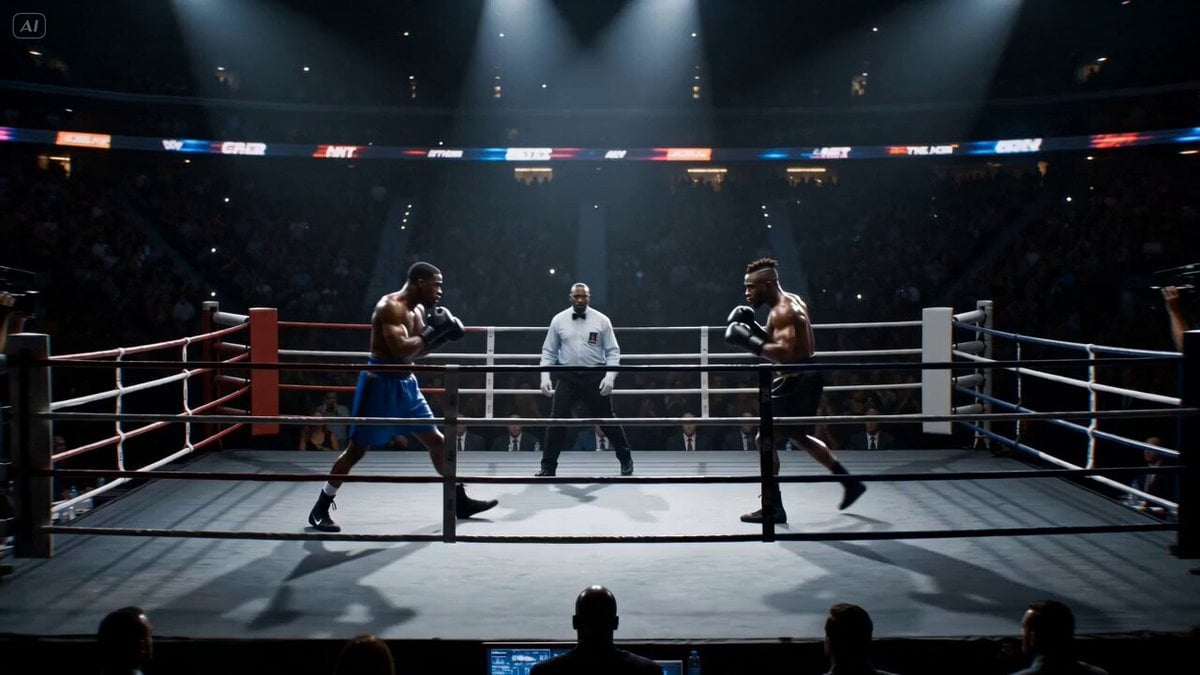
Cinematic Boxing Match Knockout
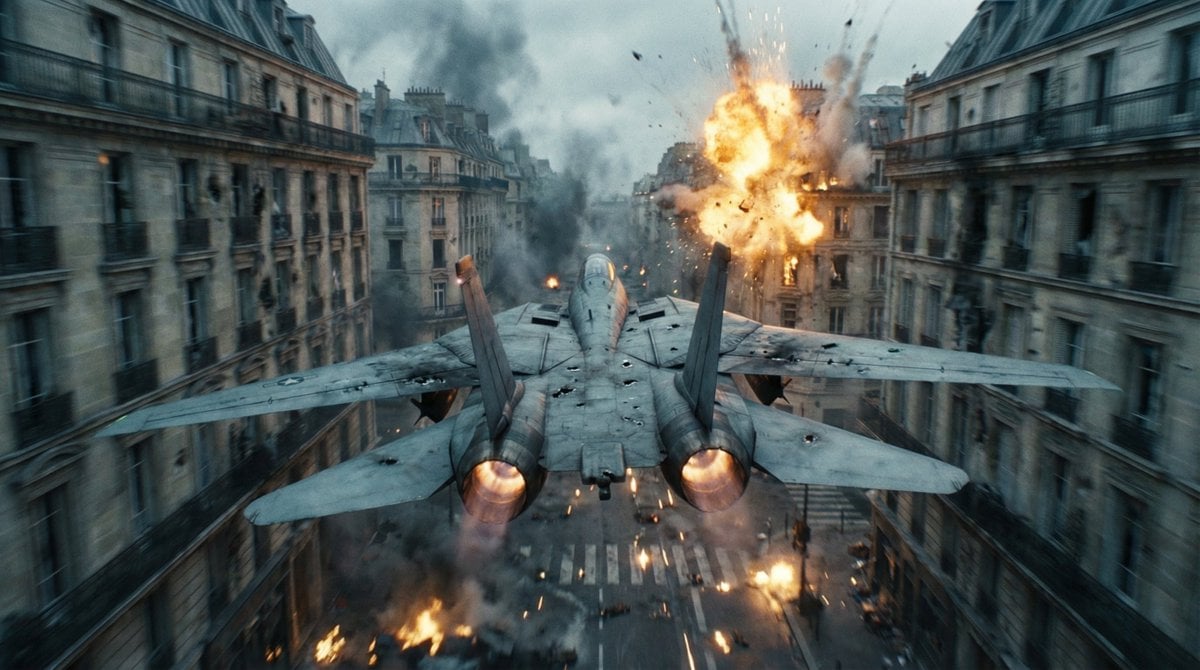
Cinematic WWII Aerial Combat Scene
Premium Game Studio Logo Intro
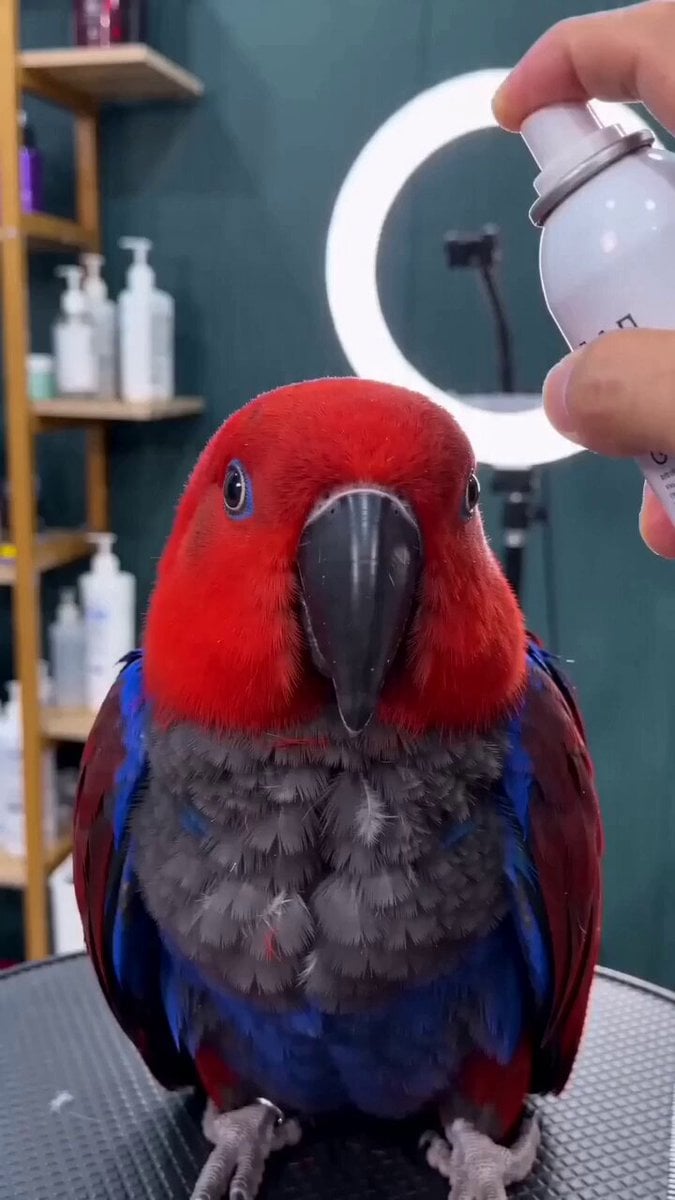
Close-up of a parrot getting a haircut, scene 1
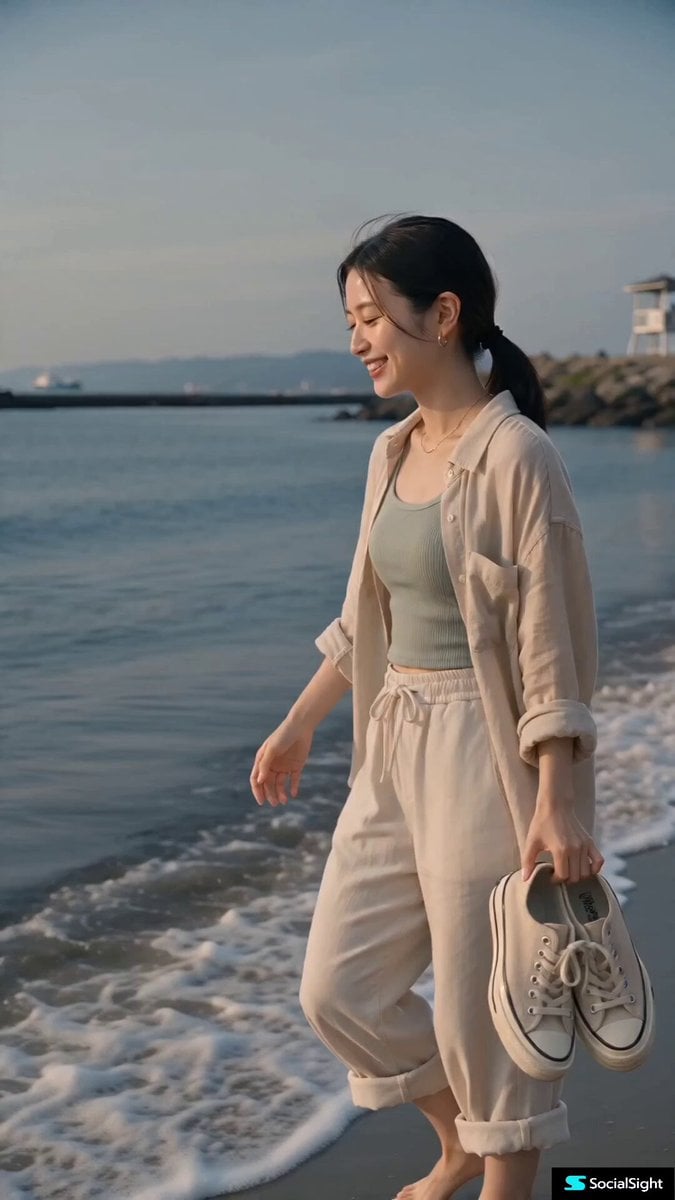
Contemporary Japanese Beach Vacation Vlog
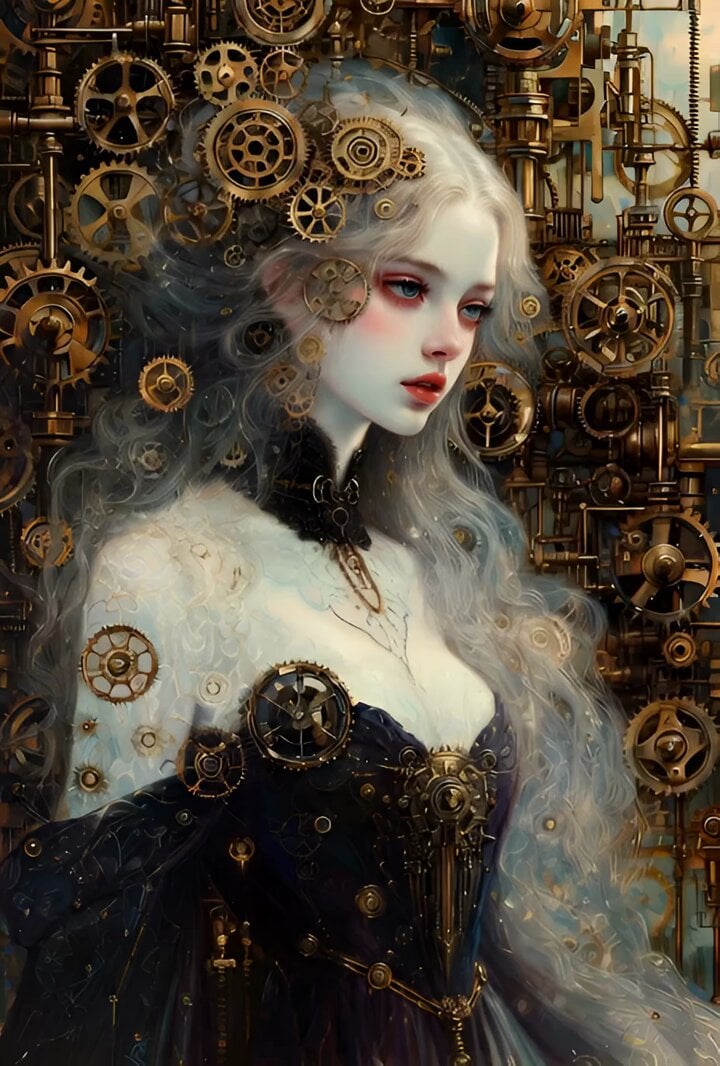
Grok Imagine Video Challenge Theme
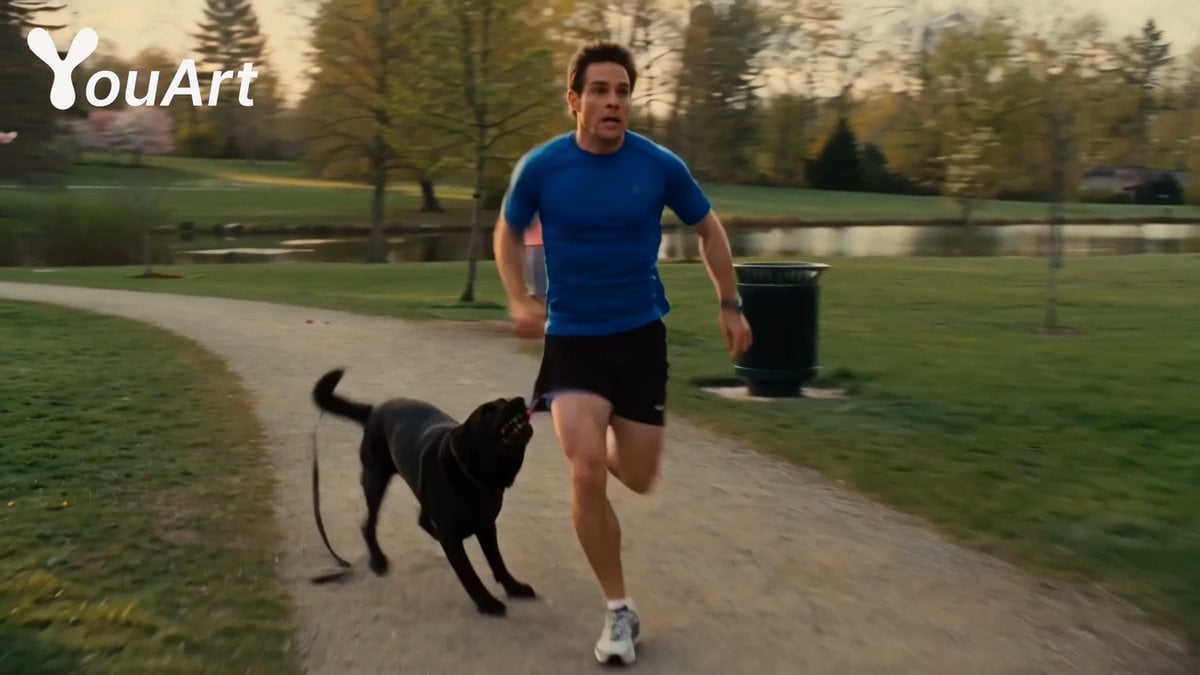
Park Jogging Comedic Dog Chase
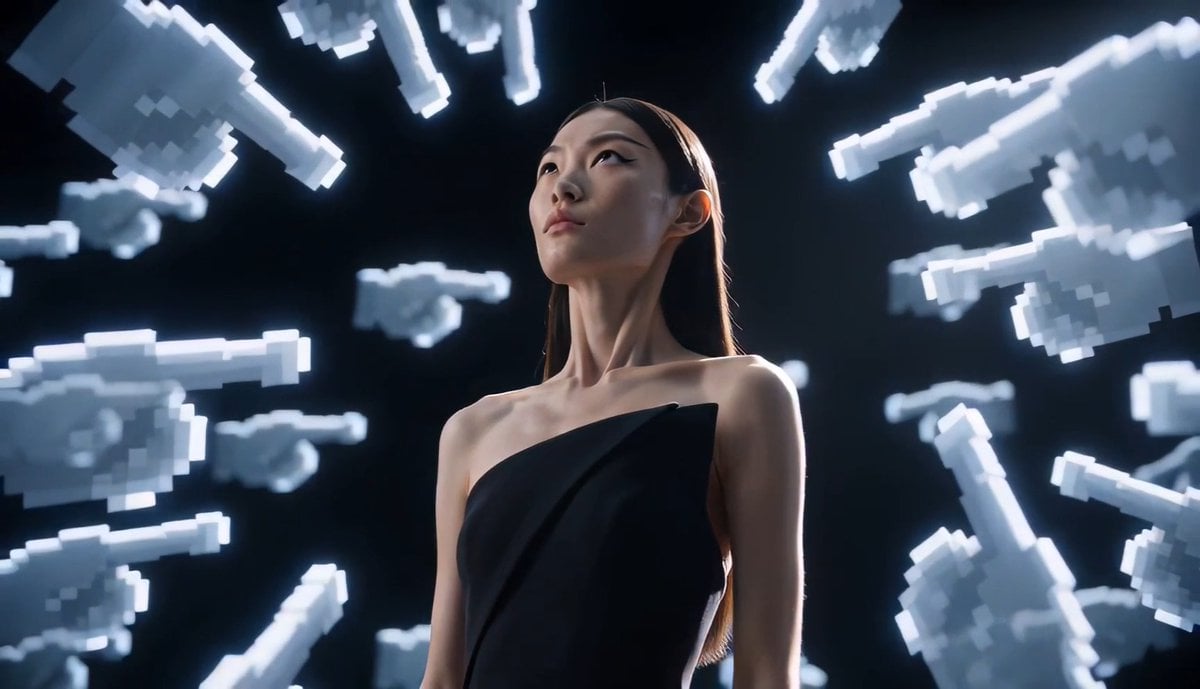
Avant-Garde Pixel Finger Portrait

Luxury Skincare Storyboard Motion Prompt
Browse template categories
Thornmaw Monarch — Crimson Glass Desert Beast questions
How do I use the Thornmaw Monarch — Crimson Glass Desert Beast template?
Add your photo if the template asks for one, edit the prompt if you like — the template's model and format are already selected — and press Generate. Your version opens in PicX Studio.
Can I customize the Thornmaw Monarch — Crimson Glass Desert Beast template?
Yes. You can change the subject, setting, lighting, mood, format, and available model controls before creating your video.
Is the Thornmaw Monarch — Crimson Glass Desert Beast template free?
Opening and editing this template is free. Generating uses credits, shown on the Generate button when you are signed in.
Which AI model should I use?
Start with Video Seedance, which is the model associated with this template. You can compare another compatible model for a different finish.
Looking for something else? Browse all templates.

Your photo, any look
Thousands of ready templates for every top image and video model, from one credit balance.