
Mrdasonx Quantum Missile Bullet Time
Bullet-time quantum missile vs biomechanical alien swarm — 360° rotation around mid-flight energy warhead, purple-blue quantum distortion waves, epic sci-fi scale.
- Prompt included
- Model and format preset
- Free template
The prompt behind this video
Copy the exact prompt behind Mrdasonx Quantum Missile Bullet Time, or open it in the studio and make it yours.
Cinematic bullet-time sequence following a pulsating quantum energy missile launched from a massive orbital defense platform toward a colossal swarm of invading biomechanical alien drones in deep space. The camera performs a smooth 360-degree rotation around the streaking missile mid-flight, capturing swirling quantum distortion waves, shimmering probability fields, exploding drone fragments, and dramatic nebulae glowing in the background. Hyper-realistic physics with intense purple-blue energy pulses, particle entanglement effects, reflective metallic hulls, and dynamic motion blur on the twisting energy core. Epic sci-fi scale, volumetric god rays from distant stars, ultra-detailed, cinematic masterpiece.
How to use Mrdasonx Quantum Missile Bullet Time in 3 steps
- 1
Open
The prompt is already in the box next to the preview, with the template's model and format selected.
- 2…a portrait of your subject in softgolden-hour light, 85mm…
Personalize
Edit the subject and creative details for your destination.
- 3Generate
Generate
Press Generate — your video is created in PicX Studio, so you can compare it with the original and refine one variable at a time.
More like this
Templates with the same subject, style or setup. Open one to see its prompt.

Walking Factory with Rebel on Hoverbike - Wasteland
Seedance Seedance 20 Urban Romance Wall Pin Kiss
Nano Banana Seedance Environment Render Walk
Ankitpatel Time Freeze Viral
Duttasomrat Time Freeze Viral V2
Duttasomrat Time Freeze Viral
Elevencreative Time Freeze
Mujeeb Matrix Bullet Time
Promptsin Time Freeze Spanish
Seedance 2 Time Freeze Official
Emily Seedance Pixel Horror Rpg
Ai Gezgini Hiroshima Fpv
Make it yours
Mrdasonx Quantum Missile Bullet Time works as-is. These are the safest ways to change it without losing the look.
Change one field
Copy a single group, rewrite it, and generate again so you can see what that field is doing.
Keep the frame, change the subject
Hold the composition and light of mrdasonx-quantum-missile-bullet-time, then swap wardrobe, props or the person for a new take.
| If the result… | Why | Fix |
|---|---|---|
| The result drifts from the preview | Too many fields changed at once. | Reuse mrdasonx-quantum-missile-bullet-time as-is first, then change one group — subject, light, or setting. |
| The model over-stylizes the scene | The prose prompt leaves finish and camera underspecified. | Add one camera or lighting sentence and stay on Video Seedance. |
More Video Seedance templates
Other prompts made for Video Seedance.
X Johnagi168 Work Seedance Video
X Johnagi168 This Is My Work Gpt Image 2 Seedance 2 0
X Chillaikalan Nano Banana Pro Seedance 20

Gpt2 Gpt2 Seedance Storyboard to Video
Time Stealer — Seedance 2.0
City Timelapse Growth — Seedance 2.0
Underground Temple Escape — Seedance 2.0
Superhero Joyrides — Seedance 2.0
Pearl Harbor Attack — Seedance 2.0 FPV
Coward King — Seedance 2.0 Dark Fantasy
More video prompts
Fresh picks from across the catalog.
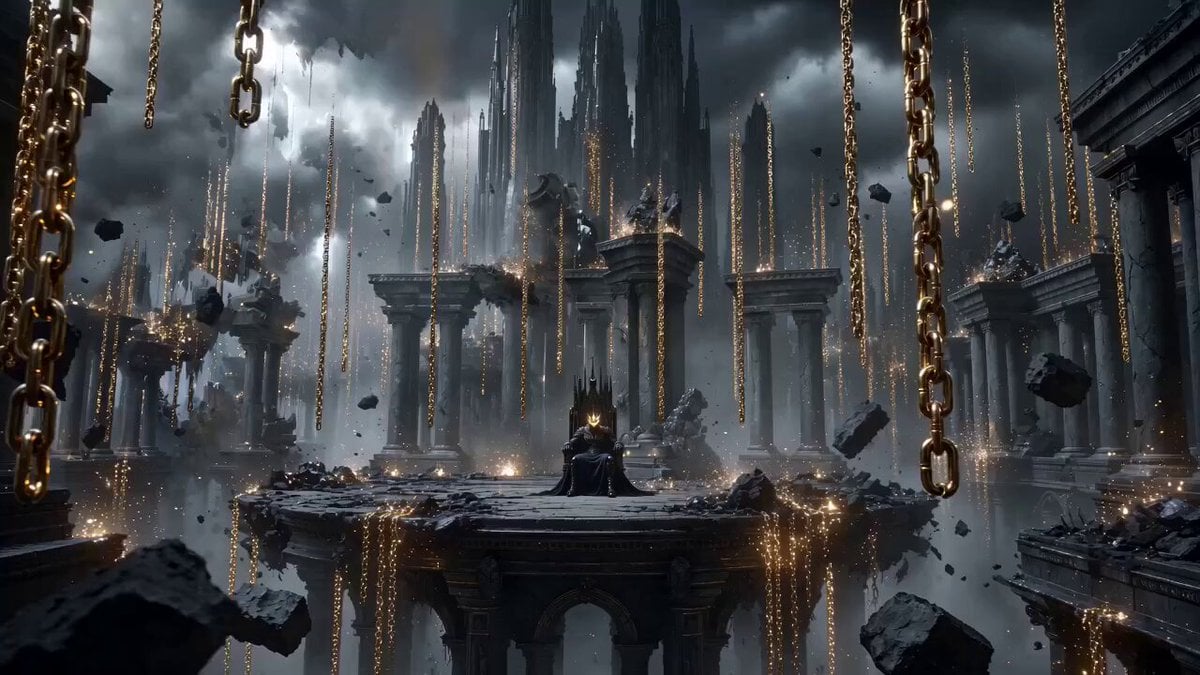
Dark Fantasy King on Obsidian Throne
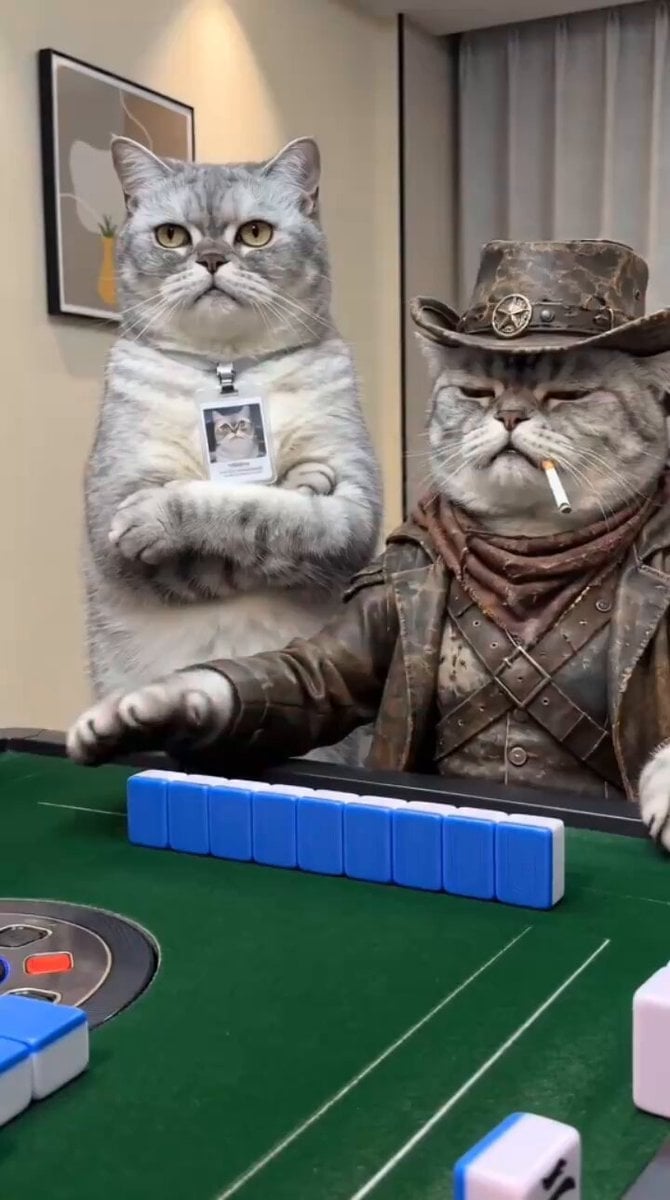
Anthropomorphic Cats Playing Mahjong Narrative Video
Rovvmut Time Freeze Nsketchai
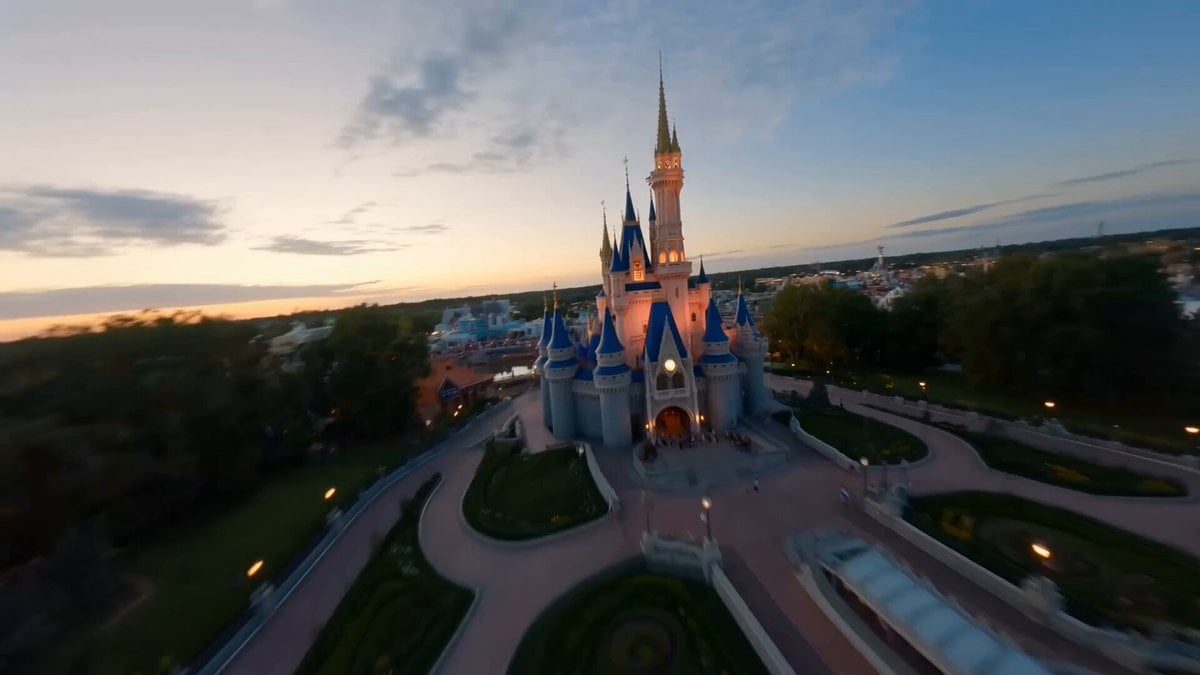
Disneyland FPV Cinematic Flight
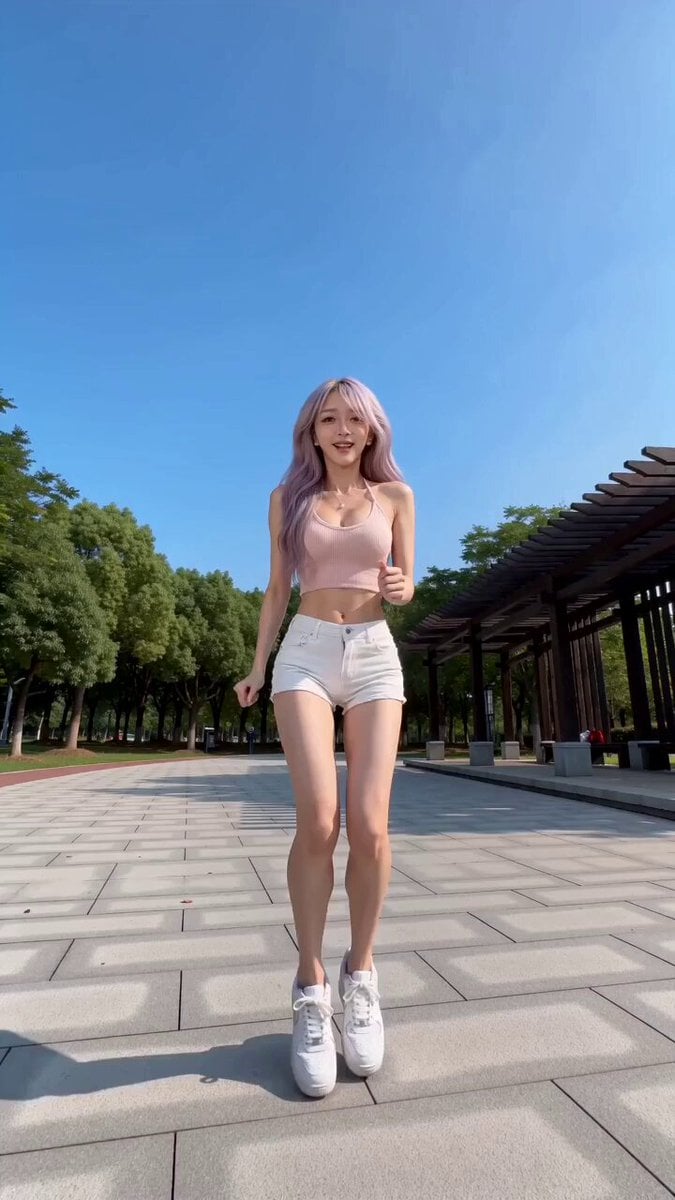
Creative Confession with AR Magic Effects

Surreal Cinematic Whales Flying Over a City at Sunrise
Volcano Temple Chase Sequence

The Long Run: Human Life Journey Sequence
Professional Fitness Aesthetic Montage

Comic book illustration of Superman flying
Browse template categories
Mrdasonx Quantum Missile Bullet Time questions
How do I use the mrdasonx-quantum-missile-bullet-time template?
Add your photo if the template asks for one, edit the prompt if you like — the template's model and format are already selected — and press Generate. Your version opens in PicX Studio.
Can I customize the mrdasonx-quantum-missile-bullet-time template?
Yes. You can change the subject, setting, lighting, mood, format, and available model controls before creating your video.
Is the mrdasonx-quantum-missile-bullet-time template free?
Opening and editing this template is free. Generating uses credits, shown on the Generate button when you are signed in.
Which AI model should I use?
Start with Video Seedance, which is the model associated with this template. You can compare another compatible model for a different finish.
Looking for something else? Browse all templates.

Your photo, any look
Thousands of ready templates for every top image and video model, from one credit balance.