
City Timelapse Growth — Seedance 2.0
15s empty plot to megacity timelapse: construction, traffic, seasons, day/night cycles, Seedance 2.0
- Prompt included
- Model and format preset
- Free template
The prompt behind this video
Copy the exact prompt behind City Timelapse Growth — Seedance 2.0, or open it in the studio and make it yours.
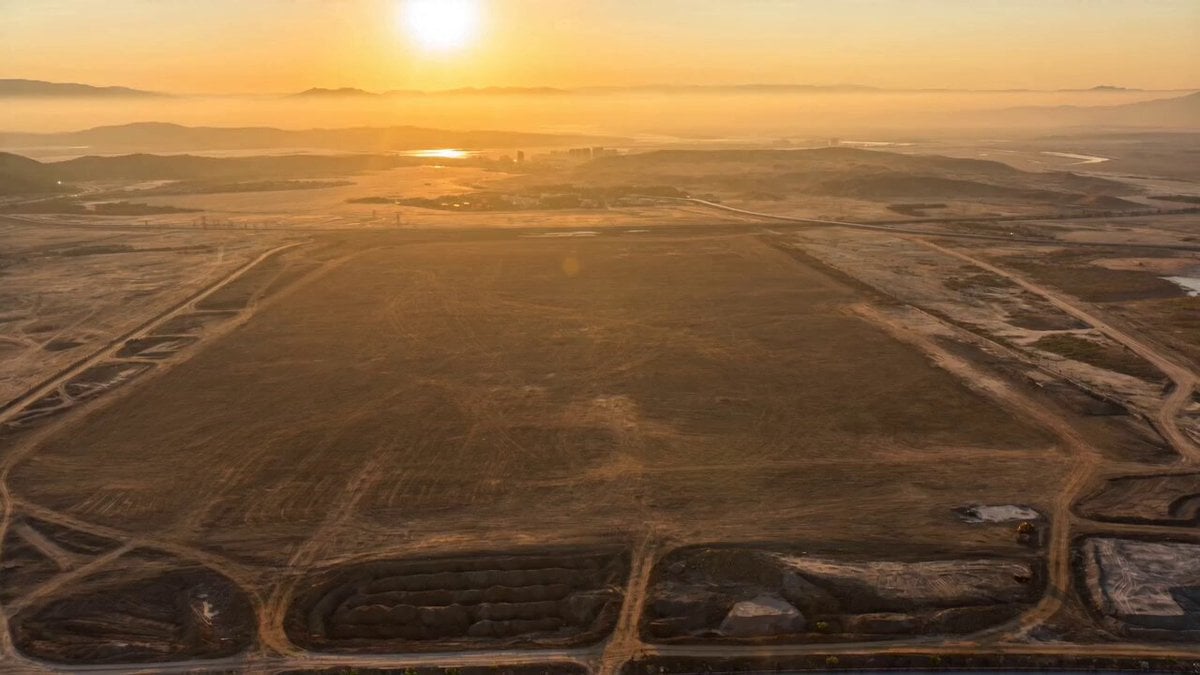
Cinematic timelapse sequence, 16:9, 15 seconds. Opens with a wide aerial shot looking down at a completely empty flat plot of land dirt, nothing around it, golden morning light. Time begins accelerating. Foundation crews arrive, concrete is poured, steel frames rise from the ground. Roads begin forming outward in every direction. Buildings grow upward at timelapse speed first small structures, then mid-rise, then massive gleaming skyscrapers shooting upward around the original plot. Construction cranes everywhere, scaffolding appearing and disappearing. The city fills in roads packed with traffic, bridges appearing over rivers, neighborhoods expanding to the horizon. Day and night cycle rapidly golden days, vivid blue skies, then nights with thousands of city lights glowing, neon signs flickering on, headlights streaming through streets like rivers of light. Seasons shift summer heat haze, autumn colors, winter snow dusting the rooftops, spring green returning. Final shot pulls back wide revealing a full glittering megacity stretching to every horizon, lights blazing, alive. Camera locked on the original empty plot the entire time now buried deep in the heart of the city. Photorealistic, IMAX cinematic quality, ultra sharp, vivid colors throughout, dramatic lighting at every stage, epic scale, smooth continuous timelapse motion from first frame to last.
How to use City Timelapse Growth — Seedance 2.0 in 3 steps
- 1
Open
The prompt is already in the box next to the preview, with the template's model and format selected.
- 2…a portrait of your subject in softgolden-hour light, 85mm…
Personalize
Edit the subject and creative details for your destination.
- 3Generate
Generate
Press Generate — your video is created in PicX Studio, so you can compare it with the original and refine one variable at a time.
More like this
Templates with the same subject, style or setup. Open one to see its prompt.
Civilization Timelapse — Centuries in One Shot

Realistic City Street Story Cinematic Video - Seedance
Plot to Megacity Construction Timelapse
Yellow Seaplane Coastal Dive — Aerial Drone Shot
Stone Colossus Desert Riders — Golden Fire Reveal
Time Freeze — Snap Shockwave Scene Seedance
Fighter Jet Aerial Combat Montage — Seedance 2.5
Aerial City Construction Transformation
Speeder Chase Across a Cliff City

Cinematic Short Film Scene

Kyoto Morning Selfie Vlog

Gpt2 Gpt2 Seedance Storyboard to Video
Make it yours
City Timelapse Growth — Seedance 2.0 works as-is. These are the safest ways to change it without losing the look.
Change one field
Copy a single group, rewrite it, and generate again so you can see what that field is doing.
Keep the frame, change the subject
Hold the composition and light of City Timelapse Growth — Seedance 2.0, then swap wardrobe, props or the person for a new take.
| If the result… | Why | Fix |
|---|---|---|
| The result drifts from the preview | Too many fields changed at once. | Reuse City Timelapse Growth — Seedance 2.0 as-is first, then change one group — subject, light, or setting. |
| The model over-stylizes the scene | The prose prompt leaves finish and camera underspecified. | Add one camera or lighting sentence and stay on Video Seedance. |
More Video Seedance templates
Other prompts made for Video Seedance.
X Johnagi168 Work Seedance Video
X Johnagi168 This Is My Work Gpt Image 2 Seedance 2 0
X Chillaikalan Nano Banana Pro Seedance 20
Emily Seedance Pixel Horror Rpg
Mrdasonx Quantum Missile Bullet Time
Ai Gezgini Hiroshima Fpv
Olivio Sarikas Shrinking Girl Bee
Emily Seedance Tokusatsu Sisters
Alla Kling World Acceleration
Underground Temple Escape — Seedance 2.0
More video prompts
Fresh picks from across the catalog.
Cinematic Street Dance Sequence
Massive Explosion at Downtown Road Junction

Second Sci-Fi Comedy Video Prompt: Mechanic vs. Robot
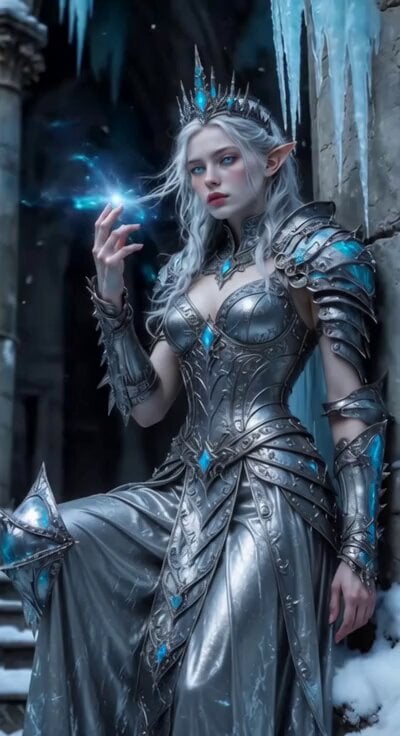
Sci-Fi Ice Queen Action
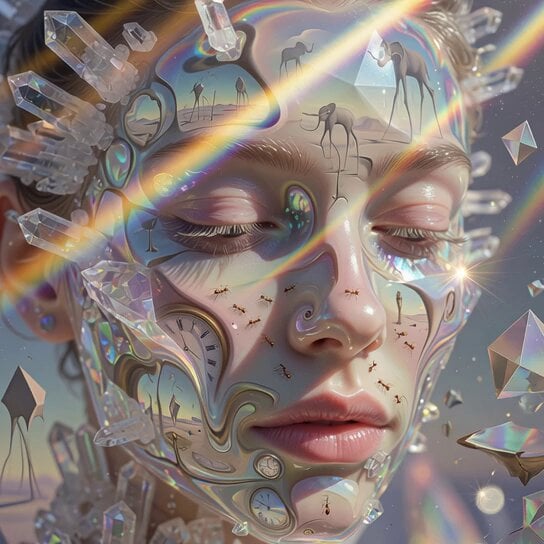
Surrealist Crystallized Face Transformation

Hyper-Realistic Cinematic Horror Sequence

Nezha vs. Monkey King Martial Arts Video Prompt (Seedance 2.0)
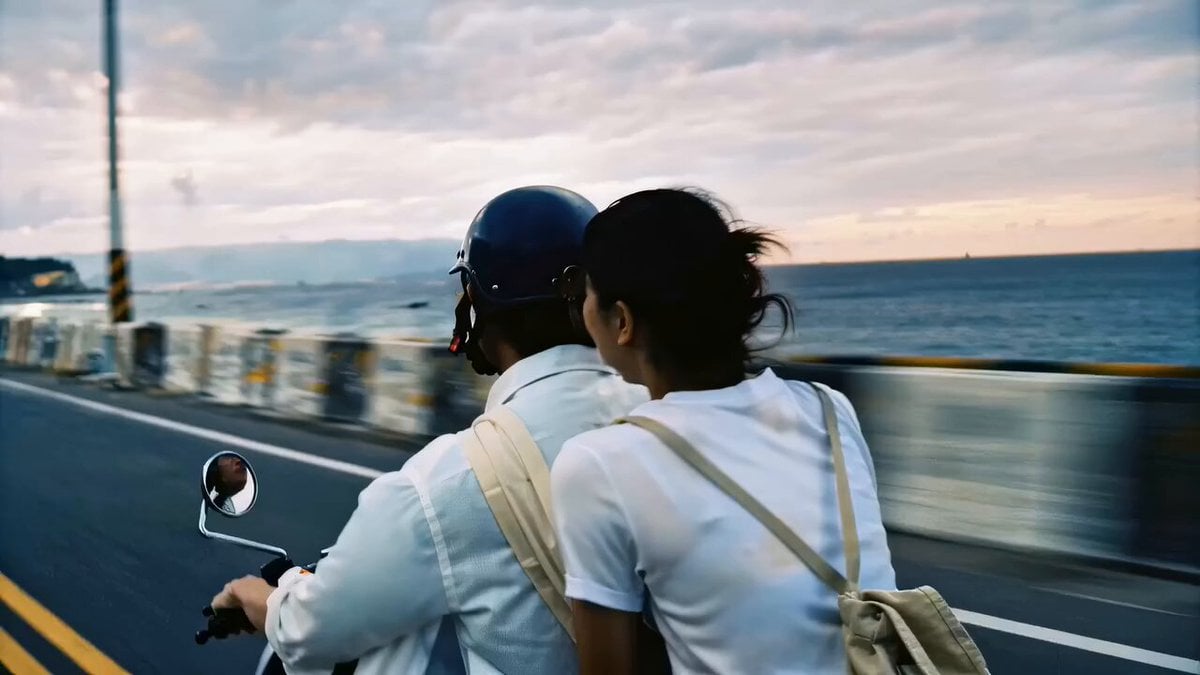
Nostalgic Taiwan Seaside Romance Film
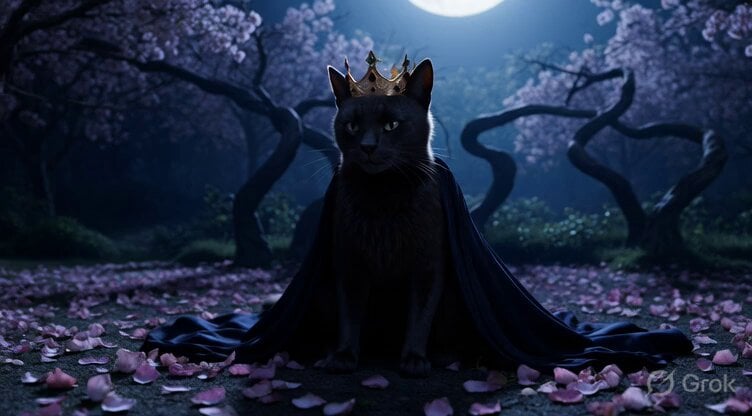
Anthropomorphic Cat in Moonlit Noir Garden
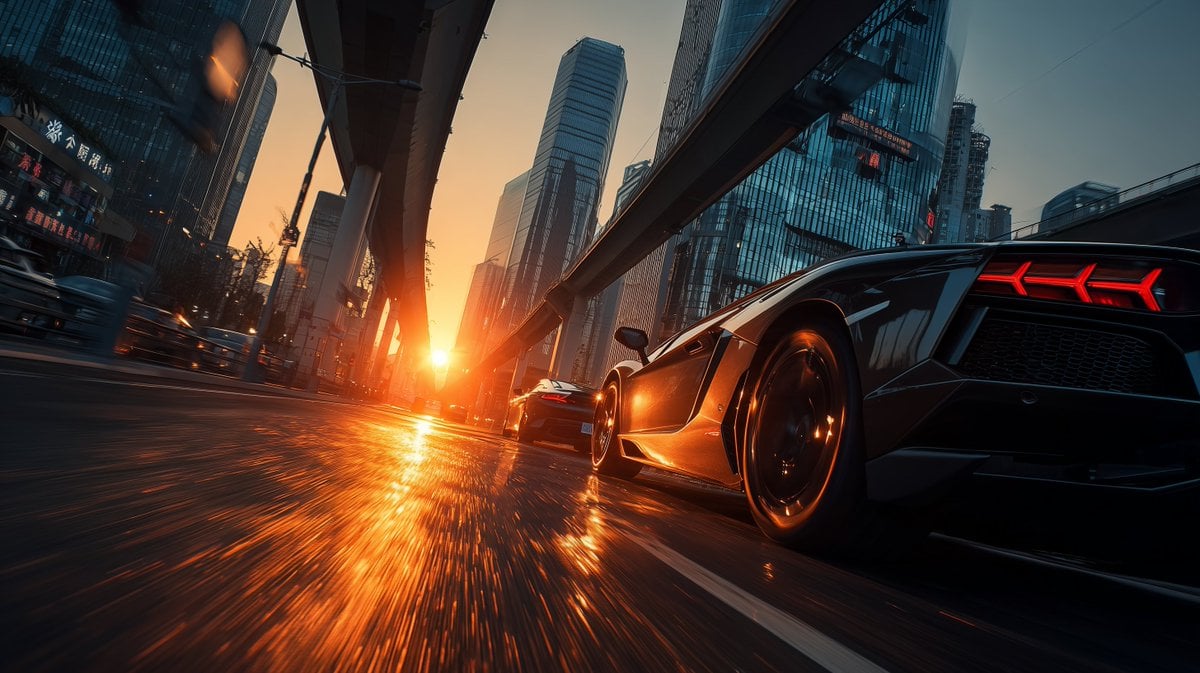
Cinematic Shanghai Megacity Sunset
Browse template categories
City Timelapse Growth — Seedance 2.0 questions
How do I use the City Timelapse Growth — Seedance 2.0 template?
Add your photo if the template asks for one, edit the prompt if you like — the template's model and format are already selected — and press Generate. Your version opens in PicX Studio.
Can I customize the City Timelapse Growth — Seedance 2.0 template?
Yes. You can change the subject, setting, lighting, mood, format, and available model controls before creating your video.
Is the City Timelapse Growth — Seedance 2.0 template free?
Opening and editing this template is free. Generating uses credits, shown on the Generate button when you are signed in.
Which AI model should I use?
Start with Video Seedance, which is the model associated with this template. You can compare another compatible model for a different finish.
Looking for something else? Browse all templates.

Your photo, any look
Thousands of ready templates for every top image and video model, from one credit balance.