How do I use the Hyper-Realistic Cinematic Horror Sequence template?
Edit the prompt in the box under the preview — the template's model and format are already selected — and press Generate. Your version appears right on this page.
A detailed prompt for Seedance 2.0 generating a hyper-realistic, cinematic horror sequence set in an abandoned Victorian house.
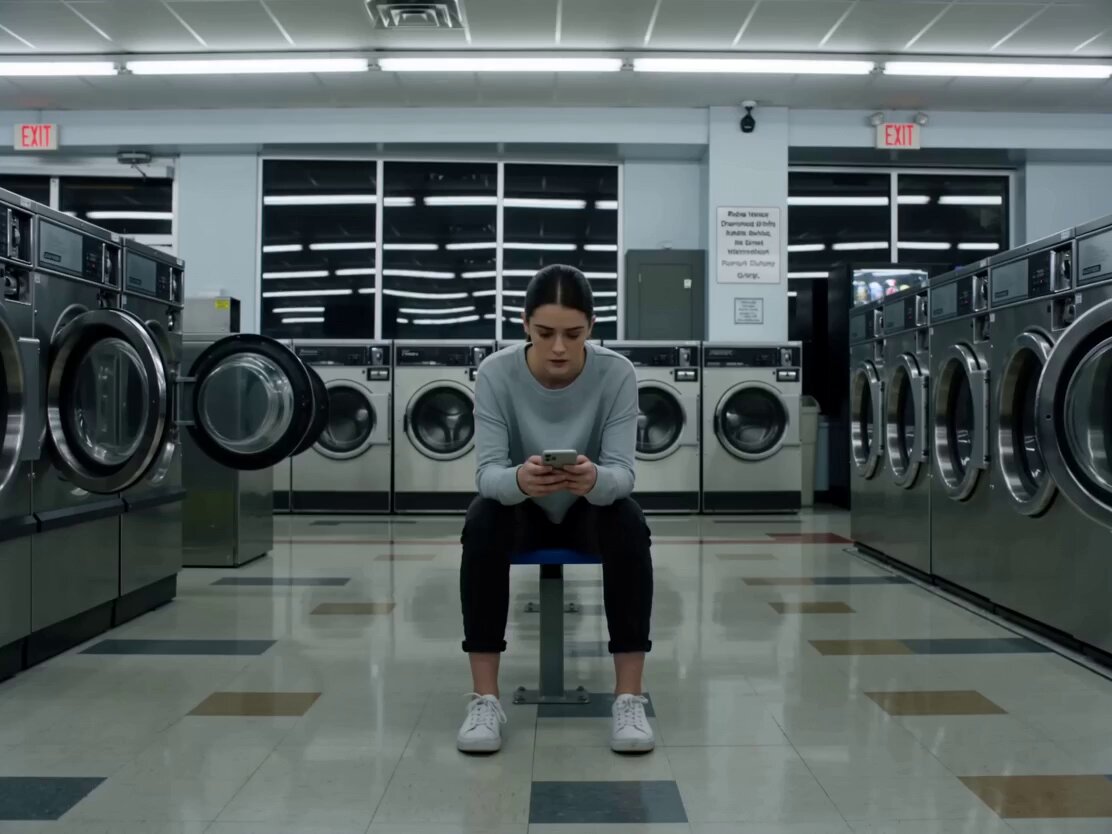
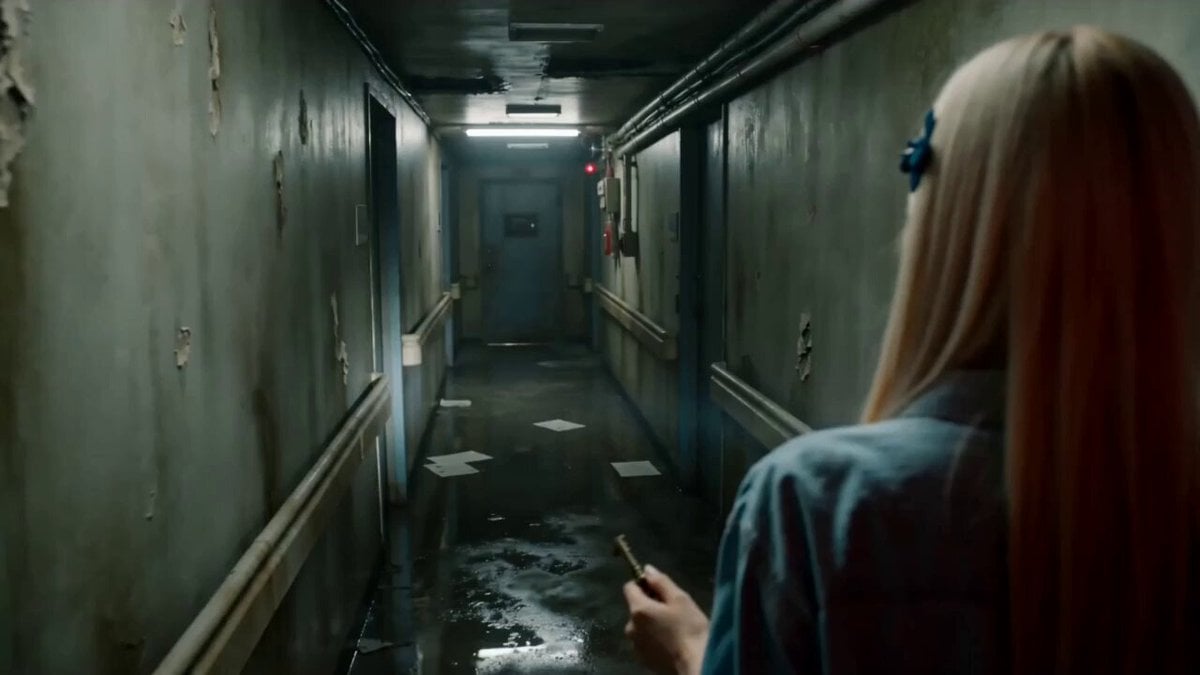
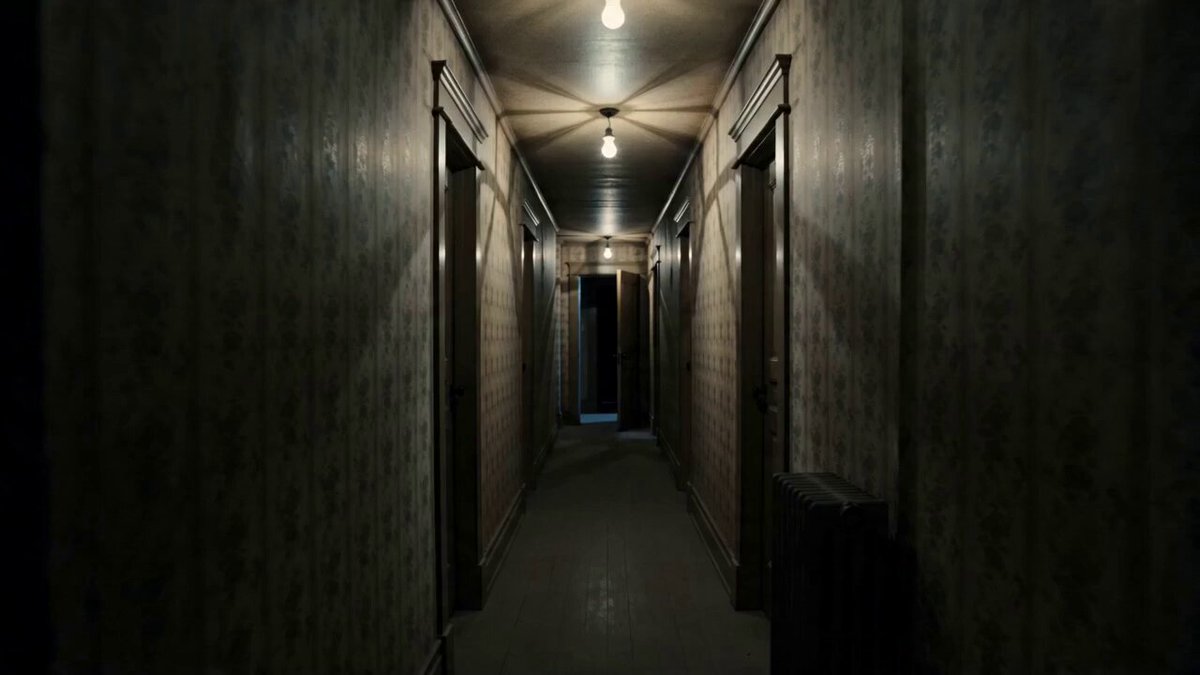
A hyper-realistic cinematic horror sequence set in an abandoned Victorian house at night, surrounded by dense fog and dead trees, unsettling atmosphere, cold desaturated tones, low-key lighting, volumetric fog, film grain, chromatic aberration, VHS glitch effects. Slow dolly-in through rusty gate, eerie ambience and low bass rumble. Cut to handheld hallway shot with cracked walls and shifting portraits, faint whispers, shadow flicker. Long corridor with flickering lights, ghostly female figure at end (pale skin, long black hair covering face, torn white dress, unnatural twitching). Sudden glitch distortion, entity instantly appears closer, head tilts unnaturally, faint glowing eyes, loud distorted scream. Hard cut to black, static noise, whisper “I’m still here.” Shot on full-frame camera, 35mm lens, shallow depth of field, cinematic focus pulls, 4K UHD, 24fps, ultra-detailed, extremely realistic, uncanny valley, disturbing, viral horror short.
A hyper-realistic cinematic horror sequence set in an abandoned Victorian house at night, surrounded by dense fog and dead trees, unsettling atmosphere, cold desaturated tones, low-key lighting, volumetric fog, film grain, chromatic aberration, VHS glitch effects. Slow dolly-in through rusty gate, eerie ambience and low bass rumble. Cut to handheld hallway shot with cracked walls and shifting portraits, faint whispers, shadow flicker. Long corridor with flickering lights, ghostly female figure at end (pale skin, long black hair covering face, torn white dress, unnatural twitching). Sudden glitch distortion, entity instantly appears closer, head tilts unnaturally, faint glowing eyes, loud distorted scream. Hard cut to black, static noise, whisper “I’m still here.” Shot on full-frame camera, 35mm lens, shallow depth of field, cinematic focus pulls, 4K UHD, 24fps, ultra-detailed, extremely realistic, uncanny valley, disturbing, viral horror short.
Edit the prompt in the box under the preview — the template's model and format are already selected — and press Generate. Your version appears right on this page.
Yes. You can change the subject, setting, lighting, mood, format, and available model controls before creating your video.
Opening and editing this template is free. Generating uses credits, shown on the Generate button when you are signed in.
Start with Seedance 2.0, which is the model associated with this template. You can compare another compatible model for a different finish.
Follow a topic to a crawlable collection of related PicX Studio templates.