
Laundromat Horror Creature Sequence
A Seedance 2 prompt for a high-tension horror sequence set in a laundromat where washing machines vibrate and creatures emerge from green liquid.

- Prompt included
- Model and format preset
- Free template
The prompt behind this video
Copy the exact prompt behind Laundromat Horror Creature Sequence, or open it in the studio and make it yours.
High-tension horror sequence inside a brightly lit 24-hour laundromat at night. Rows of industrial washing machines, fluorescent lighting, reflective tiled floor, vending machines humming softly. Sound: washing machine hum, distant traffic outside, phone scrolling taps, slowly interrupted by violent metallic banging. Shot 1 (0–3s): A young woman sits alone in the laundromat scrolling on her phone while several washing machines run behind her. Suddenly— All the machines begin vibrating unnaturally at the same time. Coins rattle. Lights flicker slightly. She slowly looks up. Shot 2 (3–6s): The vibrations intensify into loud metallic BANGS from inside the machines. One machine violently shakes side to side. Then another. Green-tinted water suddenly begins leaking out beneath the doors, spreading across the floor. She stands up nervously: “What… what is happening?” Shot 3 (6–9s): The camera slowly circles around her as more machines begin slamming violently from inside. The laundromat now echoes with distorted screeching noises mixed with the banging. Green liquid floods across the tiles. Shot 4 (9–12s): One washing machine door suddenly POPS open. A grotesque wet creature crawls out. Then another machine opens. Then another. More creatures emerge one by one from different machines around her, dripping green slime onto the floor. She slowly backs away in panic as the camera continues orbiting around her. Shot 5 (12–15s): All the creatures suddenly stop moving. Silence for half a second. Then every creature simultaneously SCREAMS and charges toward her from every direction across the laundromat. She panics and stumbles backward— the creatures leap— cut to black.
How to use Laundromat Horror Creature Sequence in 3 steps
- 1
Open
The prompt is already in the box next to the preview, with the template's model and format selected.
- 2…a portrait of your subject in softgolden-hour light, 85mm…
Personalize
Edit the subject and creative details for your destination.
- 3Generate
Generate
Press Generate — your video is created in PicX Studio, so you can compare it with the original and refine one variable at a time.
More like this
Templates with the same subject, style or setup. Open one to see its prompt.

Home Horror Creature Sequence

J-Horror Anime Creature
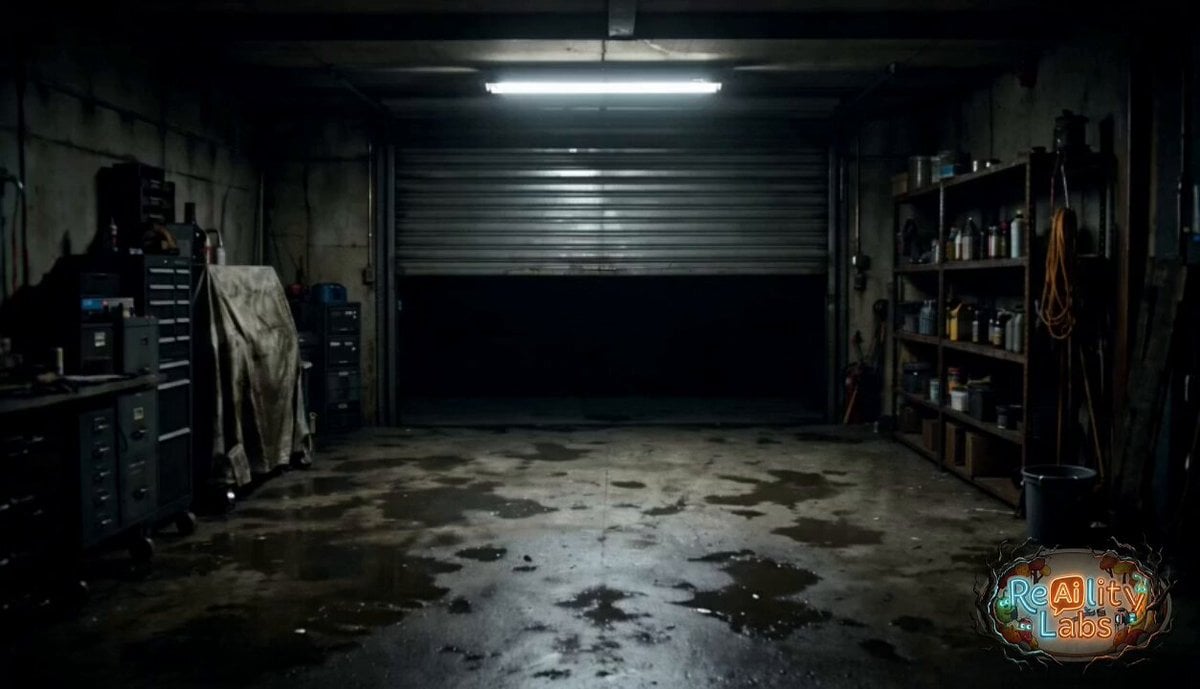
Garage CCTV Horror Creature
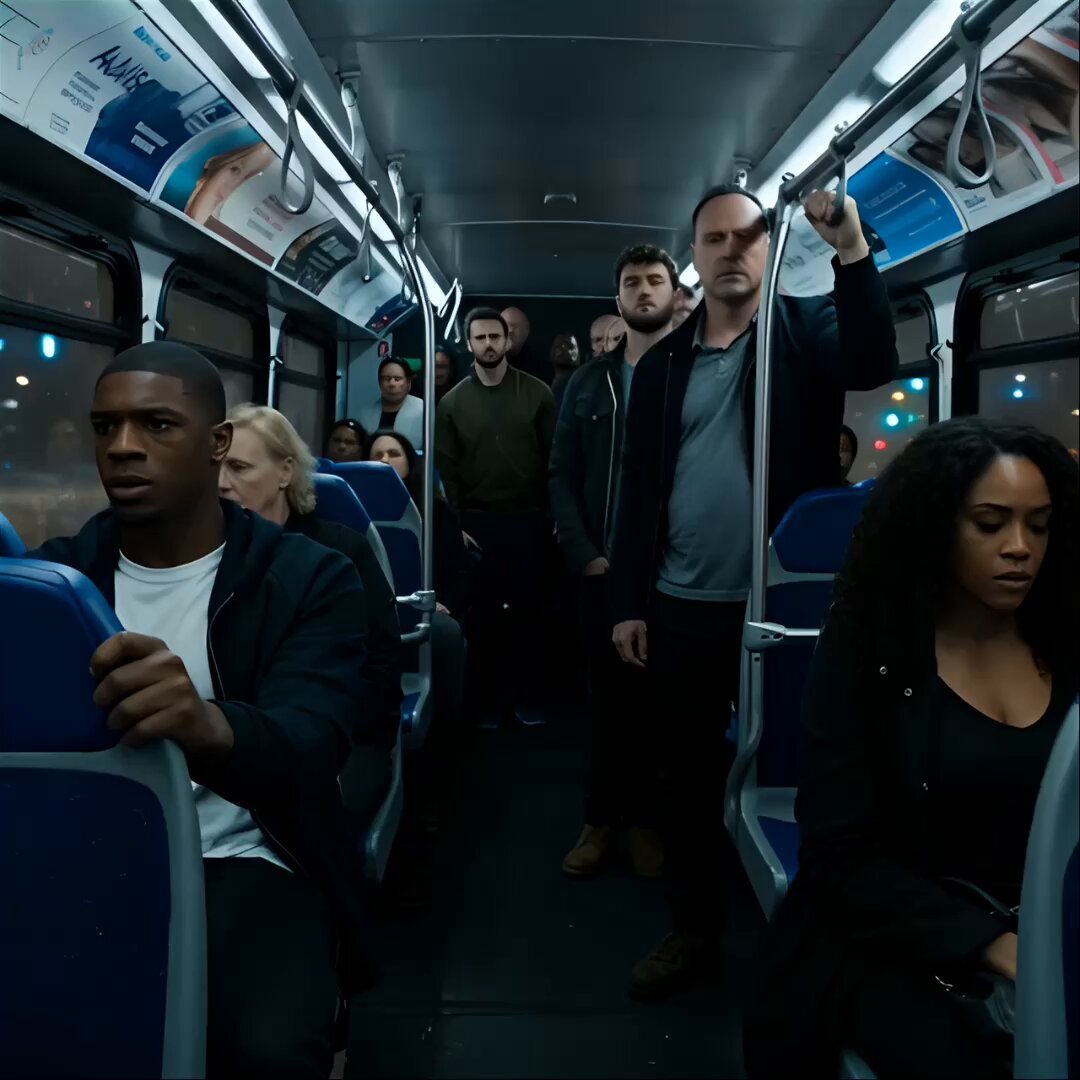
Alien Creature Under Bus Horror
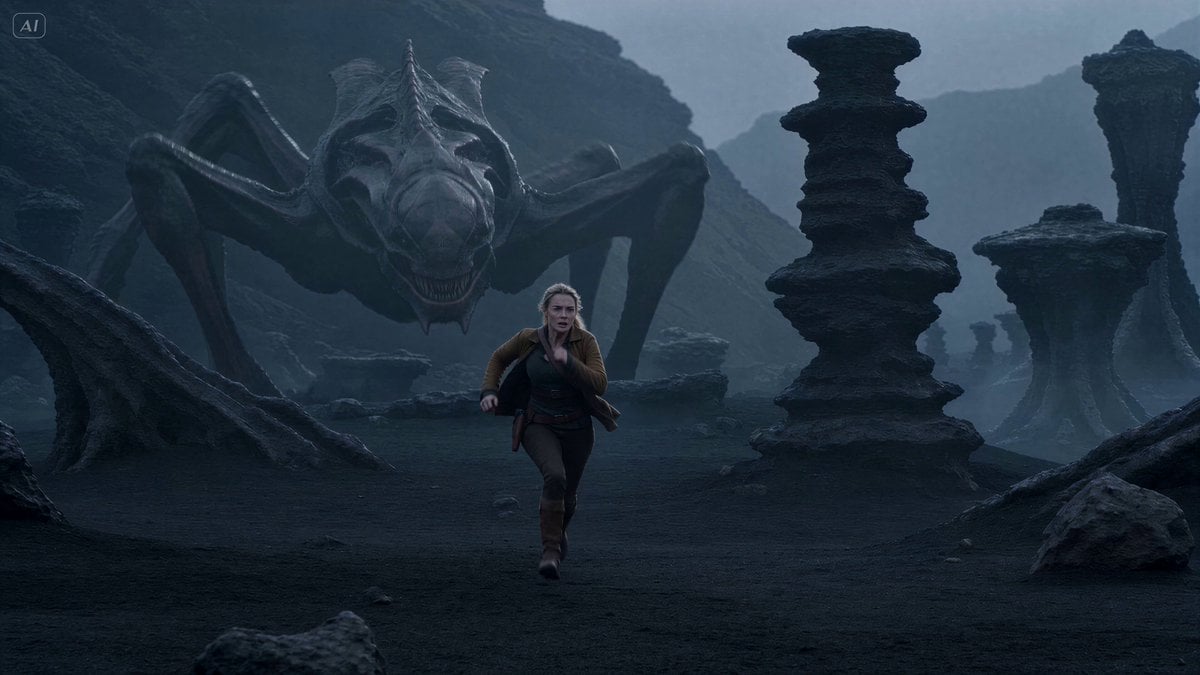
Alien Creature Pursuit Sequence
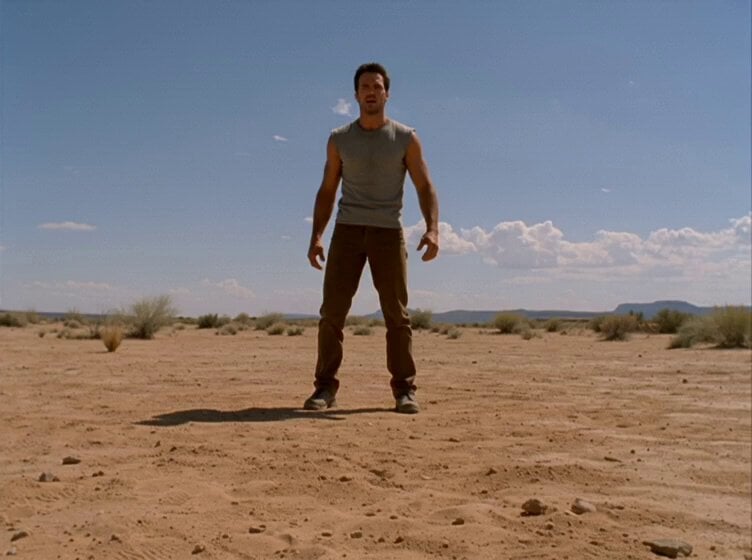
1980s Trap Creature Sequence
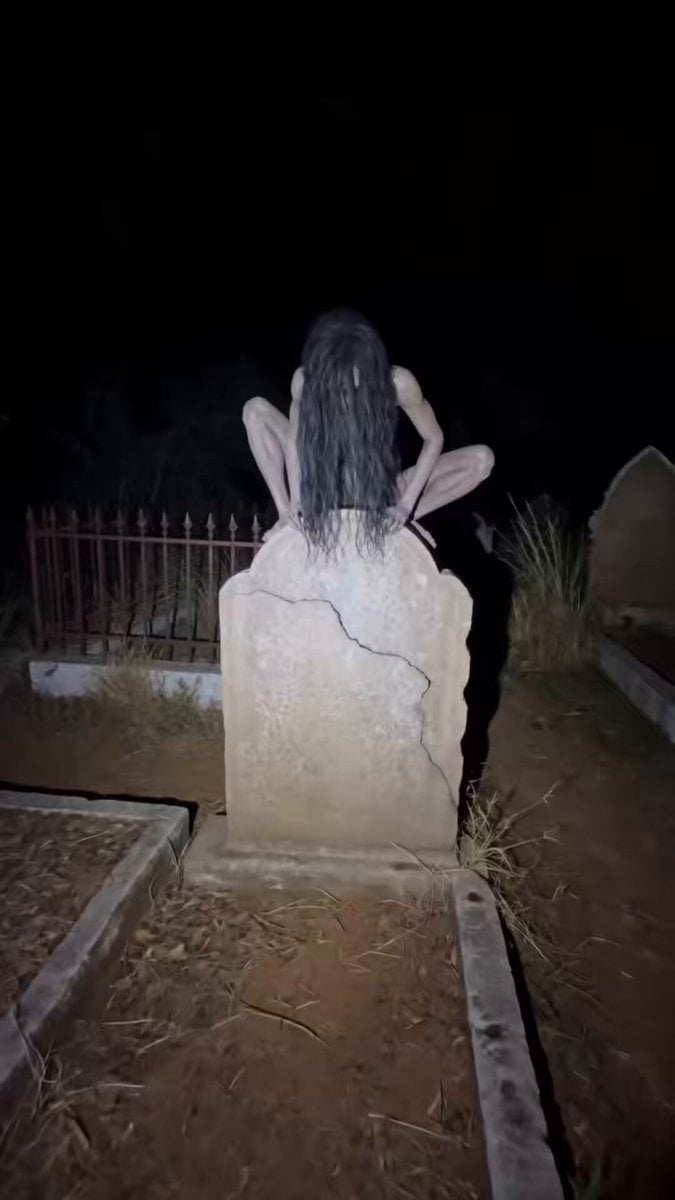
Found Footage Graveyard Creature Horror

Hospital Corridor Creature Horror
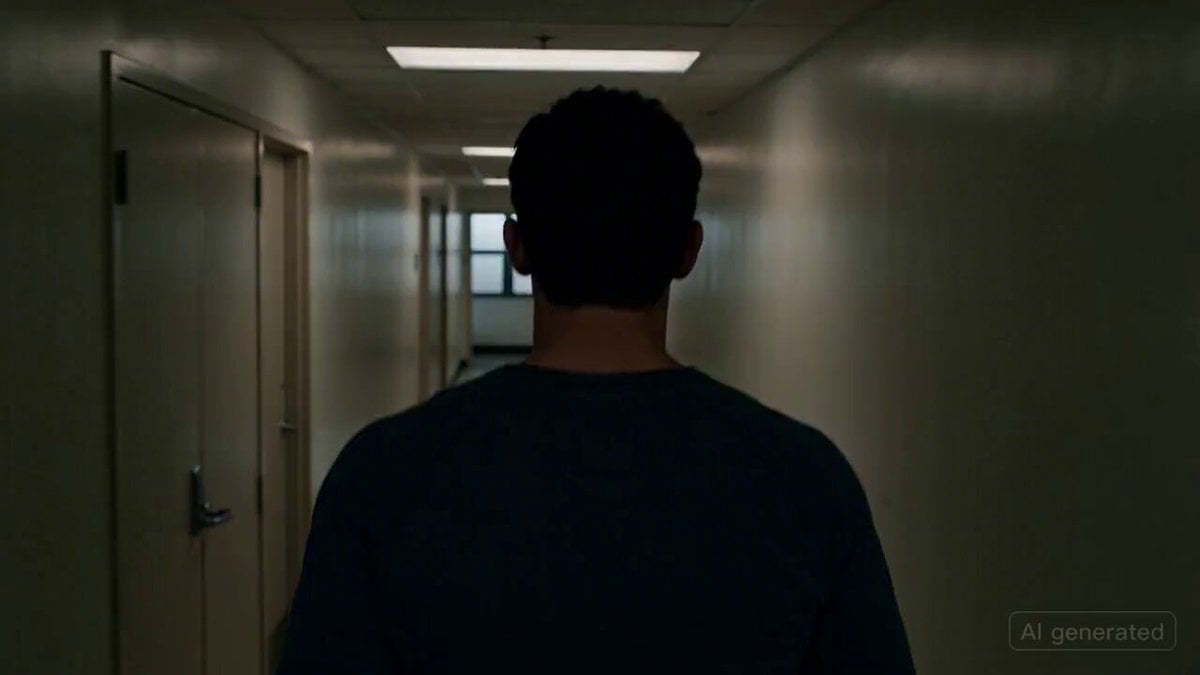
Cinematic horror scene with creature attack

Hyper-Realistic Cinematic Horror Sequence
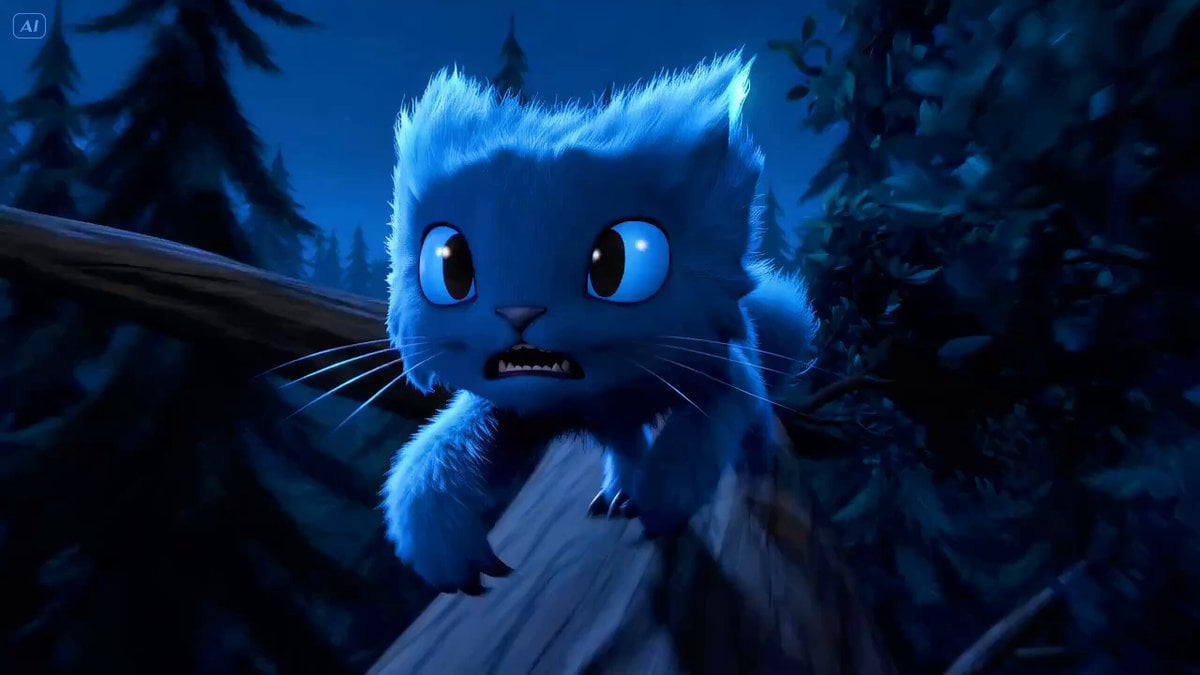
Fluffy Creature Story Sequence
Thornmaw Monarch — Crimson Glass Desert Beast
Make it yours
Laundromat Horror Creature Sequence works as-is. These are the safest ways to change it without losing the look.
Change one field
Copy a single group, rewrite it, and generate again so you can see what that field is doing.
Keep the frame, change the subject
Hold the composition and light of Laundromat Horror Creature Sequence, then swap wardrobe, props or the person for a new take.
| If the result… | Why | Fix |
|---|---|---|
| The result drifts from the preview | Too many fields changed at once. | Reuse Laundromat Horror Creature Sequence as-is first, then change one group — subject, light, or setting. |
| The model over-stylizes the scene | The prose prompt leaves finish and camera underspecified. | Add one camera or lighting sentence and stay on Seedance 2.0. |
More Seedance 2.0 templates
Other prompts made for Seedance 2.0.

Comical Martial Arts Punch Scene

Wuxia Protection and Trust Script

Vintage Korean Arcade MiniDV Vlog

Ancient Roman Celestial Flight

Mercedes 190 SL Luxury Ad

Rainy Night Supernatural Reverse Comedy Video Script

Amazon Civilization Discovery

Futuristic South Asian City Transformation

Cozy Luxury Cafe Commercial

Cyber Ronin Nanotech Transformation Video
More video prompts
Fresh picks from across the catalog.

Nebula to Shrimp Morphing Animation

90s OVA Style Elf Priestess

Eternal Beauty in Art
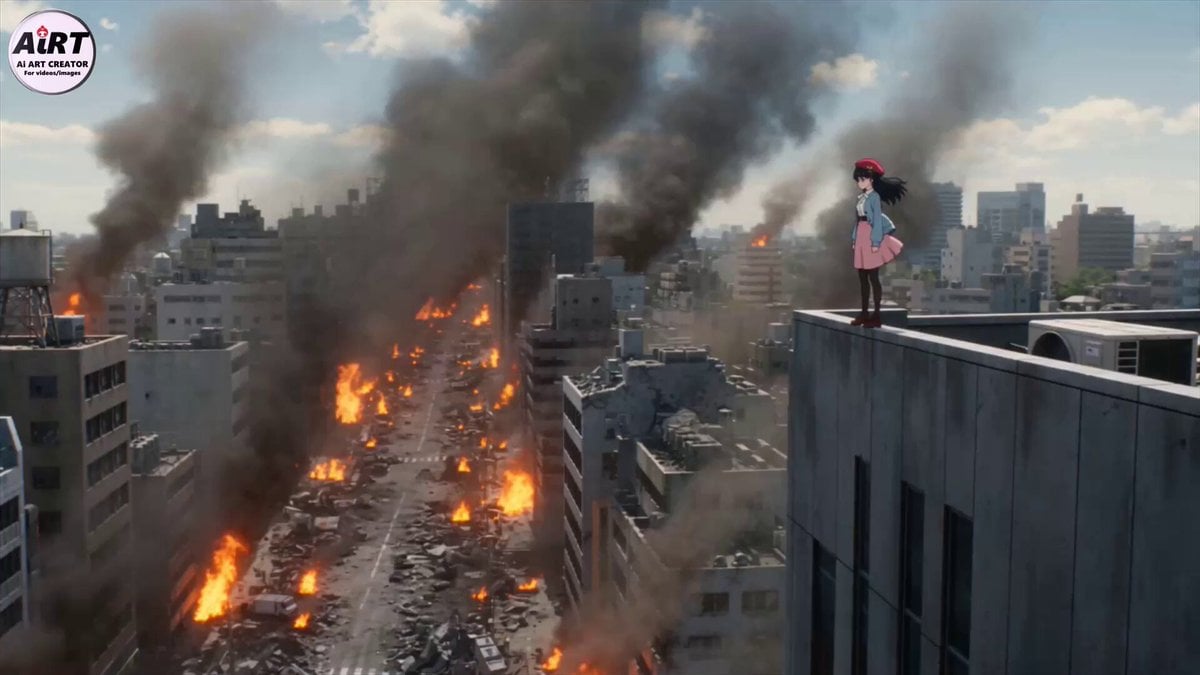
Cinematic Mecha Transformation Scene
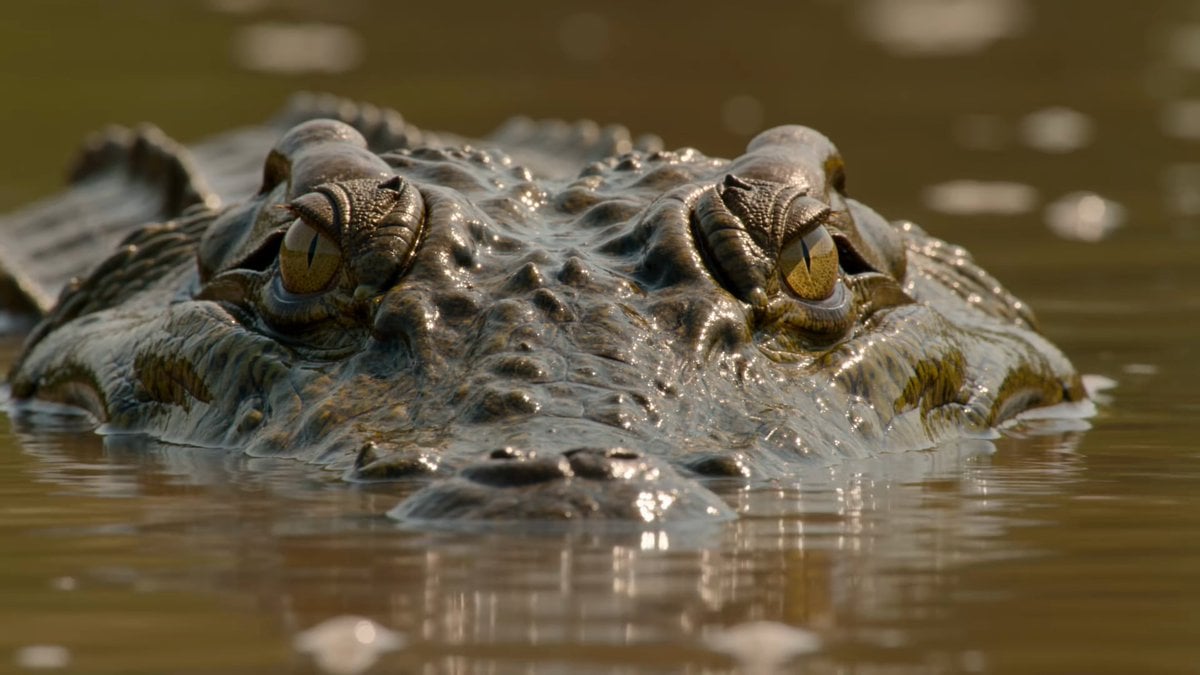
Wildlife Documentary Reptile 4K
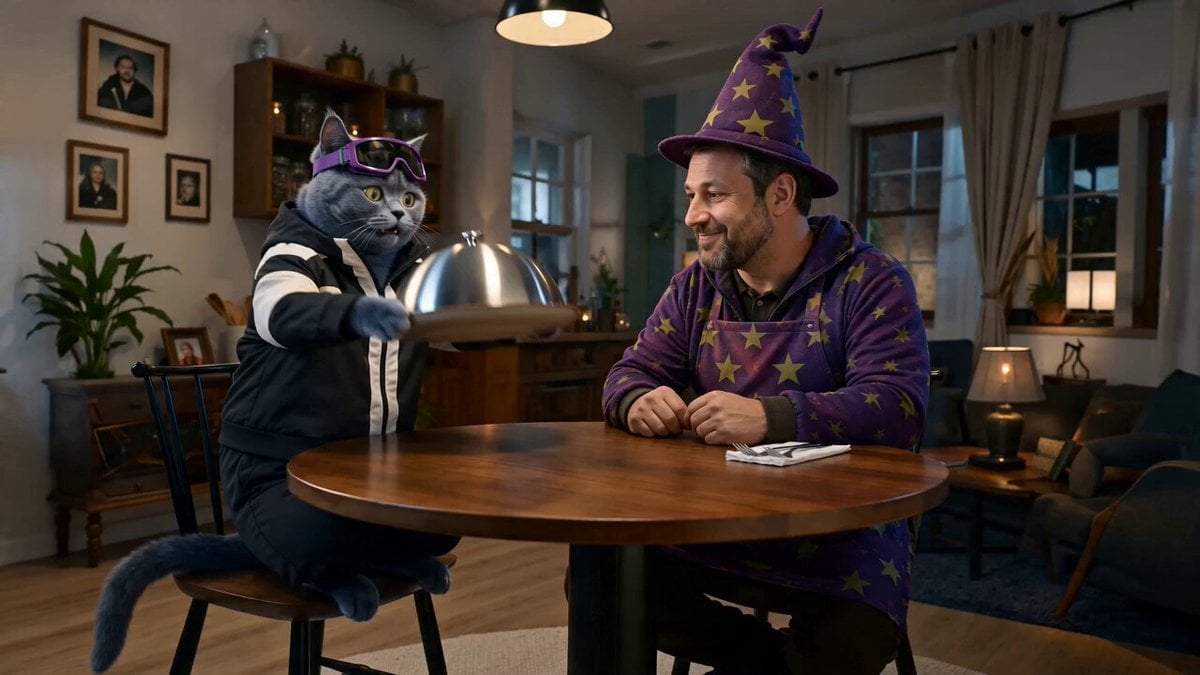
Step 2: Just put your storyboard as refference ima
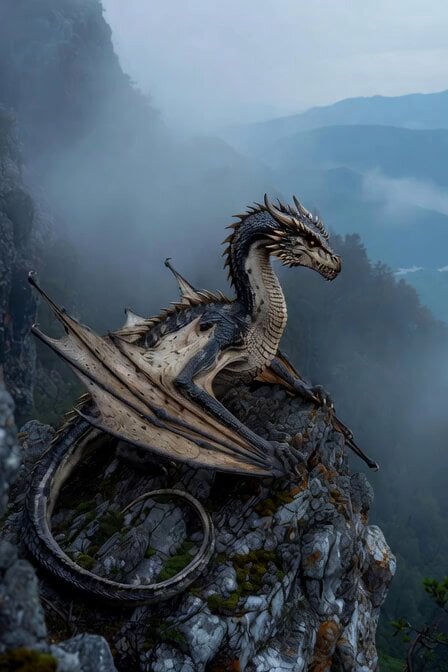
Ancient dragon on rocky outcrop

2007 Heisei Gal Documentary Style
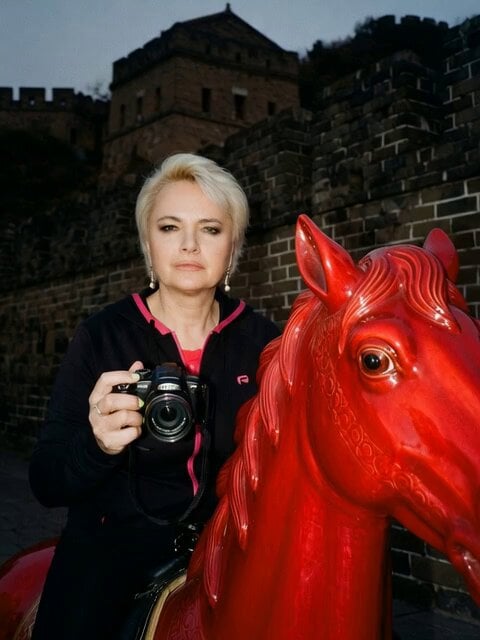
Galloping horse with fireworks video prompt
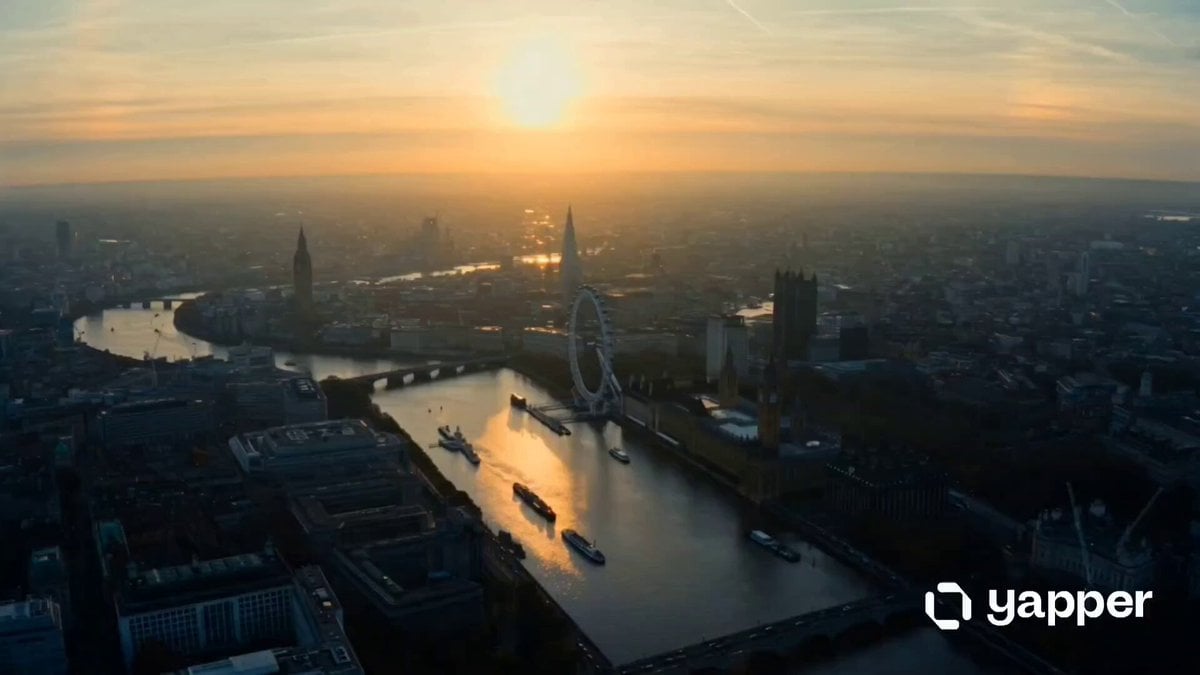
London Eye 15-shot cinematic sequence
Browse template categories
Laundromat Horror Creature Sequence questions
How do I use the Laundromat Horror Creature Sequence template?
Add your photo if the template asks for one, edit the prompt if you like — the template's model and format are already selected — and press Generate. Your version opens in PicX Studio.
Can I customize the Laundromat Horror Creature Sequence template?
Yes. You can change the subject, setting, lighting, mood, format, and available model controls before creating your video.
Is the Laundromat Horror Creature Sequence template free?
Opening and editing this template is free. Generating uses credits, shown on the Generate button when you are signed in.
Which AI model should I use?
Start with Seedance 2.0, which is the model associated with this template. You can compare another compatible model for a different finish.
Looking for something else? Browse all templates.

Your photo, any look
Thousands of ready templates for every top image and video model, from one credit balance.