How do I use the Cinematic horror scene with creature attack template?
Edit the prompt in the box under the preview — the template's model and format are already selected — and press Generate. Your version appears right on this page.
A highly detailed cinematic prompt for Seedance 2.0, specifying camera movement (medium tracking shot), sound design (ambience, SFX), action (creature attack, collision), and mood (cinematic horror realism).
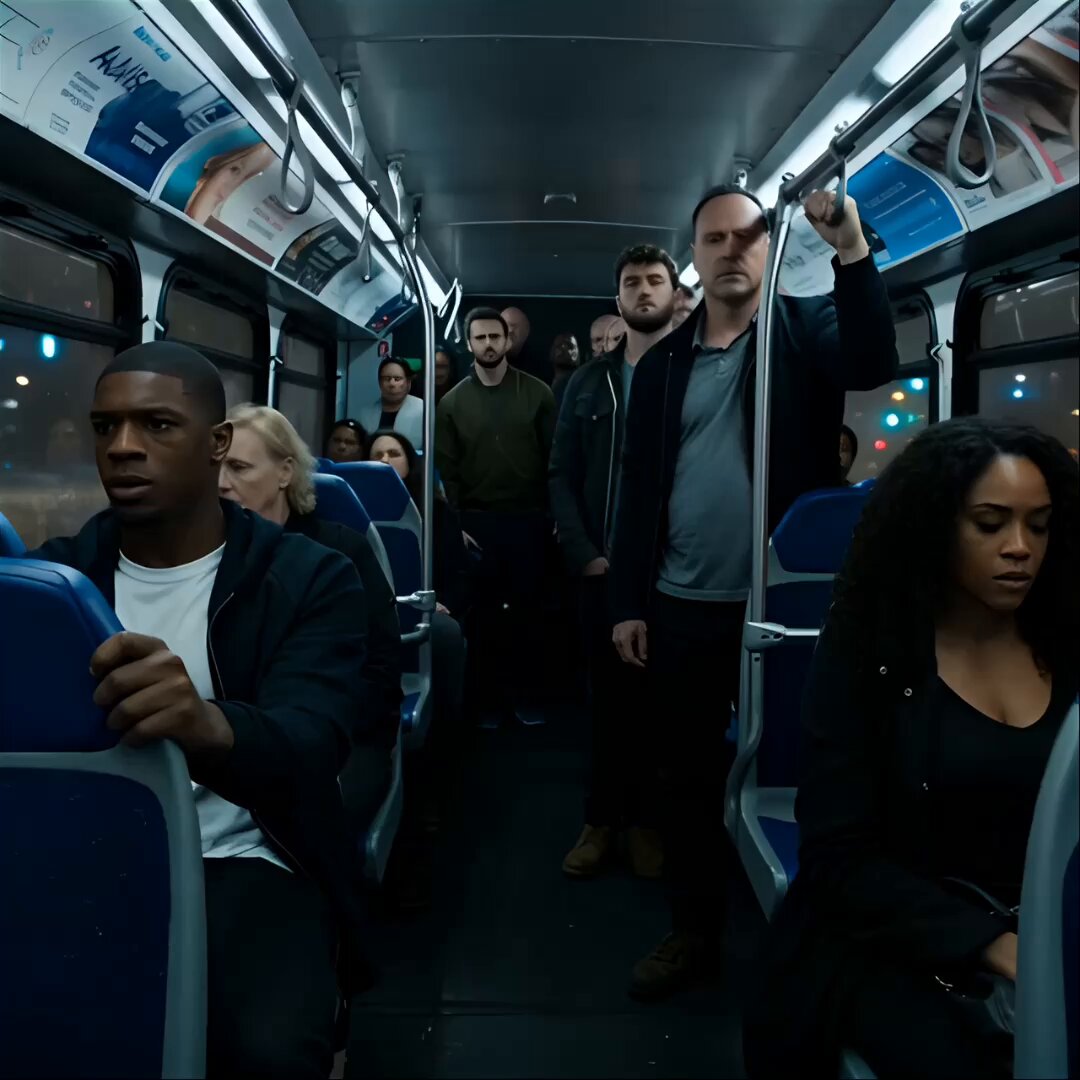
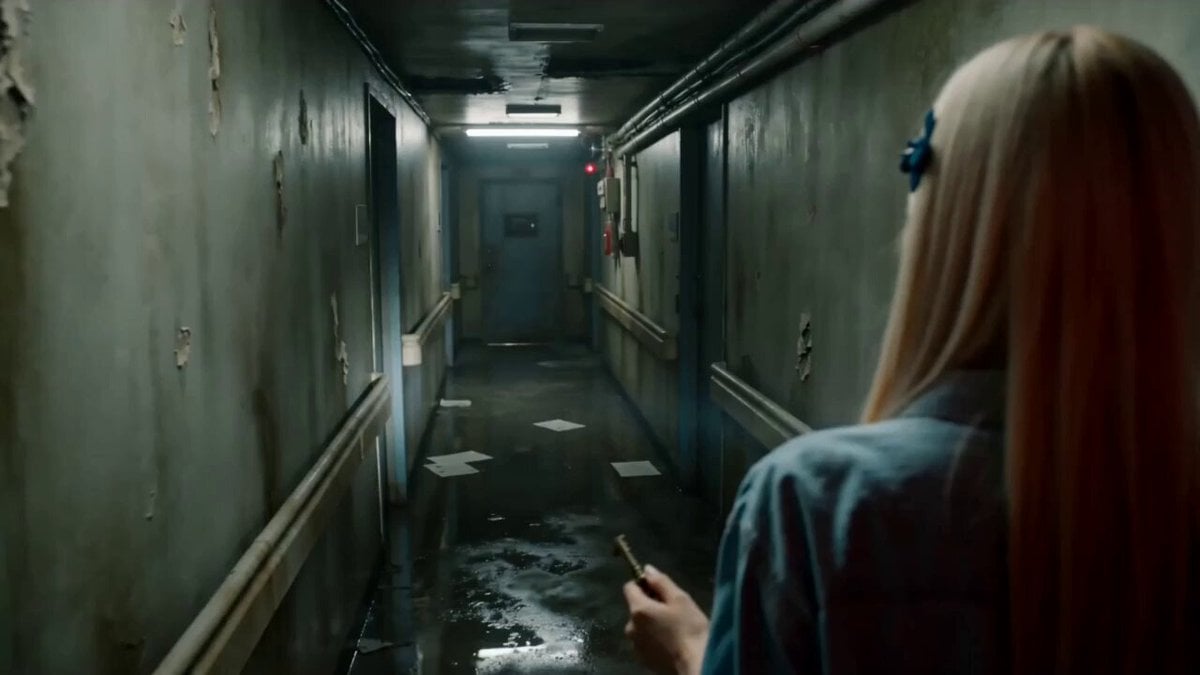
Medium tracking shot following a character walking quickly down a corridor from behind.The camera follows at shoulder height, steady and close.AMBIENCE: distant ventilation noise, subtle rumble.The character slows down slightly, sensing something wrong.SFX: faint whisper-like sound moving from left to right in the stereo space.Without warning, a creature slams violently out of a side doorway, colliding with the character and throwing them sideways against the wall.SFX: explosive impact, bone-crushing hit, sudden creature scream.The camera jolts slightly from the shock but does not cut.The creature pins the character briefly, snarling close to their face.BGM: aggressive low-frequency hit, then sustained dread tone.Chaotic motion, strong physicality, cinematic horror realism.
Medium tracking shot following a character walking quickly down a corridor from behind.The camera follows at shoulder height, steady and close.AMBIENCE: distant ventilation noise, subtle rumble.The character slows down slightly, sensing something wrong.SFX: faint whisper-like sound moving from left to right in the stereo space.Without warning, a creature slams violently out of a side doorway, colliding with the character and throwing them sideways against the wall.SFX: explosive impact, bone-crushing hit, sudden creature scream.The camera jolts slightly from the shock but does not cut.The creature pins the character briefly, snarling close to their face.BGM: aggressive low-frequency hit, then sustained dread tone.Chaotic motion, strong physicality, cinematic horror realism.
Edit the prompt in the box under the preview — the template's model and format are already selected — and press Generate. Your version appears right on this page.
Yes. You can change the subject, setting, lighting, mood, format, and available model controls before creating your video.
Opening and editing this template is free. Generating uses credits, shown on the Generate button when you are signed in.
Start with Seedance 2.0, which is the model associated with this template. You can compare another compatible model for a different finish.
Follow a topic to a crawlable collection of related PicX Studio templates.