
Alien Creature Highway Bridge Attack
A dramatic multi-shot cinematic prompt featuring a giant alien attacking a highway bridge and being countered by a soldier and a brave police officer.
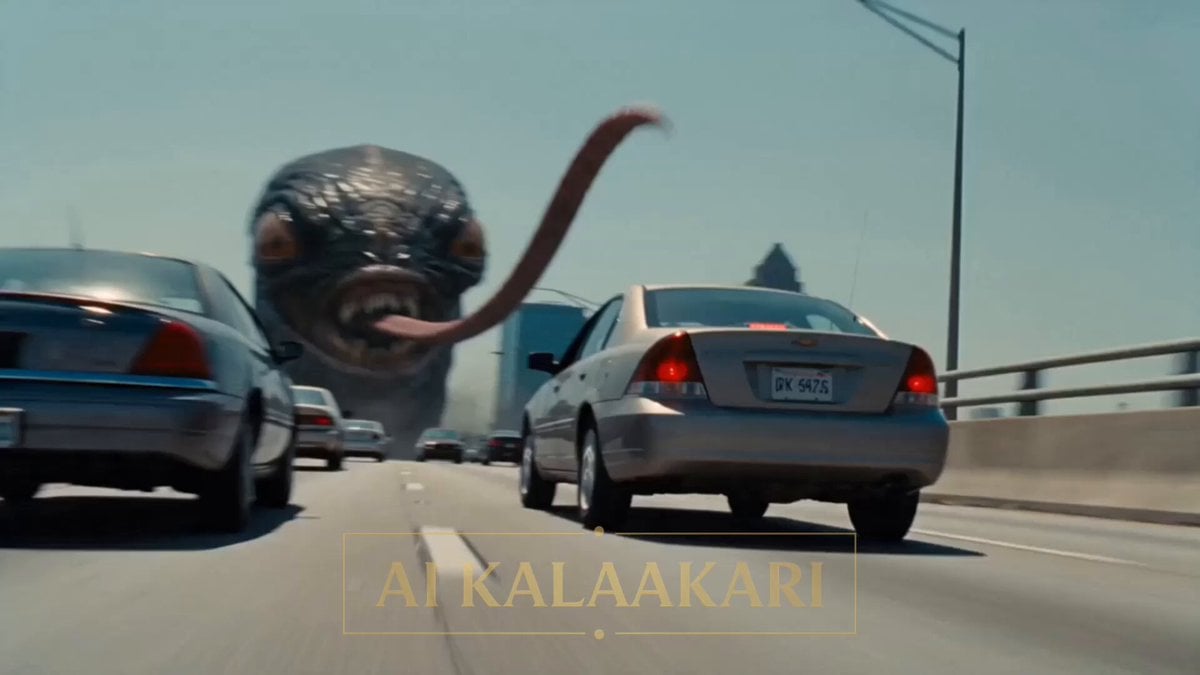
- Prompt included
- Model and format preset
- Premium template
The prompt behind this video
Copy the exact prompt behind Alien Creature Highway Bridge Attack, or open it in the studio and make it yours.
A gigantic alien creature — wet black skin, many glowing eyes, and a long whip-like tongue — stands over a busy highway bridge in bright daylight. It uses its tongue to grab moving cars off the road and lift them up to its mouth. An army truck with a big anti-aircraft gun is parked further down the bridge. Sound: screaming traffic, crunching metal, the alien's wet roar, gun motors, radio chatter. Shot 1 (0–3s) — THE HOOK: Low shot along the bridge. The giant alien's tongue whips out and wraps around a speeding car, lifting it high into the air toward its open mouth full of teeth. Other cars swerve and crash. Inside a police car, our hero — a young cop — slams the brakes, staring up through the windshield, shouting into his radio: "IT'S PICKING UP CARS! IT'S EATING THEM OFF THE ROAD!" Shot 2 (3–6s): At the army truck down the bridge. A soldier sits behind the big anti-aircraft gun, swinging the barrel up toward the alien, but holding fire — the alien's mouth is shut. He shouts on the radio: "I can only hurt it when its mouth opens! Somebody make it open wide — then I fire!" Shot 3 (6–9s): The alien creatures tongue suddenly wraps the hero's police car and lifts it upside down, high over the alien's open jaws. Inside, hanging from his seatbelt, the cop pulls out his shotgun, points it down through his own windshield at the alien's mouth below, and yells: "OPEN WIDE!" He fires. The alien roars in pain, its huge mouth opening wide. Shot 4 (9–14s) — BULLET TIME PAYOFF: The mouth is open. Bullet time — the soldier in the tank sees his chance fires the anti-aircraft gun in slow motion, a stream of glowing shells flying across the bridge straight into the alien creatures open mouth, the alien's head jerking back, black blood and broken teeth hanging in the air. The tongue lets go of the car. Shot 5 (14–15s): Time snaps back. The huge alien folds backward and crashes down over the bridge railing, sliding off into the river below. The police car drops onto the road and bounces, the cop climbing out, shotgun still in hand. Smoke drifts across the bridge.
How to use Alien Creature Highway Bridge Attack in 3 steps
- 1
Open
The prompt is already in the box next to the preview, with the template's model and format selected.
- 2…a portrait of your subject in softgolden-hour light, 85mm…
Personalize
Edit the subject and creative details for your destination.
- 3Generate
Generate
Press Generate — your video is created in PicX Studio, so you can compare it with the original and refine one variable at a time.
More like this
Templates with the same subject, style or setup. Open one to see its prompt.

Sci-Fi Alien Attack on Fuel Depot
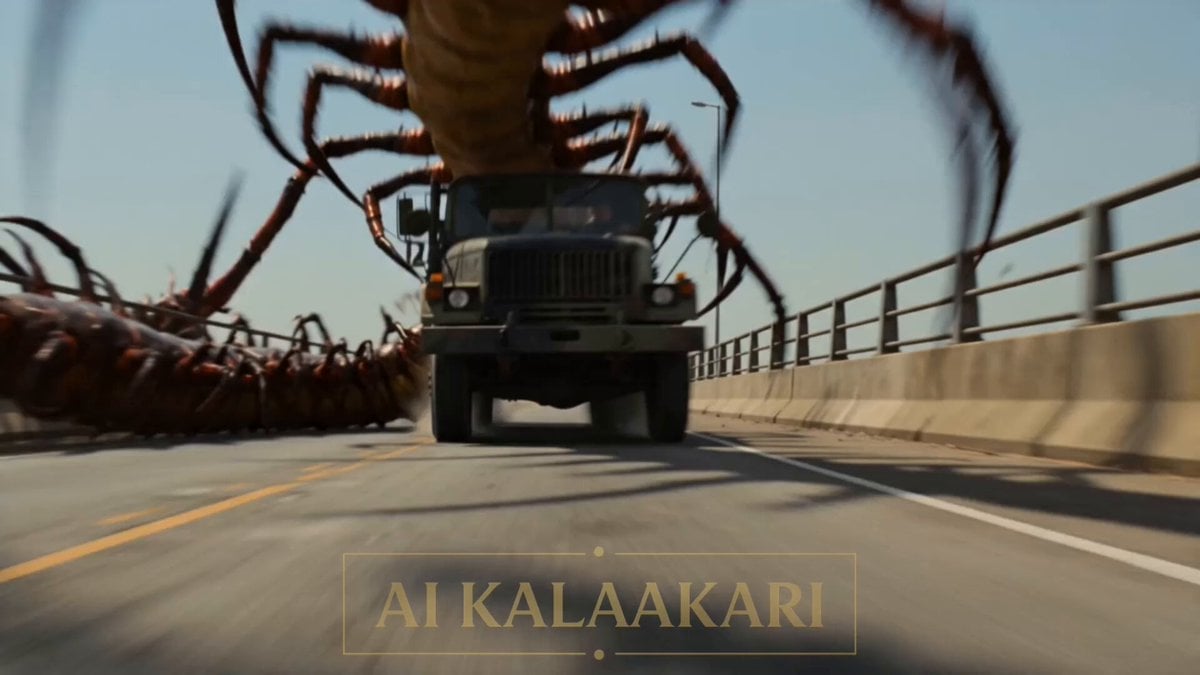
River Crawler Bridge Attack
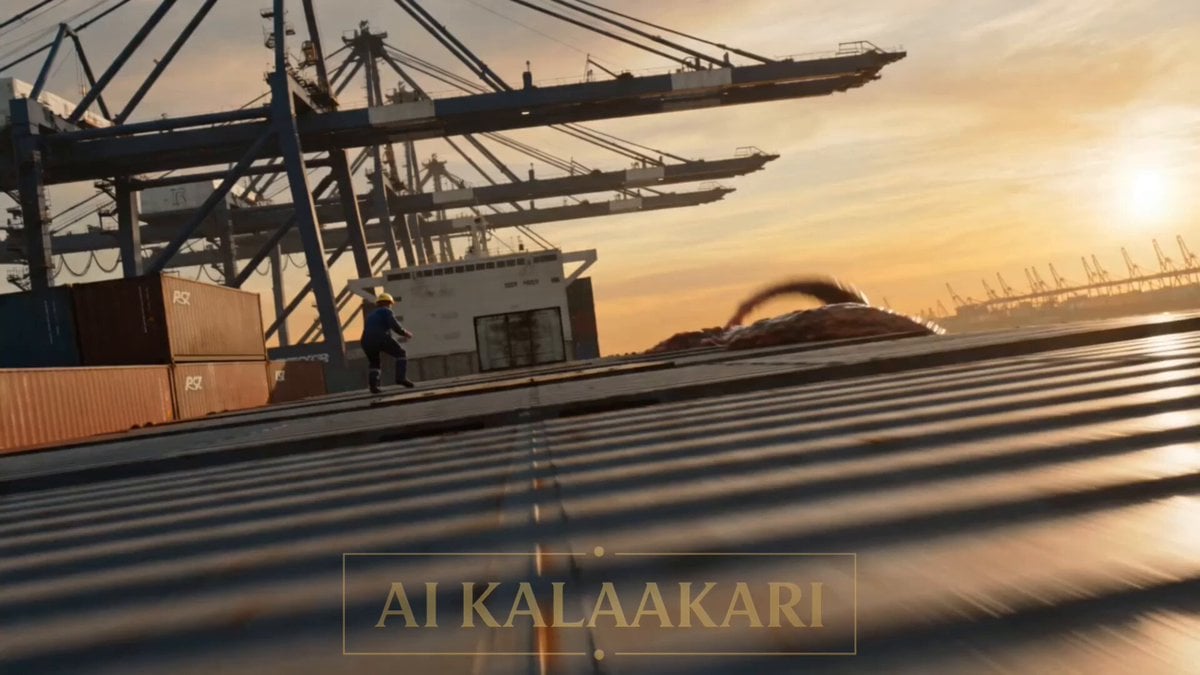
Alien Cargo Ship Attack
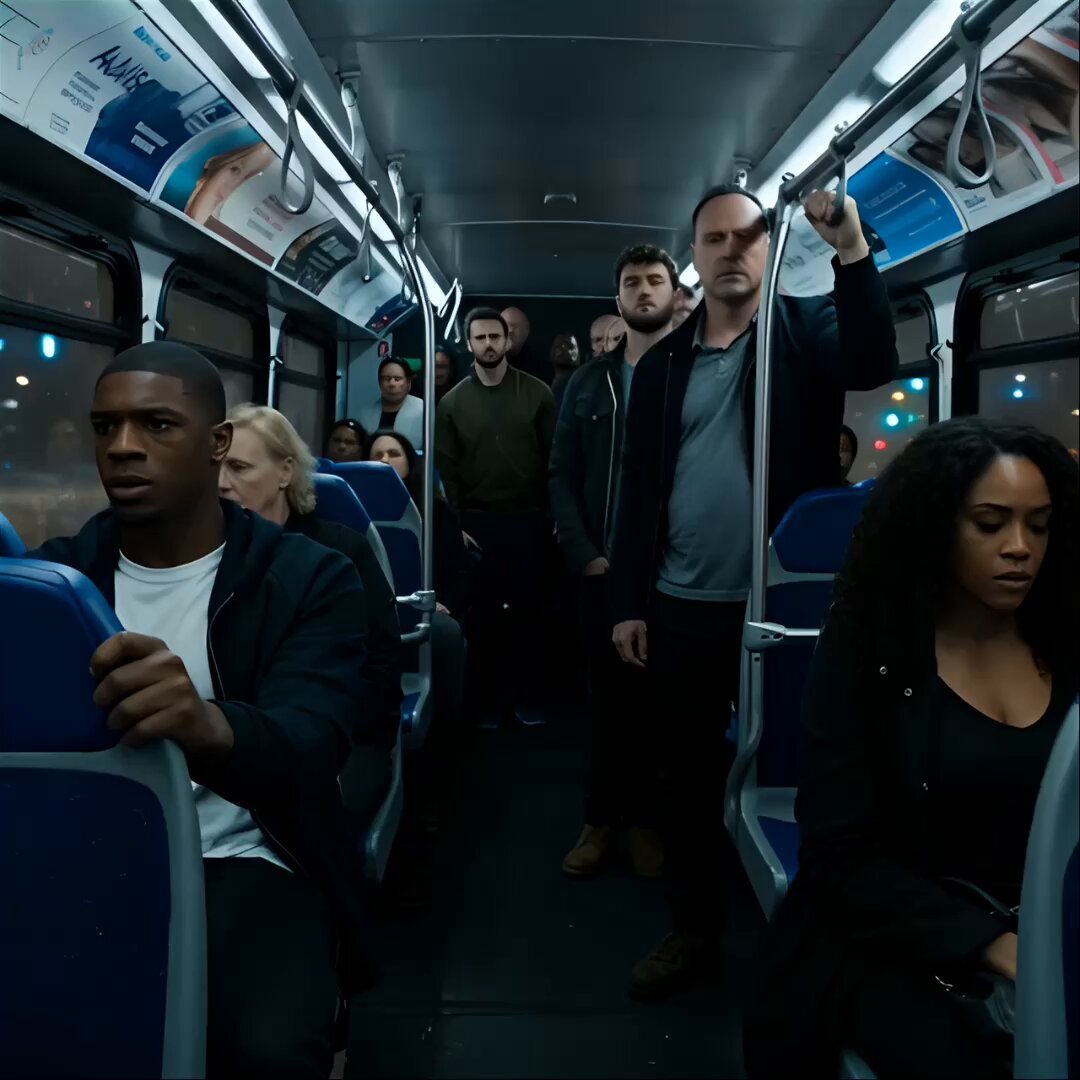
Alien Creature Under Bus Horror

Alien Jellyfish Bodycam Attack
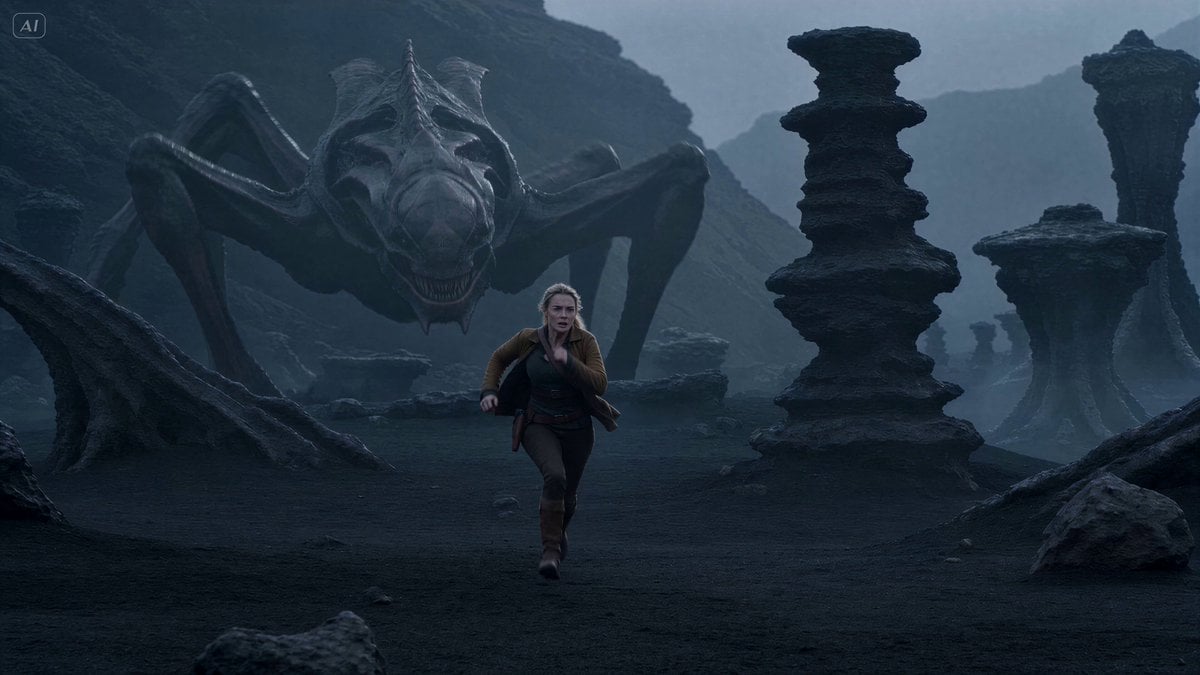
Alien Creature Pursuit Sequence
Cinematic horror scene with creature attack

Alien Attack FPV Cinematic Video
Thornmaw Monarch — Crimson Glass Desert Beast
Highway Biker — Aggressive Lane Split (PixVerse C1)
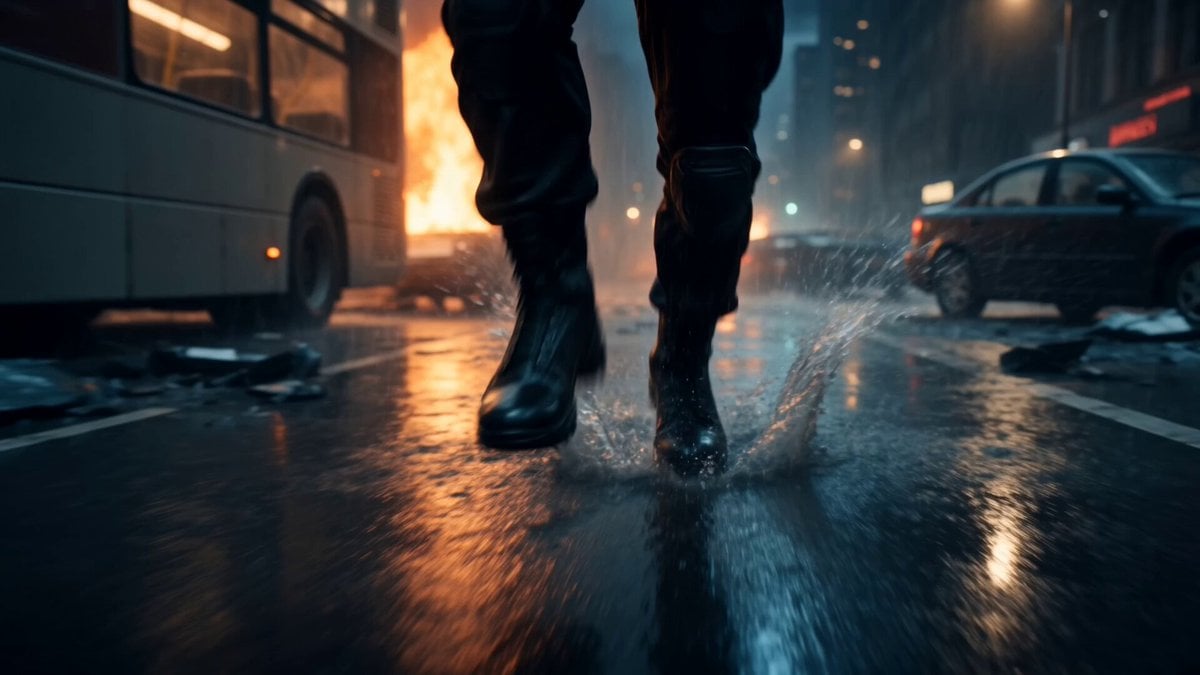
Alien Invasion City Chase Cinematic Video
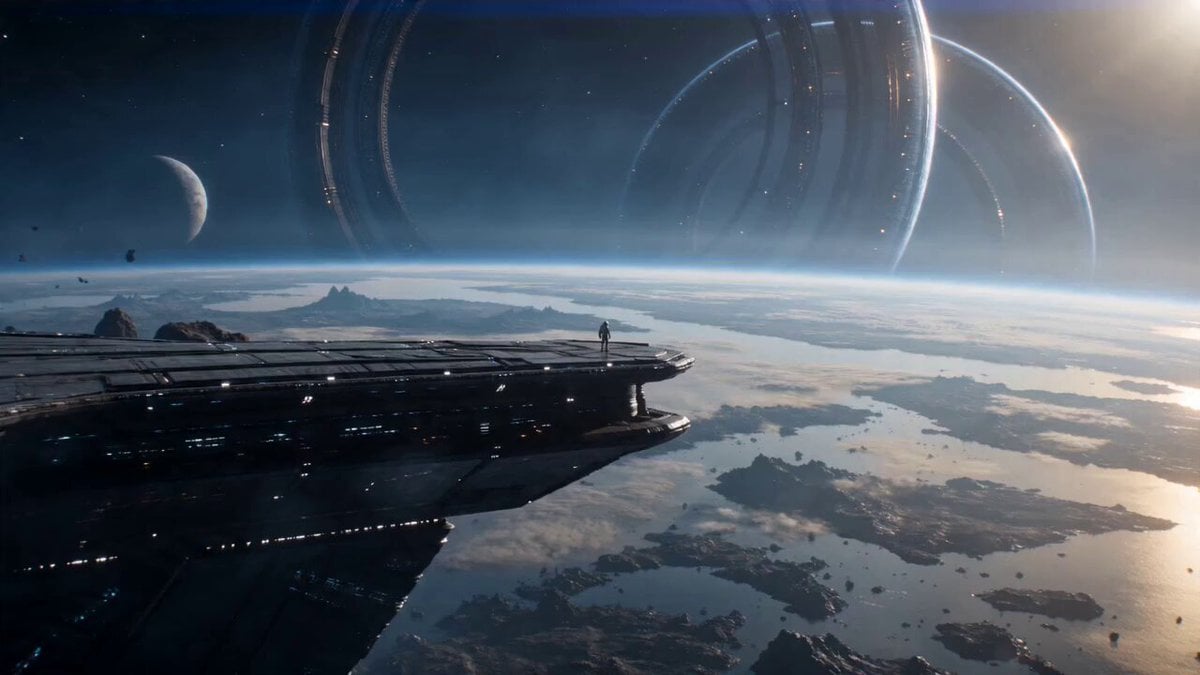
Astronaut and Alien Megastructure
Make it yours
Alien Creature Highway Bridge Attack works as-is. These are the safest ways to change it without losing the look.
Change one field
Copy a single group, rewrite it, and generate again so you can see what that field is doing.
Keep the frame, change the subject
Hold the composition and light of Alien Creature Highway Bridge Attack, then swap wardrobe, props or the person for a new take.
| If the result… | Why | Fix |
|---|---|---|
| The result drifts from the preview | Too many fields changed at once. | Reuse Alien Creature Highway Bridge Attack as-is first, then change one group — subject, light, or setting. |
| The model over-stylizes the scene | The prose prompt leaves finish and camera underspecified. | Add one camera or lighting sentence and stay on Seedance 2.0. |
More Seedance 2.0 templates
Other prompts made for Seedance 2.0.

Comical Martial Arts Punch Scene

Maglev Train Action Sequence

Martial Arts Fight Sequence

Wuxia Protection and Trust Script

Vintage Korean Arcade MiniDV Vlog

Mercedes 190 SL Luxury Ad

Rainy Night Supernatural Reverse Comedy Video Script

Amazon Civilization Discovery

Futuristic South Asian City Transformation

Cozy Luxury Cafe Commercial
More video prompts
Fresh picks from across the catalog.
Cyberpunk Trailer from Image Reference

Seedance 2.5 Anime Battle PV

Cinematic Coin Flip Mystery

Grok Imagine prompt for a surreal landscape video

Marrakech Medina Heist Sequence

Dark Tokusatsu Transformation - Seedance 2.5

Frozen Matrix-Style Liquid Splash Video

Ancient Rome Luxury Travel Commercial
Dystopian Cyborg FPV Race

Cinematic Fight Scene Prompt: White Suit Man vs. Siberian Long-Haired Cat
Browse template categories
Alien Creature Highway Bridge Attack questions
How do I use the Alien Creature Highway Bridge Attack template?
Add your photo if the template asks for one, edit the prompt if you like — the template's model and format are already selected — and press Generate. Your version opens in PicX Studio.
Can I customize the Alien Creature Highway Bridge Attack template?
Yes. You can change the subject, setting, lighting, mood, format, and available model controls before creating your video.
Is the Alien Creature Highway Bridge Attack template free?
Opening and editing this template is free. Generating uses credits, shown on the Generate button when you are signed in.
Which AI model should I use?
Start with Seedance 2.0, which is the model associated with this template. You can compare another compatible model for a different finish.
Looking for something else? Browse all templates.

Your photo, any look
Thousands of ready templates for every top image and video model, from one credit balance.