
Frozen Matrix-Style Liquid Splash Video
A complex video prompt for creating a 3D frozen-time effect where only the camera moves around a static liquid sculpture.

- Prompt included
- Model and format preset
- Free template
The prompt behind this video
Copy the exact prompt behind Frozen Matrix-Style Liquid Splash Video, or open it in the studio and make it yours.
The entire scene is completely frozen in time, like a hyper-detailed sculpture. The ONLY element in motion is the camera. Everything else — the person, their pose, facial expression, hair, clothing, the red cup, the suspended liquid splash with all its ribbons, arcs and individual droplets frozen midair, the background, shadows and reflections — stays 100% static and identical throughout, absolutely no movement, no wind, no falling droplets, no shifting light. The camera performs a slow, smooth cinematic arc, starting from the original viewpoint and gradually orbiting to one side around the frozen action, traveling through three-dimensional space to reveal the suspended liquid sculpture, the subject and the environment from changing angles. Strong spatial parallax: foreground droplets, liquid strands, the subject and background elements shift relative to one another, creating powerful depth and dimensionality. Premium wide-angle cinema lens. Movement perfectly smooth — no shake, no jitter, constant speed, no acceleration. Lighting stays consistent and unchanged, shadows fixed, reflections stable. Hyper-realistic, cinematic, ultra-detailed, 3D stop-motion frozen-time illusion, photorealistic liquid, film-quality, museum-like suspended motion sculpture. Negatives: no movement of the liquid, no movement of the subject, no change of pose or expression, no environmental motion, no wind, no shifting shadows, no flickering, no camera shake, no morphing, no text, no watermark.
How to use Frozen Matrix-Style Liquid Splash Video in 3 steps
- 1
Open
The prompt is already in the box next to the preview, with the template's model and format selected.
- 2…a portrait of your subject in softgolden-hour light, 85mm…
Personalize
Edit the subject and creative details for your destination.
- 3Generate
Generate
Press Generate — your video is created in PicX Studio, so you can compare it with the original and refine one variable at a time.
More like this
Templates with the same subject, style or setup. Open one to see its prompt.
Mujeeb Matrix Bullet Time
Time Freeze — Snap Shockwave Scene Seedance
Bursting Ceiling Water Splash

Vibrant Tropical Ocean Splash
Pixar Style Liquid Blush Commercial
Matrix Style Spy Action Sequence
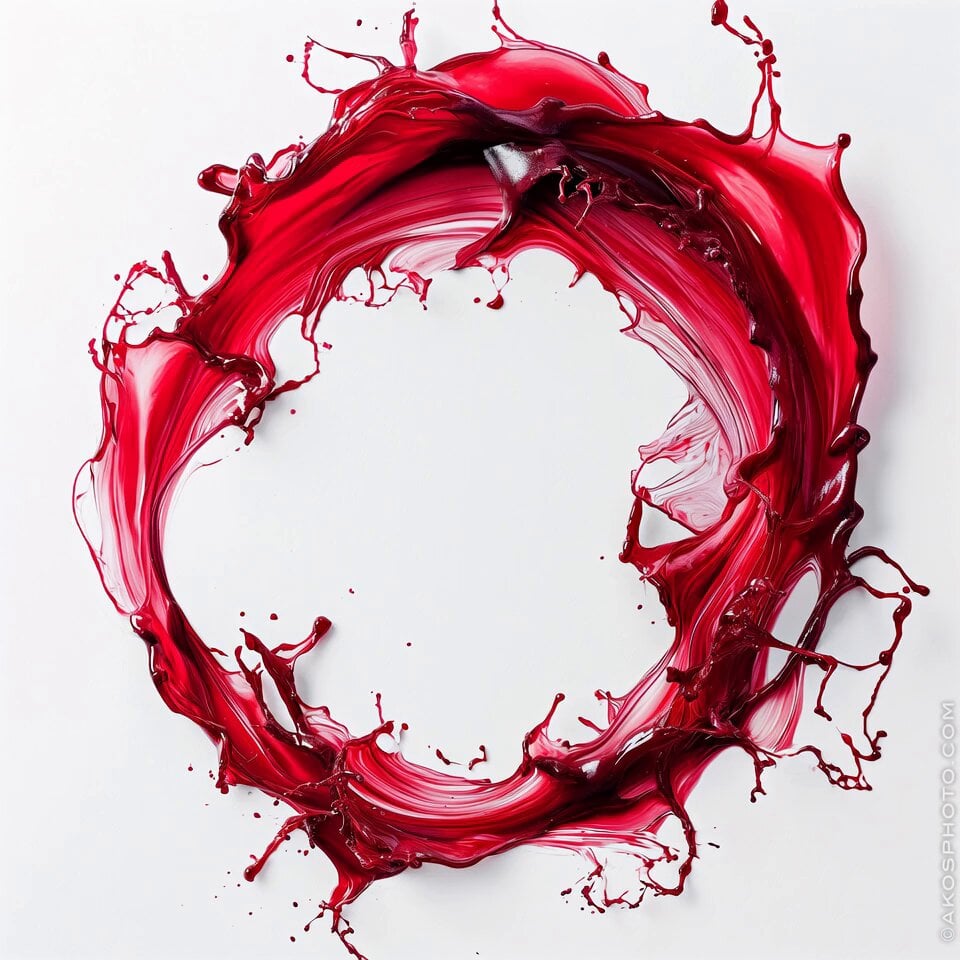
Red Splash Letter Morph

Digital Consciousness Matrix Motion
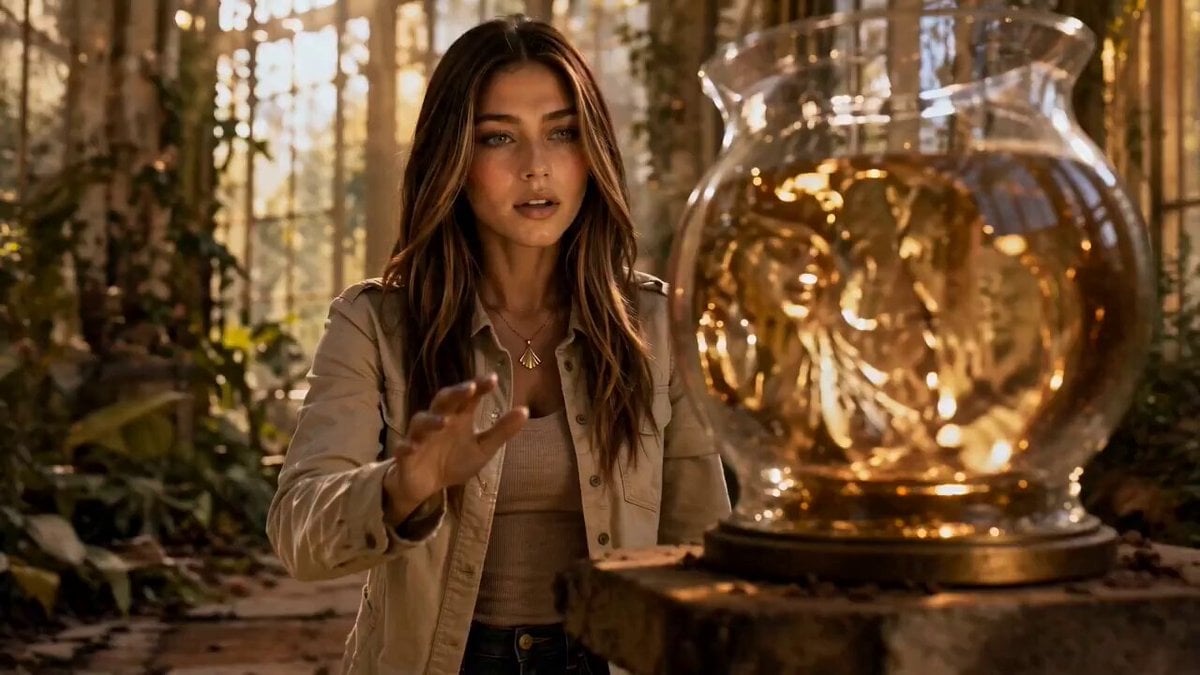
Liquid Gold Cinematic Transformation

Matrix-Style Rooftop Clone Battle
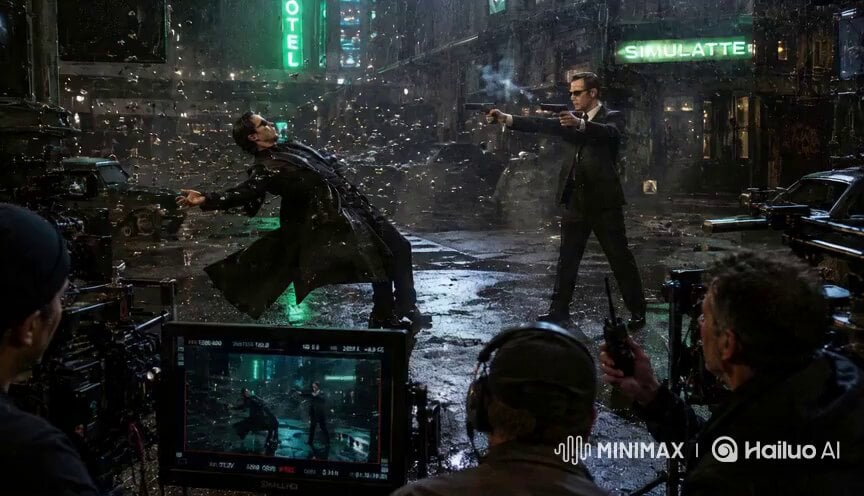
Matrix Style Fire vs Shadow Duel BTS
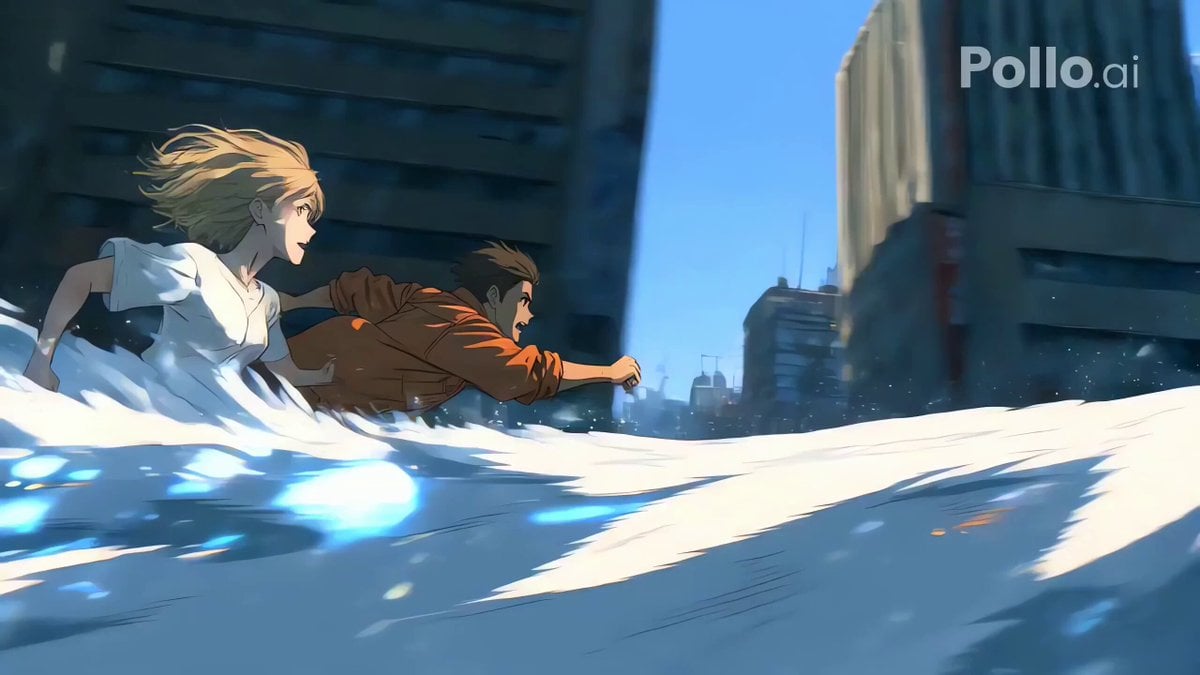
Cinematic Water Splash and Tracking Camera
Make it yours
Frozen Matrix-Style Liquid Splash Video works as-is. These are the safest ways to change it without losing the look.
Change one field
Copy a single group, rewrite it, and generate again so you can see what that field is doing.
Keep the frame, change the subject
Hold the composition and light of Frozen Matrix-Style Liquid Splash Video, then swap wardrobe, props or the person for a new take.
| If the result… | Why | Fix |
|---|---|---|
| The result drifts from the preview | Too many fields changed at once. | Reuse Frozen Matrix-Style Liquid Splash Video as-is first, then change one group — subject, light, or setting. |
| The model over-stylizes the scene | The prose prompt leaves finish and camera underspecified. | Add one camera or lighting sentence and stay on Seedance 2.0. |
More Seedance 2.0 templates
Other prompts made for Seedance 2.0.

Comical Martial Arts Punch Scene

Maglev Train Action Sequence

Martial Arts Fight Sequence

Wuxia Protection and Trust Script

Vintage Korean Arcade MiniDV Vlog

Mercedes 190 SL Luxury Ad

Rainy Night Supernatural Reverse Comedy Video Script

Amazon Civilization Discovery

Futuristic South Asian City Transformation

Cozy Luxury Cafe Commercial
More video prompts
Fresh picks from across the catalog.
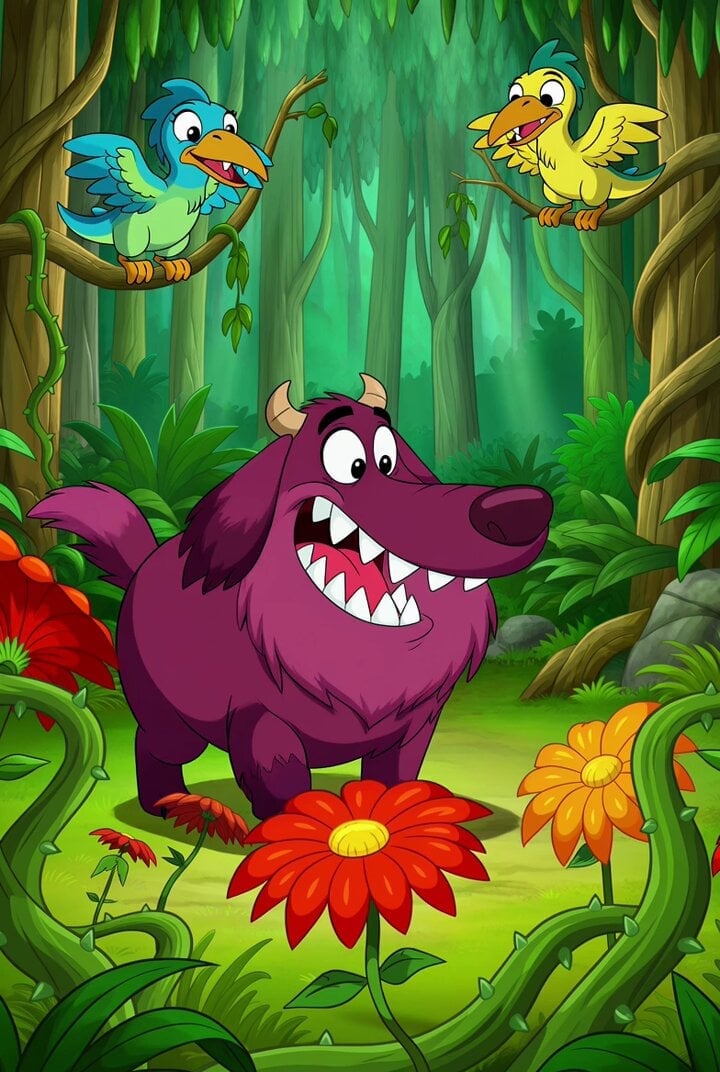
Cartoon Monster Dog in Jungle Prompt
High-Speed Motorbike Cinematic Shots
Sci-Fi Jungle Battlefield Cinematic Prompt
Cinematic Romantic Storyboard
Epic Ice Fantasy Titan Awakening
Cinematic Japanese Street Vlog
Cinematic Wormhole POV Fly Scene Prompt
Ancient Book Stormy Sea Diorama

Olympic Archery Cinematic Broadcast
Boutique Garden Hair Salon
Browse template categories
Frozen Matrix-Style Liquid Splash Video questions
How do I use the Frozen Matrix-Style Liquid Splash Video template?
Add your photo if the template asks for one, edit the prompt if you like — the template's model and format are already selected — and press Generate. Your version opens in PicX Studio.
Can I customize the Frozen Matrix-Style Liquid Splash Video template?
Yes. You can change the subject, setting, lighting, mood, format, and available model controls before creating your video.
Is the Frozen Matrix-Style Liquid Splash Video template free?
Opening and editing this template is free. Generating uses credits, shown on the Generate button when you are signed in.
Which AI model should I use?
Start with Seedance 2.0, which is the model associated with this template. You can compare another compatible model for a different finish.
Looking for something else? Browse all templates.

Your photo, any look
Thousands of ready templates for every top image and video model, from one credit balance.