
Pixar Style Liquid Blush Commercial
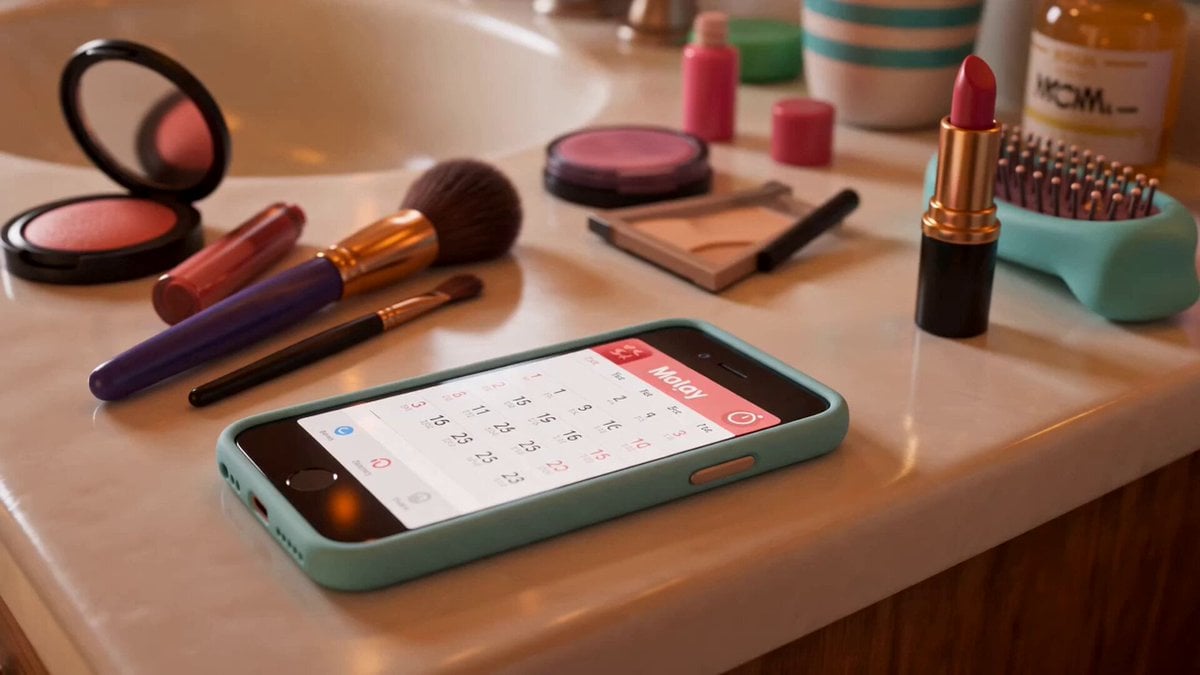
A comedic 3D animated advertisement prompt for a makeup product, featuring expressive characters and internet-style humor.
- Prompt included
- Model and format preset
- Premium template
The prompt behind this video
Copy the exact prompt behind Pixar Style Liquid Blush Commercial, or open it in the studio and make it yours.
Create a 45-second 3D Pixar-style animated commercial for GLOWDROP – 24-Hour Liquid Blush in a vertical smartphone format. Use bright, colorful visuals with expressive cartoon characters, smooth exaggerated animation, cinematic lighting, and dynamic camera movements. The story takes place in a cozy apartment bathroom during a warm morning. Zara, a young woman in pajamas and a satin robe, panics after seeing a notification that her first date is in 20 minutes. Her regular powder blush fades instantly, leaving her frustrated, while her roommate's fluffy white Pomeranian, Milo, silently watches with hilarious judgmental reactions. After desperately searching through makeup, Zara discovers the glowing GLOWDROP bottle. She applies two dots, instantly revealing a radiant, long-lasting flush that transforms her confidence. A fast-paced montage shows her finishing her look, confidently heading out, and impressing her waiting date, while Milo proudly follows along. End with a clean hero product shot of the rotating GLOWDROP bottle against a soft pink background with the tagline: "GLOWDROP — Blush That Doesn't Quit." Keep the tone playful, relatable, and comedy-driven, featuring expressive character animation, internet-style humor, glowing beauty visuals, and Milo's silent reactions as the scene-stealing sidekick.
How to use Pixar Style Liquid Blush Commercial in 3 steps
- 1
Open
The prompt is already in the box next to the preview, with the template's model and format selected.
- 2…a portrait of your subject in softgolden-hour light, 85mm…
Personalize
Edit the subject and creative details for your destination.
- 3Generate
Generate
Press Generate — your video is created in PicX Studio, so you can compare it with the original and refine one variable at a time.
More like this
Templates with the same subject, style or setup. Open one to see its prompt.
Fruit Cookie Commercial

Silk Road Pomegranate Folk Animation
Mechanical Flower Bloom Brand Film
Crystal Ball Match-Cut Brand Film
Sneaker Product Commercial
Skincare Product Commercial 3
Cinematic Portrait Study 3
Product UGC Commercial
Cinematic Portrait Study
Skincare Product Commercial
Luxury Handbag Commercial — Hollywood VFX Ad
Pixar Style Beverage Commercial
Make it yours
Pixar Style Liquid Blush Commercial works as-is. These are the safest ways to change it without losing the look.
Change one field
Copy a single group, rewrite it, and generate again so you can see what that field is doing.
Keep the frame, change the subject
Hold the composition and light of Pixar Style Liquid Blush Commercial, then swap wardrobe, props or the person for a new take.
| If the result… | Why | Fix |
|---|---|---|
| The result drifts from the preview | Too many fields changed at once. | Reuse Pixar Style Liquid Blush Commercial as-is first, then change one group — subject, light, or setting. |
| The model over-stylizes the scene | The prose prompt leaves finish and camera underspecified. | Add one camera or lighting sentence and stay on Seedance 2.0. |
More Seedance 2.0 templates
Other prompts made for Seedance 2.0.

Comical Martial Arts Punch Scene

Maglev Train Action Sequence

Martial Arts Fight Sequence

Wuxia Protection and Trust Script

Vintage Korean Arcade MiniDV Vlog

Mercedes 190 SL Luxury Ad

Rainy Night Supernatural Reverse Comedy Video Script

Amazon Civilization Discovery

Futuristic South Asian City Transformation

Cozy Luxury Cafe Commercial
More video prompts
Fresh picks from across the catalog.
Rooftop Sunset Fashion Film Prompt
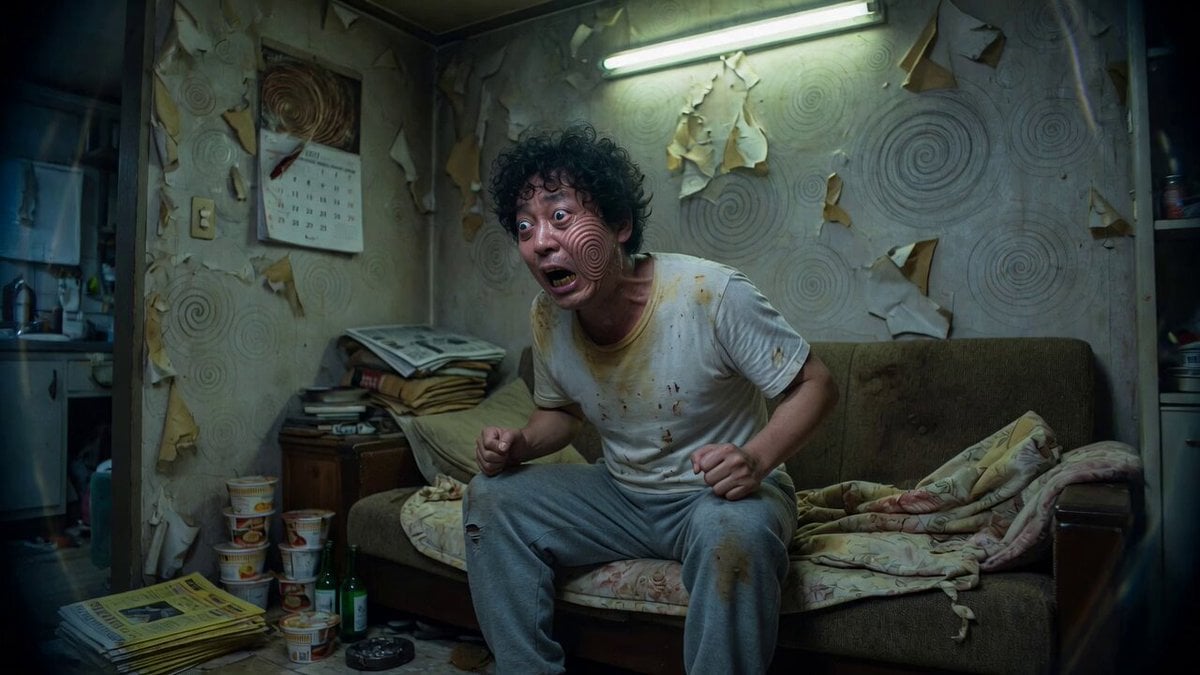
Junji Ito Style K-Horror
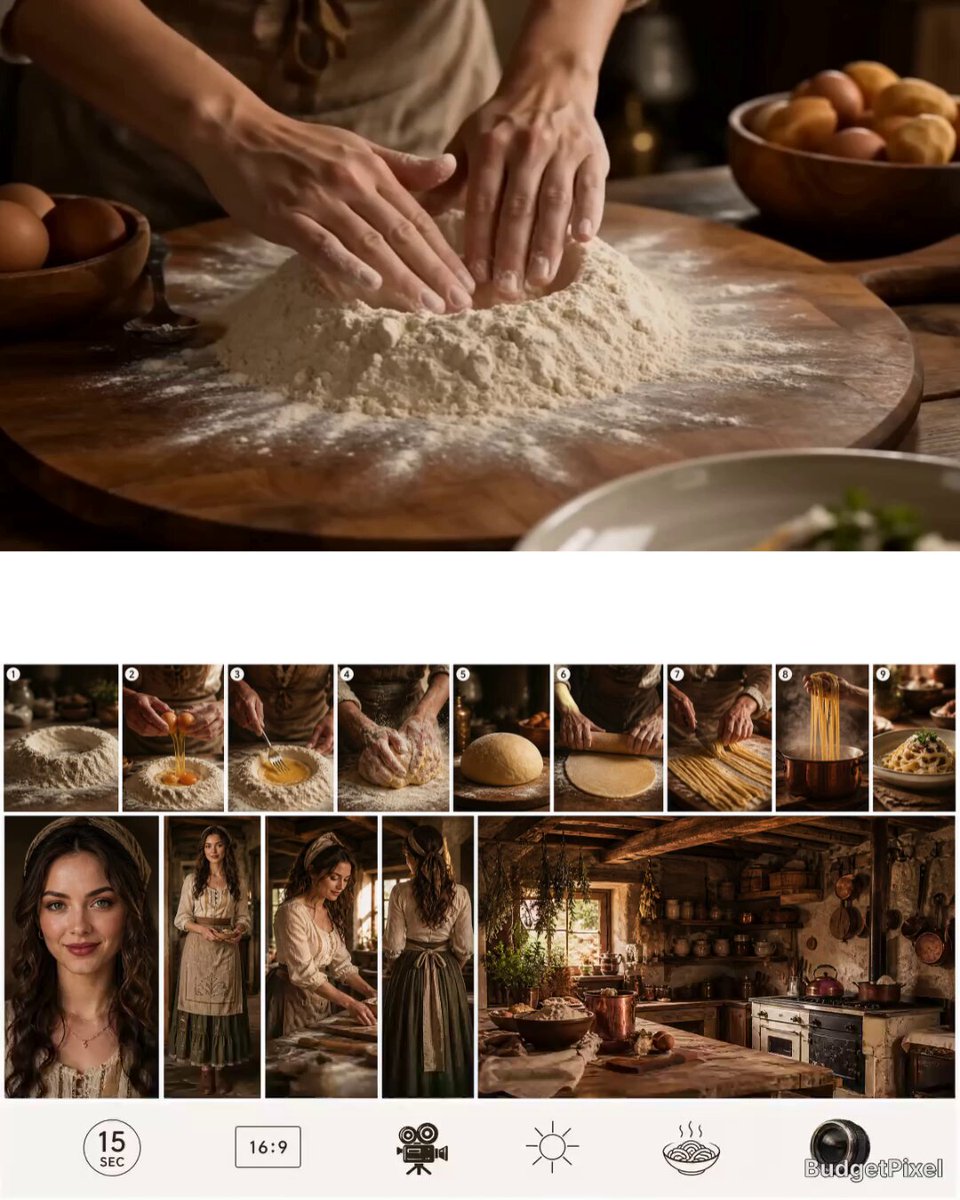
Chronological Pasta Cooking Storyboard
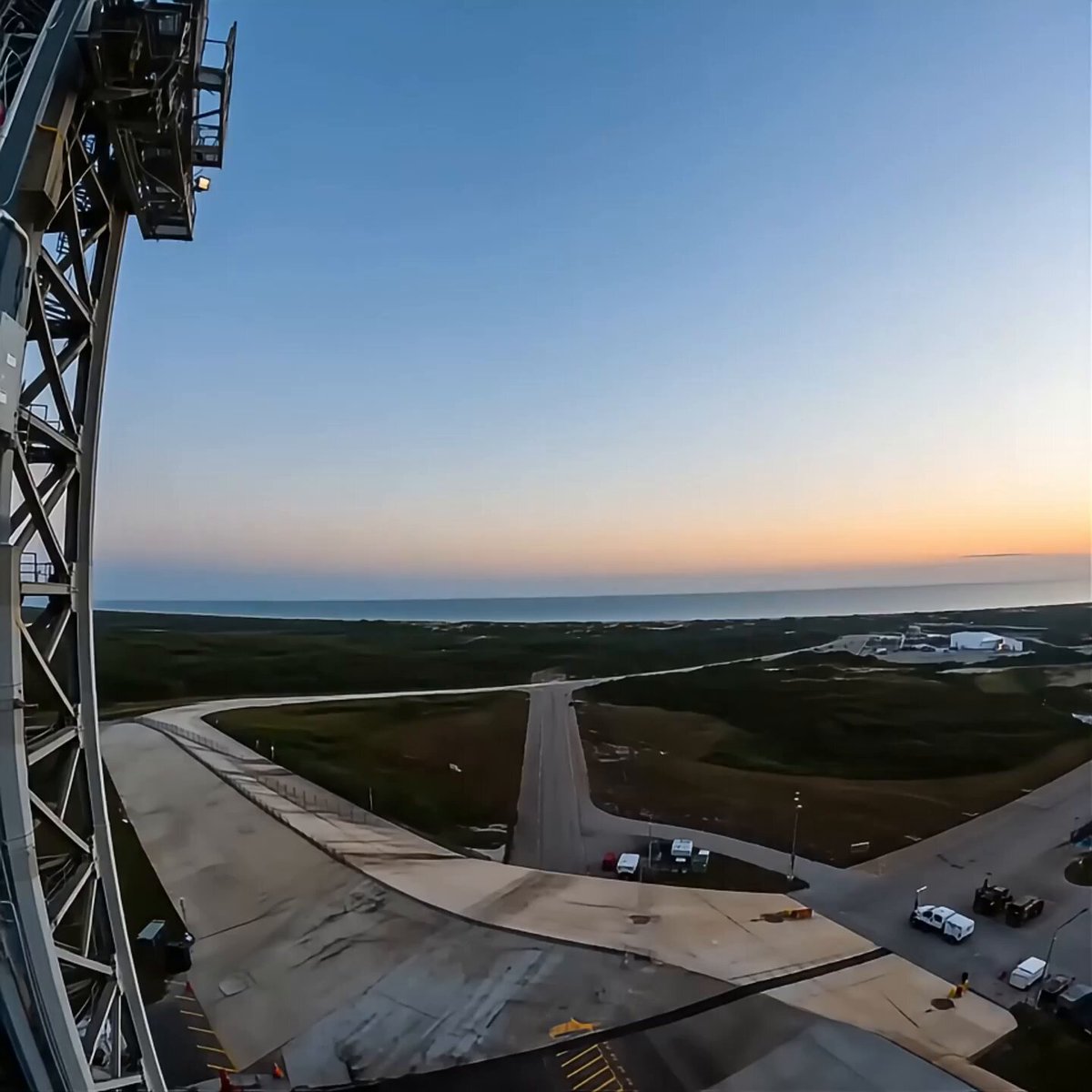
SpaceX Style Rocket Launch
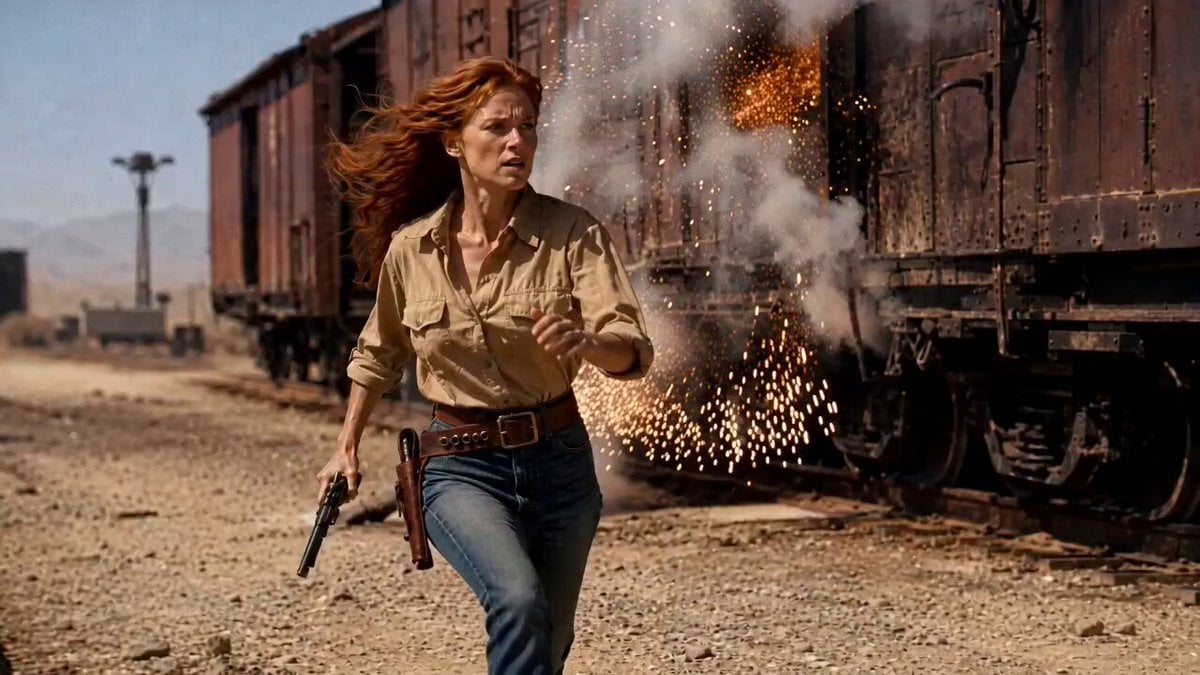
90s Action Film Train Yard Scene

Futuristic Space Station Transformation Video
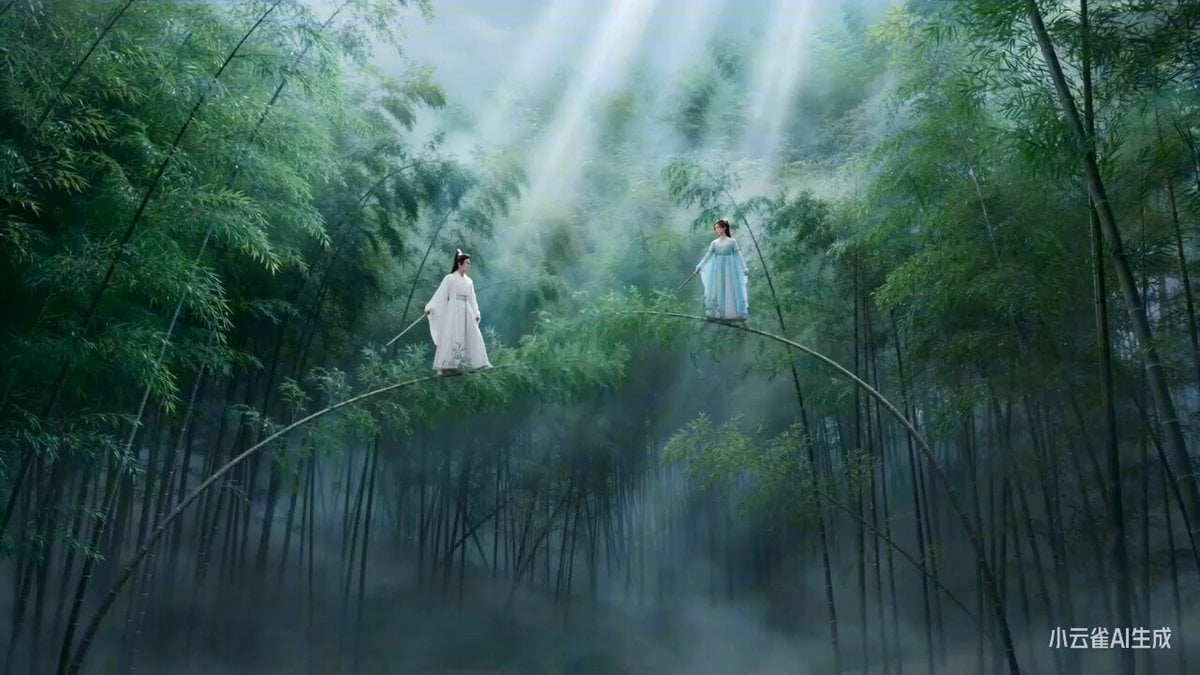
Moonlit Bamboo Forest Swordsman Scene

Seedance 2.0 Prompt for Anime Style White-Haired Girl
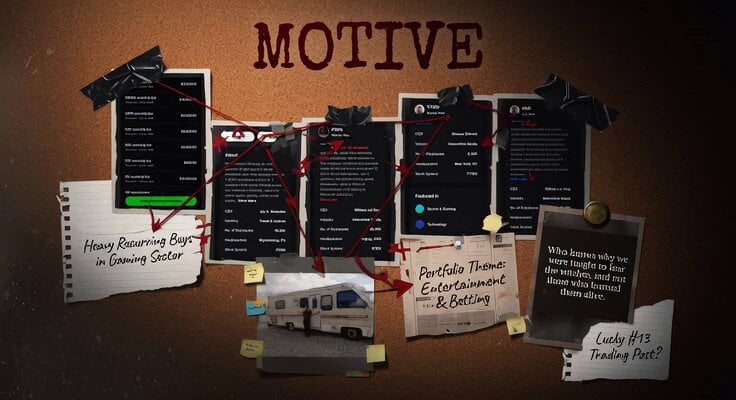
Detective Motive Board Collage
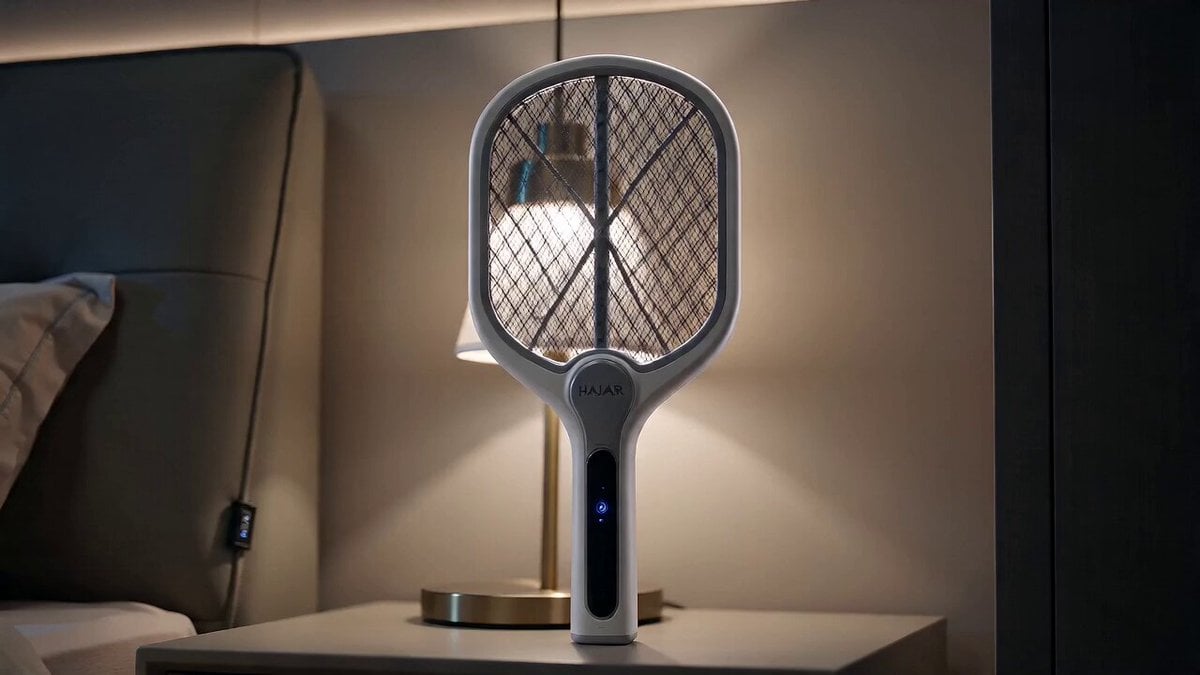
Electric Mosquito Swatter Ad
Browse template categories
Pixar Style Liquid Blush Commercial questions
How do I use the Pixar Style Liquid Blush Commercial template?
Add your photo if the template asks for one, edit the prompt if you like — the template's model and format are already selected — and press Generate. Your version opens in PicX Studio.
Can I customize the Pixar Style Liquid Blush Commercial template?
Yes. You can change the subject, setting, lighting, mood, format, and available model controls before creating your video.
Is the Pixar Style Liquid Blush Commercial template free?
Opening and editing this template is free. Generating uses credits, shown on the Generate button when you are signed in.
Which AI model should I use?
Start with Seedance 2.0, which is the model associated with this template. You can compare another compatible model for a different finish.
Looking for something else? Browse all templates.

Your photo, any look
Thousands of ready templates for every top image and video model, from one credit balance.