
Product UGC Commercial
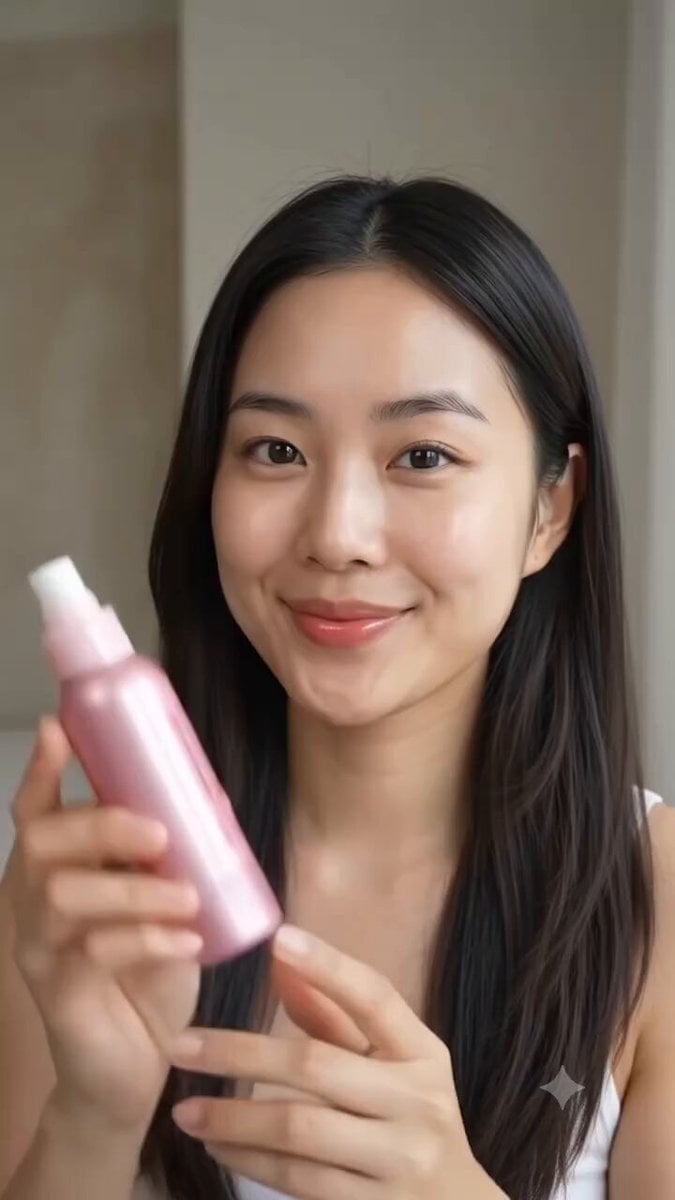
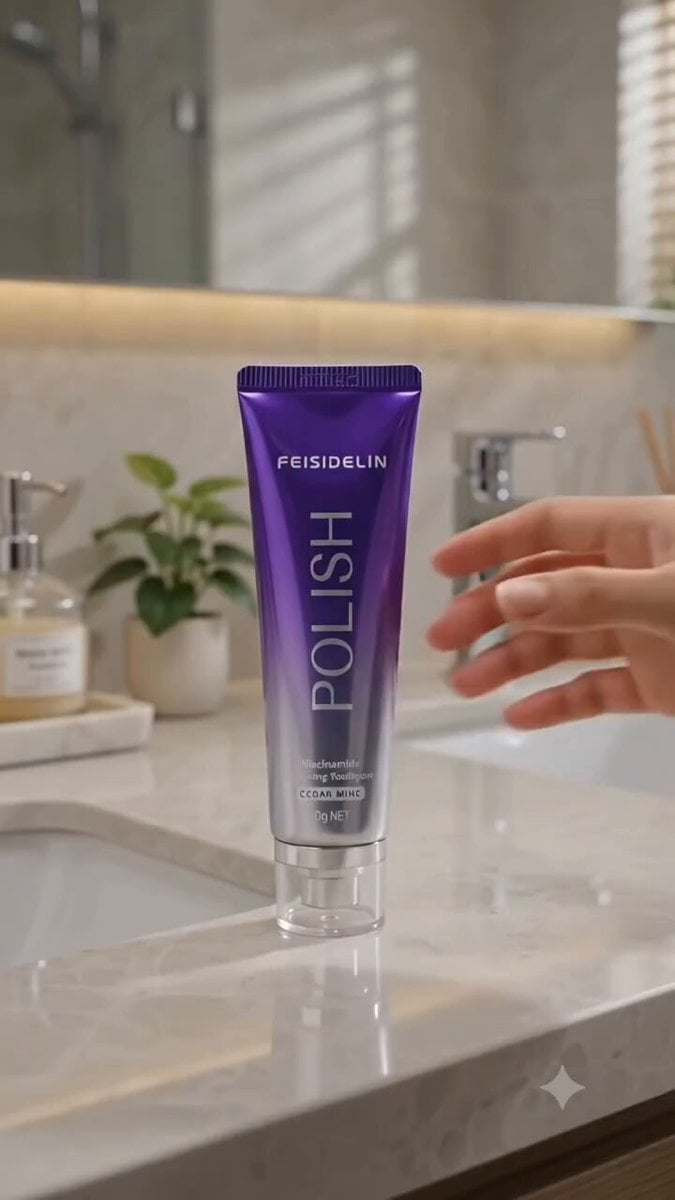
Product UGC Commercial is a ready video look for Seedance 2.5.
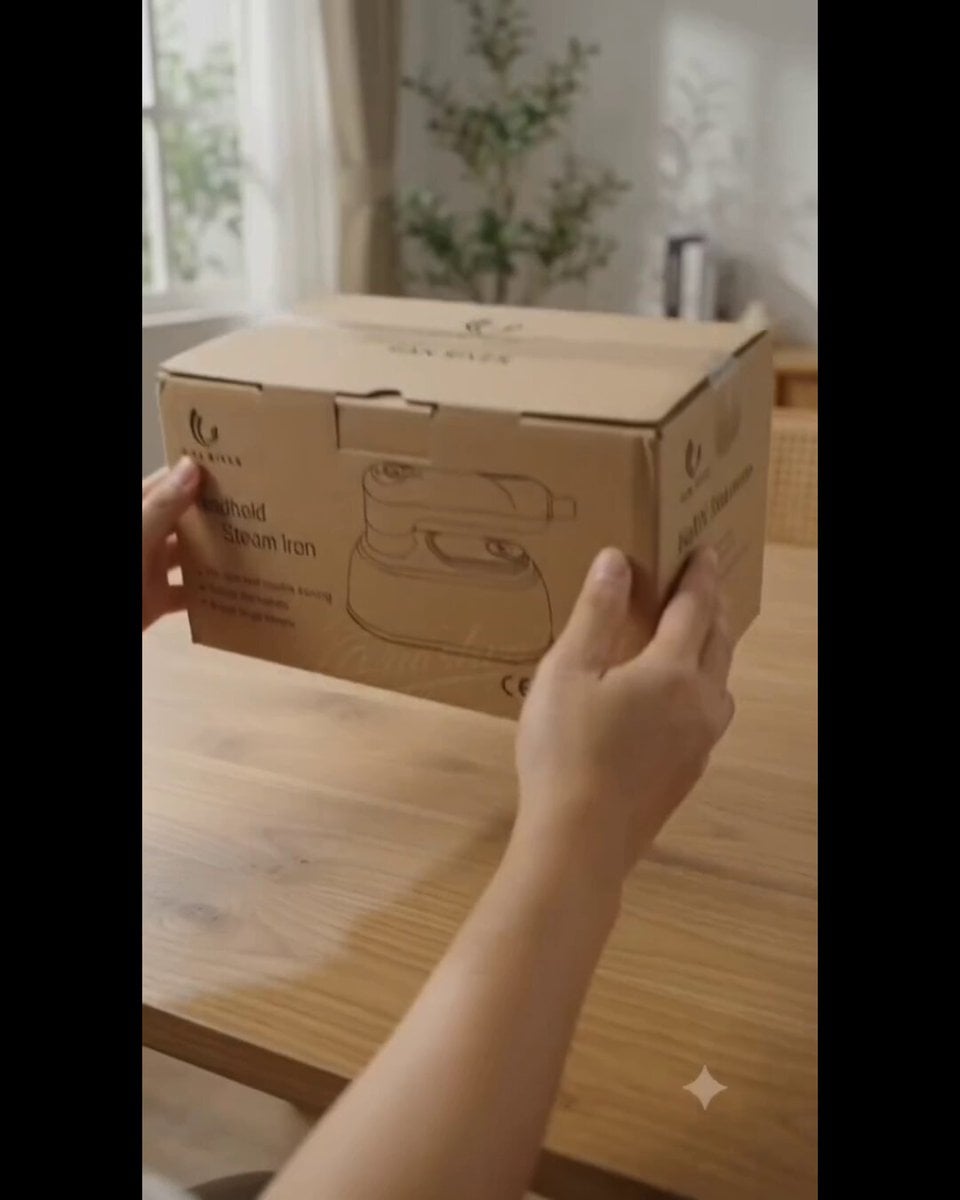
- Prompt included
- Model and format preset
- Free template
The prompt behind this video
Copy the exact prompt behind Product UGC Commercial, or open it in the studio and make it yours.
Create a clean, premium storyboard infographic for a product ASMR unboxing video. Design specifications: Background: White background with a modern, minimalist layout. Title at the top: STORYBOARD Product name in bold dark blue: HAN RIVER WET & DRY 2 IN 1 STEAM IRON Subtitle: ASMR UNBOXING (POV HAND) Information boxes below the title: Duration: 30 Seconds (3 Parts) Style: POV Hand, ASMR, Premium Product Commercial Audience: Home Users, Housewife, Young Adults Voiceover: No Voiceover (Pure ASMR) Audio Suggestion: Tapping, Crinkle, Cardboard, Click, Steam, Water Pouring Layout: Create 12 storyboard panels arranged in a 4 column × 3 row grid, divided into three horizontal blocks labeled PART 1 (0 to 10s), PART 2 (10 to 20s), and PART 3 (20 to 30s). Each panel should contain: A numbered dark blue badge (1 to 12) with its respective timestamp. A realistic cinematic image showing the scene. Handwritten white and orange doodle text sketched over the image. Four text sections below every image: VISUAL: ACTION: DOODLE: AUDIO: Aesthetic Style: Premium lifestyle commercial advertising style. Realistic product photography, light wood or beige table, soft warm studio lighting, shallow depth of field, POV hands only with no face visible. The product is a sleek, cream colored handheld steam iron with a gold rimmed ceramic base. Storyboard sequence: PART 1 (0 to 10s) 1 (0 to 2.5s) Visual: Product box placed flat on a wooden table. Action: Hands enter frame and tap the sides of the box. Doodle: NEW! Audio: Cardboard tapping. 2 (2.5 to 5s) Visual: Close up of the box lid, focusing on the brand logo. Action: Fingers gently trace the printed logo and illustration. Doodle: LET'S OPEN! Audio: Finger scratching on cardboard. 3 (5 to 7.5s) Visual: A box cutter slicing the sealing tape. Action: Blade slowly cuts through the adhesive tape. Doodle: SLICE... Audio: Tape cutting. 4 (7.5 to 10s) Visual: The box flaps are opened, revealing the wrapped product and manual inside. Action: Hands open the main flaps wide. Doodle: WOW! Audio: Box opening. PART 2 (10 to 20s) 5 (10 to 12.5s) Visual: Instruction manual being held up. Action: Hands flip through the pages of the manual. Doodle: MANUAL Audio: Paper flipping. 6 (12.5 to 15s) Visual: The iron is lifted out, still wrapped in its protective plastic sheet. Action: Pulling the wrapped unit completely out of the box. Doodle: CRINKLE~ Audio: Plastic crinkling. 7 (15 to 17.5s) Visual: Peeling away the protective plastic cover to reveal the premium body. Action: Hands slowly unwrap and twist the iron to inspect it. Doodle: SO CLEAN! Audio: Plastic removal. 8 (17.5 to 20s) Visual: Ultra close up of the pristine ceramic soleplate. Action: A single finger smoothly glides down the center of the soleplate. Doodle: SMOOTH Audio: Finger glide on ceramic. PART 3 (20 to 30s) 9 (20 to 22.5s) Visual: Rotating the ergonomic handle. Action: Hand twists the handle 180 degrees until it locks into place. Doodle: 180° Audio: Handle rotation click. 10 (22.5 to 25s) Visual: Water being added to the built in tank. Action: Pouring clean water slowly into the small inlet using a measuring cup. Doodle: FILL Audio: Water pouring. 11 (25 to 27.5s) Visual: The steam button being pressed. Action: Thumb presses the button, and a powerful burst of steam erupts from the base. Doodle: PSSSH~ Audio: Steam release blast. 12 (27.5 to 30s) Visual: Final hero shot of the steam iron standing upright next to its box and measuring cup. Action: Hand enters frame to give a confident thumbs up. Doodle: READY! Audio: Light tap on the table. Footer Infographic Sections: WHAT'S IN THE BOX: Small grid icons showing Steam Iron, Instruction Manual, Measuring Cup, and Power Cord. KEY FEATURES: Checkmarks for Wet & Dry 2 in 1 180° Swivel Handle 150ml Water Tank Ceramic Soleplate Powerful Steam WARRANTY: A prominent 2 YEARS WARRANTY shield badge. IDEAL FOR / WHY CHOOSE IT: Minimalist icons for Home Use, Travel, Small Spaces Bullet points: Lightweight Easy to Use Fast Heating Safe Metadata Text Line: Total Duration: 30 Seconds Format: Vertical (9:16) Style: POV Hand, ASMR, Premium Product Commercial Typography should resemble a professional creative agency storyboard layout featuring neat spacing, sharp dark blue accents, thin gray grid boundaries, and a highly polished presentation structure perfect for a client pitch.
How to use Product UGC Commercial in 3 steps
- 1
Open
The prompt is already in the box next to the preview, with the template's model and format selected.
- 2…a portrait of your subject in softgolden-hour light, 85mm…
Personalize
Edit the subject and creative details for your destination.
- 3Generate
Generate
Press Generate — your video is created in PicX Studio, so you can compare it with the original and refine one variable at a time.
More like this
Templates with the same subject, style or setup. Open one to see its prompt.
Skincare Product Commercial 3
Skincare Product Commercial

Sneaker Product Commercial
Ice Queen — Frozen Battlefield Time Control (Seedance)

Seedance 2.5 - @Diplomeme - 446818

Seedance 2.5 - @AIwithkhan - 901550

Seedance 2.5 - @AIwithkhan - 801709
Out of Control — Seedance 2.0
Nano Banana Seedance Time Control Streets
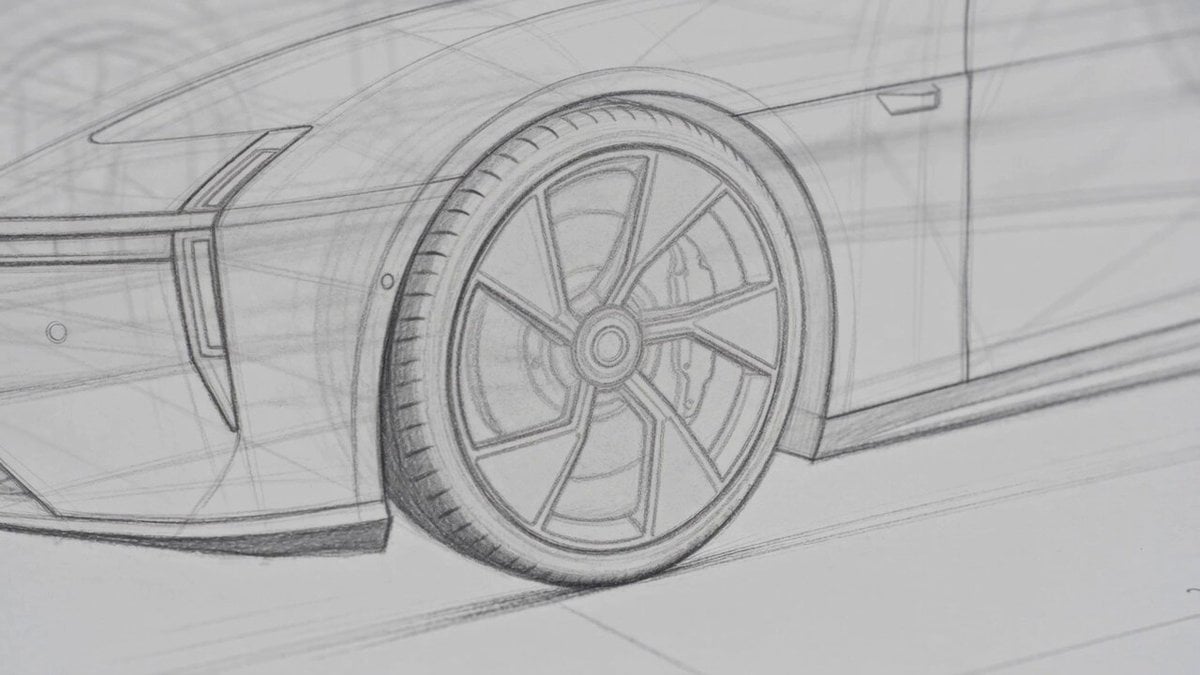
Photorealistic Automotive Video Commercial
UGC Skincare Brand Video Commercial

Neon Railway Traveler Over Clouds
Make it yours
Product UGC Commercial works as-is. These are the safest ways to change it without losing the look.
Change one field
Copy a single group, rewrite it, and generate again so you can see what that field is doing.
Keep the frame, change the subject
Hold the composition and light of Product UGC Commercial, then swap wardrobe, props or the person for a new take.
| If the result… | Why | Fix |
|---|---|---|
| The result drifts from the preview | Too many fields changed at once. | Reuse Product UGC Commercial as-is first, then change one group — subject, light, or setting. |
| The model over-stylizes the scene | The prose prompt leaves finish and camera underspecified. | Add one camera or lighting sentence and stay on Seedance 2.5. |
More Seedance 2.5 templates
Other prompts made for Seedance 2.5.


More video prompts
Fresh picks from across the catalog.

Alien and businessman complex scene
Magical Transformation into a Flying Bird

Hyper-realistic Sci-Fi Short Film Storyboard for Grok Imagine

Pyramid Manifestation Video Prompt

Dubai Hypercar Chase Commercial
Siren Pose office drama with apocalyptic twist

Moroccan Desert Rally Race

Superhuman Throw and Punch Scene

Cosmic Zoom to Café One-Take

Midjourney Oil Painting Prompt (Driver's Hand)
Browse template categories
Product UGC Commercial questions
How do I use the Product UGC Commercial template?
Add your photo if the template asks for one, edit the prompt if you like — the template's model and format are already selected — and press Generate. Your version opens in PicX Studio.
Can I customize the Product UGC Commercial template?
Yes. You can change the subject, setting, lighting, mood, format, and available model controls before creating your video.
Is the Product UGC Commercial template free?
Opening and editing this template is free. Generating uses credits, shown on the Generate button when you are signed in.
Which AI model should I use?
Start with Seedance 2.5, which is the model associated with this template. You can compare another compatible model for a different finish.
Looking for something else? Browse all templates.

Your photo, any look
Thousands of ready templates for every top image and video model, from one credit balance.