How do I use the Cinematic Short Film Scene 2 template?
Edit the prompt in the box under the preview — the template's model and format are already selected — and press Generate. Your version appears right on this page.
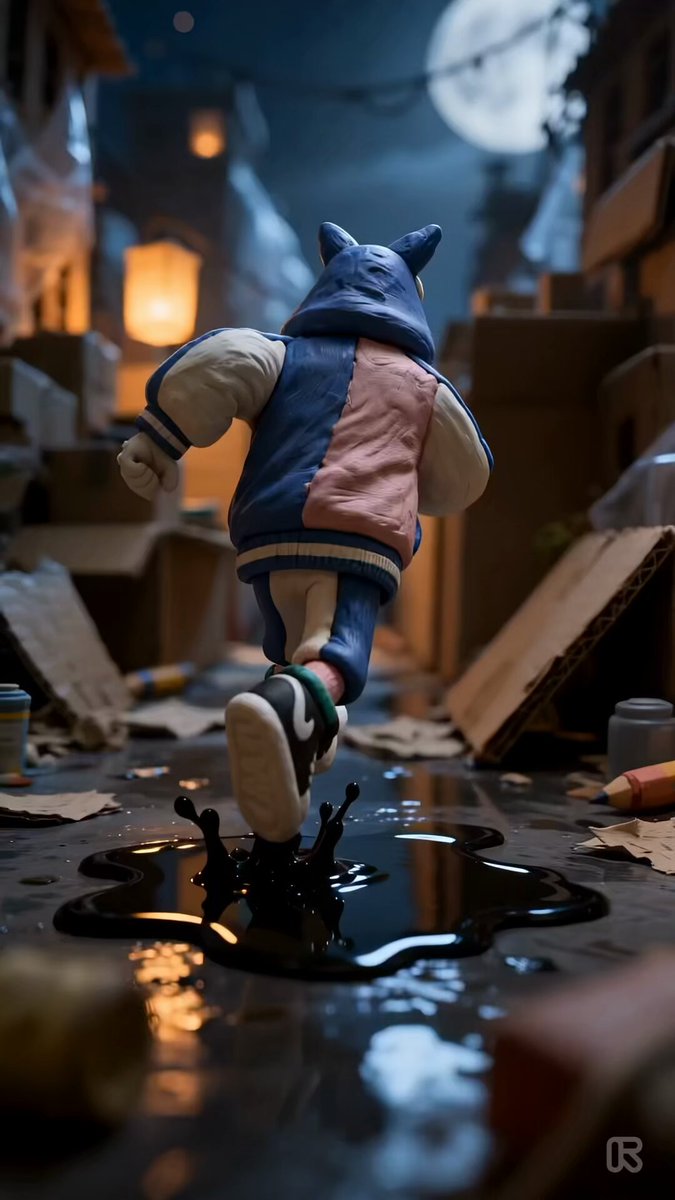
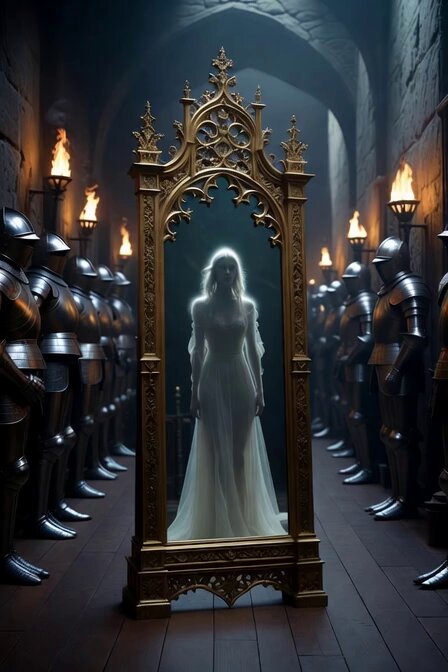
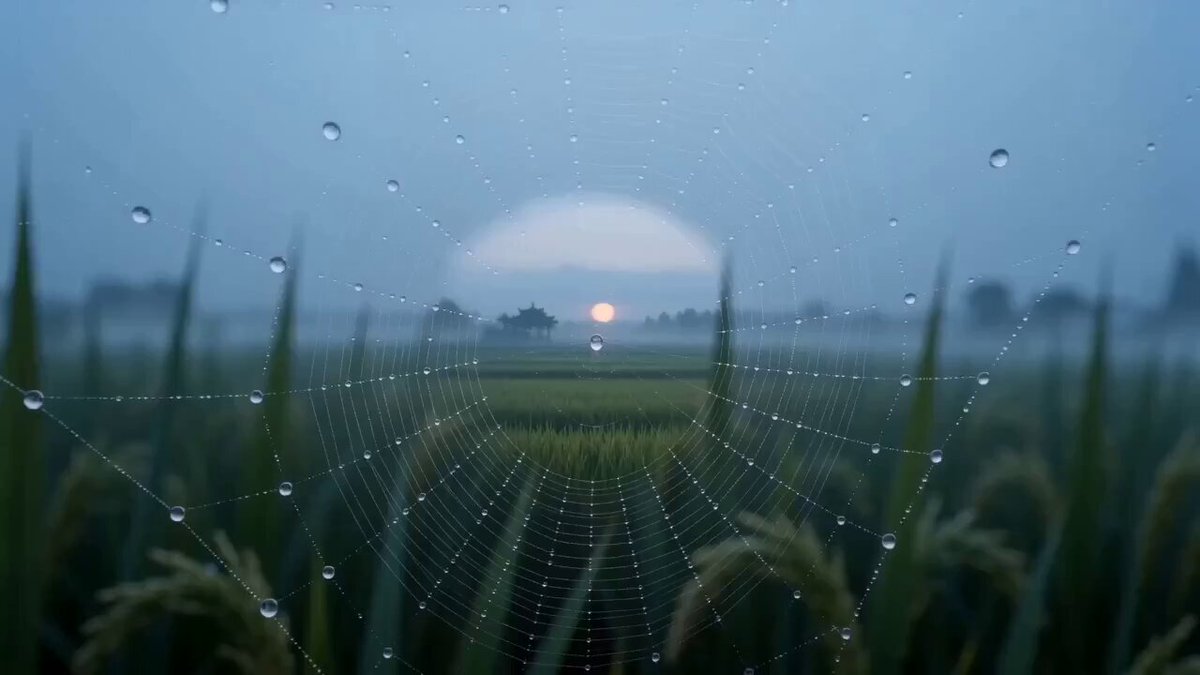
Cinematic Short Film Scene 2 is a ready video look for Seedance 2.5.
Storyboard sheet of this prompt created with GPT image 2 And Animate this Storyboard with seedence 2.0 The journey from fearless to legendary starts with one ride. All work done on @openart_ai Storyboard sequence, 10 cinematic frames: A stylish young woman relaxes in a modern desert-view room while drinking from a glass bottle, then stands and gazes out the window with determination before casually tossing the bottle aside. She exits the building and walks toward her FMX motocross bike, gears up, and puts on her helmet. The action escalates as she races down a giant mega ramp, launches into the open sky, performs a breathtaking backflip high above the desert landscape, and lands in a dramatic cloud of dust. In the final frame, she removes her helmet, her hair falling free as smiling friends run toward her cheering, all captured in ultra-realistic cinematic storytelling, golden-hour lighting, dynamic camera angles, emotional sports-drama atmosphere, and high-end action photography.
Storyboard sheet of this prompt created with GPT image 2 And Animate this Storyboard with seedence 2.0 The journey from fearless to legendary starts with one ride. All work done on @openart_ai Storyboard sequence, 10 cinematic frames: A stylish young woman relaxes in a modern desert-view room while drinking from a glass bottle, then stands and gazes out the window with determination before casually tossing the bottle aside. She exits the building and walks toward her FMX motocross bike, gears up, and puts on her helmet. The action escalates as she races down a giant mega ramp, launches into the open sky, performs a breathtaking backflip high above the desert landscape, and lands in a dramatic cloud of dust. In the final frame, she removes her helmet, her hair falling free as smiling friends run toward her cheering, all captured in ultra-realistic cinematic storytelling, golden-hour lighting, dynamic camera angles, emotional sports-drama atmosphere, and high-end action photography.
Edit the prompt in the box under the preview — the template's model and format are already selected — and press Generate. Your version appears right on this page.
Yes. You can change the subject, setting, lighting, mood, format, and available model controls before creating your video.
Opening and editing this template is free. Generating uses credits, shown on the Generate button when you are signed in.
Start with Seedance 2.5, which is the model associated with this template. You can compare another compatible model for a different finish.
Follow a topic to a crawlable collection of related PicX Studio templates.