How do I use the Window-to-Eye Concept Film template?
Edit the prompt in the box under the preview — the template's model and format are already selected — and press Generate. Your version appears right on this page.
reference-guided generation, scene continuity, and multimodal prompting.
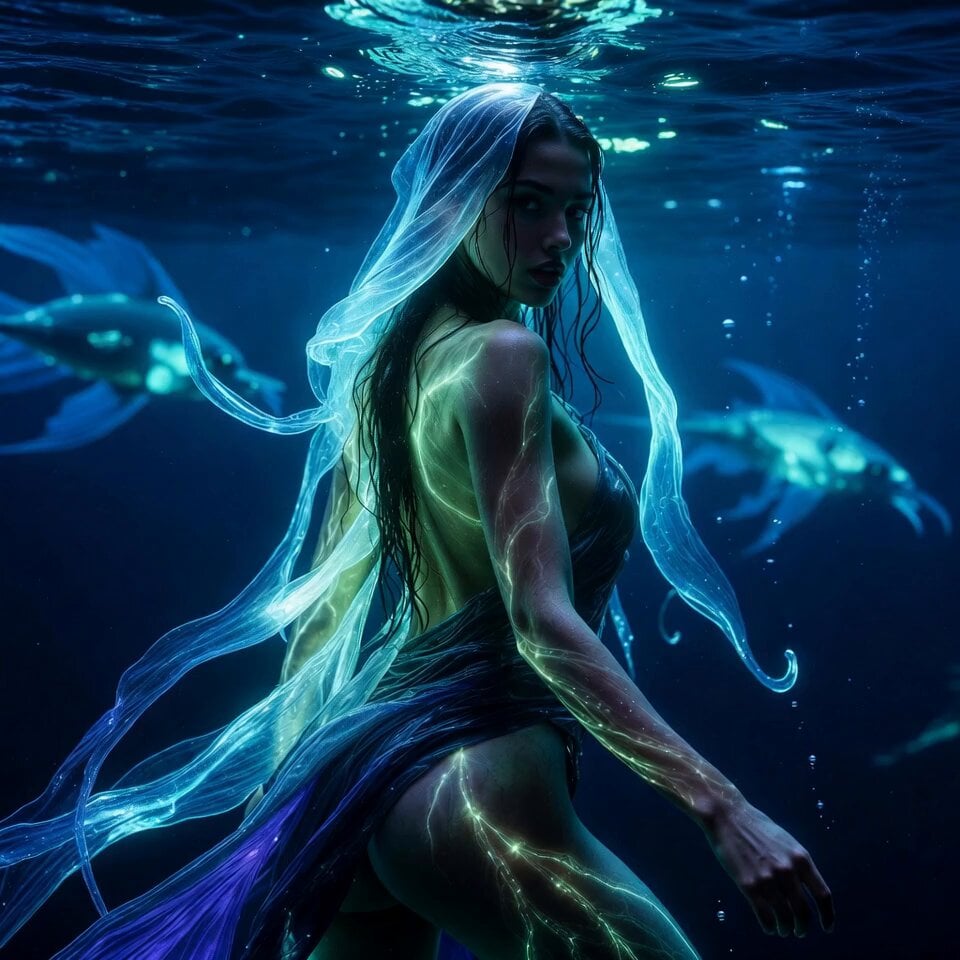
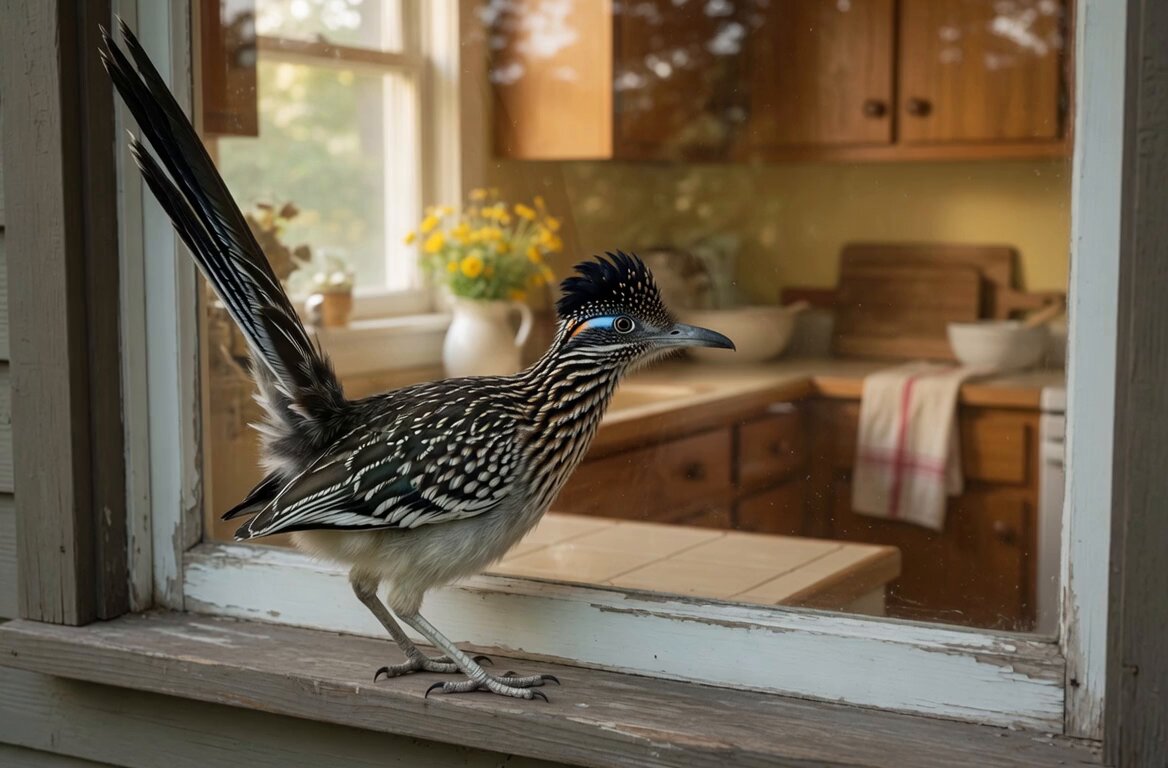
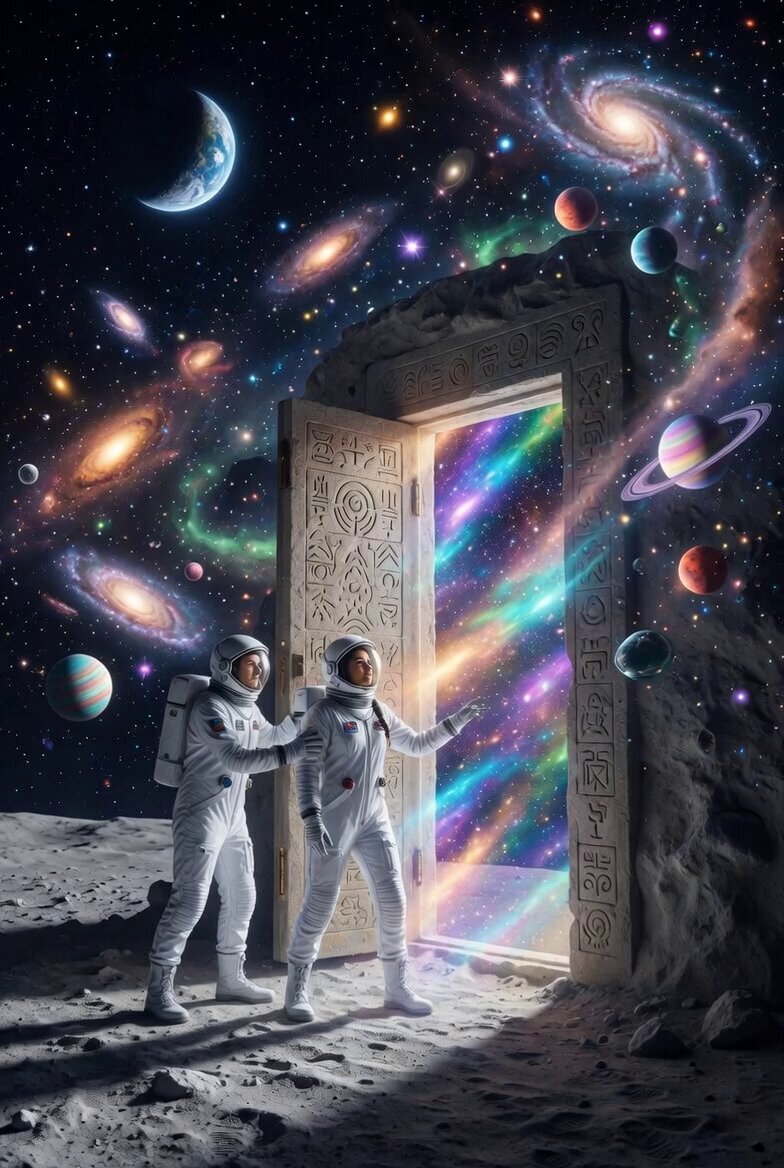
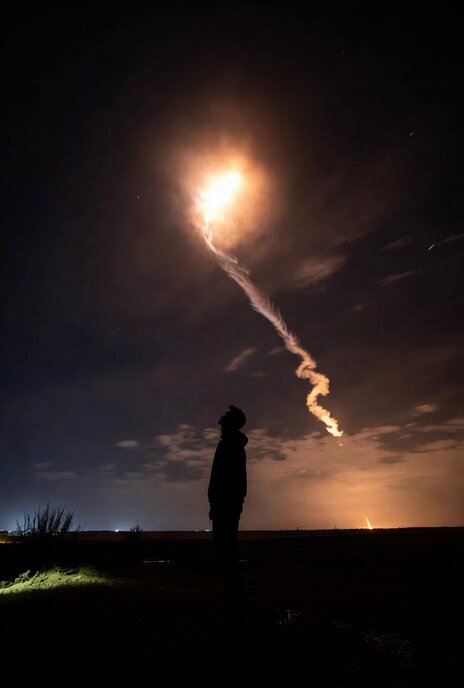
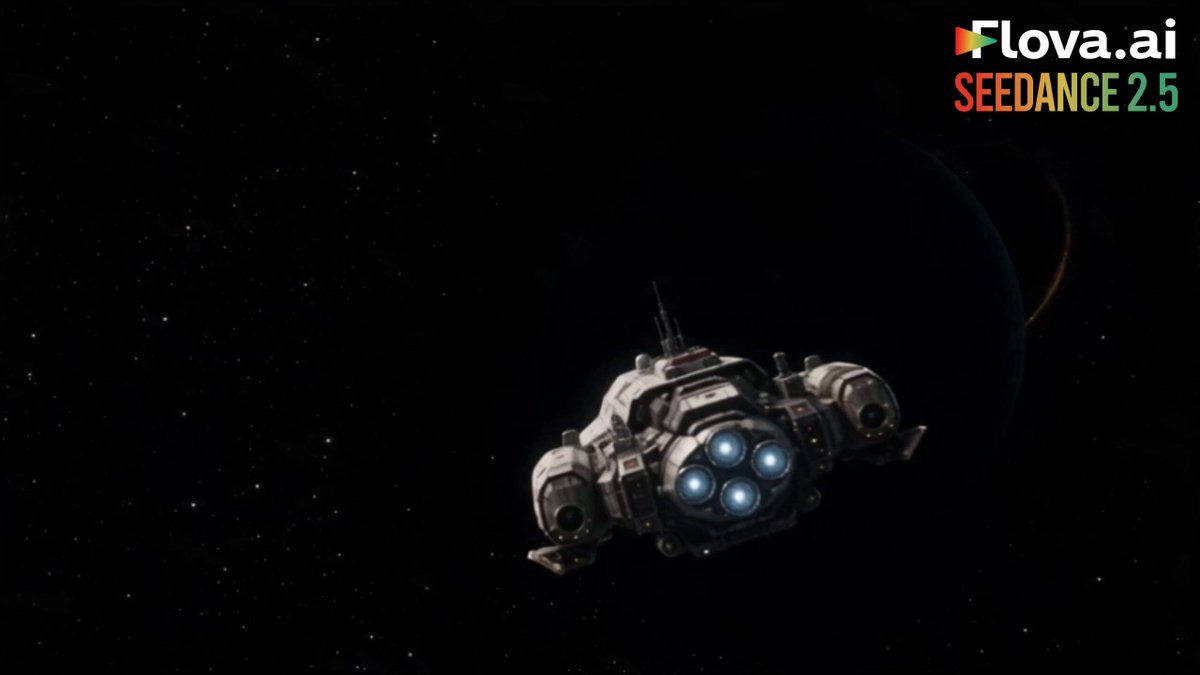
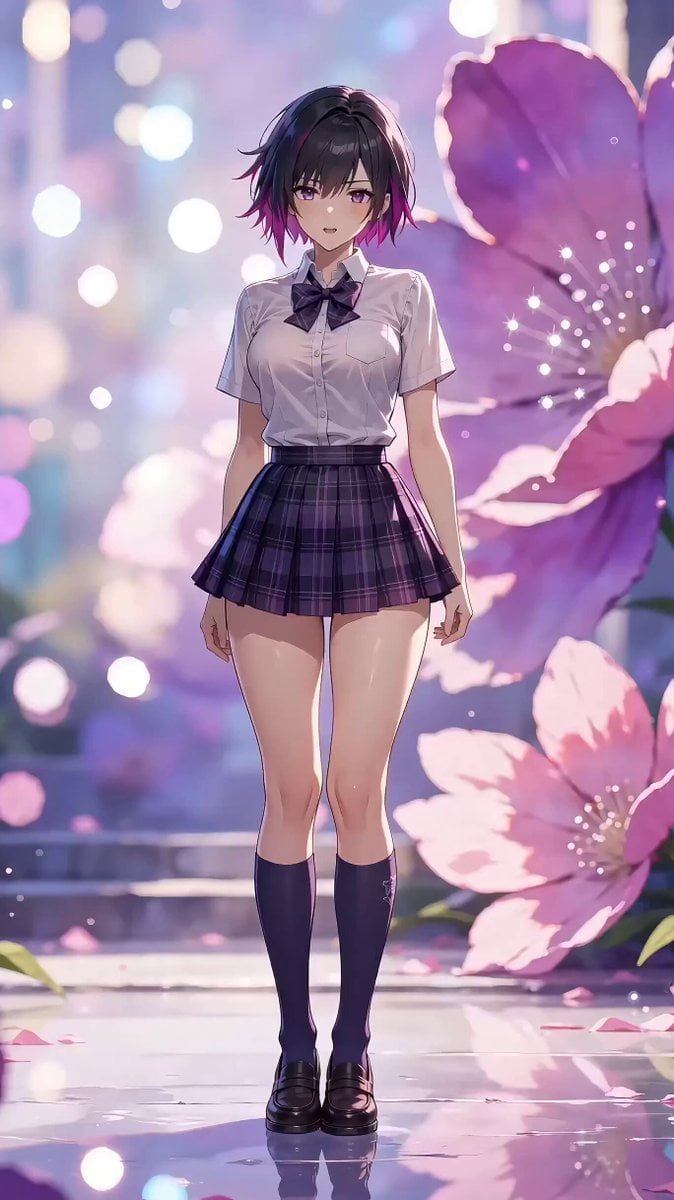
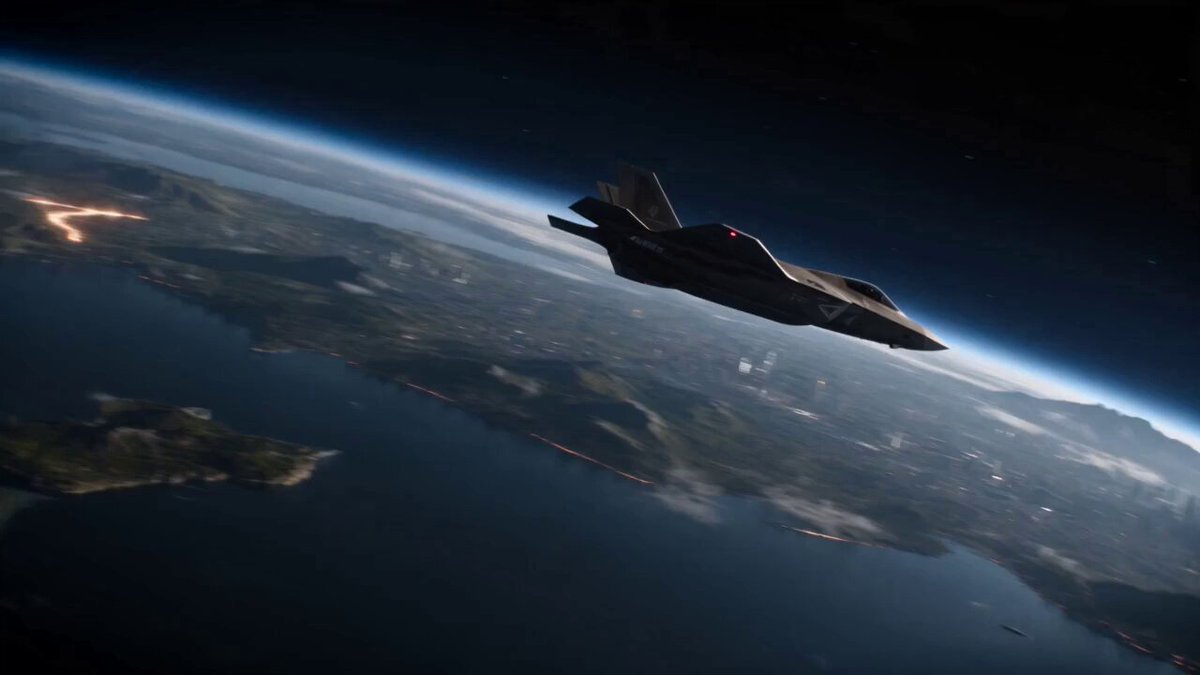
A cinematic brand-concept short film. <<<image_1_1>>> is the first frame. The image shakes slightly as the camera slowly pushes in toward tree shadows rapidly receding outside the window. The retreating shadows accelerate, then suddenly cut to <<<image_2_2>>> where the speed slows dramatically and the camera glides gently forward along a stream with birdsong and flowers. The camera tilts downward into the water, with bubble sound effects underwater. A group of orange jellyfish swims gracefully past the lens <<<image_3_3>>>. The camera slowly pulls back; a school of small fish crosses the frame and moves from the water into the window interior <<<image_4_4>>>. A girl looks left and right, watching the fish. The camera slowly pulls back and the image falls out of focus. It refocuses as the picture becomes clear again, then switches to the rhythm of the music: Chinese garden flower window <<<image_5_5>>> with rotating light, church stained-glass window, airplane cabin window, dome skylight, bay window, venetian blinds, European dormer window, door peephole, camera viewfinder frame, bird eye, and finally a human-eye close-up. The image holds on the human eye close-up. The eye closes and the screen goes black, then suddenly opens again, revealing "seedance" at the center of the eye on a bass hit.
A cinematic brand-concept short film. <<<image_1_1>>> is the first frame. The image shakes slightly as the camera slowly pushes in toward tree shadows rapidly receding outside the window. The retreating shadows accelerate, then suddenly cut to <<<image_2_2>>> where the speed slows dramatically and the camera glides gently forward along a stream with birdsong and flowers. The camera tilts downward into the water, with bubble sound effects underwater. A group of orange jellyfish swims gracefully past the lens <<<image_3_3>>>. The camera slowly pulls back; a school of small fish crosses the frame and moves from the water into the window interior <<<image_4_4>>>. A girl looks left and right, watching the fish. The camera slowly pulls back and the image falls out of focus. It refocuses as the picture becomes clear again, then switches to the rhythm of the music: Chinese garden flower window <<<image_5_5>>> with rotating light, church stained-glass window, airplane cabin window, dome skylight, bay window, venetian blinds, European dormer window, door peephole, camera viewfinder frame, bird eye, and finally a human-eye close-up. The image holds on the human eye close-up. The eye closes and the screen goes black, then suddenly opens again, revealing "seedance" at the center of the eye on a bass hit.
Edit the prompt in the box under the preview — the template's model and format are already selected — and press Generate. Your version appears right on this page.
Yes. You can change the subject, setting, lighting, mood, format, and available model controls before creating your video.
Opening and editing this template is free. Generating uses credits, shown on the Generate button when you are signed in.
Start with seedance-2.5, which is the model associated with this template. You can compare another compatible model for a different finish.
Follow a topic to a crawlable collection of related PicX Studio templates.