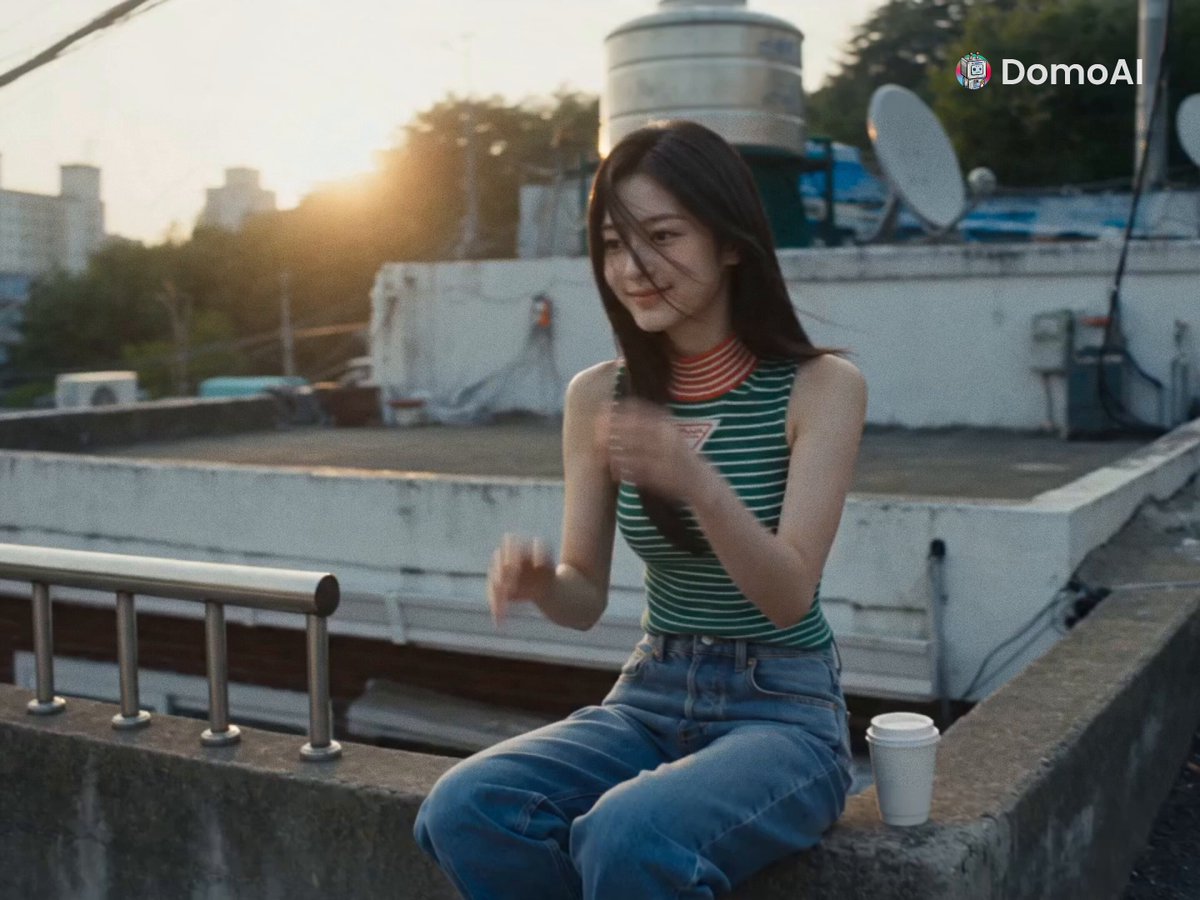
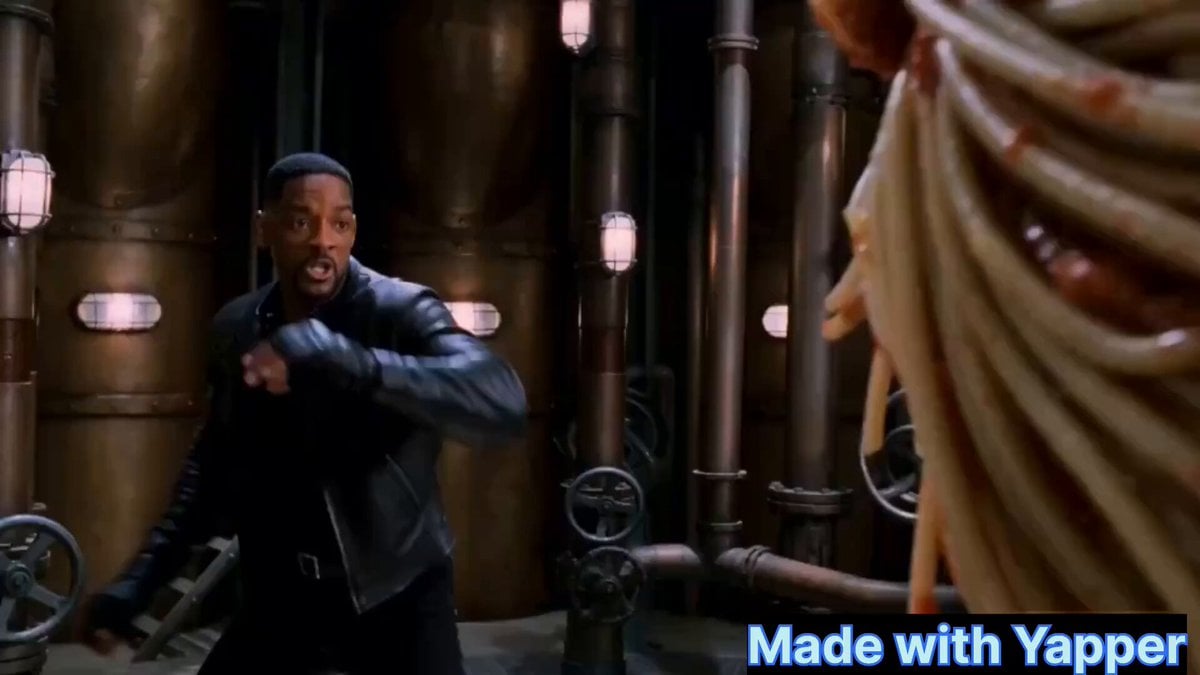
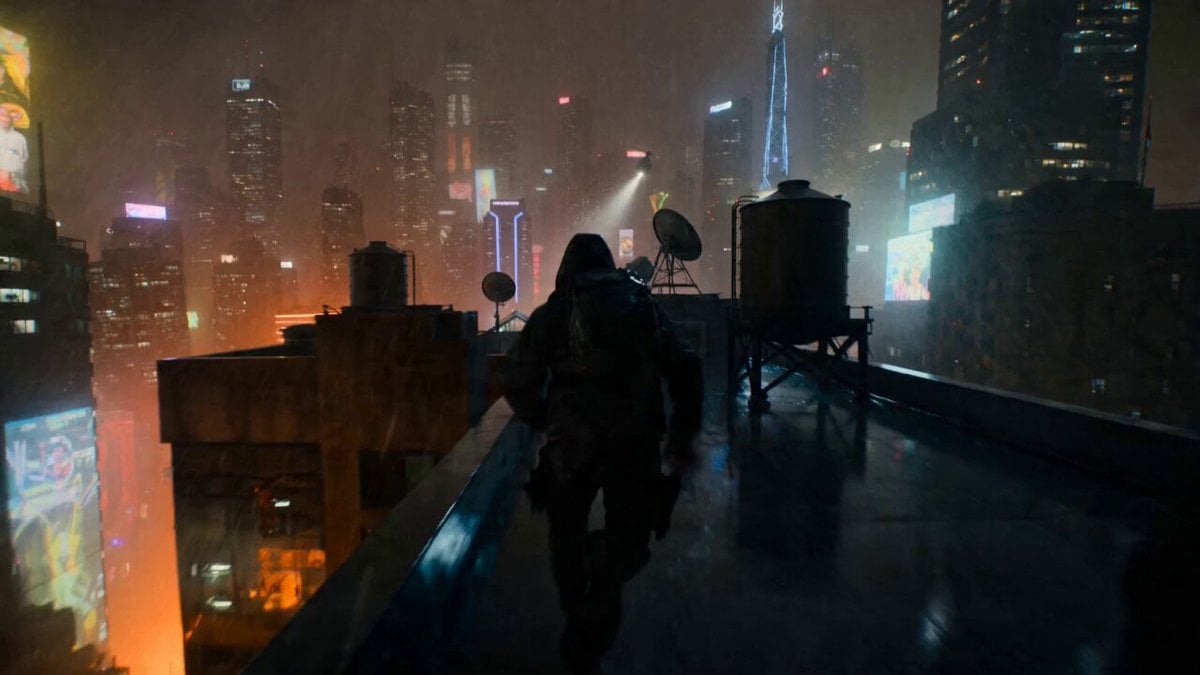
How do I use the Cinematic Short Film Scene template?
Edit the prompt in the box under the preview — the template's model and format are already selected — and press Generate. Your version appears right on this page.
Cinematic Short Film Scene is a ready video look for Seedance 2.5.
Nano banana Pro+ Kling 3.0 Omni on @openart_ai Image prompt: Cinematic motion-blur photography shot on a Leica SL3 with a 50mm Summilux at f/2.8, captured from a chest-level frontal angle using slow shutter panning. Lighting setup: flat overcast daylight acting as soft diffusion, allowing long blur trails without harsh contrast. Color tone: muted concrete greys and pale skin neutrals inspired by A24 films. Subject: a Gen-Z female model standing completely still, sharp eyes, symmetrical face, real skin pores visible, wearing understated fashion. Crowd action: hundreds of commuters rushing past in all directions, bodies stretched into smooth horizontal and diagonal blur. Emotion: quiet rebellion through stillness. Aesthetic: editorial calm vs chaos. Post: clean motion physics, fine grain, no glitches, no face distortion, no warped anatomy. --ar 4:5 --raw --profile ghy9fcl --stylize 50 --v 7 Video prompt: A young woman with a neutral expression walks slowly through a crowded train station. People move quickly around her, creating motion blur, while she remains in sharp focus. She wears a black hoodie, minimal makeup, natural lighting. The environment feels busy and slightly desaturated. Camera shots: Front tracking shot (camera moving backward as she walks forward) Side profile shot with crowd passing in foreground Overhead drone-like shot showing her surrounded by moving people Close-up on her face with shallow depth of field Rear follow shot as she walks into the crowd Cinematic lighting, soft natural daylight, realistic color grading, 4K, shallow depth of field, motion blur, emotional tone, urban realism
Nano banana Pro+ Kling 3.0 Omni on @openart_ai Image prompt: Cinematic motion-blur photography shot on a Leica SL3 with a 50mm Summilux at f/2.8, captured from a chest-level frontal angle using slow shutter panning. Lighting setup: flat overcast daylight acting as soft diffusion, allowing long blur trails without harsh contrast. Color tone: muted concrete greys and pale skin neutrals inspired by A24 films. Subject: a Gen-Z female model standing completely still, sharp eyes, symmetrical face, real skin pores visible, wearing understated fashion. Crowd action: hundreds of commuters rushing past in all directions, bodies stretched into smooth horizontal and diagonal blur. Emotion: quiet rebellion through stillness. Aesthetic: editorial calm vs chaos. Post: clean motion physics, fine grain, no glitches, no face distortion, no warped anatomy. --ar 4:5 --raw --profile ghy9fcl --stylize 50 --v 7 Video prompt: A young woman with a neutral expression walks slowly through a crowded train station. People move quickly around her, creating motion blur, while she remains in sharp focus. She wears a black hoodie, minimal makeup, natural lighting. The environment feels busy and slightly desaturated. Camera shots: Front tracking shot (camera moving backward as she walks forward) Side profile shot with crowd passing in foreground Overhead drone-like shot showing her surrounded by moving people Close-up on her face with shallow depth of field Rear follow shot as she walks into the crowd Cinematic lighting, soft natural daylight, realistic color grading, 4K, shallow depth of field, motion blur, emotional tone, urban realism
Edit the prompt in the box under the preview — the template's model and format are already selected — and press Generate. Your version appears right on this page.
Yes. You can change the subject, setting, lighting, mood, format, and available model controls before creating your video.
Opening and editing this template is free. Generating uses credits, shown on the Generate button when you are signed in.
Start with Seedance 2.5, which is the model associated with this template. You can compare another compatible model for a different finish.
Follow a topic to a crawlable collection of related PicX Studio templates.