
Last Train Before Rain GPT
Last Train Before Rain GPT is a ready video look for Seedance 2.5.
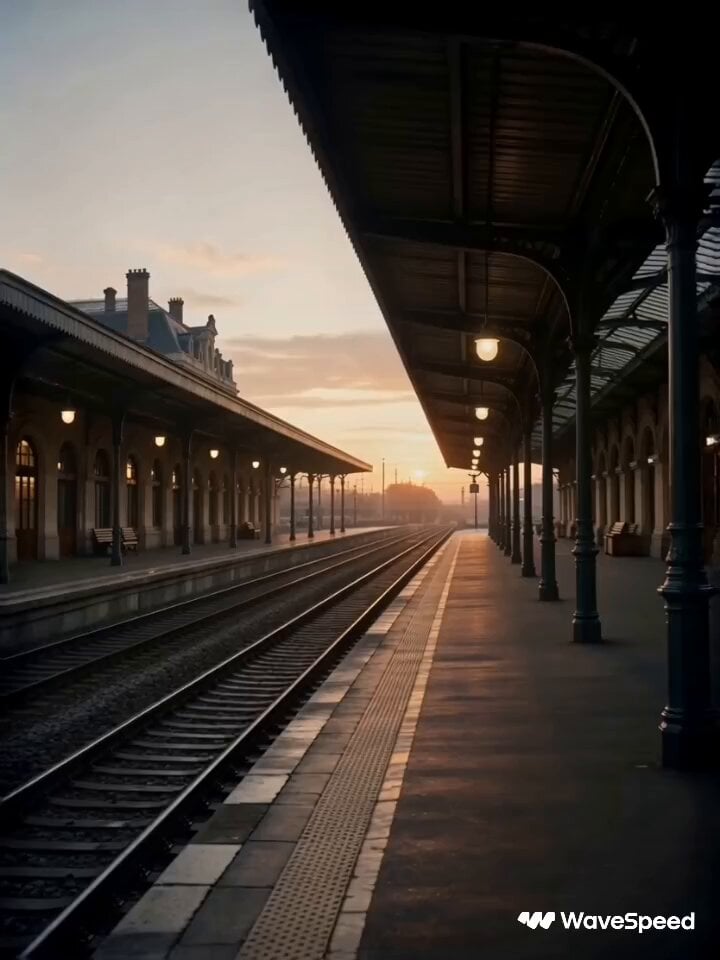
- Prompt included
- Model and format preset
- Premium template
The prompt behind this video
Copy the exact prompt behind Last Train Before Rain GPT, or open it in the studio and make it yours.
Last Train Before The Rain 🚂 GPT image 2 × Seedance 2.0 on @wavespeed_ai
How to use Last Train Before Rain GPT in 3 steps
- 1Upload ImagePNG, JPG or paste
Add your photo
Upload the photo the template builds on. The prompt, model and format are already set.
- 2…a portrait of your subject in softgolden-hour light, 85mm…
Personalize
Edit the subject and creative details for your destination.
- 3Generate
Generate
Press Generate — your video is created in PicX Studio, so you can compare it with the original and refine one variable at a time.
More like this
Templates with the same subject, style or setup. Open one to see its prompt.
Rainforest Thriller — Searching the Unseen
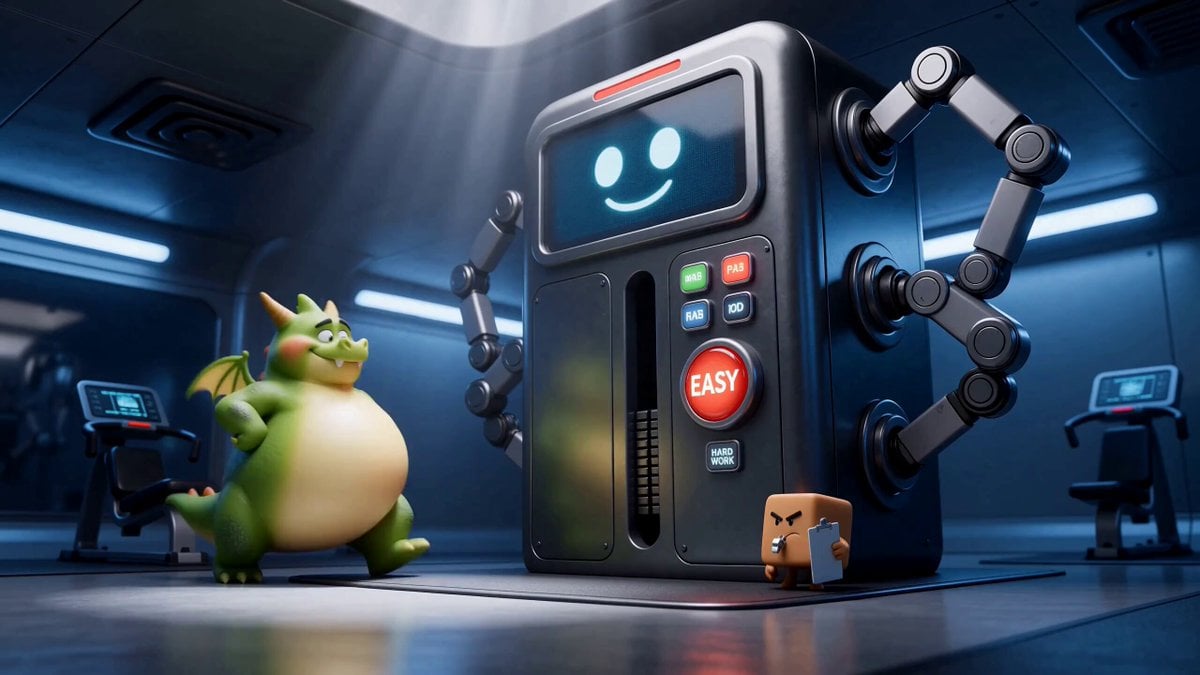
Green Dragon Training Short
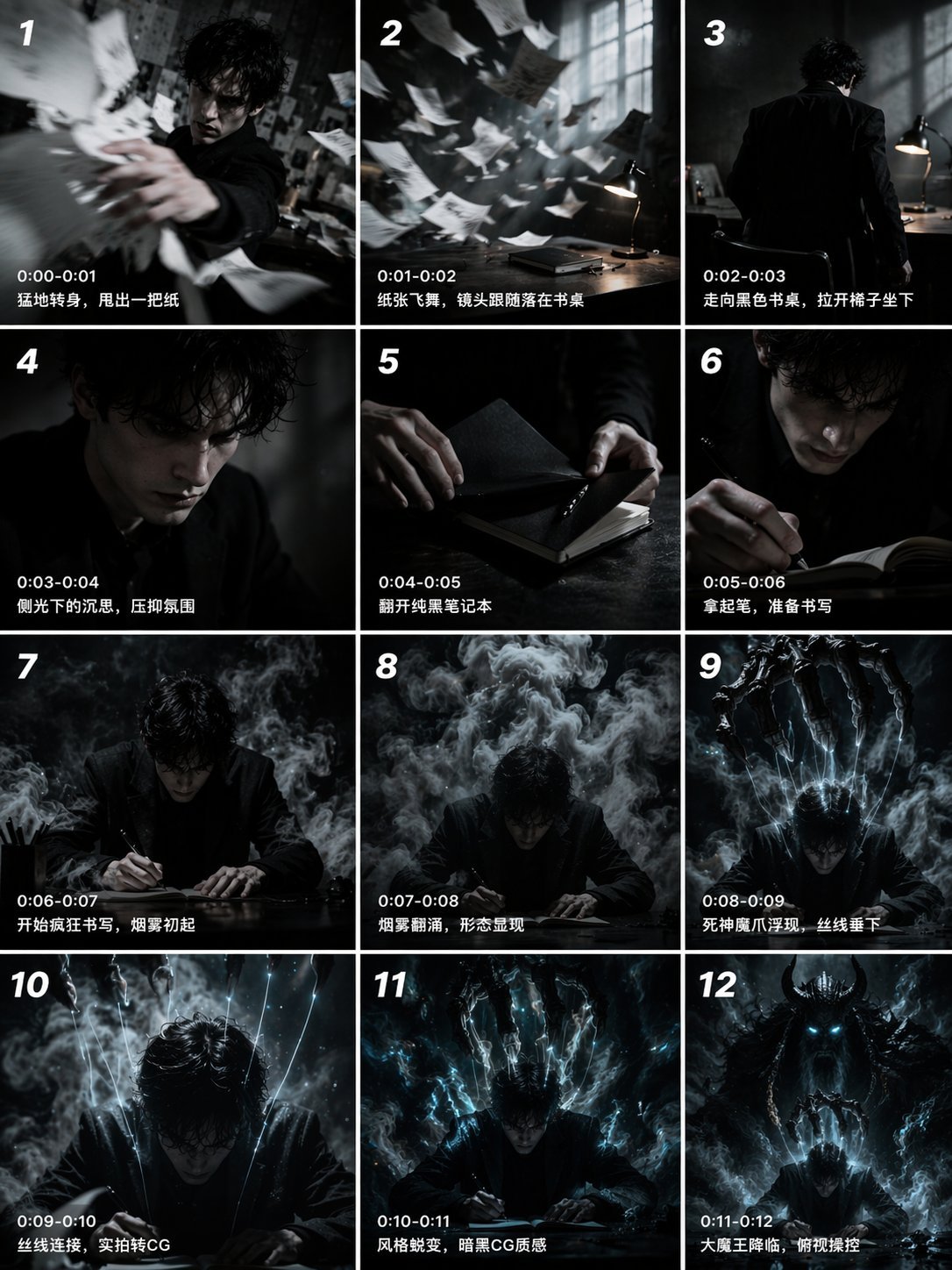
Gpt2 Gpt2 Seedance Storyboard to Video
Out of Control — Seedance 2.0
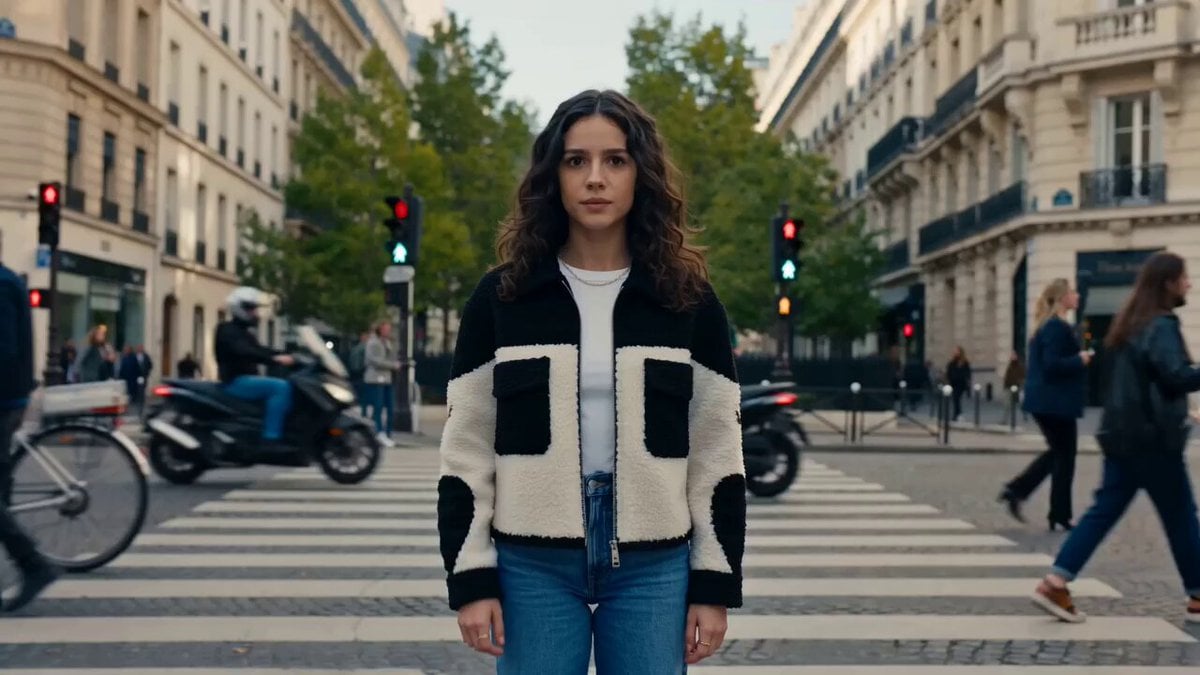
Nano Banana Seedance Time Control Streets
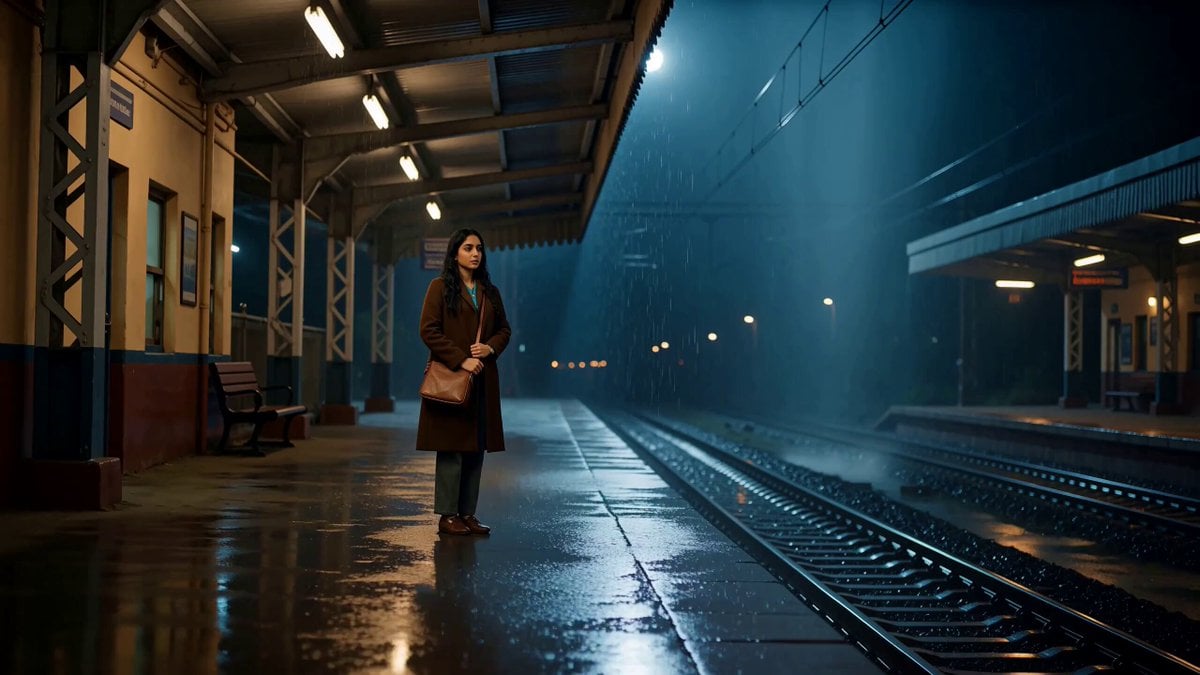
A Last Train Home Cinematic Film
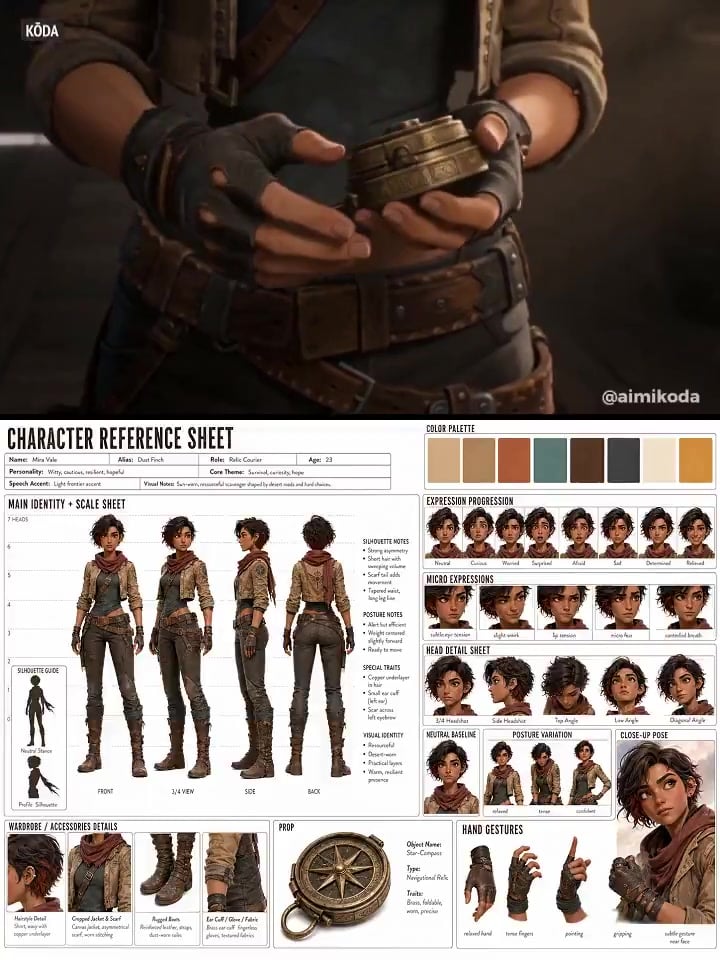
Character Reference Sheet → Cinematic Intro — GPT Image 2 + Seedance 2.0
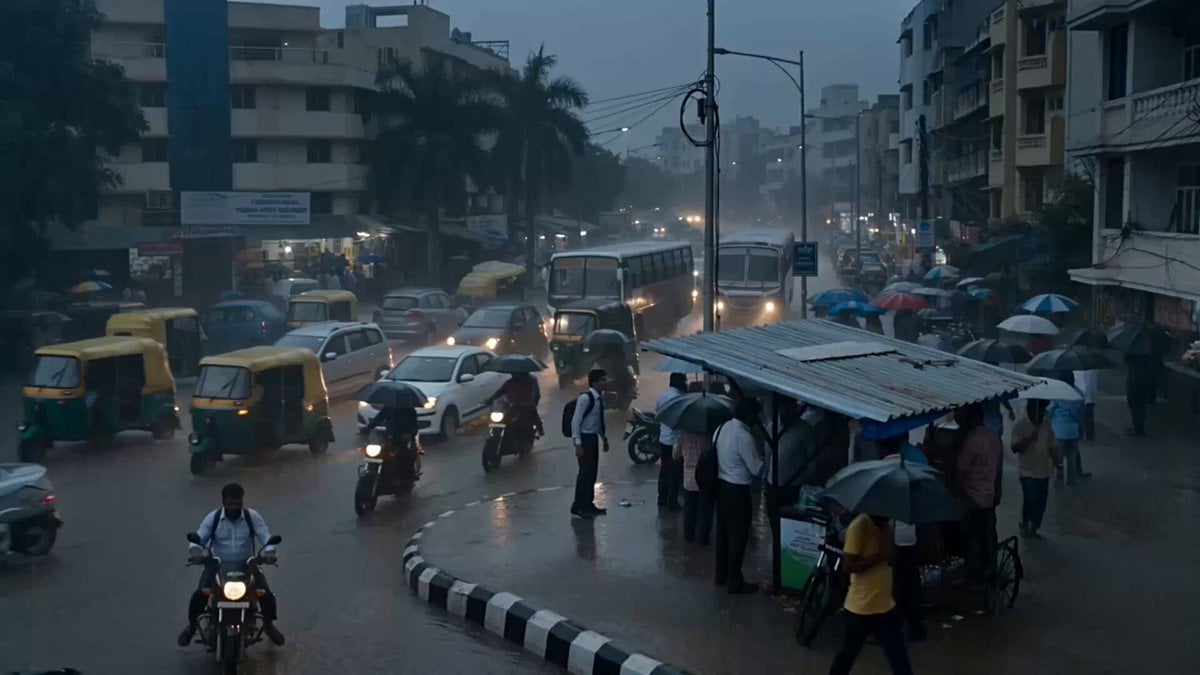
Seedance 2.5 - @Diplomeme - 446818
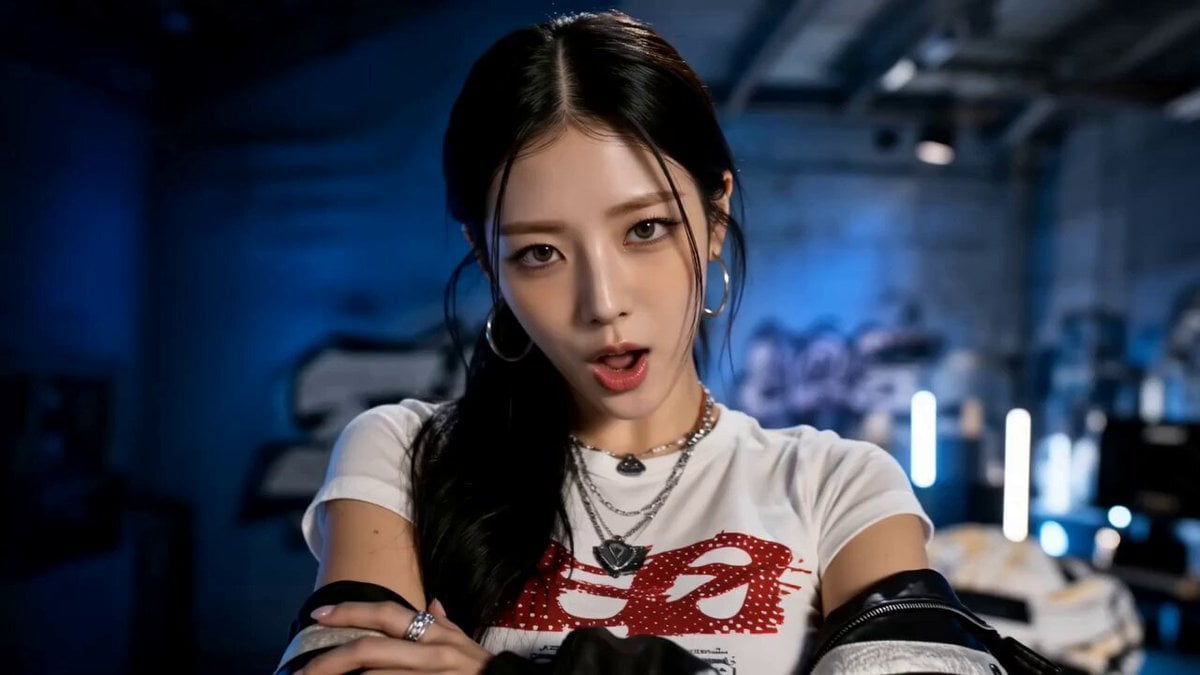
Seedance 2.5 - @AIwithkhan - 901550

Seedance 2.5 - @AIwithkhan - 801709

Train Zooming in Star Field Video Prompt
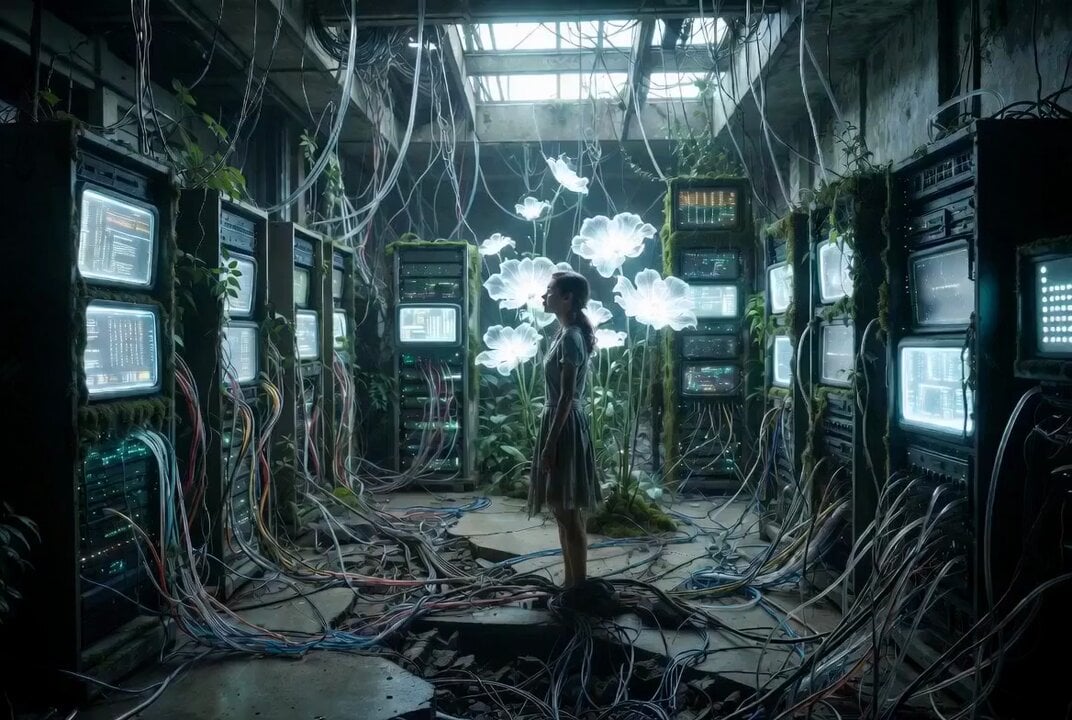
The Last Data Garden Cinematic Prompt
Make it yours
Last Train Before Rain GPT works as-is. These are the safest ways to change it without losing the look.
Change one field
Copy a single group, rewrite it, and generate again so you can see what that field is doing.
Keep the frame, change the subject
Hold the composition and light of Last Train Before Rain GPT, then swap wardrobe, props or the person for a new take.
| If the result… | Why | Fix |
|---|---|---|
| The result drifts from the preview | Too many fields changed at once. | Reuse Last Train Before Rain GPT as-is first, then change one group — subject, light, or setting. |
| The model over-stylizes the scene | The prose prompt leaves finish and camera underspecified. | Add one camera or lighting sentence and stay on Seedance 2.5. |
More Seedance 2.5 templates
Other prompts made for Seedance 2.5.


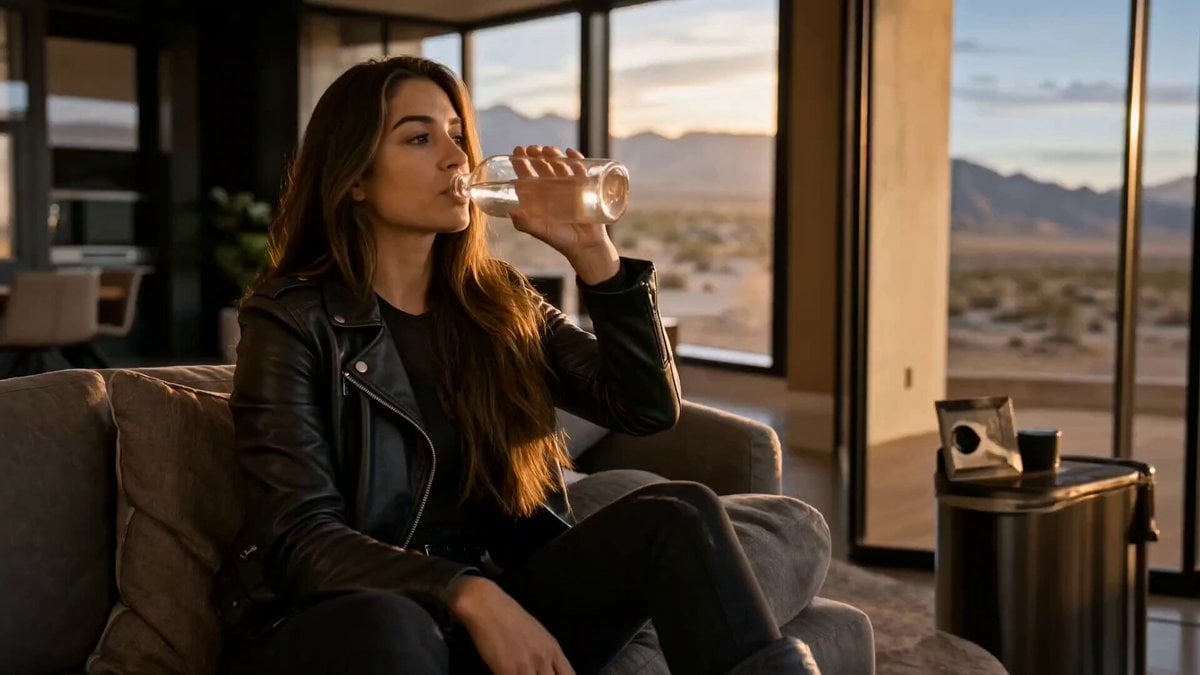

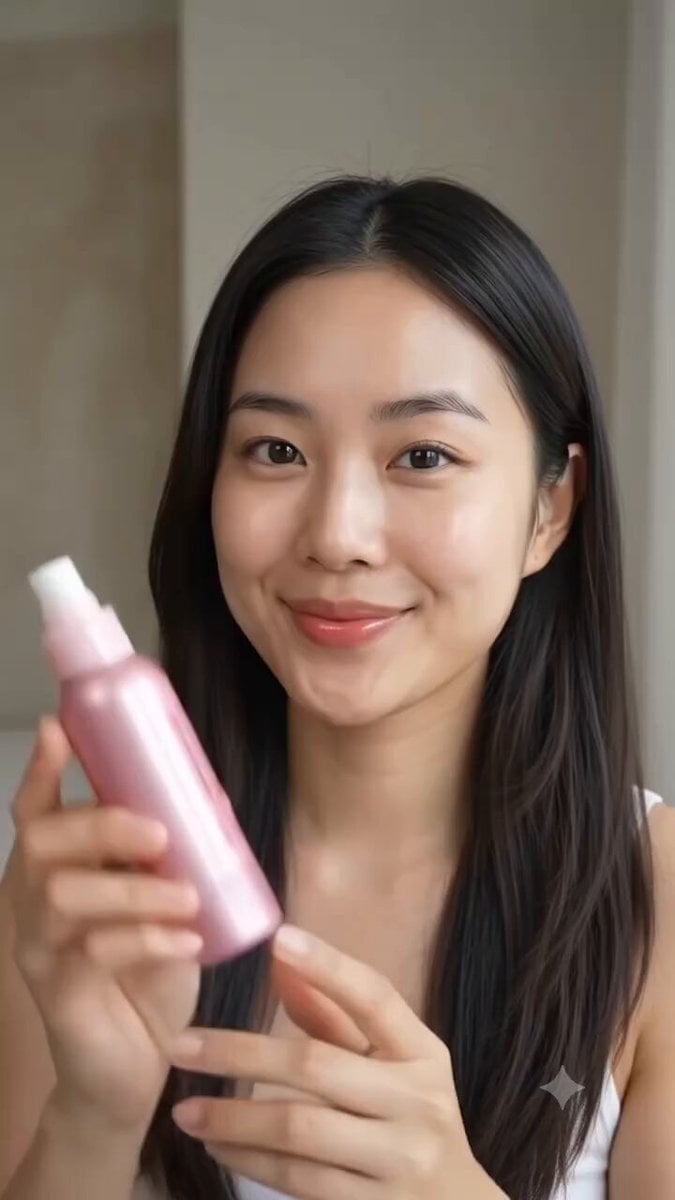
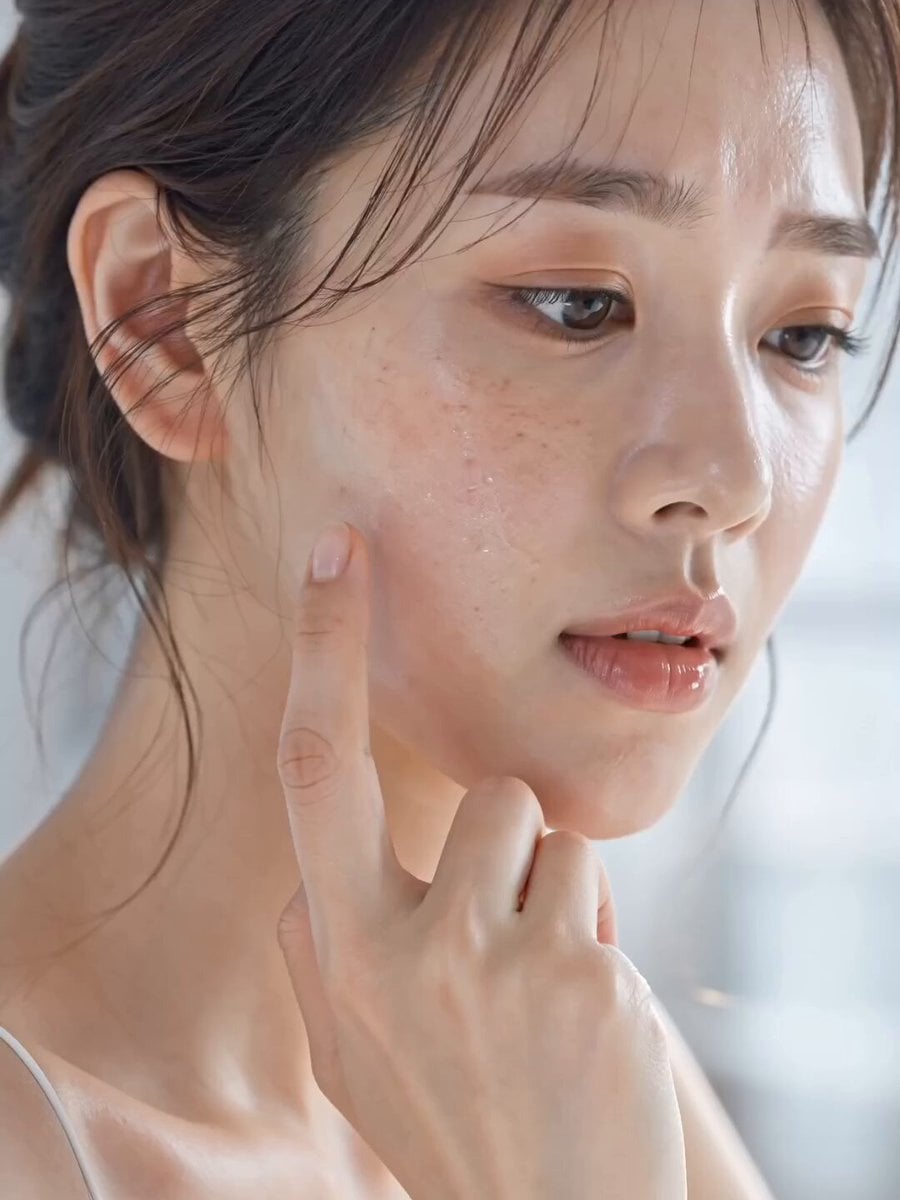


More video prompts
Fresh picks from across the catalog.
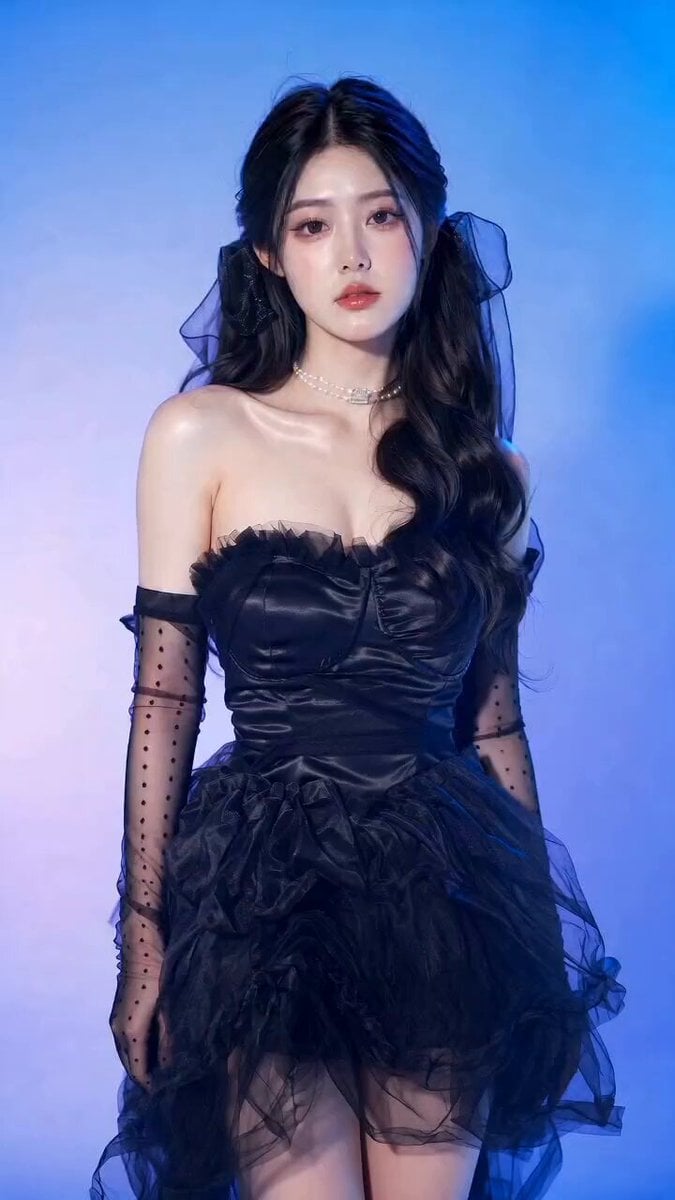
Gothic Coquette Studio Video Portrait
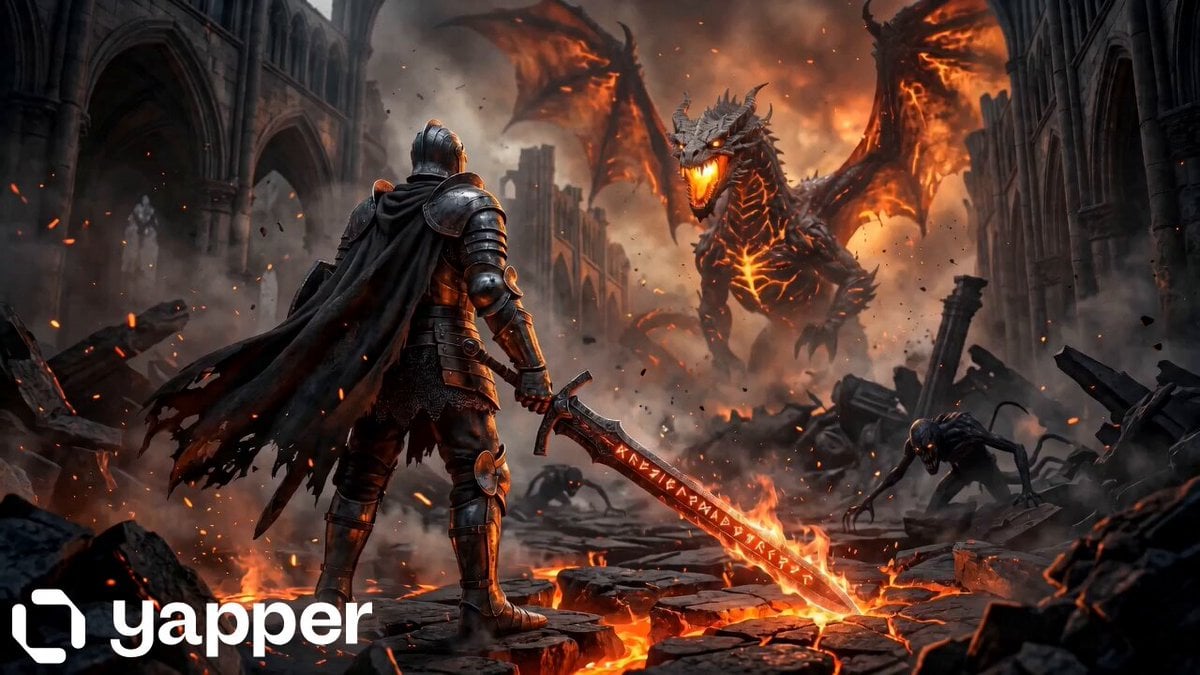
Knight vs Dragon Dark Fantasy Battle
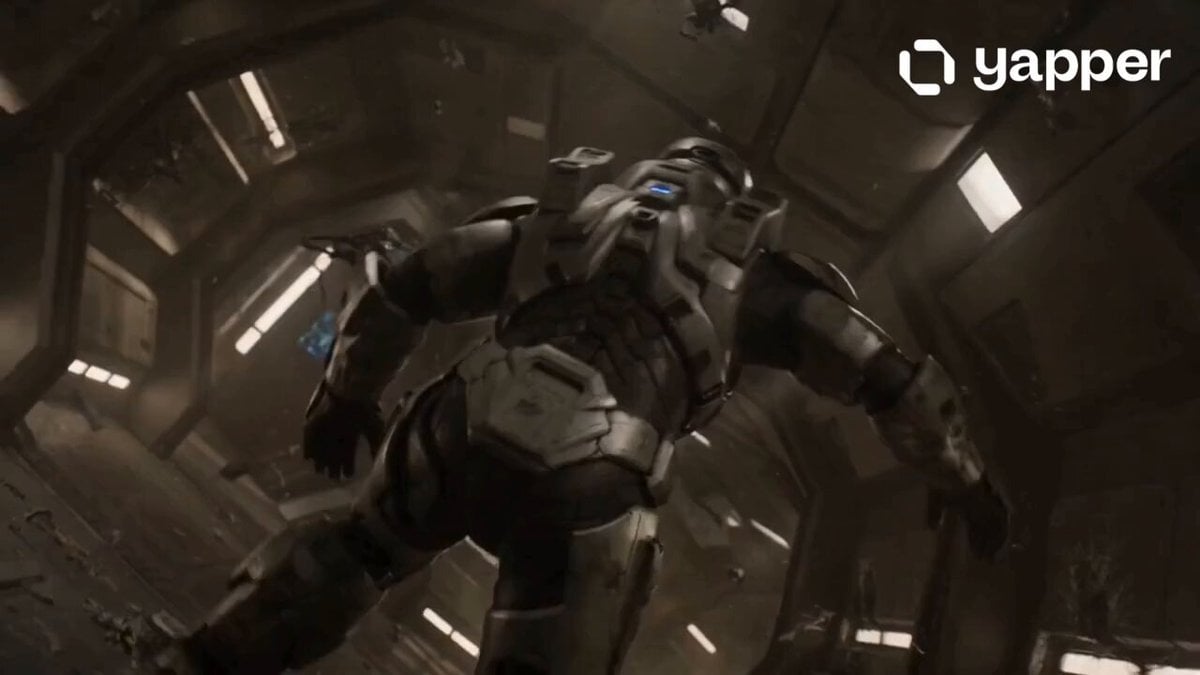
Lone Space Soldier Cinematic Scene
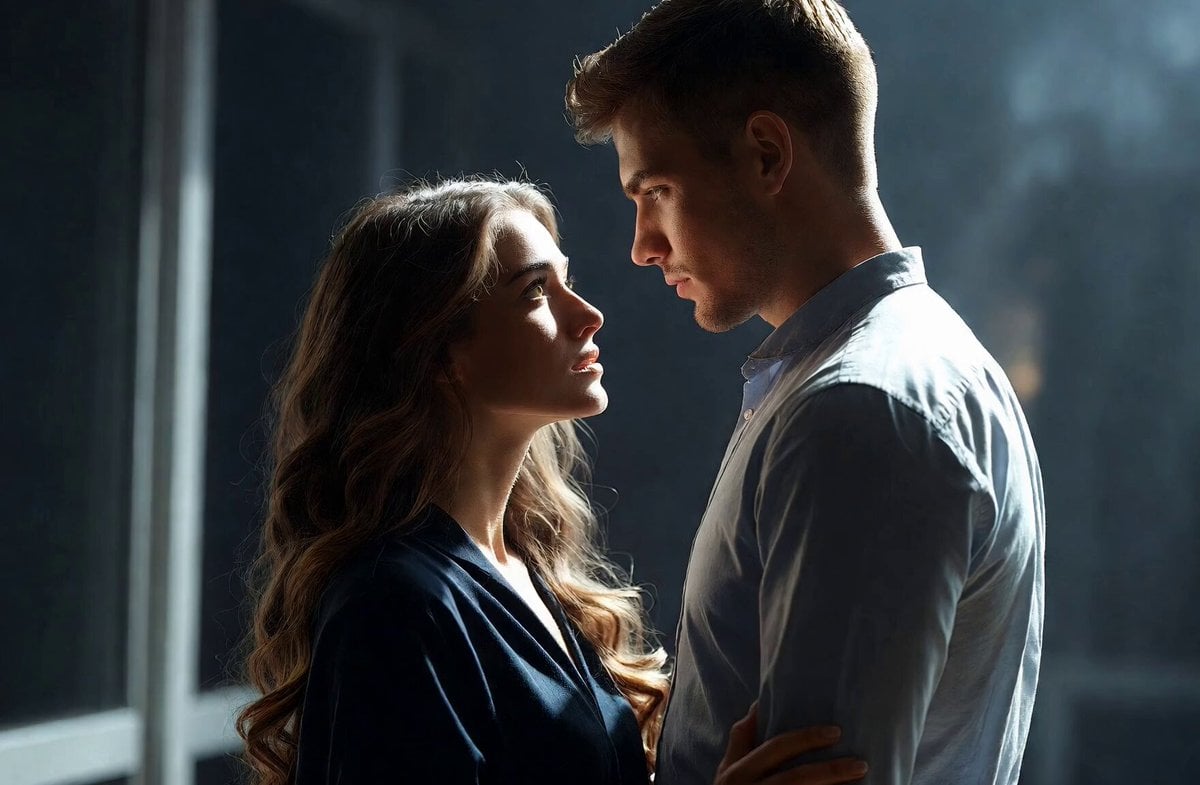
Intimate Future Conversation Couple
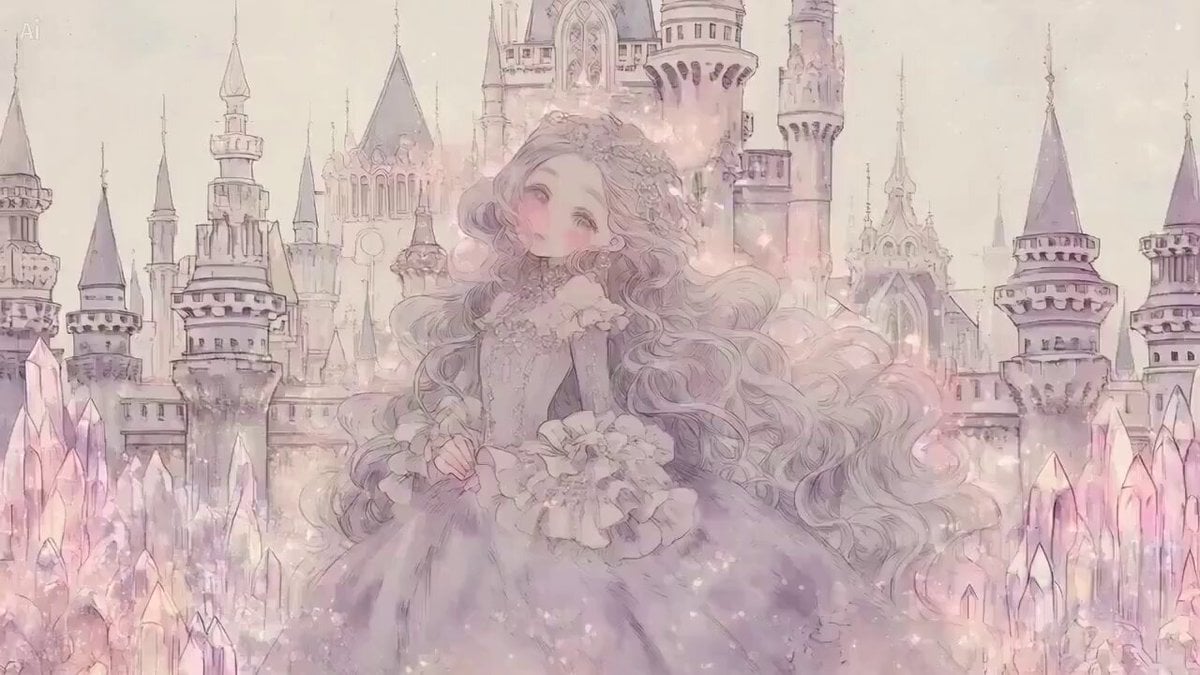
Fantasy Princess Castle Scene

Woman wearing designer dress and high fashion accessories
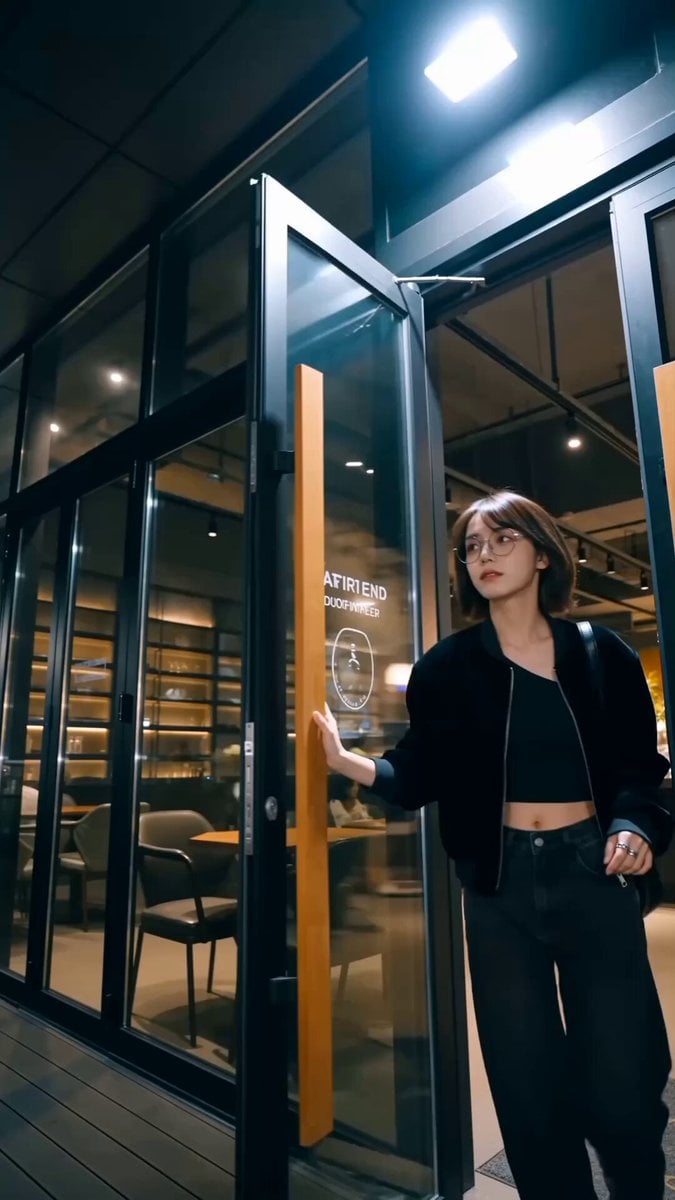
Handheld Influencer Night Vlog
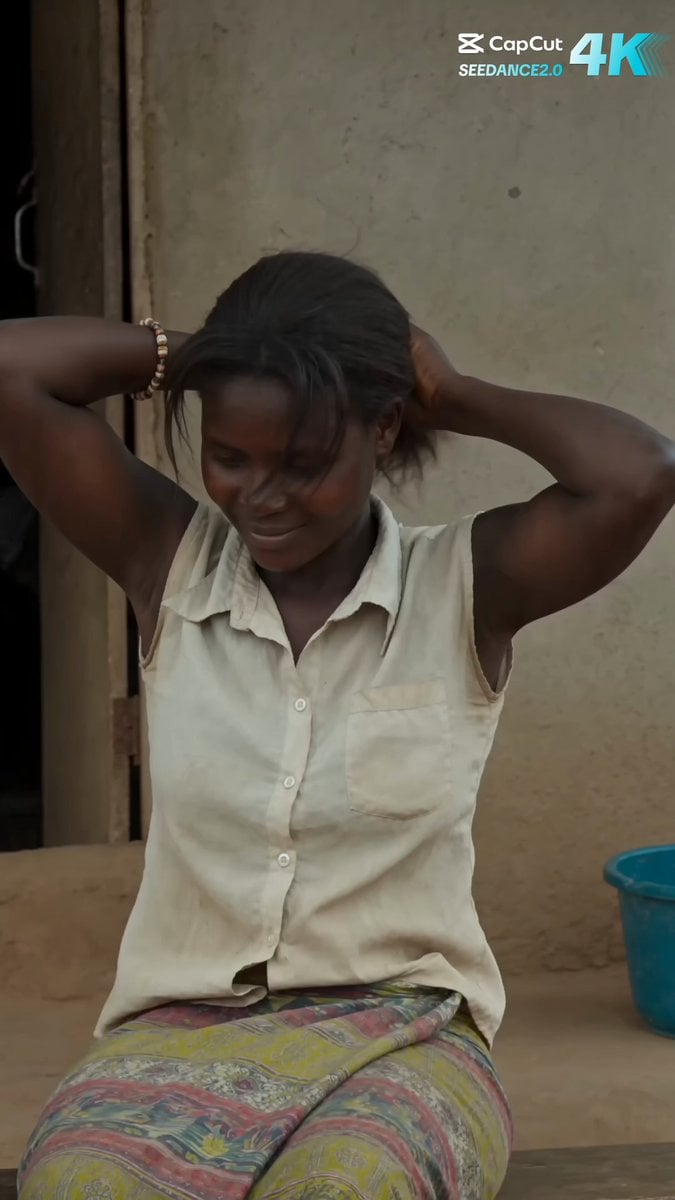
Rural African Village Life Documentary
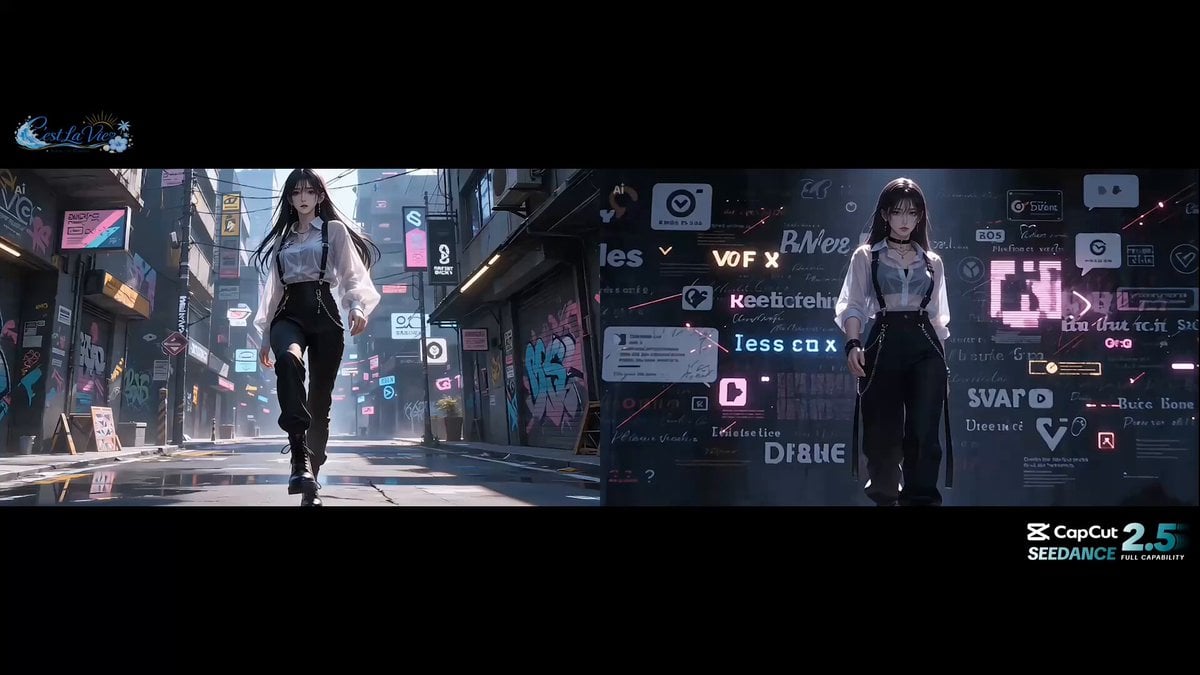
Stylish Street Dance Music Video Prompt
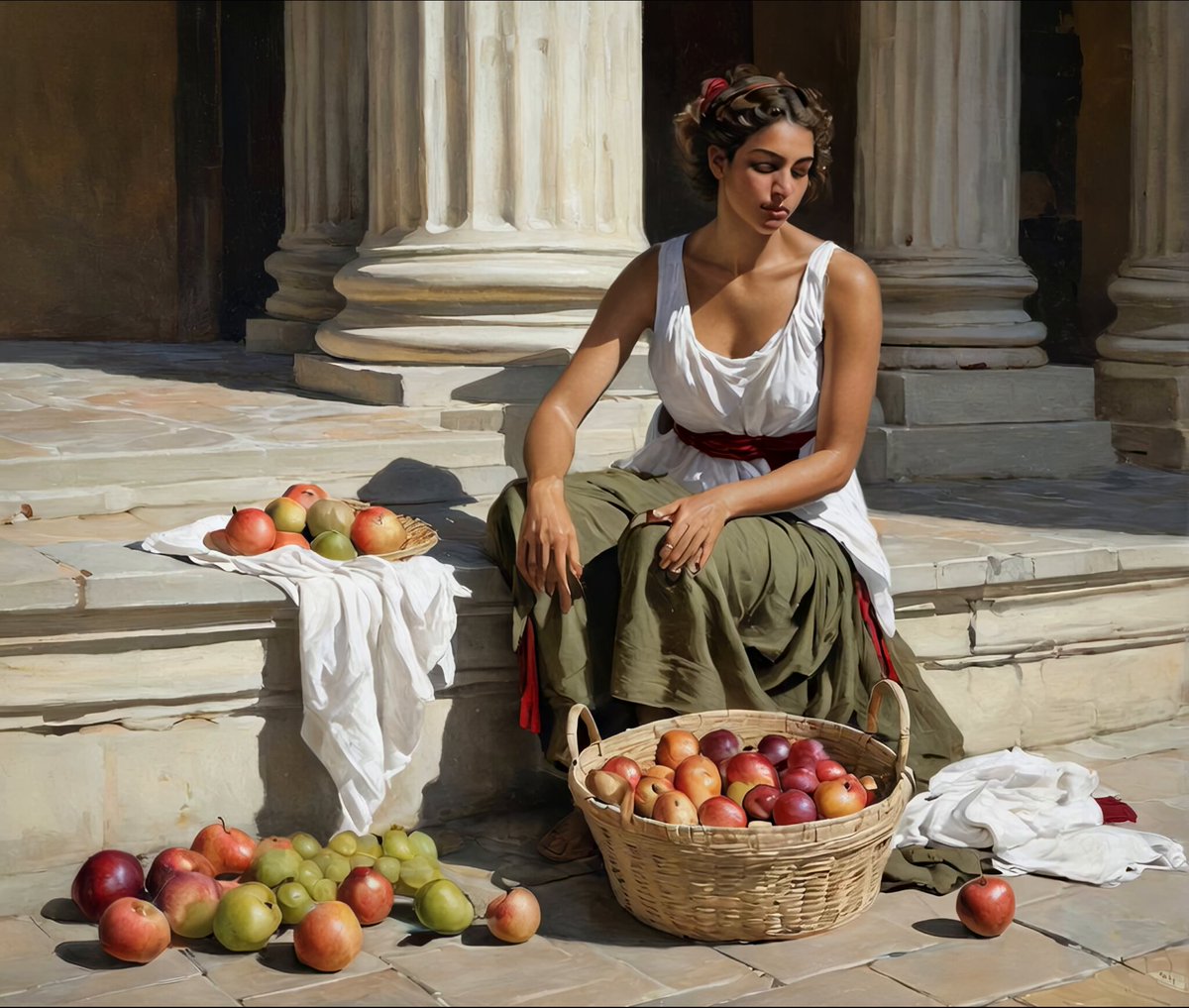
Ancient Roman Forum Morning Scene
Browse template categories
Last Train Before Rain GPT questions
How do I use the Last Train Before Rain GPT template?
Add your photo if the template asks for one, edit the prompt if you like — the template's model and format are already selected — and press Generate. Your version opens in PicX Studio.
Can I customize the Last Train Before Rain GPT template?
Yes. You can change the subject, setting, lighting, mood, format, and available model controls before creating your video.
Is the Last Train Before Rain GPT template free?
Opening and editing this template is free. Generating uses credits, shown on the Generate button when you are signed in.
Which AI model should I use?
Start with Seedance 2.5, which is the model associated with this template. You can compare another compatible model for a different finish.
Looking for something else? Browse all templates.

Your photo, any look
Thousands of ready templates for every top image and video model, from one credit balance.