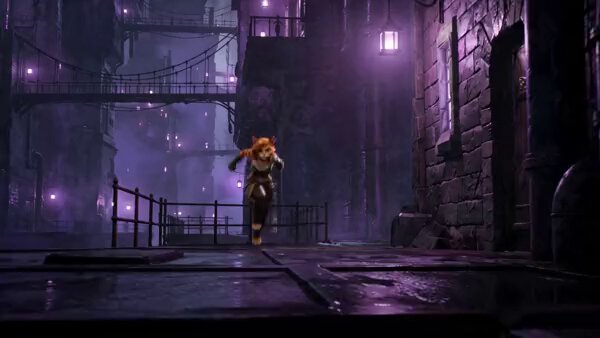
How do I use the 778-nano-banana-seedance-time-control-streets template?
Edit the prompt in the box under the preview — the template's model and format are already selected — and press Generate. Your version appears right on this page.
Model: Nano Banana Pro + Seedance 2.0 on Higgsfield 15s/145BPM/14 shots, time control, street transitions

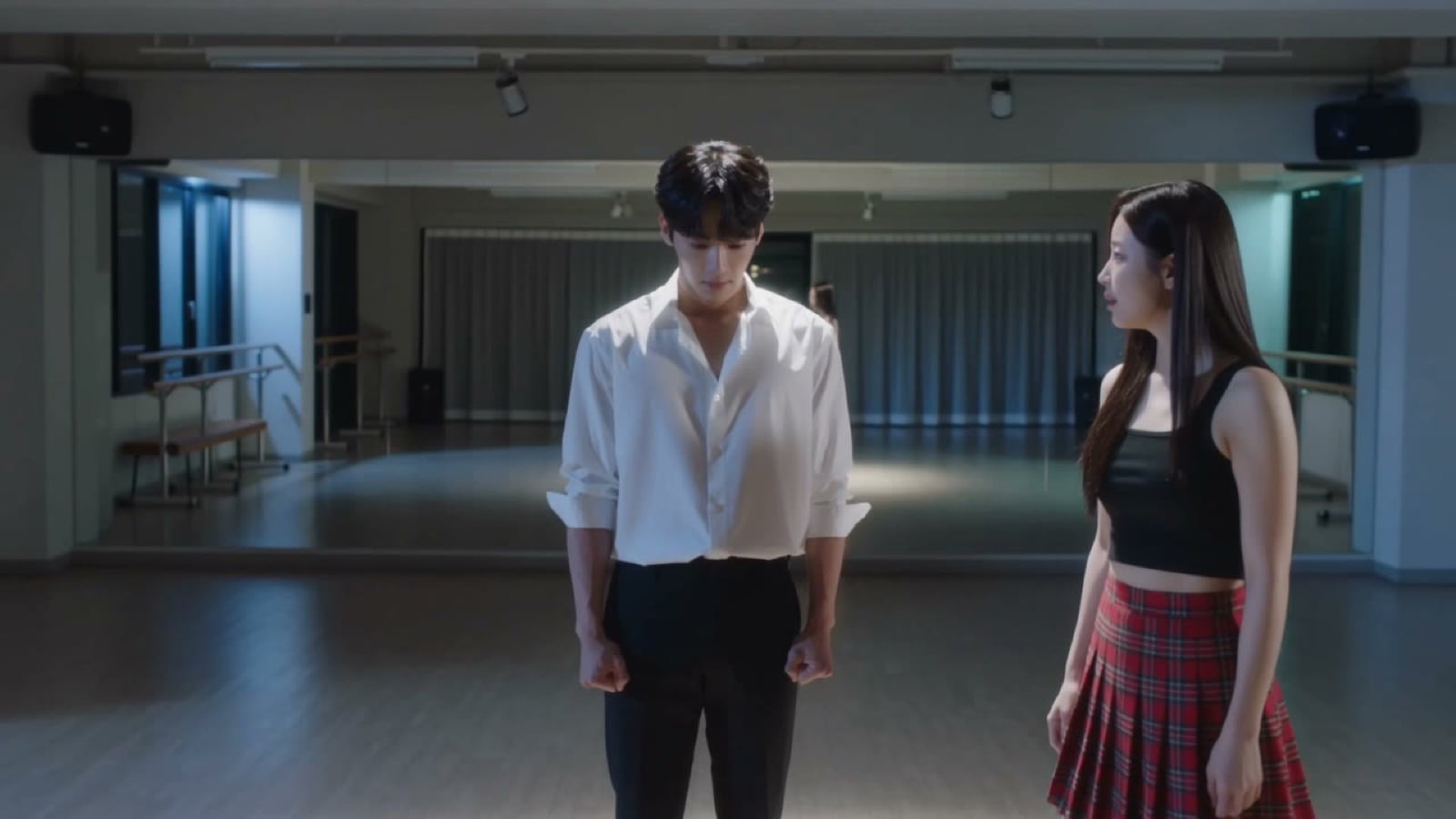
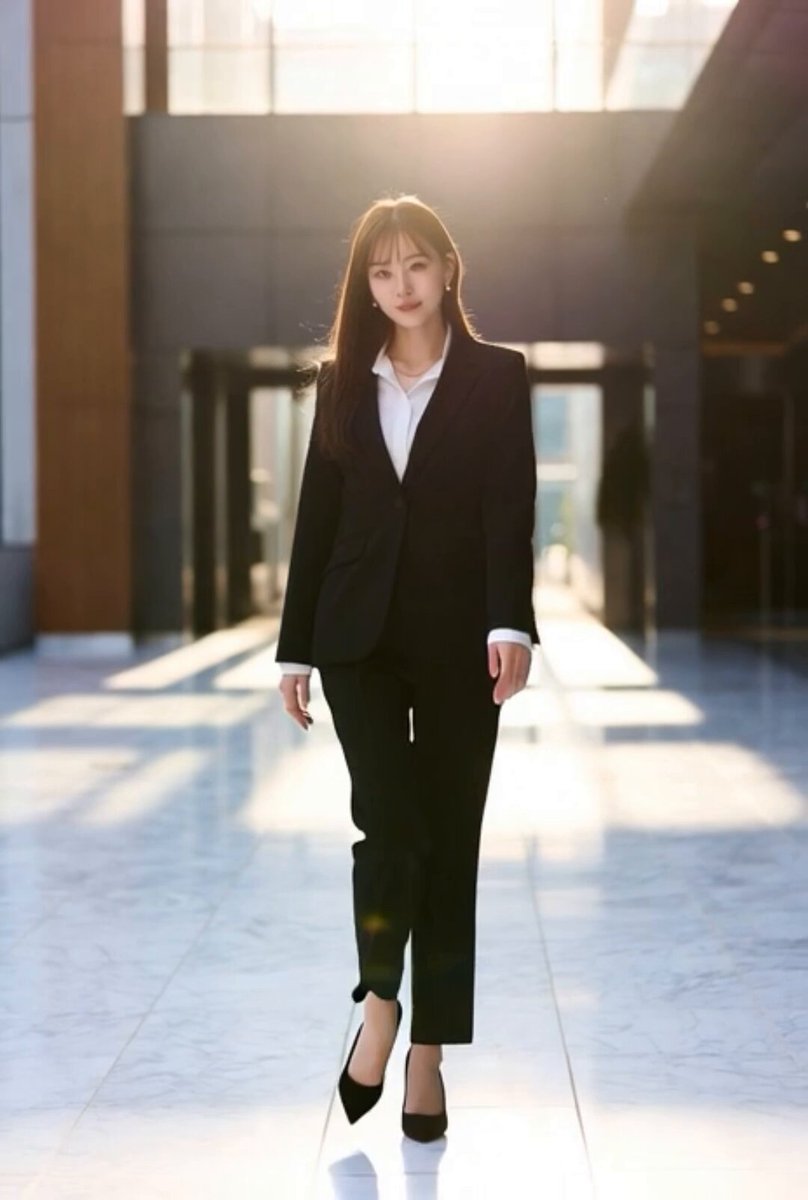
Nano Banana Pro + Seedance 2.0 on Higgsfield | FORMAT: 15s / 145 BPM / 14 SHOTS | SUBJECT: Clean modern outfit | ENVIRONMENT: Street / indoor transitions | MOOD: Discovery → control → confidence | MUSIC: Rhythmic cinematic beat | COLOR LOGIC: Natural with motion blur effects | STYLE: Sleek cinematic | SHOT FLOW: She gestures hand → time slows. People freeze mid-walk. She moves freely. Reverses hand → time rewinds. Objects moving backward. Shocked reaction. Tests control again. Walks through frozen moment. Adjusts small detail (object/person). Releases time. Everything resumes differently. Subtle smile. Walk away. Final glance — power hinted.
Nano Banana Pro + Seedance 2.0 on Higgsfield | FORMAT: 15s / 145 BPM / 14 SHOTS | SUBJECT: Clean modern outfit | ENVIRONMENT: Street / indoor transitions | MOOD: Discovery → control → confidence | MUSIC: Rhythmic cinematic beat | COLOR LOGIC: Natural with motion blur effects | STYLE: Sleek cinematic | SHOT FLOW: She gestures hand → time slows. People freeze mid-walk. She moves freely. Reverses hand → time rewinds. Objects moving backward. Shocked reaction. Tests control again. Walks through frozen moment. Adjusts small detail (object/person). Releases time. Everything resumes differently. Subtle smile. Walk away. Final glance — power hinted.
Edit the prompt in the box under the preview — the template's model and format are already selected — and press Generate. Your version appears right on this page.
Yes. You can change the subject, setting, lighting, mood, format, and available model controls before creating your video.
Opening and editing this template is free. Generating uses credits, shown on the Generate button when you are signed in.
Start with seedance-2.0-standard, which is the model associated with this template. You can compare another compatible model for a different finish.
Follow a topic to a crawlable collection of related PicX Studio templates.