
Subway Flood — Epic Tunnel Chaos
Seedance 2.0 prompt by @CharaspowerAI — Crane shot racing through a dark subway tunnel as a violent flood surge pushes a derailing train, exploding out into a fully flooded city street.
- Prompt included
- Model and format preset
- Free template
The prompt behind this video
Copy the exact prompt behind Subway Flood — Epic Tunnel Chaos, or open it in the studio and make it yours.
Crane shot begins deep inside a subway tunnel. Darkness, flickering lights. A distant rumble grows. The camera slowly tracks backward along the rails as water begins to seep in, then suddenly bursts forward in a violent flood. The camera accelerates, racing just ahead of the wave, tracking a subway train being pushed violently by the water. Sparks fly as it derails. The camera stays locked, then explodes out of the tunnel exit into a fully flooded city street, transitioning seamlessly into daylight chaos.
How to use Subway Flood — Epic Tunnel Chaos in 3 steps
- 1
Open
The prompt is already in the box next to the preview, with the template's model and format selected.
- 2…a portrait of your subject in softgolden-hour light, 85mm…
Personalize
Edit the subject and creative details for your destination.
- 3Generate
Generate
Press Generate — your video is created in PicX Studio, so you can compare it with the original and refine one variable at a time.
More like this
Templates with the same subject, style or setup. Open one to see its prompt.
Naval Painting Breach — Art Gallery Flood (Seedance)
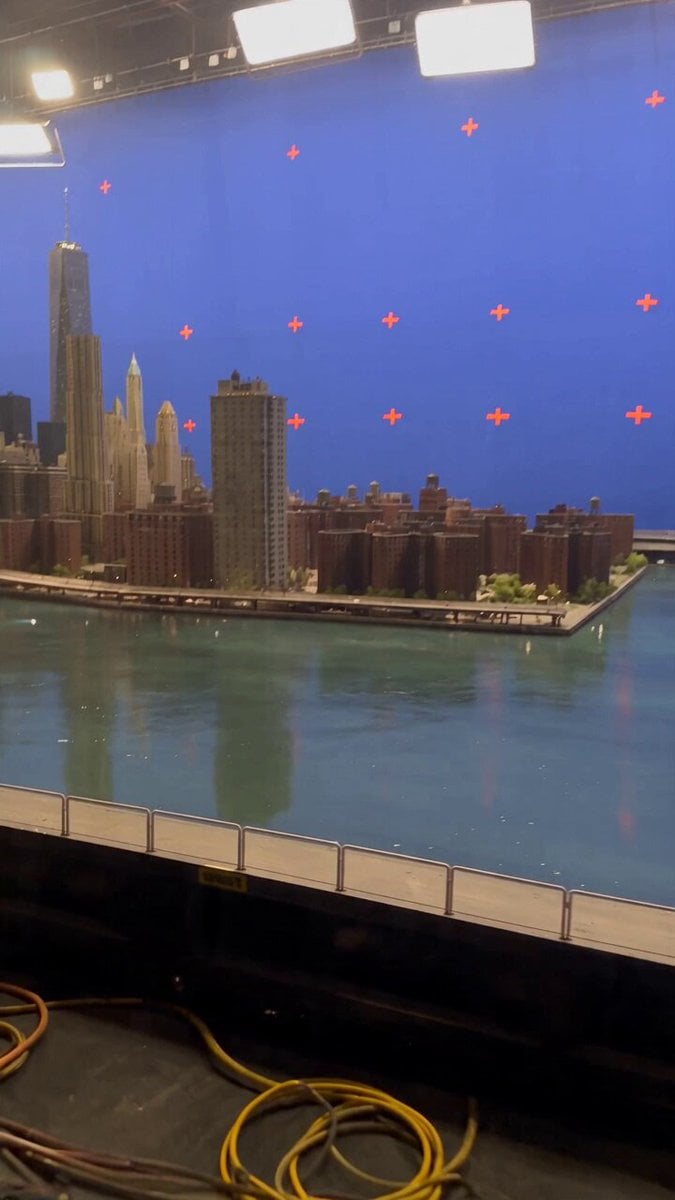
Miniature City Flood Soundstage
Miniature City Flood Soundstage
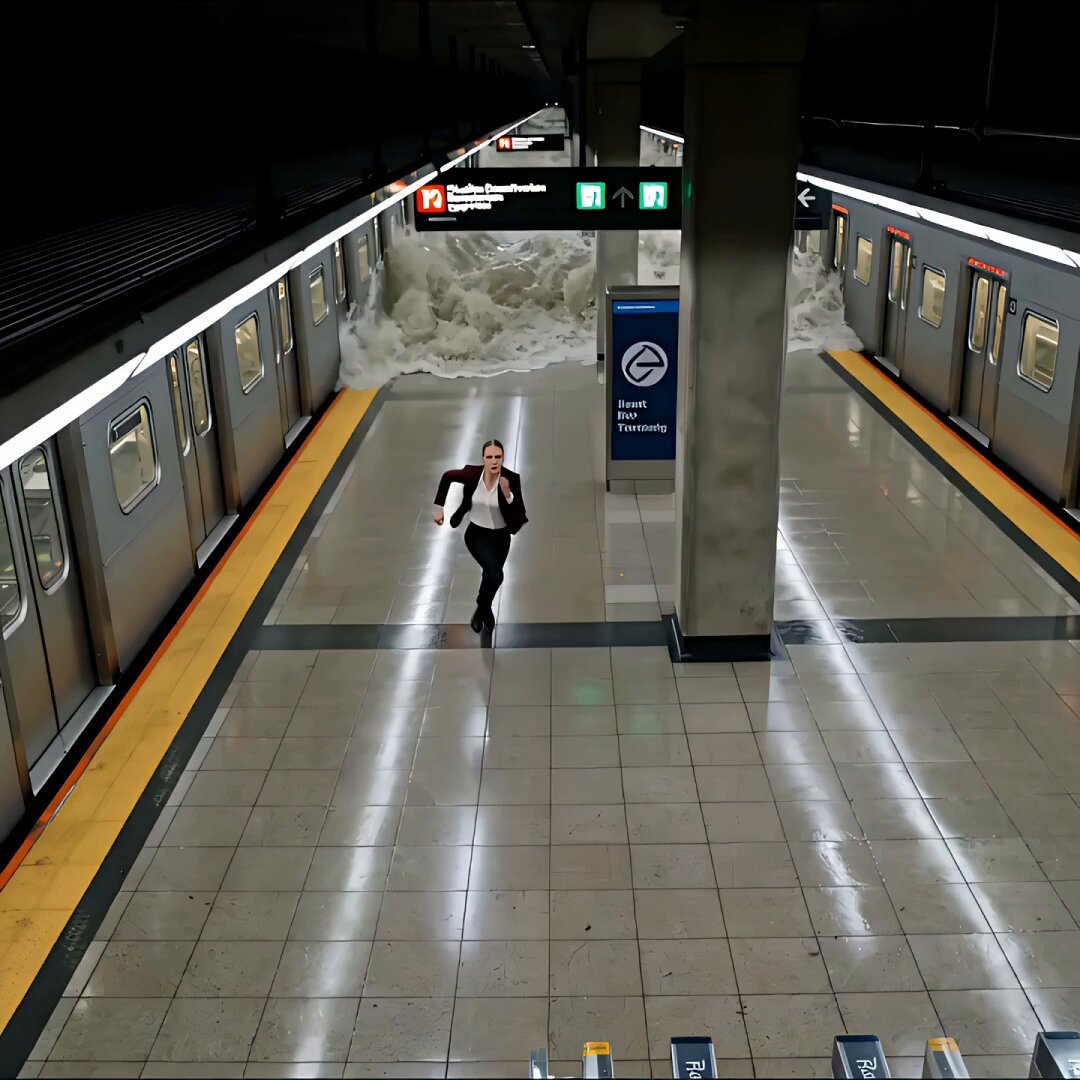
Cinematic Subway Flood Escape

Puppet Time Freeze - Sports Bar Chaos

Sneaker Product Commercial

Cinematic Short Film Scene 2

Multi Panel Storyboard Sheet

Skincare Product Commercial 3

Cinematic Portrait Study 3

Product UGC Commercial

Cinematic Portrait Study
Make it yours
Subway Flood — Epic Tunnel Chaos works as-is. These are the safest ways to change it without losing the look.
Change one field
Copy a single group, rewrite it, and generate again so you can see what that field is doing.
Keep the frame, change the subject
Hold the composition and light of Subway Flood — Epic Tunnel Chaos, then swap wardrobe, props or the person for a new take.
| If the result… | Why | Fix |
|---|---|---|
| The result drifts from the preview | Too many fields changed at once. | Reuse Subway Flood — Epic Tunnel Chaos as-is first, then change one group — subject, light, or setting. |
| The model over-stylizes the scene | The prose prompt leaves finish and camera underspecified. | Add one camera or lighting sentence and stay on Seedance. |
More Seedance templates
Other prompts made for Seedance.
More video prompts
Fresh picks from across the catalog.

Himalayan FPV Drone Flight

Giant Anaconda Houseboat Attack

Animated Ramen Chef Sequence
Rebellious Racer Wheelie Video

Overlapping Realities Sci-Fi Video Prompt

Spider-Man Pregnancy in MCU
Shiny crystal horse with an elegant woman crossing the sea

Sakuga Style Anime Arena Fight

Friends Group Selfie Video Prompt
The Surprise Visit Romance Trailer
Browse template categories
Subway Flood — Epic Tunnel Chaos questions
How do I use the Subway Flood — Epic Tunnel Chaos template?
Add your photo if the template asks for one, edit the prompt if you like — the template's model and format are already selected — and press Generate. Your version opens in PicX Studio.
Can I customize the Subway Flood — Epic Tunnel Chaos template?
Yes. You can change the subject, setting, lighting, mood, format, and available model controls before creating your video.
Is the Subway Flood — Epic Tunnel Chaos template free?
Opening and editing this template is free. Generating uses credits, shown on the Generate button when you are signed in.
Which AI model should I use?
Start with Seedance, which is the model associated with this template. You can compare another compatible model for a different finish.
Looking for something else? Browse all templates.

Your photo, any look
Thousands of ready templates for every top image and video model, from one credit balance.