
Skincare Product Commercial 3
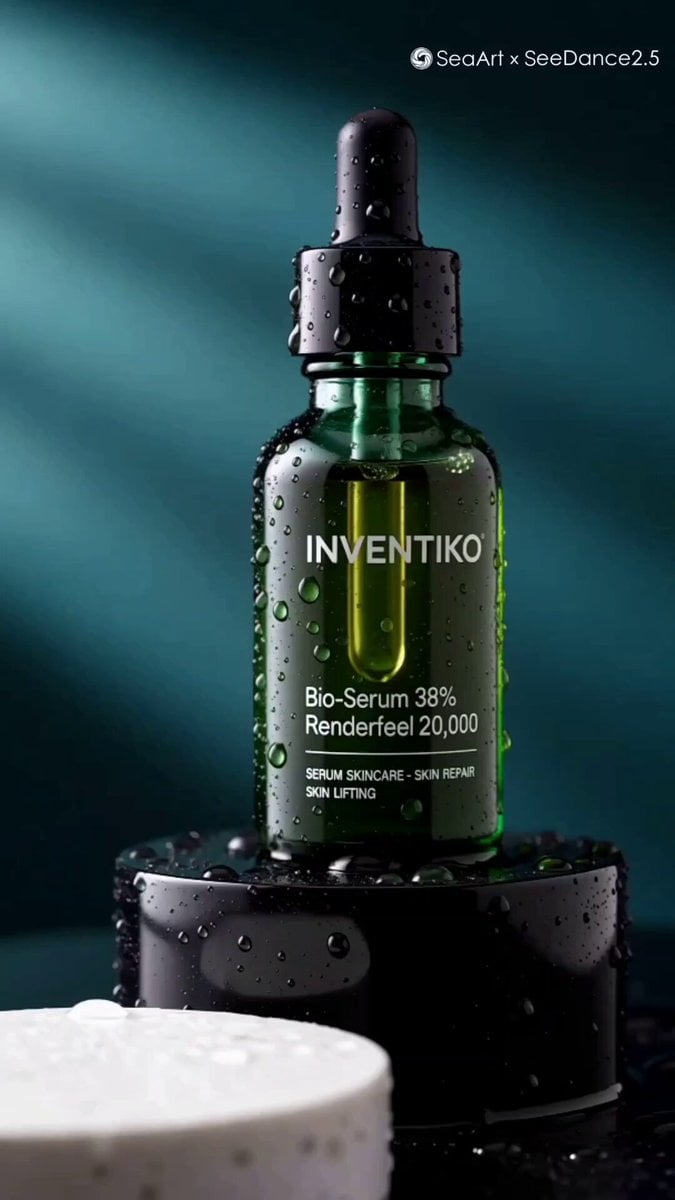
Skincare Product Commercial 3 is a ready video look for Seedance 2.5.
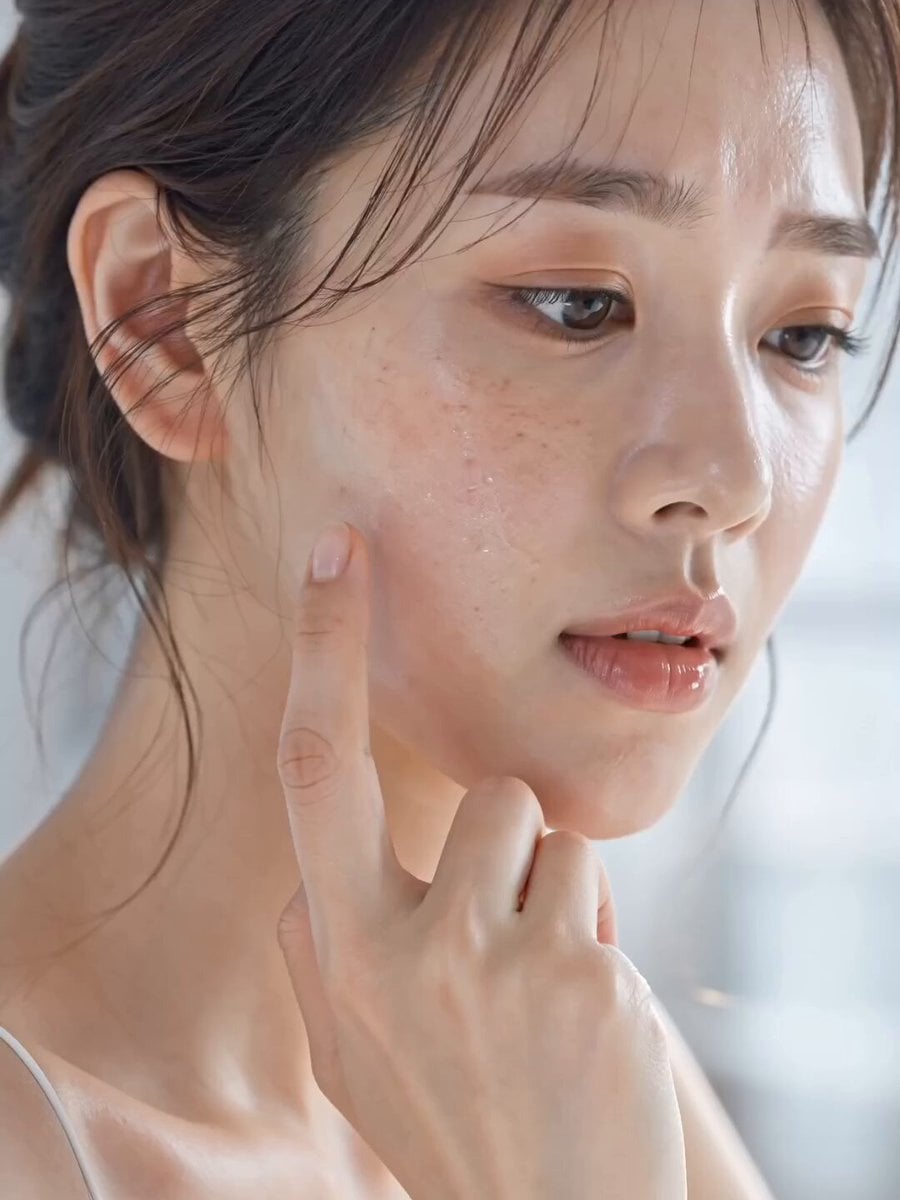
- Prompt included
- Model and format preset
- Free template
The prompt behind this video
Copy the exact prompt behind Skincare Product Commercial 3, or open it in the studio and make it yours.
Create a clean, bright skincare commercial storyboard in a 16:9 layout with 9 panels. Use soft natural lighting, minimal aesthetic, and a fresh, airy mood with white and pastel tones. The main character is a young woman with soft makeup and styled hair, wearing light, elegant clothing. The setting is a modern, sunlit interior with large windows and a calm atmosphere. No text or subtitles anywhere. Show a clear story flow: she starts at her desk looking slightly tired or concerned, then a close-up of her face showing dry or dull skin. She discovers a clear skincare bottle and gently presents it. Show a close-up of the liquid pouring onto her hand, followed by her applying it to her face. After use, her skin looks hydrated, glowing, and smooth. Transition to her feeling confident and refreshed, walking in a bright, clean space with soft breeze and flowing elements. End with a calm product beauty shot on a minimal surface, then a final frame of her smiling softly at the camera while holding the product. Focus on natural expressions, glowing skin, and a transformation from dull to fresh. Include cinematic close-ups, soft focus, light reflections, and subtle sparkles to enhance the clean beauty feel. Keep everything elegant, minimal, and visually soothing with no branding text.
How to use Skincare Product Commercial 3 in 3 steps
- 1
Open
The prompt is already in the box next to the preview, with the template's model and format selected.
- 2…a portrait of your subject in softgolden-hour light, 85mm…
Personalize
Edit the subject and creative details for your destination.
- 3Generate
Generate
Press Generate — your video is created in PicX Studio, so you can compare it with the original and refine one variable at a time.
More like this
Templates with the same subject, style or setup. Open one to see its prompt.
Product UGC Commercial
Skincare Product Commercial
Sneaker Product Commercial
Ice Queen — Frozen Battlefield Time Control (Seedance)

Seedance 2.5 - @Diplomeme - 446818
Seedance 2.5 - @AIwithkhan - 901550
Seedance 2.5 - @AIwithkhan - 801709
Out of Control — Seedance 2.0
Nano Banana Seedance Time Control Streets
Photorealistic Automotive Video Commercial
UGC Skincare Brand Video Commercial
Luxury Skincare Product Commercial
Make it yours
Skincare Product Commercial 3 works as-is. These are the safest ways to change it without losing the look.
Change one field
Copy a single group, rewrite it, and generate again so you can see what that field is doing.
Keep the frame, change the subject
Hold the composition and light of Skincare Product Commercial 3, then swap wardrobe, props or the person for a new take.
| If the result… | Why | Fix |
|---|---|---|
| The result drifts from the preview | Too many fields changed at once. | Reuse Skincare Product Commercial 3 as-is first, then change one group — subject, light, or setting. |
| The model over-stylizes the scene | The prose prompt leaves finish and camera underspecified. | Add one camera or lighting sentence and stay on Seedance 2.5. |
More Seedance 2.5 templates
Other prompts made for Seedance 2.5.


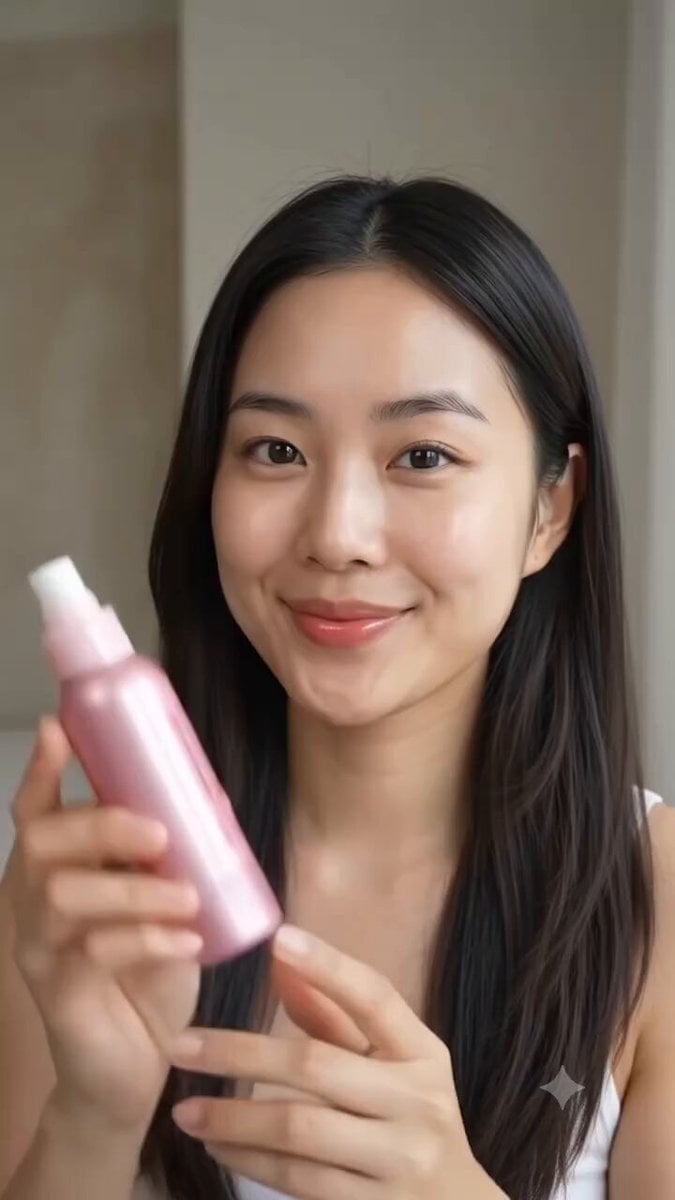
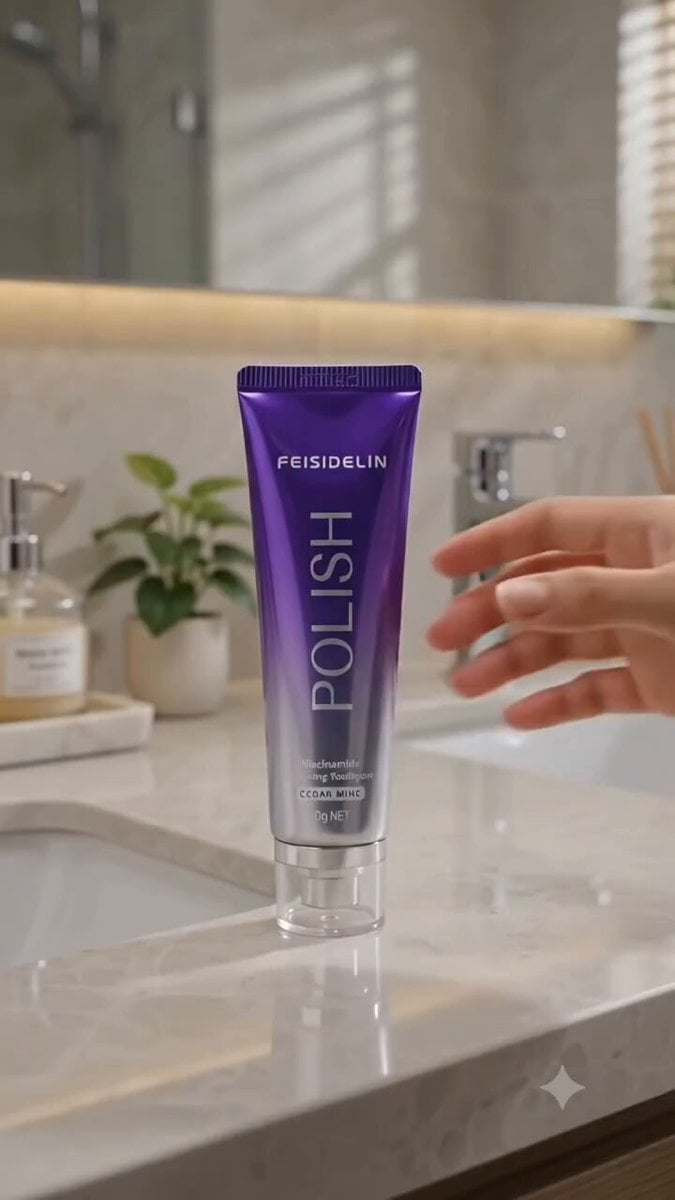
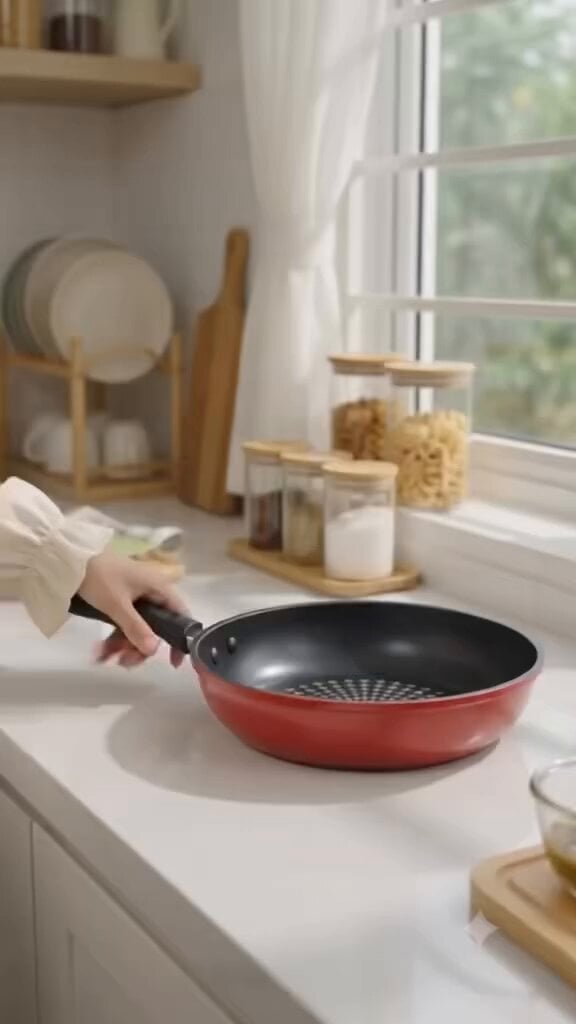
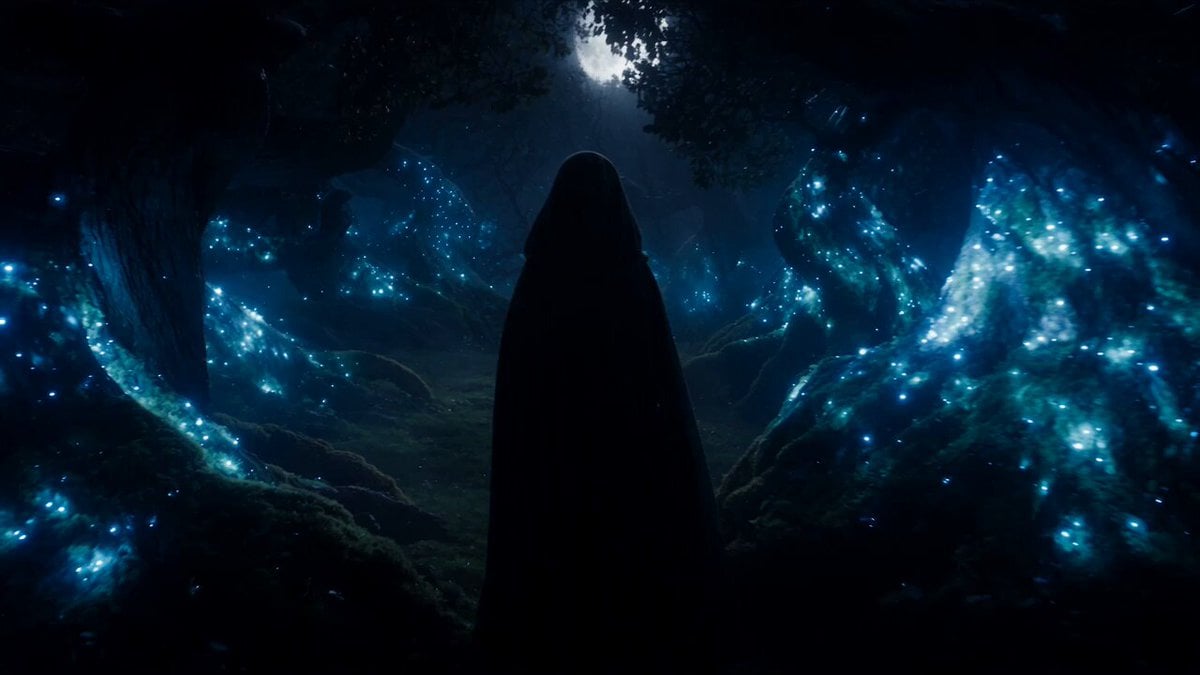
More video prompts
Fresh picks from across the catalog.

Morning Reset Sunrise Routine

Serene High Elf Female
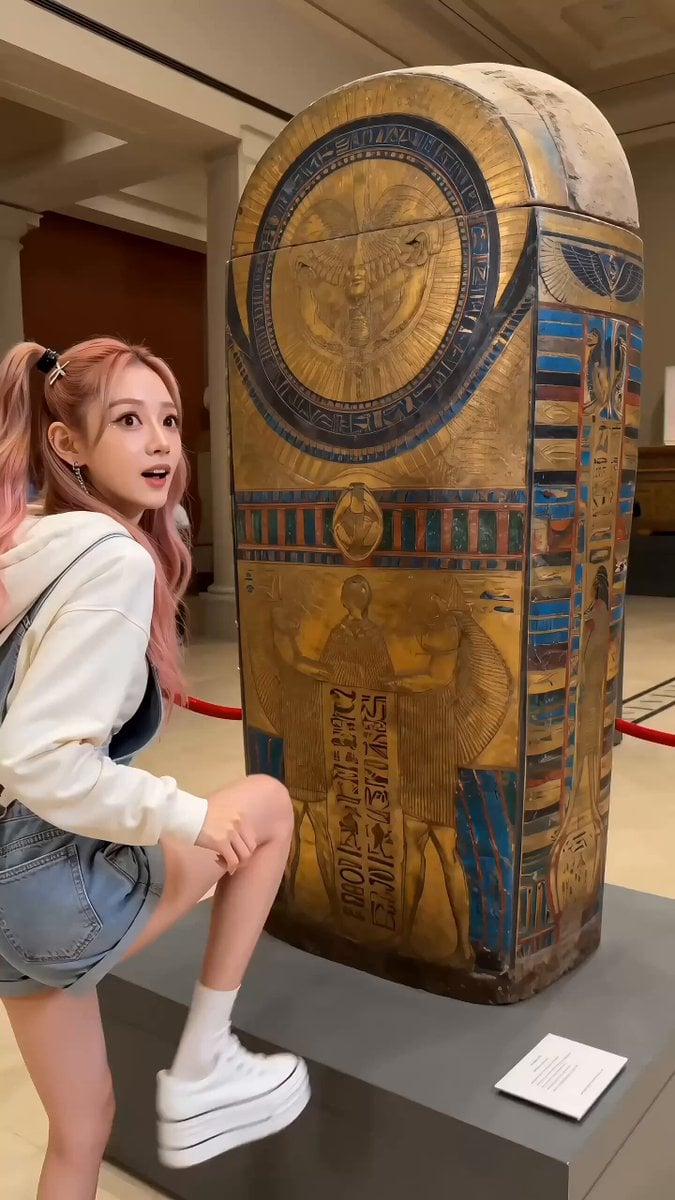
Museum Selfie Slapstick Comedy

Hyper-Realistic Pagani Huayra Night Drift
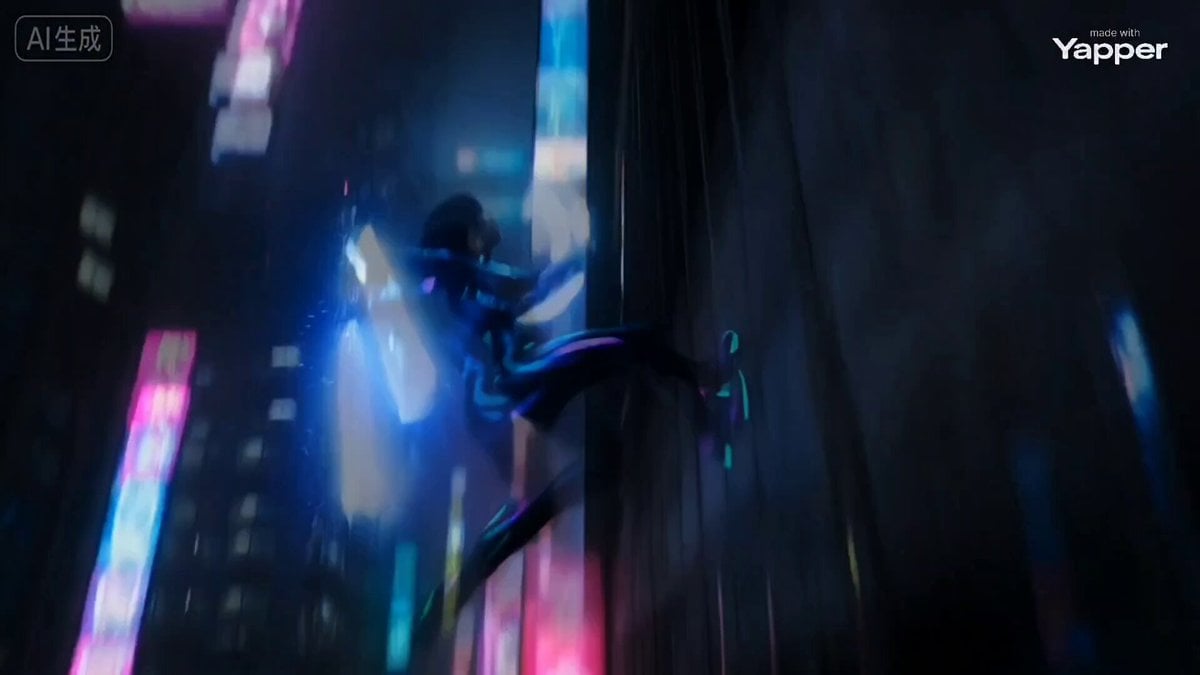
Cyber Ninja vs. Holographic Alien Fight Prompt
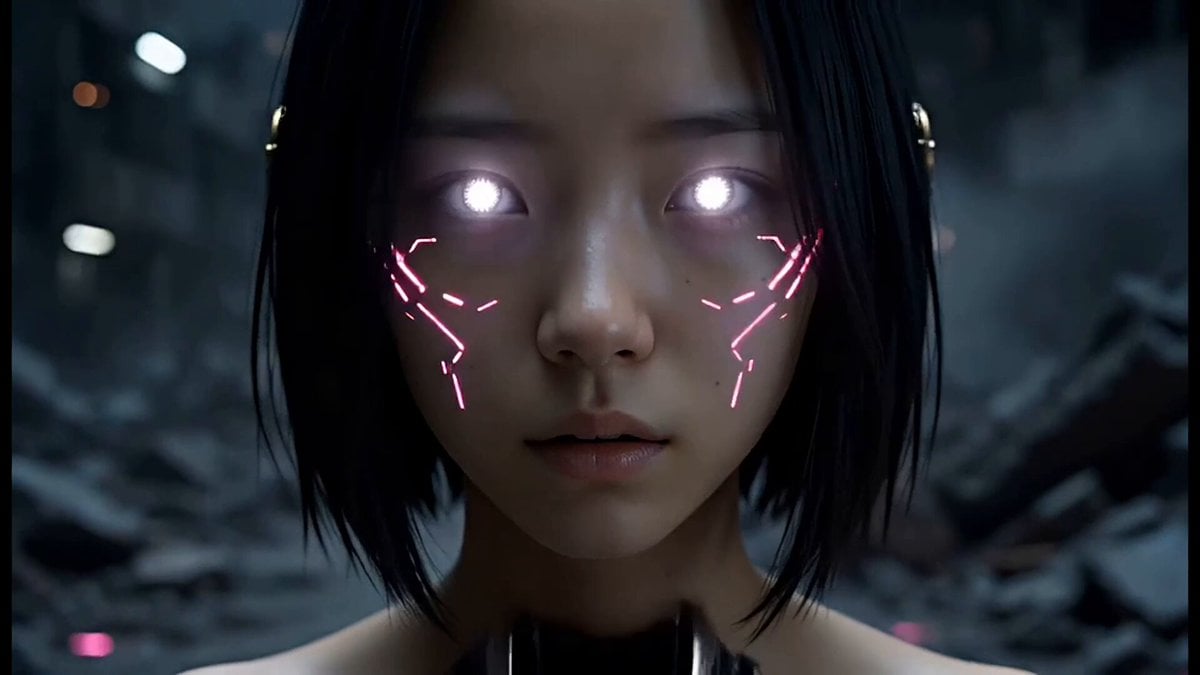
Epic Cyberpunk Aerial Combat Sequence

Deadpan Absurdist Comedy Video Prompt
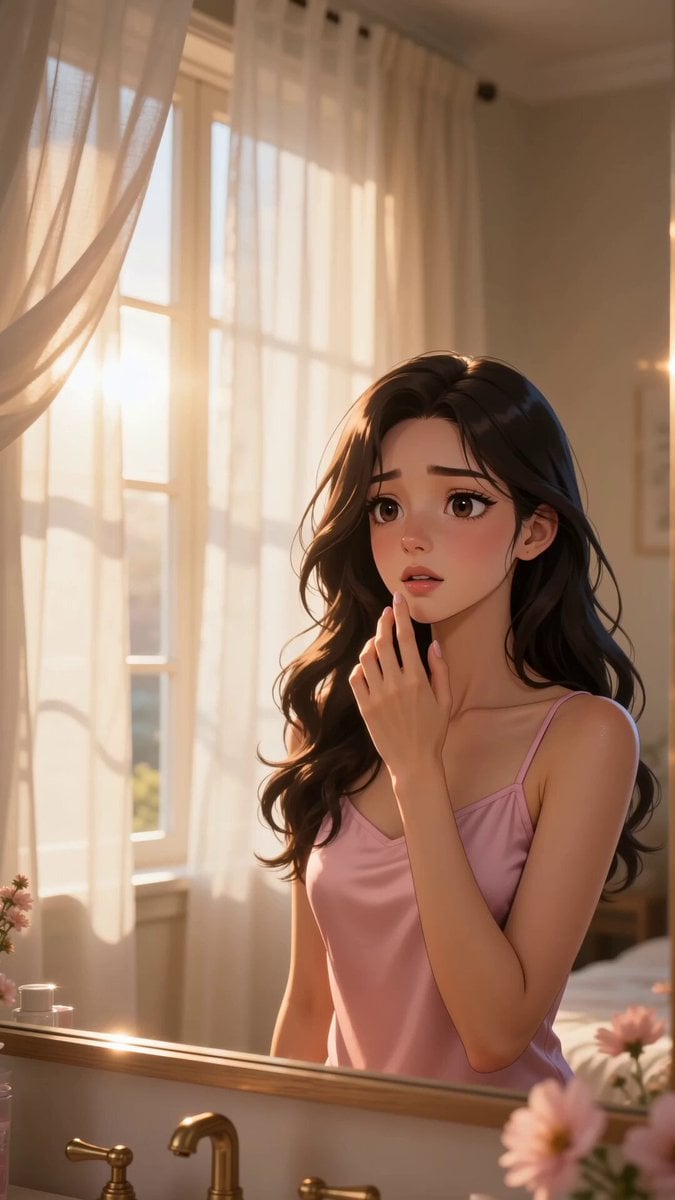
Luxury Skincare Lip Balm Ad
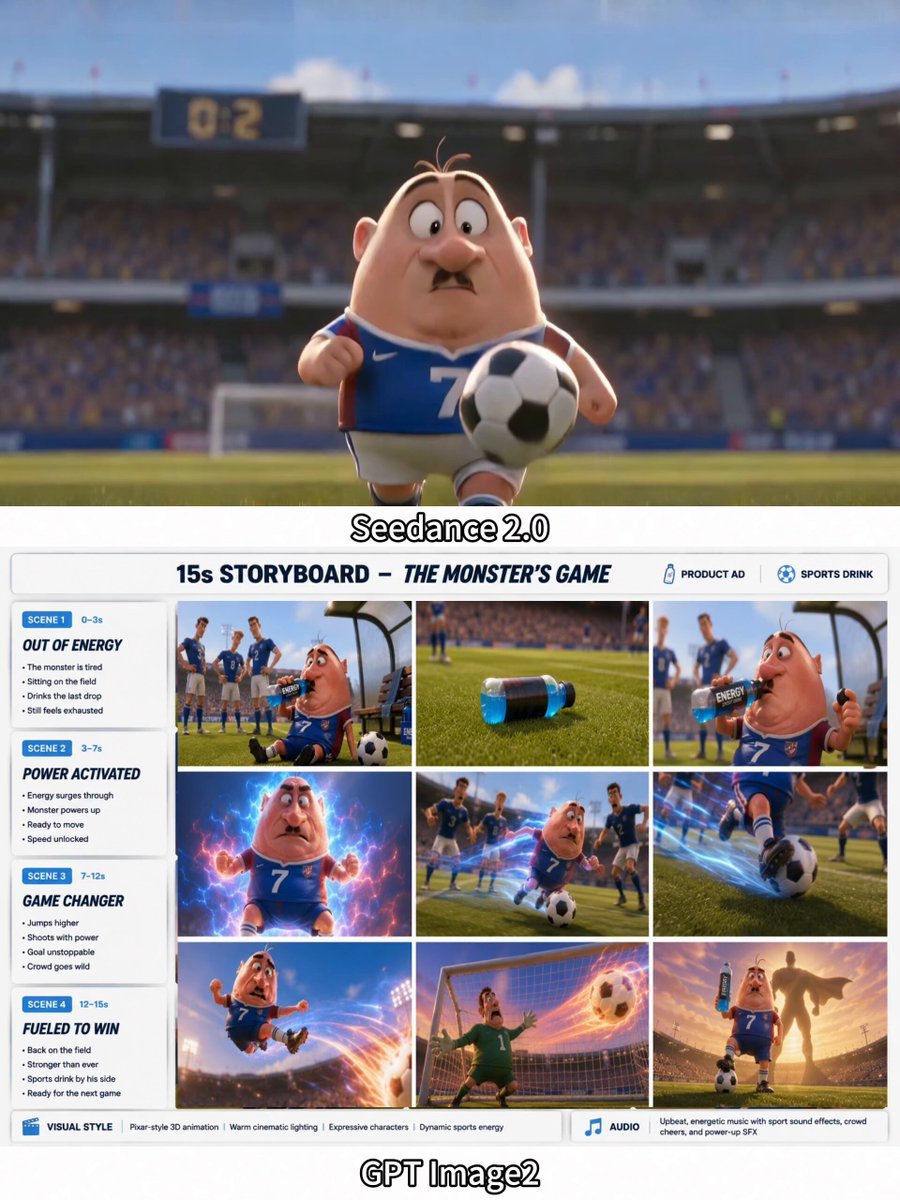
3D Soccer Energy Drink Commercial
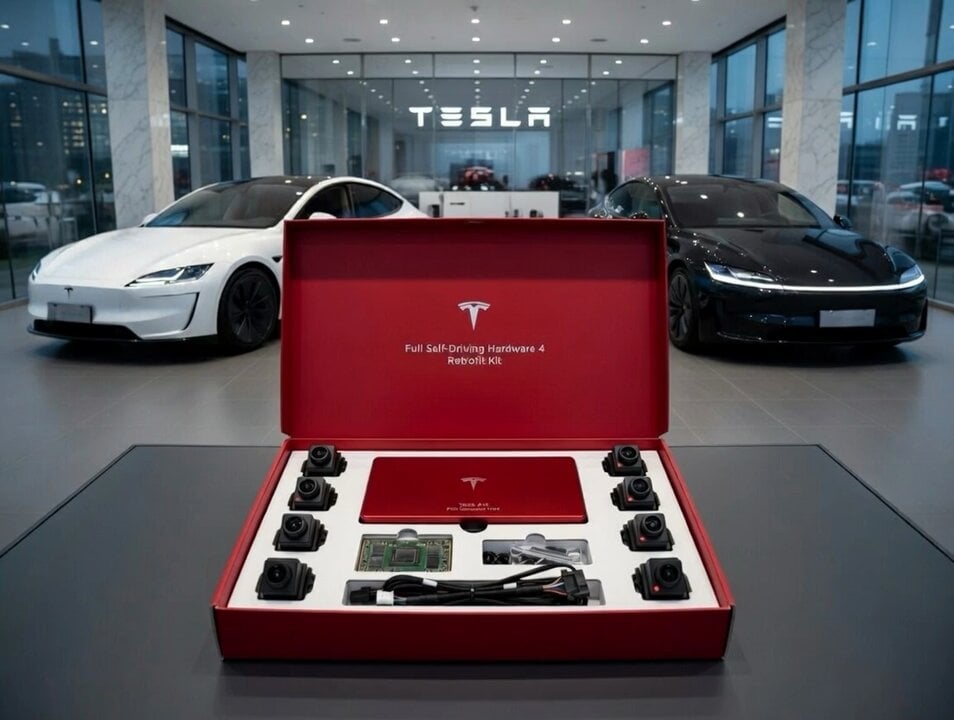
Tesla FSD Instead of a Ring
Browse template categories
Skincare Product Commercial 3 questions
How do I use the Skincare Product Commercial 3 template?
Add your photo if the template asks for one, edit the prompt if you like — the template's model and format are already selected — and press Generate. Your version opens in PicX Studio.
Can I customize the Skincare Product Commercial 3 template?
Yes. You can change the subject, setting, lighting, mood, format, and available model controls before creating your video.
Is the Skincare Product Commercial 3 template free?
Opening and editing this template is free. Generating uses credits, shown on the Generate button when you are signed in.
Which AI model should I use?
Start with Seedance 2.5, which is the model associated with this template. You can compare another compatible model for a different finish.
Looking for something else? Browse all templates.

Your photo, any look
Thousands of ready templates for every top image and video model, from one credit balance.