
Hyper-Realistic Pagani Huayra Night Drift
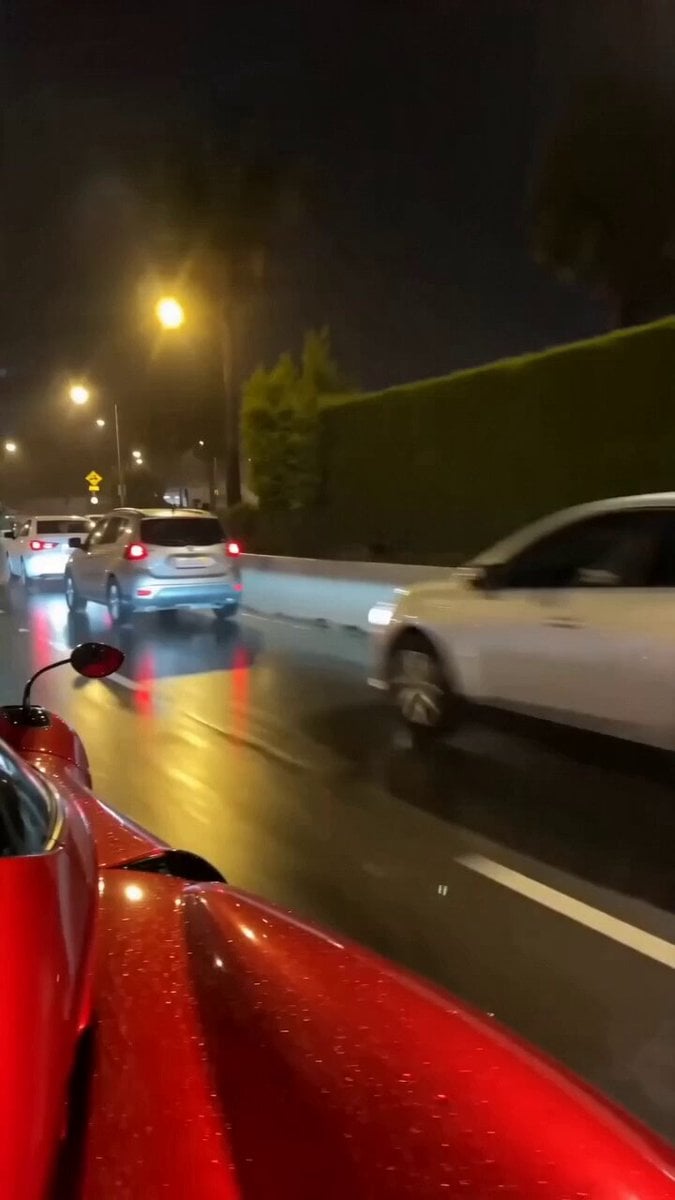
A gritty, documentary-style street racing prompt featuring a Pagani Huayra hypercar drifting on wet city roads at night.
- Prompt included
- Model and format preset
- Free template
The prompt behind this video
Copy the exact prompt behind Hyper-Realistic Pagani Huayra Night Drift, or open it in the studio and make it yours.
[Cinematography]: Single continuous shot, cinematic 4K 60fps, documentary-style handheld street cameraman perspective with intense camera vibration during close passes. Low-angle tracking chase shot capturing realistic motion blur. Ultra photorealistic real-life footage style, completely devoid of any CGI look. [Subject]: A glossy, striking red Pagani Huayra hypercar, highly detailed with aerodynamic body panels and glowing exhaust. [Action]: Drifting aggressively with intense oversteer through a dangerous high-speed corner. Hyper-realistic stunt driving showcases authentic tire grip, dynamic weight transfer, visible suspension movement, natural body roll, and rapid steering corrections. Subtle authentic tire smoke billows from the rear tires, accompanied by bright sparks flying from the undercarriage. [Context]: A narrow city highway at night. The road is slick and wet, featuring hyper-realistic puddle reflections of street lights. Nearby civilian traffic is seen swerving and moving away in panic to avoid the speeding hypercar. [Style & Ambiance]: Gritty Hollywood street racing atmosphere. Nighttime natural lighting with high contrast, illuminated by harsh overhead sodium vapor street lamps and the glowing red streaks of the car's taillights. Thrilling, dangerous, high-octane mood with a raw, visceral documentary edge.
How to use Hyper-Realistic Pagani Huayra Night Drift in 3 steps
- 1
Open
The prompt is already in the box next to the preview, with the template's model and format selected.
- 2…a portrait of your subject in softgolden-hour light, 85mm…
Personalize
Edit the subject and creative details for your destination.
- 3Generate
Generate
Press Generate — your video is created in PicX Studio, so you can compare it with the original and refine one variable at a time.
More like this
Templates with the same subject, style or setup. Open one to see its prompt.

Cinematic Istanbul Night Fight - Seedance 2.5
Late Night Kitchen Phone Recording - Seedance 2.5

Korean Night Market Bullet-Time Scene - Seedance 2.5

Forest Fantasy Girl Short Film

Live-Action Firefighter Rescue Night Scene
Porsche 911 GT3 RS Night Racing — Neon City Streets
Rainforest Thriller — Searching the Unseen
Asteroid Impact City Destruction
Silver Lotus Evija Urban Night Drift
Rally Car Coastal Drift Rescue
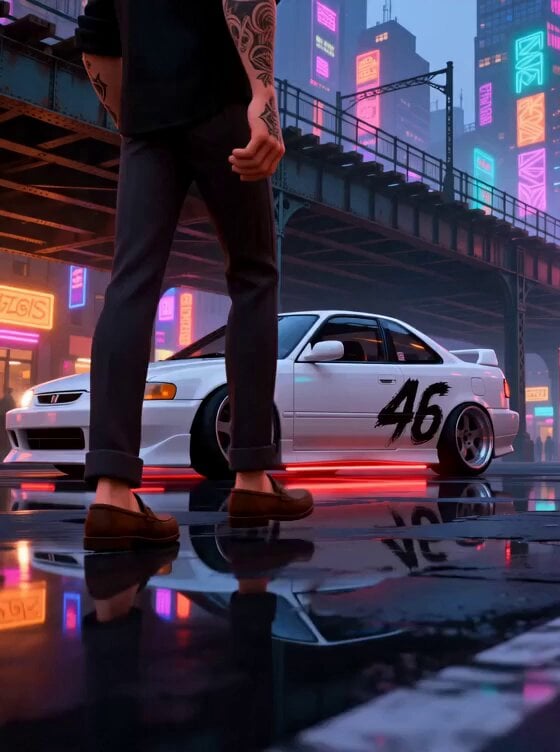
Stylized New York Drift Animation
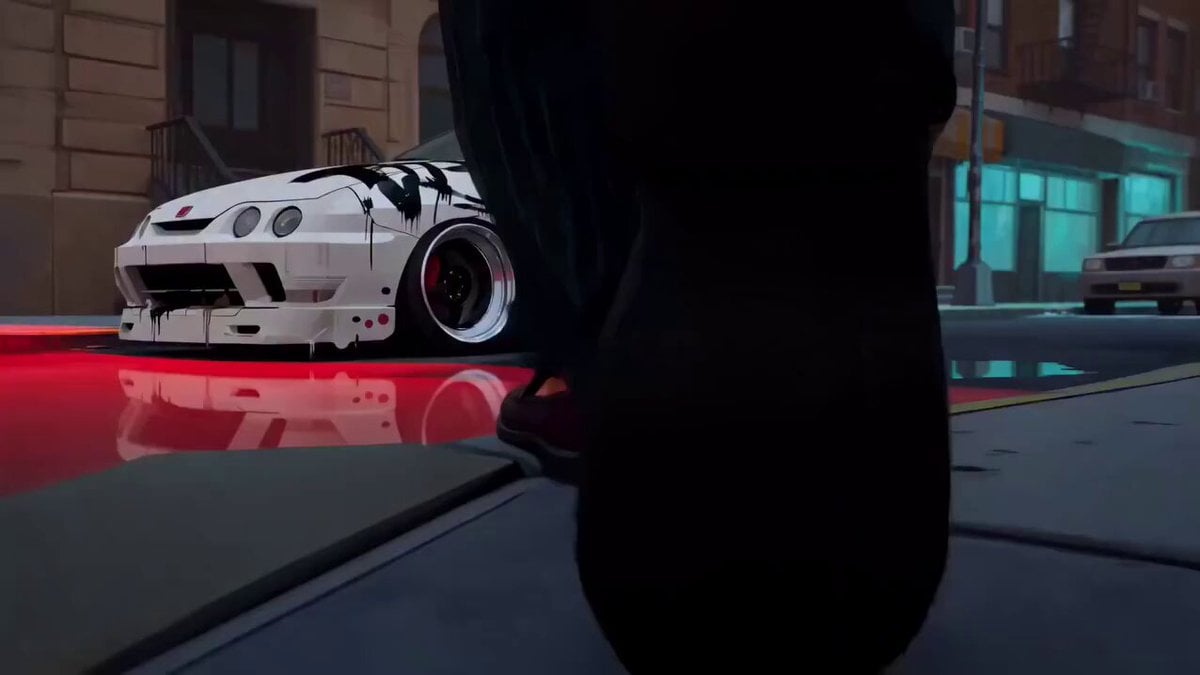
Spider-Verse Style Car Drift
Make it yours
Hyper-Realistic Pagani Huayra Night Drift works as-is. These are the safest ways to change it without losing the look.
Change one field
Copy a single group, rewrite it, and generate again so you can see what that field is doing.
Keep the frame, change the subject
Hold the composition and light of Hyper-Realistic Pagani Huayra Night Drift, then swap wardrobe, props or the person for a new take.
| If the result… | Why | Fix |
|---|---|---|
| The result drifts from the preview | Too many fields changed at once. | Reuse Hyper-Realistic Pagani Huayra Night Drift as-is first, then change one group — subject, light, or setting. |
| The model over-stylizes the scene | The prose prompt leaves finish and camera underspecified. | Add one camera or lighting sentence and stay on Seedance 2.0. |
More Seedance 2.0 templates
Other prompts made for Seedance 2.0.

Comical Martial Arts Punch Scene

Maglev Train Action Sequence

Martial Arts Fight Sequence

Wuxia Protection and Trust Script

Vintage Korean Arcade MiniDV Vlog

Mercedes 190 SL Luxury Ad

Amazon Civilization Discovery

Futuristic South Asian City Transformation

Cozy Luxury Cafe Commercial

Cyber Ronin Nanotech Transformation Video
More video prompts
Fresh picks from across the catalog.

Photorealistic 2.5D Anime Scene Prompt
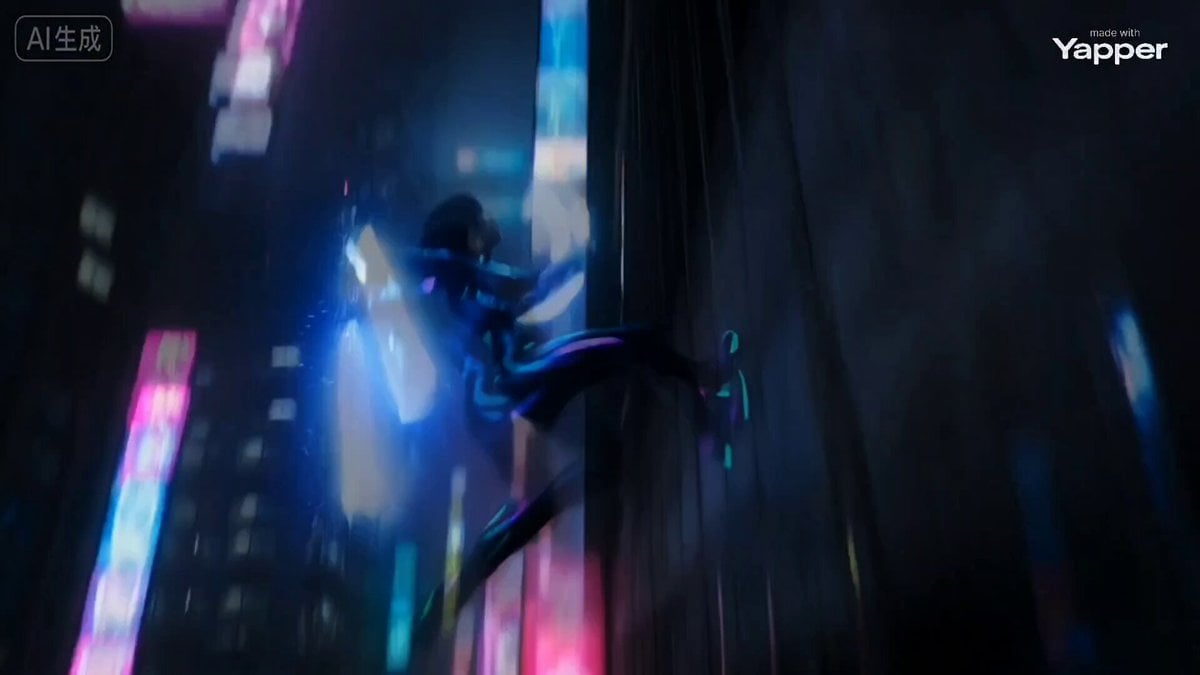
Cyber Ninja vs. Holographic Alien Fight Prompt
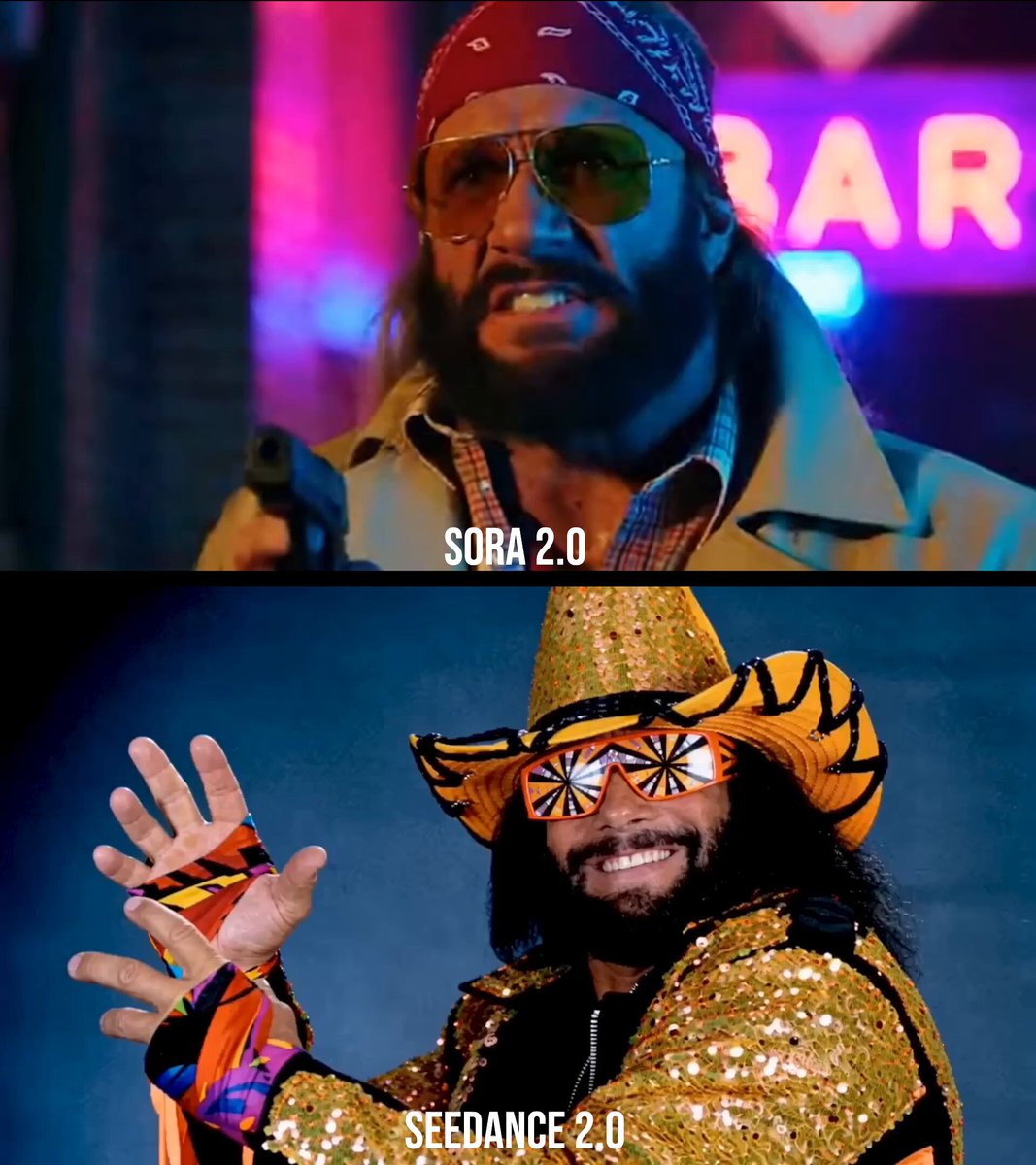
Macho Man Randy Savage Commercial Prompt
Sweet Boyfriend POV Interaction Video
Misa Time Freeze Japanese
Cartoon Monster Dog in Jungle Prompt
Stormy Pirate Ship Cinematic
Abandoned Gothic Cathedral with Shadow Figures
Emotional Neighborhood Short Film
Watercolor Cartoon Single-Shot Video Prompt
Browse template categories
Hyper-Realistic Pagani Huayra Night Drift questions
How do I use the Hyper-Realistic Pagani Huayra Night Drift template?
Add your photo if the template asks for one, edit the prompt if you like — the template's model and format are already selected — and press Generate. Your version opens in PicX Studio.
Can I customize the Hyper-Realistic Pagani Huayra Night Drift template?
Yes. You can change the subject, setting, lighting, mood, format, and available model controls before creating your video.
Is the Hyper-Realistic Pagani Huayra Night Drift template free?
Opening and editing this template is free. Generating uses credits, shown on the Generate button when you are signed in.
Which AI model should I use?
Start with Seedance 2.0, which is the model associated with this template. You can compare another compatible model for a different finish.
Looking for something else? Browse all templates.

Your photo, any look
Thousands of ready templates for every top image and video model, from one credit balance.