
Late Night Kitchen Phone Recording - Seedance 2.5
A realistic 30-second smartphone vlog prompt featuring an everyday late-night cooking scene with natural lighting and audio.

- Prompt included
- Model and format preset
- Free template
The prompt behind this video
Copy the exact prompt behind Late Night Kitchen Phone Recording - Seedance 2.5, or open it in the studio and make it yours.
FORMAT: 30-second horizontal 16:9 realistic smartphone video. Create an authentic, imperfect everyday late-night kitchen phone recording, as if a friend casually left a phone recording on the counter. Use a standard smartphone camera with mild autofocus hunting, subtle exposure shifts, natural motion blur, compression artifacts, and slightly uneven handheld framing. No polished commercial look. 00–05s — WALKING IN The character walks into a quiet home kitchen carrying a small grocery bag. They set it on the counter, sigh quietly, and pull out a few simple ingredients. They glance at the phone for a second before turning back toward the counter. Camera remains several feet away at counter height, as if casually recording from a nearby surface. 05–10s — GETTING STARTED They wash their hands, turn on the kitchen light, and begin preparing the ingredients. A cutting board shifts slightly against the counter. They pause to move it into a better position. The character looks tired but relaxed, occasionally brushing their hair away from their forehead. 10–15s — COOKING They place a pan on the stove and begin cooking. Steam gradually becomes visible. The phone autofocus briefly shifts between the character and the foreground pan before settling again. They stir the food, taste a tiny amount, think for a moment, then add a little more seasoning. No readable labels or packaging should be visible. 15–20s — SMALL MISTAKE The character gets distracted for a moment and notices the food starting to cook more quickly than expected. They immediately lower the heat and give a small amused shake of their head. They quietly mutter something like: “Yeah… almost forgot about that.” The delivery should feel spontaneous and understated. 20–25s — FINISHING They finish preparing the food, turn off the stove, and carefully transfer the meal onto a plate. They wipe a small splash from the counter with a paper towel. Natural movements only—nothing overly choreographed. 25–30s — QUIET ENDING They sit at the kitchen table with the finished meal. They take one bite, pause, and give a small satisfied smile. They look toward the phone and quietly say: “Honestly… not bad.” They pick up the fork again and continue eating as the camera keeps recording for another moment before the clip naturally ends. AUDIO Natural kitchen ambience only: refrigerator hum, ventilation, running water, utensil sounds, pan sizzling, footsteps, clothing movement, cupboard and drawer sounds, plate and fork noises, and subtle room ambience. No music. Dialogue should sound spontaneous and conversational, with natural pauses and imperfect delivery. VISUAL REALISM Authentic smartphone footage, ordinary warm household lighting, realistic skin texture, natural shadows, mild phone-camera sharpening, subtle compression noise, imperfect exposure, slight autofocus changes, believable reflections, natural steam, realistic food textures
How to use Late Night Kitchen Phone Recording - Seedance 2.5 in 3 steps
- 1
Open
The prompt is already in the box next to the preview, with the template's model and format selected.
- 2…a portrait of your subject in softgolden-hour light, 85mm…
Personalize
Edit the subject and creative details for your destination.
- 3Generate
Generate
Press Generate — your video is created in PicX Studio, so you can compare it with the original and refine one variable at a time.
More like this
Templates with the same subject, style or setup. Open one to see its prompt.

Wholesome Puppy and Kitten Story - Seedance 2.5

Mysterious Home Exploration Vlog - Seedance 2.5

Dark Tokusatsu Transformation - Seedance 2.5

Cinematic Xinjiang Drone Landscapes - Seedance 2.5

3D Animated Cat and Old Man - Seedance

Realistic City Street Story Cinematic Video - Seedance
Bullet Time Selfie — Modular Parameter Template (Seedance)
Rainforest Thriller — Searching the Unseen
Asteroid Impact City Destruction
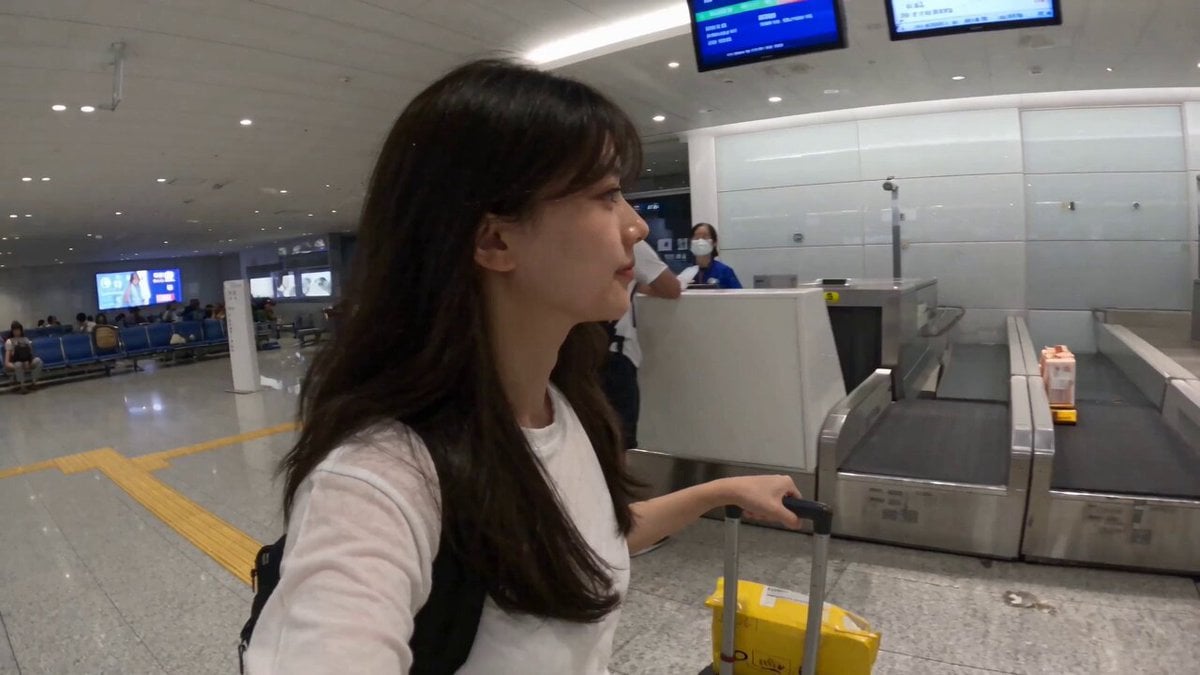
Smartphone Travel Vlog Tokyo Trip Identity Preserved
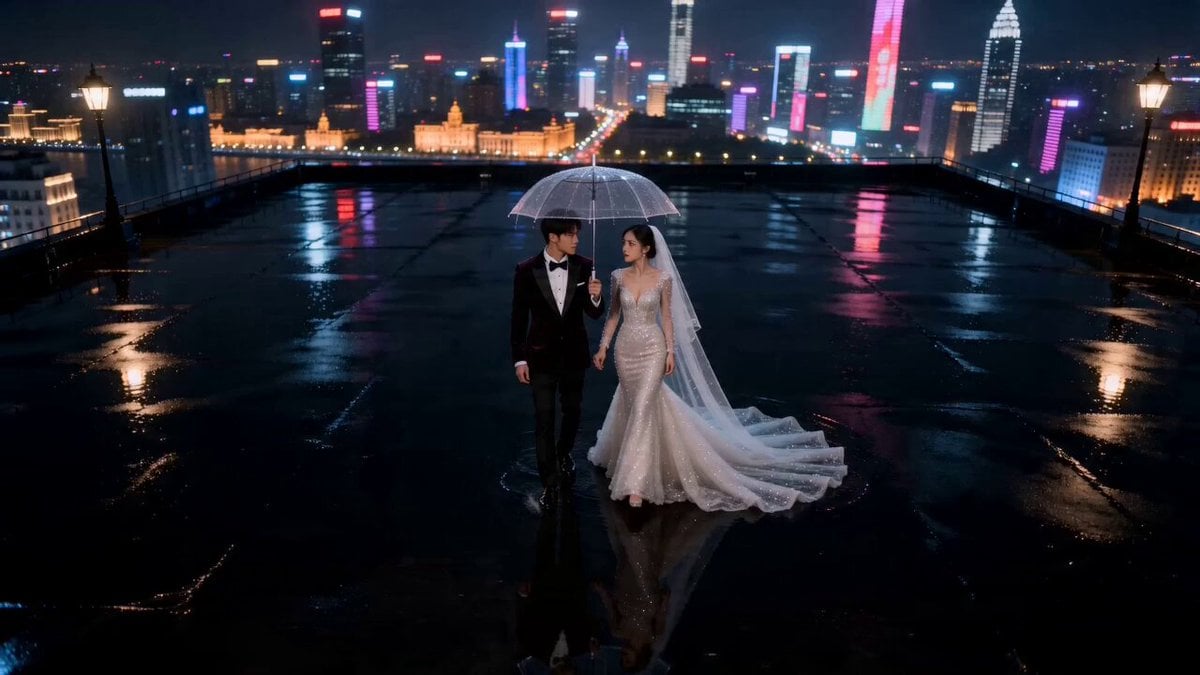
Seedance 2.0 AI Wedding Video Prompt: Cinematic Night Scene
Griffin Knight Mountain Kingdom — Seedance 2.0
Make it yours
Late Night Kitchen Phone Recording - Seedance 2.5 works as-is. These are the safest ways to change it without losing the look.
Change one field
Copy a single group, rewrite it, and generate again so you can see what that field is doing.
Keep the frame, change the subject
Hold the composition and light of Late Night Kitchen Phone Recording - Seedance 2.5, then swap wardrobe, props or the person for a new take.
| If the result… | Why | Fix |
|---|---|---|
| The result drifts from the preview | Too many fields changed at once. | Reuse Late Night Kitchen Phone Recording - Seedance 2.5 as-is first, then change one group — subject, light, or setting. |
| The model over-stylizes the scene | The prose prompt leaves finish and camera underspecified. | Add one camera or lighting sentence and stay on Seedance 2.5. |
More Seedance 2.5 templates
Other prompts made for Seedance 2.5.
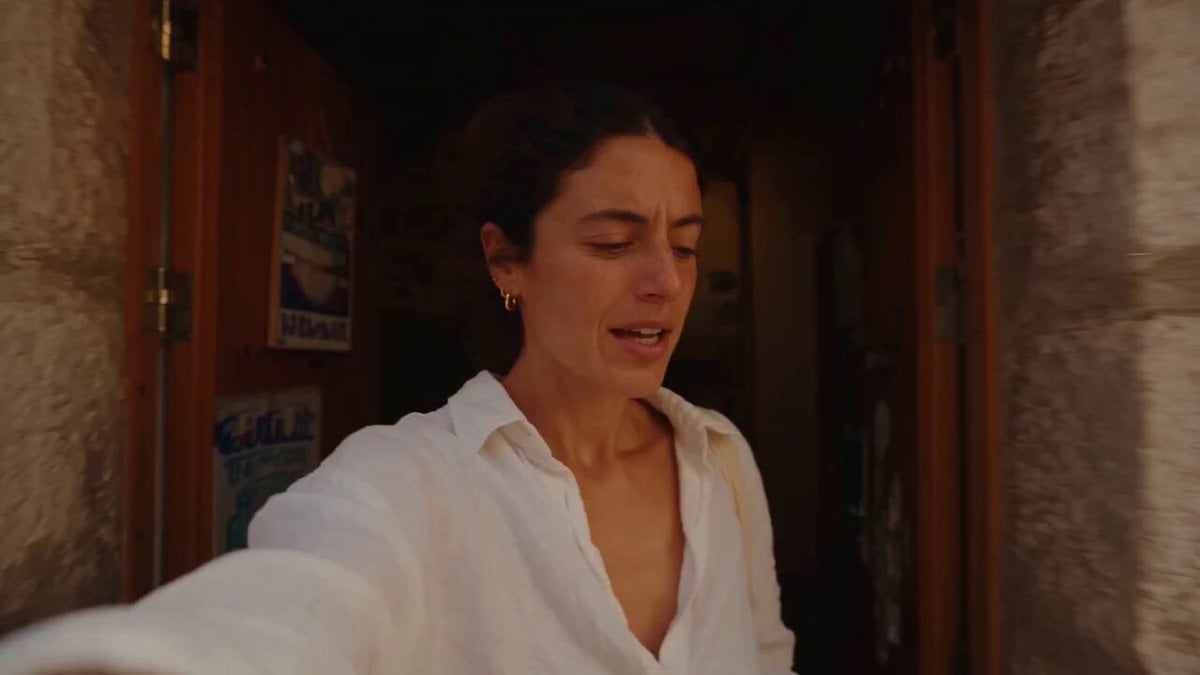
Mediterranean Coffee Run Vlog - Seedance 2.5

Sci-Fi Disaster Movie Scene - Seedance 2.5
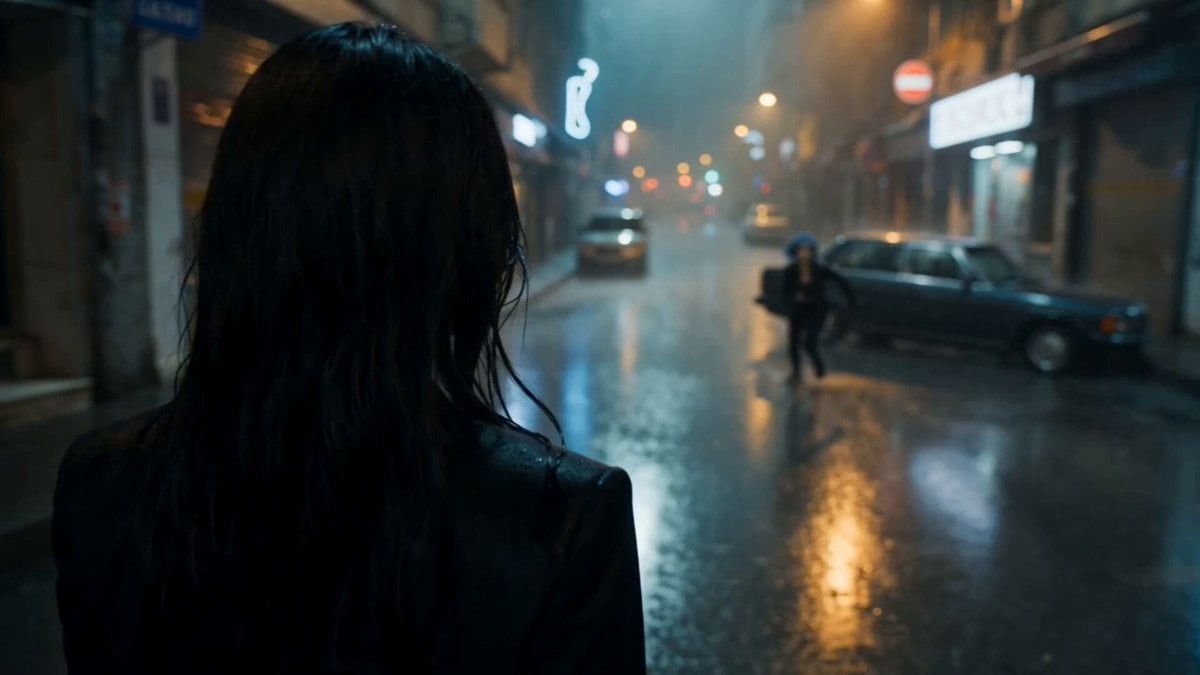
Cinematic Istanbul Night Fight - Seedance 2.5

Magical Room Transformation - Seedance 2.5

Realistic UGC Cleanser Review - Seedance 2.5
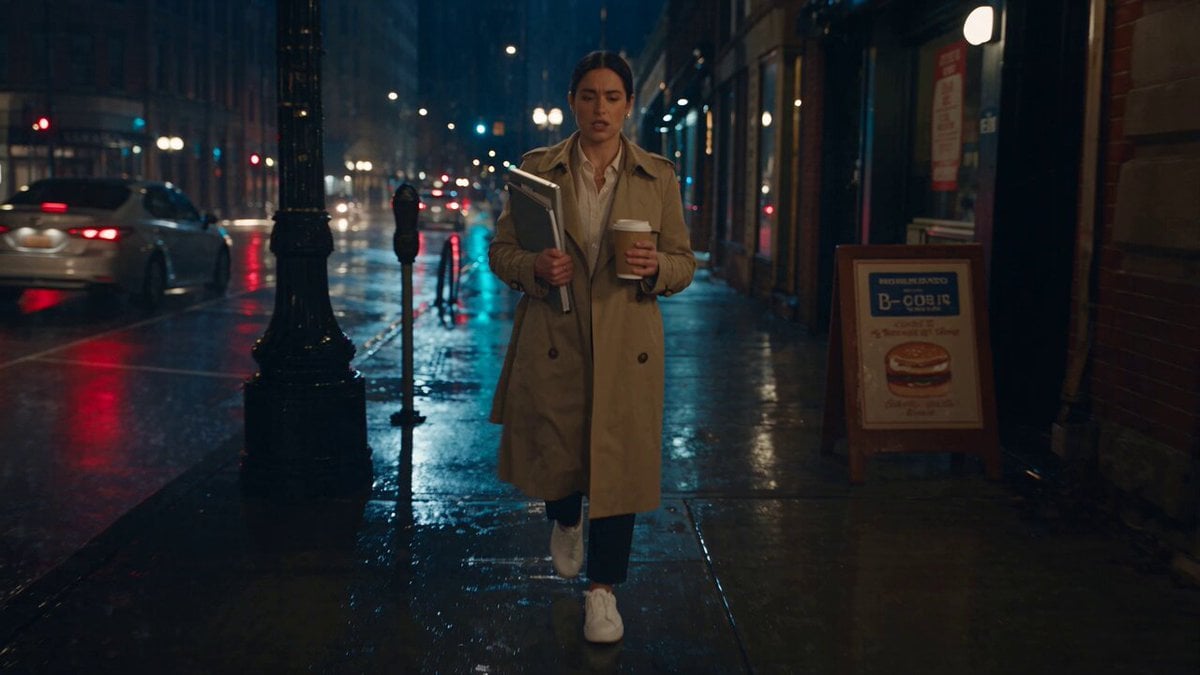
Viking in Modern America Comedy - Seedance 2.5
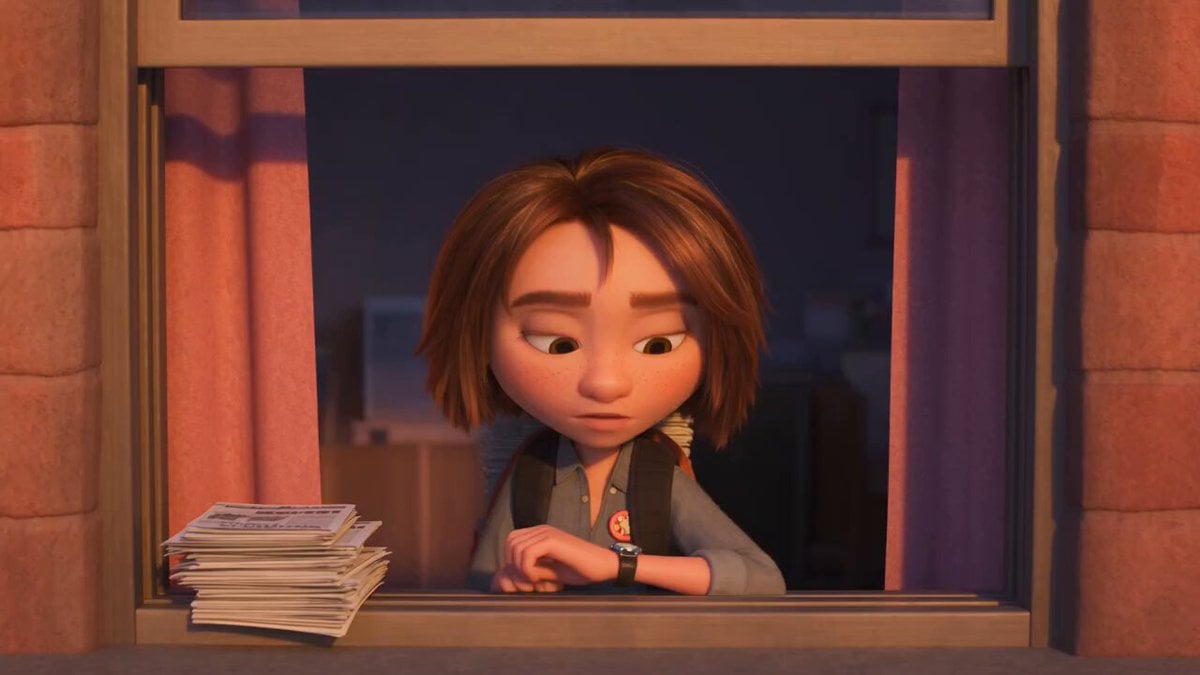
3D Animated Newspaper Delivery Short - Seedance 2.5
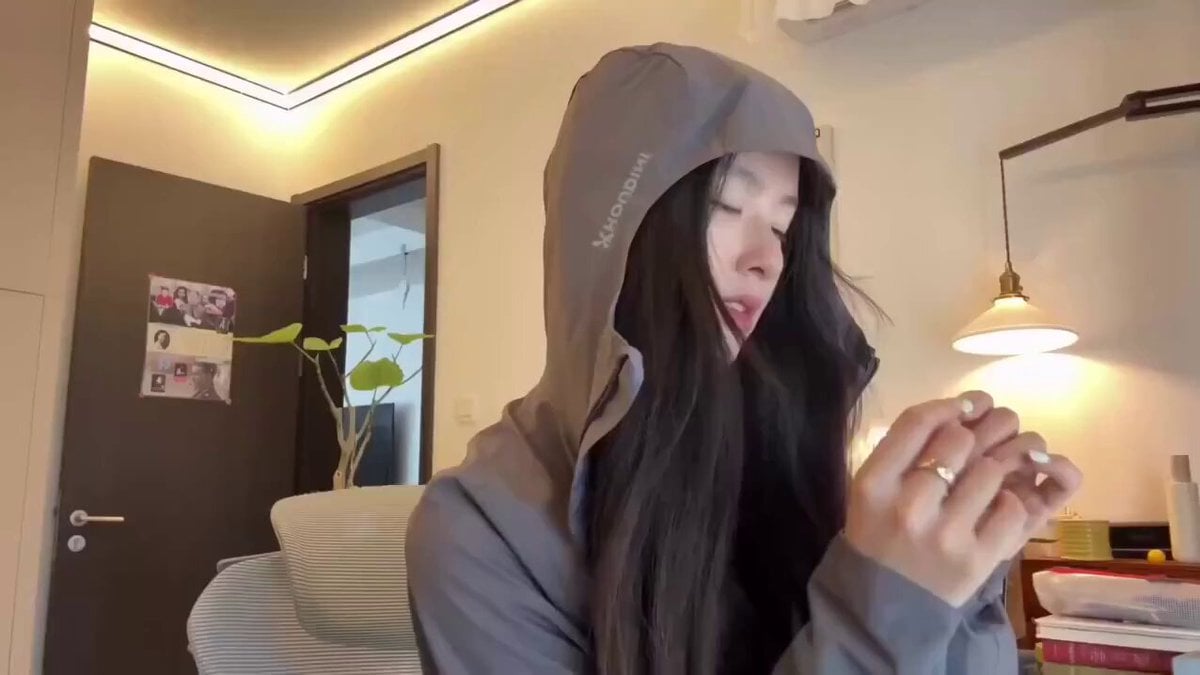
Cyberpunk Holographic Dance Performance - Seedance 2.5
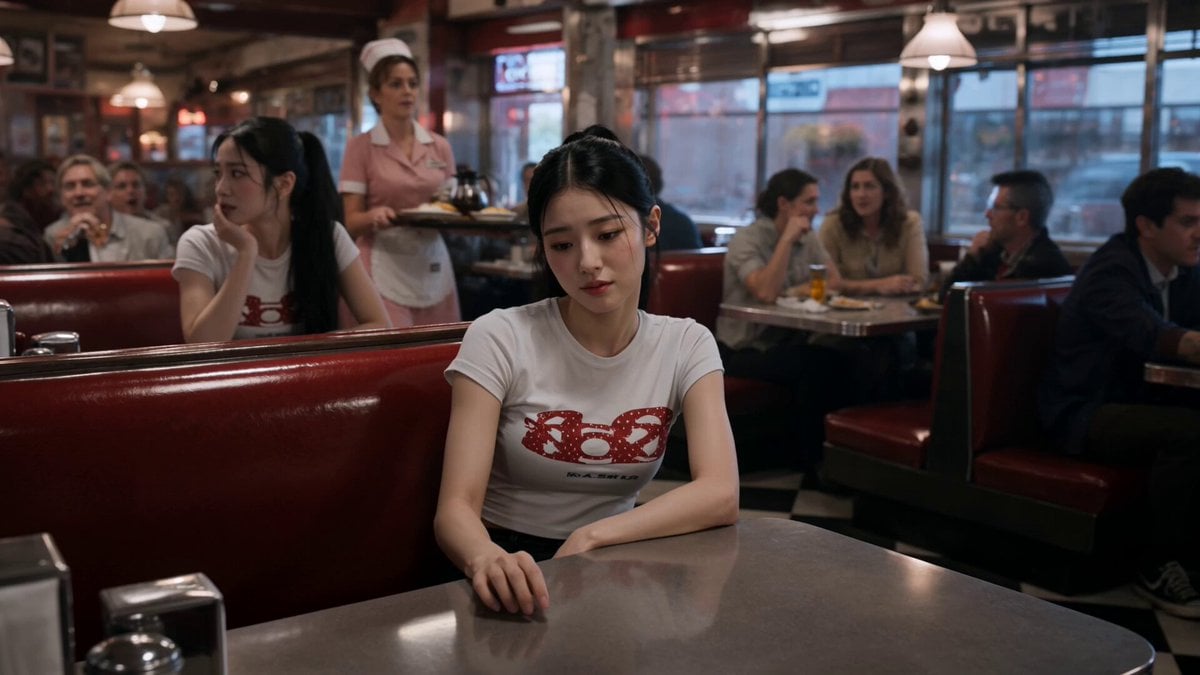
Slow-Motion 90s Diner Explosion - Seedance 2.5
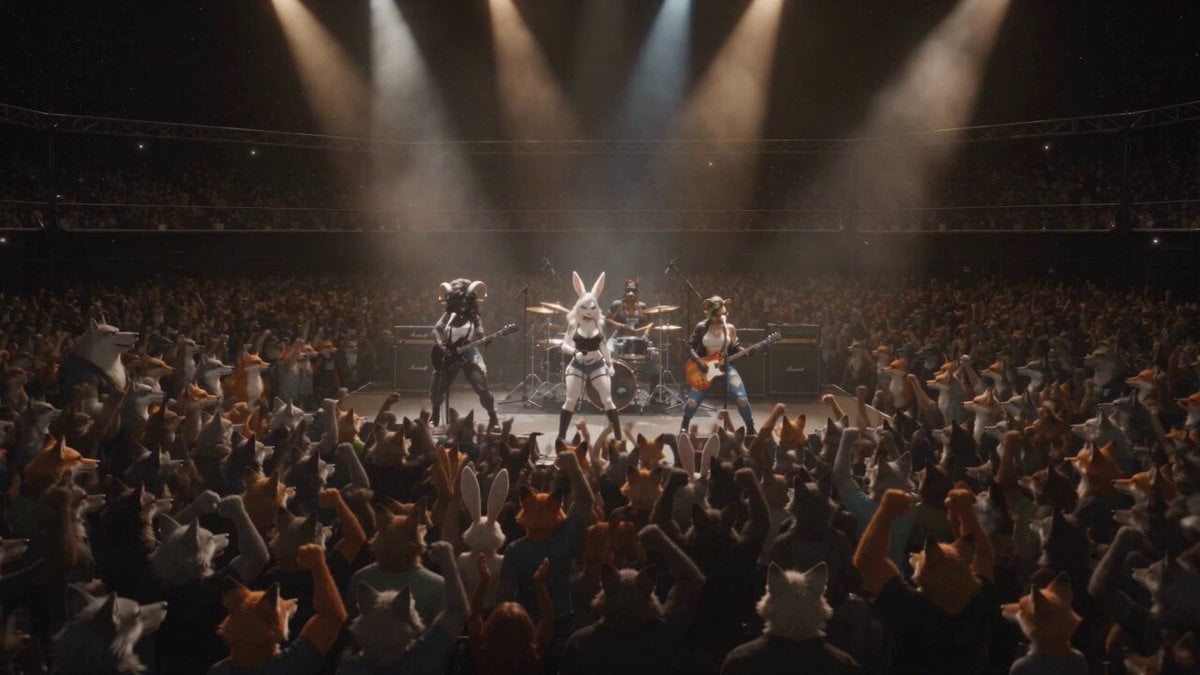
Anthropomorphic Rock Band Live Concert - Seedance 2.5
More video prompts
Fresh picks from across the catalog.
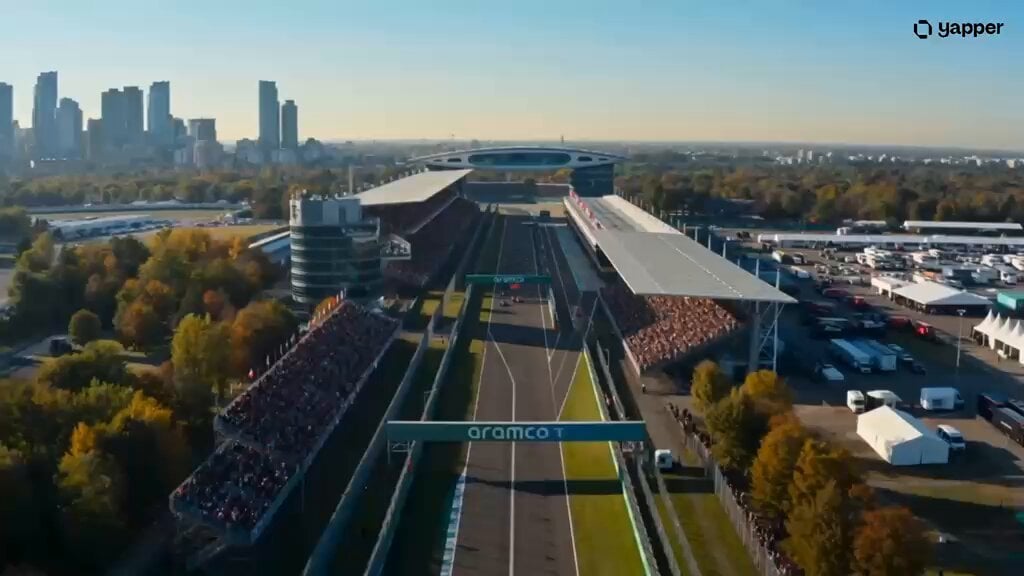
Futuristic Hypercar Racing Broadcast
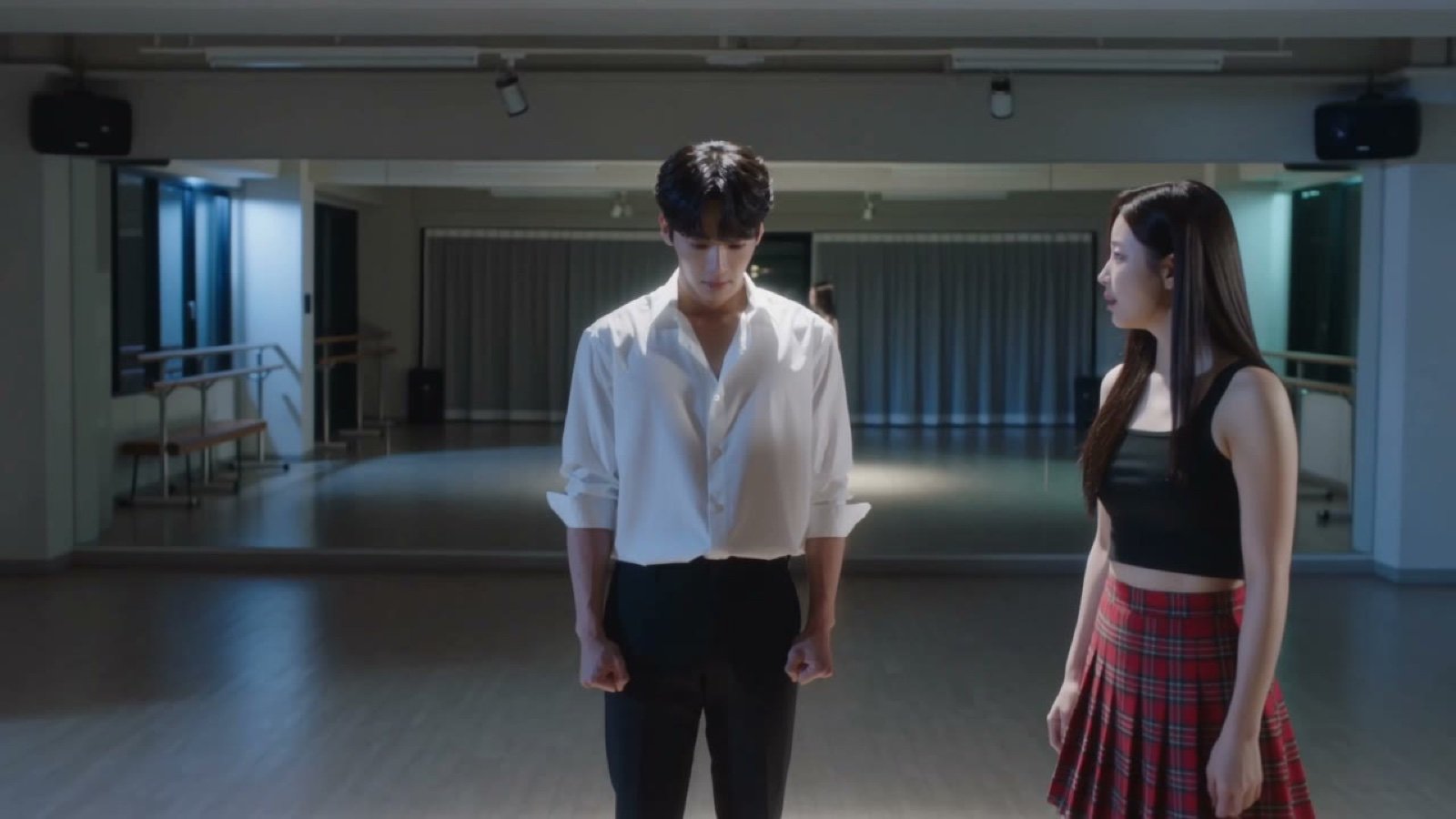
Seedance V2 One Minute K Drama Omni

Cinematic Temple Mandala Descent

Influencer Lifestyle Showcase

Cyberpunk Tokyo Kung Fu Chase

Emotional Airport Lovers Reunion

Second Continuous Action Sequence
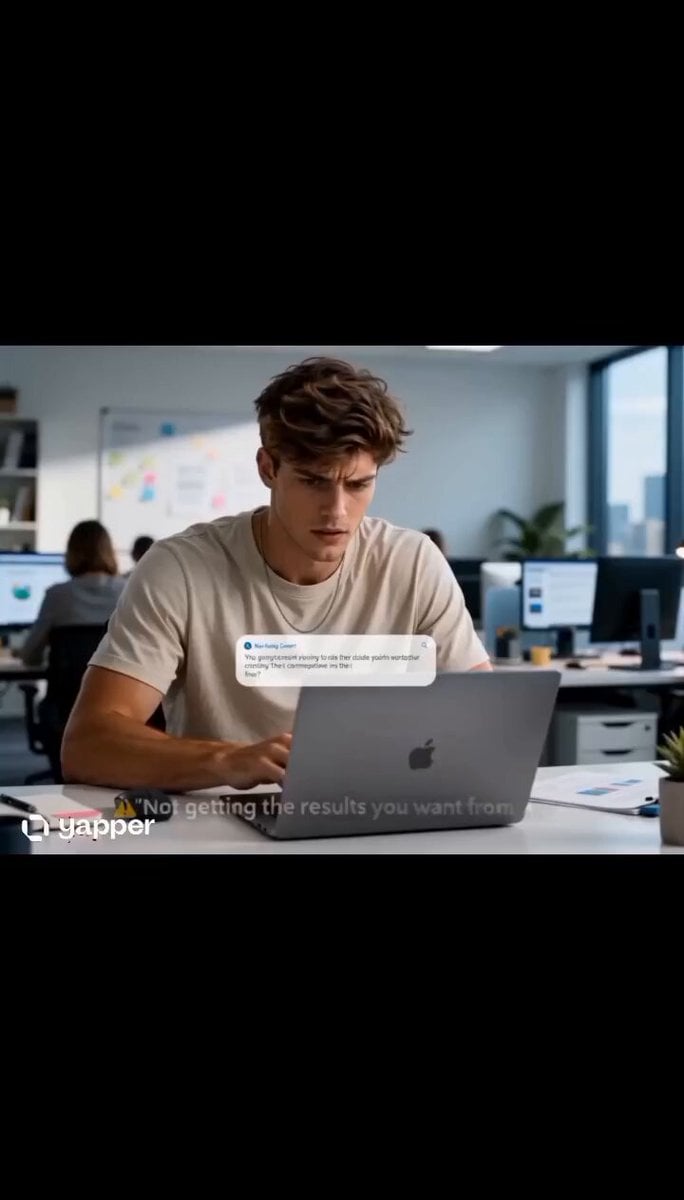
AI Prompting Educational Commercial

Futuristic Humanoid Robot Lab Scene
Guitar Solo Motion Sequence
Browse template categories
Late Night Kitchen Phone Recording - Seedance 2.5 questions
How do I use the Late Night Kitchen Phone Recording - Seedance 2.5 template?
Add your photo if the template asks for one, edit the prompt if you like — the template's model and format are already selected — and press Generate. Your version opens in PicX Studio.
Can I customize the Late Night Kitchen Phone Recording - Seedance 2.5 template?
Yes. You can change the subject, setting, lighting, mood, format, and available model controls before creating your video.
Is the Late Night Kitchen Phone Recording - Seedance 2.5 template free?
Opening and editing this template is free. Generating uses credits, shown on the Generate button when you are signed in.
Which AI model should I use?
Start with Seedance 2.5, which is the model associated with this template. You can compare another compatible model for a different finish.
Looking for something else? Browse all templates.

Your photo, any look
Thousands of ready templates for every top image and video model, from one credit balance.