
Seedance 2.0 AI Wedding Video Prompt: Cinematic Night Scene
A detailed, multi-scene Seedance 2.0 prompt for generating a cinematic wedding video with a 'Cyberpunk and Extreme Romance' theme.
- Prompt included
- Model and format preset
- Premium template
The prompt behind this video
Copy the exact prompt behind Seedance 2.0 AI Wedding Video Prompt: Cinematic Night Scene, or open it in the studio and make it yours.
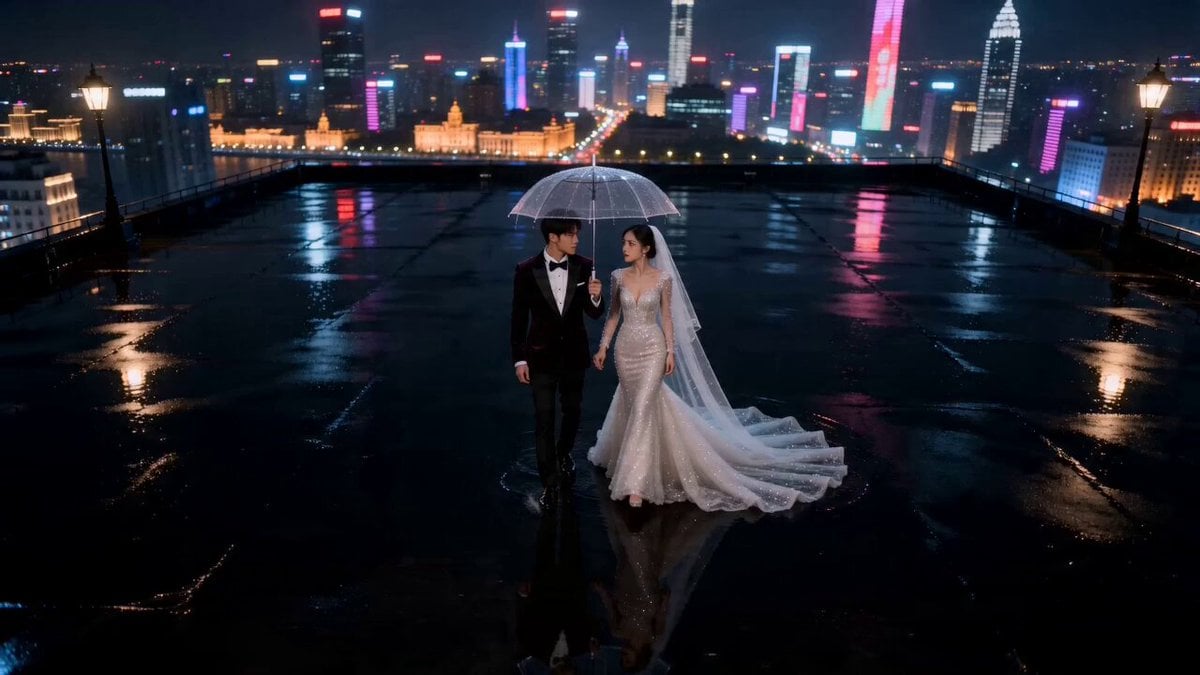
Theme 1: Cinematic Night Style — City of Starlight, Falling Together Into the Milky Way. Visual core: a collision of cyberpunk and extreme romance, using neon reflections and macro raindrop shots to show off urban sophistication. 9:16 vertical frame, realistic cinematic texture, urban luxury, 4K HD. 0-4 seconds: a high overhead shot, slowly descending. A city rooftop after the rain, the ground a rain-slicked black asphalt surface reflecting the hazy city neon lights in the distance like a mirror. A stunningly beautiful 25-year-old Chinese bride [idol-tier looks] wears a sparkling crystal mermaid-cut haute couture wedding gown, and a handsome 28-year-old Chinese groom wears a dark velvet suit. The two stand at the center of the frame, holding a clear umbrella, strolling through the rainy night. The image has the frame-rate feel of a retro art-house film. 5-9 seconds: the camera does a slow 360-degree orbit centered on the two of them. The bride has a delicate oval face, natural brows, cool, striking fox eyes, a high nose bridge, and slightly parted red lips; the groom has a well-defined jawline, sword-shaped brows, bright eyes, and a deep gaze. During the orbit, extremely slow, tiny raindrops fall from the sky (bullet time), the groom tilts the umbrella toward the bride, leaving half of his own shoulder soaked by the light rain. The neon lights behind them turn into huge colorful blurs of light (bokeh effect). 10-15 seconds: the camera cuts to a close-up, tilted slightly upward. The bride drops the clear umbrella, which slowly falls in the background. The bride wraps both arms around the groom's neck, and the groom looks down at her with a deeply affectionate gaze. A beam of warm orange rim light from a streetlamp shines through the water droplets on the bride's eyelashes from the side. The image freezes at the moment just before their kiss, the neon in the background completely blurring into a river of stars. Sound: distant city ambience, a slow jazz cello, the white noise of raindrops falling on the umbrella, a cinematic heartbeat sound. Prohibited: any text, subtitles, logos, or watermarks.
How to use Seedance 2.0 AI Wedding Video Prompt: Cinematic Night Scene in 3 steps
- 1
Open
The prompt is already in the box next to the preview, with the template's model and format selected.
- 2…a portrait of your subject in softgolden-hour light, 85mm…
Personalize
Edit the subject and creative details for your destination.
- 3
 Generate
Press Generate — your video is created in PicX Studio, so you can compare it with the original and refine one variable at a time.
More like this
Templates with the same subject, style or setup. Open one to see its prompt.

Late Night Kitchen Phone Recording - Seedance 2.5
Rainforest Thriller — Searching the Unseen
Asteroid Impact City Destruction
Griffin Knight Mountain Kingdom — Seedance 2.0

Wholesome Puppy and Kitten Story - Seedance 2.5

Mysterious Home Exploration Vlog - Seedance 2.5

Dark Tokusatsu Transformation - Seedance 2.5

Cinematic Xinjiang Drone Landscapes - Seedance 2.5

3D Animated Cat and Old Man - Seedance

Realistic City Street Story Cinematic Video - Seedance

Seedance 2.0 First Test — Dynamic Motion Showcase

Dragon Rider Cinematic Flight — Seedance 2.5
Make it yours
Seedance 2.0 AI Wedding Video Prompt: Cinematic Night Scene works as-is. These are the safest ways to change it without losing the look.
Change one field
Copy a single group, rewrite it, and generate again so you can see what that field is doing.
Keep the frame, change the subject
Hold the composition and light of Seedance 2.0 AI Wedding Video Prompt: Cinematic Night Scene, then swap wardrobe, props or the person for a new take.
| If the result… | Why | Fix |
|---|---|---|
| The result drifts from the preview | Too many fields changed at once. | Reuse Seedance 2.0 AI Wedding Video Prompt: Cinematic Night Scene as-is first, then change one group — subject, light, or setting. |
| The model over-stylizes the scene | The prose prompt leaves finish and camera underspecified. | Add one camera or lighting sentence and stay on Seedance 2.0. |
More Seedance 2.0 templates
Other prompts made for Seedance 2.0.

Comical Martial Arts Punch Scene

Maglev Train Action Sequence

Martial Arts Fight Sequence

Wuxia Protection and Trust Script

Vintage Korean Arcade MiniDV Vlog

Mercedes 190 SL Luxury Ad

Rainy Night Supernatural Reverse Comedy Video Script

Amazon Civilization Discovery

Futuristic South Asian City Transformation

Cozy Luxury Cafe Commercial
More video prompts
Fresh picks from across the catalog.
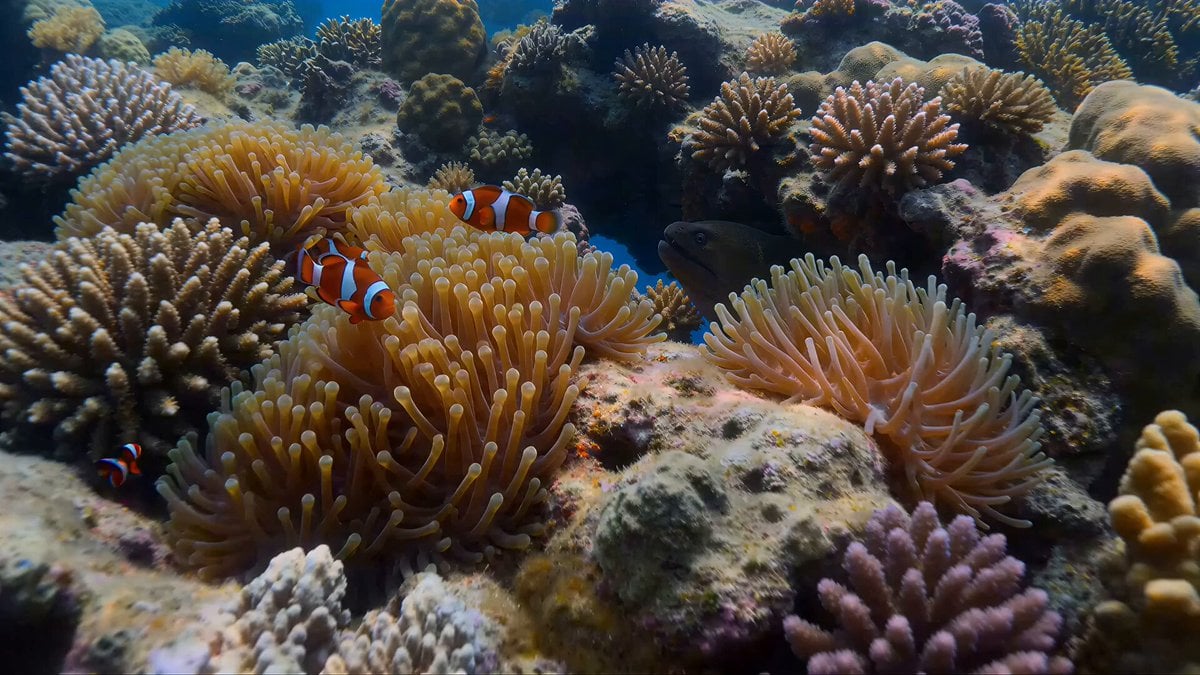
Coral Reef and Hammerhead Shark Scene Prompt
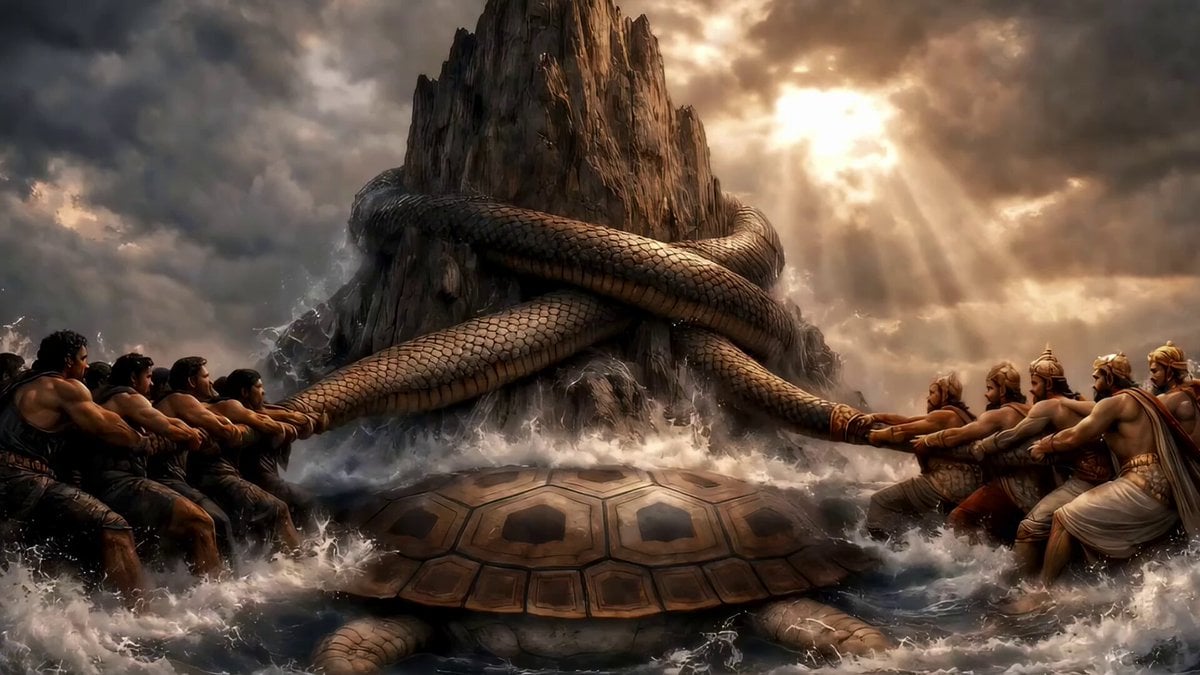
Demons, Demigods, and Elixir of Life
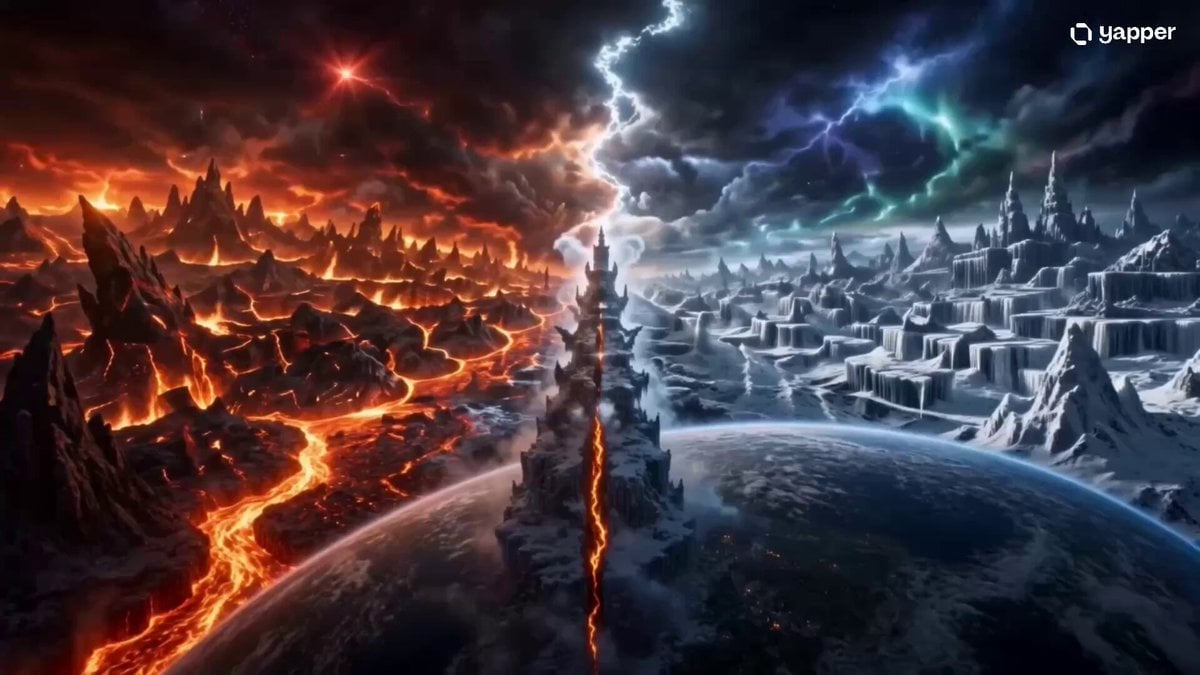
Elemental Ice and Fire Goddess Battle
Rainforest Travel Vlog Script
Astronaut Zero-Gravity Escape Scene
Bioluminescent Bee Circuit
90s Camcorder Japanese Seaside Village
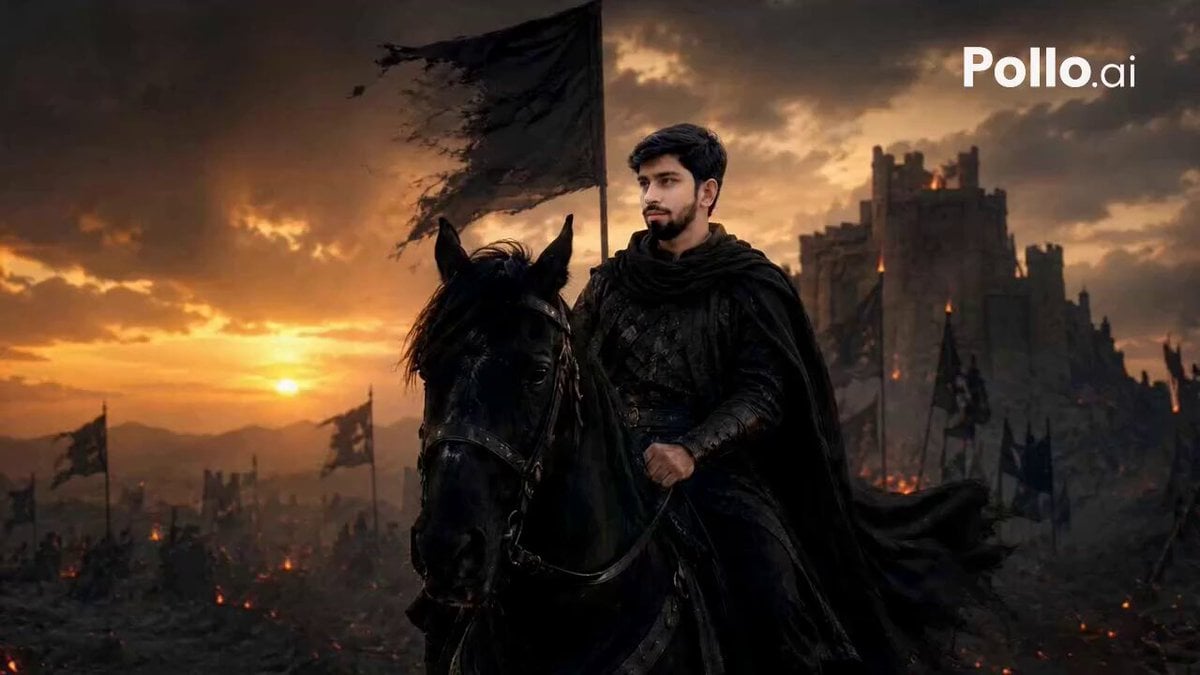
Lone Warrior Medieval Battlefield Video Prompt
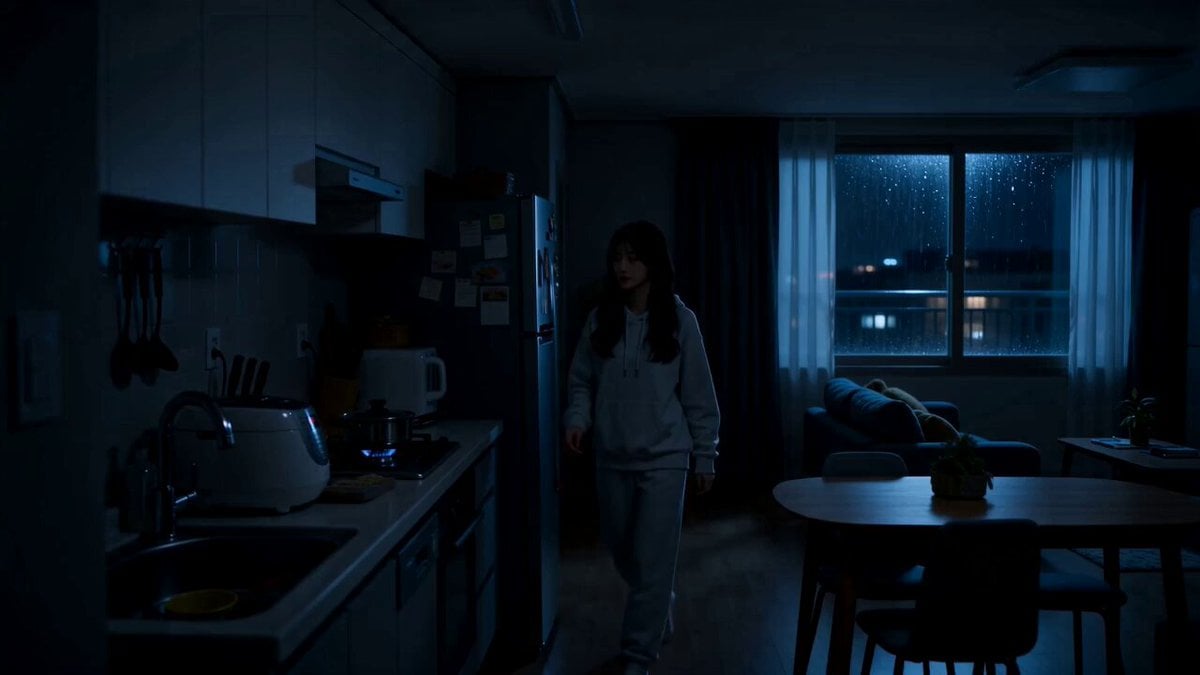
Midnight Apartment Cooking Scene
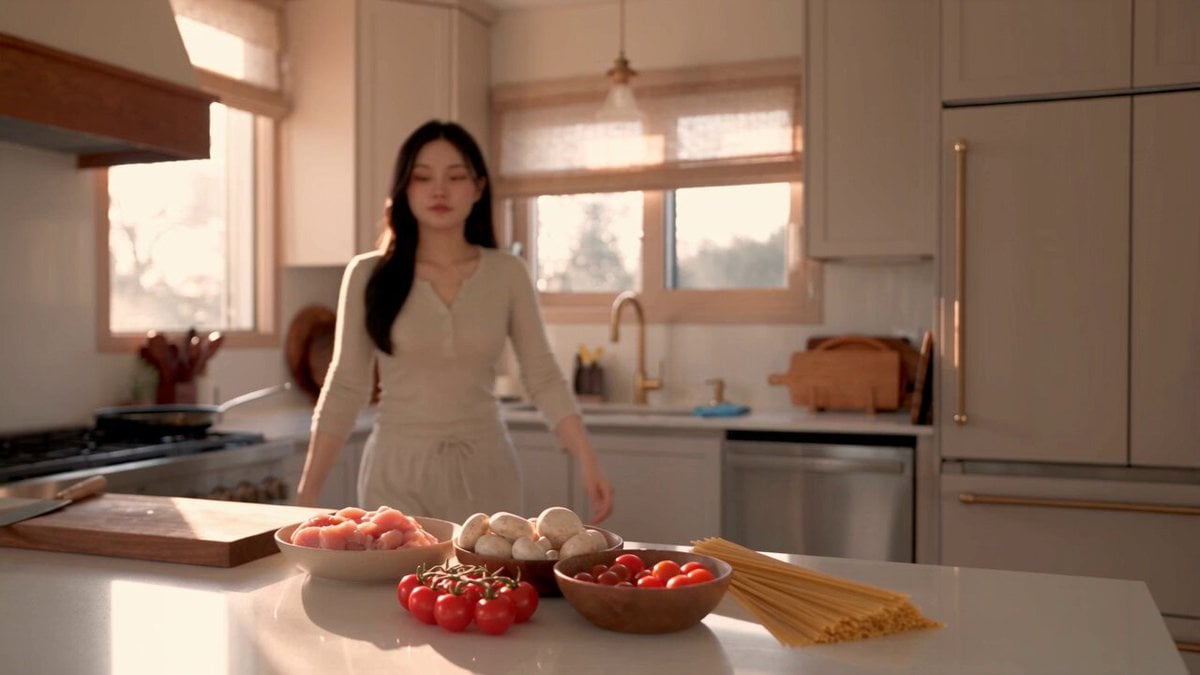
Creamy Chicken Pasta Cooking Vlog
Browse template categories
Seedance 2.0 AI Wedding Video Prompt: Cinematic Night Scene questions
How do I use the Seedance 2.0 AI Wedding Video Prompt: Cinematic Night Scene template?
Add your photo if the template asks for one, edit the prompt if you like — the template's model and format are already selected — and press Generate. Your version opens in PicX Studio.
Can I customize the Seedance 2.0 AI Wedding Video Prompt: Cinematic Night Scene template?
Yes. You can change the subject, setting, lighting, mood, format, and available model controls before creating your video.
Is the Seedance 2.0 AI Wedding Video Prompt: Cinematic Night Scene template free?
Opening and editing this template is free. Generating uses credits, shown on the Generate button when you are signed in.
Which AI model should I use?
Start with Seedance 2.0, which is the model associated with this template. You can compare another compatible model for a different finish.
Looking for something else? Browse all templates.

Your photo, any look
Thousands of ready templates for every top image and video model, from one credit balance.