How do I use the Seedance 2.0 First Test — Dynamic Motion Showcase template?
Edit the prompt in the box under the preview — the template's model and format are already selected — and press Generate. Your version appears right on this page.
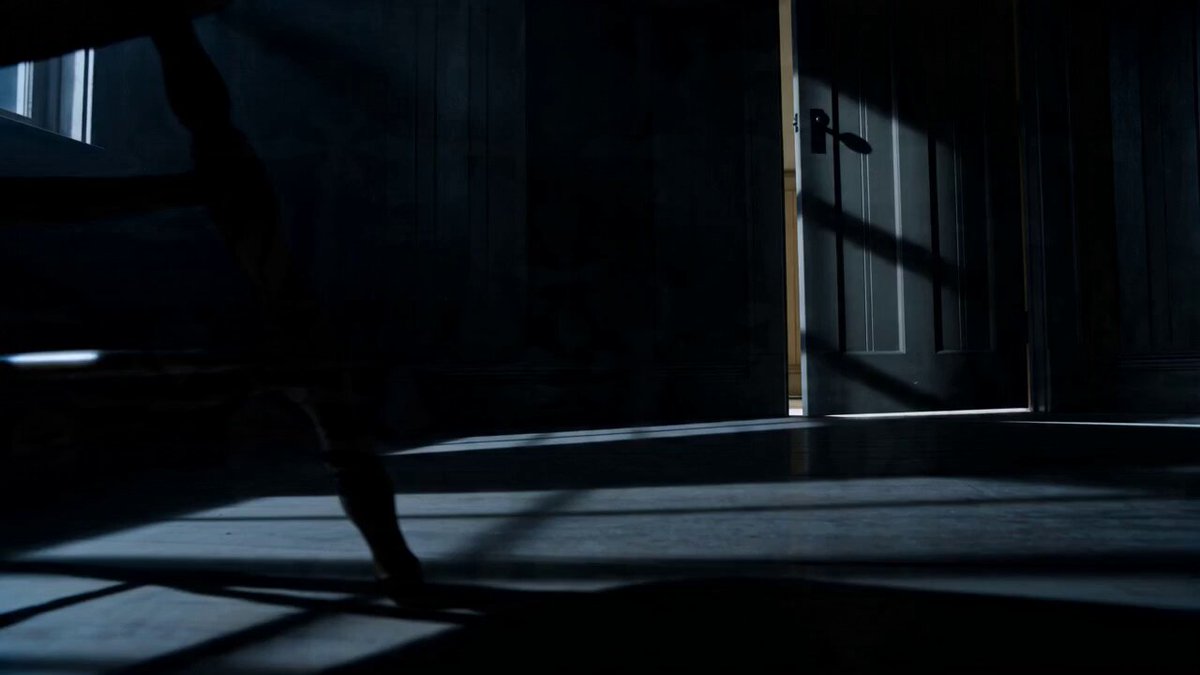
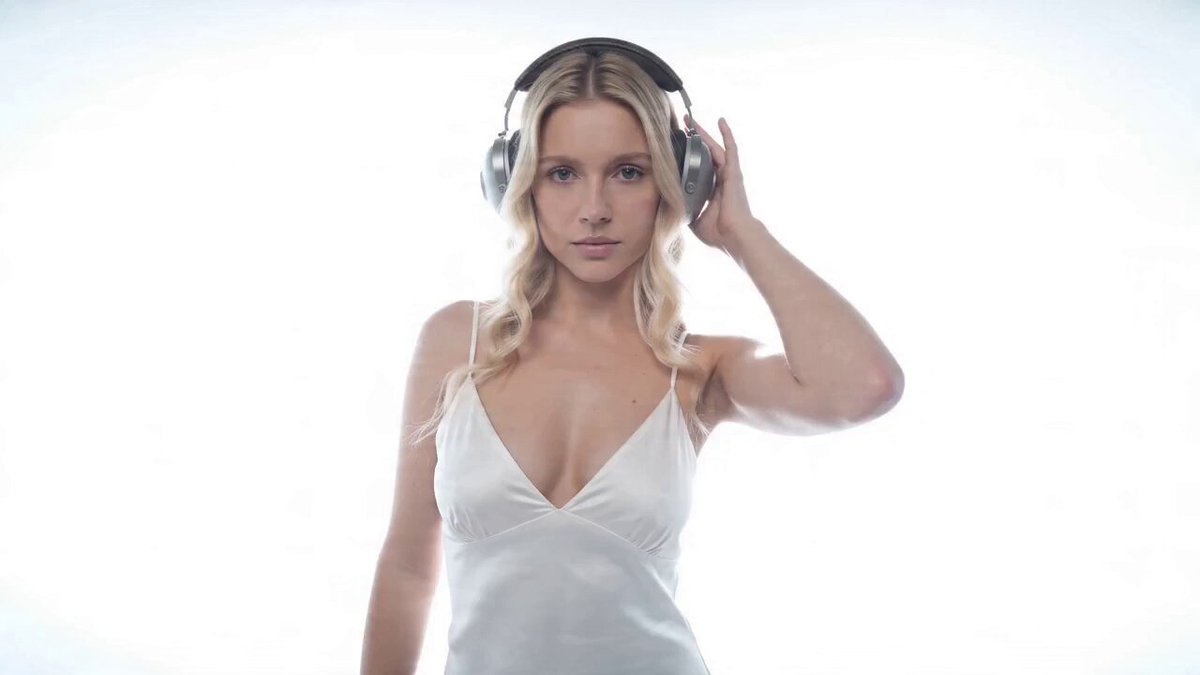
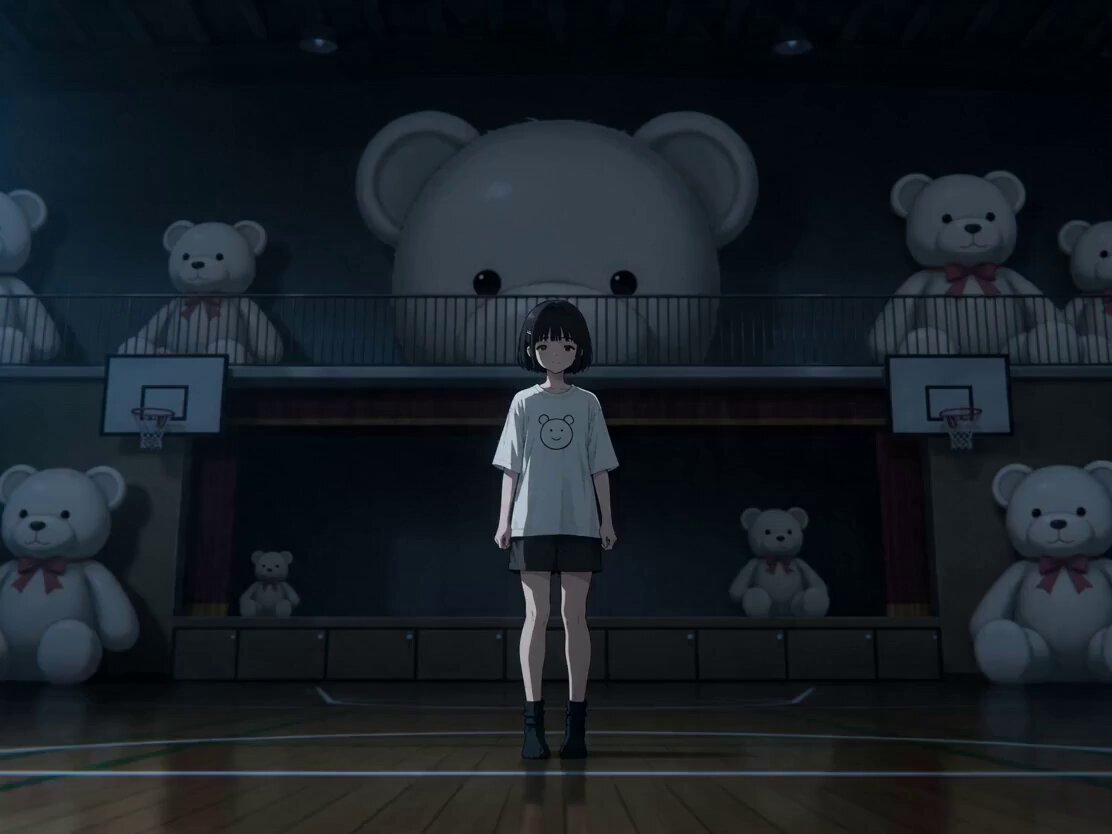
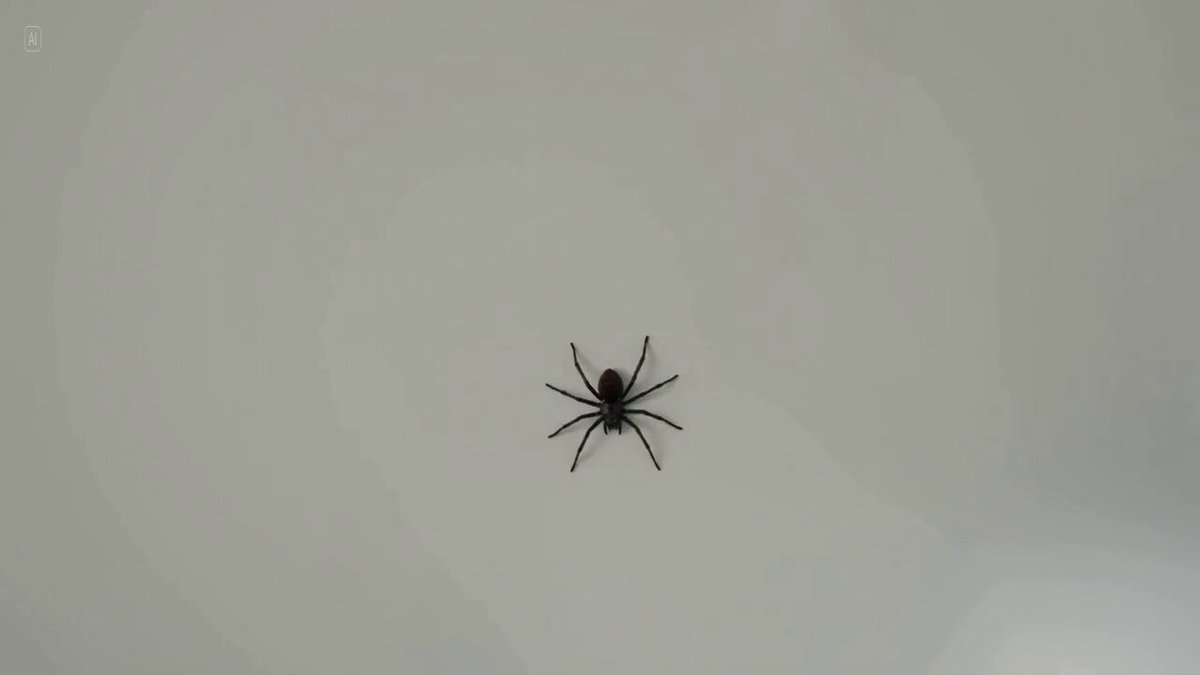
First test of Seedance 2.0 by AI filmmaker Dinda Prasetyo (@heydin_ai).
Everything you see here was generated using just one reference image + one prompt. Dynamic motion feels fluid, prompt adherence is solid, and the efficiency really stood out, very little iteration needed. Also tested a 3×3 image grid with no prompt at all, and the results stayed surprisingly consistent. Sound design is already included and works really well.
Everything you see here was generated using just one reference image + one prompt. Dynamic motion feels fluid, prompt adherence is solid, and the efficiency really stood out, very little iteration needed. Also tested a 3×3 image grid with no prompt at all, and the results stayed surprisingly consistent. Sound design is already included and works really well.
Edit the prompt in the box under the preview — the template's model and format are already selected — and press Generate. Your version appears right on this page.
Yes. You can change the subject, setting, lighting, mood, format, and available model controls before creating your video.
Opening and editing this template is free. Generating uses credits, shown on the Generate button when you are signed in.
Start with Seedance 2.0, which is the model associated with this template. You can compare another compatible model for a different finish.
Follow a topic to a crawlable collection of related PicX Studio templates.