How do I use the Cinematic Car-to-Robot Transformation template?
Edit the prompt in the box under the preview — the template's model and format are already selected — and press Generate. Your version appears right on this page.
A detailed prompt for generating a continuous, cinematic tracking shot showing a seamless transformation of a futuristic sports car into an agile humanoid robot.
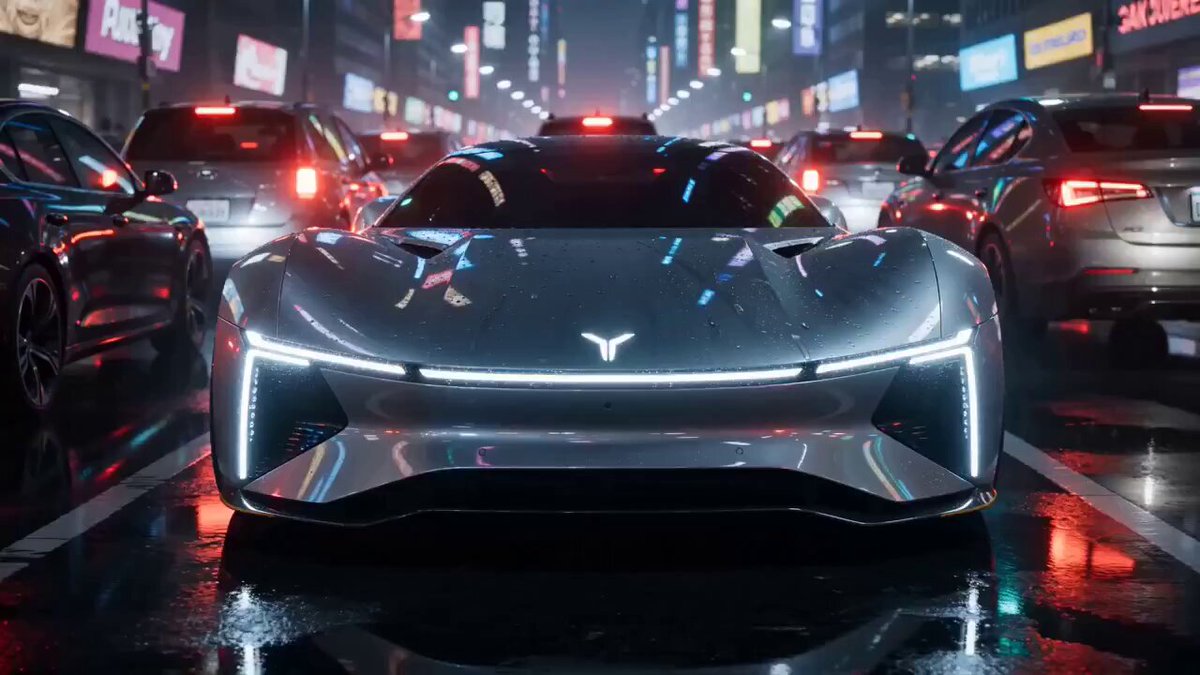
A continuous, cinematic tracking shot of a sleek, midnight black sports car with glowing neon cyan trim speeding down a wet, neon-lit futuristic city highway at night. Mid-drift, the car initiates a complex, seamless transformation: the hood splits, wheels rotate inward, and intricate mechanical armor panels dynamically unfold while maintaining rapid forward momentum with sparks flying. Intense cyan energy glows from within the shifting gears as the vehicle rapidly reconfigures into a sleek, agile humanoid robot. The robot completes the momentum by landing powerfully on two legs, skidding to a dramatic halt on the wet asphalt, steam rising from its mechanical joints, its glowing cyan eyes locking directly onto the camera. Photorealistic, 8k resolution, Unreal Engine 5 style render, high-octane sci-fi action, cinematic lighting, intense motion blur on the background.
A continuous, cinematic tracking shot of a sleek, midnight black sports car with glowing neon cyan trim speeding down a wet, neon-lit futuristic city highway at night. Mid-drift, the car initiates a complex, seamless transformation: the hood splits, wheels rotate inward, and intricate mechanical armor panels dynamically unfold while maintaining rapid forward momentum with sparks flying. Intense cyan energy glows from within the shifting gears as the vehicle rapidly reconfigures into a sleek, agile humanoid robot. The robot completes the momentum by landing powerfully on two legs, skidding to a dramatic halt on the wet asphalt, steam rising from its mechanical joints, its glowing cyan eyes locking directly onto the camera. Photorealistic, 8k resolution, Unreal Engine 5 style render, high-octane sci-fi action, cinematic lighting, intense motion blur on the background.
Edit the prompt in the box under the preview — the template's model and format are already selected — and press Generate. Your version appears right on this page.
Yes. You can change the subject, setting, lighting, mood, format, and available model controls before creating your video.
Opening and editing this template is free. Generating uses credits, shown on the Generate button when you are signed in.
Start with Seedance 2.0, which is the model associated with this template. You can compare another compatible model for a different finish.
Follow a topic to a crawlable collection of related PicX Studio templates.