
Giant mechanical robot transformation from airplane
An extremely detailed, multi-part prompt for Seedance 2.0 to generate a hyper-realistic, cinematic video of a wide-body passenger jet transforming into a colossal metal robot upon landing, all filmed from a vertical…
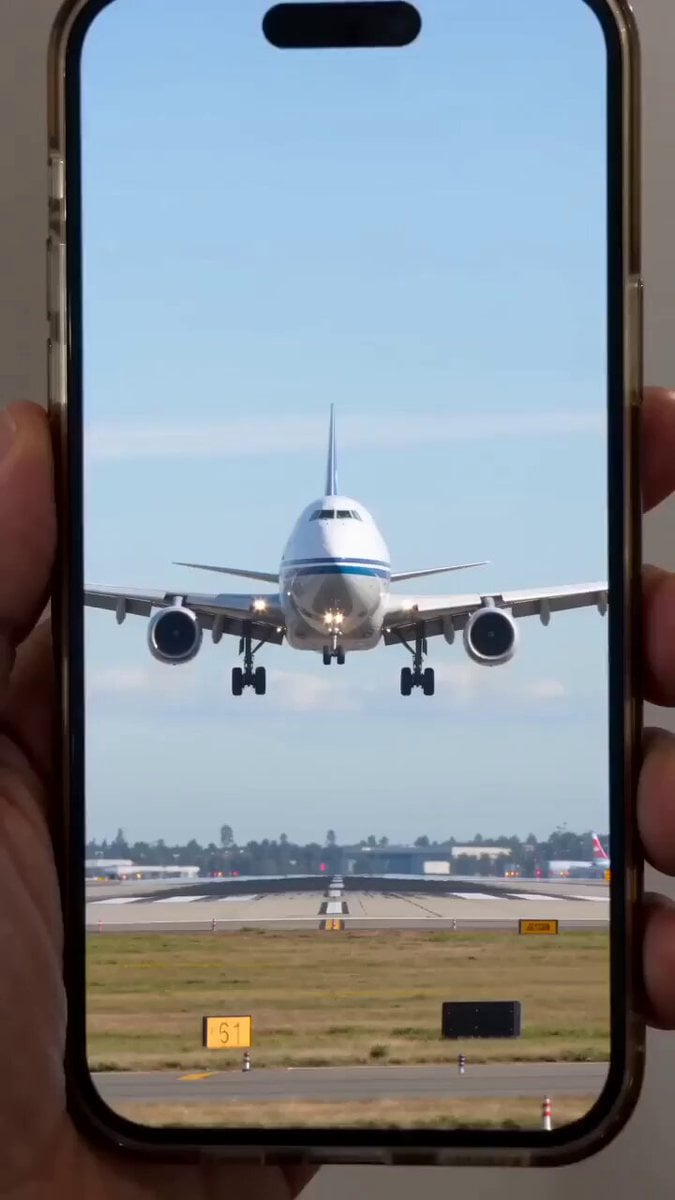
- Prompt included
- Model and format preset
- Premium template
The prompt behind this video
Copy the exact prompt behind Giant mechanical robot transformation from airplane, or open it in the studio and make it yours.
9:16竖屏手机拍摄视角,真实路人直播录制画面,轻微手持抖动,自动曝光变化,对焦拉动,真实环境收音,远处城市天际线清晰可见。 一座靠近城市中心的机场跑道,背景是高楼林立的现代都市。一架大型双发宽体客运喷气式飞机正在低空进近准备降落,起落架已放下,引擎轰鸣声震撼。 就在即将触地瞬间,飞机机身开始出现机械结构重组—— 机翼折叠分解,机身板块滑动展开,复杂金属零件精准拼接,液压结构伸展旋转,齿轮与装甲片高速重构。 高度复杂工业级机械变形动画,真实金属材质,重量感十足,机械细节极其精密。 飞机完全变形成一台巨型金属机器人,落地瞬间震裂跑道,碎石飞溅,冲击波扩散。 机器人随后冲向城市,高速奔跑,脚步踩碎柏油路面,路灯倒塌,汽车被震翻,建筑玻璃破碎,烟尘弥漫。 超写实电影级画面,真实物理破坏系统,动态光影,粒子特效,震撼爆炸效果。 整体风格保持“手机实拍直播质感”,但拥有好莱坞级别视觉效果与IMAX级细节
How to use Giant mechanical robot transformation from airplane in 3 steps
- 1
Open
The prompt is already in the box next to the preview, with the template's model and format selected.
- 2…a portrait of your subject in softgolden-hour light, 85mm…
Personalize
Edit the subject and creative details for your destination.
- 3Generate
Generate
Press Generate — your video is created in PicX Studio, so you can compare it with the original and refine one variable at a time.
More like this
Templates with the same subject, style or setup. Open one to see its prompt.
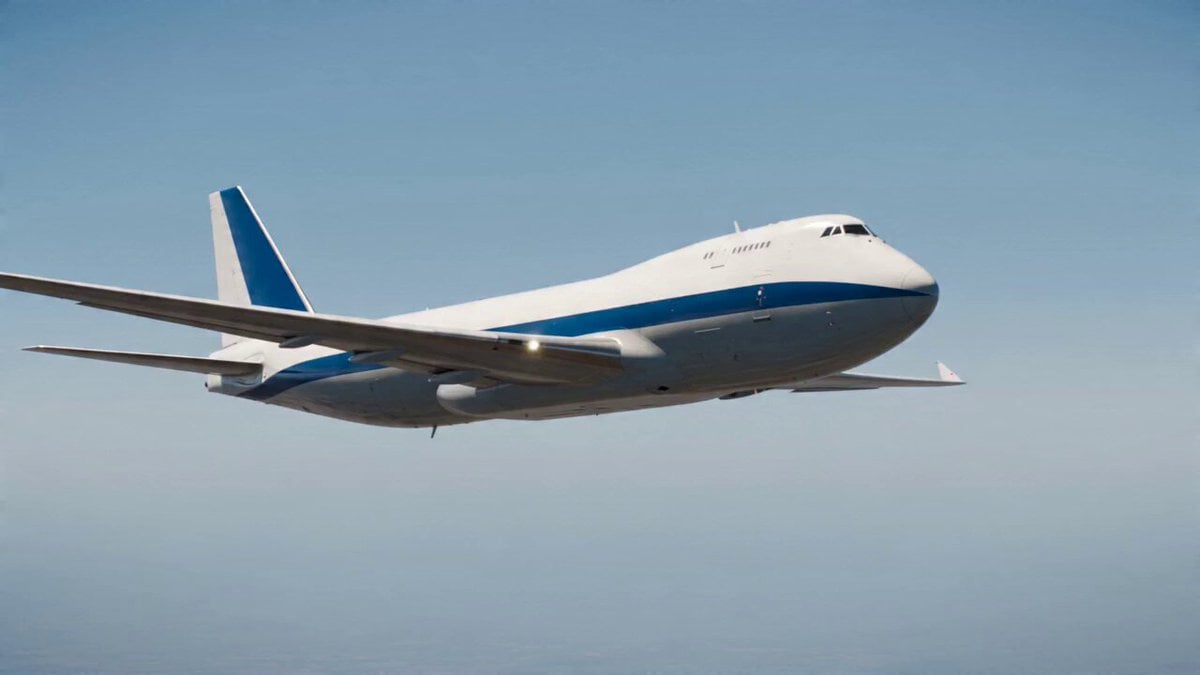
Airplane to Rocket Mechanical Transformation
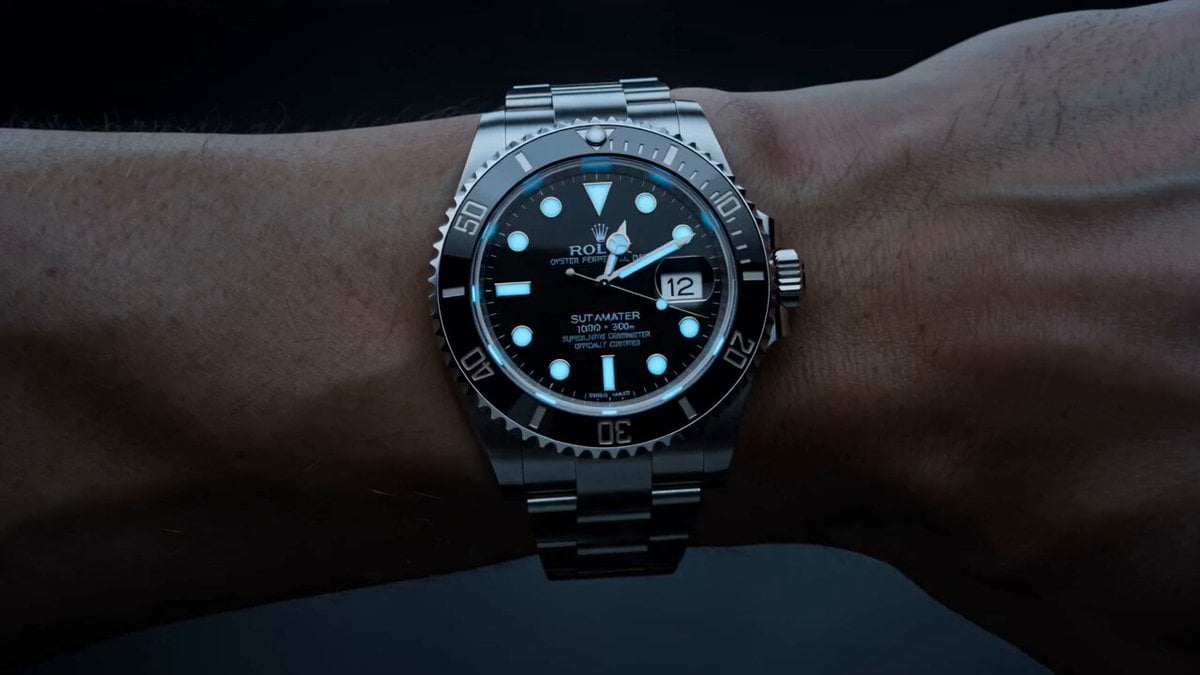
Watch to Mechanical Butterfly Transformation Prompt
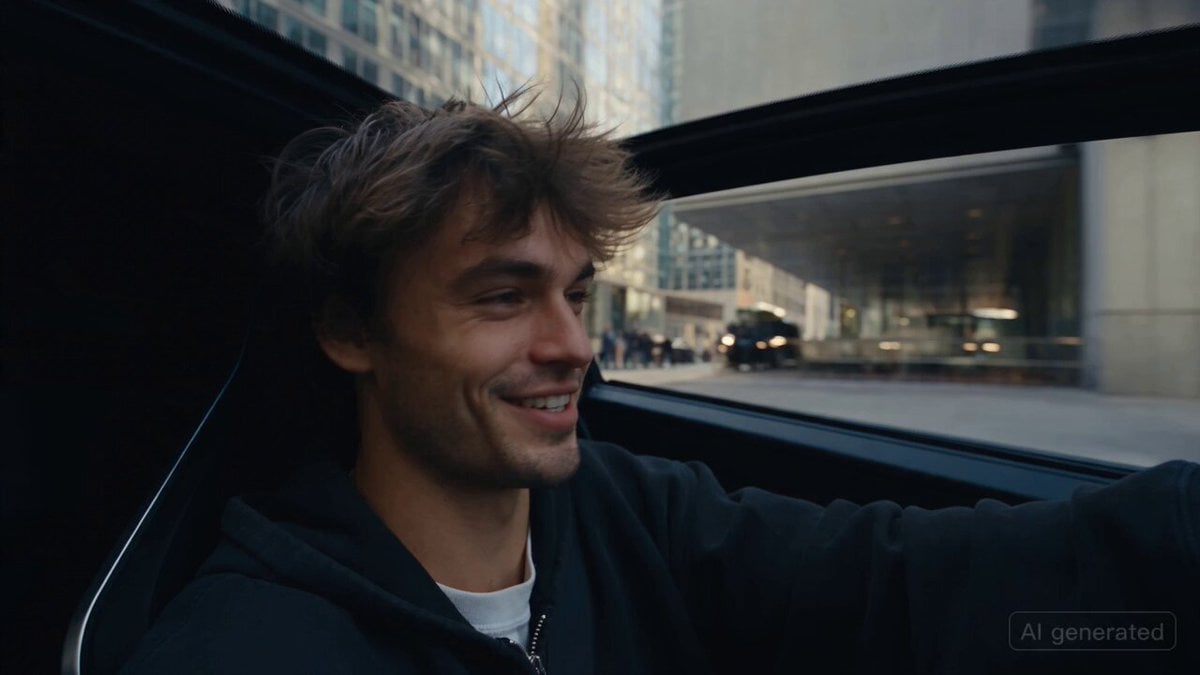
Car Guardian Mechanical Transformation Vlog

Mechanical Merlion Transformation ASMR

Magical Room Transformation - Seedance 2.5

Dark Tokusatsu Transformation - Seedance 2.5
Mechanical Jumping Robot Rabbit

RX-7 to Mech Transformation Cyberpunk
Mechanical Flower Bloom Brand Film
Steampunk Clockwork Odyssey
Japanese Pure Love Short Film
Green Dragon Training Short
Make it yours
Giant mechanical robot transformation from airplane works as-is. These are the safest ways to change it without losing the look.
Change one field
Copy a single group, rewrite it, and generate again so you can see what that field is doing.
Keep the frame, change the subject
Hold the composition and light of Giant mechanical robot transformation from airplane, then swap wardrobe, props or the person for a new take.
| If the result… | Why | Fix |
|---|---|---|
| The result drifts from the preview | Too many fields changed at once. | Reuse Giant mechanical robot transformation from airplane as-is first, then change one group — subject, light, or setting. |
| The model over-stylizes the scene | The prose prompt leaves finish and camera underspecified. | Add one camera or lighting sentence and stay on Seedance 2.0. |
More Seedance 2.0 templates
Other prompts made for Seedance 2.0.

Comical Martial Arts Punch Scene

Maglev Train Action Sequence

Martial Arts Fight Sequence

Wuxia Protection and Trust Script

Vintage Korean Arcade MiniDV Vlog

Mercedes 190 SL Luxury Ad

Rainy Night Supernatural Reverse Comedy Video Script

Amazon Civilization Discovery

Futuristic South Asian City Transformation

Cozy Luxury Cafe Commercial
More video prompts
Fresh picks from across the catalog.
Mecha Drone High-Mobility Combat

Neon Motion Graphic Dance Animation
Bypassing Copyright: Nezha vs. Minions in Chinatown
Construction of a Traditional Water Well in an Indian Village
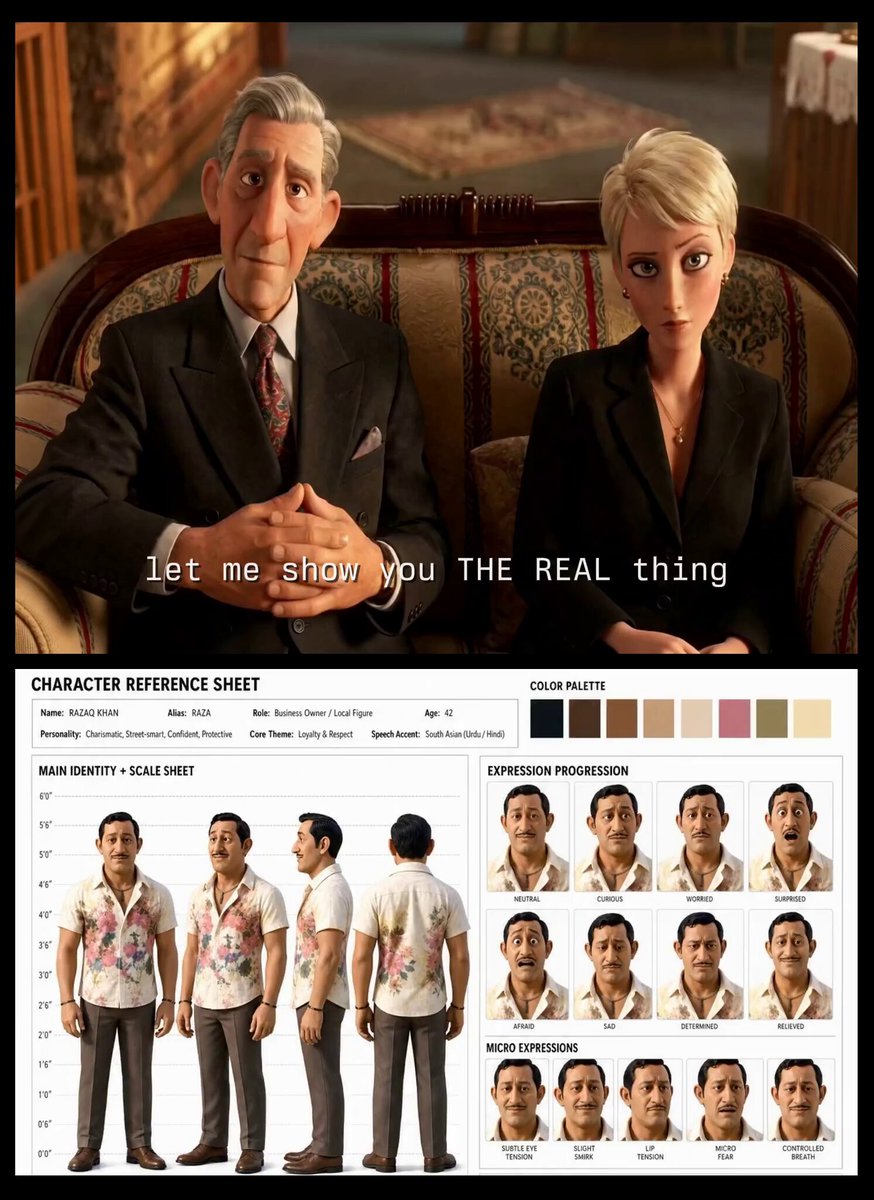
Turkish Carpet Seller Multi-Cut Video
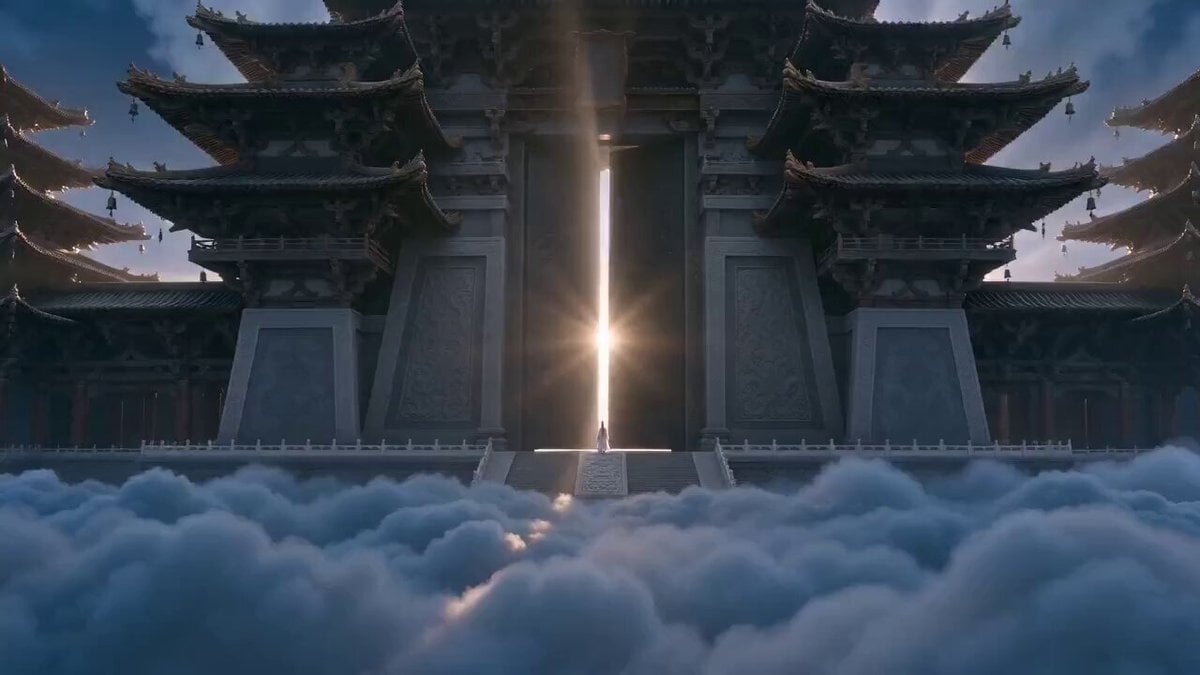
Xianxia Heavenly Gate Side Door Comedy
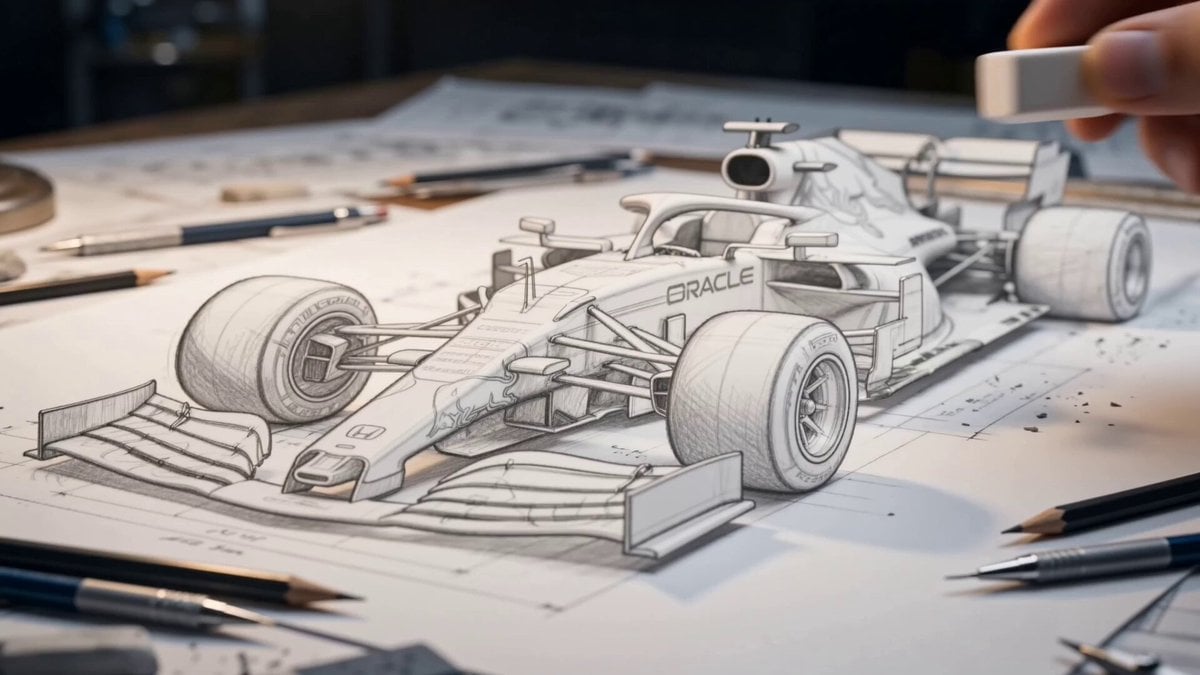
Formula 1 Sketch Transformation
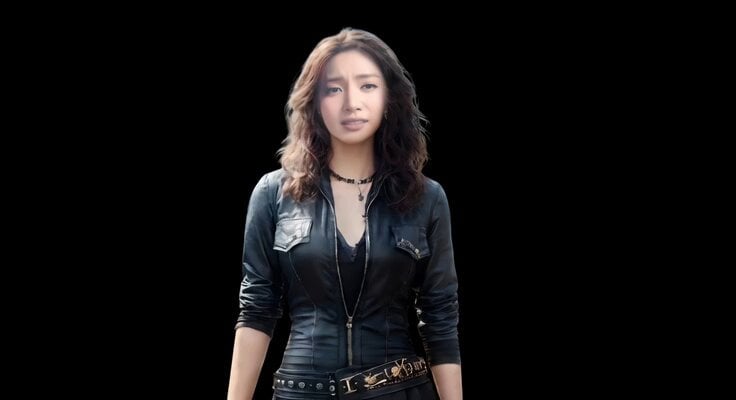
Realistic Emotional Natural Tears Video

Liminal Void-Space Image Generation Prompt
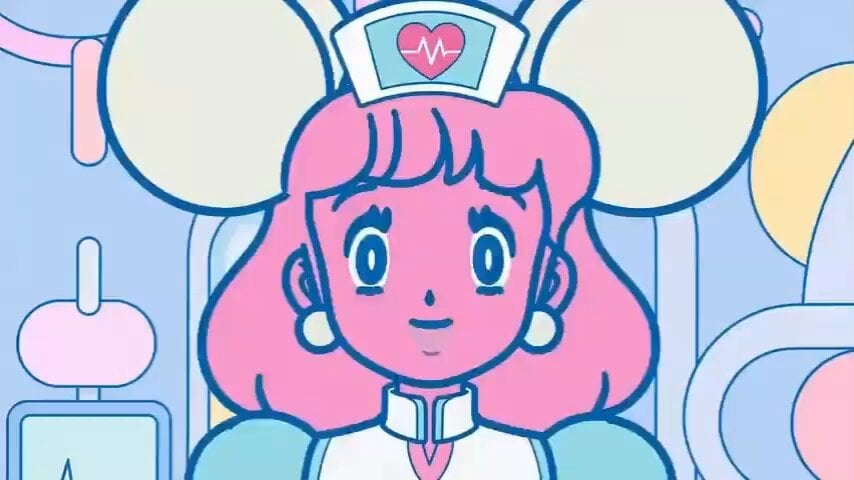
Cartoon Facial Expression Transition
Browse template categories
Giant mechanical robot transformation from airplane questions
How do I use the Giant mechanical robot transformation from airplane template?
Add your photo if the template asks for one, edit the prompt if you like — the template's model and format are already selected — and press Generate. Your version opens in PicX Studio.
Can I customize the Giant mechanical robot transformation from airplane template?
Yes. You can change the subject, setting, lighting, mood, format, and available model controls before creating your video.
Is the Giant mechanical robot transformation from airplane template free?
Opening and editing this template is free. Generating uses credits, shown on the Generate button when you are signed in.
Which AI model should I use?
Start with Seedance 2.0, which is the model associated with this template. You can compare another compatible model for a different finish.
Looking for something else? Browse all templates.

Your photo, any look
Thousands of ready templates for every top image and video model, from one credit balance.