
Formula 1 Sketch Transformation
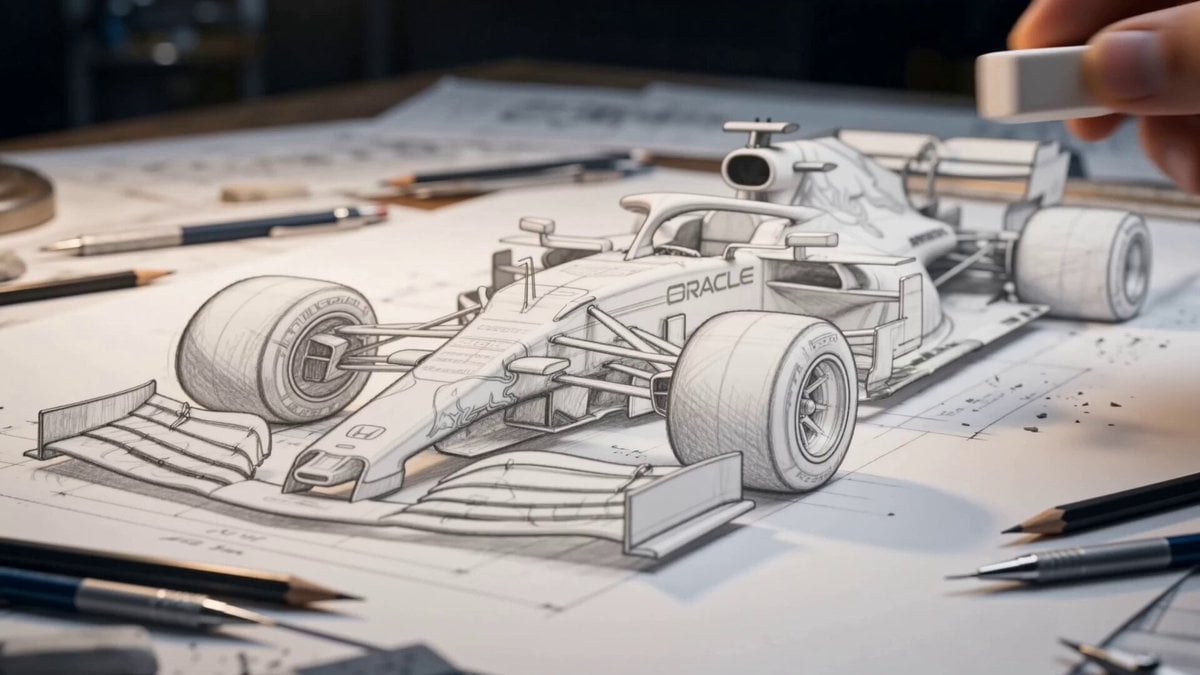
A highly detailed technical prompt for a video showing a pencil drawing of an F1 car transforming into a 3D model on an architect's desk.
- Prompt included
- Model and format preset
- Free template
The prompt behind this video
Copy the exact prompt behind Formula 1 Sketch Transformation, or open it in the studio and make it yours.
A hyper-realistic sequence showing a photorealistic Formula 1 car emerging from a detailed pencil sketch on a cluttered architect's desk.", "camera": { "type": "Slow Arc Shot", "lens": "100mm Macro Prime", "aperture": "f/2.8", "position": "Starts as an extreme close-up on the pencil drawing, then slowly pulls back and arcs around the car as it transitions to a 3D object.", "environment": { "location": "A designer's or engineer's drafting table.", "details": "The surface is a sheet of high-quality, slightly textured white paper covered in technical blueprints and schematics of the car. Several graphite and colored pencils, an eraser, and a compass are scattered around the main drawing. The background is a dark, out-of-focus workshop." }, "lighting": { "primary_source": { "type": "Architect's Desk Lamp", "position": "Just out of frame, to the top left.", "fill_light": { "type": "Soft Ambient Light", "source": "From the out-of-focus workshop background.", "color": "Cool, bluish tint.", "intensity": "Low, to gently lift the darkest shadows and add depth to the scene." } }, "main_subject": { "name": "The Formula 1 Car", "initial_state": "A masterful, hyper-realistic pencil drawing. The lines are precise, the shading is smooth, and there's a sense of depth even in 2D.", "final_state": "A fully realized, photorealistic 3D model of the Red Bull F1 car. The materials are perfect: glossy carbon fiber, metallic paint with livery, and soft-sheen rubber tires.", "animation": { "0.0s - 2.0s": "The camera is focused on the drawing. A photorealistic hand enters the frame with an eraser and gently removes a few faint construction lines from the sketch.", "2.0s - 7.0s": "A magical 'wave' of transformation begins at the front wing of the car and sweeps backward. As it passes, the 2D pencil lines and shading seamlessly transform into 3D, textured materials. The drawn debris on the track lifts up and becomes real, floating for a moment before settling.", "7.0s - 8.0-10s": "The transformation is complete. The car is now fully 3D, sitting on the paper as if it's a real, miniature vehicle. The engine subtly whirs to life, and the exhaust vents emit a tiny, realistic heat haze." } }, "audio_design": { "style": "Transformative, from quiet and organic to powerful and cinematic.", "timeline": [ { "time": "0.0s - 2.0s", "sound": "The soft, realistic sound of a pencil's graphite scratching on paper, and the gentle 'shhh' of an eraser." }, { "time": "2.0s - 7.0s", "sound": "A low, magical humming and shimmering sound that grows in intensity and pitch as the transformation wave moves across the car. This is layered with an epic, swelling orchestral score."
How to use Formula 1 Sketch Transformation in 3 steps
- 1
Open
The prompt is already in the box next to the preview, with the template's model and format selected.
- 2…a portrait of your subject in softgolden-hour light, 85mm…
Personalize
Edit the subject and creative details for your destination.
- 3Generate
Generate
Press Generate — your video is created in PicX Studio, so you can compare it with the original and refine one variable at a time.
More like this
Templates with the same subject, style or setup. Open one to see its prompt.

Magical Room Transformation - Seedance 2.5

Dark Tokusatsu Transformation - Seedance 2.5

RX-7 to Mech Transformation Cyberpunk
Civilization Timelapse — Centuries in One Shot
Mecha Transformation vs Kaiju — 4-Scene Epic
Claude Prompt: Data Cleaning and Transformation Checklist + Formulas
Red Bull Formula 1 Commercial
Fluid Sketch Martial Arts Battle
Central Park Summer Urban Sketch Poster

Magical Rocket Sketching Animation
Romantic Pencil Sketch Animation
Formula 1 Night Rain Pit Stop
Make it yours
Formula 1 Sketch Transformation works as-is. These are the safest ways to change it without losing the look.
Change one field
Copy a single group, rewrite it, and generate again so you can see what that field is doing.
Keep the frame, change the subject
Hold the composition and light of Formula 1 Sketch Transformation, then swap wardrobe, props or the person for a new take.
| If the result… | Why | Fix |
|---|---|---|
| The result drifts from the preview | Too many fields changed at once. | Reuse Formula 1 Sketch Transformation as-is first, then change one group — subject, light, or setting. |
| The model over-stylizes the scene | The prose prompt leaves finish and camera underspecified. | Add one camera or lighting sentence and stay on Seedance 2.0. |
More Seedance 2.0 templates
Other prompts made for Seedance 2.0.

Comical Martial Arts Punch Scene

Maglev Train Action Sequence

Martial Arts Fight Sequence

Wuxia Protection and Trust Script

Vintage Korean Arcade MiniDV Vlog

Mercedes 190 SL Luxury Ad

Rainy Night Supernatural Reverse Comedy Video Script

Amazon Civilization Discovery

Futuristic South Asian City Transformation

Cozy Luxury Cafe Commercial
More video prompts
Fresh picks from across the catalog.
Korean Woman Laundry Folding DV Camcorder Morning
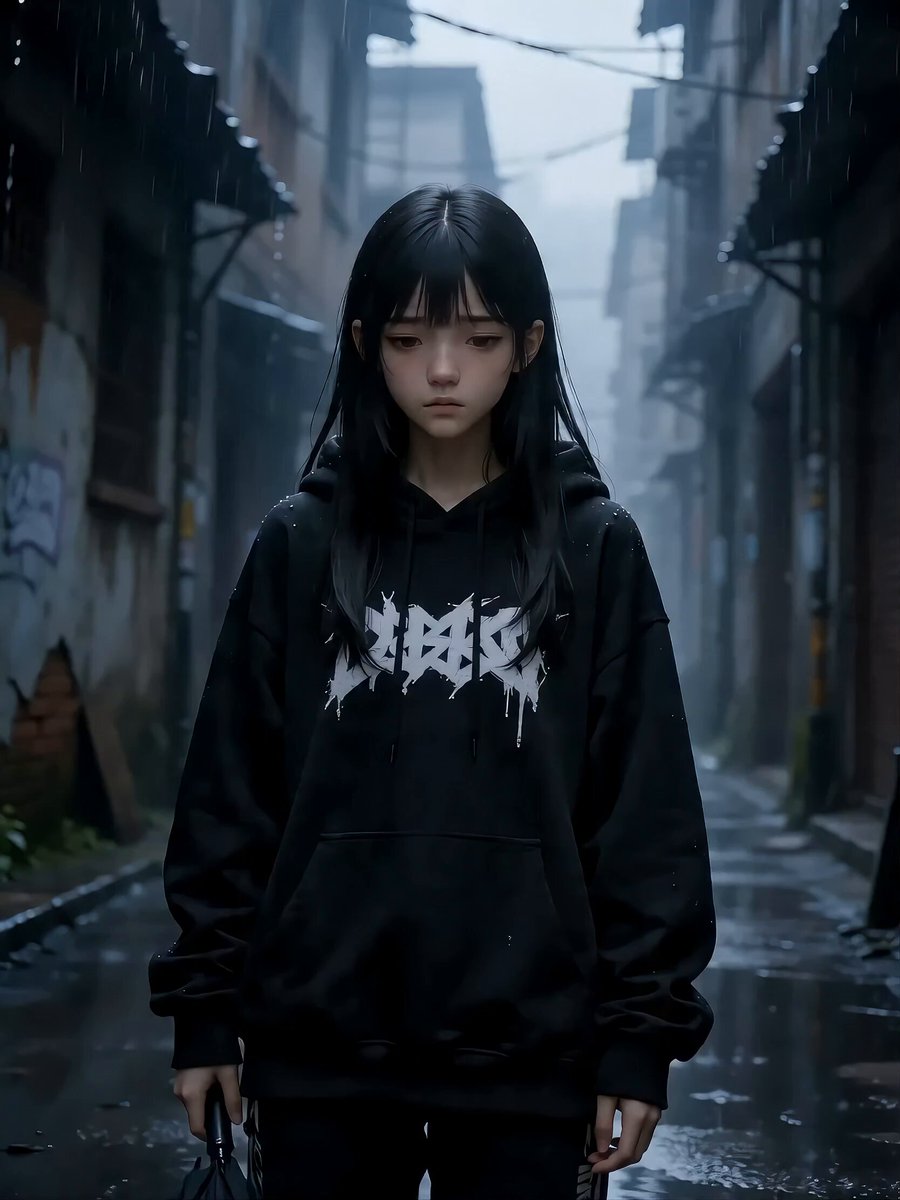
Girl and Cat Transformation Video Prompt (Seedance 2.0)
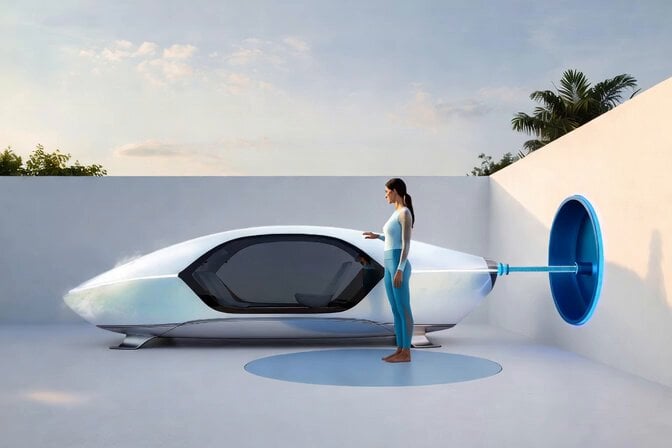
Water Pipe Retraction Sequence
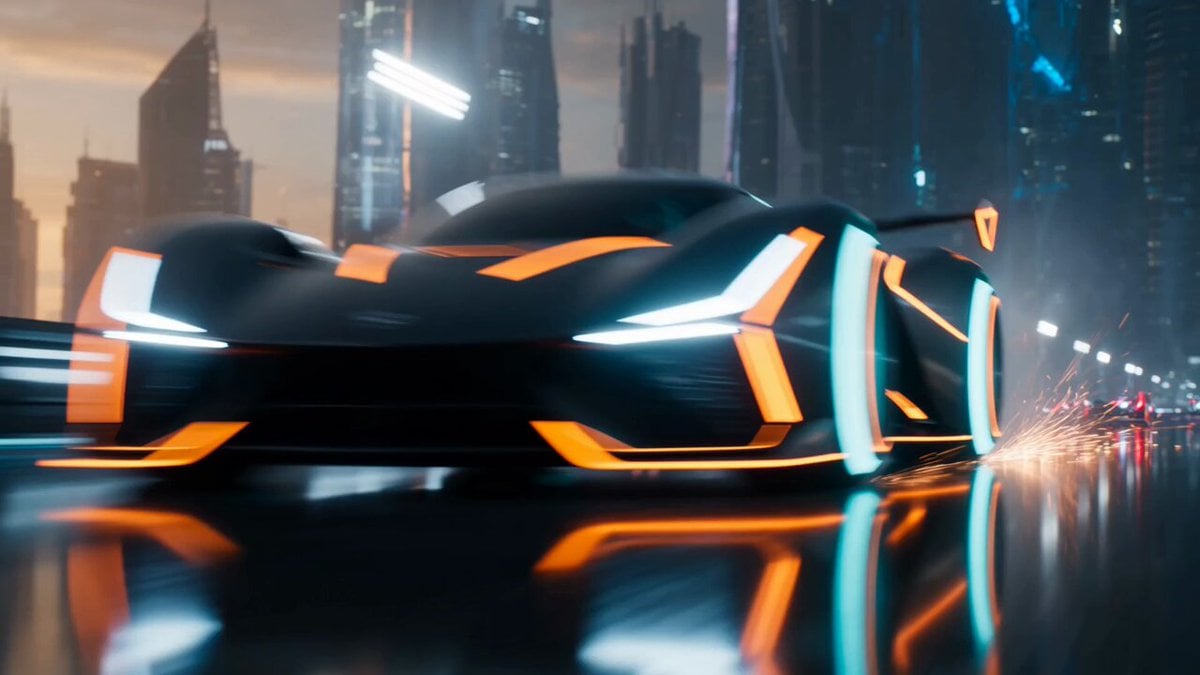
Futuristic Racing Finale Scene
Rainy Neon City Cinematic Walk

Adult Male and Golden Retriever Subject Description
Batman Desert Walk Animation
Grok Imagine prompt: Prism creating a sphere and transforming energy
Seedance 2.0 Video Prompt: Fashion Commercial for Adam Hat Brand
3D Pixar Style Miniature Girl Animation
Browse template categories
Formula 1 Sketch Transformation questions
How do I use the Formula 1 Sketch Transformation template?
Add your photo if the template asks for one, edit the prompt if you like — the template's model and format are already selected — and press Generate. Your version opens in PicX Studio.
Can I customize the Formula 1 Sketch Transformation template?
Yes. You can change the subject, setting, lighting, mood, format, and available model controls before creating your video.
Is the Formula 1 Sketch Transformation template free?
Opening and editing this template is free. Generating uses credits, shown on the Generate button when you are signed in.
Which AI model should I use?
Start with Seedance 2.0, which is the model associated with this template. You can compare another compatible model for a different finish.
Looking for something else? Browse all templates.

Your photo, any look
Thousands of ready templates for every top image and video model, from one credit balance.