
AI Product PhotographyStudio packshots, lifestyle scenes and listing images from one photo of your product
Create e-commerce product photos with AI: studio packshots, lifestyle scenes and main images for Amazon and Shopify from one photo of your product.
- First image free
- Credits never expire
- Commercial use

What you get with PicX Studio
Studio packshots, lifestyle scenes and listing images from one photo of your product
Upload one photo of your product and place it in studio, lifestyle or seasonal scenes
Marketplace main images on a clean white background, plus secondary images for the gallery
Nano Banana for putting the real product into new scenes; GPT Image 2 when the image needs readable text
Seedream to combine several reference images, such as product plus model plus setting, into one shot
E-commerce templates to start from: main images, product campaigns, posters and flat lays
Turn the best photo into a product video or a UGC ad in the same studio
Make it in 3 steps
- 01
Describe it or pick a template
Write what you want, or open one of the AI product photography templates below with its prompt filled in.
- 02
Choose a model
Nano Banana 2 is selected for you. Switch to any other image or video model in the studio; each shows its credit cost first.
- 03
Generate and download
Your first image is free. Downloads are watermark-free and yours to use commercially.
AI product photography examples
Real outputs from PicX Studio. Open any template to see its full prompt and make your own version.
Premium Vertical Product Campaign Poster
Premium Vertical Product Campaign Poster
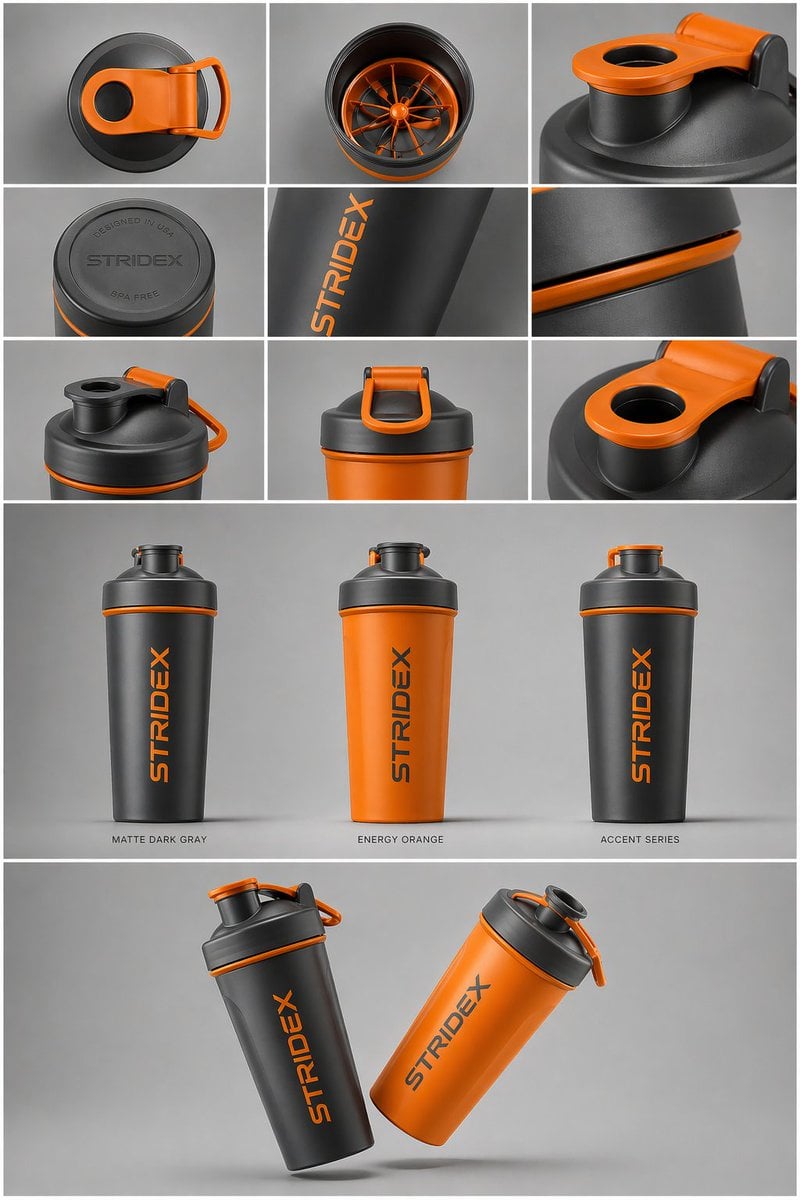
Gpt2 E Commerce Main Image Industrial Design Presentation Sheet
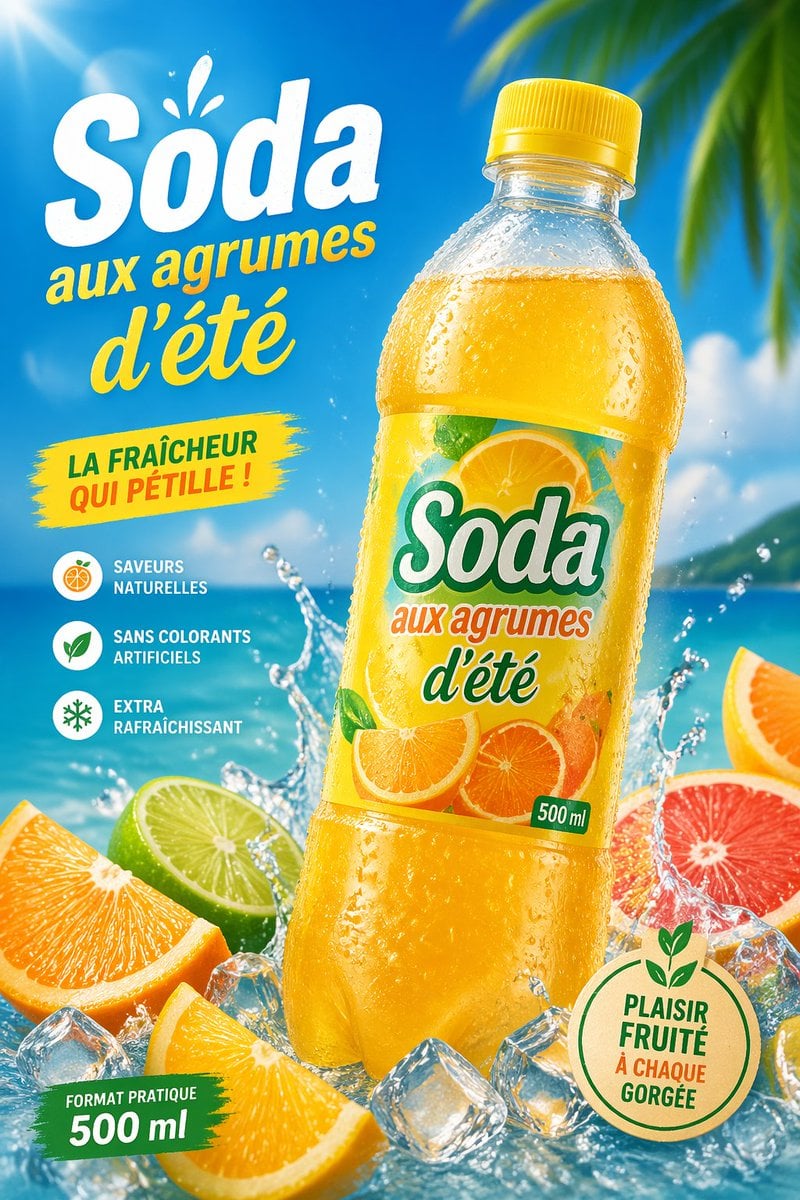
Gpt2 E Commerce Main Image Tropical Citrus Soda Ad Poster
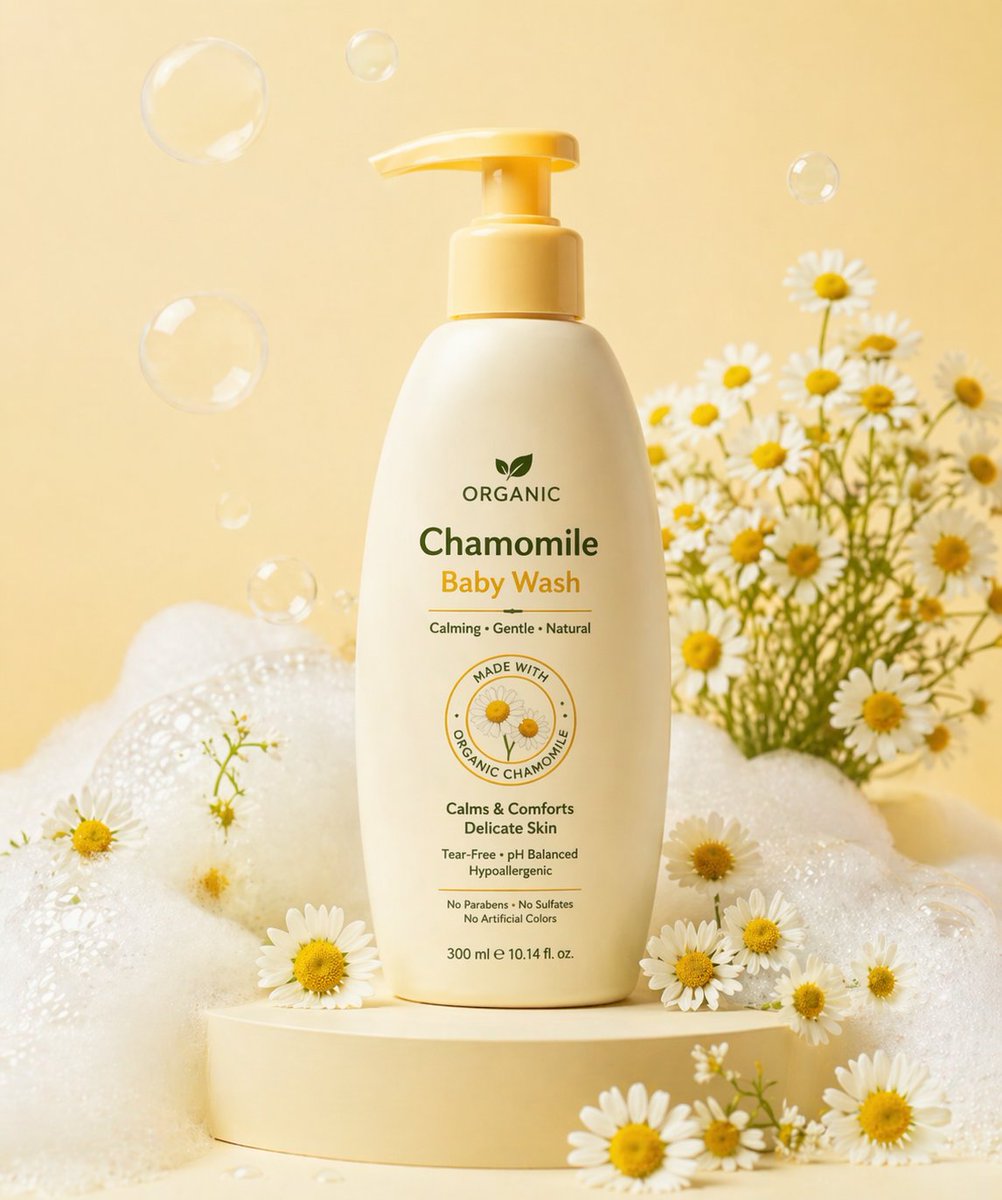
Gpt2 E Commerce Main Image Skincare Product Studio Shot

Gpt2 E Commerce Main Image 9 Panel Product Tvc Storyboard
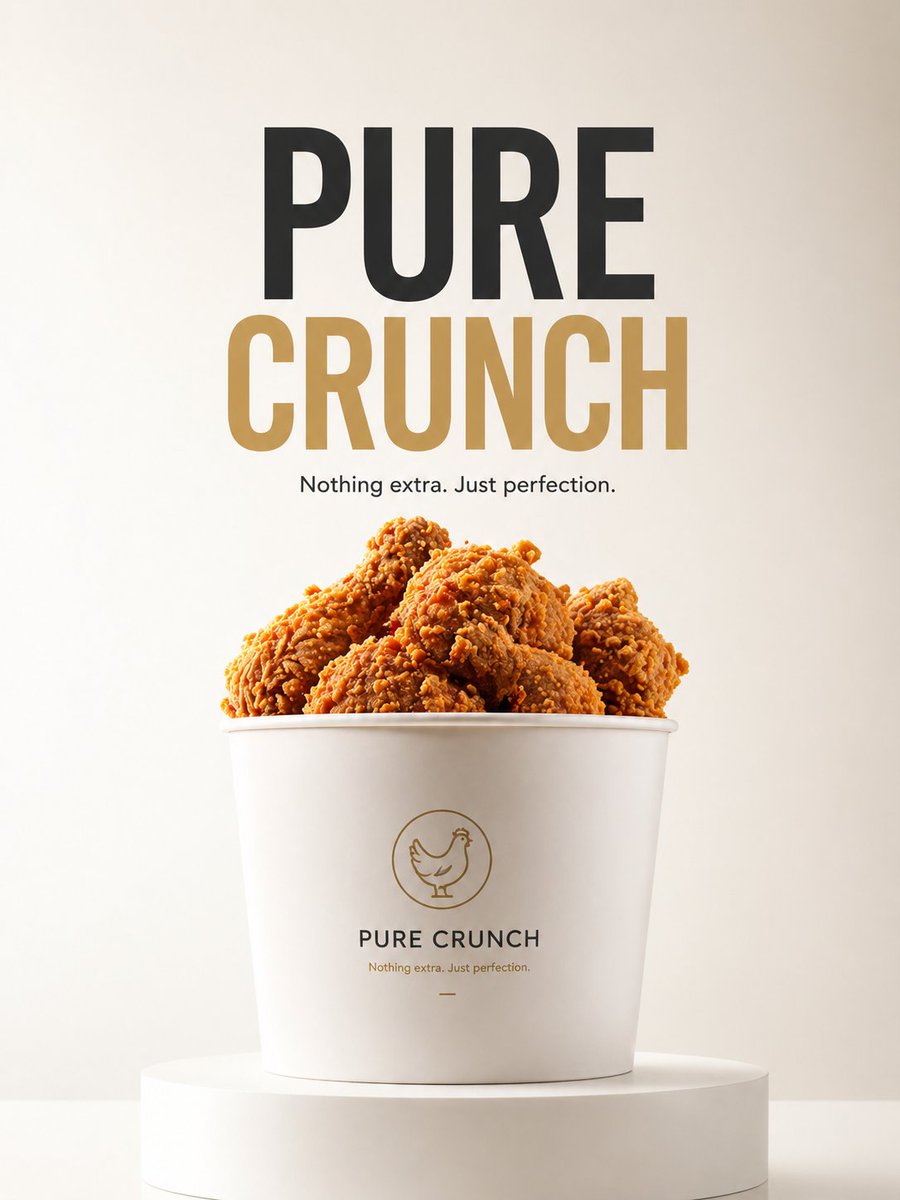
Gpt2 E Commerce Main Image Minimalist Product Ad Pure Crunch
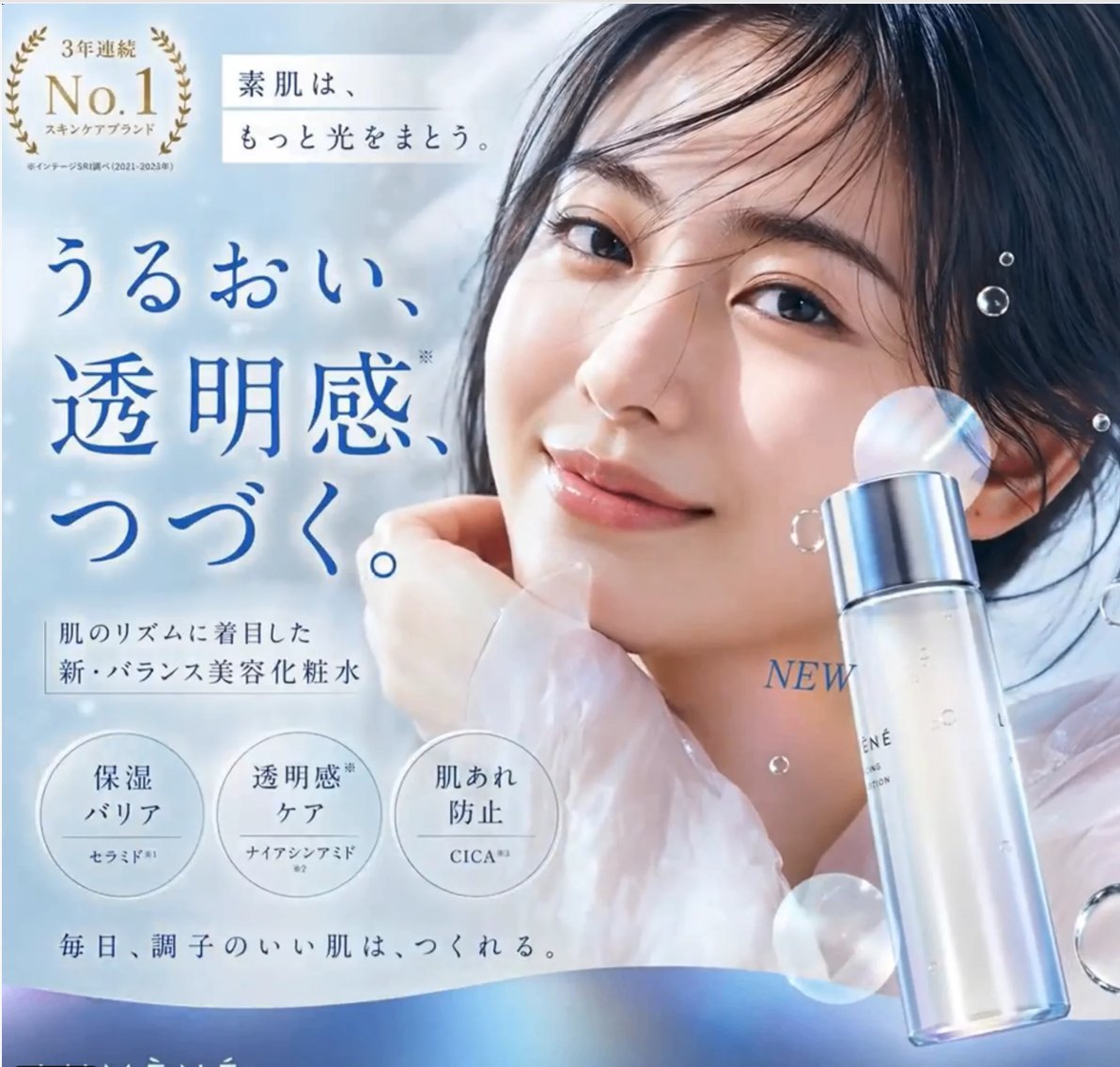
Gpt2 E Commerce Main Image Elegant Cosmetic Poster
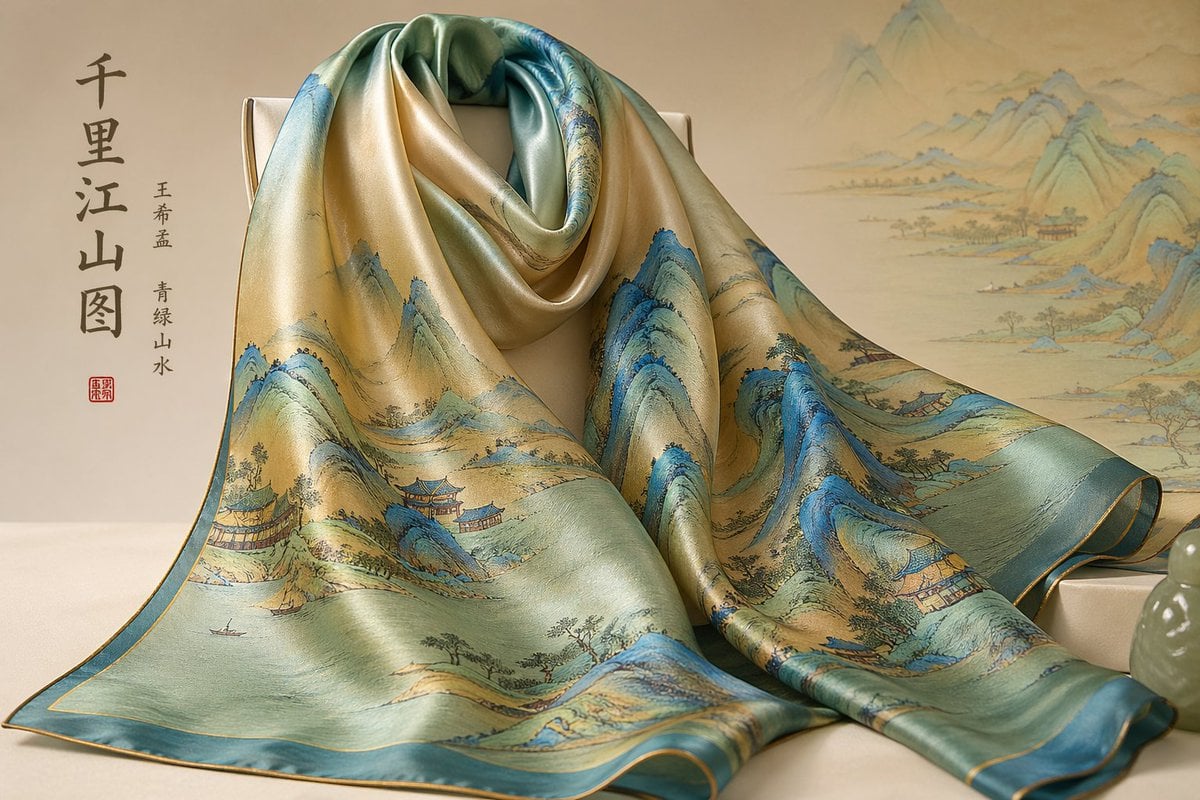
Gpt2 E Commerce Main Image Traditional Chinese Art and Porcelain Vases
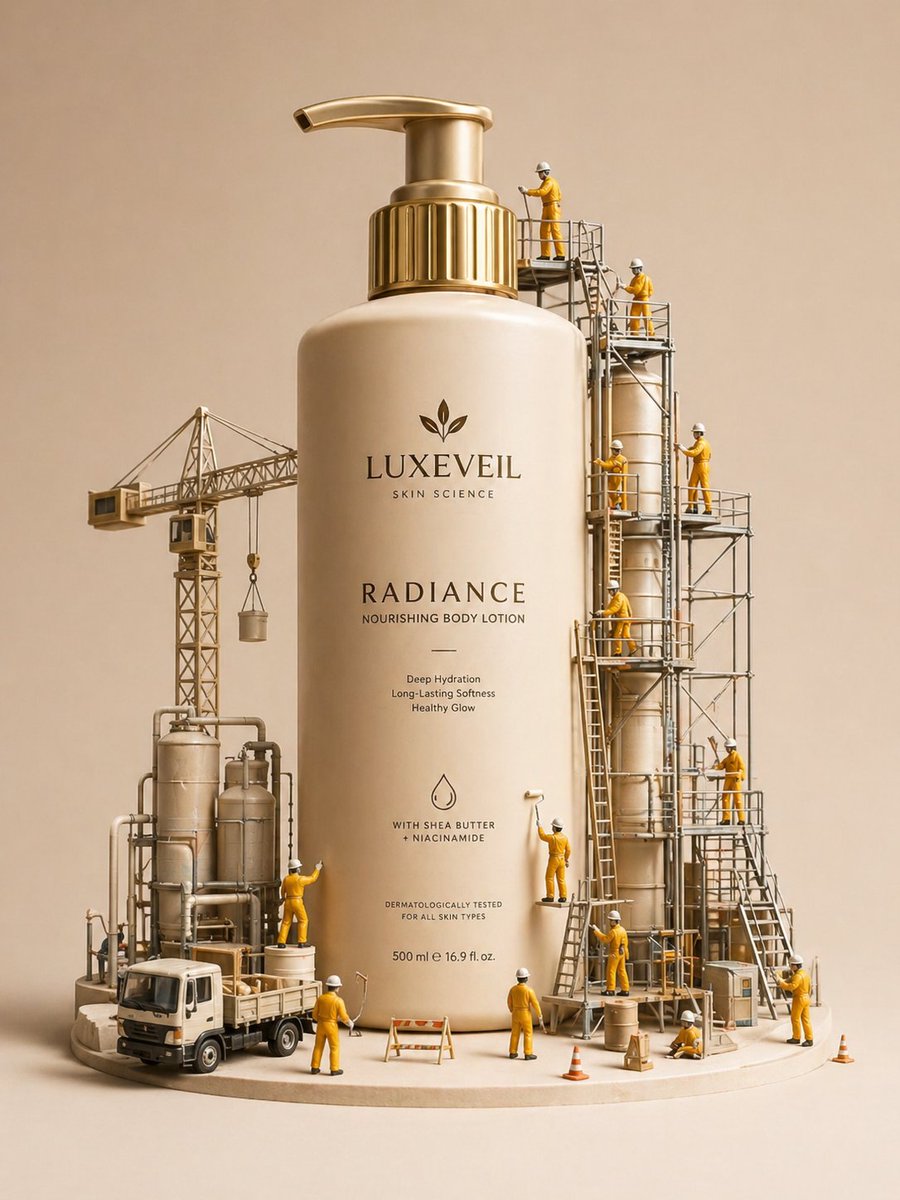
Gpt2 E Commerce Main Image Miniature Diorama Skincare Advertisement
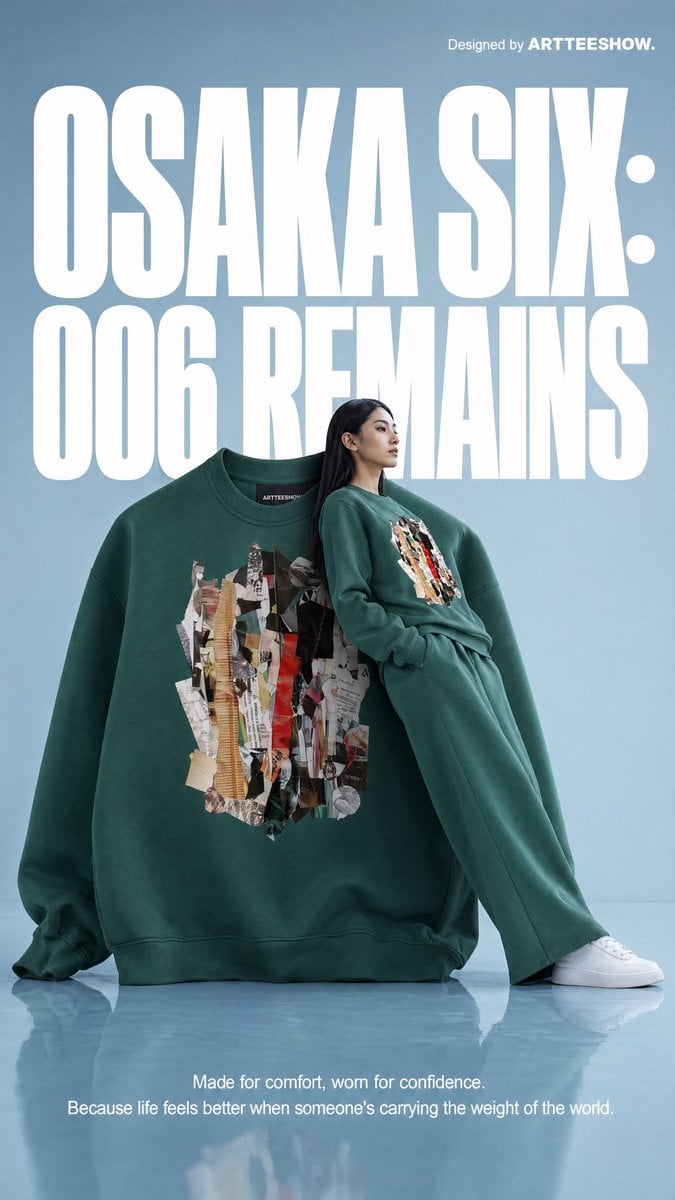
Gpt2 Product Marketing Editorial Osaka Six Sweatshirt Ad

Gpt2 Product Marketing Streetwear Sneaker Poster Ad
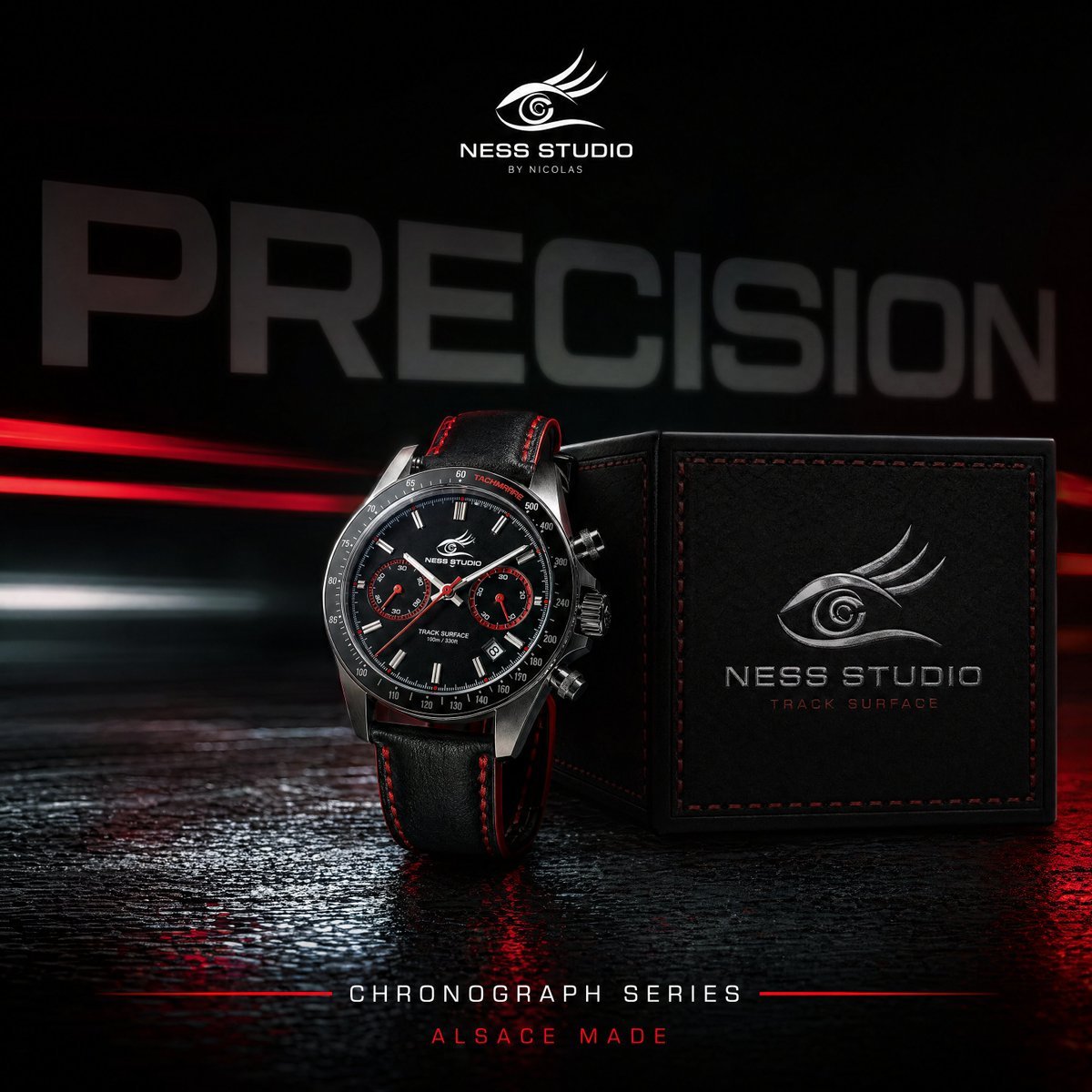
Gpt2 Product Marketing Luxury Chronograph Watch Ad
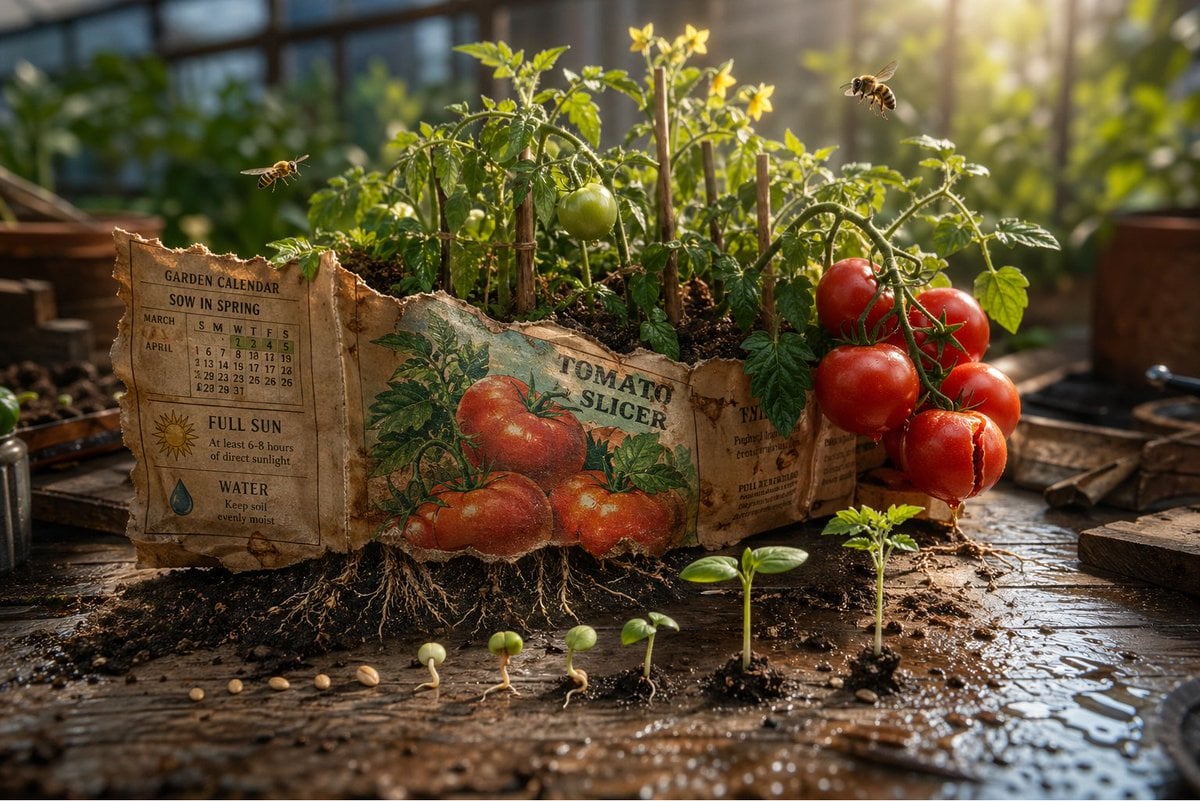
Gpt2 Product Marketing Magical Seed Packet Diorama
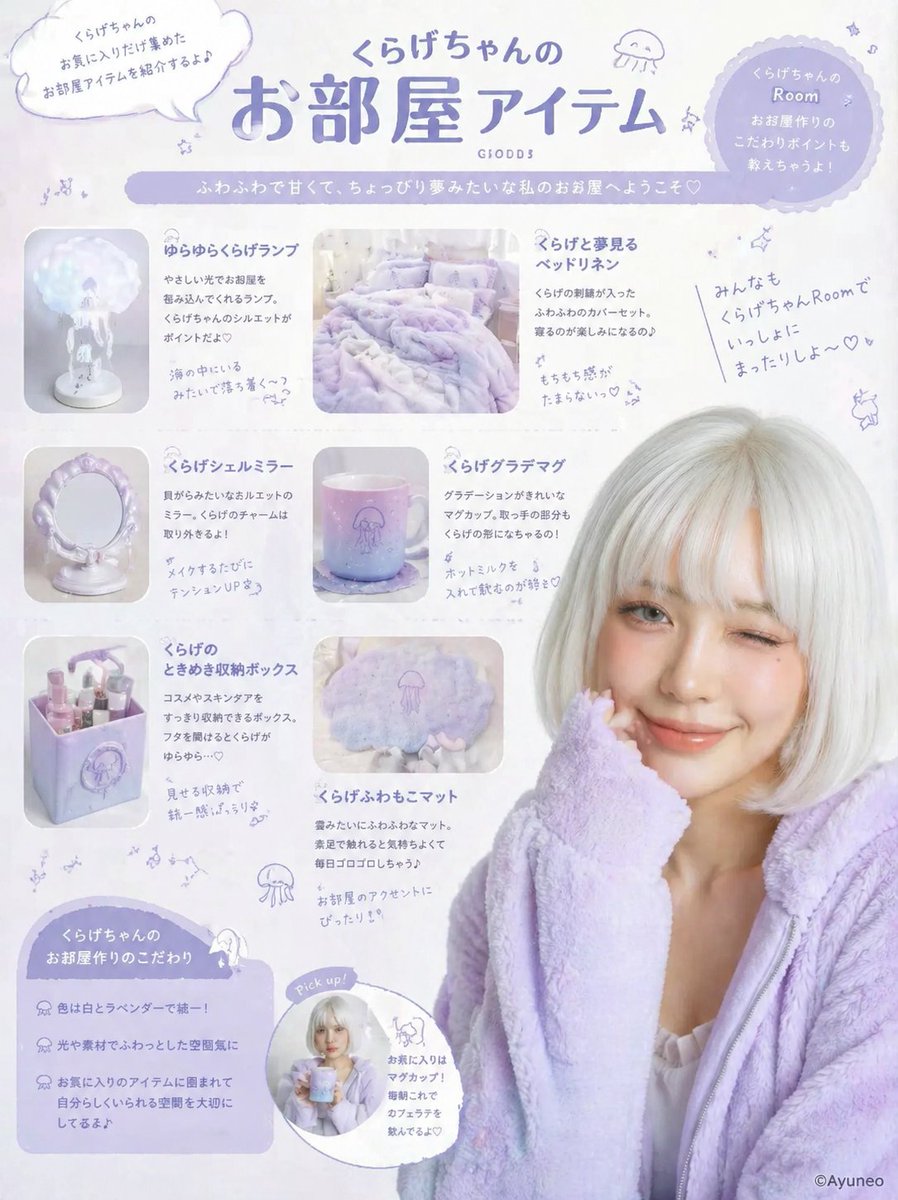
Gpt2 Product Marketing Pastel Jellyfish Room Goods Poster
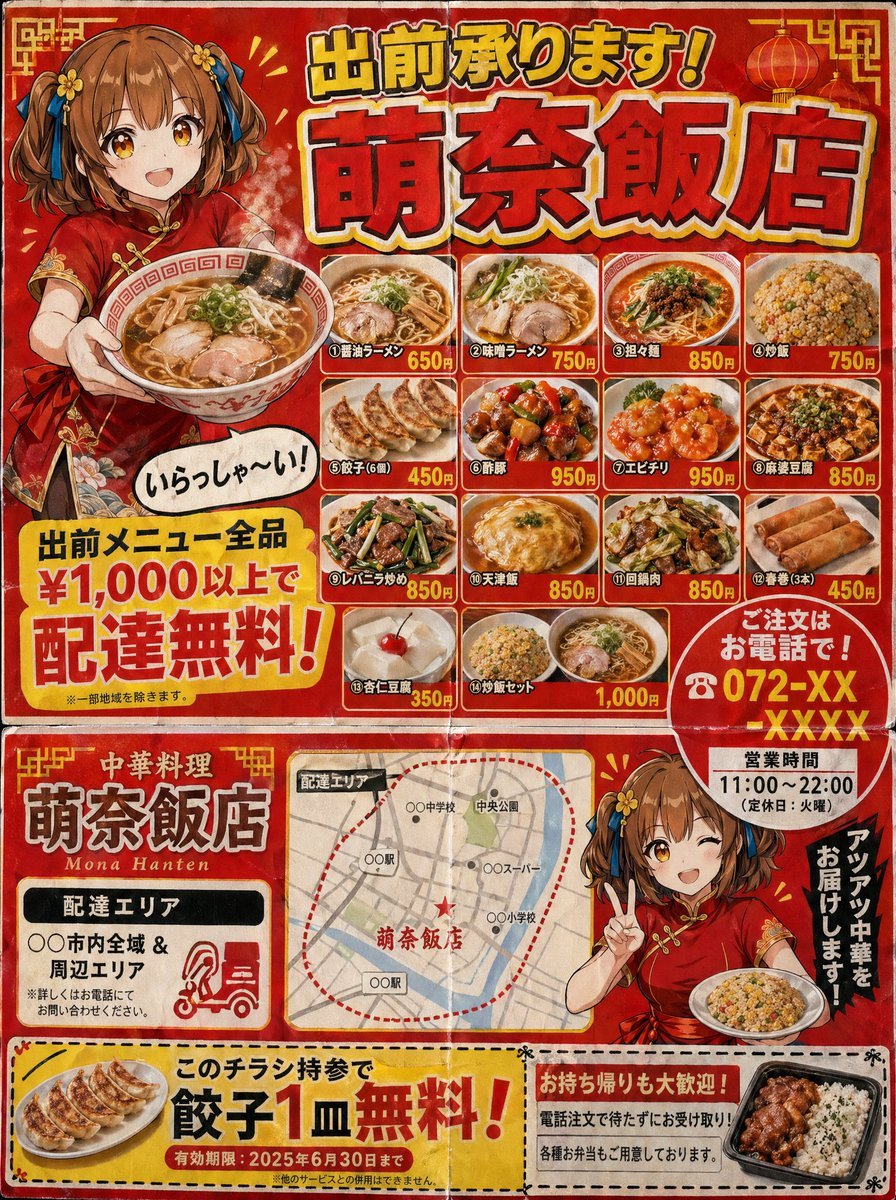
Gpt2 Product Marketing Japanese Chinese Food Delivery Flyer
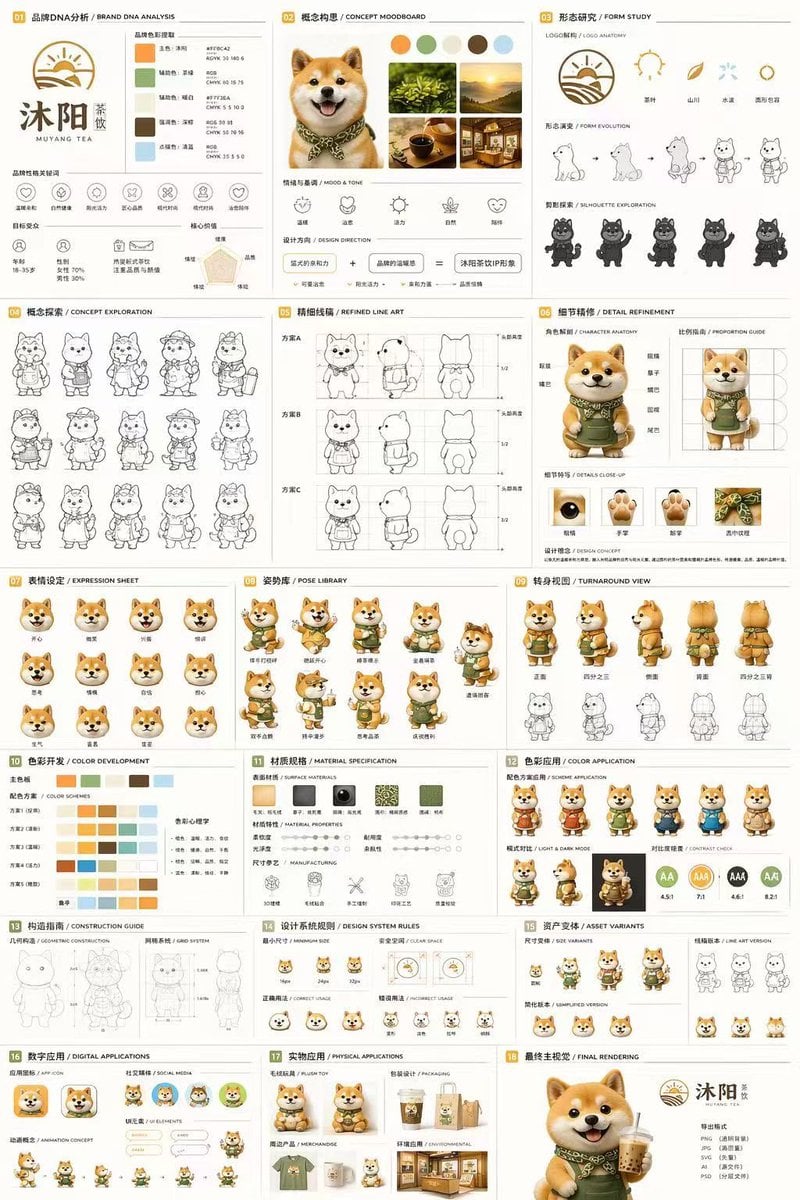
Gpt2 Product Marketing 18 Panel Mascot Brand Identity Document
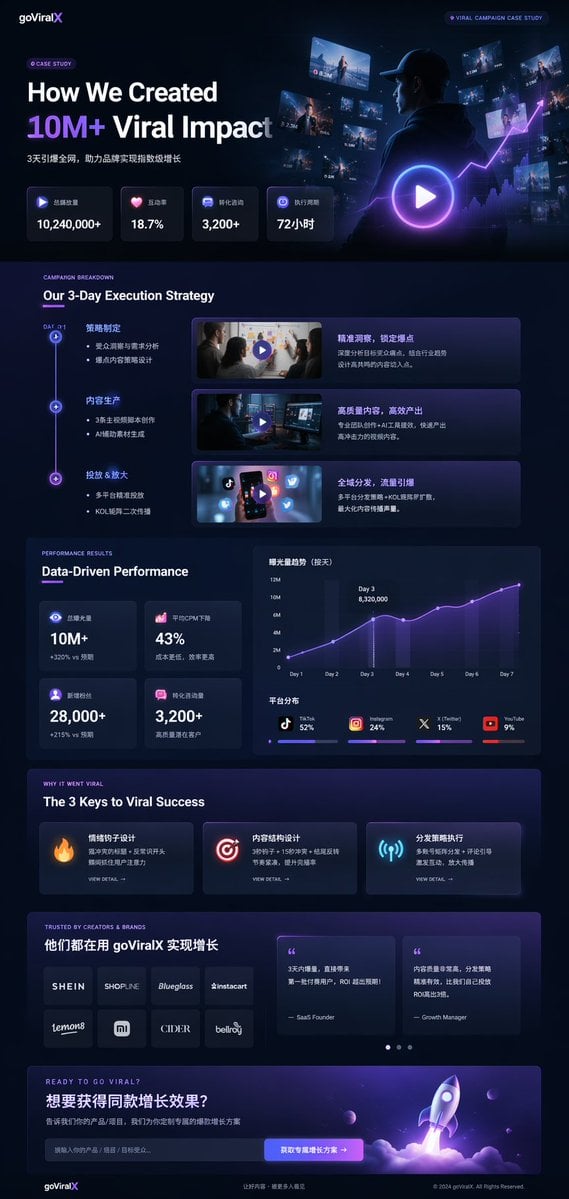
Gpt2 Product Marketing Dark Mode Marketing Case Study Ui
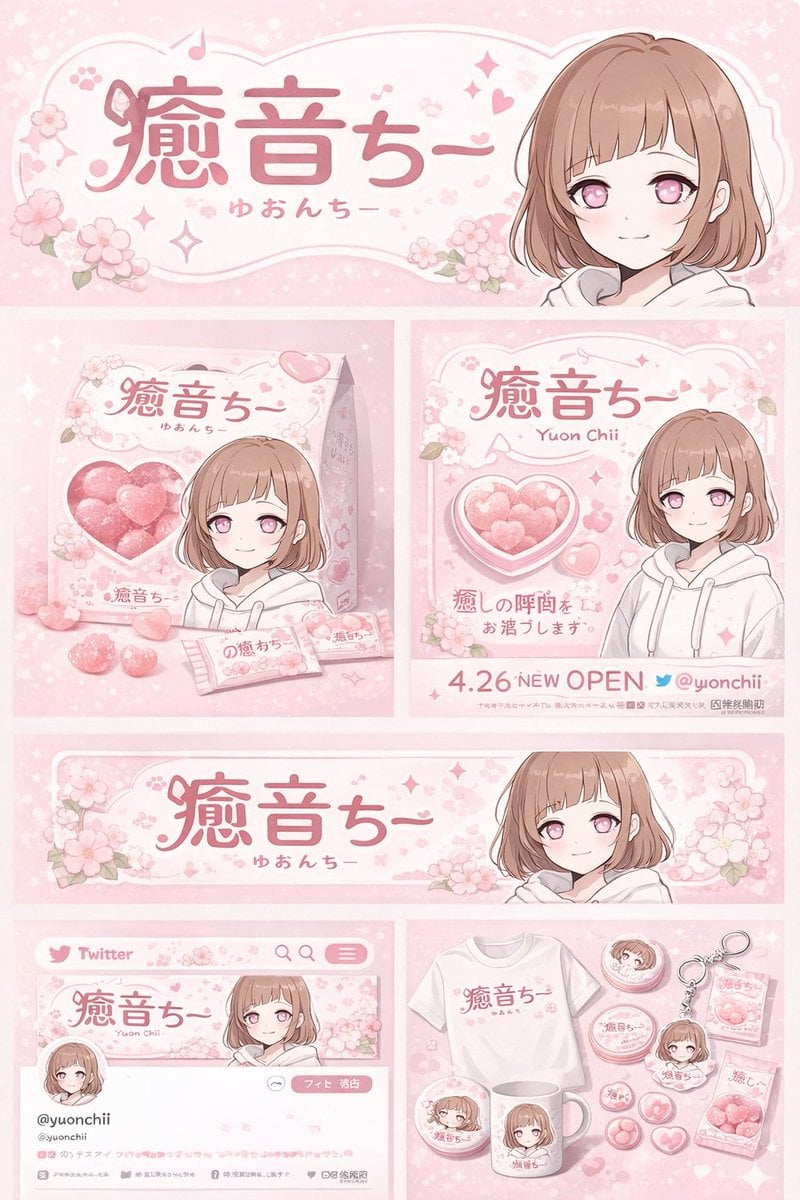
Gpt2 Product Marketing Anime Character Brand Identity Merch Board

Gpt2 Social Media Post Cinematic Chicken Momos Ad Poster

Product Shot - T-Shirt Mockup
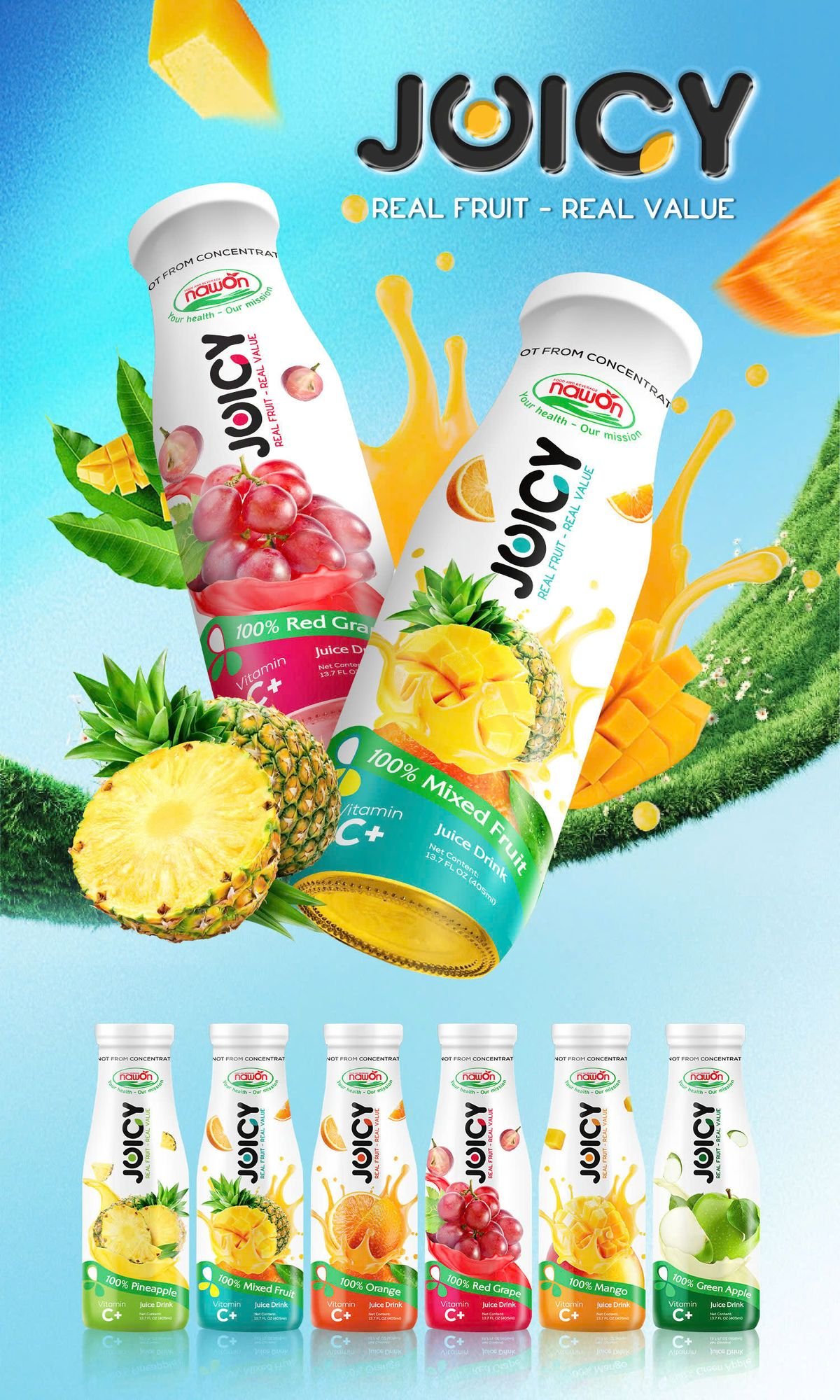
Tropical Fruit Juice Beverage Display
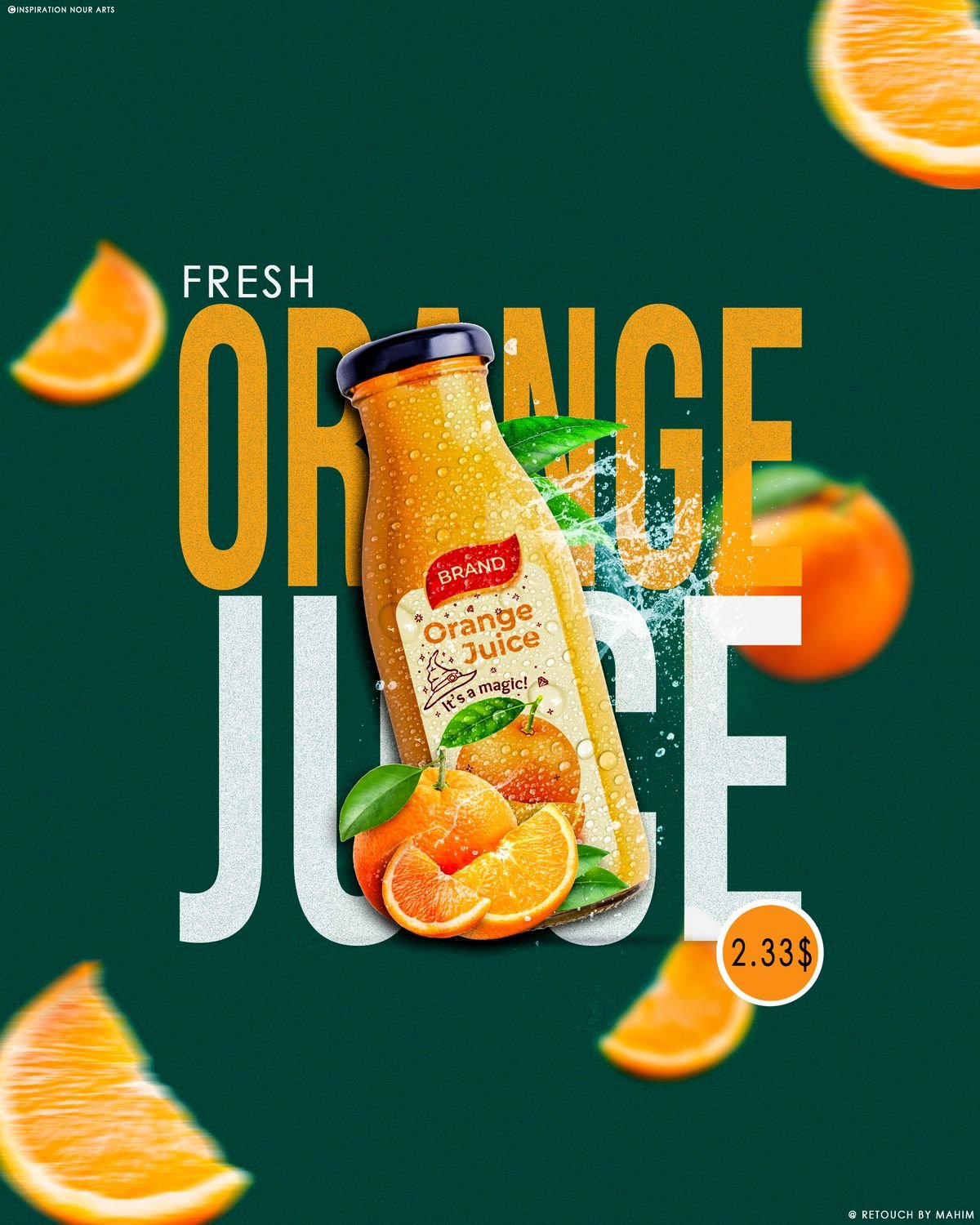
Fresh Orange Juice Social Media
AI product photography templates & examples
- Premium Vertical Product Campaign Poster
Photorealistic premium product campaign poster in 4:5 vertical aspect ratio. Confident model presenting the product close to camera with strong perspective angle. Clean studio background with large rounded rectangle pane
- Premium Vertical Product Campaign Poster
Create a photorealistic premium product campaign poster in a 4:5 vertical aspect ratio. Main subject: a confident model holding or presenting the product close to camera, product in sharp focus, model slightly behind, st
- Gpt2 E Commerce Main Image Industrial Design Presentation Sheet
Core Subject: [{argument name="reference" default="use the uploaded image"}, keep the details, typography and structure locked 100%] Layout & Composition: A {argument name="presentation type" default="professional indus
- Gpt2 E Commerce Main Image Tropical Citrus Soda Ad Poster
Create a vibrant tropical commercial poster for a citrus soda bottle, in a bright summer advertising style. Show a single large plastic bottle of {argument name="product name" default="Soda"} centered slightly to the rig
- Gpt2 E Commerce Main Image Skincare Product Studio Shot
A soft {argument name="bottle color" default="cream-colored"} bottle with a {argument name="pump color" default="pastel yellow"} pump stands on a matte podium, surrounded by silky foam and {argument name="flowers" defaul
- Gpt2 E Commerce Main Image 9 Panel Product Tvc Storyboard
Using the provided reference image, transform the single casual product photo into a polished e-commerce TVC storyboard board for a {argument name="video duration" default="15-second"} ad in a {argument name="aspect rati
- Gpt2 E Commerce Main Image Minimalist Product Ad Pure Crunch
A minimalist product advertisement with a {argument name="product" default="fried chicken bucket"} placed on a clean white podium. Background: soft gradient ({argument name="background gradient" default="light cream to
- Gpt2 E Commerce Main Image Elegant Cosmetic Poster
An image in a {argument name="reference style" default="similar style"}, a product image for {argument name="product" default="lipstick"}, requiring color coordination and a grand aesthetic in a {argument name="style" de
- Gpt2 E Commerce Main Image Traditional Chinese Art and Porcelain Vases
A scarf inspired by 'A Thousand Li of Rivers and Mountains', surrounded by Wang Ximeng's blue-green landscape, with a silky texture and soft lighting. A famille rose porcelain vase featuring Lady Yang Guifei enjoying fl
- Gpt2 E Commerce Main Image Miniature Diorama Skincare Advertisement
A hyper-realistic miniature diorama product advertisement featuring an oversized luxury skincare pump bottle labeled "LUXEVEIL Skin Science – Radiance Nourishing Body Lotion" in cream/beige with a polished gold pump top,
- Gpt2 Product Marketing Editorial Osaka Six Sweatshirt Ad
A clean editorial fashion advertisement poster on a pale powder-blue studio background with a glossy reflective floor. The composition is vertical and minimal, dominated by oversized bold white condensed sans-serif typog
- Gpt2 Product Marketing Streetwear Sneaker Poster Ad
Create a bold streetwear poster advertisement for {argument name="brand name" default="NESS STUDIO"} featuring a young adult model seated casually on the ground in a low-angle fashion pose, one knee raised and one leg ex
Related explorations
More pages and searches around AI product photography.
AI product photography questions
How does AI product photography work?
You upload a photo of your product and describe the scene you want, or pick a template. An image model keeps the product and generates the background, lighting and props around it, so you get new shots without a photoshoot.
Can AI product photos be used on Amazon?
Yes, if they show the product accurately. Amazon's main image must have a pure white background with the product filling most of the frame; lifestyle and infographic images go in the secondary slots. Check the listing rules for your category.
What photo of my product should I upload?
A sharp, evenly lit photo showing the whole product from the angle you want. A plain background works best. Phone photos are fine; avoid heavy shadows, reflections and cropped edges.
Will the AI change my product?
The models are built to keep the product, but small details such as fine print or logos can drift. Always compare the result with the real item and regenerate if anything is off; accurate images prevent returns.
What are lifestyle product photos?
Lifestyle photos show the product in use or in a real setting, such as a mug on a morning desk or sneakers on a street. They help shoppers imagine owning it and usually work better in ads than plain packshots.
Is AI product photography cheaper than a photoshoot?
For most small catalogues, yes: you pay per generated image with credits instead of studio time, props and a photographer. A professional shoot still makes sense for hero campaigns and complex products.

Start your AI product photography free
Your first image is on us. Every top image and video model, one credit balance, credits that never expire.