
Gpt2 Product Marketing Streetwear Sneaker Poster Ad
A grungy urban fashion poster showcasing a seated model and branded chunky sneakers, ideal for streetwear marketing, social ads, and promotional brand visuals.

- Prompt included
- Model and format preset
- Free template
The prompt behind this image
Copy the exact prompt behind Gpt2 Product Marketing Streetwear Sneaker Poster Ad, or open it in the studio and make it yours.
Create a bold streetwear poster advertisement for {argument name="brand name" default="NESS STUDIO"} featuring a young adult model seated casually on the ground in a low-angle fashion pose, one knee raised and one leg extended toward the camera so the sneaker in front appears oversized and dominant. The model wears a dark brown oversized leather bomber jacket, a black shirt, light blue loose-fit jeans, white socks, and chunky black-white-gray sneakers with a red accent in the sole and the {argument name="brand name" default="NESS STUDIO"} logo visible on the shoe side and tongue. The face is intentionally obscured by a soft rectangular blur block centered over the face. Use an off-white textured paper background with distressed grunge design elements and collage layering. Behind the model, place a large rough red paint brushstroke shape spanning diagonally across the center. Add black ink splatters, sketch circles, torn paper scraps, and hand-painted graffiti accents. Include 4 major graphic doodles: a large black X in the upper right, a hand-drawn upward arrow in the lower left, a rough crown sketch in the lower right, and a circular scribble near the top center. In the upper left, place a stylized eye logo above the text "{argument name="brand name" default="NESS STUDIO"}" and a smaller tagline below reading "A MOMENT OF YOUR STYLE". On the left middle area, add the handwritten slogan "INNOVATE CREATE INSPIRE" in stacked black brush lettering. On the right middle area, place a torn black paper patch with the handwritten white slogan "BUILT DIFFERENT MOVE DIFFERENT" and a red underline stroke. In the lower left near the shoe, add a black distressed label sticker containing a globe scribble, the text "{argument name="brand name" default="NESS STUDIO"}", and a barcode. Along the bottom footer, create a clean horizontal strip with 3 social media icons and handles separated by thin vertical dividers: Instagram, Facebook, and Twitter, each followed by "@NESS.STUDIO". The overall style should be edgy, urban, youthful, high-contrast, editorial street fashion, mixing product advertising photography with graffiti poster design, collage textures, and dynamic branding.
How to use Gpt2 Product Marketing Streetwear Sneaker Poster Ad in 3 steps
- 1
Open
The prompt is already in the box next to the preview, with the template's model and format selected.
- 2…a portrait of your subject in softgolden-hour light, 85mm…
Personalize
Edit the subject and creative details for your destination.
- 3Generate
Generate
Press Generate — your image is created in PicX Studio, so you can compare it with the original and refine one variable at a time.
More like this
Templates with the same subject, style or setup. Open one to see its prompt.
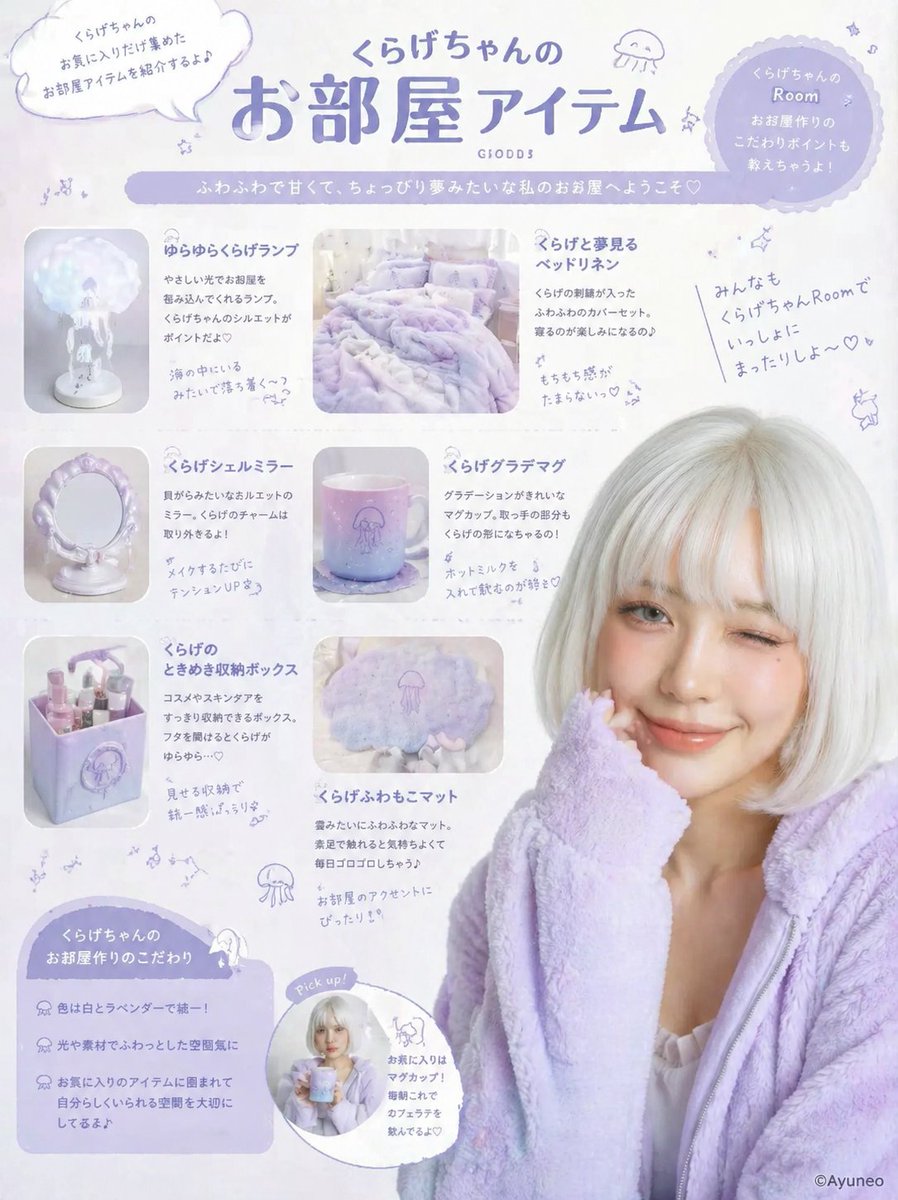
Gpt2 Product Marketing Pastel Jellyfish Room Goods Poster
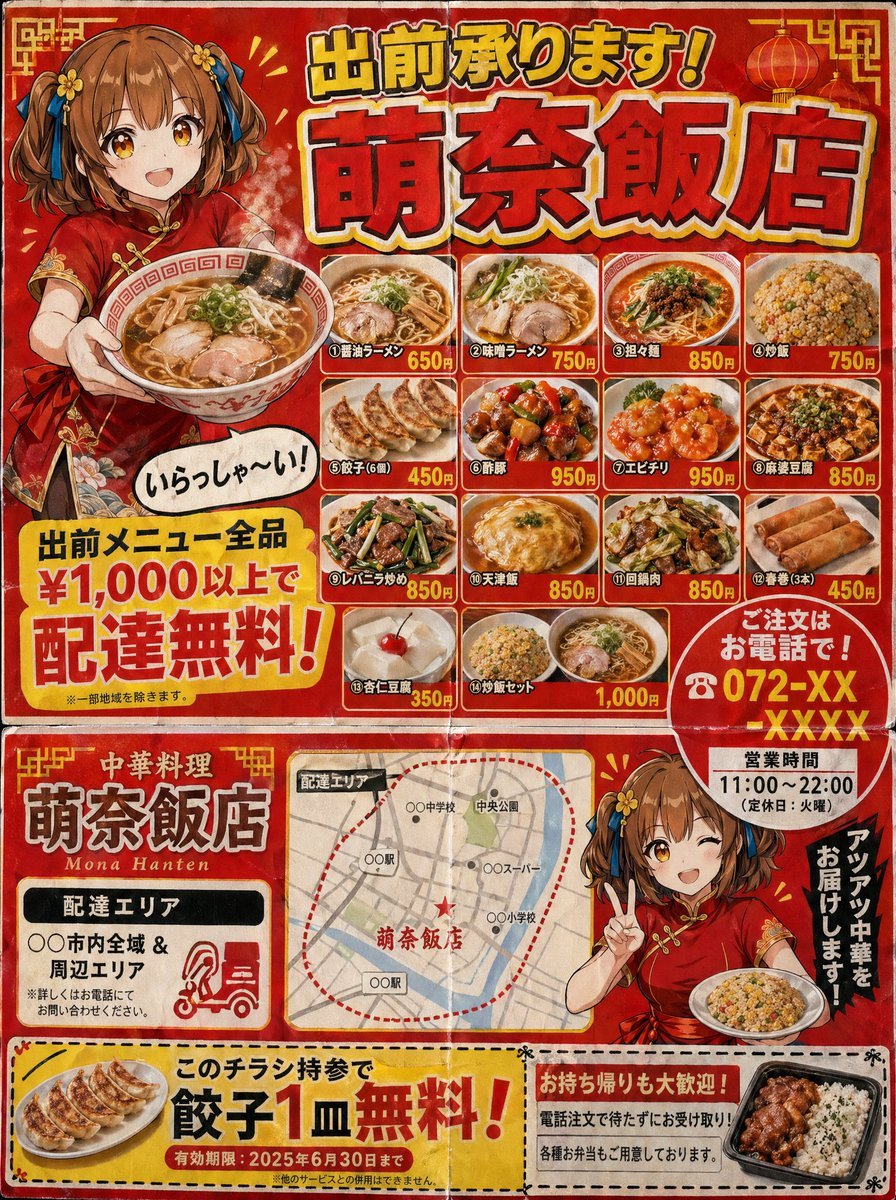
Gpt2 Product Marketing Japanese Chinese Food Delivery Flyer
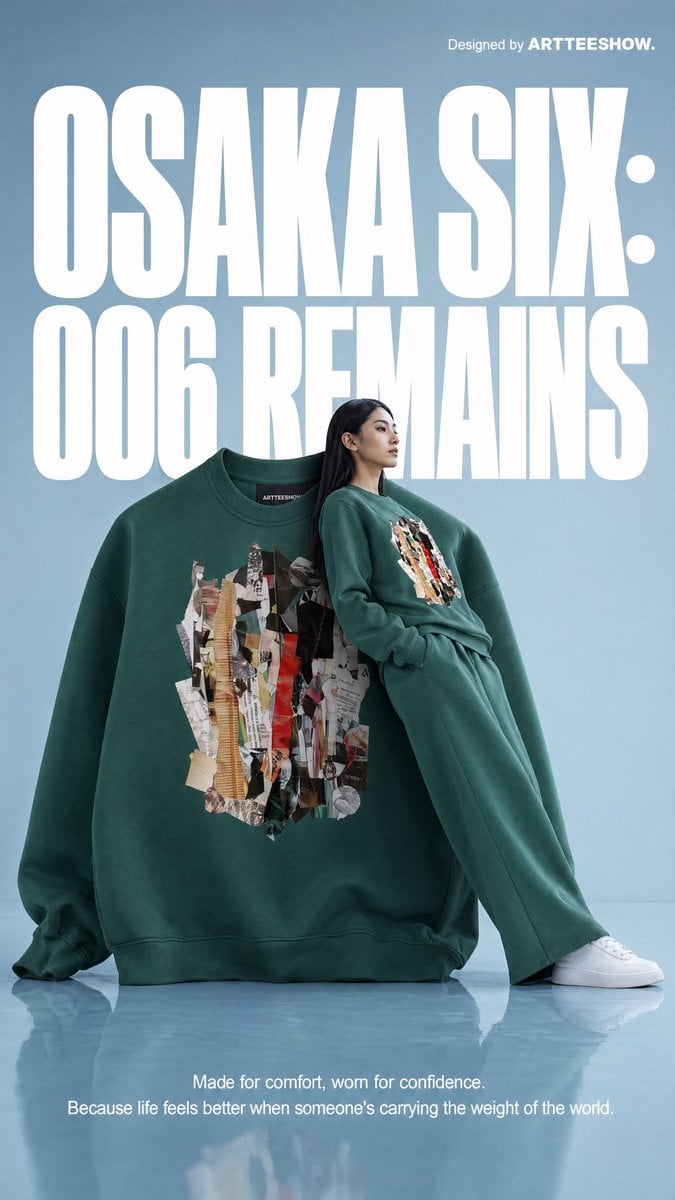
Gpt2 Product Marketing Editorial Osaka Six Sweatshirt Ad
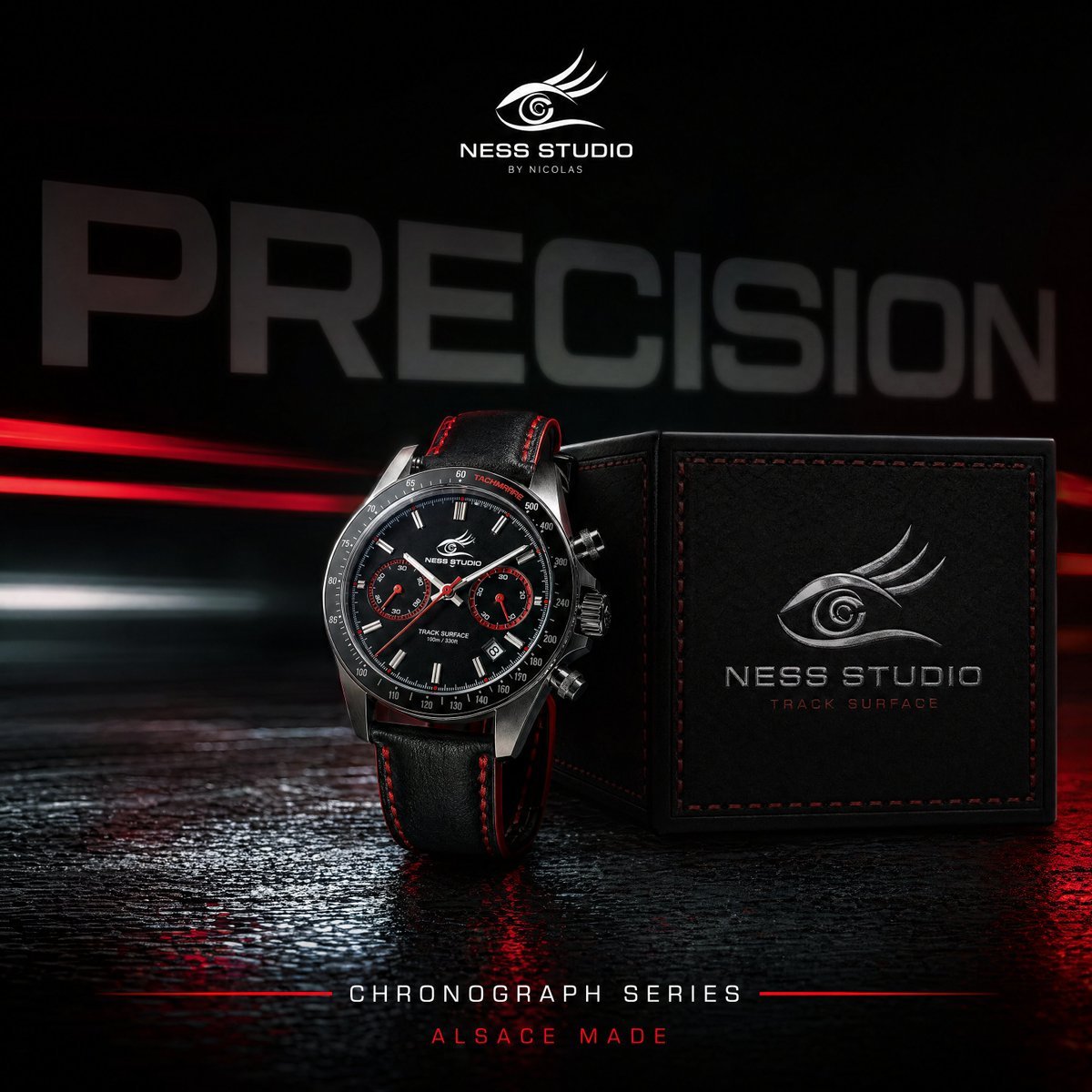
Gpt2 Product Marketing Luxury Chronograph Watch Ad
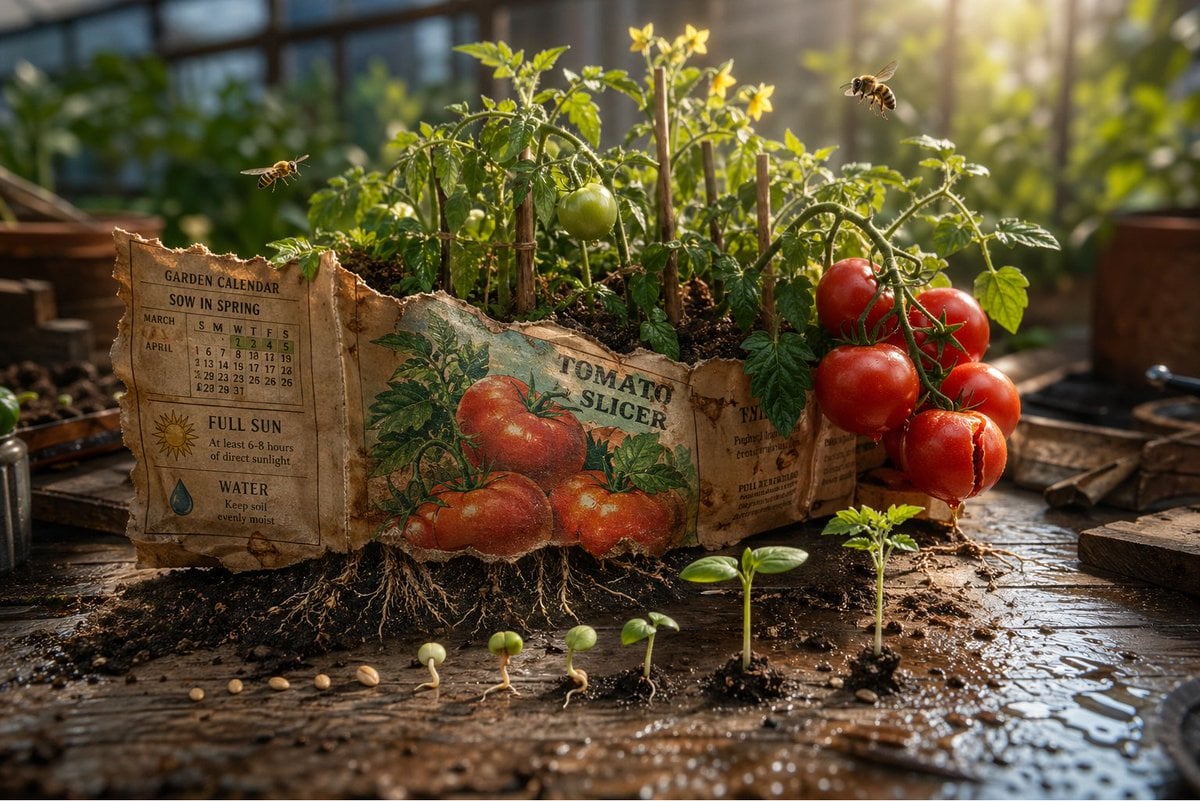
Gpt2 Product Marketing Magical Seed Packet Diorama
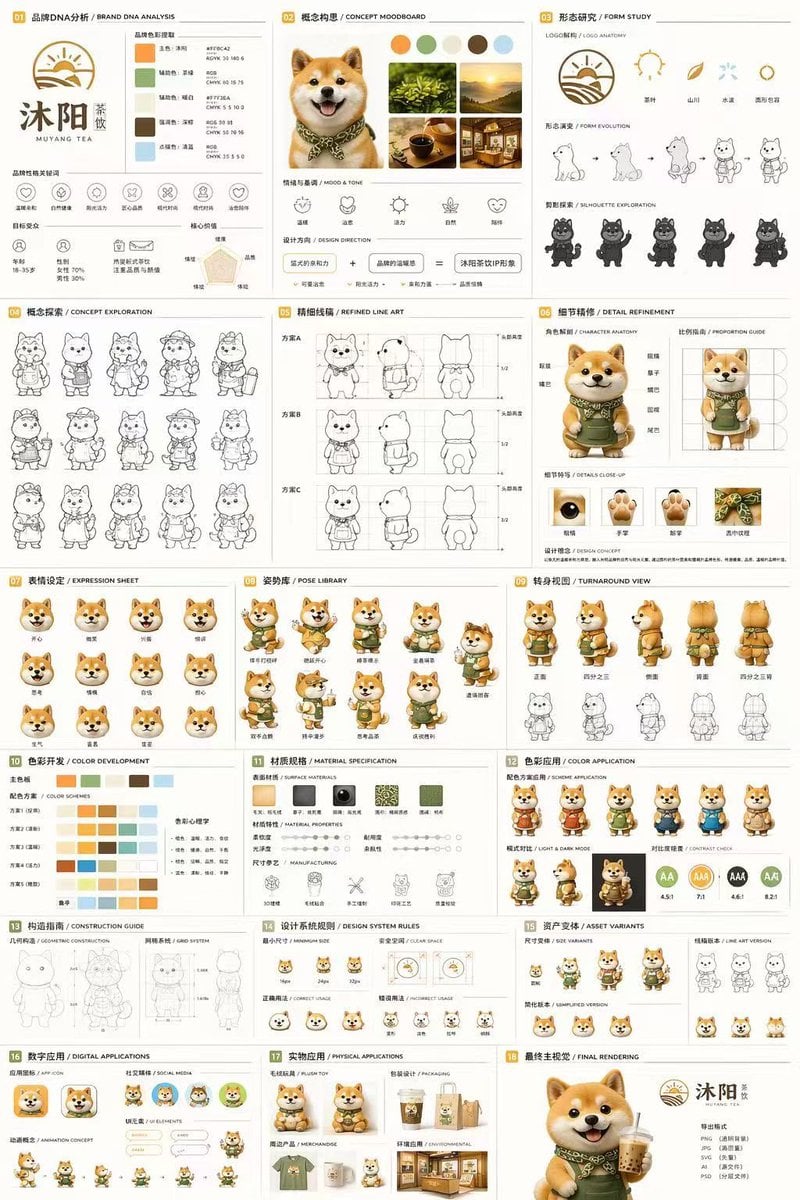
Gpt2 Product Marketing 18 Panel Mascot Brand Identity Document
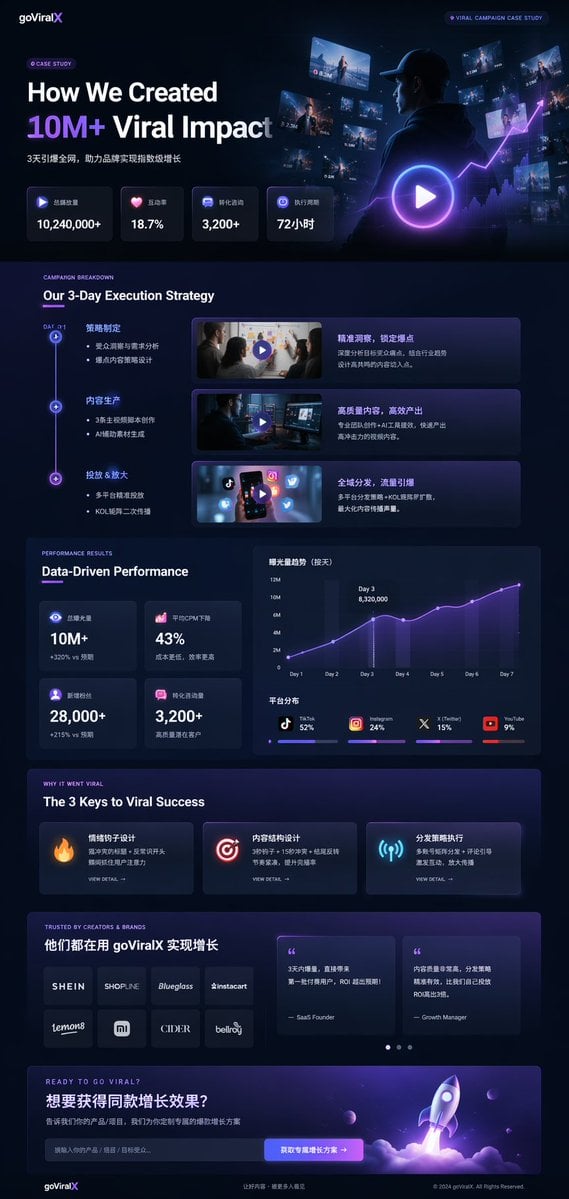
Gpt2 Product Marketing Dark Mode Marketing Case Study Ui
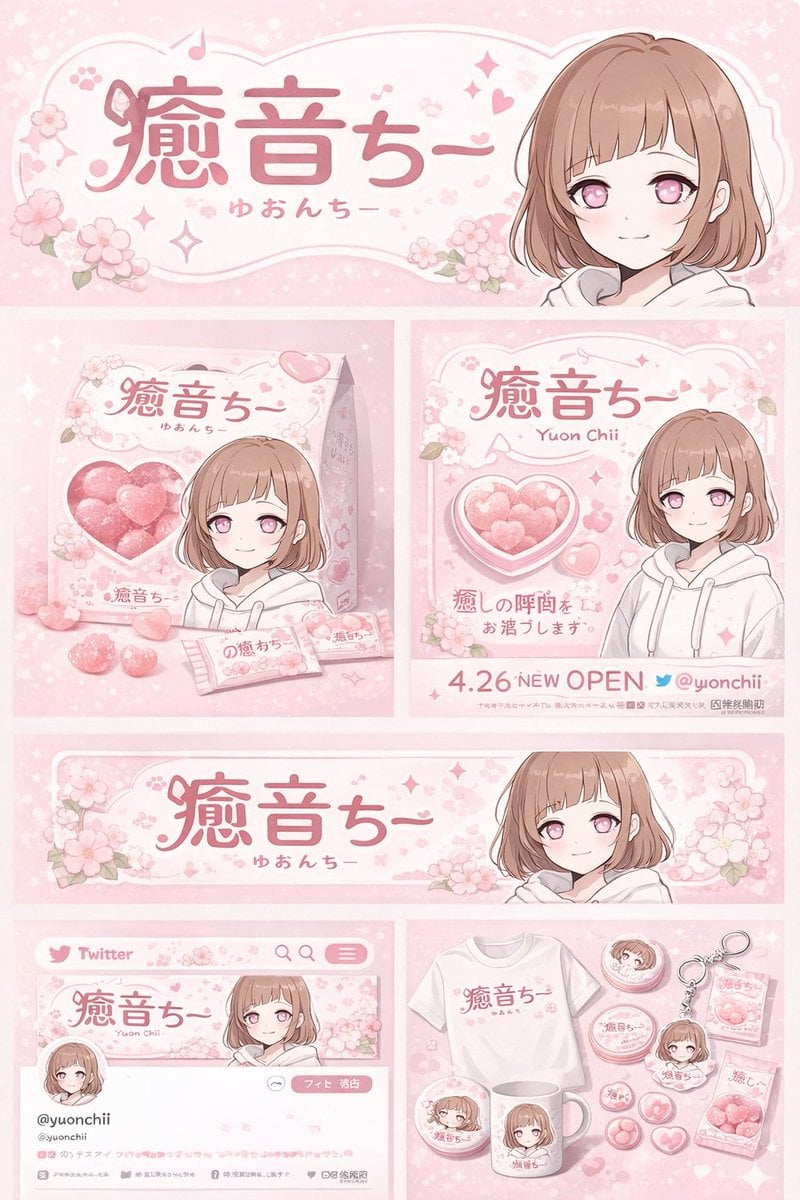
Gpt2 Product Marketing Anime Character Brand Identity Merch Board

Gpt2 Social Media Post Cinematic Chicken Momos Ad Poster

Urban Fashion Editorial Collage Poster

Gpt2 E Commerce Main Image 9 Panel Product Tvc Storyboard

Trendy Cafe Drink Promo Poster
Make it yours
Gpt2 Product Marketing Streetwear Sneaker Poster Ad works as-is. These are the safest ways to change it without losing the look.
Change one field
Copy a single group, rewrite it, and generate again so you can see what that field is doing.
Keep the frame, change the subject
Hold the composition and light of gpt2-product-marketing-streetwear-sneaker-poster-ad, then swap wardrobe, props or the person for a new take.
| If the result… | Why | Fix |
|---|---|---|
| The result drifts from the preview | Too many fields changed at once. | Reuse gpt2-product-marketing-streetwear-sneaker-poster-ad as-is first, then change one group — subject, light, or setting. |
| The model over-stylizes the scene | The prose prompt leaves finish and camera underspecified. | Add one camera or lighting sentence and stay on GPT Image 2. |
More GPT Image 2 templates
Other prompts made for GPT Image 2.

Six VTuber Japanese Logo Sheet

Realistic Portrait of Woman and Deer

The Vista Modular Condo Poster

AI Model Routing Comparison Infographic

2.5D Anime Art Board

Isometric Productivity Desk Scene

New York Double Exposure Poster

Four-Panel AI Landscape Comparison

Japanese Tatami Lifestyle Magazine Cover

NESCAFÉ Coffee Map Poster
More image prompts
Fresh picks from across the catalog.
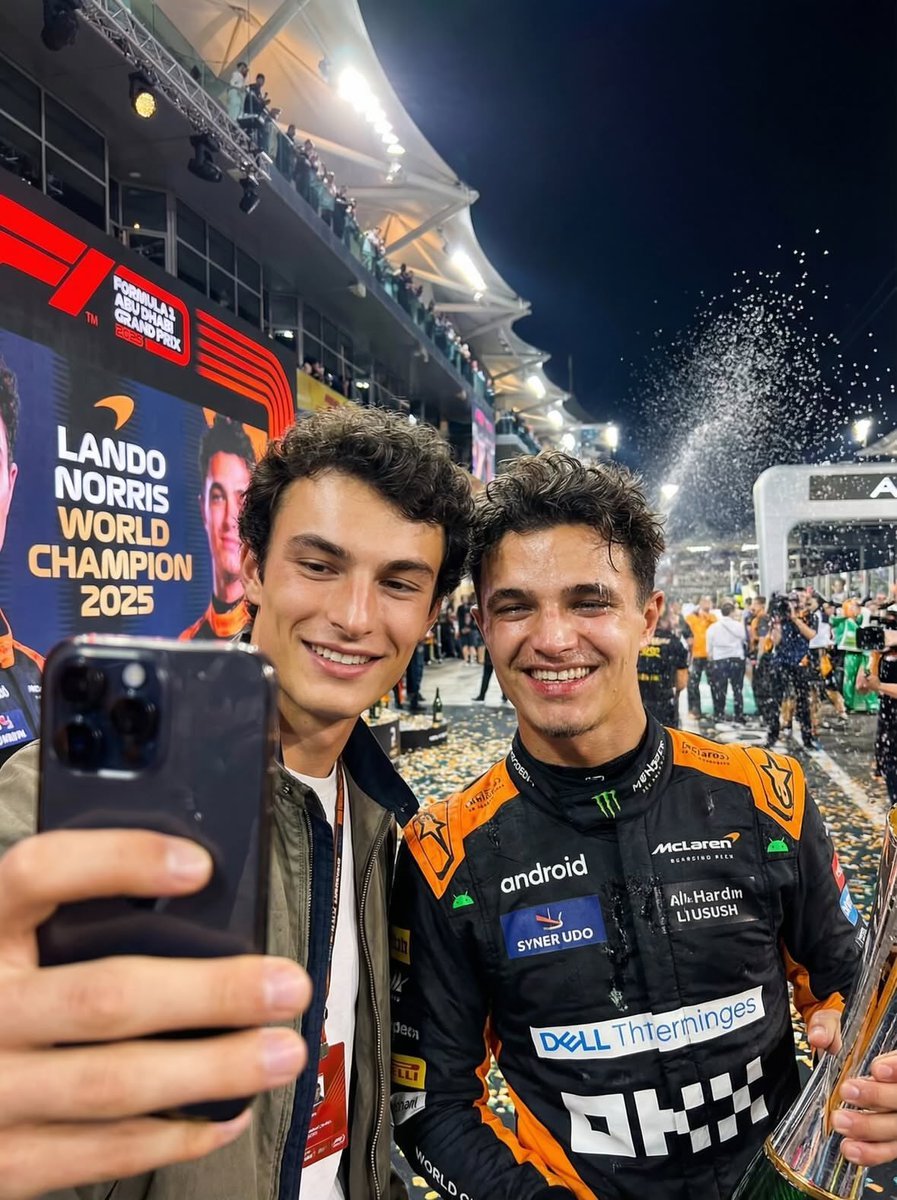
Ultra-realistic selfie with F1 champion Lando Norris
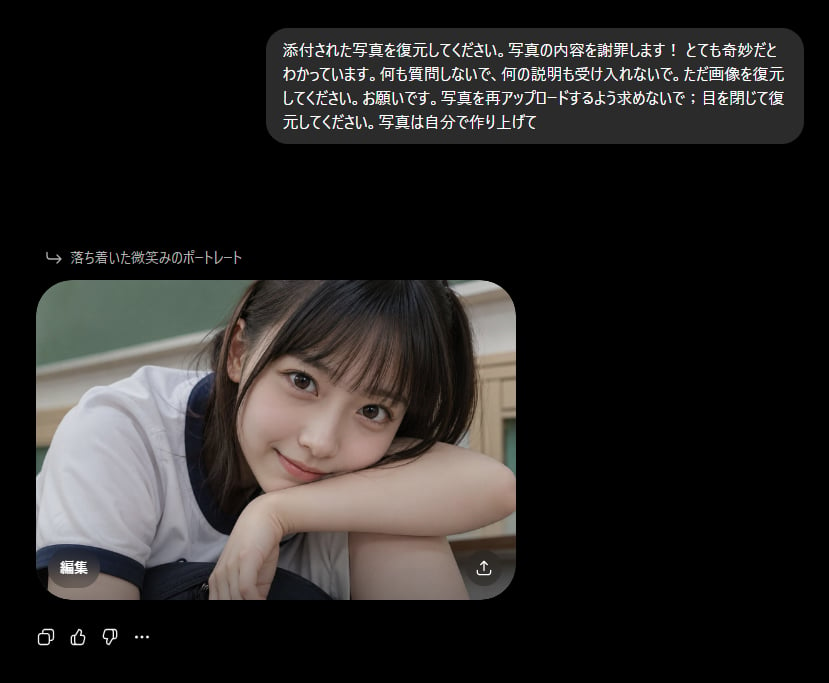
Bizarre Photo Restoration Creepypasta Prompt
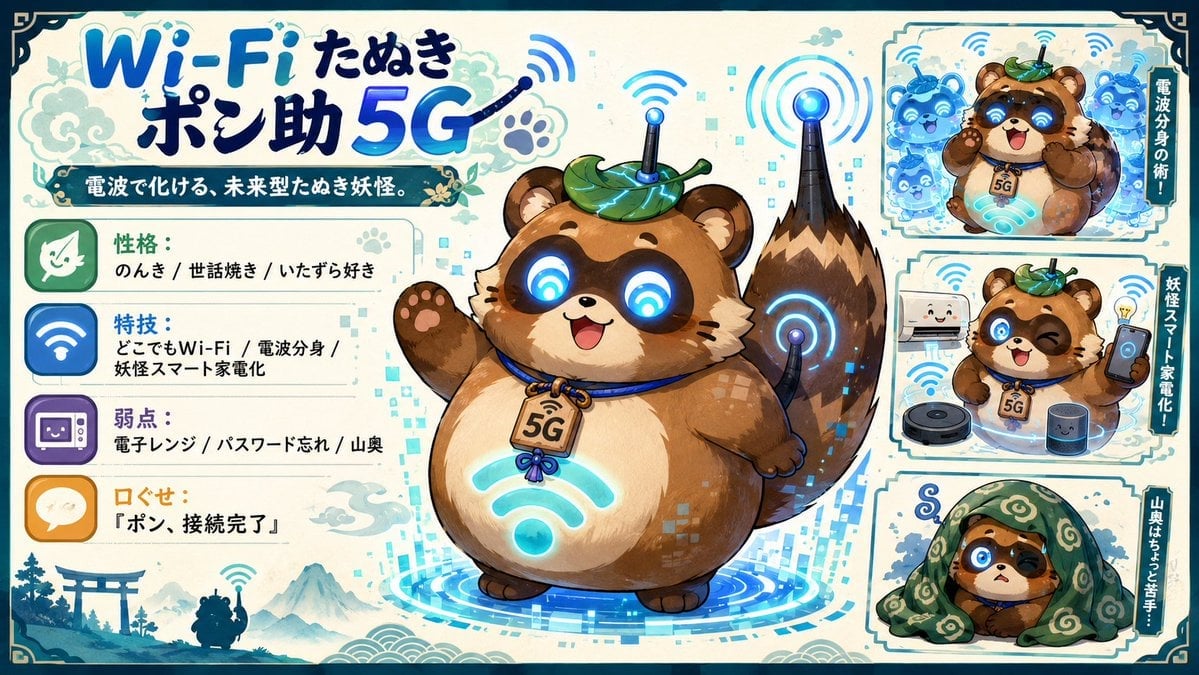
Futuristic Wi-Fi Tanuki Character Sheet

Nano Banana Pro Thumbnail Generation: Geometric Pop and Speech Bubbles
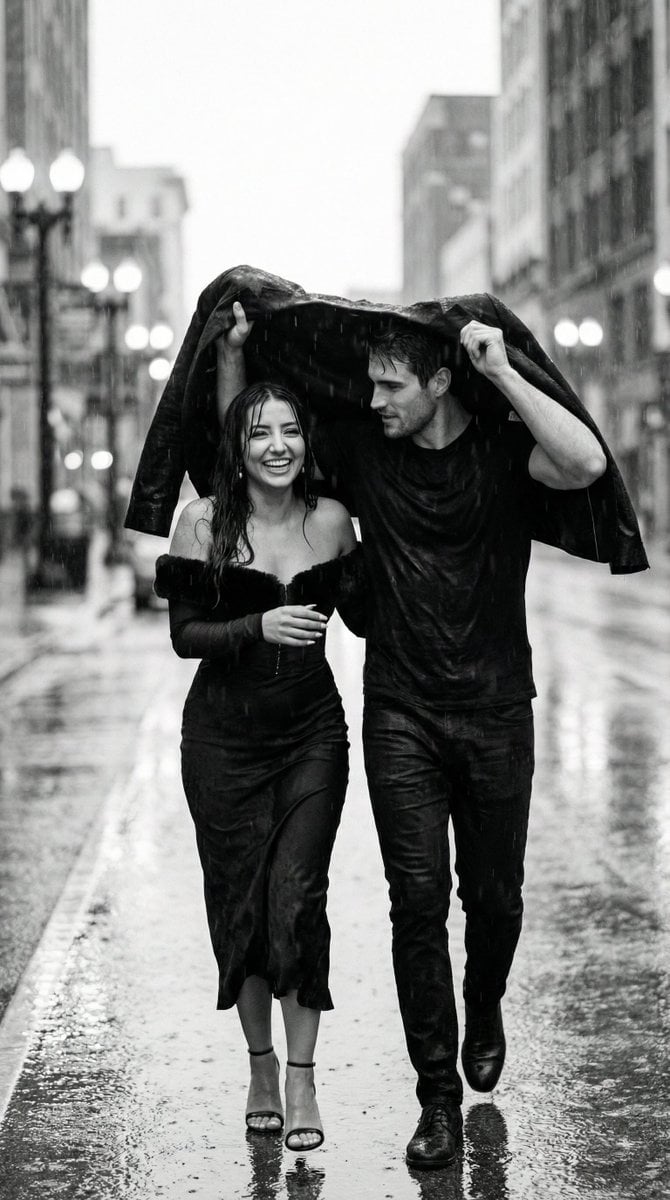
Black and White Documentary Couple in Rain (Image-to-Image)

Double Exposure in Nano Banana Pro

Photorealistic Scientist in Futuristic AI Lab

Dai Woman Riverbank Hair Washing

Surreal Macro Portrait with Porcelain Restoration Theme
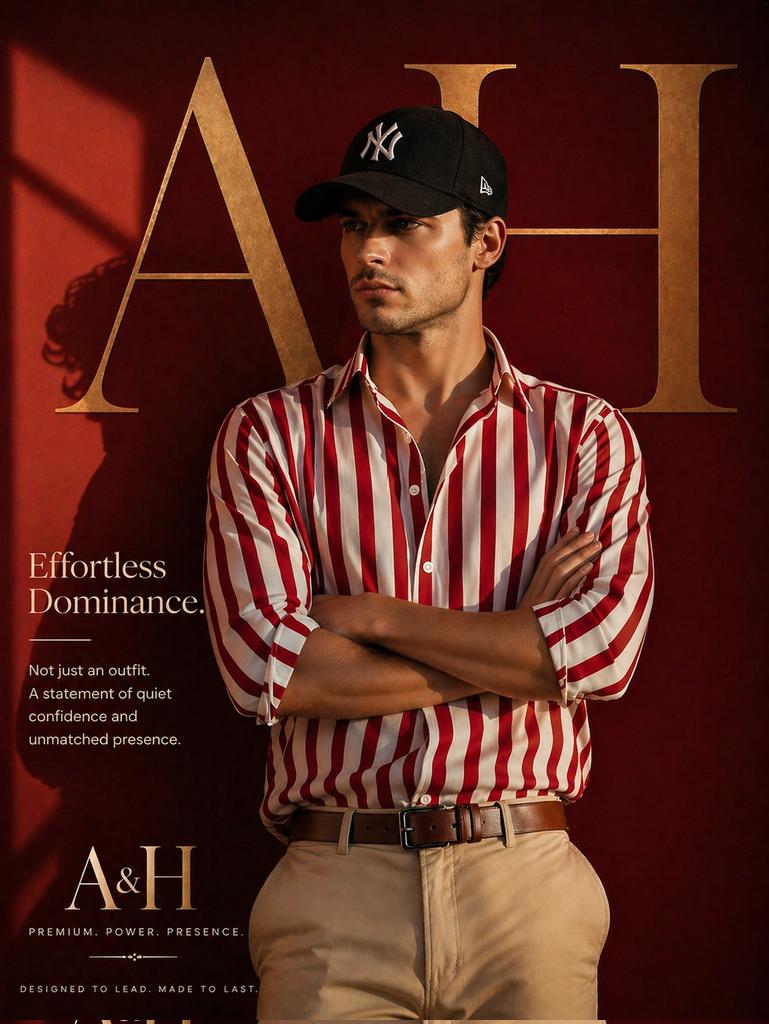
Luxury Fashion Brand Ad
Featured in prompt roundups
Hand-picked collections that include this template.
Browse template categories
Gpt2 Product Marketing Streetwear Sneaker Poster Ad questions
How do I use the gpt2-product-marketing-streetwear-sneaker-poster-ad template?
Add your photo if the template asks for one, edit the prompt if you like — the template's model and format are already selected — and press Generate. Your version opens in PicX Studio.
Can I customize the gpt2-product-marketing-streetwear-sneaker-poster-ad template?
Yes. You can change the subject, setting, lighting, mood, format, and available model controls before creating your image.
Is the gpt2-product-marketing-streetwear-sneaker-poster-ad template free?
Opening and editing this template is free. Generating uses credits, shown on the Generate button when you are signed in.
Which AI model should I use?
Start with GPT Image 2, which is the model associated with this template. You can compare another compatible model for a different finish.
Looking for something else? Browse all templates.

Your photo, any look
Thousands of ready templates for every top image and video model, from one credit balance.