
Double Exposure in Nano Banana Pro
Double Exposure in Nano Banana Pro is a ready photo look for Nano Banana.

- Prompt included
- Model and format preset
- Free template
The prompt behind this image
Copy the exact prompt behind Double Exposure in Nano Banana Pro, or open it in the studio and make it yours.
A double exposure photograph depicting the silhouette profile and headshot portrait of an AI engineer, with a symbolic environment constructed from glowing neural networks, floating code streams, and futuristic server architecture, in the style of double exposure photography, sun flare, white background, hyper-realistic, detailed rendering, stock photo, high-resolution photography.
How to use Double Exposure in Nano Banana Pro in 3 steps
- 1
Open
The prompt is already in the box next to the preview, with the template's model and format selected.
- 2…a portrait of your subject in softgolden-hour light, 85mm…
Personalize
Edit the subject and creative details for your destination.
- 3Generate
Generate
Press Generate — your image is created in PicX Studio, so you can compare it with the original and refine one variable at a time.
More like this
Templates with the same subject, style or setup. Open one to see its prompt.

Nano Banana Is So Addictive

Nano Banana 2 Perspective Experiment

Gemini Nano Banana 2 Isometric 3d City D

Nano Banana 2

Gemini Nano Banana 2

Gemini Nano Banana 2 Logo in Wet Sand Be

Nano Banana 2 Gourmet Ice Cream Commerci

Nano Banana Pro Photoreal Playful Couple

Nano Banana 2 High Fashion Sports Campai

Nano Banana 2 Editorial Fashion Portrait

B&W Photobooth Expression Grid 4x4 — Nano Banana

Gen Z TikTok Viral Expression Grid 4x4 — Nano Banana
Make it yours
Double Exposure in Nano Banana Pro works as-is. These are the safest ways to change it without losing the look.
Change one field
Copy a single group, rewrite it, and generate again so you can see what that field is doing.
Keep the frame, change the subject
Hold the composition and light of 180-double-exposure-in-nano-banana-pro, then swap wardrobe, props or the person for a new take.
| If the result… | Why | Fix |
|---|---|---|
| The result drifts from the preview | Too many fields changed at once. | Reuse 180-double-exposure-in-nano-banana-pro as-is first, then change one group — subject, light, or setting. |
| The model over-stylizes the scene | The prose prompt leaves finish and camera underspecified. | Add one camera or lighting sentence and stay on Nano Banana. |
More Nano Banana templates
Other prompts made for Nano Banana.










More image prompts
Fresh picks from across the catalog.
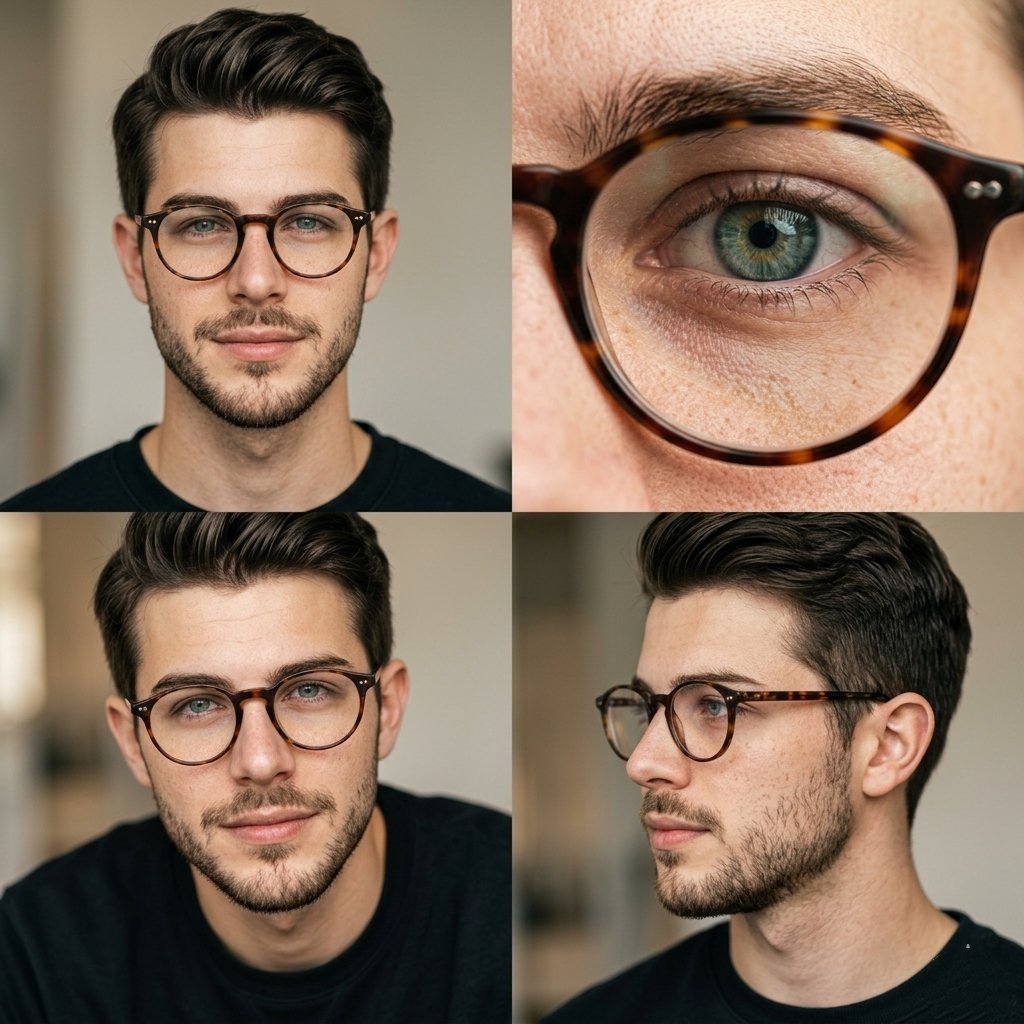
Editorial Portrait 2x2 Grid
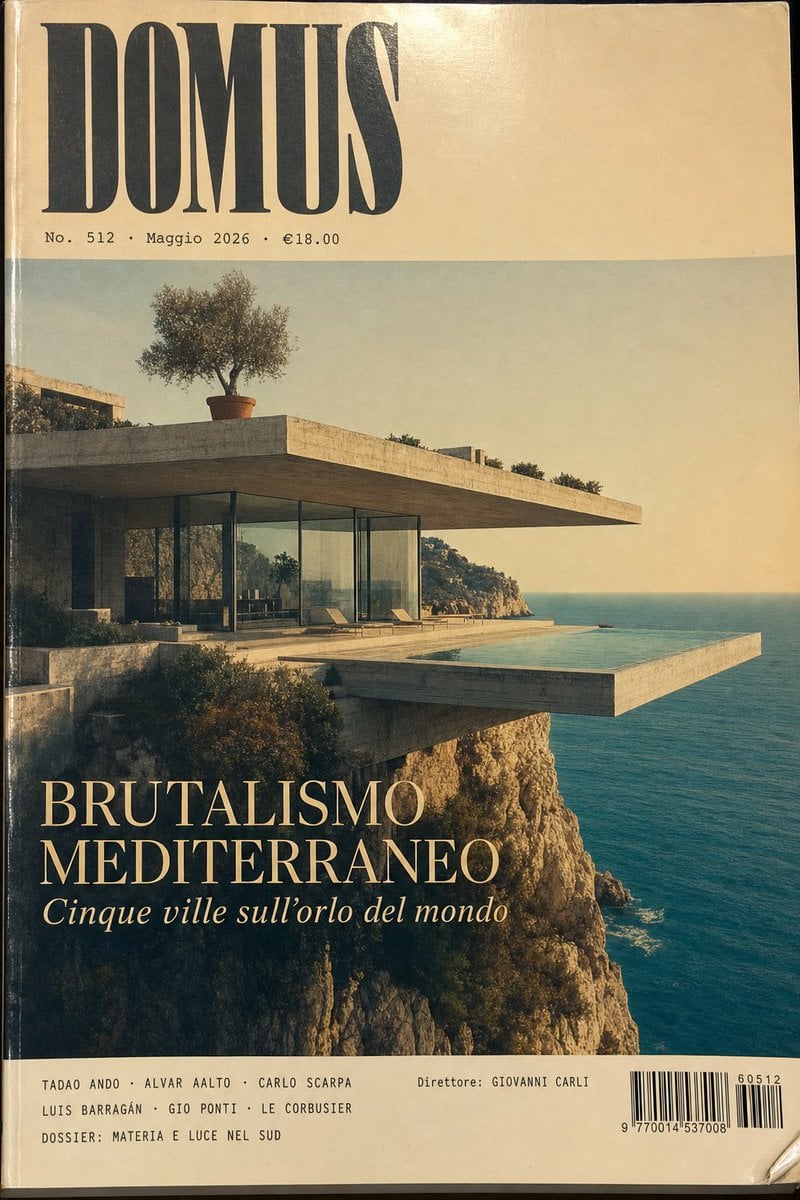
1970s Architecture Magazine Cover
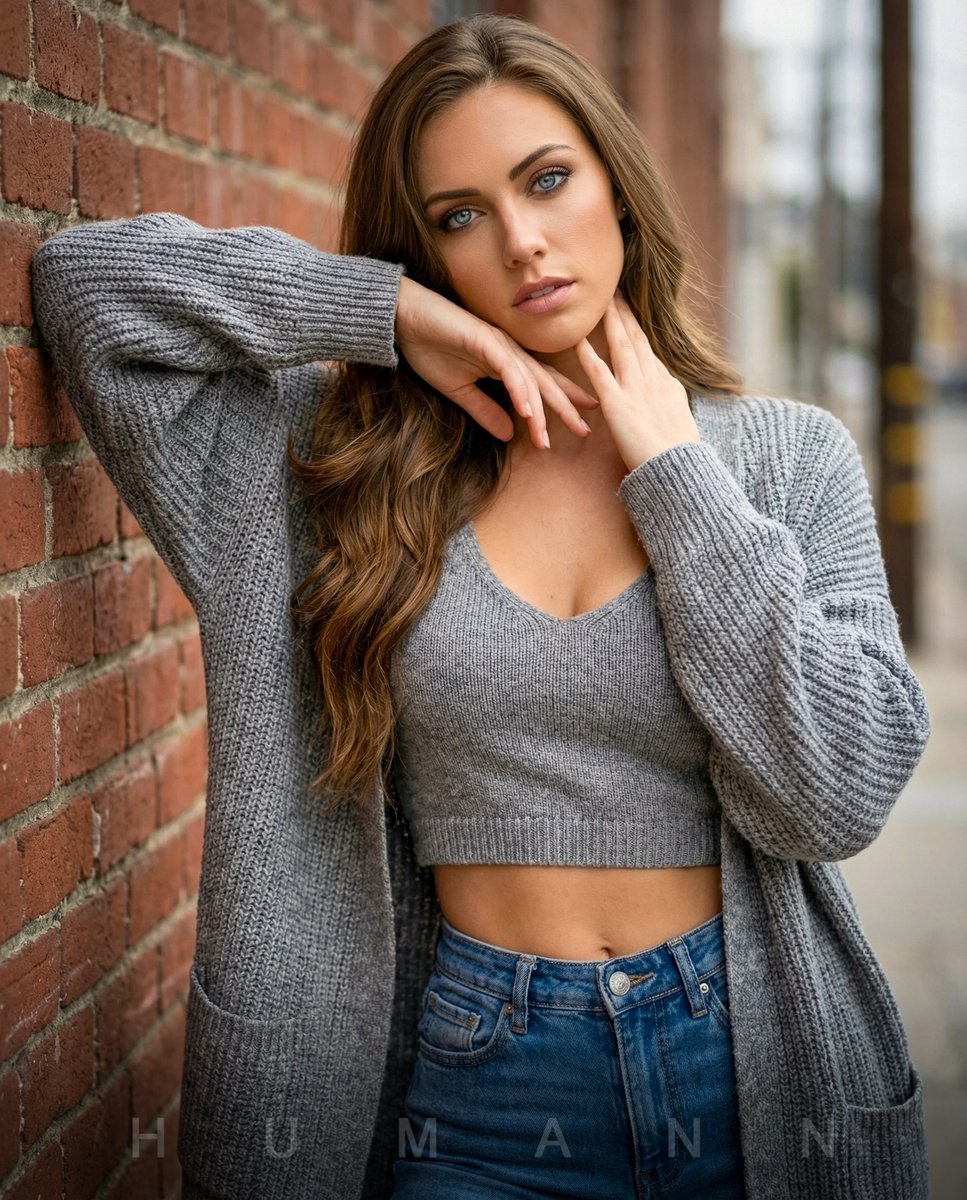
High-Fashion Editorial Portrait with Overcast Lighting
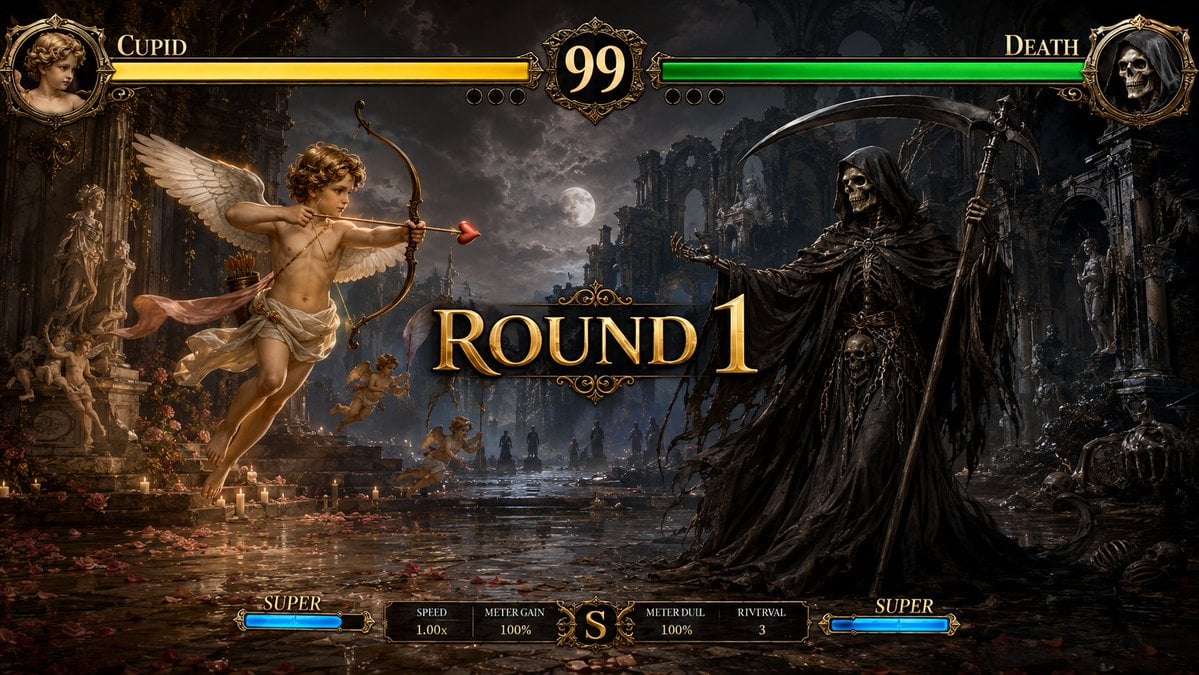
Mythological Fighting Game Versus Screen
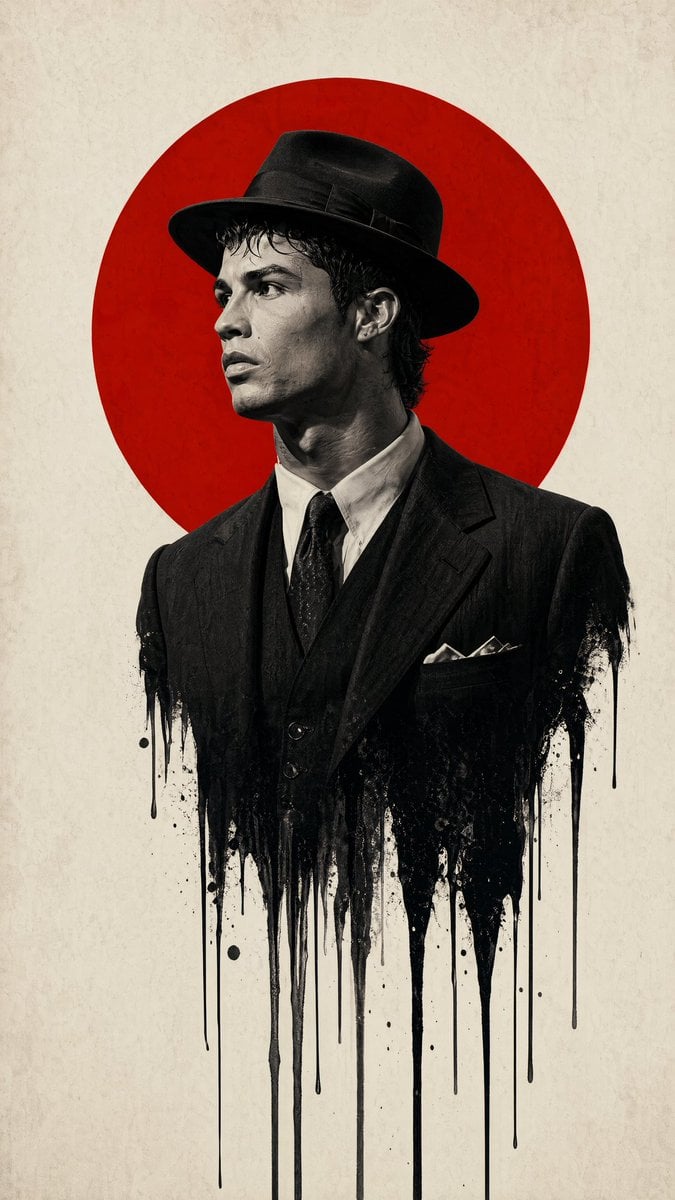
Minimalist Film Noir Poster
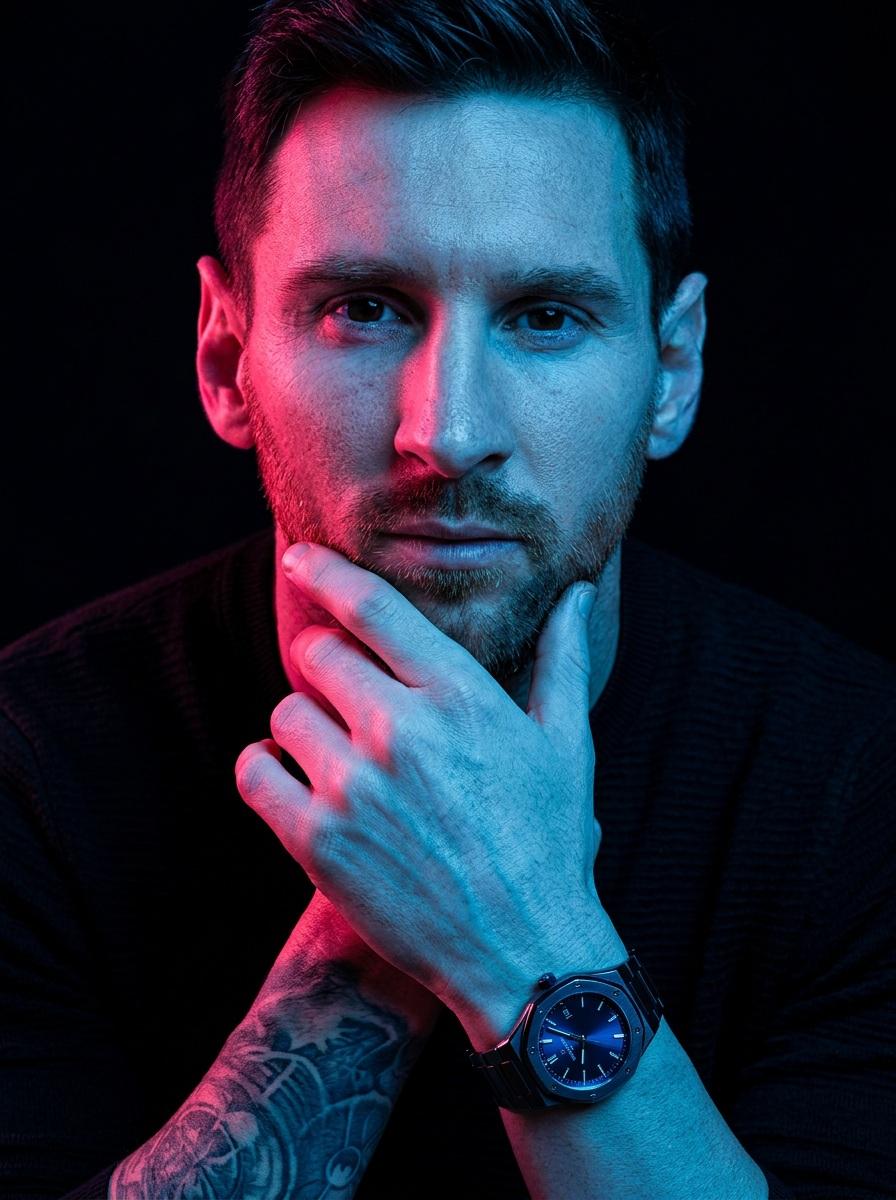
Hyper-Stylized Dual-Tone Neon Portrait Prompt
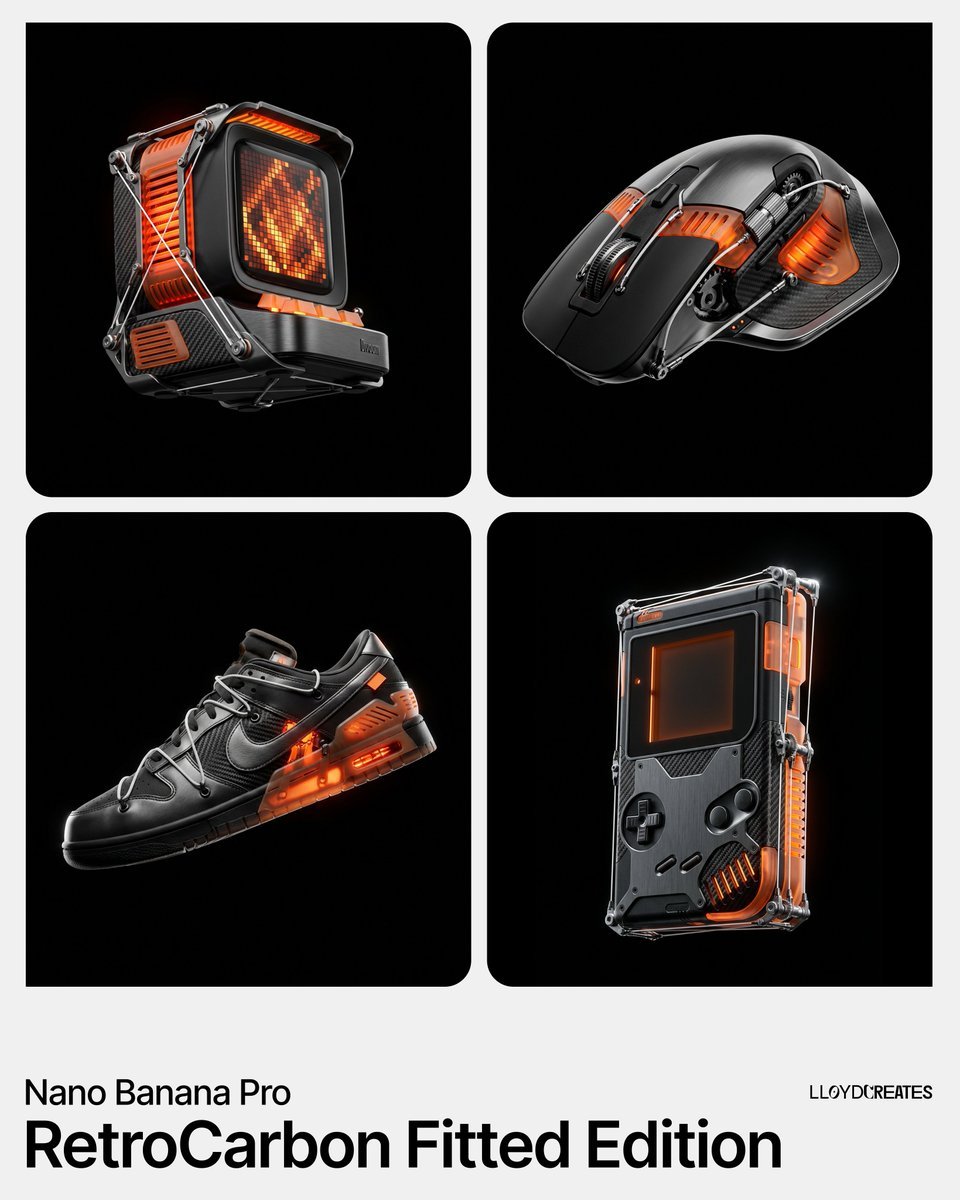
RetroCarbon Levitating Product Void Prompt
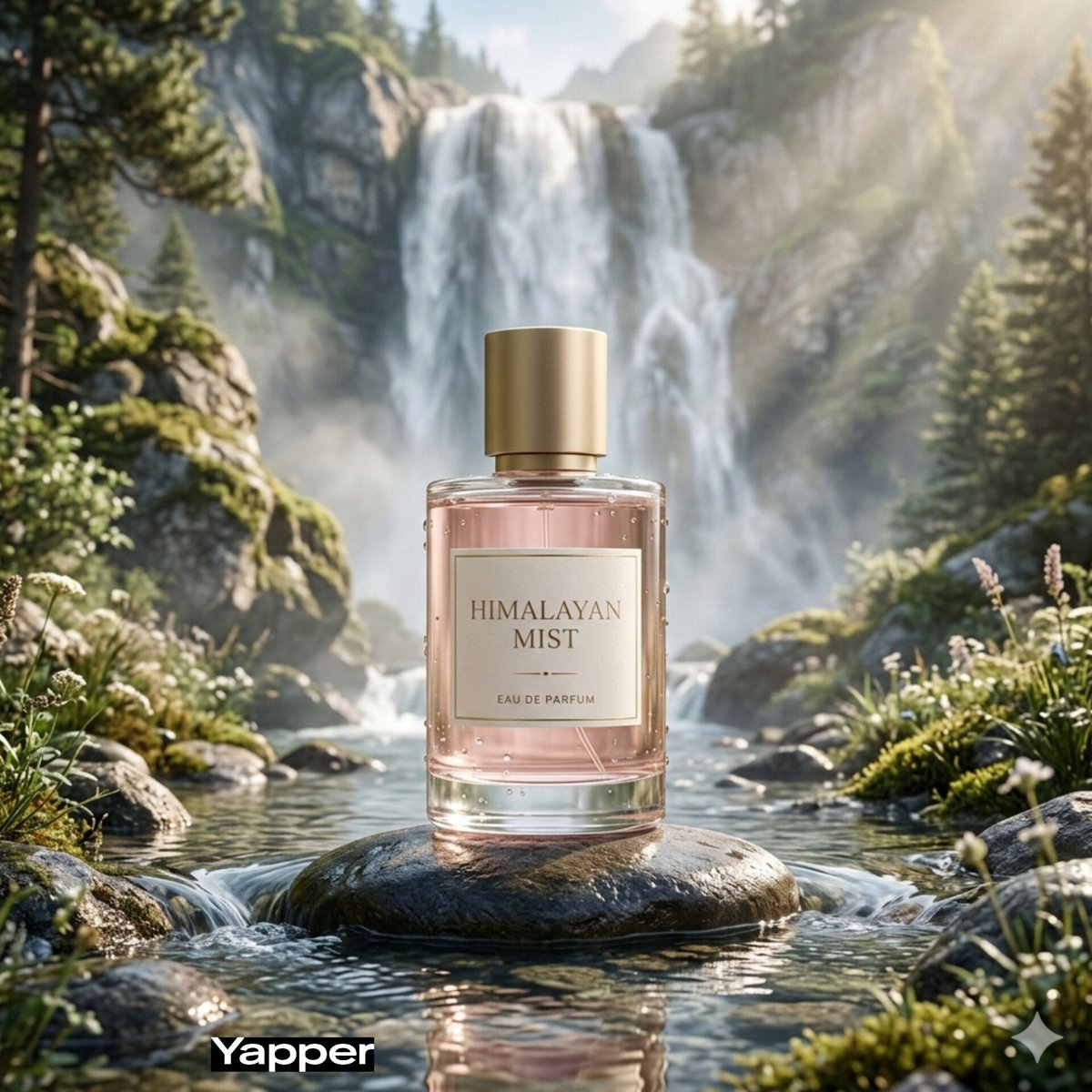
Dreamy Luxury Perfume Photography in Nature Prompt
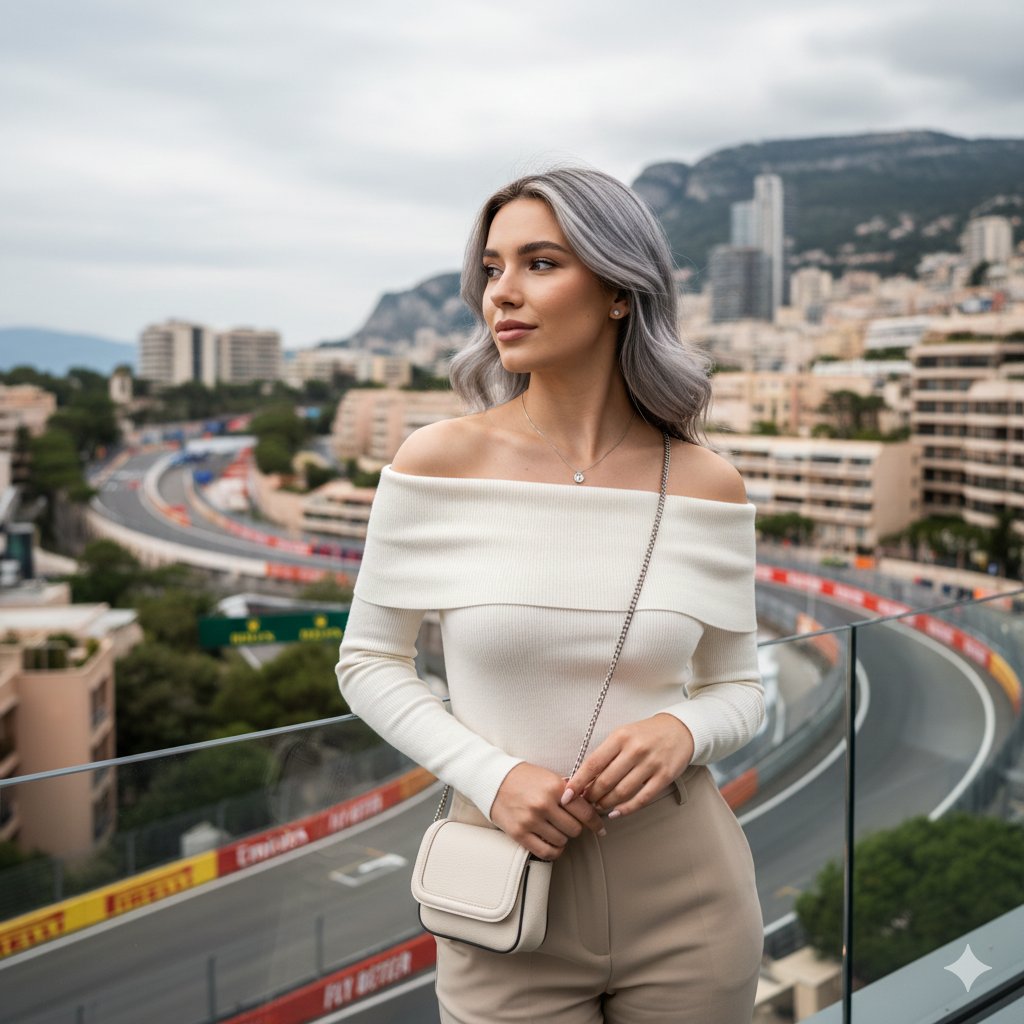
Elegant Portrait Generation Prompt
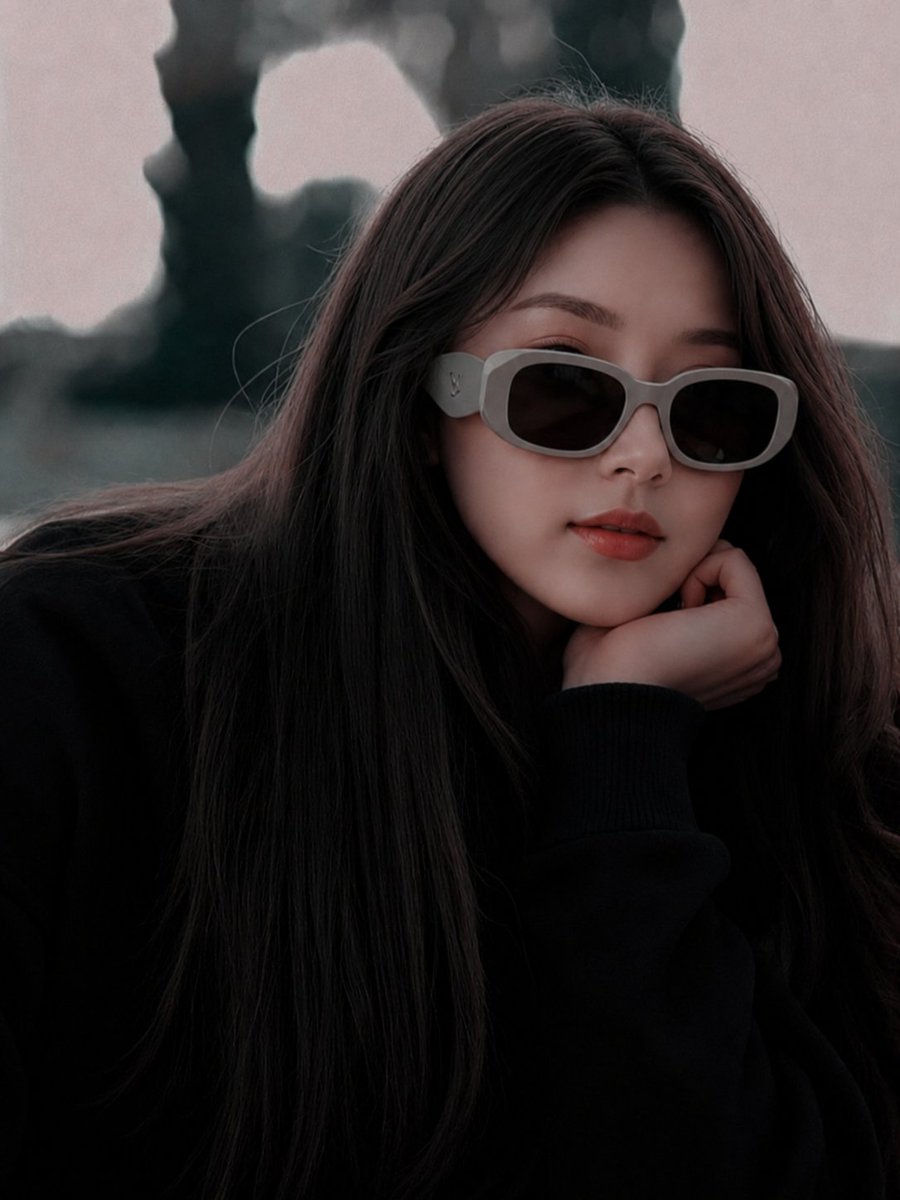
East Asian Fashion Sunglasses Portrait
Featured in prompt roundups
Hand-picked collections that include this template.
Browse template categories
Double Exposure in Nano Banana Pro questions
How do I use the 180-double-exposure-in-nano-banana-pro template?
Add your photo if the template asks for one, edit the prompt if you like — the template's model and format are already selected — and press Generate. Your version opens in PicX Studio.
Can I customize the 180-double-exposure-in-nano-banana-pro template?
Yes. You can change the subject, setting, lighting, mood, format, and available model controls before creating your image.
Is the 180-double-exposure-in-nano-banana-pro template free?
Opening and editing this template is free. Generating uses credits, shown on the Generate button when you are signed in.
Which AI model should I use?
Start with Nano Banana, which is the model associated with this template. You can compare another compatible model for a different finish.
Looking for something else? Browse all templates.

Your photo, any look
Thousands of ready templates for every top image and video model, from one credit balance.