
Gemini Nano Banana 2 Logo in Wet Sand Be
Gemini Nano Banana 2 Logo in Wet Sand Be is a ready photo look for Nano Banana.

- Prompt included
- Model and format preset
- Premium template
The prompt behind this image
Copy the exact prompt behind Gemini Nano Banana 2 Logo in Wet Sand Be, or open it in the studio and make it yours.
Transform the uploaded logo into a realistic beach scene where the logo silhouette is written in wet sand near the shoreline. The logo must keep its exact shape and proportions, appearing as if it was carefully drawn by hand. A gentle ocean wave is in the process of washing over part of the logo, partially erasing it.Material details: Wet sand with fine grain texture, slightly darker where saturated. Grooves carved into the sand forming the logo, with soft crumbly edges. Small ridges of displaced sand along the carved lines. Water foam and bubbles touching and dissolving parts of the logo. Physics behavior: Water should behave naturally — wave edge thin and irregular, foam spreading across the surface. Sand softens and collapses where water touches it, blurring the edges of the logo. Some parts still sharp, others fading as the wave passes. Subtle water reflection and thin film left behind. Surface interaction: Beach shoreline with smooth wet sand transitioning into drier textured sand. Small shells, tiny stones, or natural imperfections scattered nearby. Water slightly pooling in deeper carved areas. Environment & atmosphere: Open beach with horizon line visible. Soft ocean movement in the background. Empty, peaceful setting — no crowd. Lighting: Golden hour or soft sunset light. Warm tones reflecting on wet sand. Gentle highlights on water surface and foam. Atmosphere: Calm. Emotional. Transient moment. Memory fading but beautiful. Camera & composition: Low-angle or slightly elevated close shot focusing on the sand. Logo clearly visible but partially washed away. Balanced framing with shoreline and wave interaction. Format: Aspect ratio: STRICT 4:5 vertical. No text overlays. Style: Cinematic natural photography. Emotion-driven realism. Physically accurate water and sand interaction.
How to use Gemini Nano Banana 2 Logo in Wet Sand Be in 3 steps
- 1Upload ImagePNG, JPG or paste
Add your photo
Upload the photo the template builds on. The prompt, model and format are already set.
- 2…a portrait of your subject in softgolden-hour light, 85mm…
Personalize
Edit the subject and creative details for your destination.
- 3Generate
Generate
Press Generate — your image is created in PicX Studio, so you can compare it with the original and refine one variable at a time.
More like this
Templates with the same subject, style or setup. Open one to see its prompt.
Image on Gemini Nano Banana

Google Gemini Nano Banana Pro
Gemini Nano Banana Portrait

Gemini Nano Banana 2

Nano Banana 2

Nano Banana 2 Gourmet Ice Cream Commerci
Gemini Nano Banana Realistic Portrait Re

Gemini Nano Banana 2 Isometric 3d City D

Gemini Nano Banana 2

80s Bollywood Star

80s Golden Hour Cinema
Gemini Night Flash Portrait
Make it yours
Gemini Nano Banana 2 Logo in Wet Sand Be works as-is. These are the safest ways to change it without losing the look.
Change one field
Copy a single group, rewrite it, and generate again so you can see what that field is doing.
Keep the frame, change the subject
Hold the composition and light of 56-gemini-nano-banana-2-logo-in-wet-sand-be, then swap wardrobe, props or the person for a new take.
| If the result… | Why | Fix |
|---|---|---|
| The result drifts from the preview | Too many fields changed at once. | Reuse 56-gemini-nano-banana-2-logo-in-wet-sand-be as-is first, then change one group — subject, light, or setting. |
| The model over-stylizes the scene | The prose prompt leaves finish and camera underspecified. | Add one camera or lighting sentence and stay on Nano Banana. |
More Nano Banana templates
Other prompts made for Nano Banana.










More image prompts
Fresh picks from across the catalog.
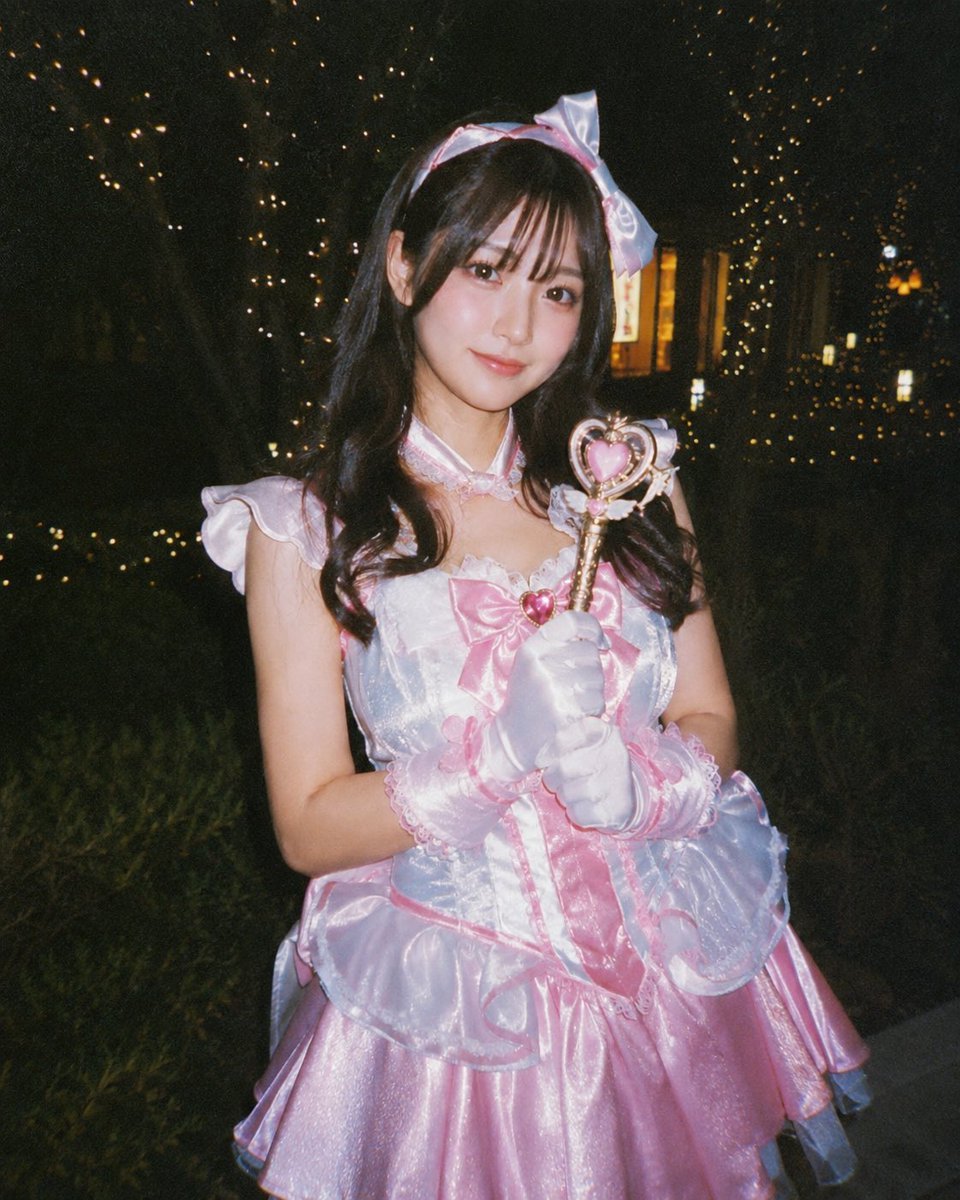
Disposable Camera Magical Girl Cosplay

Dramatic Digital Painting Portrait Prompt
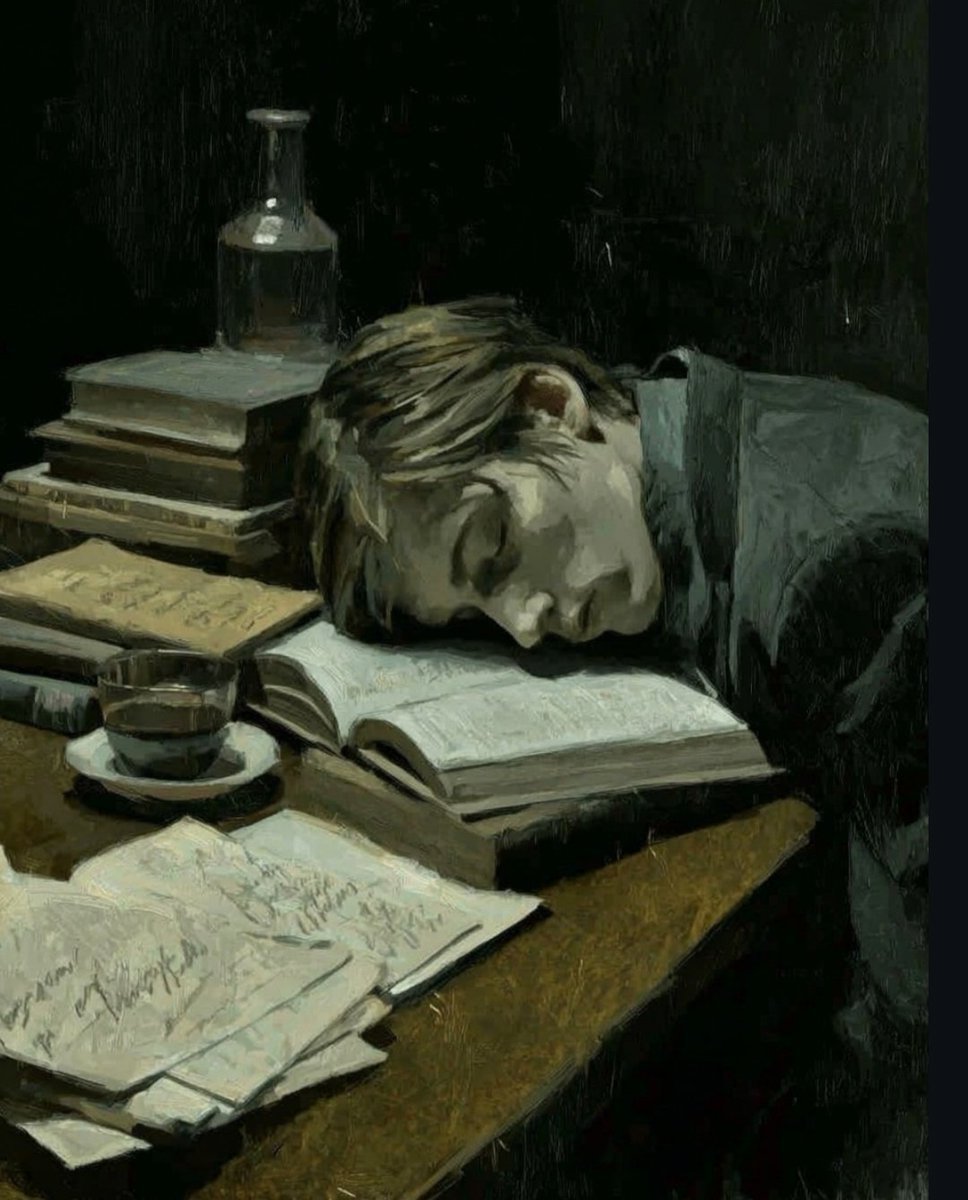
Dark Academia Oil Painting of Sleeping Man
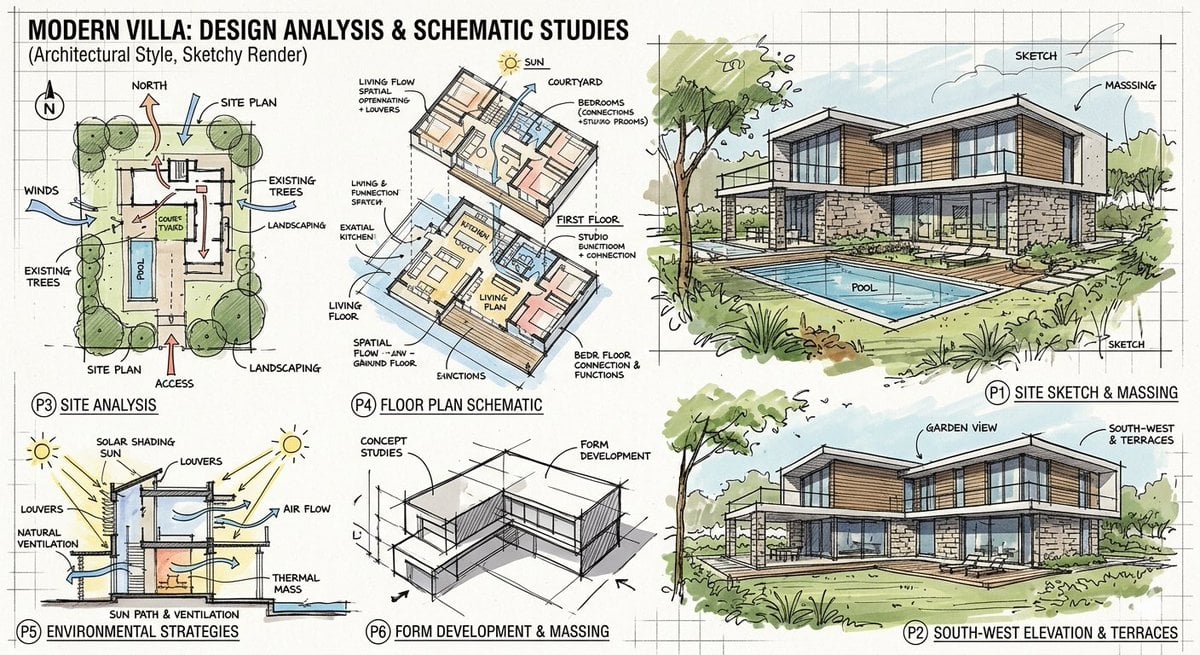
Prompt for a modern villa layout
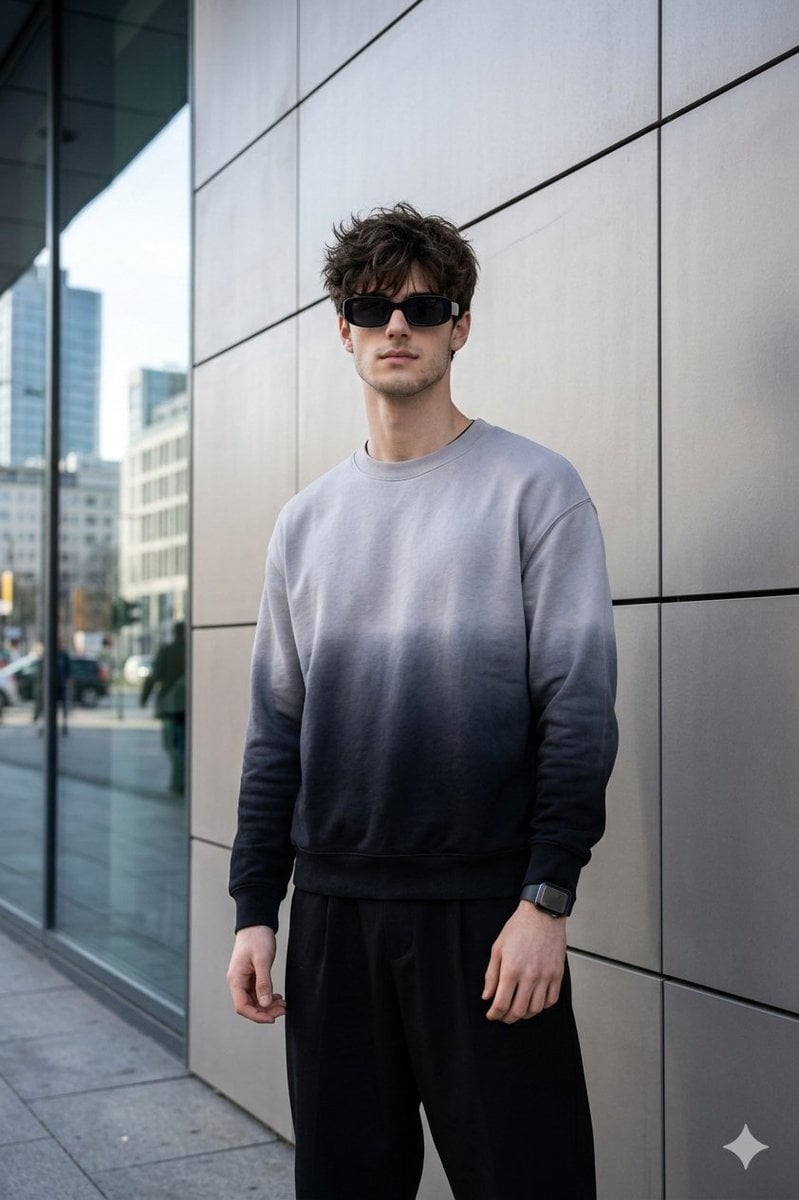
Masterpiece Cinematic Portrait Prompt
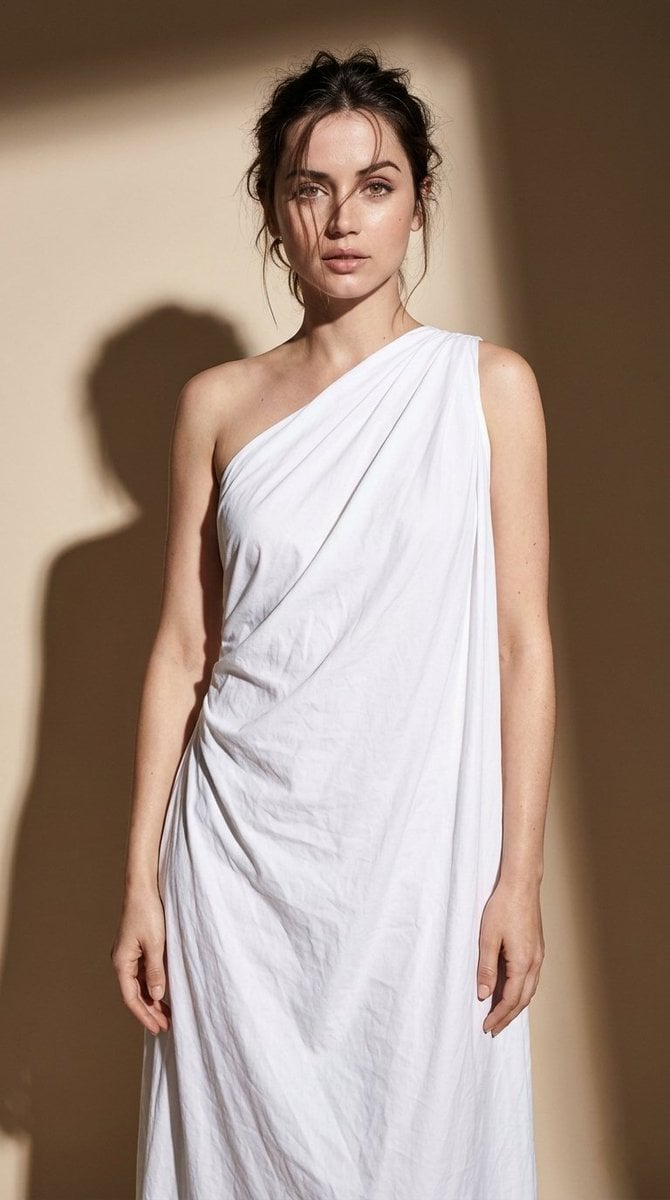
Minimal High-Contrast Studio Fashion Editorial

Elegant Arabic Calligraphy Mockup Prompt
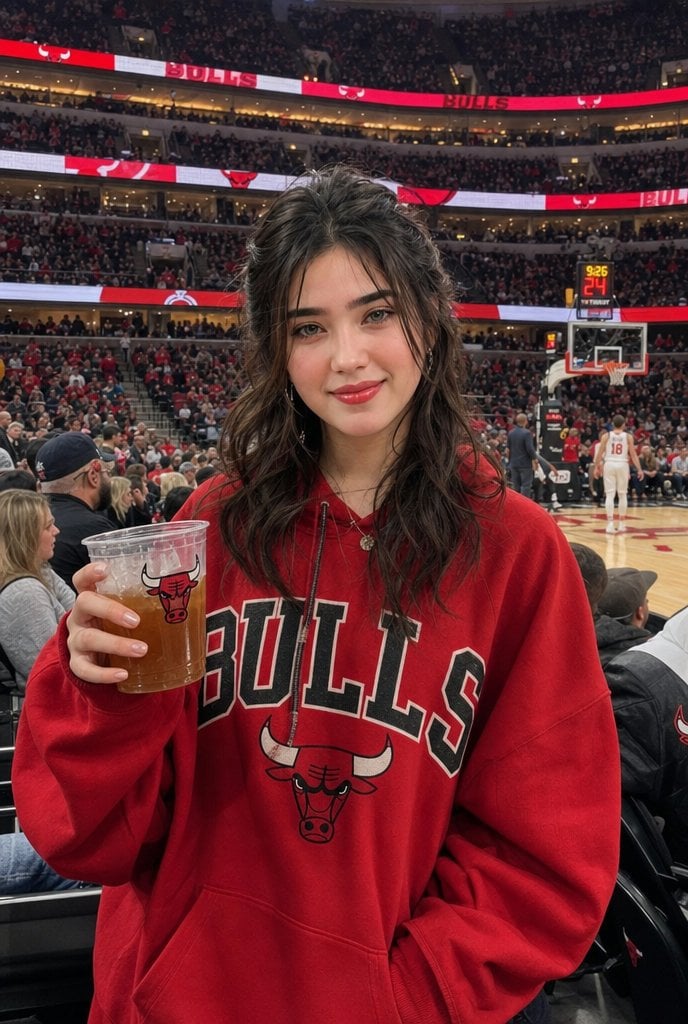
Chicago Bulls Arena Portrait
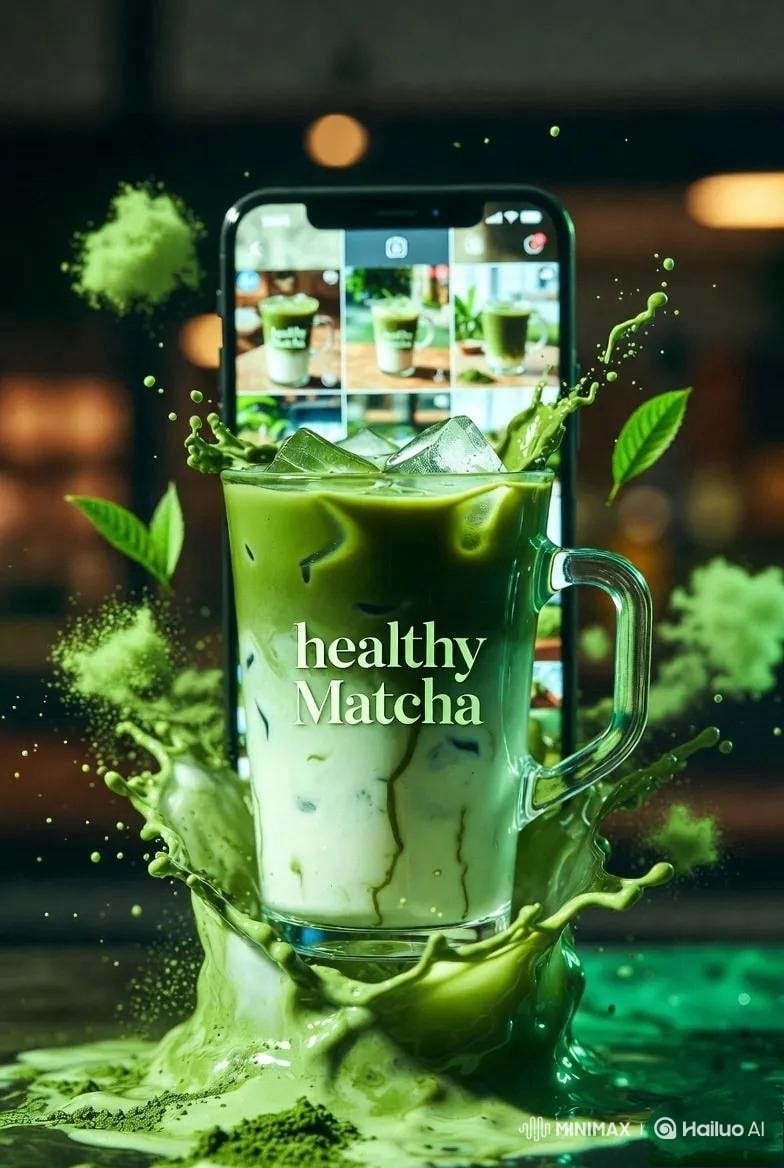
High-End Matcha Product Photography Prompt for Nano Banana 2
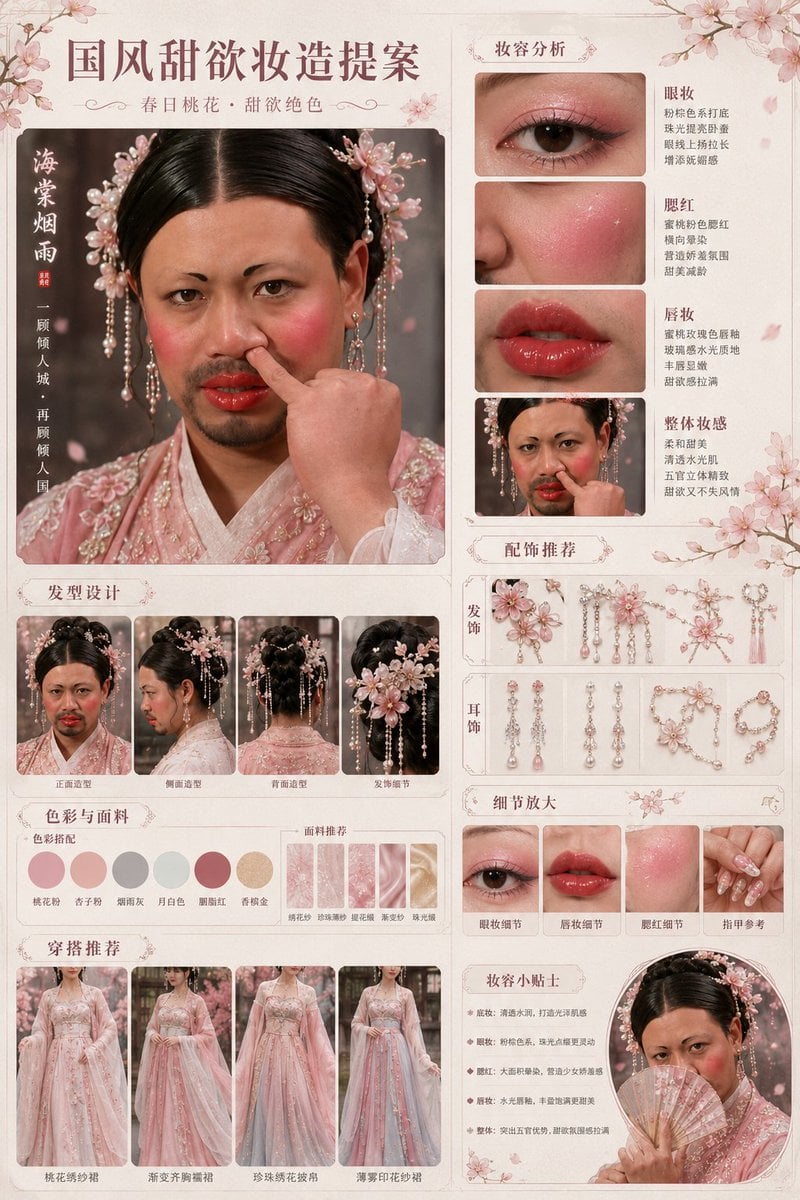
Prompt
Browse template categories
Gemini Nano Banana 2 Logo in Wet Sand Be questions
How do I use the 56-gemini-nano-banana-2-logo-in-wet-sand-be template?
Add your photo if the template asks for one, edit the prompt if you like — the template's model and format are already selected — and press Generate. Your version opens in PicX Studio.
Can I customize the 56-gemini-nano-banana-2-logo-in-wet-sand-be template?
Yes. You can change the subject, setting, lighting, mood, format, and available model controls before creating your image.
Is the 56-gemini-nano-banana-2-logo-in-wet-sand-be template free?
Opening and editing this template is free. Generating uses credits, shown on the Generate button when you are signed in.
Which AI model should I use?
Start with Nano Banana, which is the model associated with this template. You can compare another compatible model for a different finish.
Looking for something else? Browse all templates.

Your photo, any look
Thousands of ready templates for every top image and video model, from one credit balance.