
Image on Gemini Nano Banana
Image on Gemini Nano Banana is a ready photo look for Nano Banana.
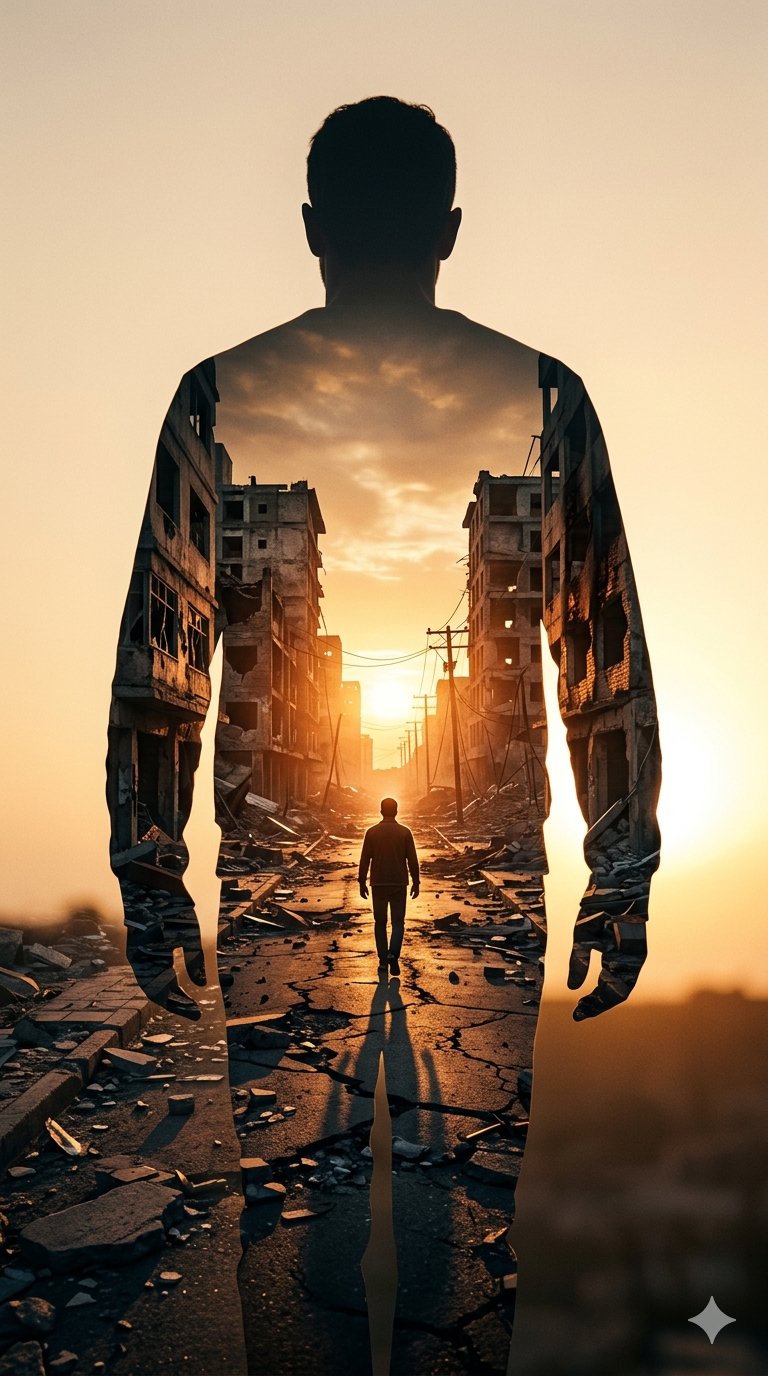
- Prompt included
- Model and format preset
- Free template
The prompt behind this image
Copy the exact prompt behind Image on Gemini Nano Banana, or open it in the studio and make it yours.
A high-contrast double exposure photograph. The primary silhouette is the back of a man standing still, facing away from the camera. Inside his silhouette, a secondary scene is revealed: a narrow, war-torn city street at sunset. The street is lined with crumbling, hollowed-out concrete apartment buildings and scattered rubble. A smaller, lone figure walks down the center of the cracked road toward a bright, glowing sun on the horizon. The color palette is dominated by warm ambers, burnt oranges, and deep shadows, creating a somber yet hopeful atmosphere. Hyper-realistic textures, cinematic lighting, 8k resolution.
How to use Image on Gemini Nano Banana in 3 steps
- 1
Open
The prompt is already in the box next to the preview, with the template's model and format selected.
- 2…a portrait of your subject in softgolden-hour light, 85mm…
Personalize
Edit the subject and creative details for your destination.
- 3Generate
Generate
Press Generate — your image is created in PicX Studio, so you can compare it with the original and refine one variable at a time.
More like this
Templates with the same subject, style or setup. Open one to see its prompt.

Google Gemini Nano Banana Pro
Gemini Nano Banana Portrait

Gemini Nano Banana 2 Logo in Wet Sand Be

Gemini Nano Banana 2

Nano Banana 2

Nano Banana 2 Gourmet Ice Cream Commerci
Gemini Nano Banana Realistic Portrait Re

Gemini Nano Banana 2 Isometric 3d City D

Gemini Nano Banana 2

80s Bollywood Star

80s Golden Hour Cinema
Gemini Night Flash Portrait
Make it yours
Image on Gemini Nano Banana works as-is. These are the safest ways to change it without losing the look.
Change one field
Copy a single group, rewrite it, and generate again so you can see what that field is doing.
Keep the frame, change the subject
Hold the composition and light of 182-image-on-gemini-nano-banana, then swap wardrobe, props or the person for a new take.
| If the result… | Why | Fix |
|---|---|---|
| The result drifts from the preview | Too many fields changed at once. | Reuse 182-image-on-gemini-nano-banana as-is first, then change one group — subject, light, or setting. |
| The model over-stylizes the scene | The prose prompt leaves finish and camera underspecified. | Add one camera or lighting sentence and stay on Nano Banana. |
More Nano Banana templates
Other prompts made for Nano Banana.










More image prompts
Fresh picks from across the catalog.
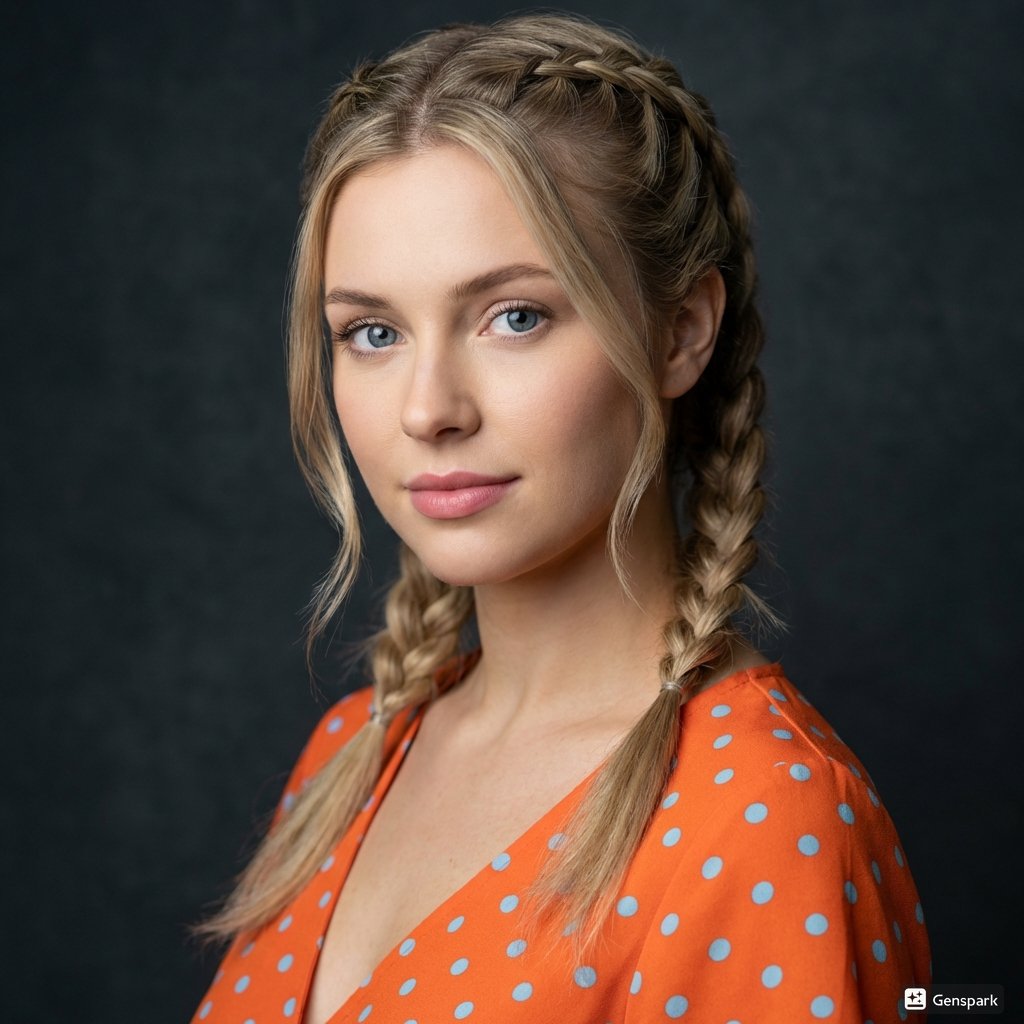
Cinematic Portrait of Woman with Braids
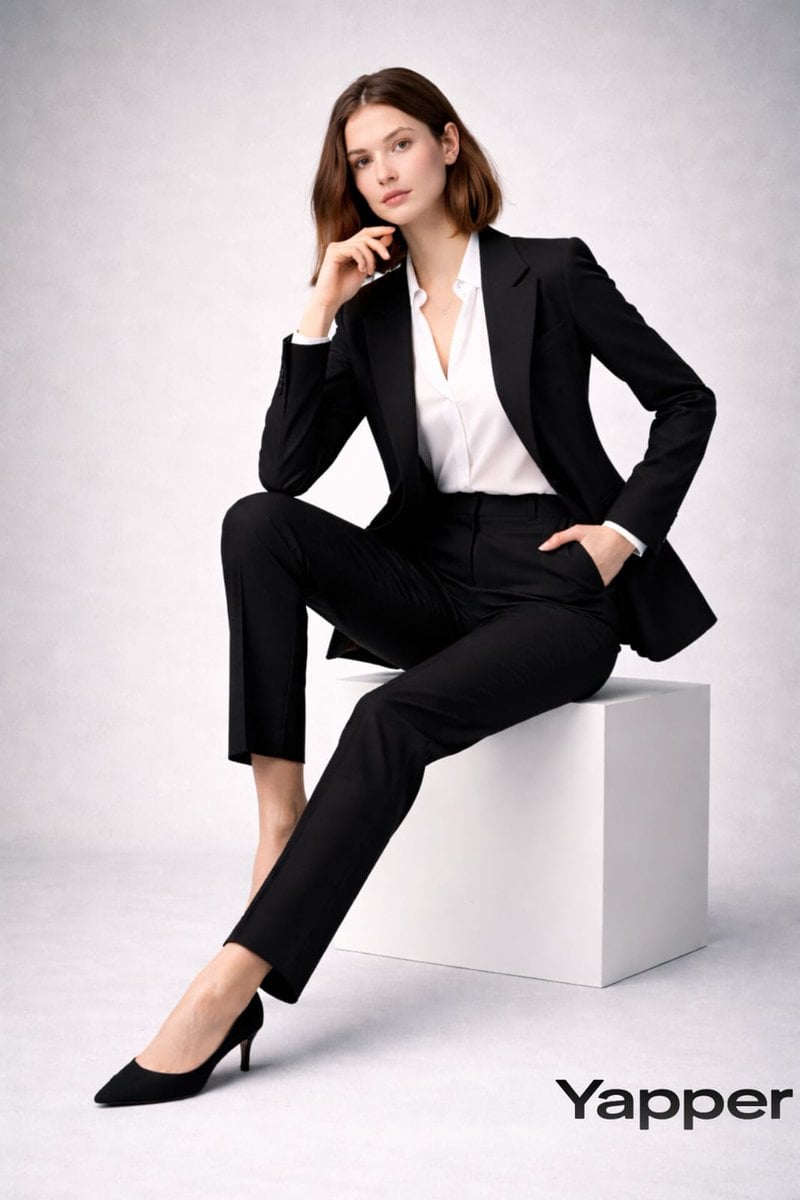
Full-body fashion magazine editorial portrait
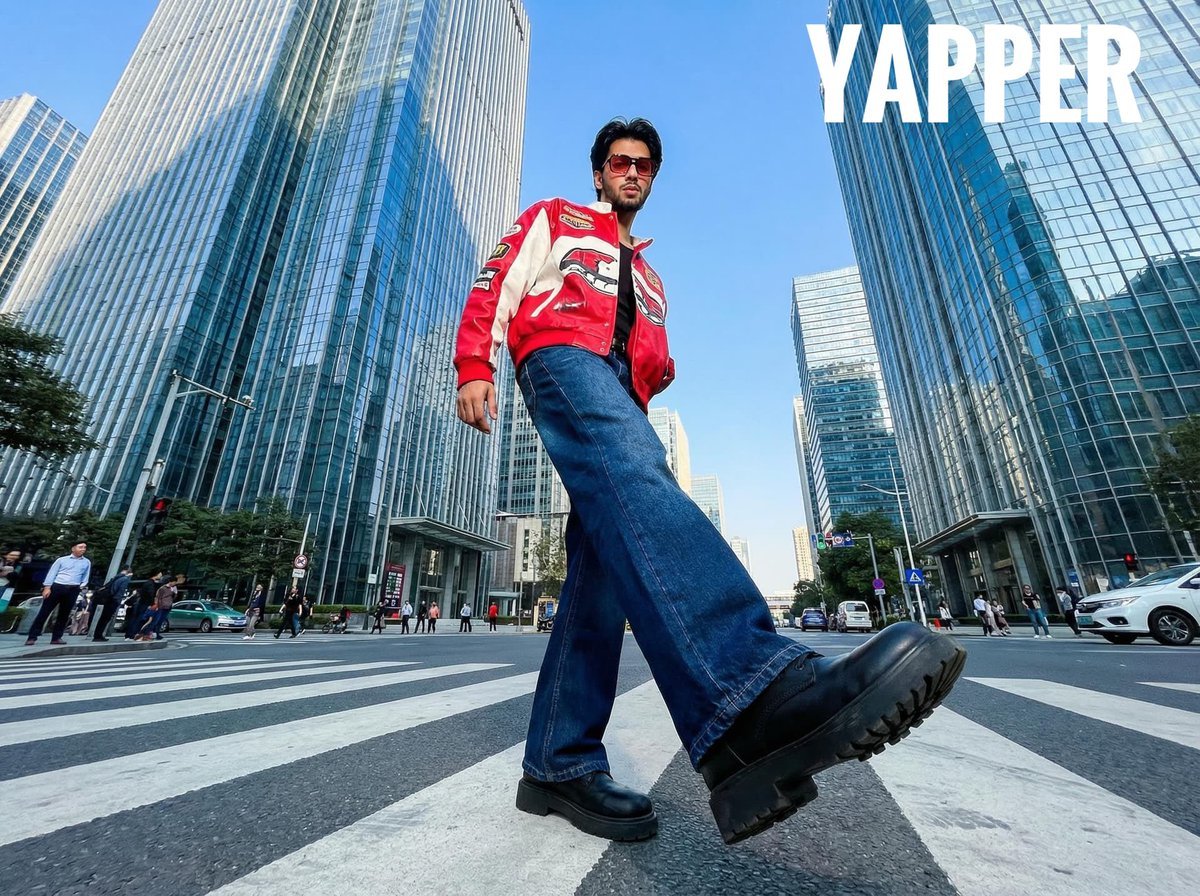
Ultra-Wide-Angle Street Fashion Photography
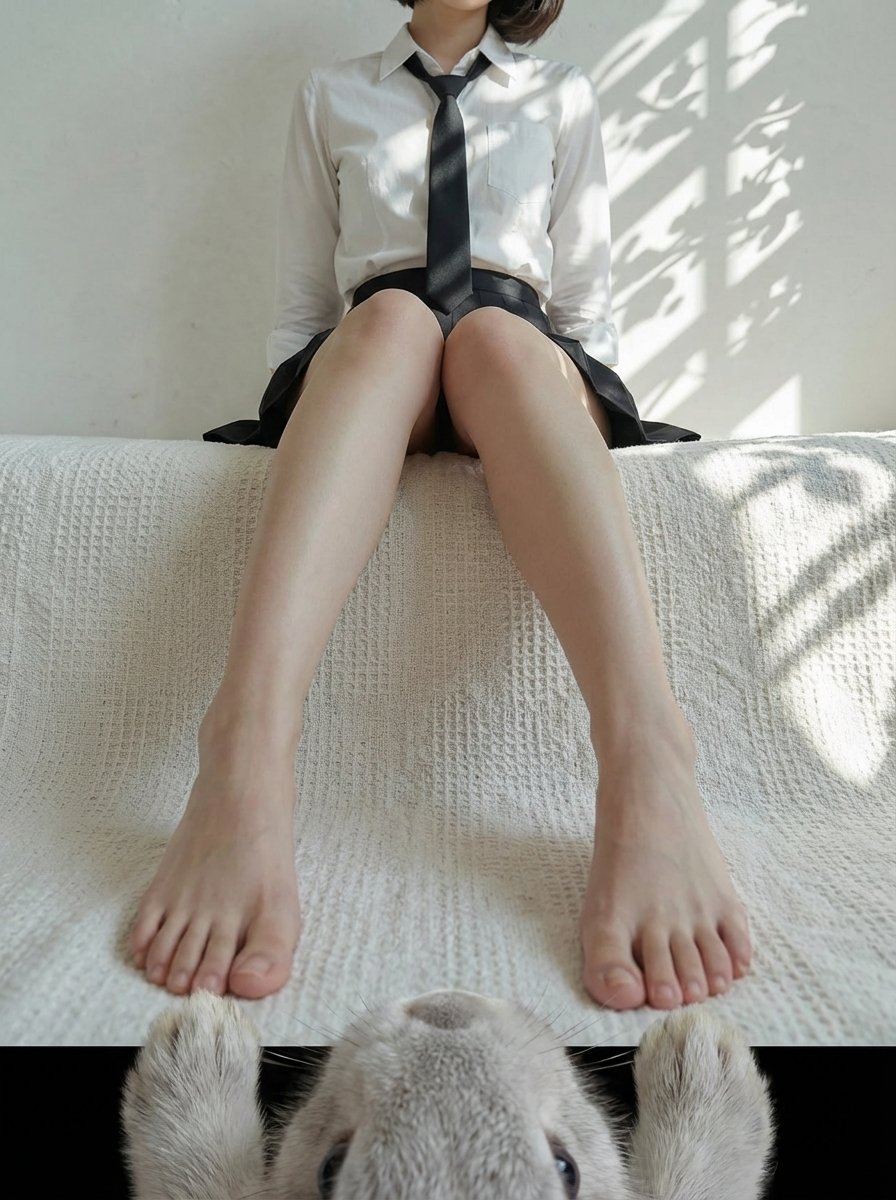
POV from a light gray rabbit

OOTD Sticker Style Breakdown
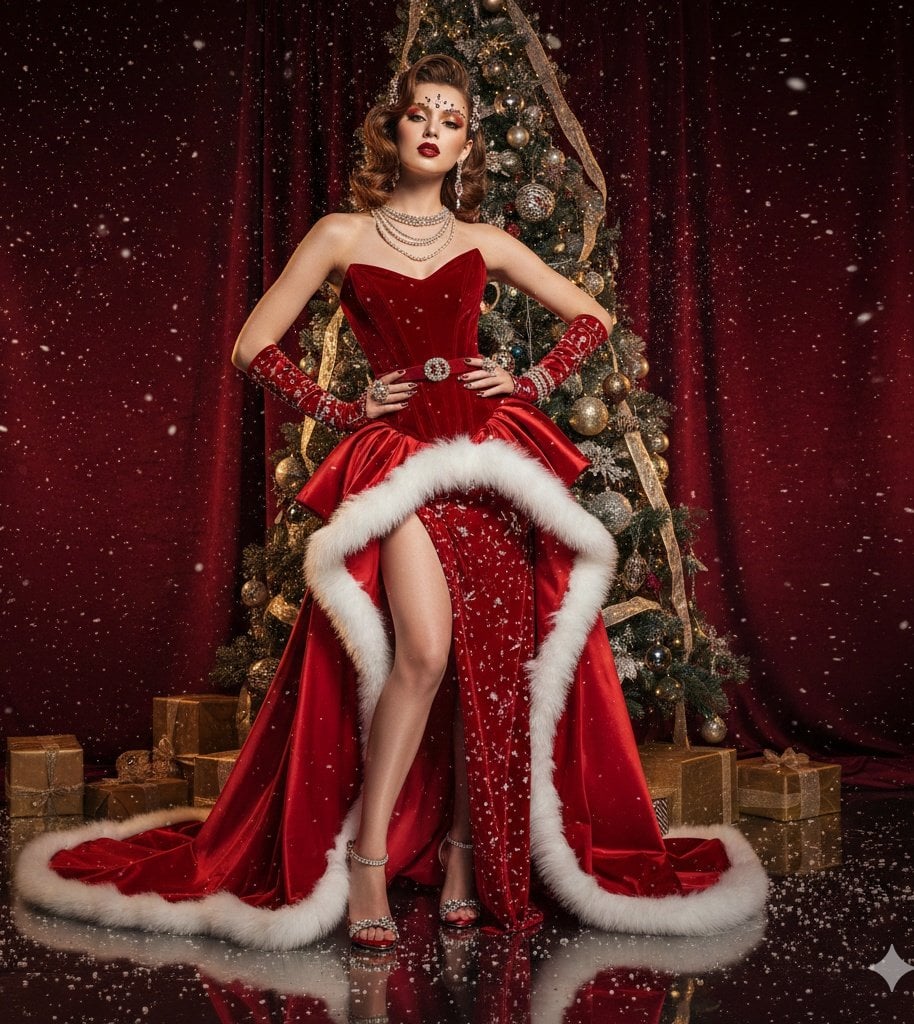
High-Fashion Christmas Editorial Prompt
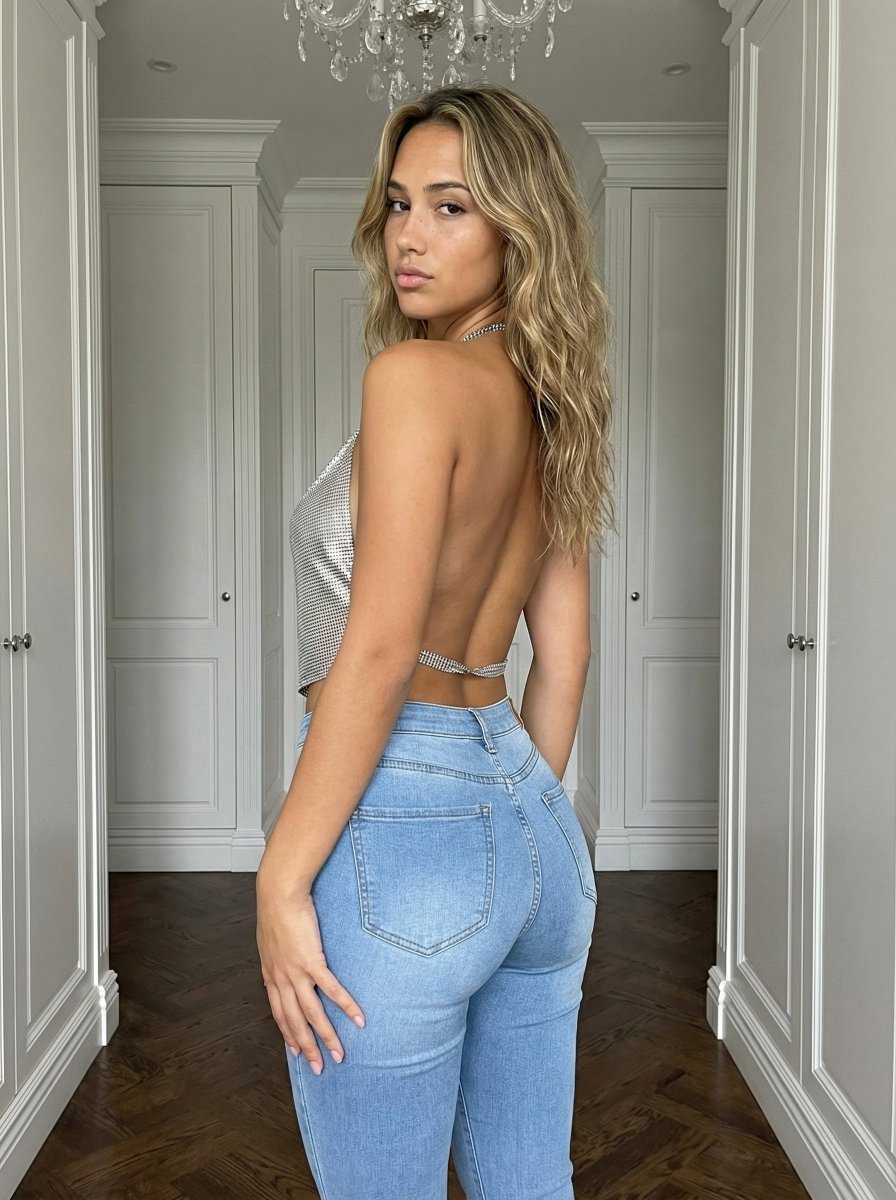
Curvy Influencer Aesthetic Back-View Portrait
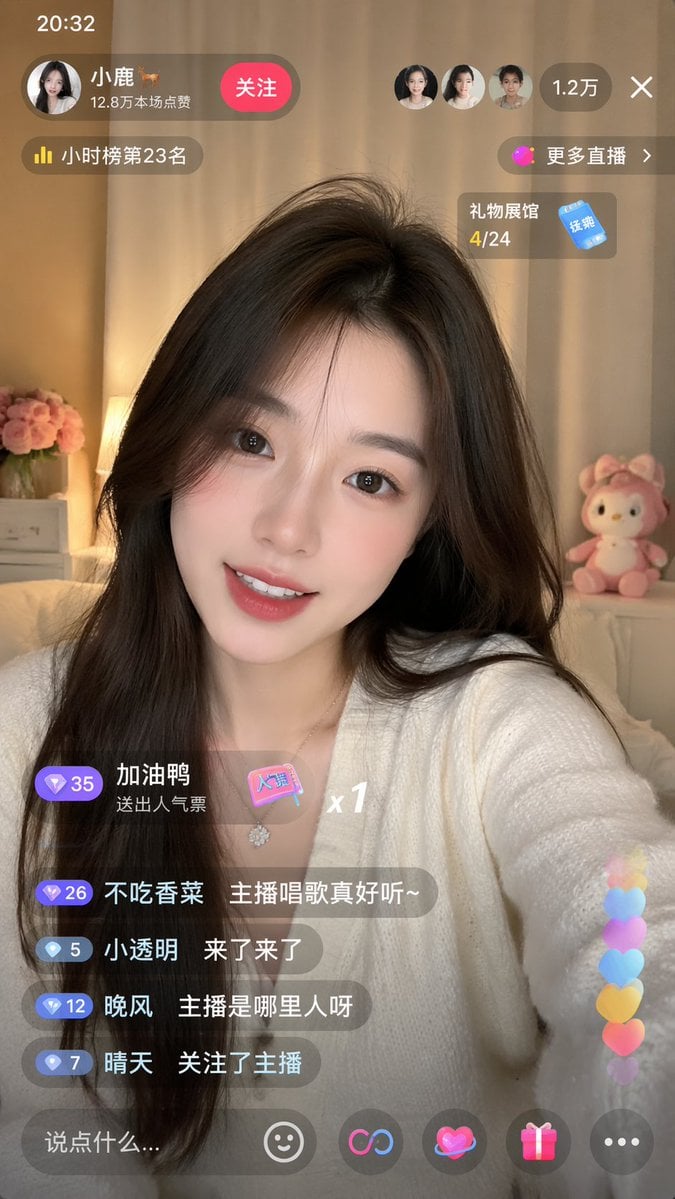
Live-Streaming App Interface Mockup
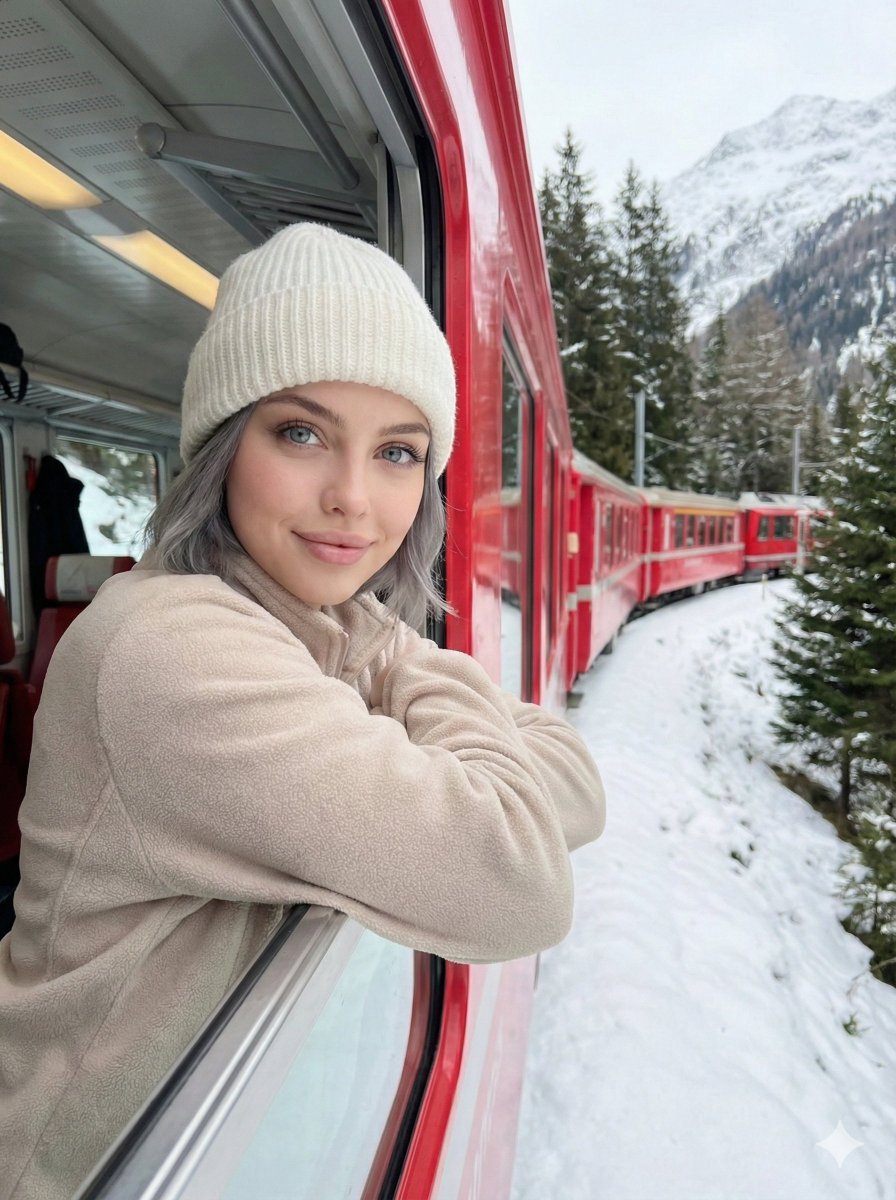
Detailed Image Generation Prompt for a Winter Train Journey Portrait
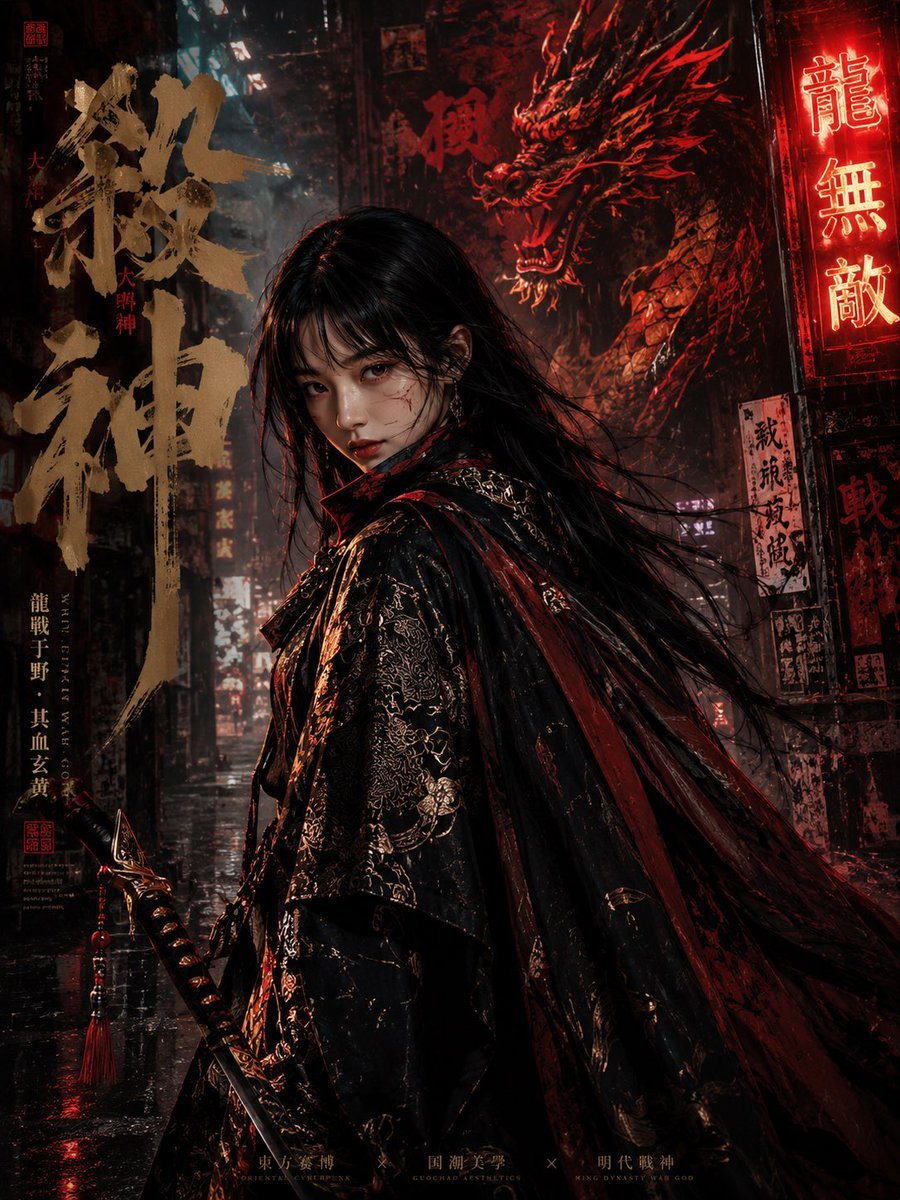
Cyberpunk Ming Dynasty Warrior Poster
Browse template categories
Image on Gemini Nano Banana questions
How do I use the 182-image-on-gemini-nano-banana template?
Add your photo if the template asks for one, edit the prompt if you like — the template's model and format are already selected — and press Generate. Your version opens in PicX Studio.
Can I customize the 182-image-on-gemini-nano-banana template?
Yes. You can change the subject, setting, lighting, mood, format, and available model controls before creating your image.
Is the 182-image-on-gemini-nano-banana template free?
Opening and editing this template is free. Generating uses credits, shown on the Generate button when you are signed in.
Which AI model should I use?
Start with Nano Banana, which is the model associated with this template. You can compare another compatible model for a different finish.
Looking for something else? Browse all templates.

Your photo, any look
Thousands of ready templates for every top image and video model, from one credit balance.