
Detailed Image Generation Prompt for a Winter Train Journey Portrait
A highly detailed, structured prompt designed for image generation (likely Gemini's Nano Banana Pro) to create a lifestyle travel photograph.
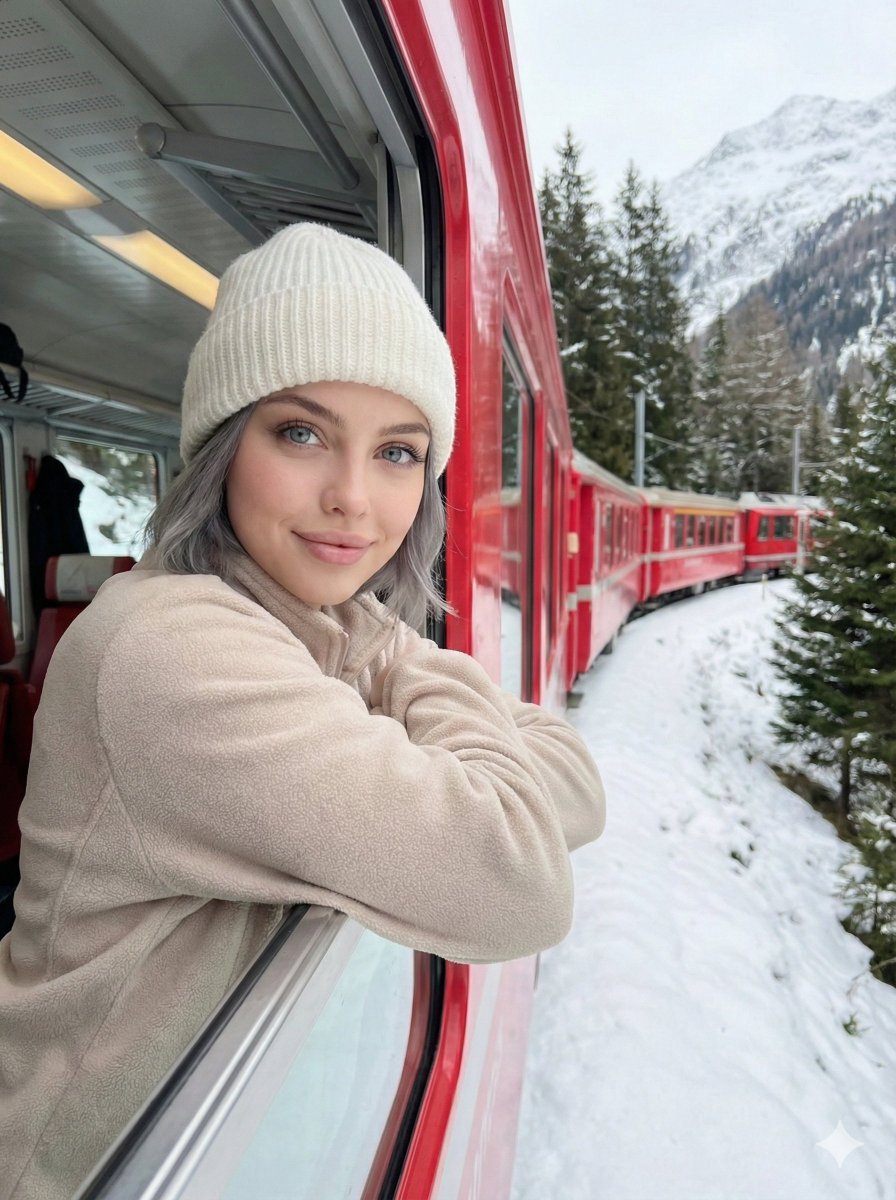
- Prompt included
- Model and format preset
- Premium template
The prompt behind this image
Copy the exact prompt behind Detailed Image Generation Prompt for a Winter Train Journey Portrait, or open it in the studio and make it yours.
{ "composition": { "framing": "Vertical portrait orientation with subject positioned left-third, leaning out of a train window; strong leading line created by the red train curving into the background.", "perspective": "Eye-level perspective from inside the train, slightly angled outward following the train’s curve.", "depth": "Deep depth of field; foreground subject sharp, midground train cars visible, background mountains and forest clearly defined.", "visual_flow": "Train line guides the eye from subject toward the snowy landscape and distant mountains." }, "subject": { "type": "Human", "pose": "Upper body leaning outward through an open train window, arms folded on the window ledge, head tilted slightly, relaxed posture.", "expression": "Soft, calm smile conveying contentment and serenity.", "gaze": "Looking directly toward the camera/viewer.", "clothing": { "headwear": "{argument name="headwear" default="White knit beanie with ribbed texture."}", "top": "Light beige or off-white fleece/sweater with soft texture.", "style": "Minimalist winter casual, cozy and neutral-toned." }, "hair": { "color": "{argument name="hair color" default="Grey"}", "length": "Short length", "style": "Straight, partially tucked under beanie." } }, "environment": { "setting": "{argument name="setting" default="Snow-covered mountainous landscape viewed from a red train."}", "location_type": "Outdoor alpine winter environment.", "background_elements": [ "Snow-laden evergreen trees", "Rocky mountain slope covered in snow", "Curving red train cars extending into distance", "Snowbanks close to the train tracks" ], "season": "Winter" }, "color_palette": { "dominant_colors": [ "Snow white", "Cool gray", "Deep red", "Muted forest green" ], "contrast": "High contrast between vivid red train and neutral whites/grays of snow and sky.", "temperature": "Cool overall with warm accent from the red train." }, "lighting": { "type": "Natural daylight", "quality": "Soft and diffused, likely overcast conditions.", "shadows": "Minimal harsh shadows; gentle, even illumination across subject and environment.", "highlights": "Subtle highlights on snow surfaces and subject’s face." }, "technical_details": { "camera_type": "Digital camera or smartphone", "lens_look": "Wide-angle or standard lens with minimal distortion.", "focus": "Subject in sharp focus with background remaining clear.", "noise": "Low noise, clean image.", "exposure": "Well-balanced exposure preserving snow detail without blowout." }, "artistic_elements": { "mood": "Peaceful, cozy, adventurous.", "storytelling": "Captures a quiet, intimate travel moment during a scenic winter train journey.", "style": "Lifestyle travel photography with candid portrait feel.", "aesthetic": "Clean, modern, Instagram-style travel imagery." }, "background": { "texture": "Soft snow textures contrasted with rugged mountain and tree details.", "motion": "Implied motion from the curving train, though image itself is static.", "depth_layers": [ "Foreground: subject and train window", "Midground: train cars and sno"
How to use Detailed Image Generation Prompt for a Winter Train Journey Portrait in 3 steps
- 1
Open
The prompt is already in the box next to the preview, with the template's model and format selected.
- 2…a portrait of your subject in softgolden-hour light, 85mm…
Personalize
Edit the subject and creative details for your destination.
- 3Generate
Generate
Press Generate — your image is created in PicX Studio, so you can compare it with the original and refine one variable at a time.
More like this
Templates with the same subject, style or setup. Open one to see its prompt.

Face-Locked Train Window Lifestyle Portrait

Isometric Landmark Generation Using Nano

Comparing Realism Keywords in Midjourney
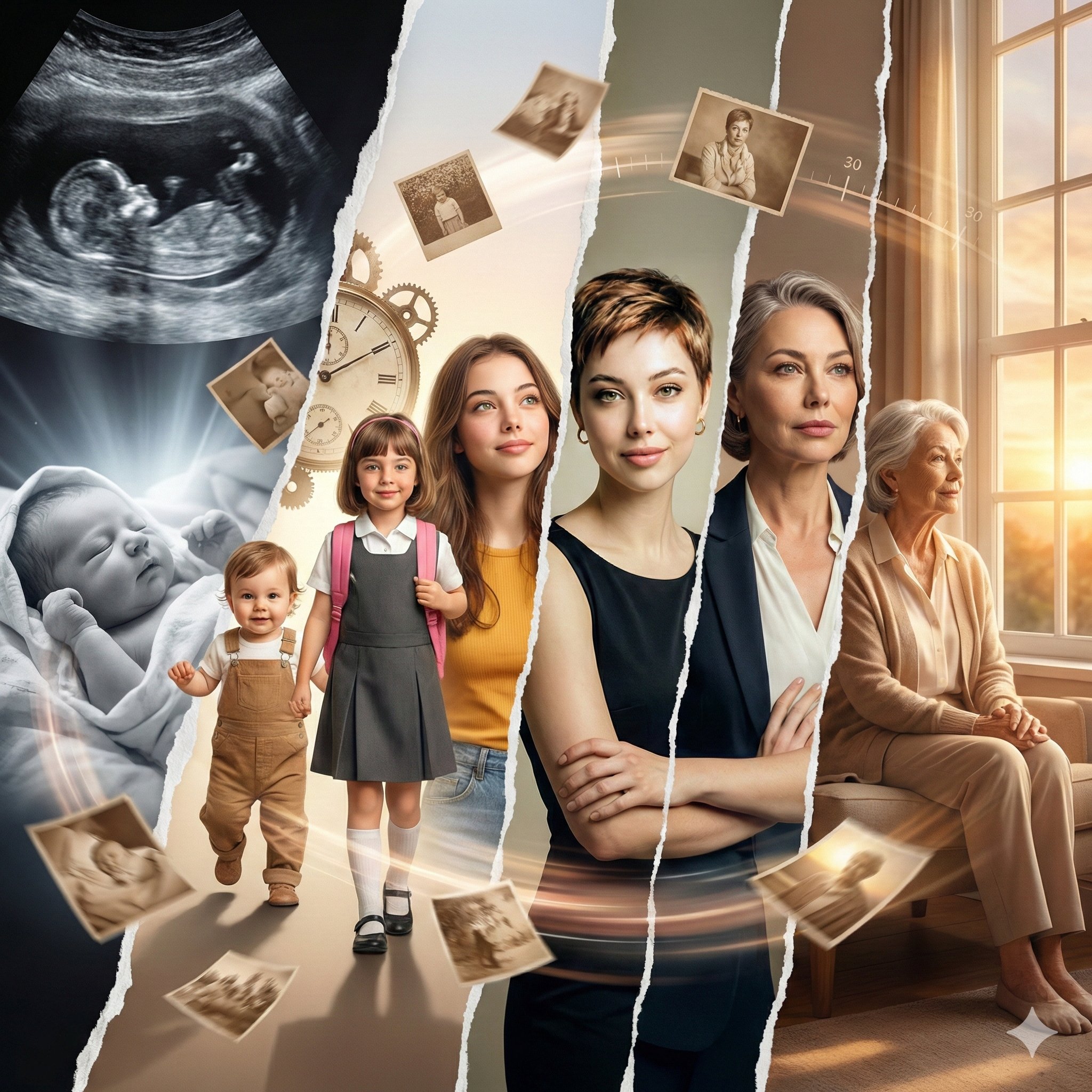
Life Journey on Google Gemini Nano Banan
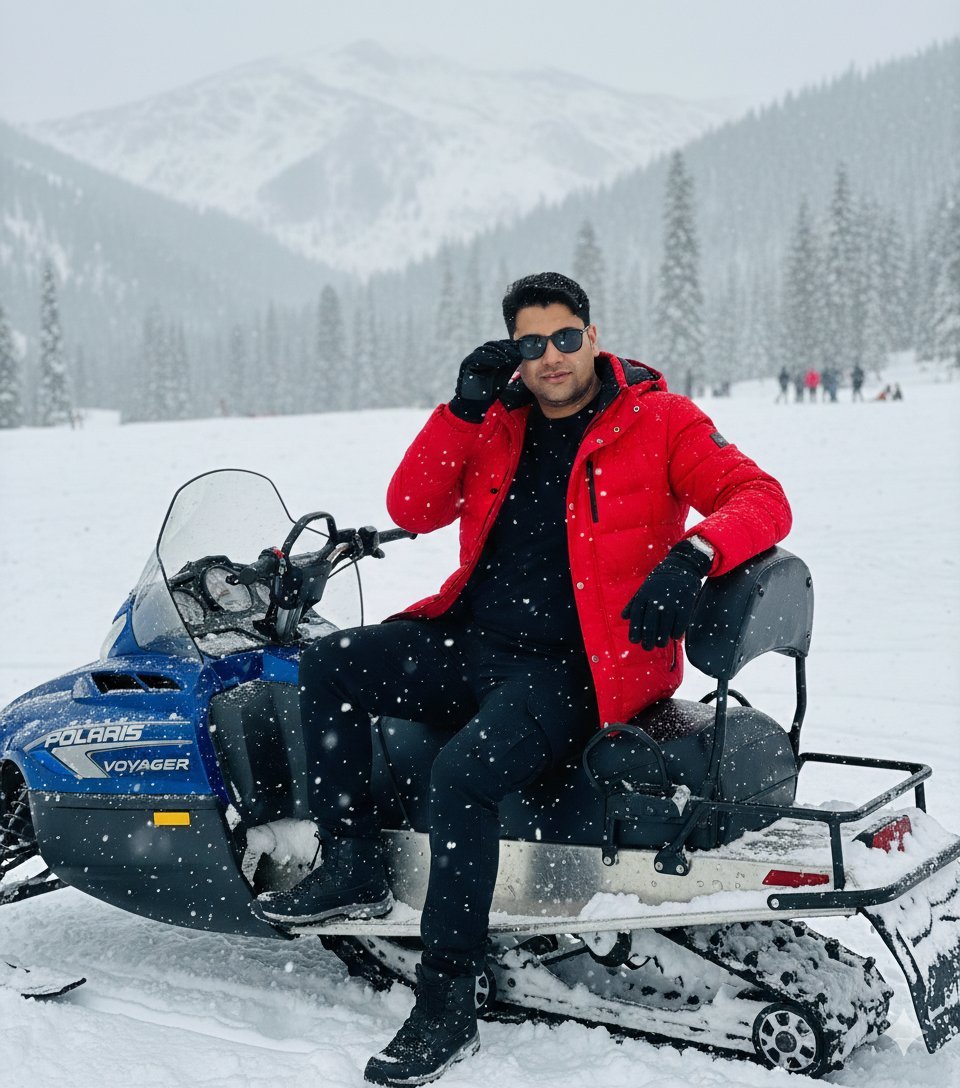
Snowy Locations Views Winter Special

Found Photograph: Us, 1970

80s Couple Studio Portrait

80s Bollywood Star

80s Golden Hour Cinema

Me in 1985

1985 Studio Portrait
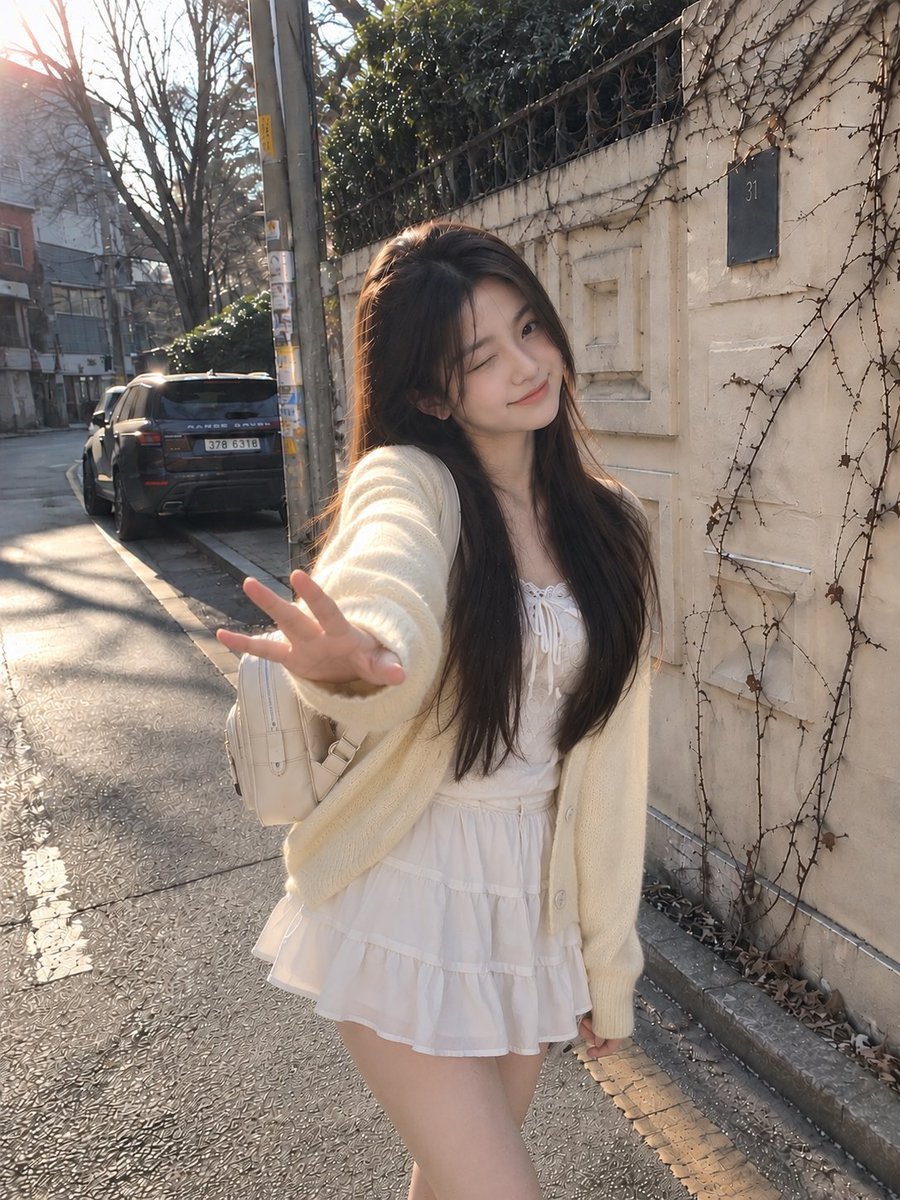
Candid Winter Smartphone Portrait
Make it yours
Detailed Image Generation Prompt for a Winter Train Journey Portrait works as-is. These are the safest ways to change it without losing the look.
Change one field
Copy a single group, rewrite it, and generate again so you can see what that field is doing.
Keep the frame, change the subject
Hold the composition and light of Detailed Image Generation Prompt for a Winter Train Journey Portrait, then swap wardrobe, props or the person for a new take.
| If the result… | Why | Fix |
|---|---|---|
| The result drifts from the preview | Too many fields changed at once. | Reuse Detailed Image Generation Prompt for a Winter Train Journey Portrait as-is first, then change one group — subject, light, or setting. |
| The model over-stylizes the scene | The prose prompt leaves finish and camera underspecified. | Add one camera or lighting sentence and stay on Nano Banana 2. |
More Nano Banana 2 templates
Other prompts made for Nano Banana 2.

Photorealistic Leaf Shaped Like a Dragon

K-Pop Idol Portrait Grid for Rapid Selection

Poetic Rain Forest Portrait During Golden Hour

Urban Street Portrait with Cartoon Inner Self Duo

Candid Nighttime Photo with Cat Prompt

High-Concept 3D Diorama Generation Prompt

Cinematic Futuristic Studio Portrait Template

Skincare Editorial Photography Collage Prompt

Hyper-Realistic Commercial Product Photography (Splash Effect)

Hyper-Realistic Nightclub Portrait Prompt
More image prompts
Fresh picks from across the catalog.
Stylish Mirror Selfie in Modern Bedroom
Minimalist Winter Fashion Portrait Prompt
Cinematic Chinese Ink Landscape
Hyper-Realistic Cinematic Bollywood Poster in Monsoon
Fantasy Chibi Wedding Collage
Cinematic Anime Movie Poster Prompt
Sunlit Terracotta Colonnade
Luxury Cinematic Burger Landing Page
Golden Bay City Romantic Landscape
Necromancer Pixel Art Comparison
Browse template categories
Detailed Image Generation Prompt for a Winter Train Journey Portrait questions
How do I use the Detailed Image Generation Prompt for a Winter Train Journey Portrait template?
Add your photo if the template asks for one, edit the prompt if you like — the template's model and format are already selected — and press Generate. Your version opens in PicX Studio.
Can I customize the Detailed Image Generation Prompt for a Winter Train Journey Portrait template?
Yes. You can change the subject, setting, lighting, mood, format, and available model controls before creating your image.
Is the Detailed Image Generation Prompt for a Winter Train Journey Portrait template free?
Opening and editing this template is free. Generating uses credits, shown on the Generate button when you are signed in.
Which AI model should I use?
Start with Nano Banana 2, which is the model associated with this template. You can compare another compatible model for a different finish.
Looking for something else? Browse all templates.

Your photo, any look
Thousands of ready templates for every top image and video model, from one credit balance.