
Fantasy Chibi Wedding Collage
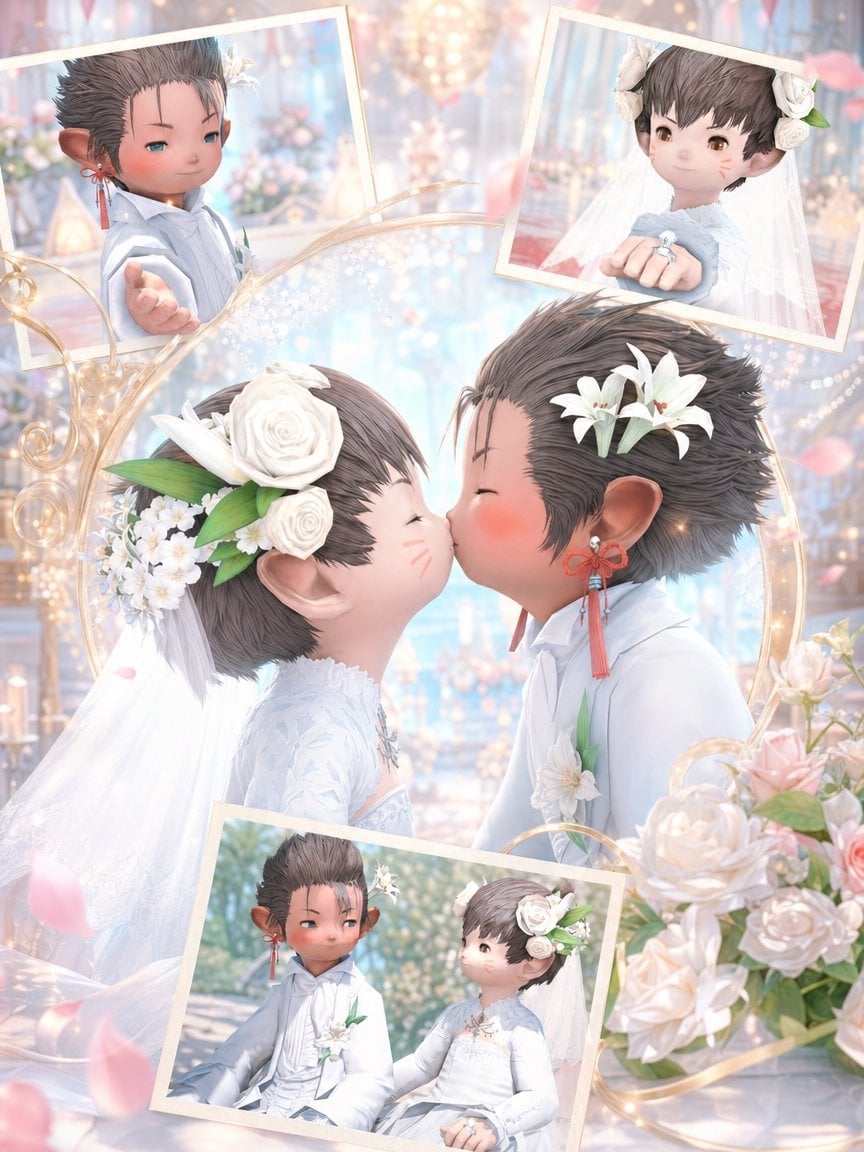
This prompt generates a soft, ornate vertical wedding collage of two chibi fantasy newlyweds, ideal for romantic game-inspired commemorative portraits.
- Prompt included
- Model and format preset
- Free template
The prompt behind this image
Copy the exact prompt behind Fantasy Chibi Wedding Collage, or open it in the studio and make it yours.
A dreamy fantasy wedding collage in a soft pastel, high-detail anime game-art style, featuring two chibi lalafell-like newlyweds in an ornate chapel filled with warm bokeh lights, pale blue and blush tones, flowers, and floating pink petals. The central focus is a close-up side view of the bride and groom leaning in for a kiss, with the bride on the left and the groom on the right. The bride is a tiny elf-eared fantasy character with short dark brown hair, round cheeks with faint blush marks, and a large white floral headpiece made of 2 white roses, small white blossoms, and green leaves, plus a long white veil flowing behind her. She wears an elegant long-sleeved white lace wedding dress with delicate embroidery and a jeweled neckline. The groom is a tiny elf-eared fantasy character with short spiky brown hair, white lily flowers tucked into his hair, and red tassel earrings; he wears a white formal wedding suit with subtle layered tailoring and a white boutonniere with green leaves. Surrounding the main kiss scene are 3 tilted framed inset photos with cream-colored borders: 1 top-left portrait of the groom reaching his hand toward the viewer, 1 top-right portrait of the bride showing her hand forward with a ring visible, and 1 bottom inset two-shot of the couple seated together outdoors in soft sunlight. Add ornate swirling golden decorative lines and glowing sparkles weaving across the composition, with a bouquet cluster of pale cream and blush roses in the lower right foreground. The background is an opulent chapel interior with chandeliers, candles, soft floral arrangements, and luminous pastel haze. Make it romantic, ethereal, polished, and sentimental, with a luxurious wedding album feel and a vertical smartphone-friendly composition.
How to use Fantasy Chibi Wedding Collage in 3 steps
- 1Upload ImagePNG, JPG or paste
Add your photo
Upload the photo the template builds on. The prompt, model and format are already set.
- 2…a portrait of your subject in softgolden-hour light, 85mm…
Personalize
Edit the subject and creative details for your destination.
- 3Generate
Generate
Press Generate — your image is created in PicX Studio, so you can compare it with the original and refine one variable at a time.
More like this
Templates with the same subject, style or setup. Open one to see its prompt.












Make it yours
Fantasy Chibi Wedding Collage works as-is. These are the safest ways to change it without losing the look.
Change one field
Copy a single group, rewrite it, and generate again so you can see what that field is doing.
Keep the frame, change the subject
Hold the composition and light of Fantasy Chibi Wedding Collage, then swap wardrobe, props or the person for a new take.
| If the result… | Why | Fix |
|---|---|---|
| The result drifts from the preview | Too many fields changed at once. | Reuse Fantasy Chibi Wedding Collage as-is first, then change one group — subject, light, or setting. |
| The model over-stylizes the scene | The prose prompt leaves finish and camera underspecified. | Add one camera or lighting sentence and stay on GPT Image 2. |
More GPT Image 2 templates
Other prompts made for GPT Image 2.

Six VTuber Japanese Logo Sheet

Realistic Portrait of Woman and Deer

The Vista Modular Condo Poster

AI Model Routing Comparison Infographic

2.5D Anime Art Board

Isometric Productivity Desk Scene

New York Double Exposure Poster

Four-Panel AI Landscape Comparison

Japanese Tatami Lifestyle Magazine Cover

NESCAFÉ Coffee Map Poster
More image prompts
Fresh picks from across the catalog.
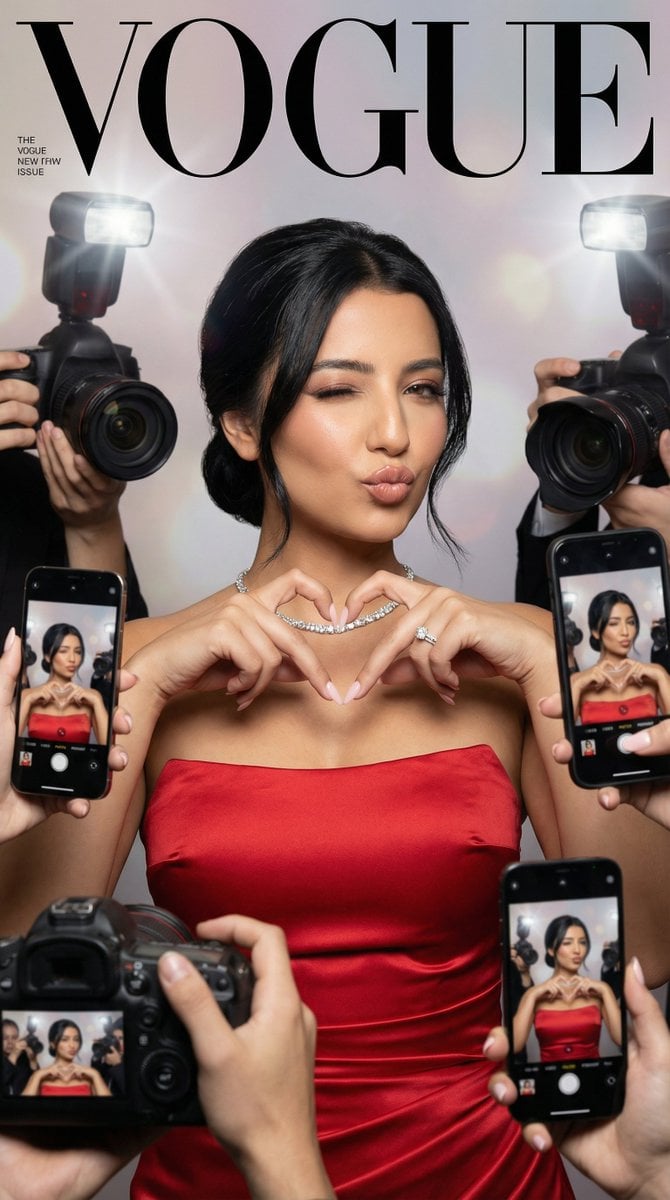
Vogue Cover Identity Preservation Prompt
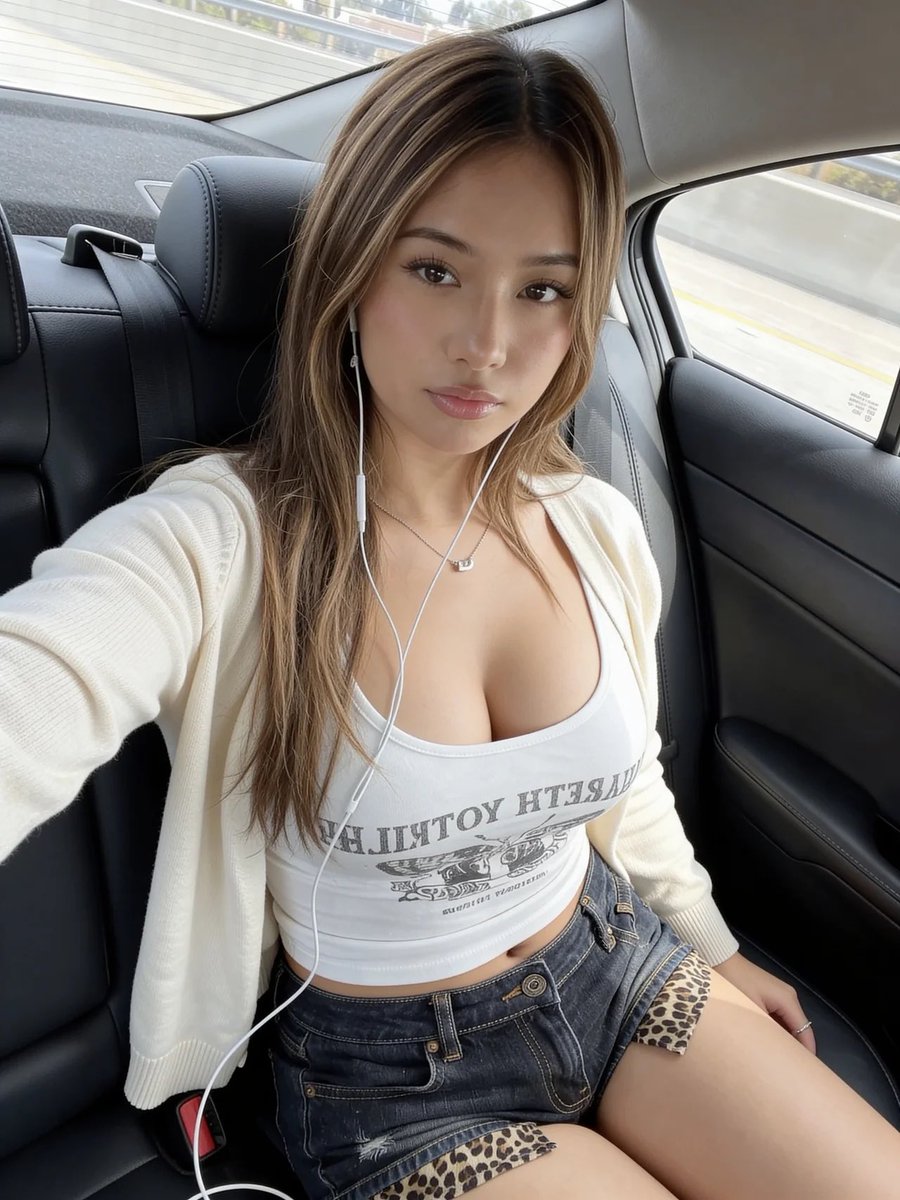
Realistic Car Backseat Selfie
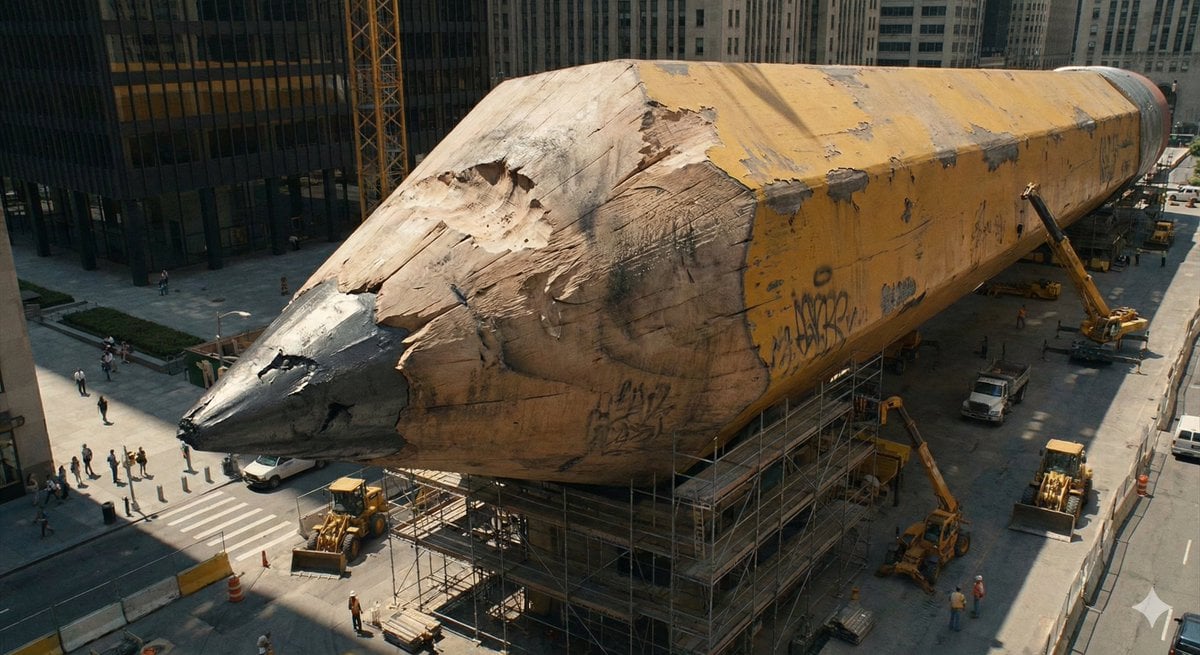
Ordinary Object to Massive Monument Transformation
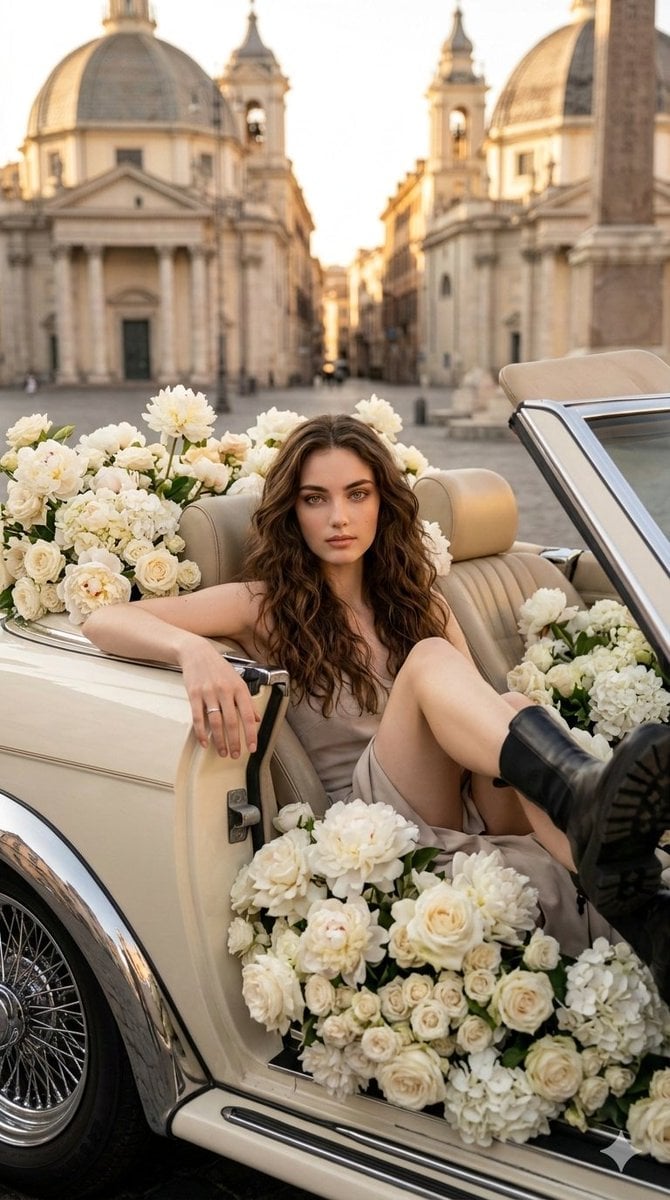
Vertical Fashion Photo with Vintage Car and Roses
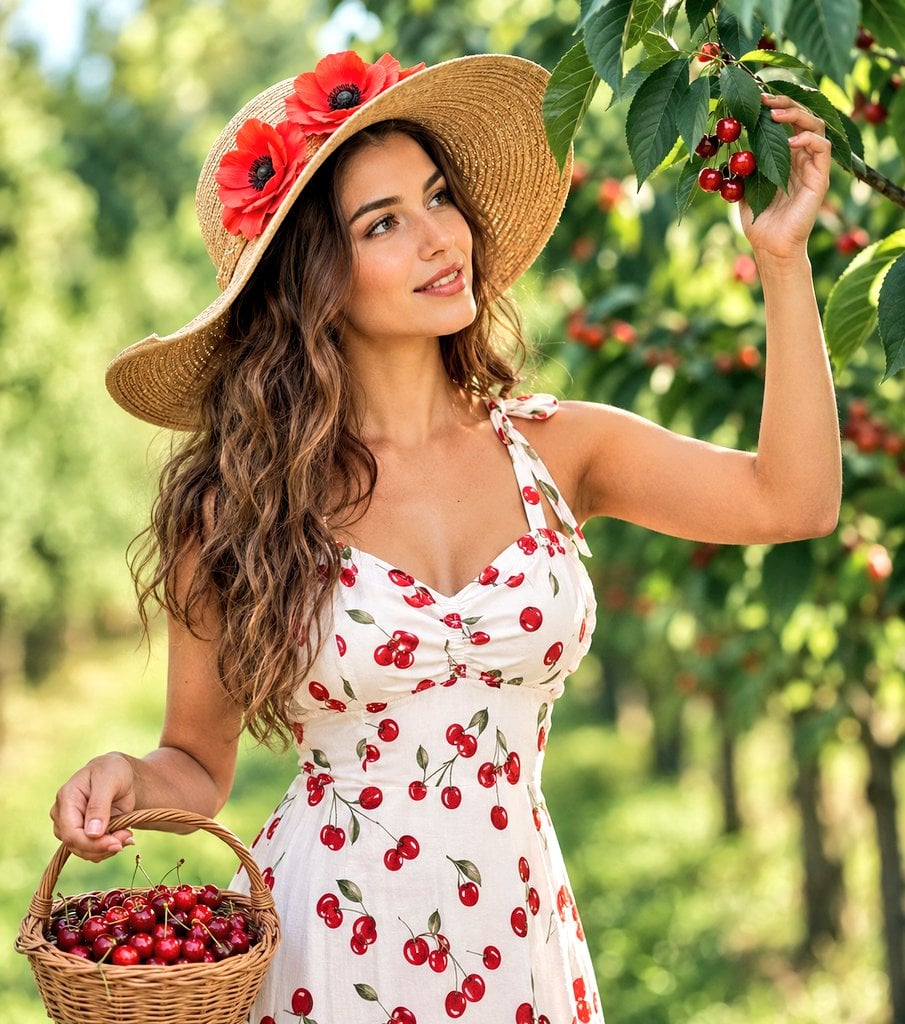
Woman Picking Cherries in Orchard
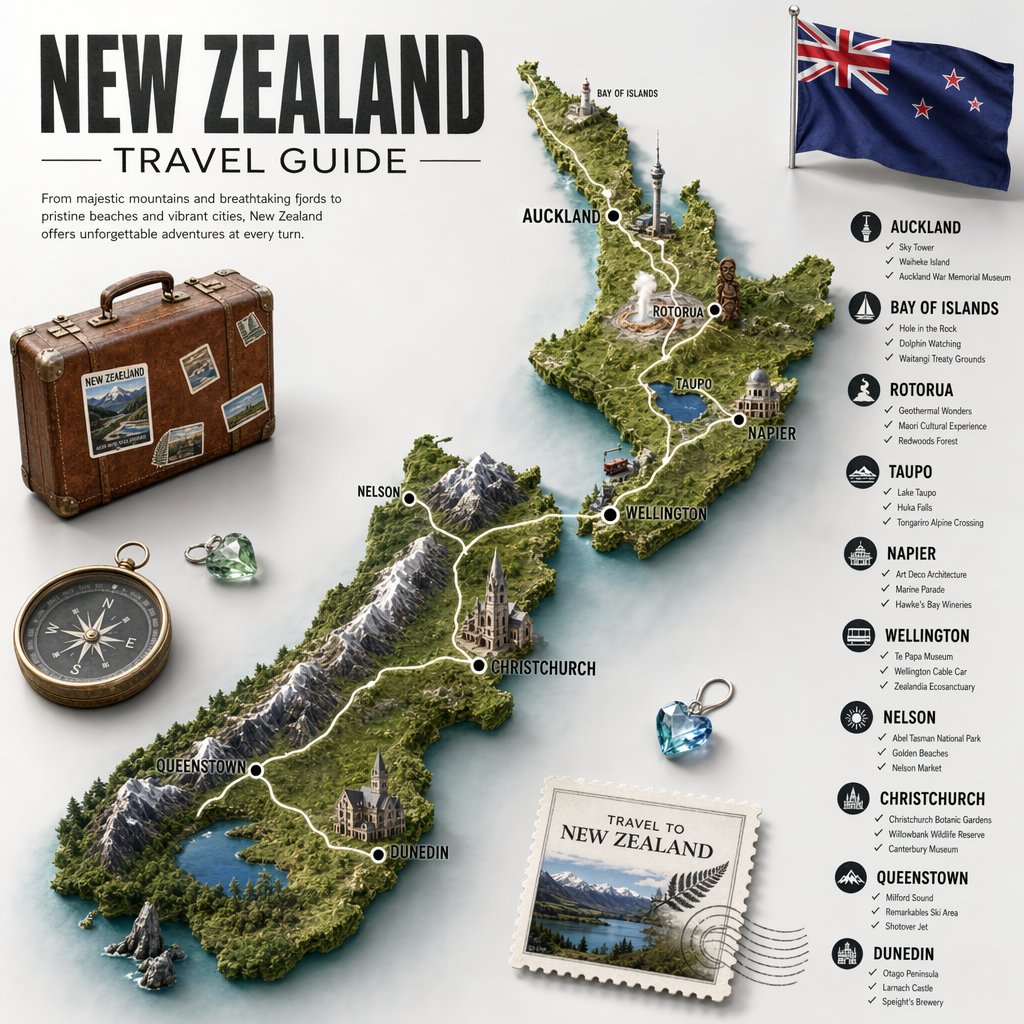
New Zealand Travel Guide Poster

Train-ad style book advertisement image
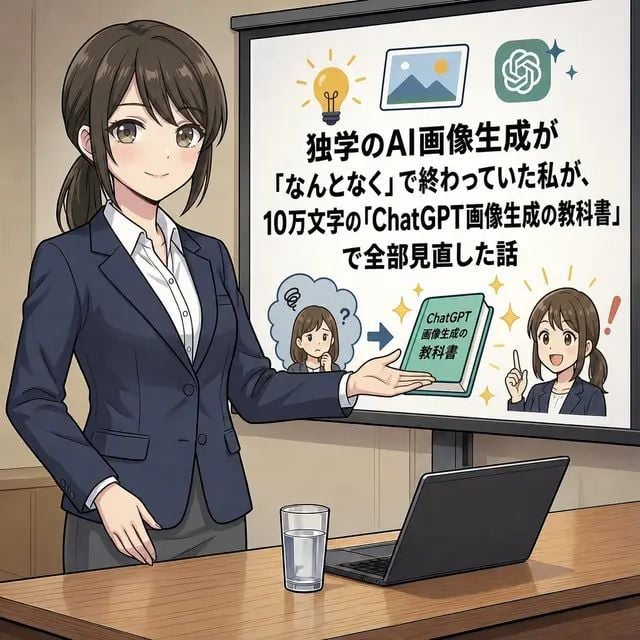
Anime AI Course Presentation Thumbnail
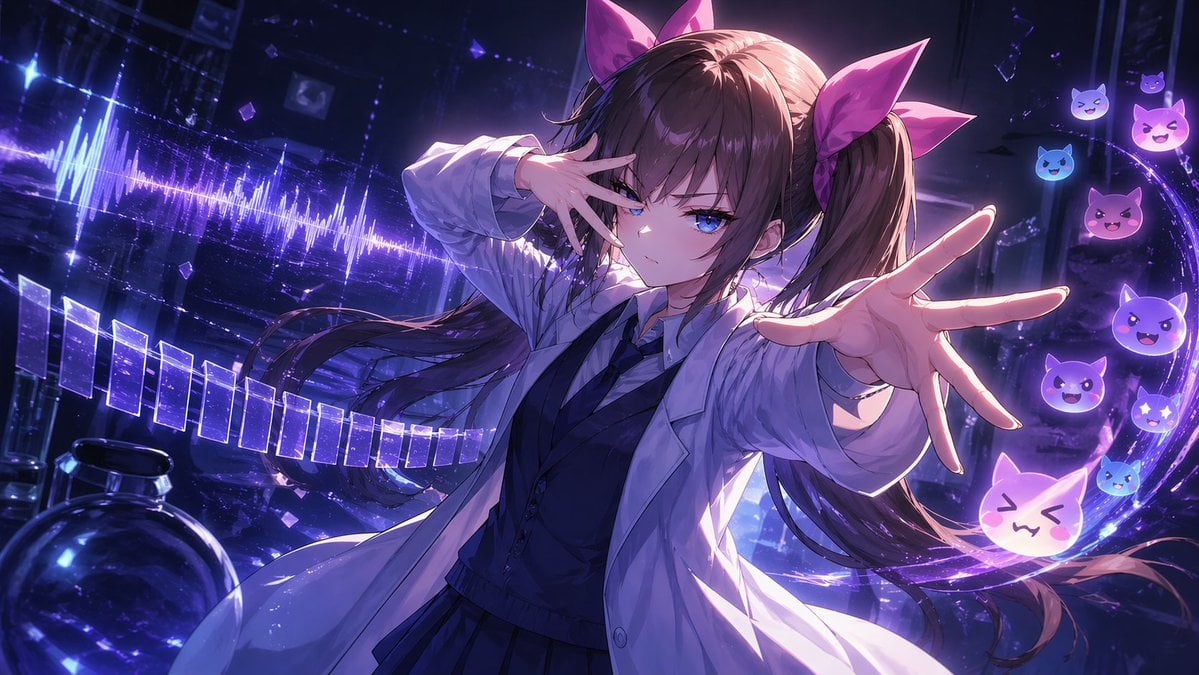
Chuunibyou Anime Girl in Neon Lab
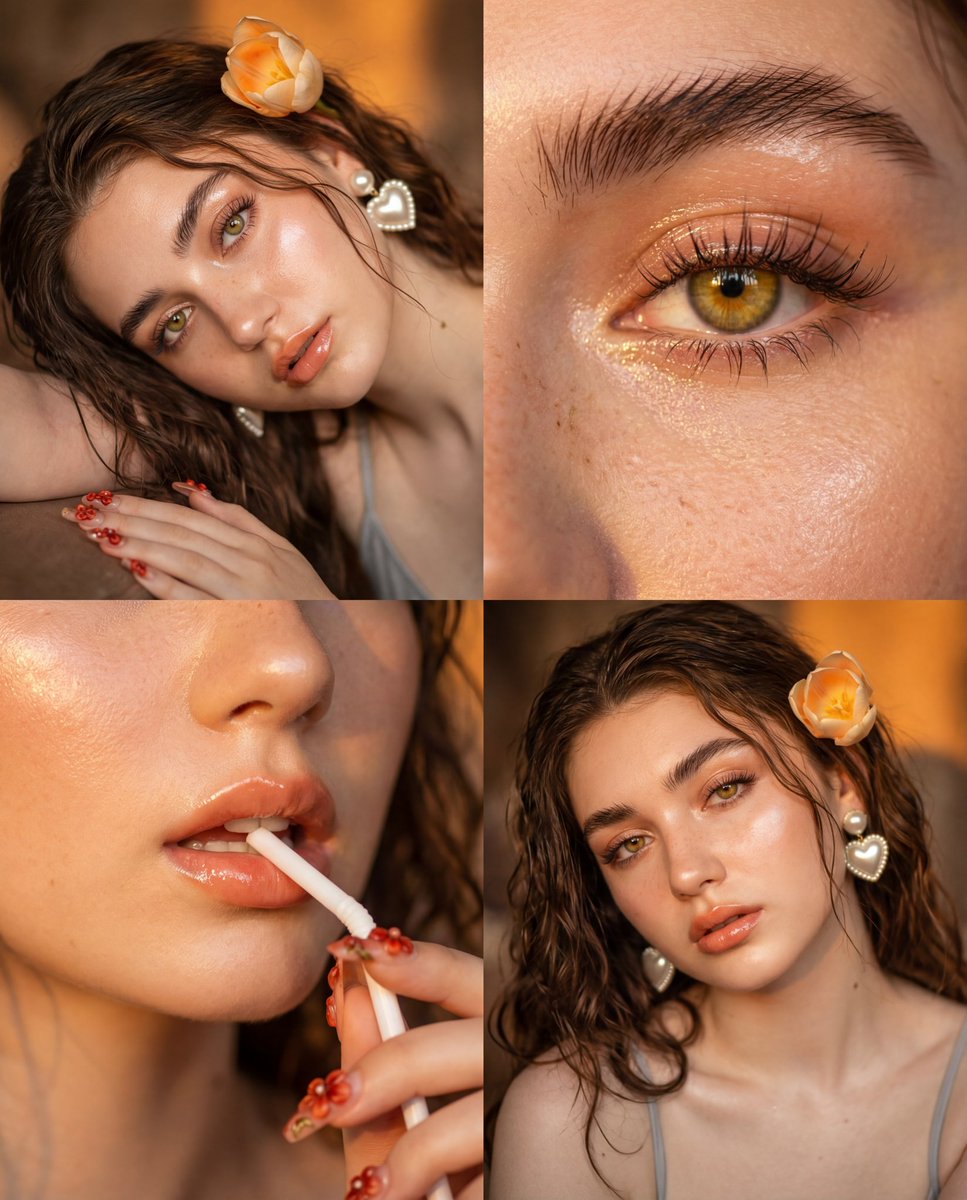
Panel Vintage Film Portrait Grid with Glass Skin
Browse template categories
Fantasy Chibi Wedding Collage questions
How do I use the Fantasy Chibi Wedding Collage template?
Add your photo if the template asks for one, edit the prompt if you like — the template's model and format are already selected — and press Generate. Your version opens in PicX Studio.
Can I customize the Fantasy Chibi Wedding Collage template?
Yes. You can change the subject, setting, lighting, mood, format, and available model controls before creating your image.
Is the Fantasy Chibi Wedding Collage template free?
Opening and editing this template is free. Generating uses credits, shown on the Generate button when you are signed in.
Which AI model should I use?
Start with GPT Image 2, which is the model associated with this template. You can compare another compatible model for a different finish.
Looking for something else? Browse all templates.

Your photo, any look
Thousands of ready templates for every top image and video model, from one credit balance.